




What is this?
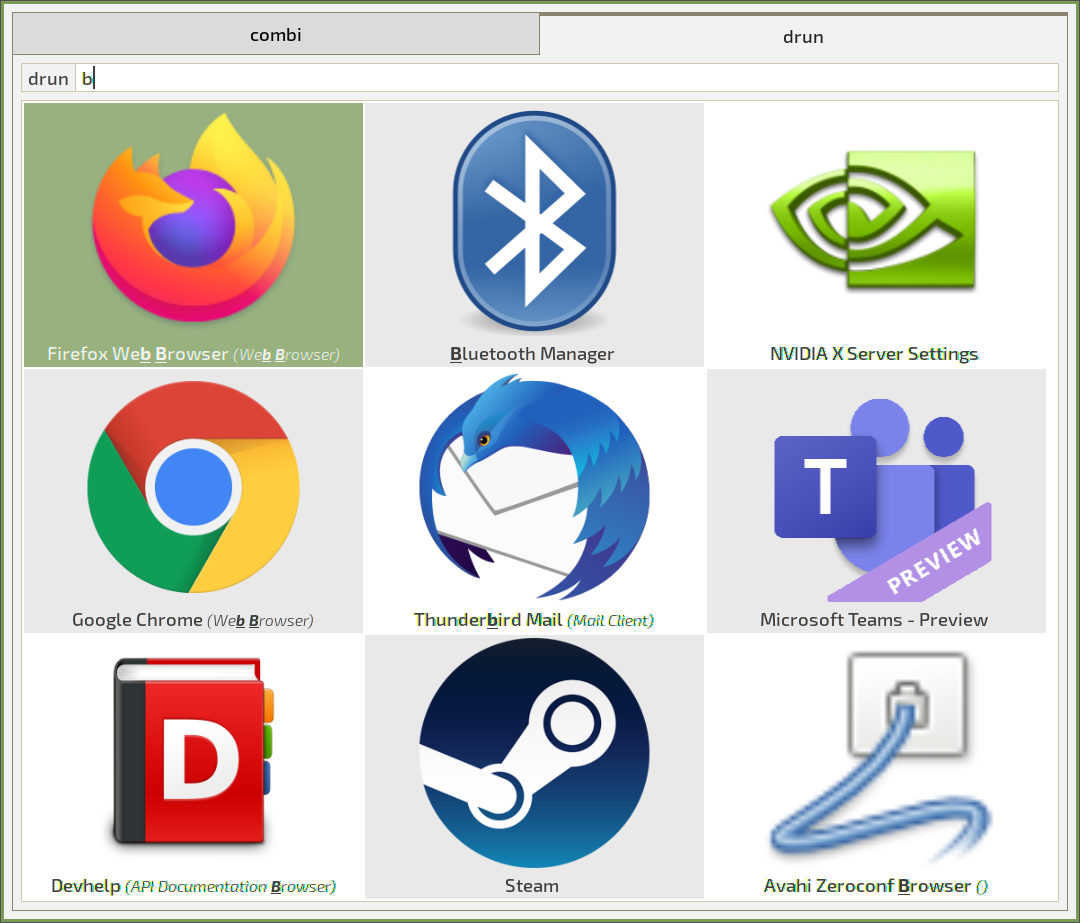
 Rofi is a window switcher, application launcher and dmenu replacement for Linux and BSD. It pops up a searchable list where you can jump between open windows, launch apps, connect over SSH or browse files.
Rofi is a window switcher, application launcher and dmenu replacement for Linux and BSD. It pops up a searchable list where you can jump between open windows, launch apps, connect over SSH or browse files.What can it actually do — is it just for switching windows?It has several built-in modes: run launches apps from $PATH, drun starts apps from their XDG desktop files, window switches between open windows, ssh connects to remote hosts, filebrowser opens files, keys lists keybindings, and combi merges several modes into one list.
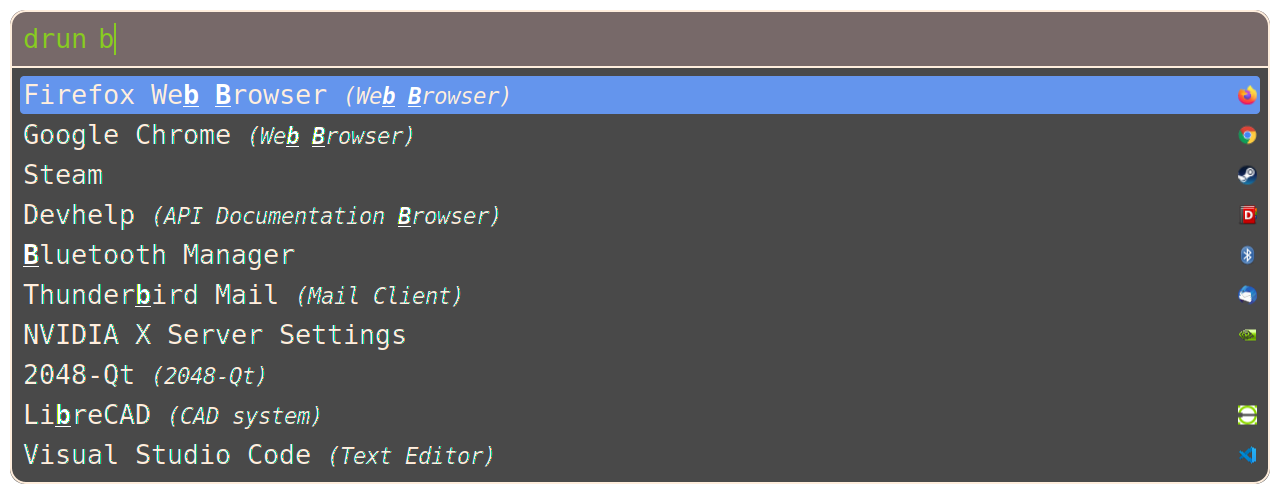
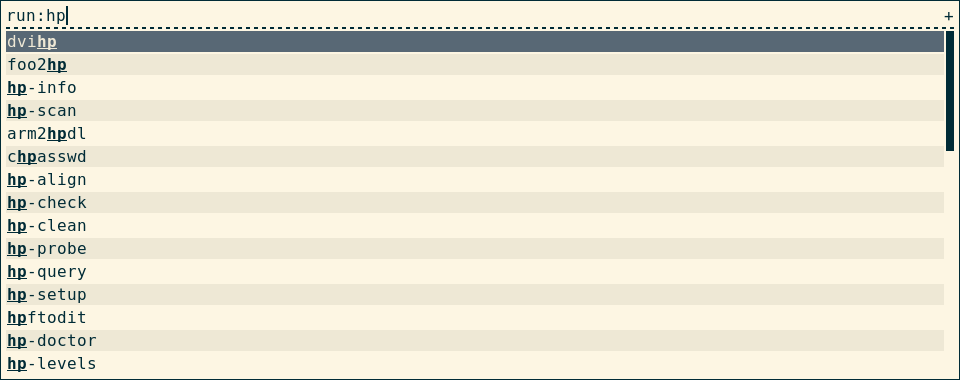
It has several built-in modes: run launches apps from $PATH, drun starts apps from their XDG desktop files, window switches between open windows, ssh connects to remote hosts, filebrowser opens files, keys lists keybindings, and combi merges several modes into one list.How do I pull it up when I need it?Install it, then launch a specific mode with rofi -show — for example rofi -show run for the run dialog. Most people bind that command to a hotkey in their window manager.
Install it, then launch a specific mode with rofi -show — for example rofi -show run for the run dialog. Most people bind that command to a hotkey in their window manager.Does it run on Wayland, or is it X11-only?Both. It builds with Wayland and X11/xcb backends enabled by default — at least one backend is required — and picks the right one automatically from your environment. You can force X11 with the -x11 option.
Both. It builds with Wayland and X11/xcb backends enabled by default — at least one backend is required — and picks the right one automatically from your environment. You can force X11 with the -x11 option.Does everything work the same on Wayland?Not quite. Wayland mode is missing a few X11 features: the -normal-window flag, fine-grained monitor selection with -monitor -n, some window-position offsets, fake transparency, and the window mode on KWin.
Not quite. Wayland mode is missing a few X11 features: the -normal-window flag, fine-grained monitor selection with -monitor -n, some window-position offsets, fake transparency, and the window mode on KWin.Will the window switcher work with my window manager, like i3?Window switching needs an EWMH-compatible window manager, with specific workarounds for i3 and bspwm; on Wayland it targets WMs from the wlr family. Rofi itself is known to work on Linux and BSD.
Window switching needs an EWMH-compatible window manager, with specific workarounds for i3 and bspwm; on Wayland it targets WMs from the wlr family. Rofi itself is known to work on Linux and BSD.Why would I use this instead of plain dmenu?It's a drop-in dmenu replacement, so existing dmenu scripts keep working, but you also get RTL language support and Cairo drawing with Pango font rendering, plus script and plugin extensibility.
It's a drop-in dmenu replacement, so existing dmenu scripts keep working, but you also get RTL language support and Cairo drawing with Pango font rendering, plus script and plugin extensibility.How do I configure it and change how it looks?Run rofi -dump-config to generate a default config.rasi in ~/.config/rofi/ — that's the file rofi loads by default, and it holds both settings and themes. Bundled themes ship with rofi, and the rofi-theme manpage covers theming in detail.
Run rofi -dump-config to generate a default config.rasi in ~/.config/rofi/ — that's the file rofi loads by default, and it holds both settings and themes. Bundled themes ship with rofi, and the rofi-theme manpage covers theming in detail.Can I add my own entries or modes?Yes. The script mode supports (limited) custom modes built from simple scripts, and rofi can be extended with plugins — scripts can either be called by rofi or call rofi themselves.
Yes. The script mode supports (limited) custom modes built from simple scripts, and rofi can be extended with plugins — scripts can either be called by rofi or call rofi themselves.Does it remember which apps I use most?Optionally, yes: history-based ordering keeps your last 25 choices on top based on use. Match sorting can also be set to Levenshtein distance or fzf-like fuzzy ranking.
Optionally, yes: history-based ordering keeps your last 25 choices on top based on use. Match sorting can also be set to Levenshtein distance or fzf-like fuzzy ranking.Which topics is it in?i3, i3wm, launcher, linux-desktop, x11, theme, c, customization, utility, plugin, desktop, productivity
i3, i3wm, launcher, linux-desktop, x11, theme, c, customization, utility, plugin, desktop, productivity