
















15.8K ·GitHub
What is this?
 Flow Launcher is a quick file search and application launcher for Windows, similar to Alfred or Spotlight, with support for community-made plugins.
Flow Launcher is a quick file search and application launcher for Windows, similar to Alfred or Spotlight, with support for community-made plugins.Is this a standalone app or a library I add to a project?It is a standalone desktop application for Windows that runs in the background and pops up a search window.
It is a standalone desktop application for Windows that runs in the background and pops up a search window.Do I need anything else installed first, like Everything?No separate search engine is required by default, but Flow Launcher can also integrate with the Everything search tool and Windows Index for faster file search.
No separate search engine is required by default, but Flow Launcher can also integrate with the Everything search tool and Windows Index for faster file search.Will Windows complain when I first install it?Yes, since the installer isn't code-signed, Windows may show a security warning on first run; this is expected if you downloaded it from the official repo.
Yes, since the installer isn't code-signed, Windows may show a security warning on first run; this is expected if you downloaded it from the official repo.Does it work on Linux or macOS too?No, Flow Launcher is Windows-only.
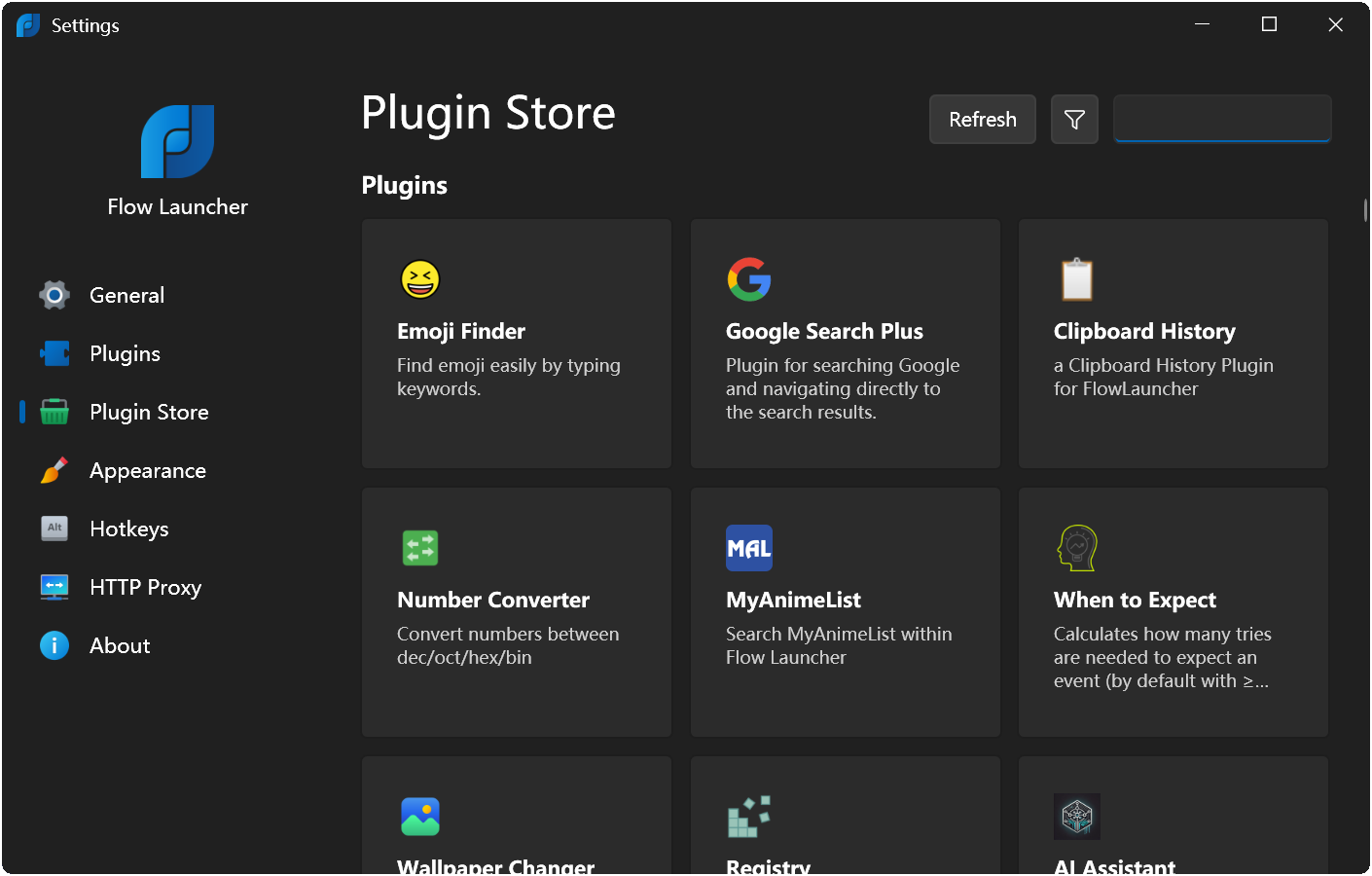
No, Flow Launcher is Windows-only.What kind of plugins are available?There's a wide plugin ecosystem including Spotify Premium control, Steam Search, Clipboard+, Home Assistant Commander, Colors, GitHub search, and Window Walker, installable via the in-app Plugin Store or the 'pm install' command.
There's a wide plugin ecosystem including Spotify Premium control, Steam Search, Clipboard+, Home Assistant Commander, Colors, GitHub search, and Window Walker, installable via the in-app Plugin Store or the 'pm install' command.Can I preview files before opening them?Yes, pressing F1 toggles a preview panel that can show large images, icons, descriptions, or markdown with code highlighting for search results.
Yes, pressing F1 toggles a preview panel that can show large images, icons, descriptions, or markdown with code highlighting for search results.Does it support non-English users?Yes, it supports many languages from Chinese to Italian, Russian, Arabic, Korean and more, plus Pinyin search, maintained via Crowdin translations.
Yes, it supports many languages from Chinese to Italian, Russian, Arabic, Korean and more, plus Pinyin search, maintained via Crowdin translations.Is there a mode for when I'm gaming?Yes, Game Mode pauses the global hotkey while playing games and can be toggled with Ctrl+F12 or a typed command.
Yes, Game Mode pauses the global hotkey while playing games and can be toggled with Ctrl+F12 or a typed command.What are similar projects?Wox, rustcast, Playnite, rofi, QuickLook, Seelen-UI, LiteMonitor, dsh-launcher
Wox, rustcast, Playnite, rofi, QuickLook, Seelen-UI, LiteMonitor, dsh-launcher