Highlights
The license has been updated to Apache 2.0, and we've removed the non-commercial restriction
SadTalker has now officially been integrated into Discord, where you can use it for free by sending files. You can also generate high-quailty videos from text prompts. Join: 
We've published a stable-diffusion-webui extension. Check out more details here. Demo Video
Full image mode is now available! More details...
Several new modes (Still, reference, and resize modes) are now available!
We're happy to see more community demos on bilibili, YouTube and X (#sadtalker).
Changelog
The previous changelog can be found here.
[2023.06.12]: Added more new features in WebUI extension, see the discussion here.
[2023.06.05]: Released a new 512x512px (beta) face model. Fixed some bugs and improve the performance.
[2023.04.15]: Added a WebUI Colab notebook by @camenduru: 
[2023.04.12]: Added a more detailed WebUI installation document and fixed a problem when reinstalling.
[2023.04.12]: Fixed the WebUI safe issues becasue of 3rd-party packages, and optimized the output path in sd-webui-extension.
[2023.04.08]: In v0.0.2, we added a logo watermark to the generated video to prevent abuse. This watermark has since been removed in a later release.
[2023.04.08]: In v0.0.2, we added features for full image animation and a link to download checkpoints from Baidu. We also optimized the enhancer logic.
To-Do
We're tracking new updates in issue #280.
Troubleshooting
If you have any problems, please read our FAQs before opening an issue.
1. Installation.
Community tutorials: 中文Windows教程 (Chinese Windows tutorial) | 日本語コース (Japanese tutorial).
Linux/Unix
Install Anaconda, Python and git.
Creating the env and install the requirements.
git clone https://github.com/OpenTalker/SadTalker.git

cd SadTalker

conda create -n sadtalker python=3.8

conda activate sadtalker

pip install torch==1.12.1+cu113 torchvision==0.13.1+cu113 torchaudio==0.12.1 --extra-index-url https://download.pytorch.org/whl/cu113

conda install ffmpeg

pip install -r requirements.txt

### Coqui TTS is optional for gradio demo.
### pip install TTS
Windows
A video tutorial in chinese is available here. You can also follow the following instructions:
- Install Python 3.8 and check "Add Python to PATH".
- Install git manually or using Scoop:
scoop install git.
- Install
ffmpeg, following this tutorial or using scoop: scoop install ffmpeg.
- Download the SadTalker repository by running
git clone https://github.com/Winfredy/SadTalker.git.
- Download the checkpoints and gfpgan models in the downloads section.
- Run
start.bat from Windows Explorer as normal, non-administrator, user, and a Gradio-powered WebUI demo will be started.
macOS
A tutorial on installing SadTalker on macOS can be found here.
Docker, WSL, etc
Please check out additional tutorials here.
2. Download Models
You can run the following script on Linux/macOS to automatically download all the models:
bash scripts/download_models.sh
We also provide an offline patch (gfpgan/), so no model will be downloaded when generating.
Pre-Trained Models
GFPGAN Offline Patch
Model Details
Model explains:
New version
| Model |
Description |
| checkpoints/mapping_00229-model.pth.tar |
Pre-trained MappingNet in Sadtalker. |
| checkpoints/mapping_00109-model.pth.tar |
Pre-trained MappingNet in Sadtalker. |
| checkpoints/SadTalker_V0.0.2_256.safetensors |
packaged sadtalker checkpoints of old version, 256 face render). |
| checkpoints/SadTalker_V0.0.2_512.safetensors |
packaged sadtalker checkpoints of old version, 512 face render). |
| gfpgan/weights |
Face detection and enhanced models used in facexlib and gfpgan. |
Old version
| Model |
Description |
| checkpoints/auido2exp_00300-model.pth |
Pre-trained ExpNet in Sadtalker. |
| checkpoints/auido2pose_00140-model.pth |
Pre-trained PoseVAE in Sadtalker. |
| checkpoints/mapping_00229-model.pth.tar |
Pre-trained MappingNet in Sadtalker. |
| checkpoints/mapping_00109-model.pth.tar |
Pre-trained MappingNet in Sadtalker. |
| checkpoints/facevid2vid_00189-model.pth.tar |
Pre-trained face-vid2vid model from the reappearance of face-vid2vid. |
| checkpoints/epoch_20.pth |
Pre-trained 3DMM extractor in Deep3DFaceReconstruction. |
| checkpoints/wav2lip.pth |
Highly accurate lip-sync model in Wav2lip. |
| checkpoints/shape_predictor_68_face_landmarks.dat |
Face landmark model used in dilb. |
| checkpoints/BFM |
3DMM library file. |
| checkpoints/hub |
Face detection models used in face alignment. |
| gfpgan/weights |
Face detection and enhanced models used in facexlib and gfpgan. |
The final folder will be shown as:

3. Quick Start
Please read our document on best practices and configuration tips
WebUI Demos
Online Demo: HuggingFace | SDWebUI-Colab | Colab
Local WebUI extension: Please refer to WebUI docs.
Local gradio demo (recommanded): A Gradio instance similar to our Hugging Face demo can be run locally:
## you need manually install TTS(https://github.com/coqui-ai/TTS) via `pip install tts` in advanced.
python app_sadtalker.py
You can also start it more easily:
- windows: just double click
webui.bat, the requirements will be installed automatically.
- Linux/Mac OS: run
bash webui.sh to start the webui.
CLI usage
Animating a portrait image from default config:
python inference.py --driven_audio <audio.wav> \
                    --source_image <video.mp4 or picture.png> \
                    --enhancer gfpgan
The results will be saved in results/$SOME_TIMESTAMP/*.mp4.
Full body/image Generation:
Using --still to generate a natural full body video. You can add enhancer to improve the quality of the generated video.
python inference.py --driven_audio <audio.wav> \
                    --source_image <video.mp4 or picture.png> \
                    --result_dir <a file to store results> \
                    --still \
                    --preprocess full \
                    --enhancer gfpgan
More examples and configuration and tips can be founded in the >>> best practice documents <<<.
Citation
If you find our work useful in your research, please consider citing:
@article{zhang2022sadtalker,
  title={SadTalker: Learning Realistic 3D Motion Coefficients for Stylized Audio-Driven Single Image Talking Face Animation},
  author={Zhang, Wenxuan and Cun, Xiaodong and Wang, Xuan and Zhang, Yong and Shen, Xi and Guo, Yu and Shan, Ying and Wang, Fei},
  journal={arXiv preprint arXiv:2211.12194},
  year={2022}
}
Acknowledgements
Facerender code borrows heavily from zhanglonghao's reproduction of face-vid2vid and PIRender. We thank the authors for sharing their wonderful code. In training process, we also used the model from Deep3DFaceReconstruction and Wav2lip. We thank for their wonderful work.
We also use the following 3rd-party libraries:
Extensions:
Disclaimer
This is not an official product of Tencent.
1. Please carefully read and comply with the open-source license applicable to this code before using it.
2. Please carefully read and comply with the intellectual property declaration applicable to this code before using it.
3. This open-source code runs completely offline and does not collect any personal information or other data. If you use this code to provide services to end-users and collect related data, please take necessary compliance measures according to applicable laws and regulations (such as publishing privacy policies, adopting necessary data security strategies, etc.). If the collected data involves personal information, user consent must be obtained (if applicable). Any legal liabilities arising from this are unrelated to Tencent.
4. Without Tencent's written permission, you are not authorized to use the names or logos legally owned by Tencent, such as "Tencent." Otherwise, you may be liable for legal responsibilities.
5. This open-source code does not have the ability to directly provide services to end-users. If you need to use this code for further model training or demos, as part of your product to provide services to end-users, or for similar use, please comply with applicable laws and regulations for your product or service. Any legal liabilities arising from this are unrelated to Tencent.
6. It is prohibited to use this open-source code for activities that harm the legitimate rights and interests of others (including but not limited to fraud, deception, infringement of others' portrait rights, reputation rights, etc.), or other behaviors that violate applicable laws and regulations or go against social ethics and good customs (including providing incorrect or false information, spreading pornographic, terrorist, and violent information, etc.). Otherwise, you may be liable for legal responsibilities.
LOGO: color and font suggestion: ChatGPT, logo font: Montserrat Alternates
.
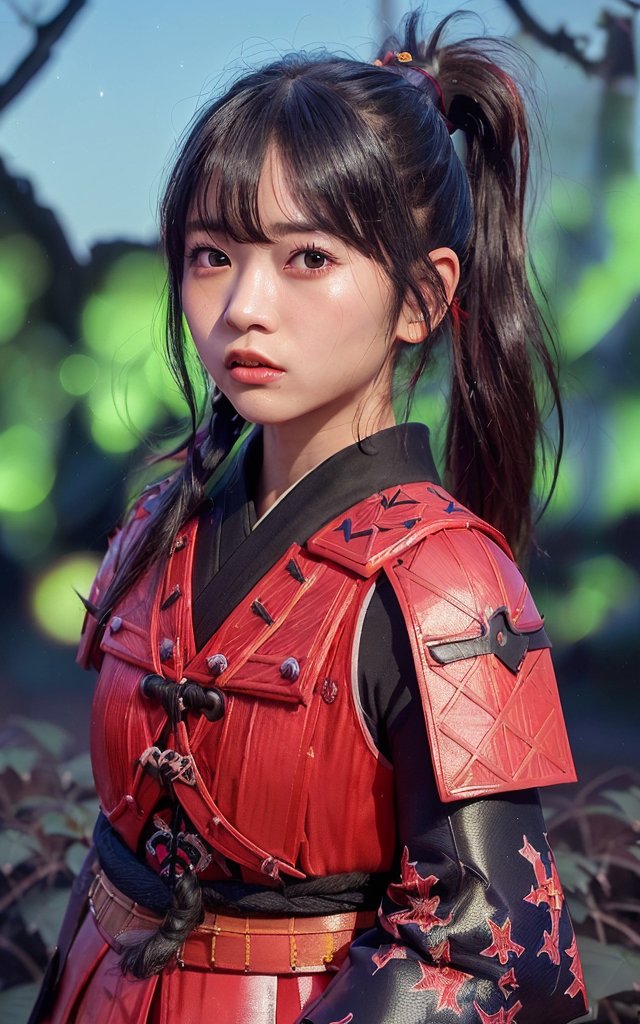
All the copyrights of the demo images and audio are from community users or the generation from stable diffusion. Feel free to contact us if you would like use to remove them.





 SadTalker 可以根据一张人像照片和一段音频,生成逼真的说话人头视频。它采用 CVPR 2023 的方法,学习 3D 运动系数,实现由音频驱动的人脸动画。