Abyssal Garden
A dreamy underwater world you can swim through, right in your browser.
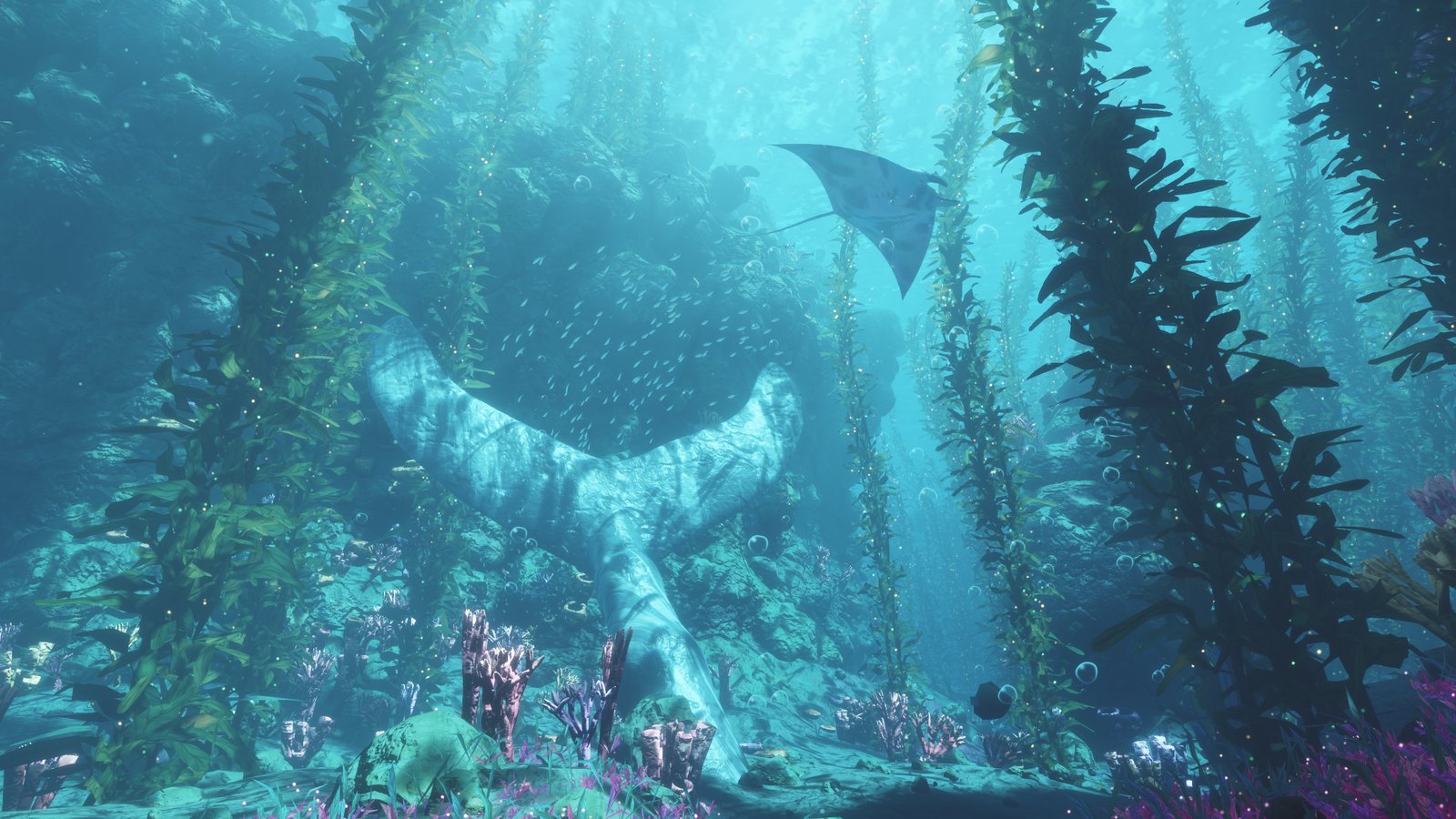
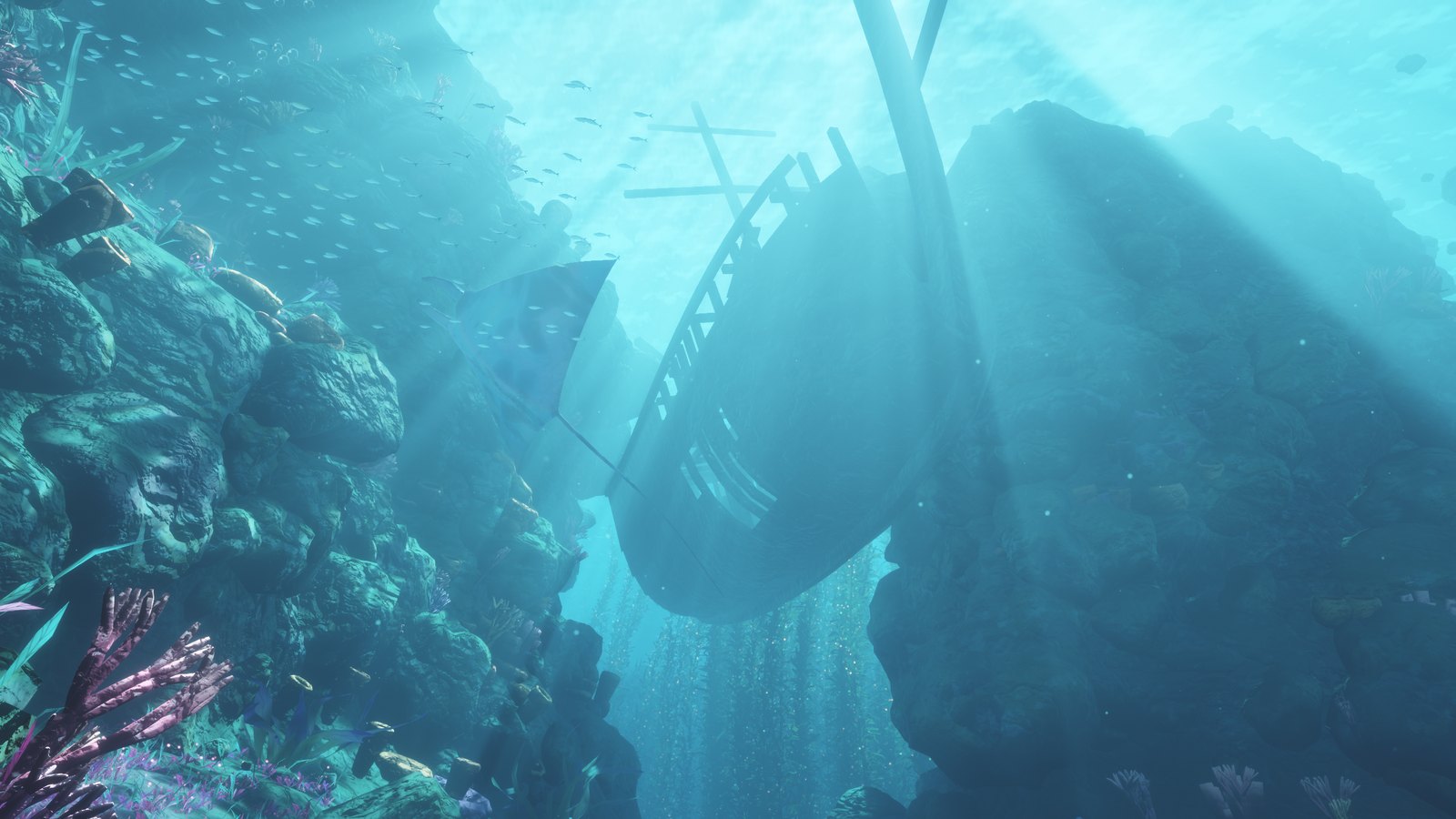
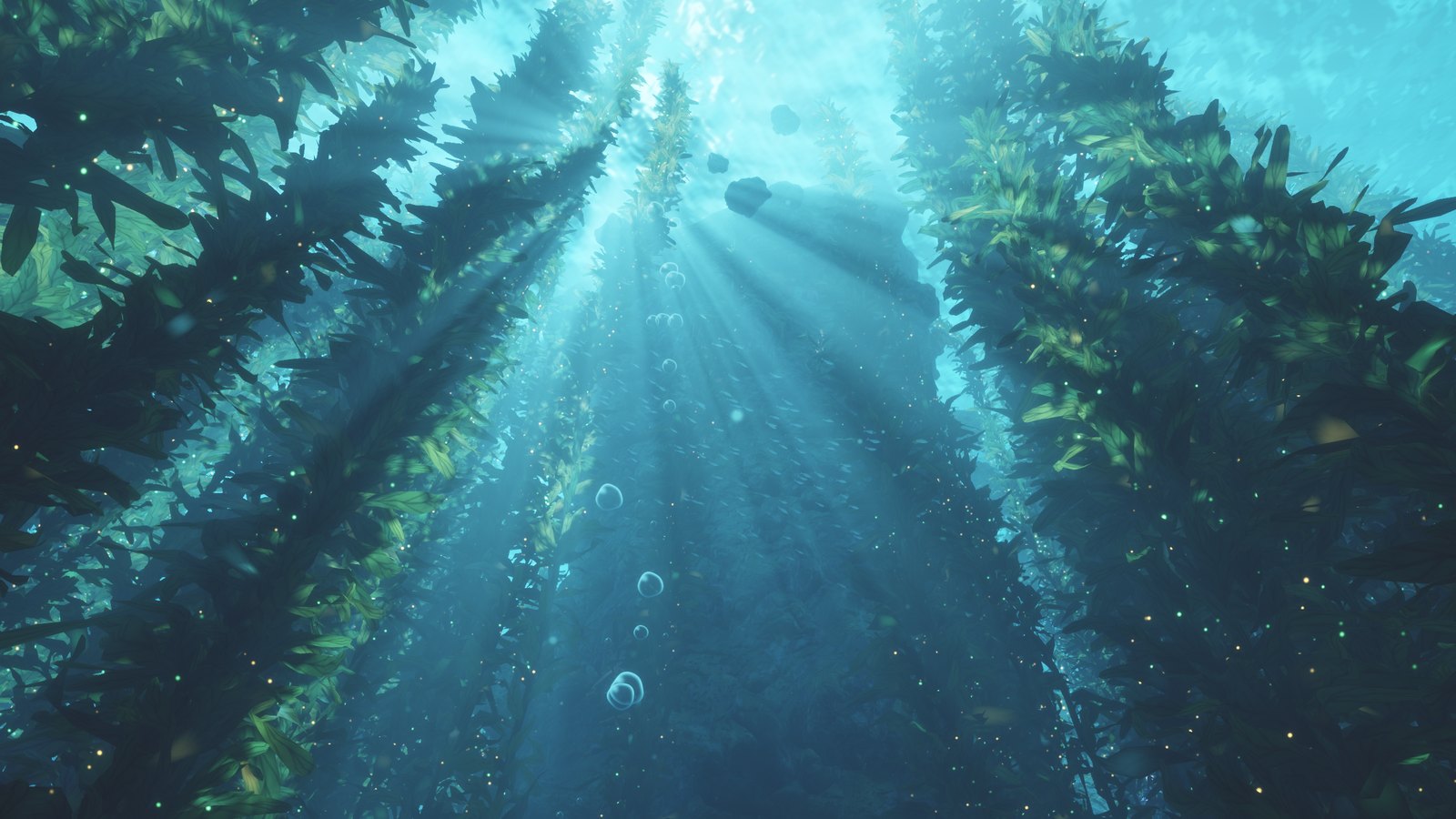
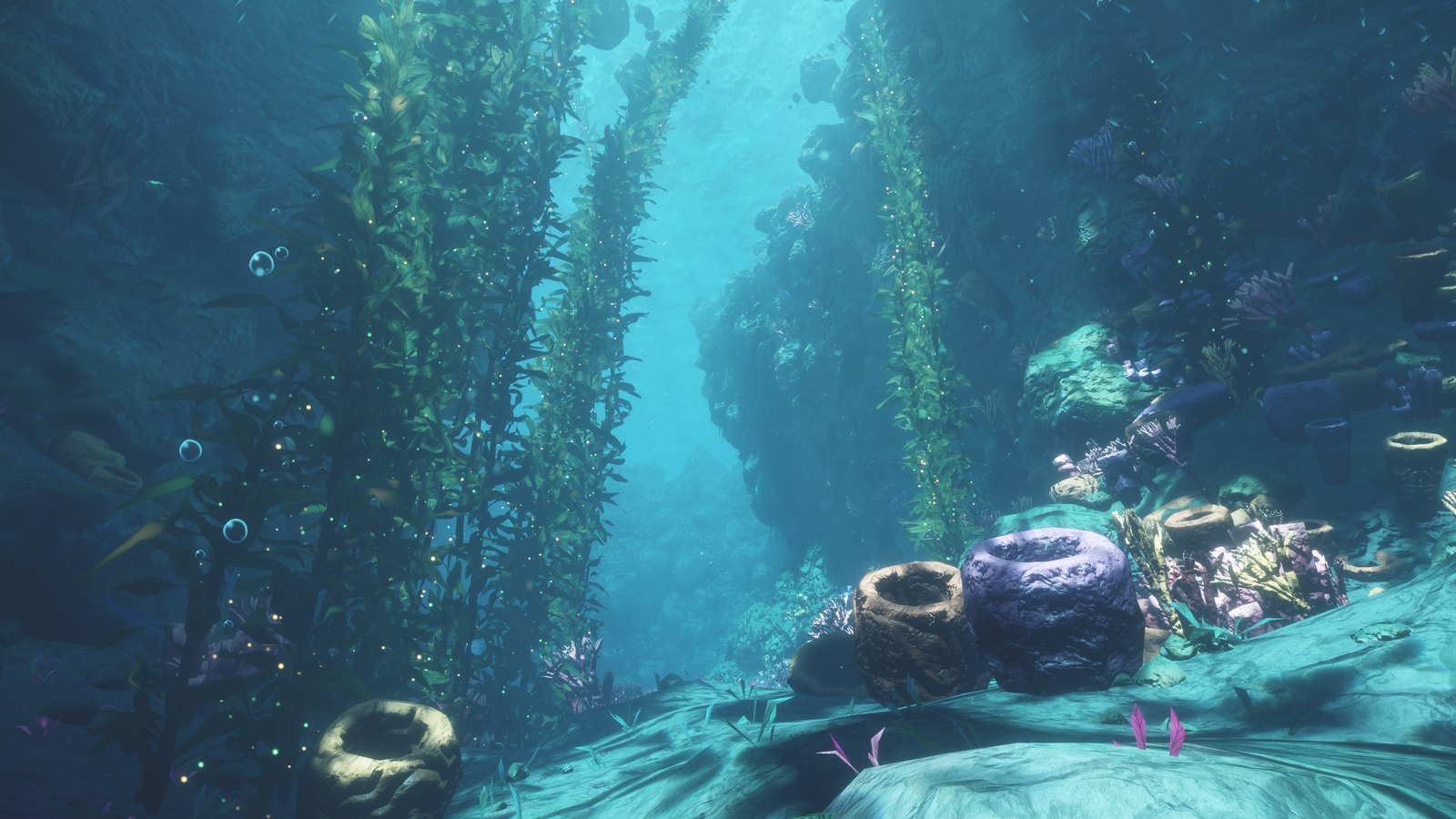
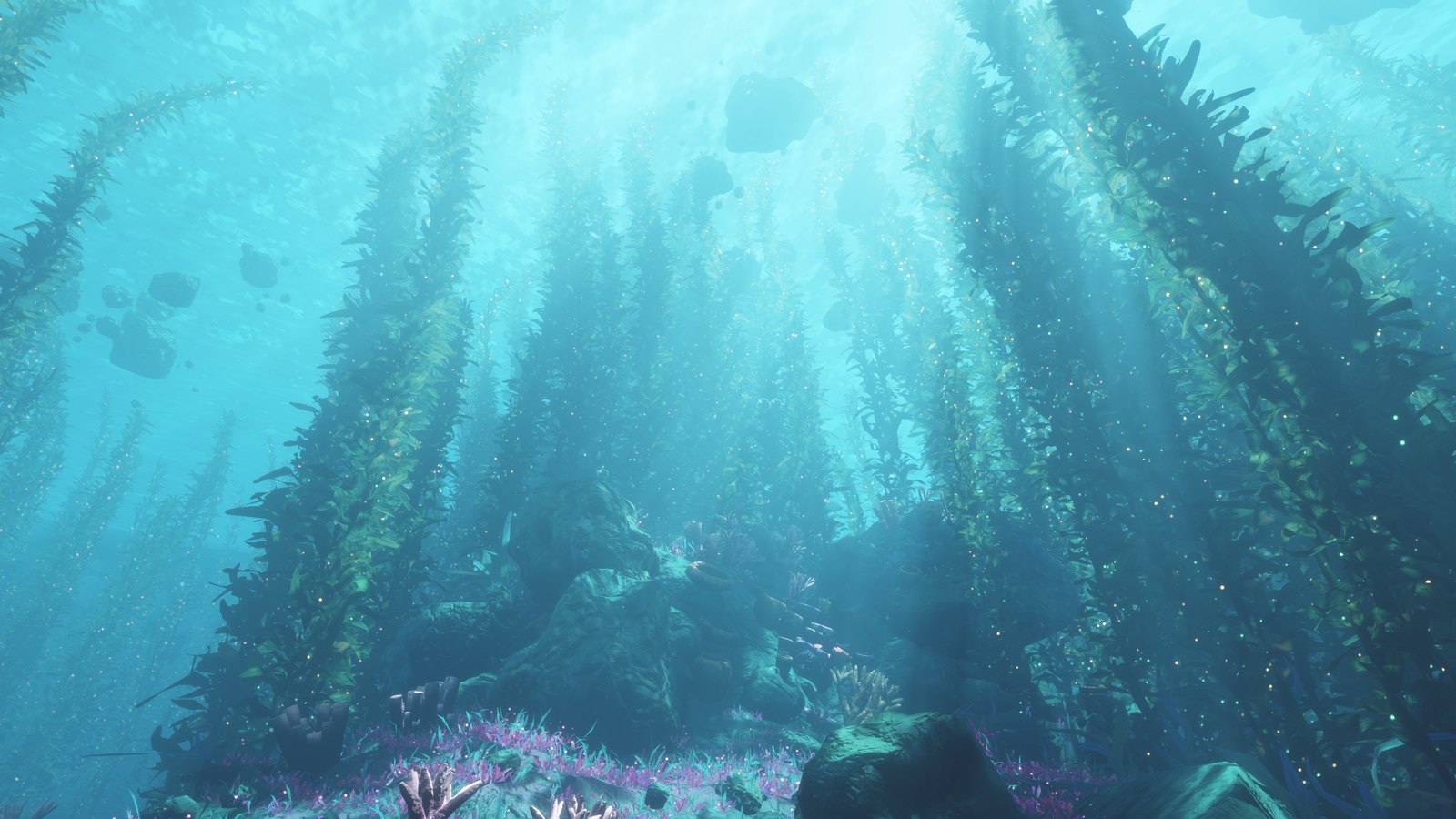
Towering kelp forests, sunbeams pouring through a rippling surface, a sunken ship, manta rays gliding overhead.
And all of it is made by code: no images, no 3D models, no sound files. The whole world fits in one 96 KB HTML file.
Try it
- Download
index.html.
- Open it in Chrome or Edge on a desktop computer.
- Wait a few seconds while the world is built, then press Dive in and start swimming.
Nothing to install, and it works offline. It needs a browser with WebGPU. If you see "This scene needs WebGPU", update your browser or switch to Chrome / Edge.
What's down there
- Kelp forests that sway in the current and sparkle with tiny gold and green specks
- Light rays streaming down from a wavy surface, with shimmering caustics on the sea floor
- A sunken wooden ship, a giant stone whale tail, rock arches, canyons and floating boulders
- Manta rays, schools of fish, rising bubbles and drifting particles
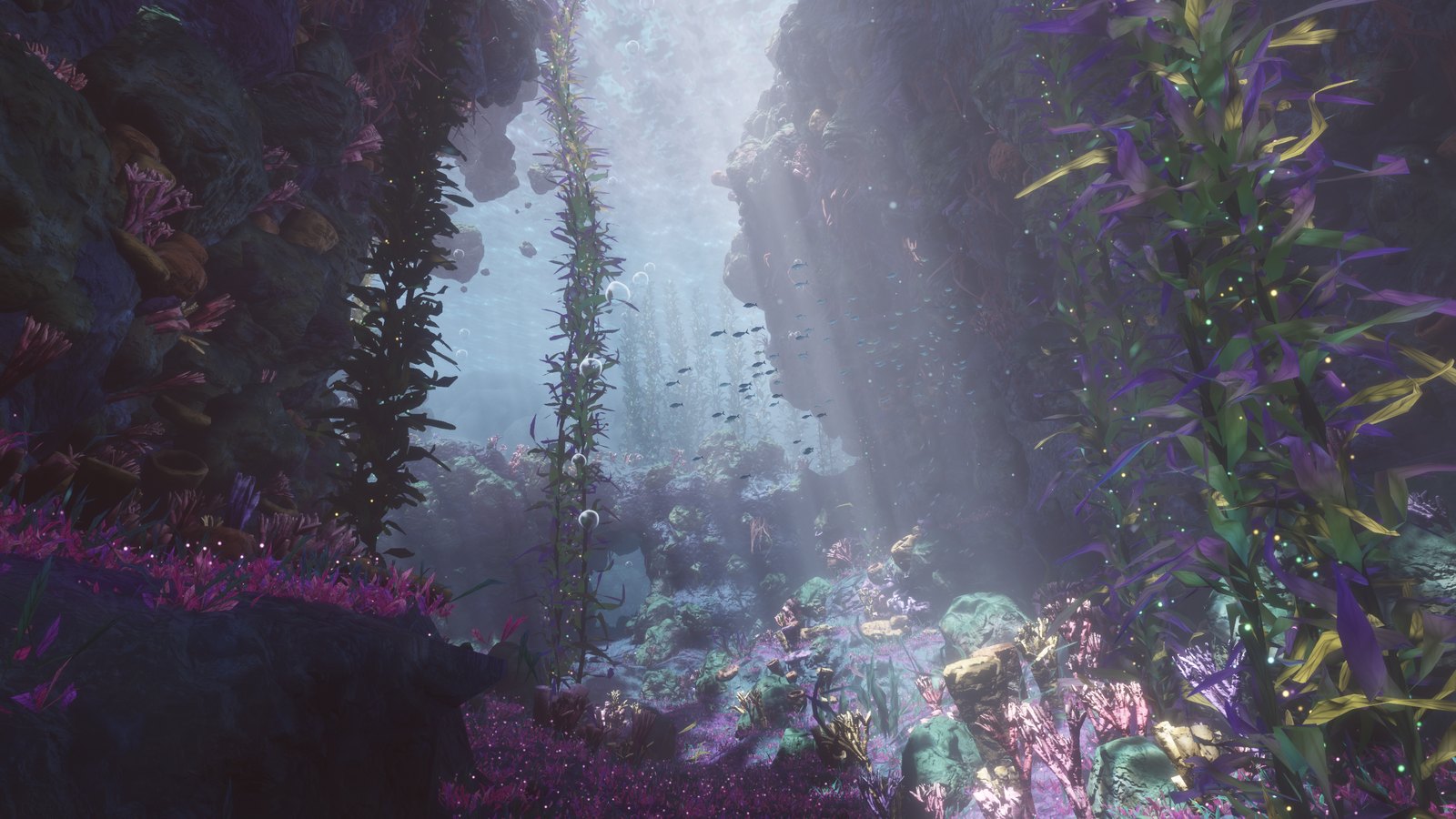
- A purple grotto with glowing magenta ground cover, coral and barrel sponges
- A soundscape made up as you listen: a deep rumble, distant whale calls, soft chimes and bubbles
Controls
|
Keyboard & mouse |
| Look around |
Move the mouse |
| Swim |
W A S D |
| Up / down |
E / Q |
| Swim faster |
Hold Shift |
| Jump to a viewpoint |
1 to 6 (the spots in the screenshots) |
| Menu |
Esc releases the mouse and opens the menu with the list of controls; Resume takes you back |
| Sound on / off |
M (sound starts when you dive in) |
| Performance stats |
H |
| Detail level |
Low, Medium or High in the menu (reloads the page) |
The seabed, cliffs and arches are solid: you glide along the rock instead of swimming into it, and you still fit through every tunnel and arch. Kelp, plants, corals, sponges, loose rocks, the floating boulders, the ship and the whale tail you can swim through.
On a touchscreen: hold one finger down to swim forward and slide it to steer. Put a second finger down to go faster. The ≡ button in the corner opens the menu. Phones always show the scene in landscape and start on Low or Medium detail. (Touch support is experimental.)
Detail levels
The Low, Medium and High buttons in the menu pick the detail level; the current one is lit. Each level is the same world, built with less in it:
| Level |
What it is |
Picked on a first visit for |
| High |
The full scene |
Computers |
| Medium |
Half of the leaves, sparkles and pebbles; small rocks, sponges and corals cast no shadows |
Phones with 8 GB of memory |
| Low |
A quarter of the leaves, no anti-aliasing, coarser rocks and corals, simpler lighting, 480p to start with |
Other phones, and computers with 4 GB of memory or less |
If loading crashes the tab, or the graphics driver gives up, the page starts again one level lower. Your browser remembers the level, and the resolution and draw distance the scene settled on, for the next visit.
How it works
- The seabed is sculpted on your graphics card every time the page opens, then decorated with about two million kelp leaves and plants, tens of thousands of rocks, and thousands of sponges, corals and fish.
- Everything is drawn with WebGPU directly. No game engine or 3D library is used.
- The ship, whale tail, mantas, fish and corals are built from simple mathematical shapes.
- The sound is synthesized live with the Web Audio API.
- It's built to run smoothly: about 180 fps at 2560×1440 on an RTX 5070 Ti. On slower hardware it aims for 60 fps by lowering first the resolution and then how far away plants and rocks are drawn, in small steps. The scene is already running, blurred, behind the start menu, so most of that tuning is done before you dive in. A low-end phone (Samsung Galaxy A16) reaches about 20 fps at 670×372 on Low.
Make it your own
The readable source code is in the source folder. To change something and rebuild index.html you need Node.js 18 or newer:
cd source
npm install
npm run build
This writes a new index.html next to this README. npm run build:readable writes an unminified version instead, which is easier to debug in the browser's developer tools.
npm run build:dev writes a separate dev.html with two extra tools that are not part of index.html: F flies the camera along a one-minute path through the whole world, and B runs that flight as a benchmark and reports frame and GPU times.
| File |
What's inside |
source/src/world.js |
The world layout: rock walls, arches, tunnels, kelp forests, sponge gardens, fish schools, mantas, the ship and the whale tail. A good place to start. |
source/src/shaders.js |
The look: water and fog colors, lighting, kelp, rocks, the water surface and light rays (WGSL shader code) |
source/src/main.js |
The renderer, the camera, the controls, the six viewpoints and the camera path the world is laid out around |
source/src/audio.js |
The soundscape |
source/src/quality.js |
The detail levels: which one a device starts on, and what is remembered between visits |
source/src/math.js |
Noise, random numbers and mesh-building helpers |
source/src/dev.js |
Development tools (fly-through and benchmark), only in dev.html |
source/template.html |
The page around the scene: loading bar, start menu, links and their styles |
Some easy first tweaks:
- Water color:
WCOL (blue-green water) and PCOL (purple grotto) near the top of the shared scene code in shaders.js
- Sunlight color:
SUNC right next to them
- Brightness and light rays:
EXPO and RAYS in main.js
- Swimming speed: search for
26 : 7 in main.js (fast speed : normal speed)
License
MIT: free to use, change and share, including in your own projects.

 一个梦幻的水下世界,可以在浏览器里游览,里面有海带森林、光束、沉船和魔鬼鱼。所有内容都由代码生成,因此没有图片、3D 模型或声音文件。