2.1K ·GitHub
Что это?
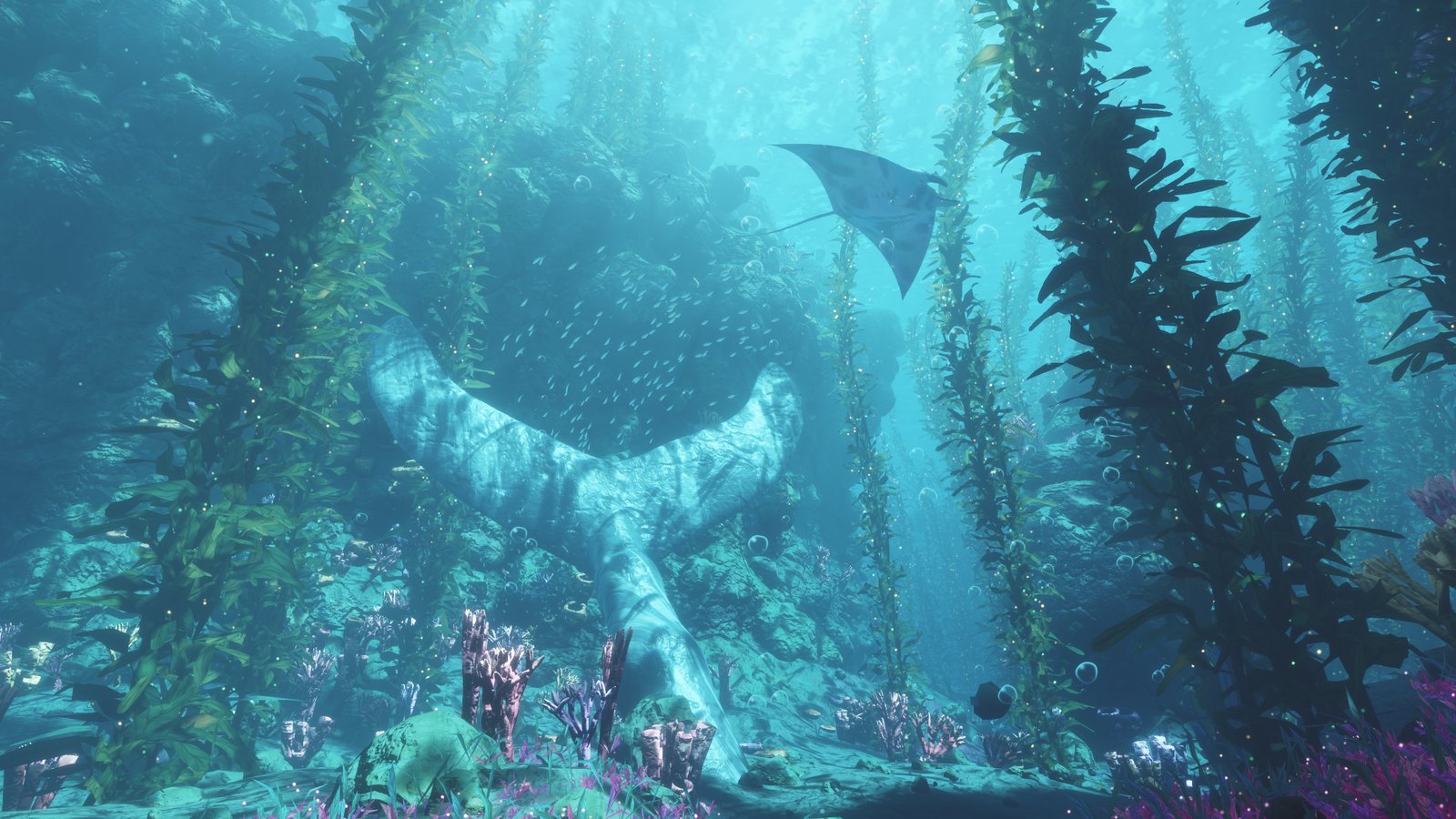
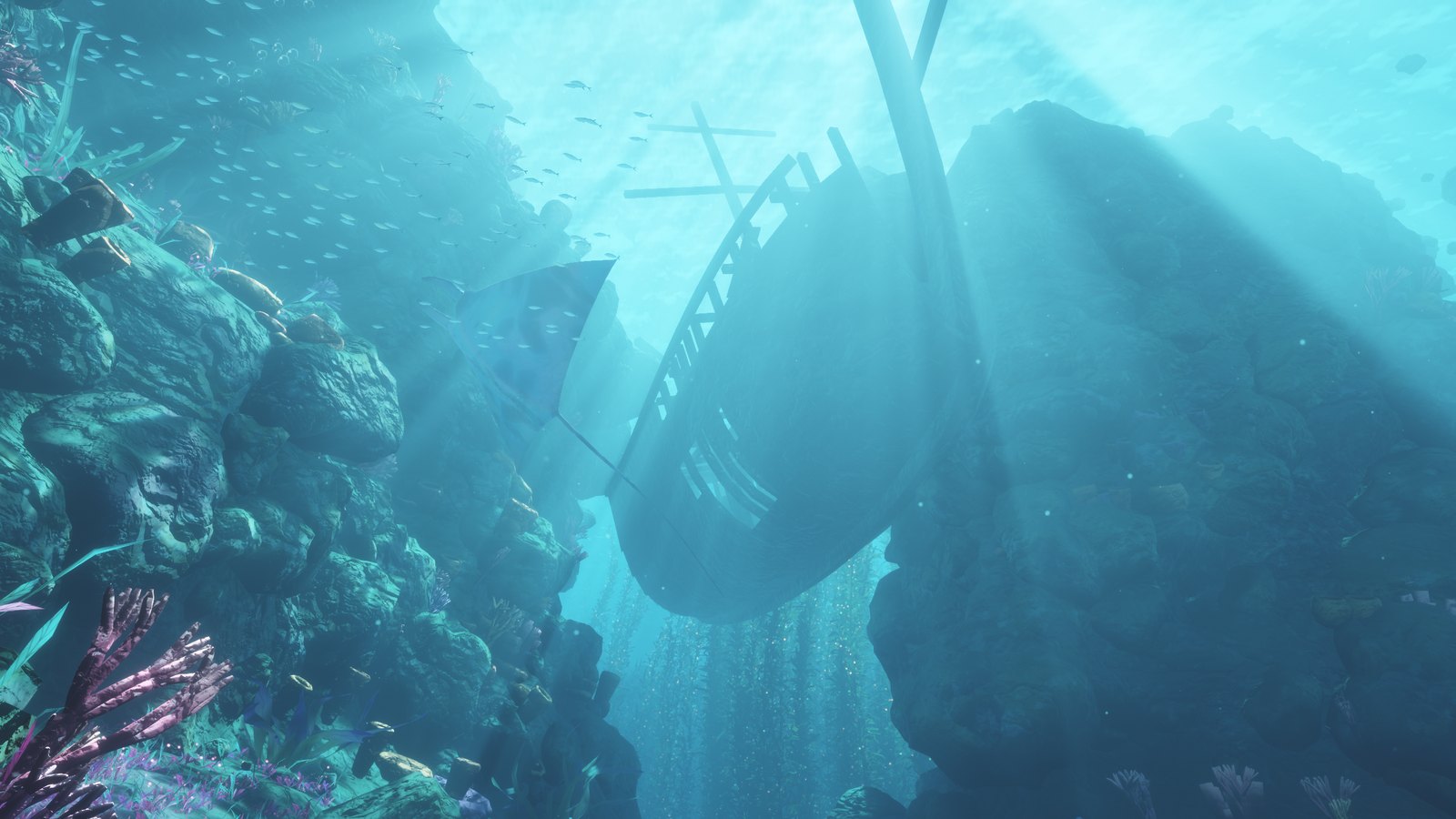
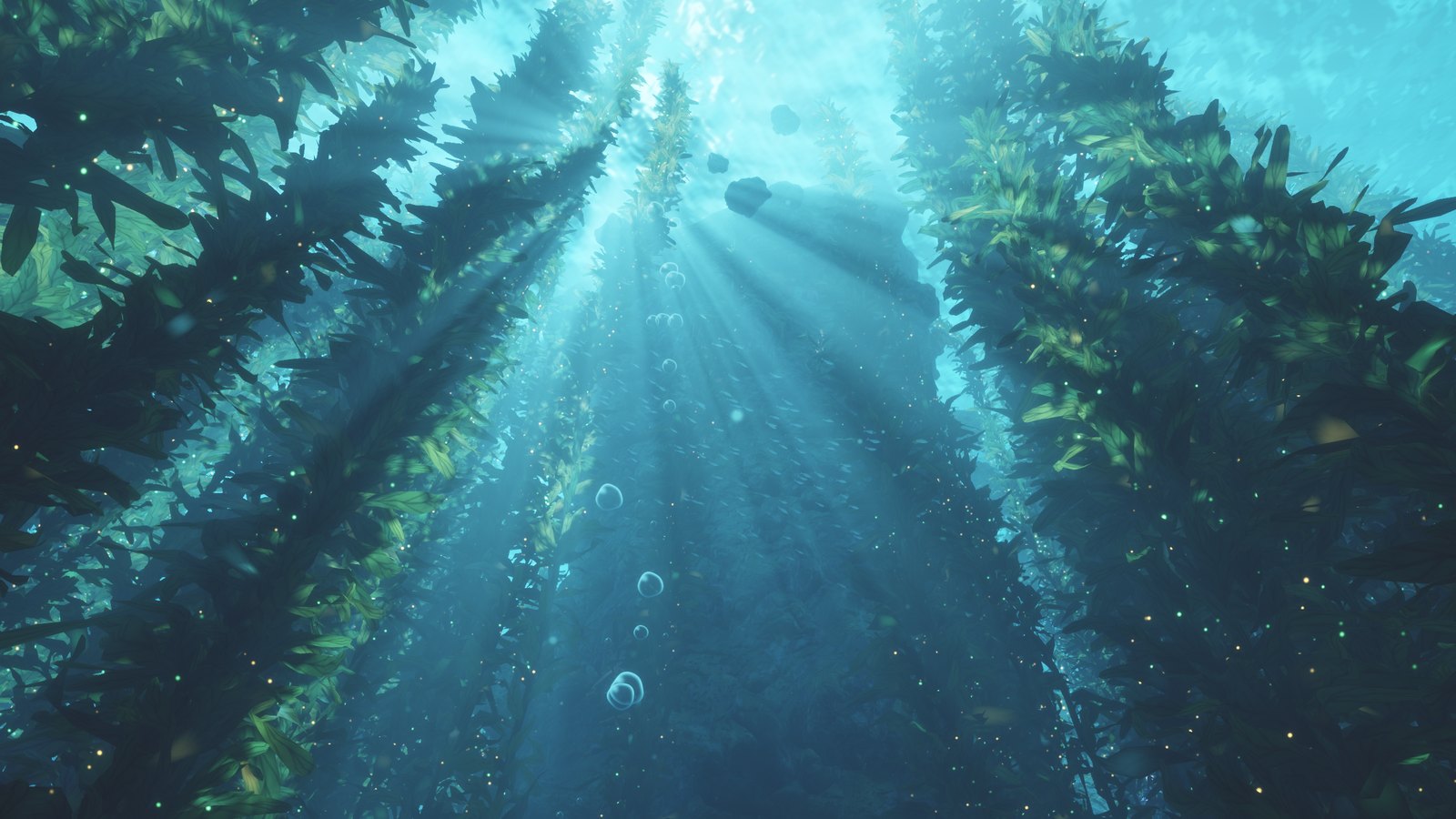
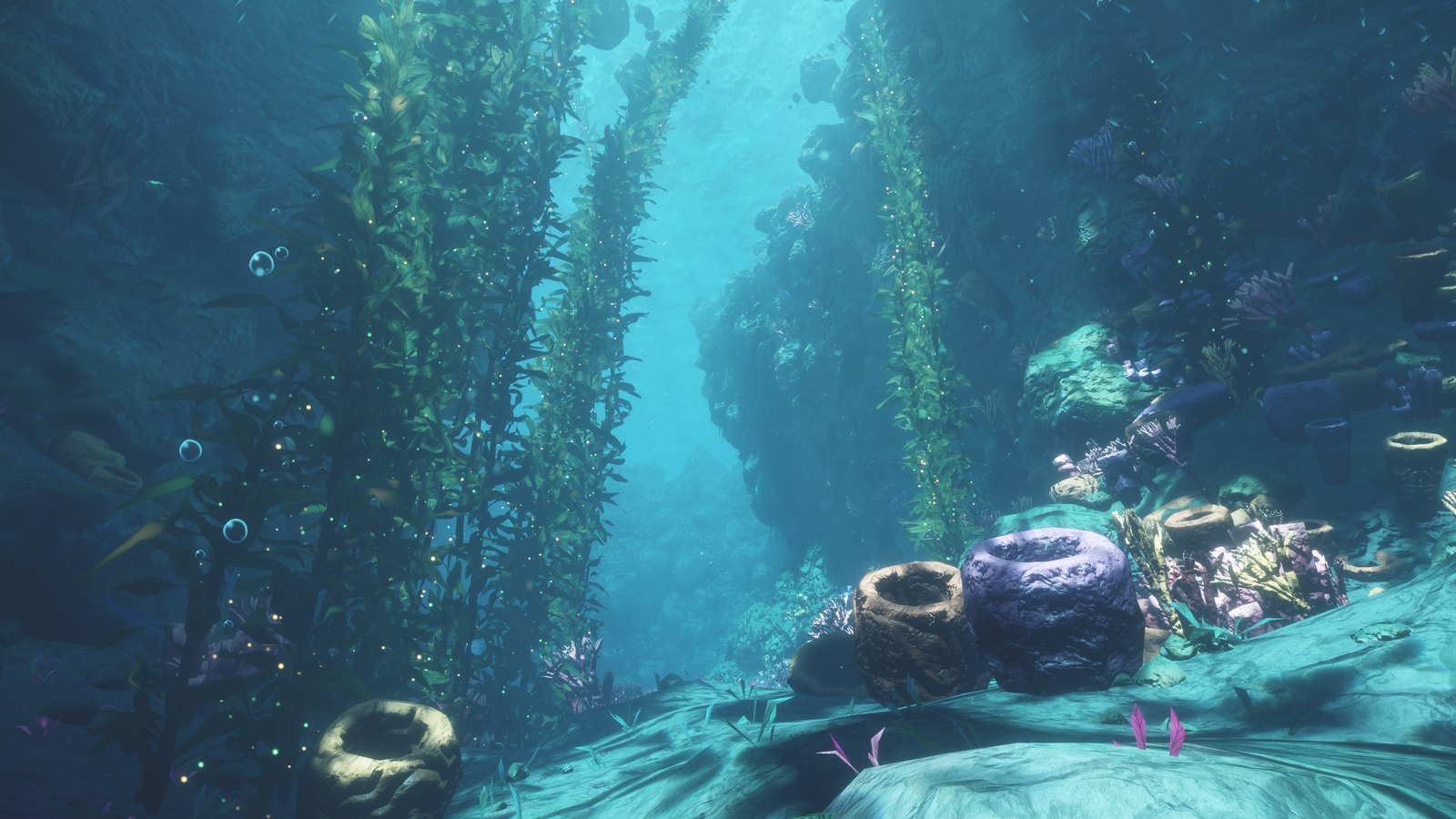
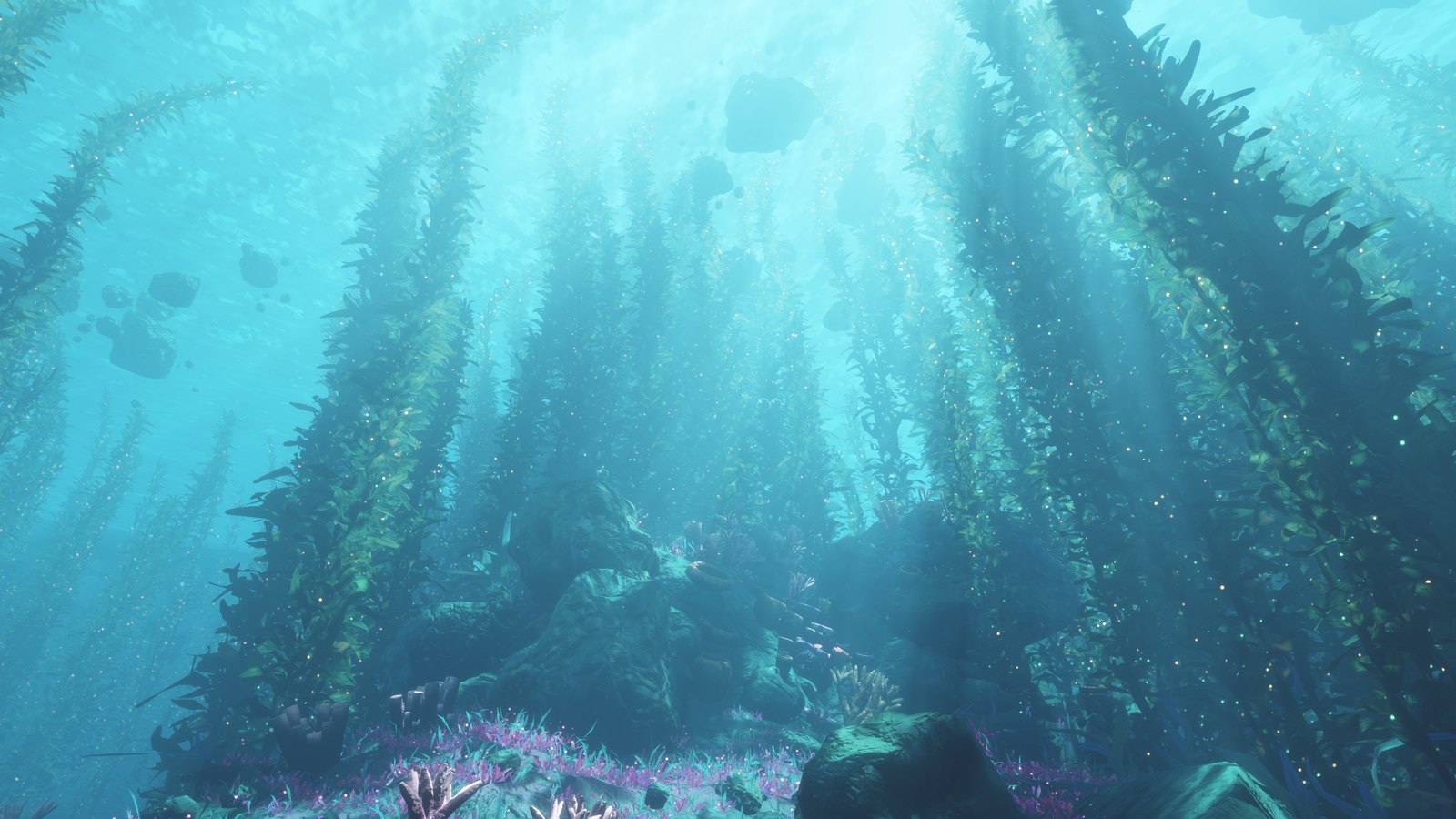
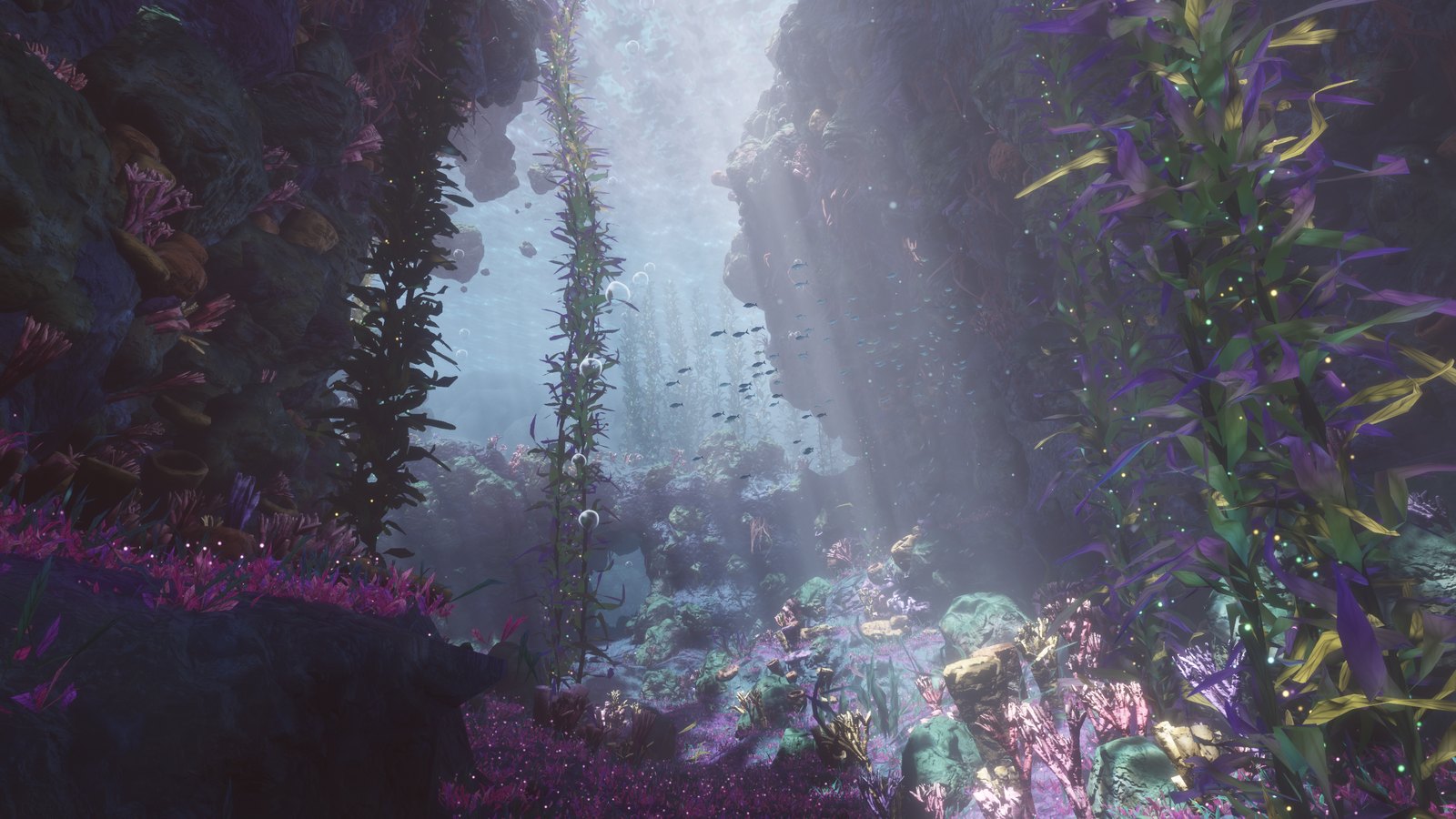
 Мечтательный подводный мир, по которому можно плавать прямо в браузере: с лесами ламинарии, солнечными лучами, затонувшим кораблём и скатами манта. Всё создаётся кодом, поэтому здесь нет изображений, 3D-моделей и звуковых файлов.
Здесь есть цель или это просто место для исследования?В README описана сцена для исследования: вы плаваете, осматриваетесь и наблюдаете за миром. Целей и игровых механик не упоминается.
В README описана сцена для исследования: вы плаваете, осматриваетесь и наблюдаете за миром. Целей и игровых механик не упоминается.Как это запустить?Скачайте index.html и откройте его в Chrome или Edge на настольном компьютере. Подождите несколько секунд, пока построится мир, затем нажмите «Погрузиться». Ничего устанавливать не нужно, работает оно и без интернета.
Скачайте index.html и откройте его в Chrome или Edge на настольном компьютере. Подождите несколько секунд, пока построится мир, затем нажмите «Погрузиться». Ничего устанавливать не нужно, работает оно и без интернета.Какой браузер мне нужен?Браузер с поддержкой WebGPU. Рекомендуется Chrome или Edge на настольном компьютере. Если сцена не запускается, обновите браузер или перейдите на один из этих двух.
Браузер с поддержкой WebGPU. Рекомендуется Chrome или Edge на настольном компьютере. Если сцена не запускается, обновите браузер или перейдите на один из этих двух.Работает ли это и на телефонах?Да, но пока экспериментально. Прижмите один палец, чтобы плыть вперёд, и проведите им, чтобы поворачивать. Добавьте второй палец, чтобы плыть быстрее. Кнопка меню находится в углу. На телефонах сцена всегда показывается в альбомной ориентации.
Да, но пока экспериментально. Прижмите один палец, чтобы плыть вперёд, и проведите им, чтобы поворачивать. Добавьте второй палец, чтобы плыть быстрее. Кнопка меню находится в углу. На телефонах сцена всегда показывается в альбомной ориентации.Могу ли я использовать это в своём проекте?Да. Проект распространяется под лицензией MIT, поэтому его можно свободно использовать, менять и делиться им, в том числе в собственных проектах.
Да. Проект распространяется под лицензией MIT, поэтому его можно свободно использовать, менять и делиться им, в том числе в собственных проектах.Как строится весь мир без изображений и моделей?Морское дно формируется на вашей видеокарте каждый раз, когда открывается страница, а ламинария, камни, корабль и хвост кита строятся из простых математических фигур. Звук синтезируется в реальном времени с помощью Web Audio API.
Морское дно формируется на вашей видеокарте каждый раз, когда открывается страница, а ламинария, камни, корабль и хвост кита строятся из простых математических фигур. Звук синтезируется в реальном времени с помощью Web Audio API.Какое управление есть в сцене?Двигайте мышь, чтобы осматриваться, и используйте W, A, S, D, чтобы плыть. Клавиши E и Q отвечают за движение вверх и вниз. Удерживайте Shift, чтобы плыть быстрее, нажимайте от 1 до 6, чтобы перейти к точкам обзора. M включает и выключает звук, H показывает статистику производительности. Esc открывает меню.
Двигайте мышь, чтобы осматриваться, и используйте W, A, S, D, чтобы плыть. Клавиши E и Q отвечают за движение вверх и вниз. Удерживайте Shift, чтобы плыть быстрее, нажимайте от 1 до 6, чтобы перейти к точкам обзора. M включает и выключает звук, H показывает статистику производительности. Esc открывает меню.Могу ли я сам изменить сцену?Да. Читаемый исходный код лежит в папке source, а с Node.js 18 или новее можно пересобрать index.html. Цвет воды, солнечный свет, яркость и скорость плавания — самые простые параметры для первых изменений.
Да. Читаемый исходный код лежит в папке source, а с Node.js 18 или новее можно пересобрать index.html. Цвет воды, солнечный свет, яркость и скорость плавания — самые простые параметры для первых изменений.Чем отличаются уровни детализации Low, Medium и High?Все уровни используют один и тот же мир, но на низких уровнях меньше листьев, блёсток и галечных камешков. На Low, кроме того, отключается сглаживание и упрощается освещение. Браузер запоминает выбранный уровень для следующего посещения.
Все уровни используют один и тот же мир, но на низких уровнях меньше листьев, блёсток и галечных камешков. На Low, кроме того, отключается сглаживание и упрощается освещение. Браузер запоминает выбранный уровень для следующего посещения.Какие есть похожие проекты?natural-disasters, threejs-architecture-effects, riso-windowseat, swarm-cursors, svg.js, procedural-film, sylva, florilegium
natural-disasters, threejs-architecture-effects, riso-windowseat, swarm-cursors, svg.js, procedural-film, sylva, florilegiumВ каких он темах?wgsl, web-audio, 3d-graphics, procedural-generation, html5, generative-art, webgpu, shaders, no-dependencies, creative-coding, interactive, lightweight
wgsl, web-audio, 3d-graphics, procedural-generation, html5, generative-art, webgpu, shaders, no-dependencies, creative-coding, interactive, lightweight