2.1K ·GitHub
What is this?
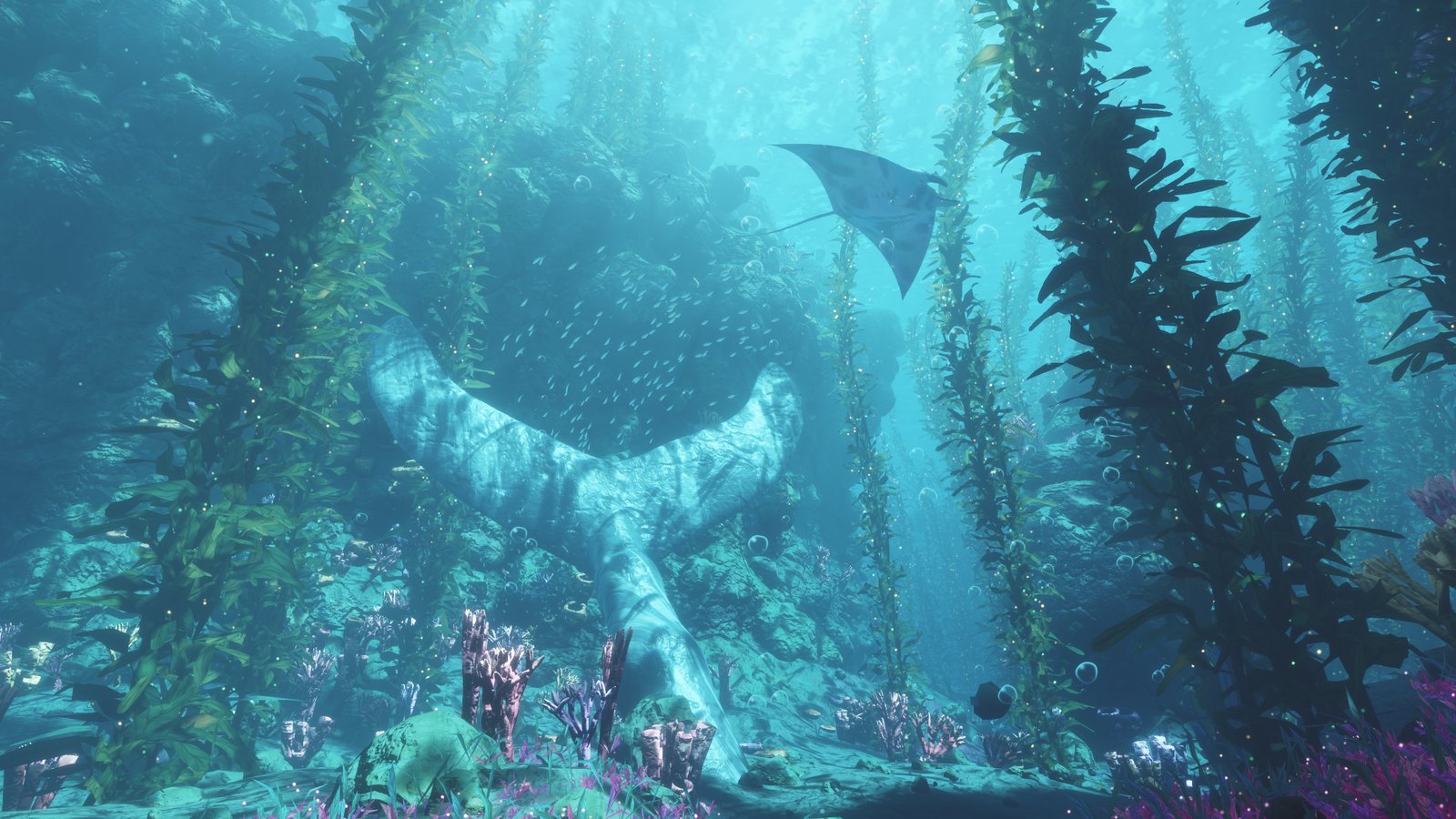
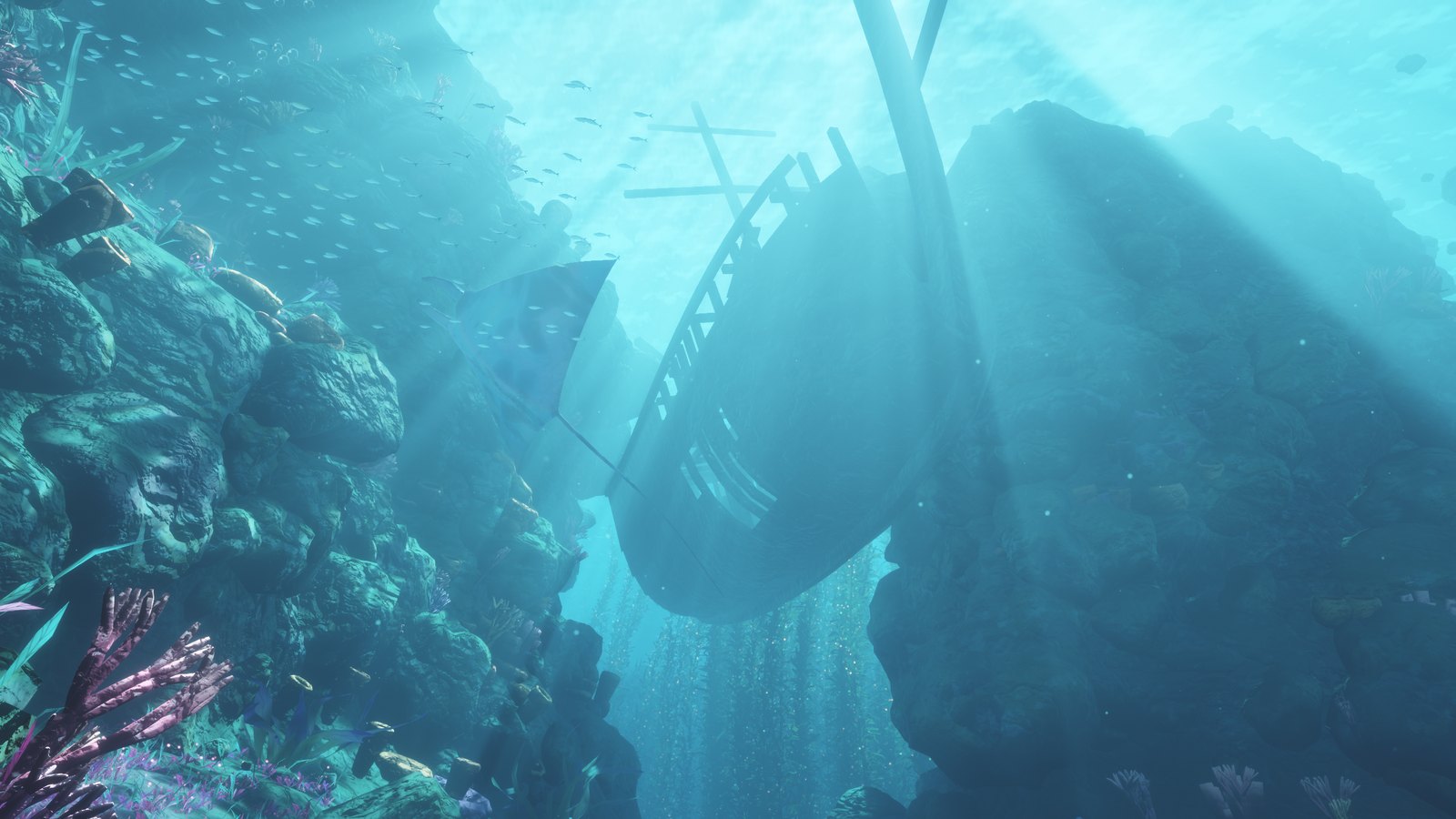
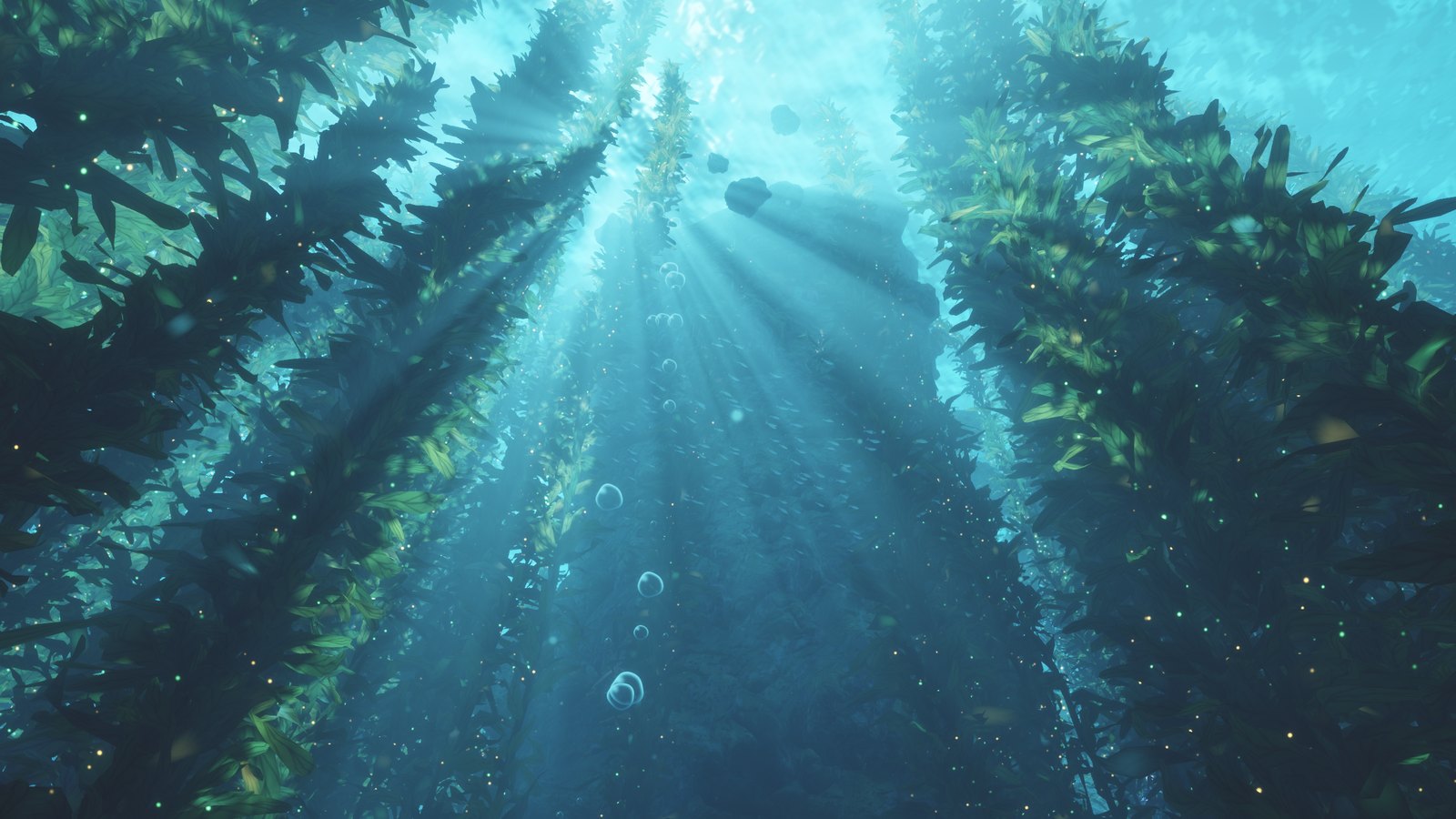
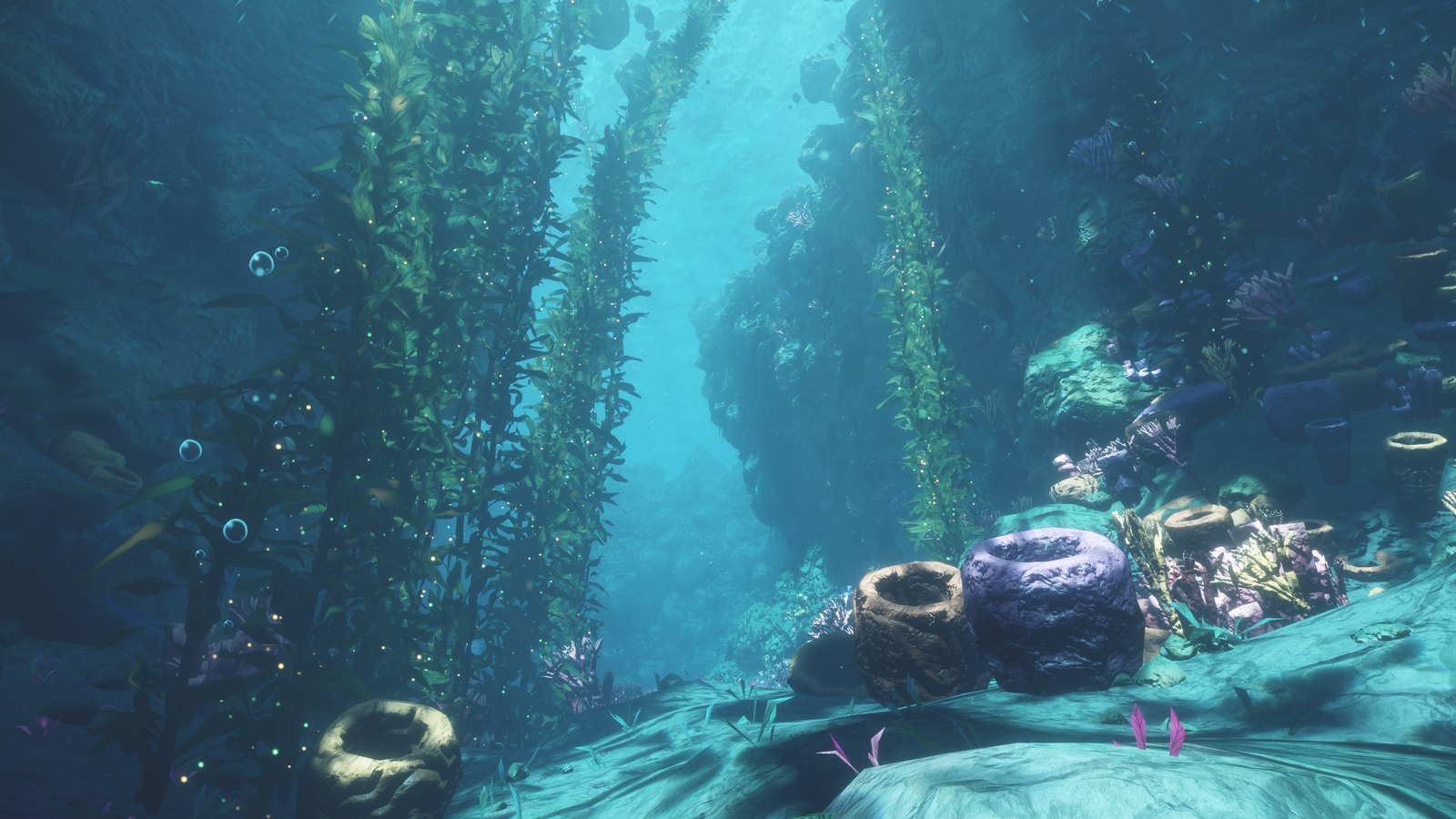
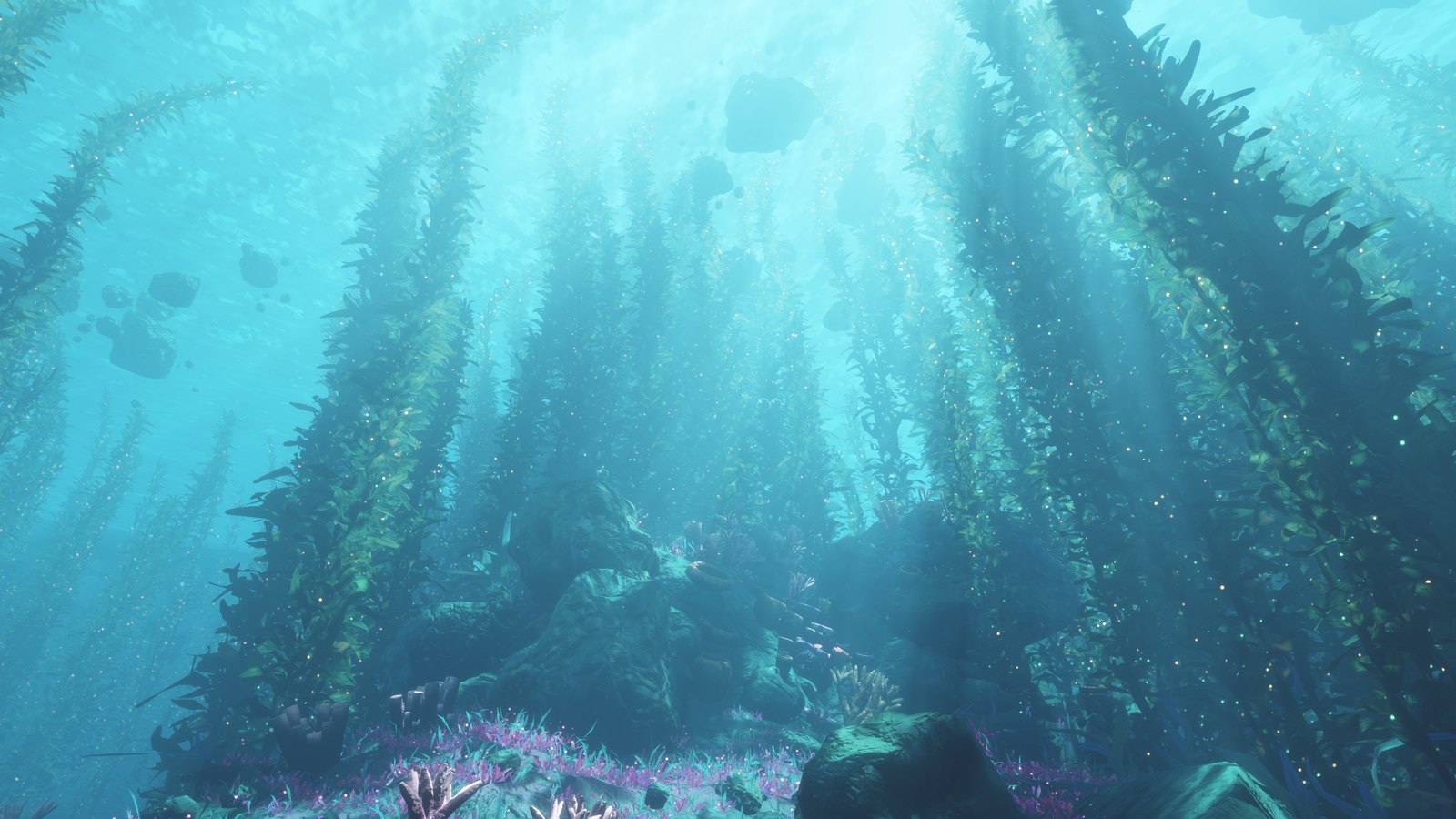
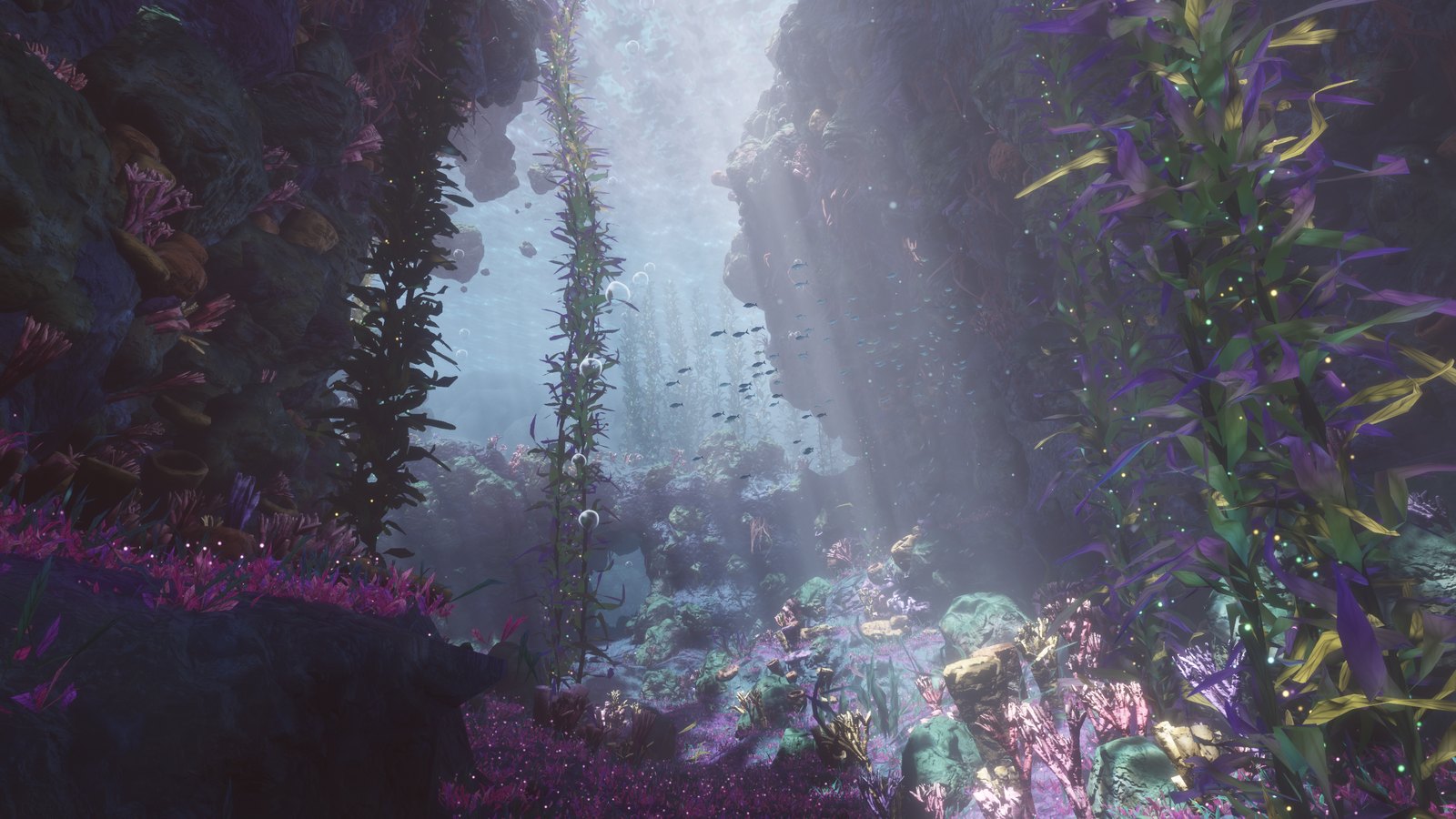
 A dreamy underwater world you can swim through in your browser, with kelp forests, sunbeams, a sunken ship and manta rays. Everything is generated by code, so there are no images, 3D models or sound files.
Is there a goal, or is it just a place to explore?The README describes a scene to explore: you swim, look around and watch the world. No goals or game mechanics are mentioned.
The README describes a scene to explore: you swim, look around and watch the world. No goals or game mechanics are mentioned.How do I get it running?Download index.html and open it in Chrome or Edge on a desktop computer. Wait a few seconds for the world to build, then press Dive in. There is nothing to install, and it works offline.
Download index.html and open it in Chrome or Edge on a desktop computer. Wait a few seconds for the world to build, then press Dive in. There is nothing to install, and it works offline.Which browser do I need?A browser with WebGPU support. Chrome or Edge on a desktop computer is the recommended choice. If the scene fails to start, update your browser or switch to one of those two.
A browser with WebGPU support. Chrome or Edge on a desktop computer is the recommended choice. If the scene fails to start, update your browser or switch to one of those two.Does it work on phones too?Yes, experimentally. Hold one finger down to swim forward and slide it to steer, and add a second finger to go faster. The menu button is in the corner. Phones always show the scene in landscape.
Yes, experimentally. Hold one finger down to swim forward and slide it to steer, and add a second finger to go faster. The menu button is in the corner. Phones always show the scene in landscape.Can I reuse it in my own project?Yes. It is MIT licensed, so you can use, change and share it freely, including in your own projects.
Yes. It is MIT licensed, so you can use, change and share it freely, including in your own projects.How is the whole world built without any images or models?The seabed is sculpted on your graphics card each time the page opens, and the kelp, rocks, ship and whale tail are built from simple mathematical shapes. The sound is synthesized live with the Web Audio API.
The seabed is sculpted on your graphics card each time the page opens, and the kelp, rocks, ship and whale tail are built from simple mathematical shapes. The sound is synthesized live with the Web Audio API.What controls does the scene have?Move the mouse to look and use W A S D to swim, with E and Q for up and down. Hold Shift to swim faster, press 1 to 6 to jump to viewpoints, M for sound and H for performance stats. Esc opens the menu.
Move the mouse to look and use W A S D to swim, with E and Q for up and down. Hold Shift to swim faster, press 1 to 6 to jump to viewpoints, M for sound and H for performance stats. Esc opens the menu.Can I change the scene myself?Yes. The readable source is in the source folder, and with Node.js 18 or newer you can rebuild index.html. Water colour, sunlight, brightness and swim speed are easy first tweaks.
Yes. The readable source is in the source folder, and with Node.js 18 or newer you can rebuild index.html. Water colour, sunlight, brightness and swim speed are easy first tweaks.What do the Low, Medium and High detail levels change?They use the same world with fewer leaves, sparkles and pebbles at lower levels, and Low also drops anti-aliasing and simplifies lighting. The browser remembers your level for the next visit.
They use the same world with fewer leaves, sparkles and pebbles at lower levels, and Low also drops anti-aliasing and simplifies lighting. The browser remembers your level for the next visit.What are similar projects?natural-disasters, threejs-architecture-effects, riso-windowseat, swarm-cursors, svg.js, procedural-film, sylva, florilegium
natural-disasters, threejs-architecture-effects, riso-windowseat, swarm-cursors, svg.js, procedural-film, sylva, florilegiumWhich topics is it in?wgsl, web-audio, 3d-graphics, procedural-generation, html5, generative-art, webgpu, shaders, no-dependencies, creative-coding, interactive, lightweight
wgsl, web-audio, 3d-graphics, procedural-generation, html5, generative-art, webgpu, shaders, no-dependencies, creative-coding, interactive, lightweight