







English |
简体中文 |
한국어 |
日本語
MiniMax-H3-Image
One idea with open weights. A world of uses.
Prompt Writing Skill ·
Showcase ·
Use Online ·
Overview ·
Run Locally ·
Prompting Tips ·
License
Prompt Writing Skill
The h3-image-prompt-writing skill turns a short idea, a brief or a set of reference images into a
full MiniMax-H3-Image prompt, and can render it through the MiniMax API. It works in any agent that
reads a SKILL.md, such as Claude Code, Codex and Cursor. Install it with the
skills CLI:
npx skills add https://github.com/MiniMax-AI/MiniMax-H3-Image --skill h3-image-prompt-writing
Then ask your agent, for example:
Use h3-image-prompt-writing to make a 3:4 poster of a night market in the rain,
titled "雨夜集市", and render it.
Rendering needs MINIMAX_API_KEY, and MINIMAX_API_BASE=https://api.minimax.cn on the China
platform. See skills/README.md for details.
Showcase
| Advanced Open-Source Capabilities |
|---|
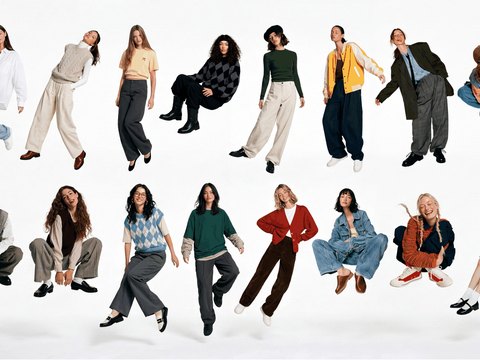
Sixteen people, six scenes |
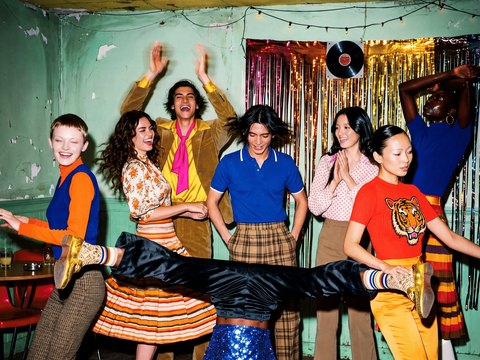
Outfit color coordination |
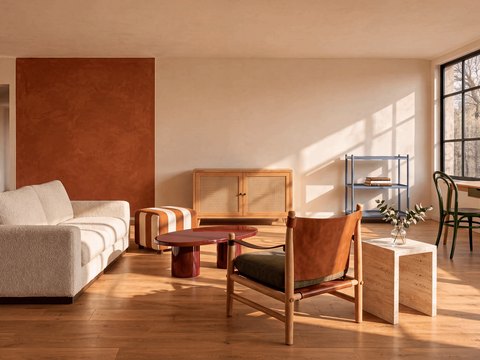
Living room from 10 references |
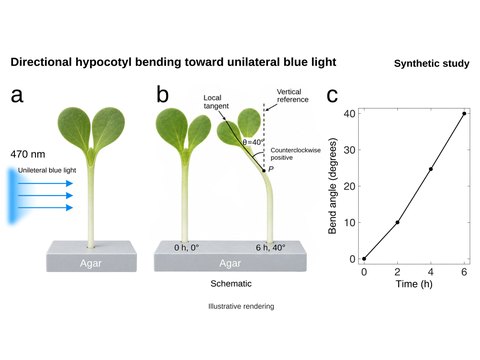
Biology figure from a paper page |
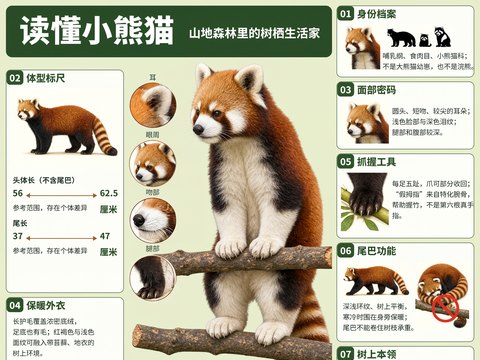
Red panda infographic |
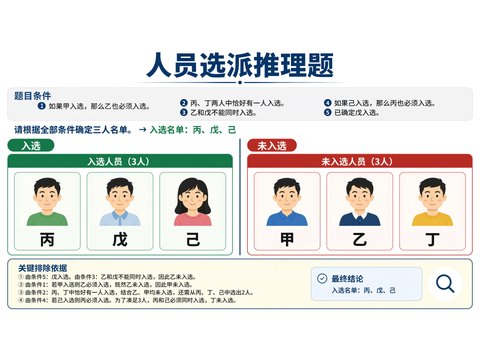
Staff-selection puzzle |
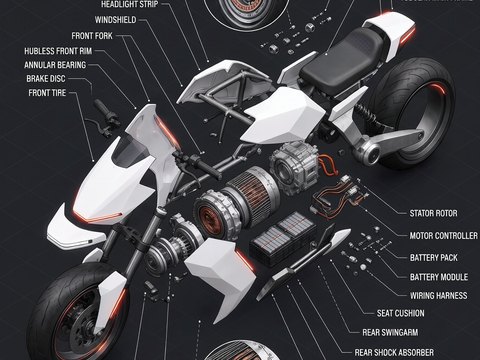
Electric motorcycle, exploded view |
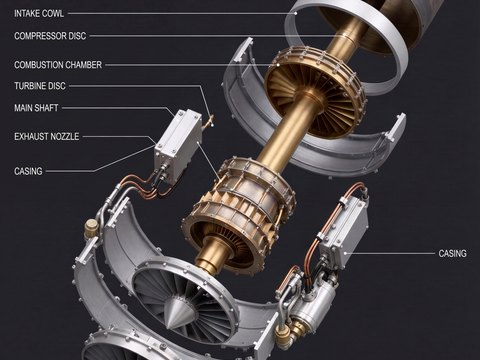
Jet engine, exploded view |
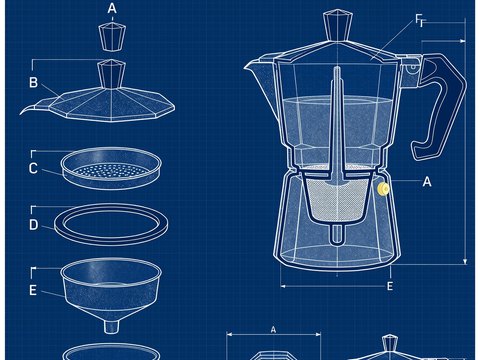
Moka pot blueprint |
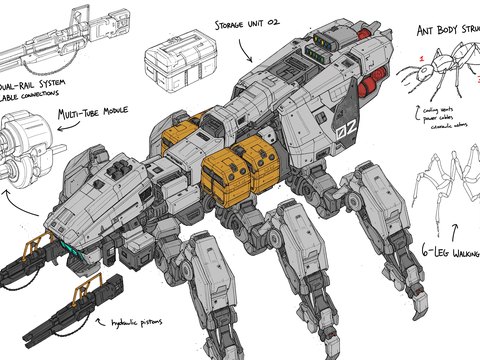
Ant-inspired hexapod mech, line art |
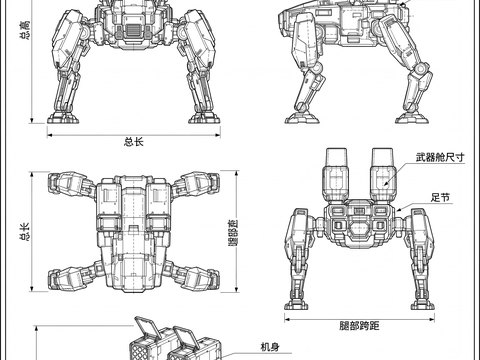
Quadruped mech, CAD drawing |
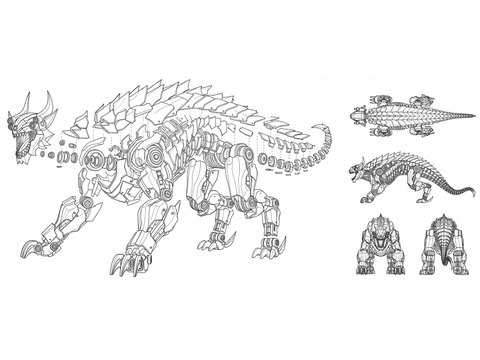
Mech beast, exploded CAD view |
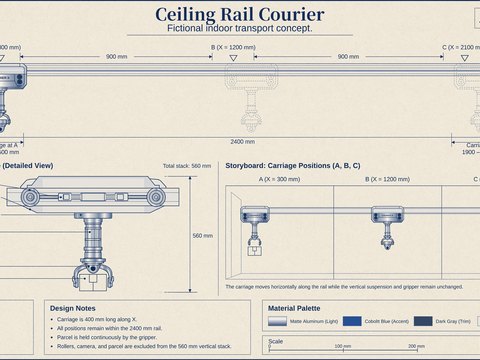
Ceiling rail courier |
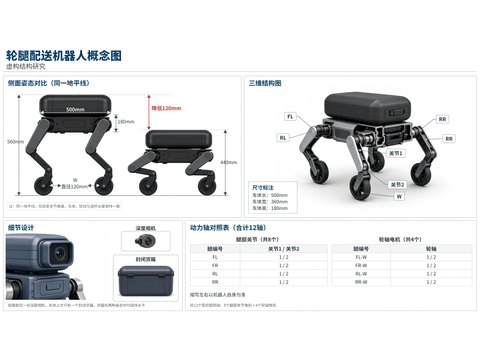
Wheel-legged delivery robot |
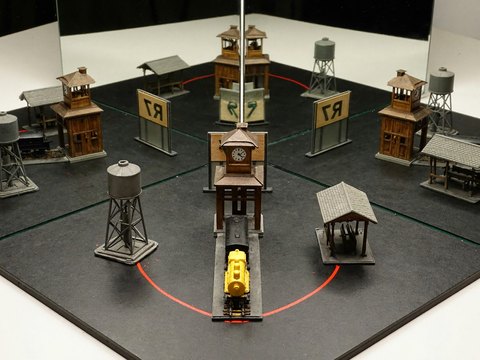
Corner mirrors |
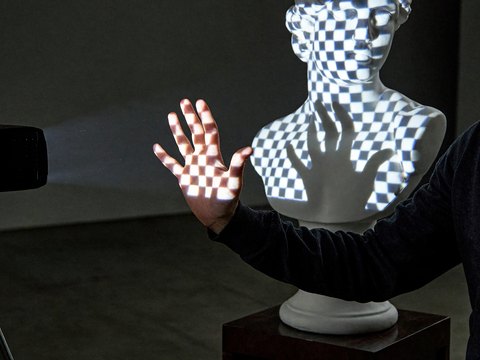
A hand in the projection |
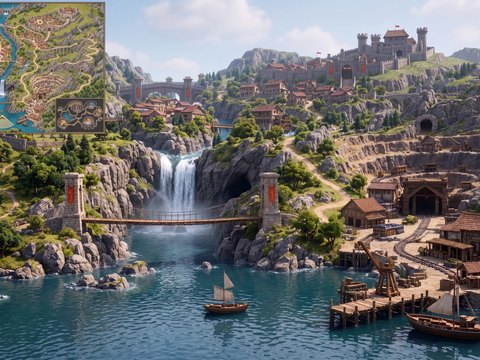
Game map to 3D game view |
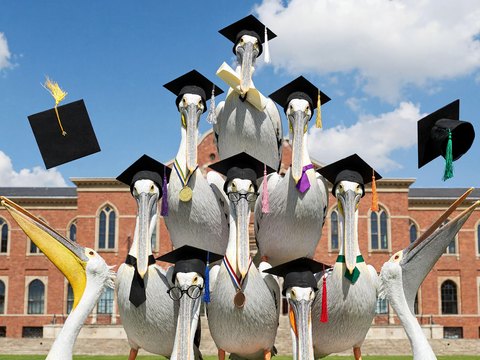
Pelican graduation pyramid |
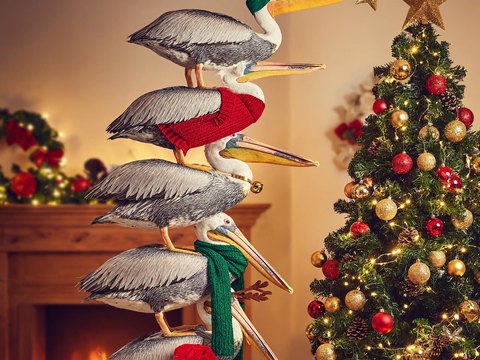
Pelican Christmas tree |
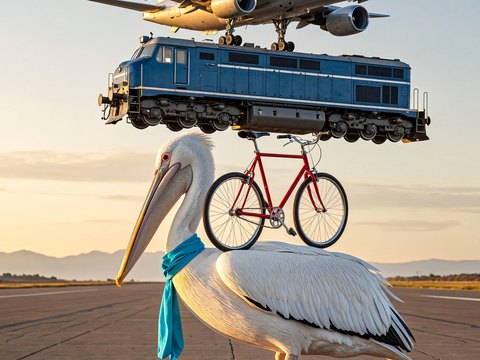
Pelican balancing act |
| Creative Applications |
|---|
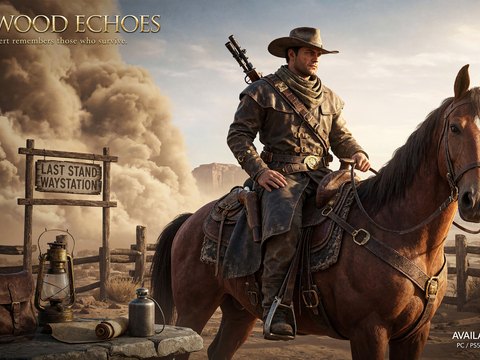
Frontier rider |
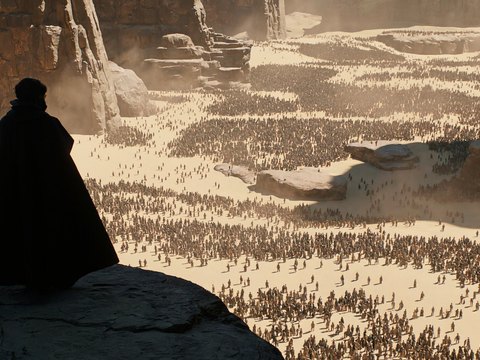
Gathering in the desert |
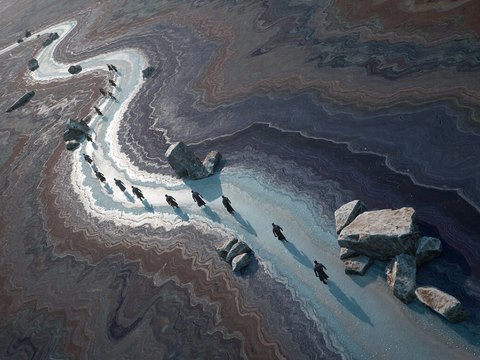
Cold mineral plain, aerial view |
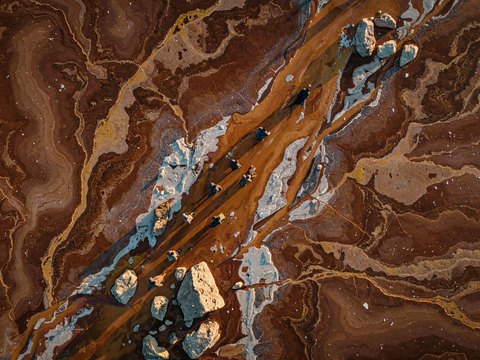
Red mineral plain, aerial view |
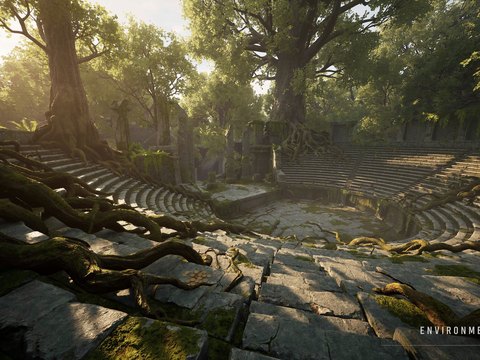
Forest amphitheater |
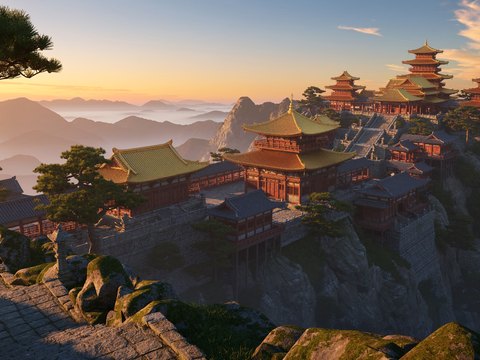
Palace above a sea of clouds |
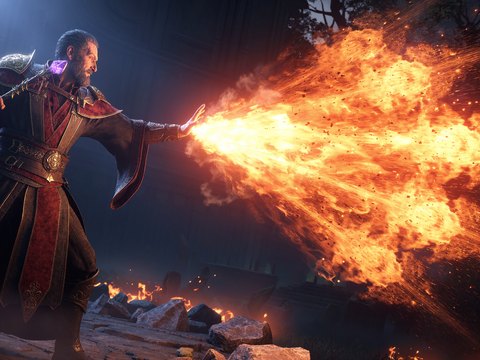
Wizard casting a fan of fire |
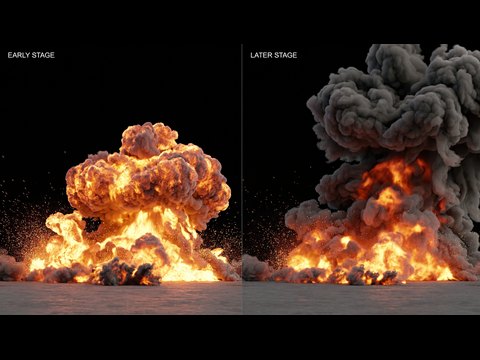
Explosion in two stages |
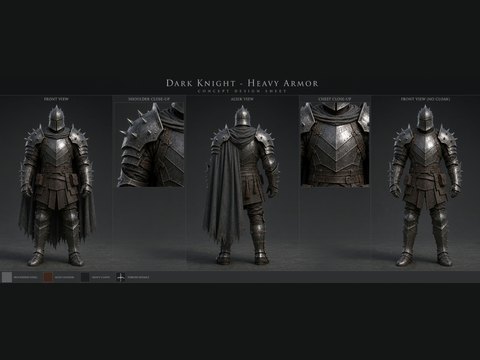
Armored knight, character sheet |
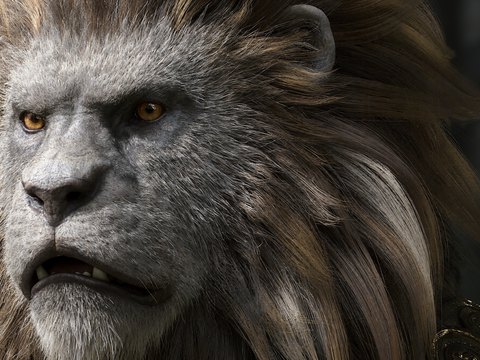
Beast king with a lion's mane, close-up |
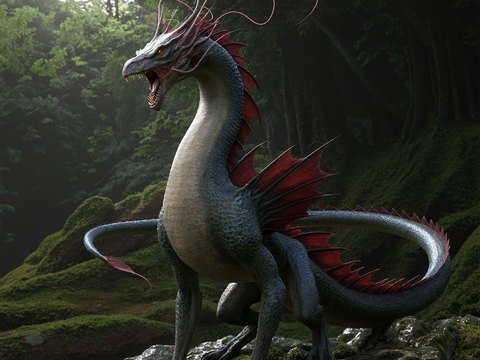
Forest dragon |
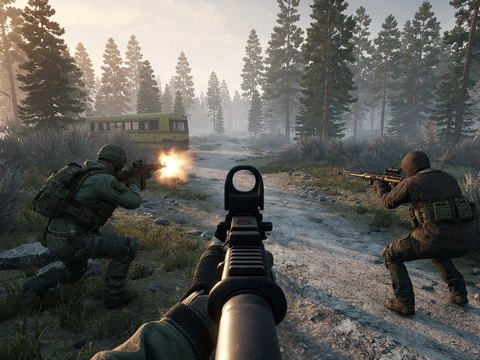
First-person shooter scene |
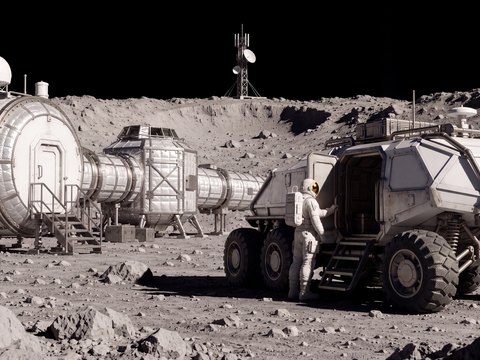
Untextured render to film still |
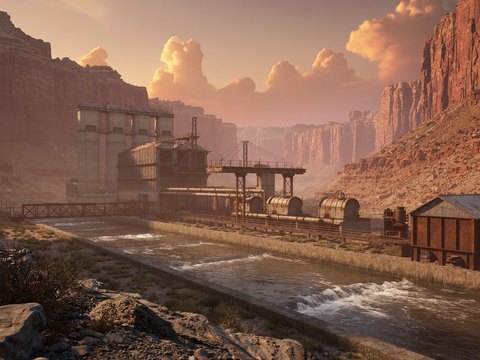
Hydro station in a canyon, matte painting |
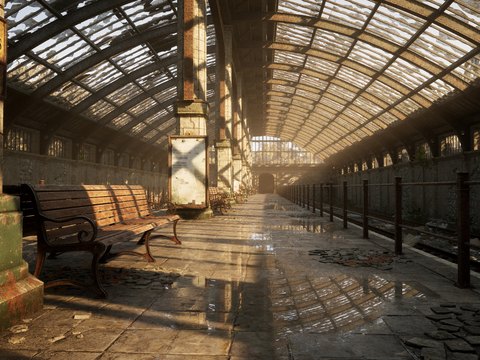
Abandoned station |
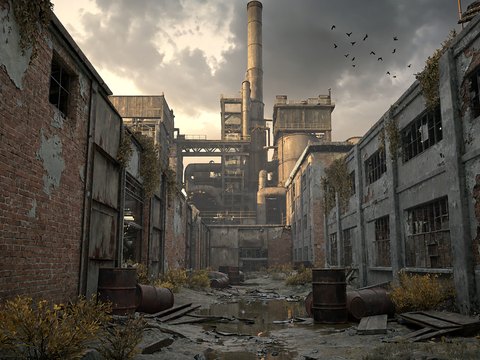
Industrial ruins |
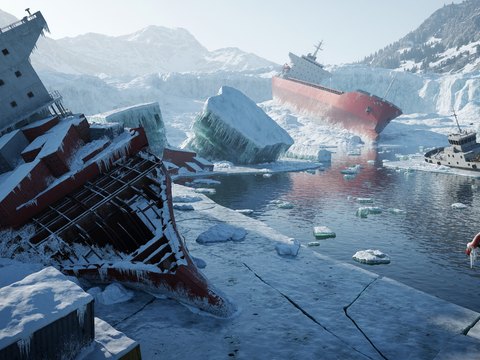
Shipwrecks in a frozen bay |
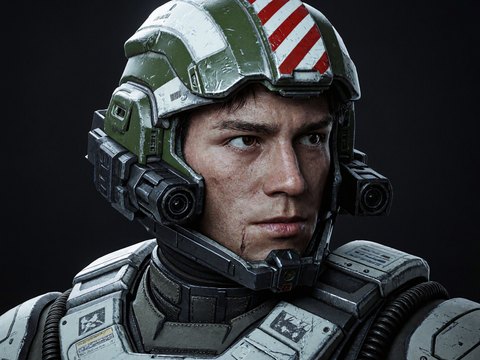
Combat pilot |
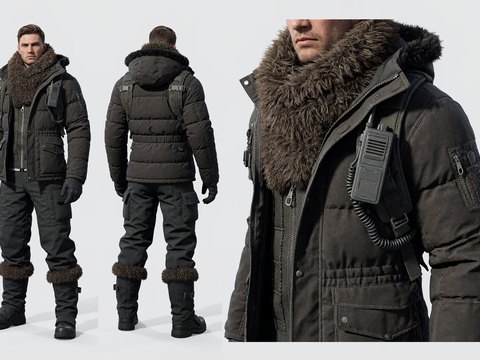
Polar outfit, costume board |
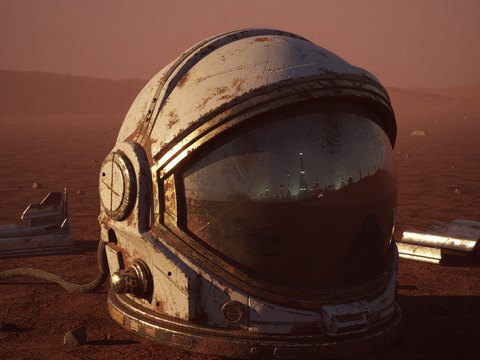
Helmet on a red plain, key art |
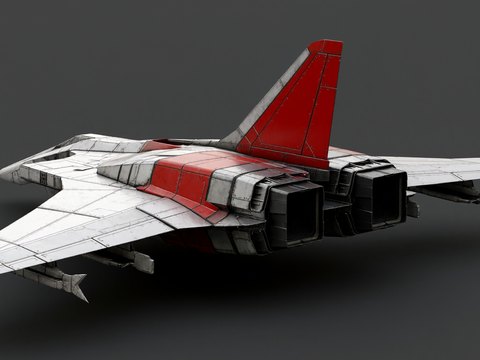
Sci-fi fighter |
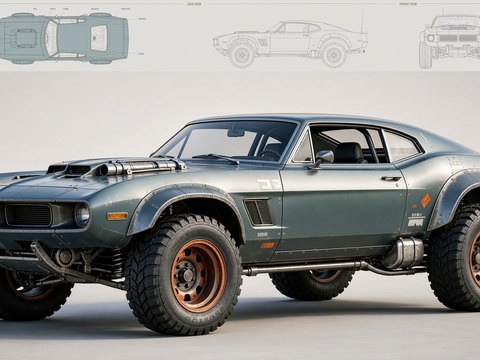
Modified muscle car |
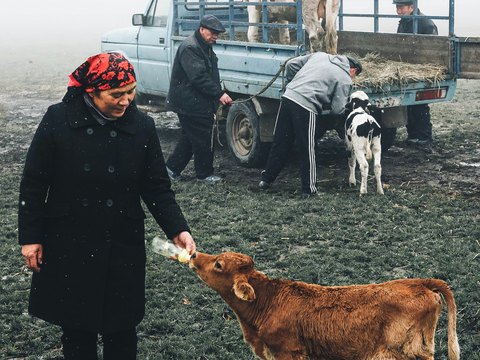
Farm in the fog, documentary film photo |
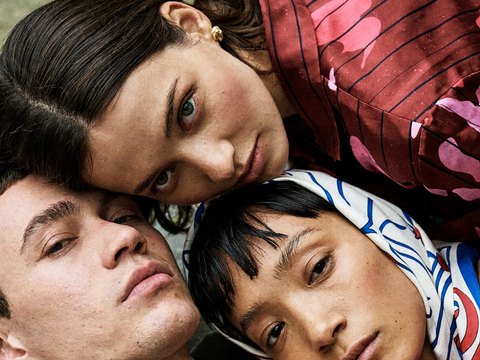
Picnic on film |
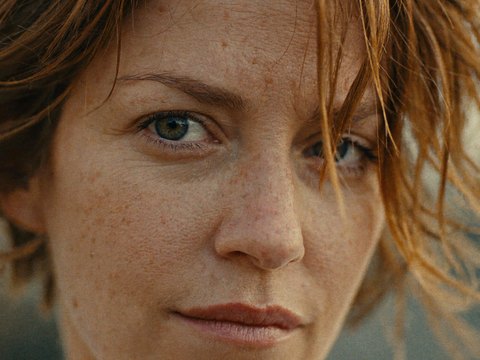
Close-up portrait on film |
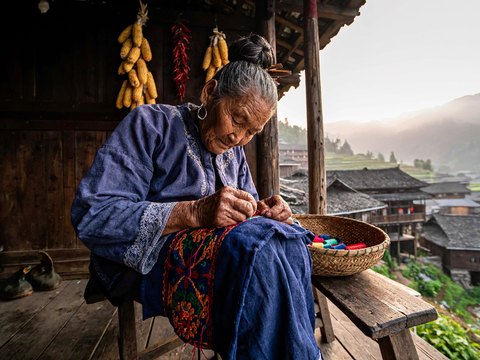
Snapshot from an old phone |
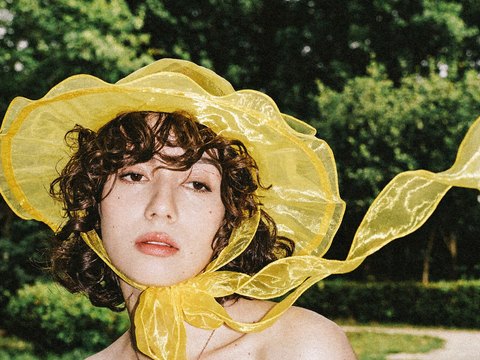
Flash portrait on film |
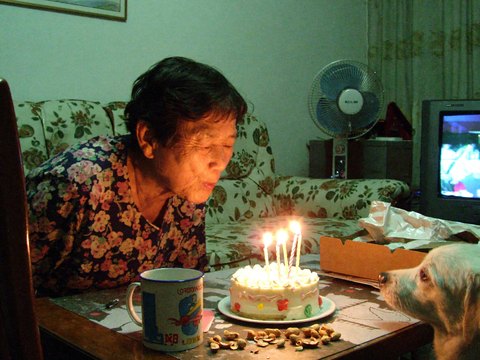
Grandma's birthday, home video |
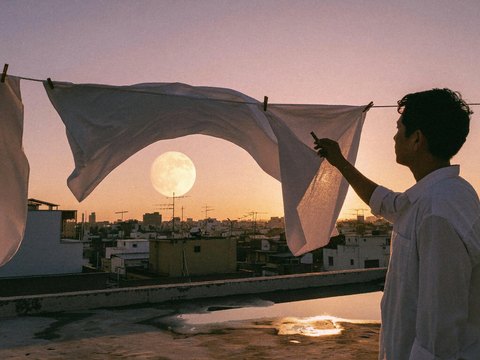
Rooftop at dusk |
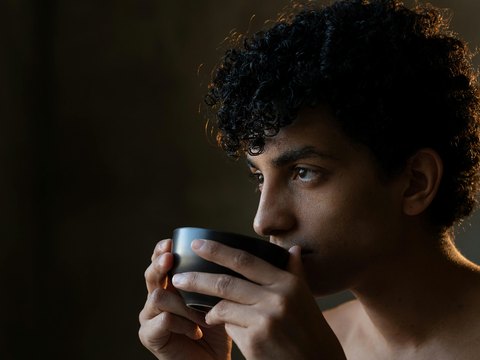
A pause before tea |
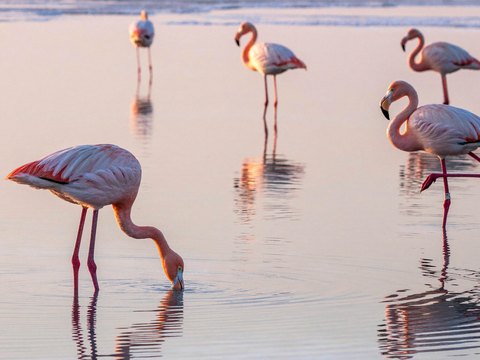
Flamingos at dawn |
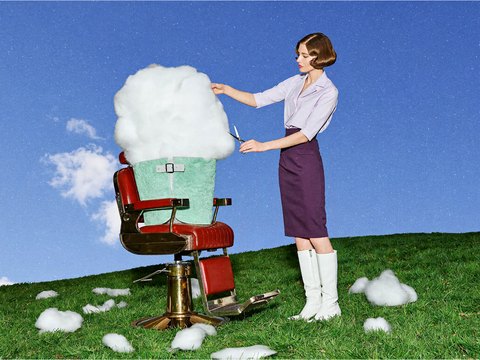
A cloud in a barber chair |
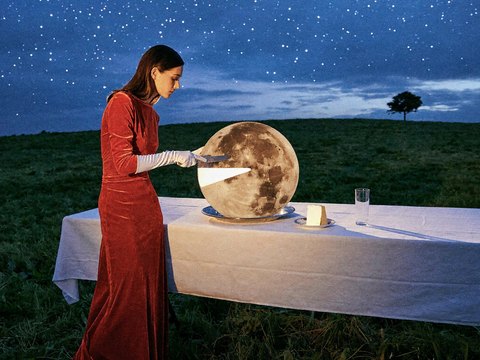
Slicing the moon |
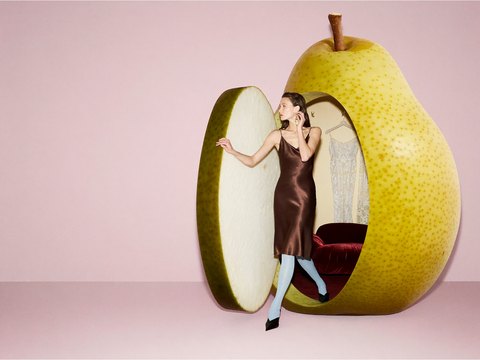
A pear as a dressing room |
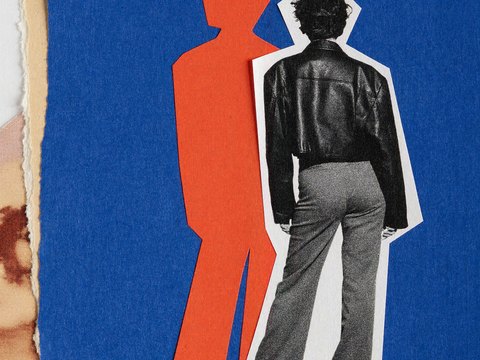
Cut-paper collage |
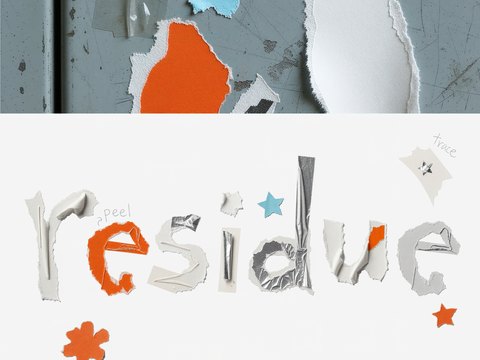
Sticker-residue type poster |
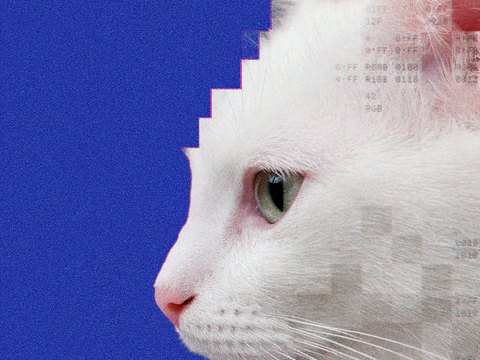
Pixel cat poster |
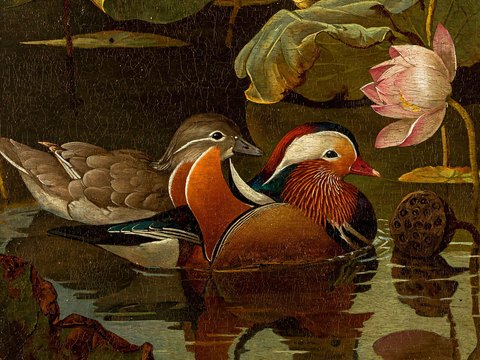
Mandarin ducks, Old Master oil painting |
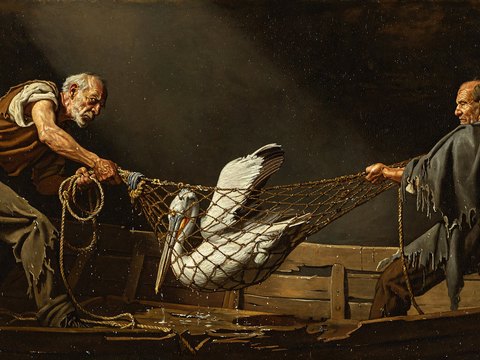
Fishermen and a pelican, Caravaggio style |
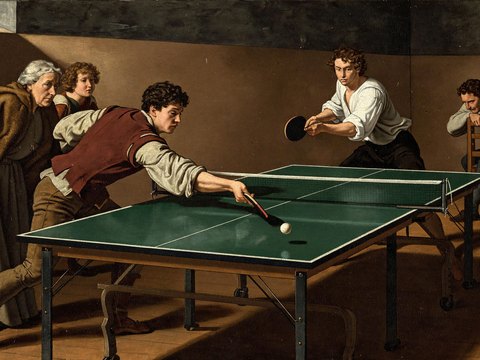
Table tennis, Caravaggio style |
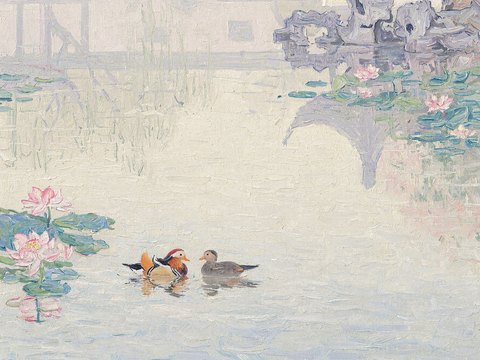
Mandarin ducks in a Suzhou garden, Impressionist oil painting |
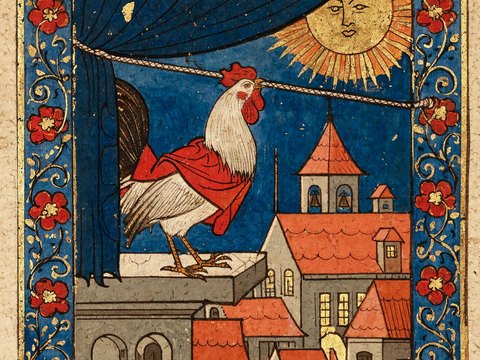
The Sun, illuminated manuscript |
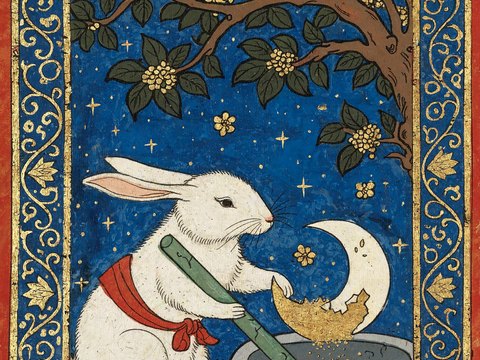
The Jade Rabbit, illuminated manuscript |
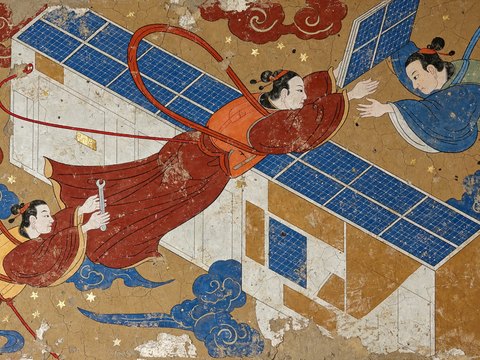
Space station repair, Dunhuang mural |
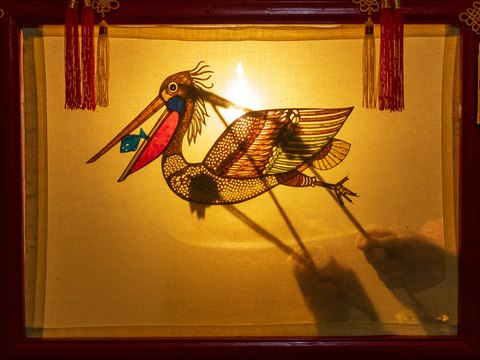
Pelican shadow puppet |
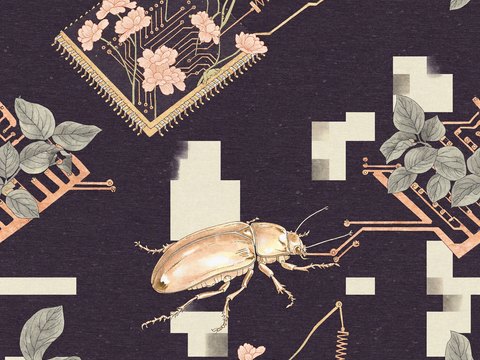
Circuit-board textile, gongbi |
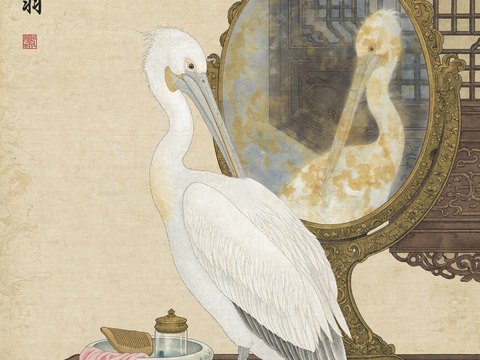
Pelican at a mirror, gongbi painting |
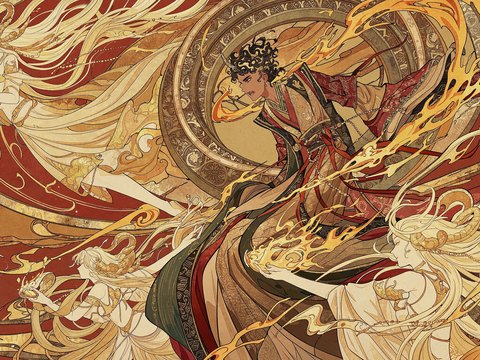
Golden flames, Eastern fantasy illustration |
Select an image to see it larger with its prompt, or browse by section.
Use Online
Overview
MiniMax-H3-Image is a state-of-the-art open-source model for image generation and editing from the
MiniMax H3 family, with text-to-image and
multi-image editing in one checkpoint.
- 16 MP at a practical cost. It generates images of about 16 MP at every aspect ratio directly,
without an upscaler, in 6 sampling steps.
- Rich detail, real-world realism. Its images go beyond the familiar "AI look".
- Strongest instruction following among open-source models. It takes up to 16 reference images.
Specifications
These are the specifications of the MiniMax API. A local server takes the fields in
Request Parameters.
| Parameter |
Specification |
| Model ID |
MiniMax-H3-Image |
| Tasks |
Text-to-image, image editing |
| Image size |
width + height, or area + aspect_ratio. Default auto: 4K area, automatic aspect ratio |
| Output area |
1K, 2K or 4K (best results 👍); a custom width × height covers 655,360 to 20,000,000 pixels |
| Aspect ratio |
1:3 to 3:1 |
| Prompt |
Up to 32,000 characters; content beyond 4,096 tokens is truncated |
| Reference images |
Up to 16, each at most 64 MiB, with sides of 128 to 8192 pixels and an aspect ratio from 1:4 to 4:1 |
| Reference formats |
JPG, PNG, WebP, HEIC or HEIF, sent as an HTTP(S) URL, Base64 or MiniMax file ID |
| Images per request |
1 to 10 |
| Prompt expansion |
On by default for text-to-image and can be turned off; always on for image editing; the expanded prompt can be returned |
| Output |
PNG (default), JPEG or WebP, with output_compression from 0 to 100; returned as a URL (default) or Base64 |
| Not yet supported |
Mask-based inpainting, transparent backgrounds, user-specified seeds, preview images |
Model Zoo
Model Architecture
MiniMax-H3-Image follows the H3-Base design with the audio branch removed. The text prompt and the
reference images are encoded by the H3 text encoder; the reference images are also encoded by the
image VAE. All tokens form one packed sequence for a single-stream transformer, which predicts the
latent of the target image. The VAE decodes that latent into the image.
- Text encoder: the full Qwen3-VL text encoder of MiniMax-H3, unchanged. The DiT reads the
hidden states of its 50th layer.
- Image VAE: a CNN encoder and a 2D ViT decoder (24 layers), with 16x spatial downsampling and
24 latent channels. The DiT patchifies the latent with a 2x2 patch, so each transformer token
covers 32x32 pixels.
- Diffusion transformer: 33.1B parameters, a dense single-stream transformer with 50 layers
(hidden size 5376, 56 attention heads, FFN size 14336) and 3D multimodal RoPE, the same as the
H3-Omni-Transformer. The weights are BF16; the embedding, timestep and output layers are FP32.
Run Locally
Download
| Component |
Content |
Size |
transformer/ |
DiT weights. |
66.28 GB |
pdd_fused_heads.safetensors, pdd_config.json |
The per-step output heads that replace the transformer's output layer, and the sampling schedule. |
12 MB |
vae/ |
Image VAE, FP32. |
2.34 GB |
tokenizer/, processor/ |
Qwen3-VL tokenizer and processor, identical to MiniMax-H3. |
23 MB |
| Text encoder |
Not part of the original checkpoint. model_index.json loads it from MiniMaxAI/MiniMax-H3, folder text_encoder/. If you already have MiniMax-H3, it is not downloaded again. |
66.7 GB |
The Hugging Face repository holds this original checkpoint alongside the diffusers format, about
204 GB in total. SGLang and vLLM-Omni need only the original checkpoint and the MiniMax-H3 text
encoder, about 135 GB:
hf download MiniMaxAI/MiniMax-H3-Image model_index.json "pdd_*" "processor/*" "tokenizer/*" \
  "transformer/*" "vae/*"
hf download MiniMaxAI/MiniMax-H3 --include "text_encoder/*"
# optional prompt expander
hf download MiniMaxAI/MiniMax-H3-Image-PE
diffusers fetches its own files with ModularPipeline.from_pretrained("MiniMaxAI/MiniMax-H3-Image").
Deployment
We recommend the following inference frameworks to serve the model:
SGLang
Install SGLang from the main branch with its diffusion dependencies
(installation guide):
git clone https://github.com/sgl-project/sglang.git
cd sglang
python3 -m pip install -e 'python[diffusion]'
Serve on one GPU (SGLang offloads model components when less than 130 GiB is free), or split each
request over several GPUs with sequence parallelism (Ulysses) for lower latency:
sglang serve --model-path MiniMaxAI/MiniMax-H3-Image --host 0.0.0.0 --port 30000 --warmup-mode off
# 4 GPUs
sglang serve --model-path MiniMaxAI/MiniMax-H3-Image --host 0.0.0.0 --port 30000 --warmup-mode off \
  --num-gpus 4 --ulysses-degree 4
Add --text-encoder-path <path to text_encoder> to use a local copy of the MiniMax-H3 text encoder.
The SGLang cookbook has
recipes for other GPUs, from B300 down to 12 GB cards.
vLLM-Omni
Install vLLM 0.33.0, then vLLM-Omni from source:
uv venv --python 3.12 --seed && source .venv/bin/activate
uv pip install vllm==0.33.0 --torch-backend=cu130
git clone https://github.com/vllm-project/vllm-omni.git && cd vllm-omni && uv pip install -e .
Serve on 4 GPUs with sequence parallelism (Ulysses), or on one GPU: a B200 or B300 holds the whole
model in about 135 GiB, and one H200 offloads the text encoder:
vllm serve MiniMaxAI/MiniMax-H3-Image --omni --host 0.0.0.0 --port 8000 \
  --num-gpus 4 --usp 4 --text-encoder-tp-size 4
# one B200 or B300
vllm serve MiniMaxAI/MiniMax-H3-Image --omni --host 0.0.0.0 --port 8000 --num-gpus 1
# one H200: offload the text encoder
vllm serve MiniMaxAI/MiniMax-H3-Image --omni --host 0.0.0.0 --port 8000 --num-gpus 1 \
  --diffusion-offload-config '{"mode":"layer","components":["text_encoder"]}'
The vLLM-Omni recipe covers AMD Instinct and
other GPUs.
Request Parameters
SGLang takes text-to-image requests as JSON at /v1/images/generations and image editing requests
as multipart form data at /v1/images/edits; both return the PNG in data[0].b64_json. vLLM-Omni
takes slightly different fields; see its recipe.
| Field |
Text-to-image |
Image editing |
Notes |
prompt |
Required |
Required |
Used as given, truncated to 4096 tokens |
size |
Required |
Required |
WIDTHxHEIGHT. The returned image has exactly this size; see Sizes |
image |
— |
One or more files |
In upload order they are <Picture 1>, <Picture 2>, ... in the prompt |
seed |
Recommended |
Recommended |
Integer |
generator_device |
cpu recommended |
cpu recommended |
Same seed, same initial noise on every machine |
response_format |
b64_json |
b64_json |
|
min_generation_area |
Optional |
Optional |
Minimum generated area in pixels, 1024-16777216, default 4194304 (2048x2048). A smaller size is generated at the same aspect ratio on a larger canvas and resized back with LANCZOS; pass 1024 to turn this off. All sizes in the table below are above the default |
num_inference_steps |
Omit or 6 |
Omit or 6 |
Other values return HTTP 400 |
guidance_scale |
Omit or 1 |
Omit or 1 |
Other values return HTTP 400 |
negative_prompt |
Not supported |
Not supported |
Rejected |
Sizes
The model works at about 4 MP to 20 MP and generally gives the best results at about 16 MP. Common
16 MP sizes:
| Aspect ratio |
Size (width x height) |
| 1:1 |
4096x4096 |
| 4:3 / 3:4 |
4736x3552 / 3552x4736 |
| 3:2 / 2:3 |
5024x3360 / 3360x5024 |
| 16:9 / 9:16 |
5472x3072 / 3072x5472 |
| 21:9 |
6272x2688 |
For another aspect ratio, keep about 16 MP with both sides a multiple of 32. size_for() in
examples/context_ir.py computes it:
cd MiniMax-H3-Image/examples
python3 -c "from context_ir import size_for; print(size_for('5:4'))"   # 4576x3648
Full Workflow
The MiniMax API expands a short prompt in any language into a detailed English description of the
whole image with H3-Image-Context-IR before generating. A local server uses the prompt as
given, so expand it first, as in the cases below. The scripts in examples/ reproduce
the API results with the SGLang server above, using only the Python standard library:
git clone https://github.com/MiniMax-AI/MiniMax-H3-Image.git
cd MiniMax-H3-Image/examples
export MINIMAX_API_BASE="https://api.minimax.io"   # China: https://api.minimax.cn
export MINIMAX_API_KEY="<api-key>"
t2i.py and edit.py send requests to http://127.0.0.1:30000; pass --url to use another
address.
case-T2I
instruction.t2i.txt.
| Stage | Request | Result |
|---|
| Prompt Enhancement | H3-Image-Context-IR (MiniMax API) | python3 context_ir.py t2i (script) | revised_prompt.txt, revised_size.txt; our run: revised_prompt.t2i.txt, revised_size.t2i.txt (4736x3552) |
| local alternative: MiniMax-H3-Image-PE | scripts/expand_prompt.py in the PE repository | Save expanded_caption as revised_prompt.txt and the size for aspect_ratio as revised_size.txt |
| agent alternative: h3-image-prompt-writing | Ask your agent to write a prompt and an aspect ratio for instruction.t2i.txt with the skill | Save the prompt as revised_prompt.txt and the size for that aspect ratio as revised_size.txt |
| MiniMax-H3-Image generation: local SGLang | python3 t2i.py --prompt revised_prompt.txt --size $(cat revised_size.txt) (script) | t2i.png |
| E2E API Reference: text-to-image by directly calling the MiniMax API | python3 api_generate.py t2i (script) | api_t2i.png |
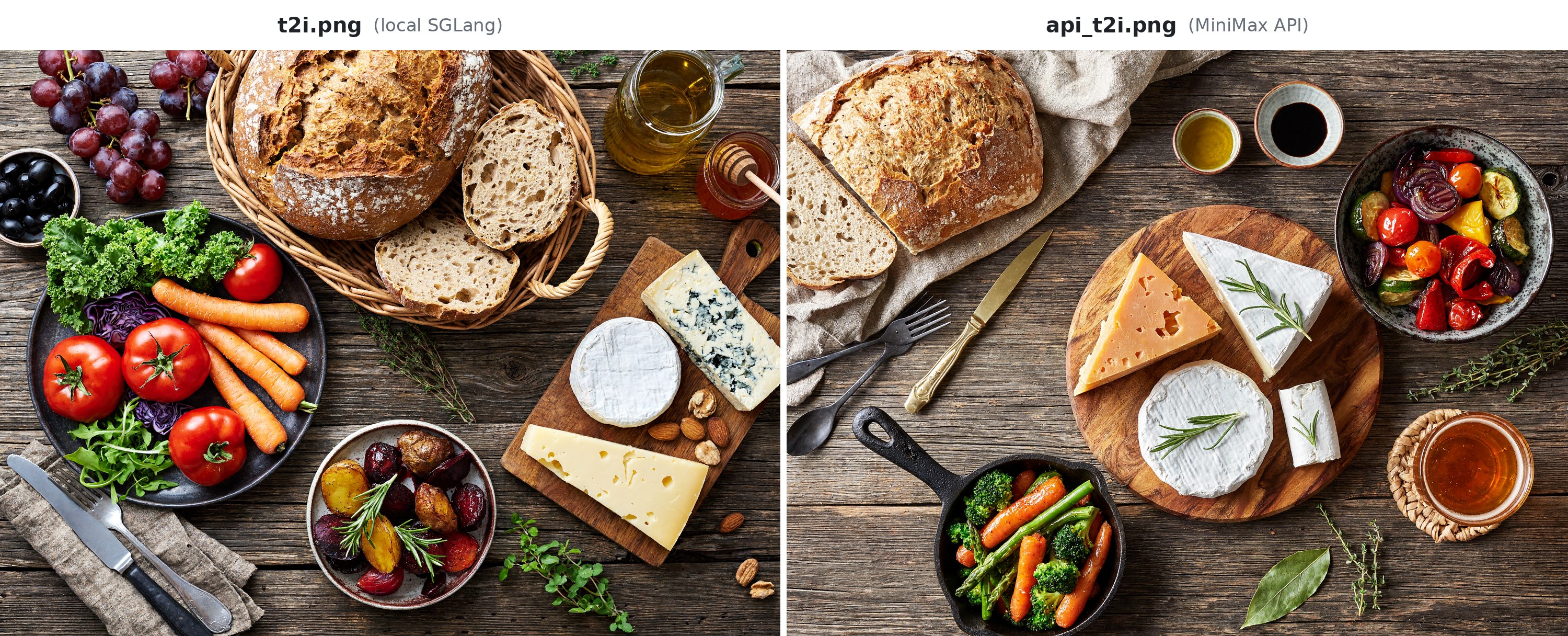
t2i.png from local SGLang (left) and api_t2i.png from the MiniMax API (right), 4736x3552 (4:3 picked by H3-Image-Context-IR)
case-Edit
instruction.edit.txt with the reference image
reference1.png as <Picture 1>.
| Stage |
Request |
Result |
| Prompt Enhancement: H3-Image-Context-IR (MiniMax API) |
python3 context_ir.py edit (script) |
revised_prompt.txt, revised_size.txt; our run: revised_prompt.edit.txt, revised_size.edit.txt (4096x4096) |
| Prompt Enhancement, agent alternative: h3-image-prompt-writing |
Ask your agent to rewrite instruction.edit.txt for reference1.png with the skill |
Save the prompt as revised_prompt.txt and 4096x4096 as revised_size.txt |
| MiniMax-H3-Image generation: local SGLang |
python3 edit.py --prompt revised_prompt.txt --size $(cat revised_size.txt) (script) |
edit.png |
| E2E API Reference: image editing by directly calling the MiniMax API |
python3 api_generate.py edit (script) |
api_edit.png |
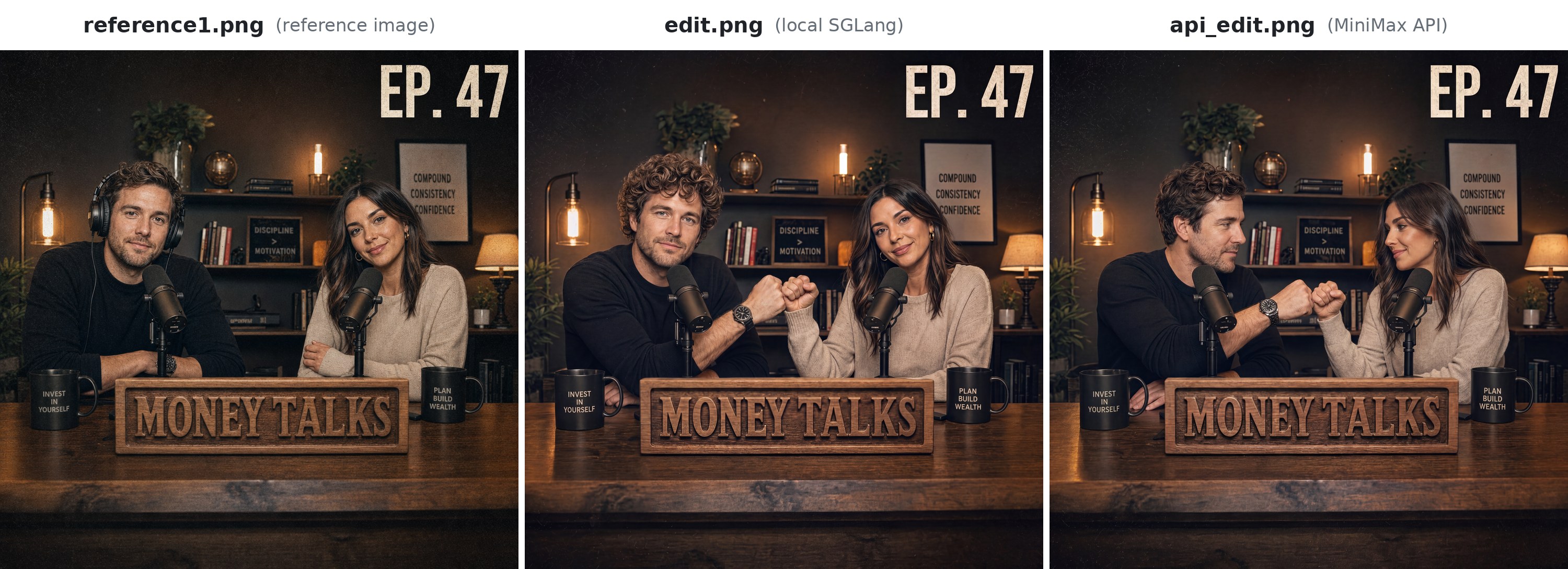
Reference image reference1.png (left), edit.png from local SGLang (middle) and api_edit.png from the MiniMax API (right), 4096x4096 (1:1 picked by H3-Image-Context-IR)
Prompting Tips
These tips from the official user guide apply to the MiniMax API and to a local server alike; the
Prompt Writing Skill follows them for you.
- Task before style, layout before details. Say what the image is for and what is in it, then
the layout, then the style through visible color, material and light instead of words like
"premium".
- Quote every word to show, with its position and line breaks. Write "no text, letters or
numbers in the image" when you want none.
- Give exact data for charts and educational images, with units and time ranges, and mark
example data as such.
- Give each reference image a role, and say what changes and what stays: "Change the cup on the
left to blue, keeping its shape, material, position and size."
- Write grids as rows and columns, such as "2 rows and 3 columns", not "2×3".
License
Contact us at [email protected].

 MiniMax-H3-Image — открытая модель для генерации и редактирования изображений. Она умеет генерацию по тексту (text-to-image) и редактирование по нескольким изображениям в одном чекпоинте и рассчитана на вывод примерно в 16 МП.