

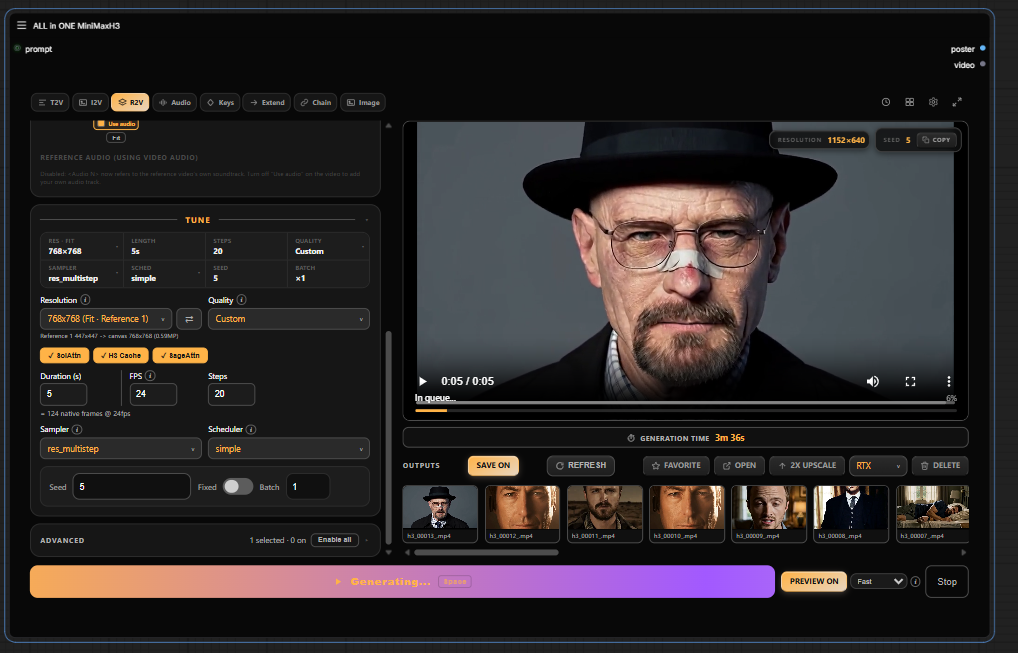
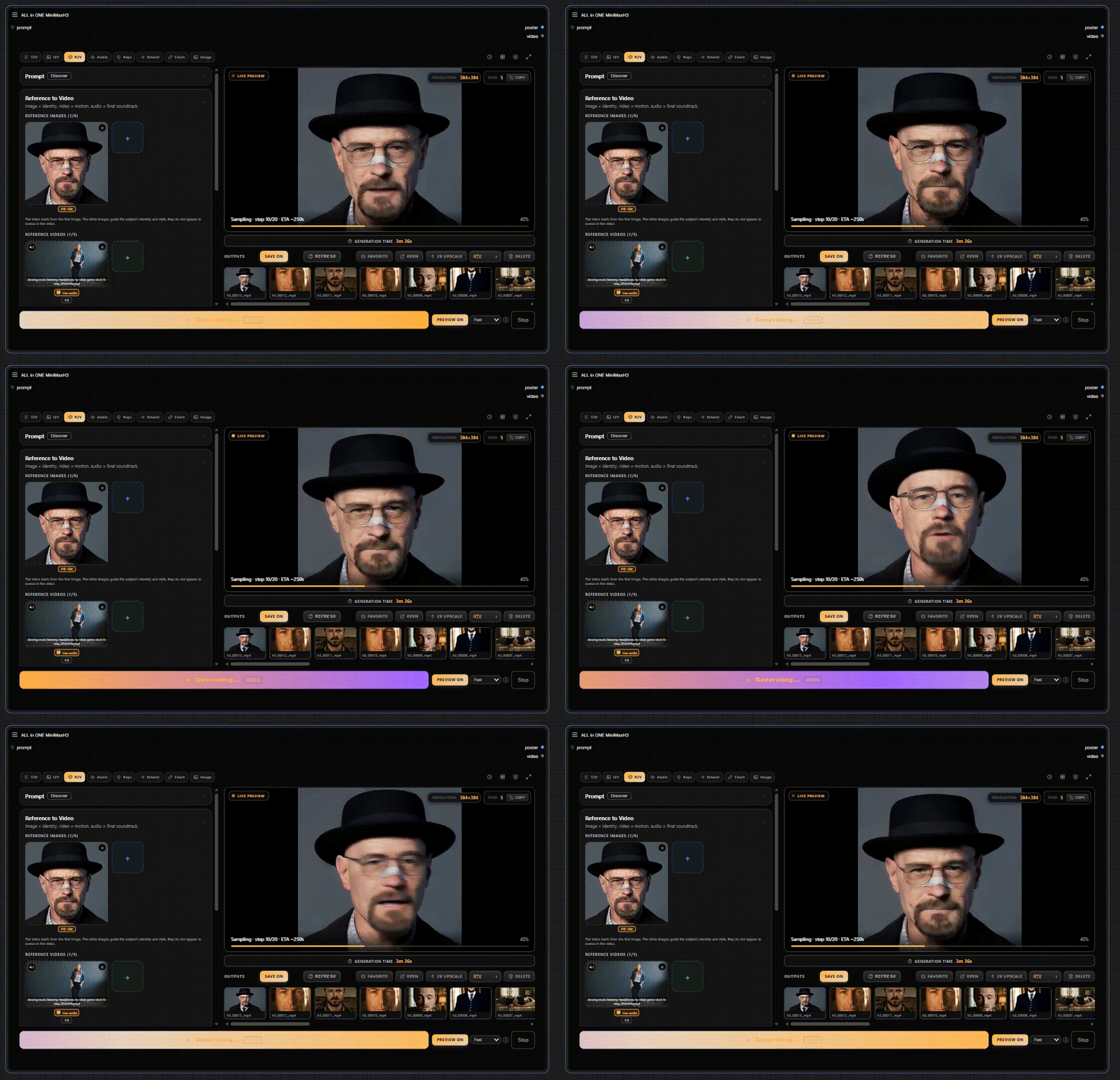
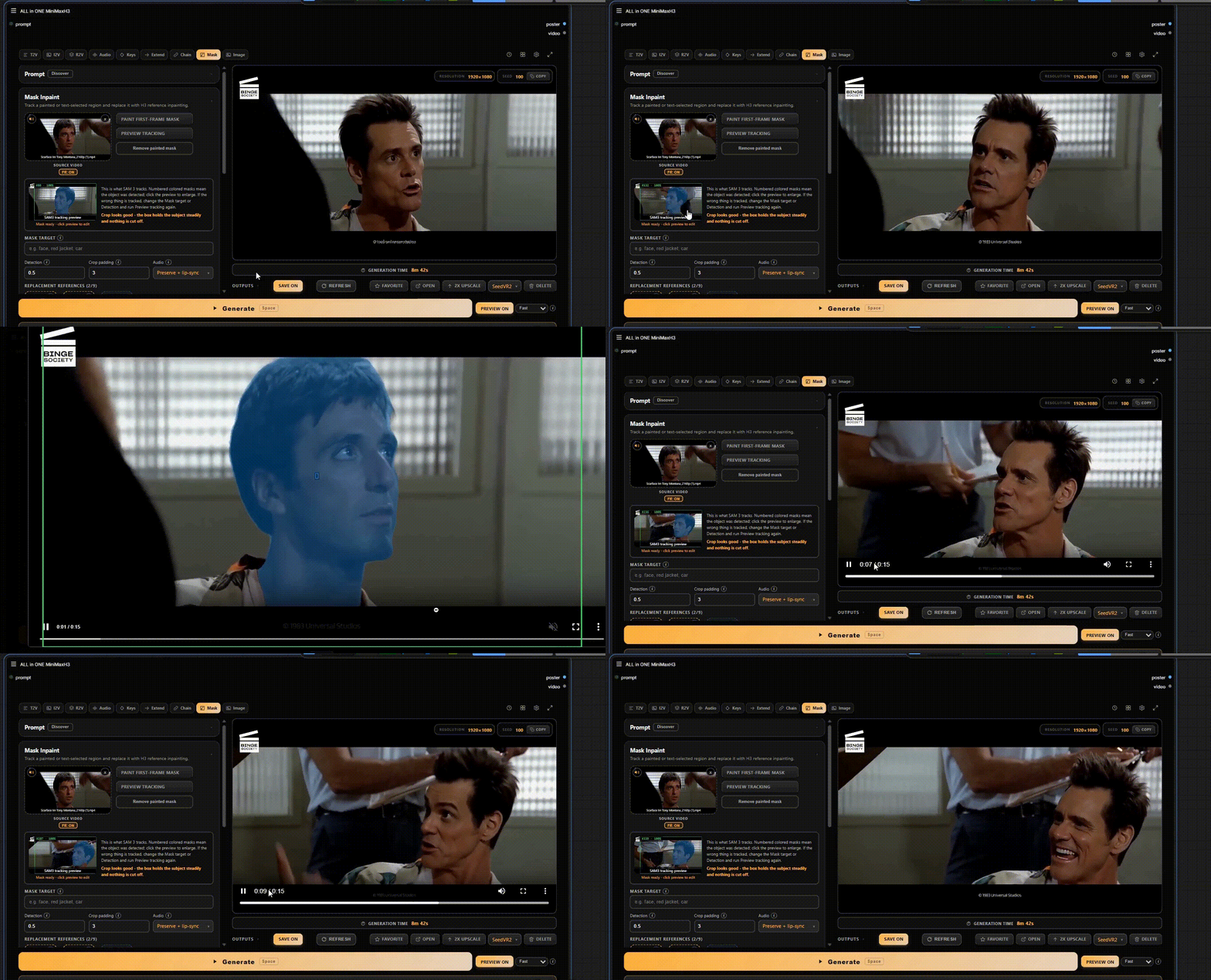
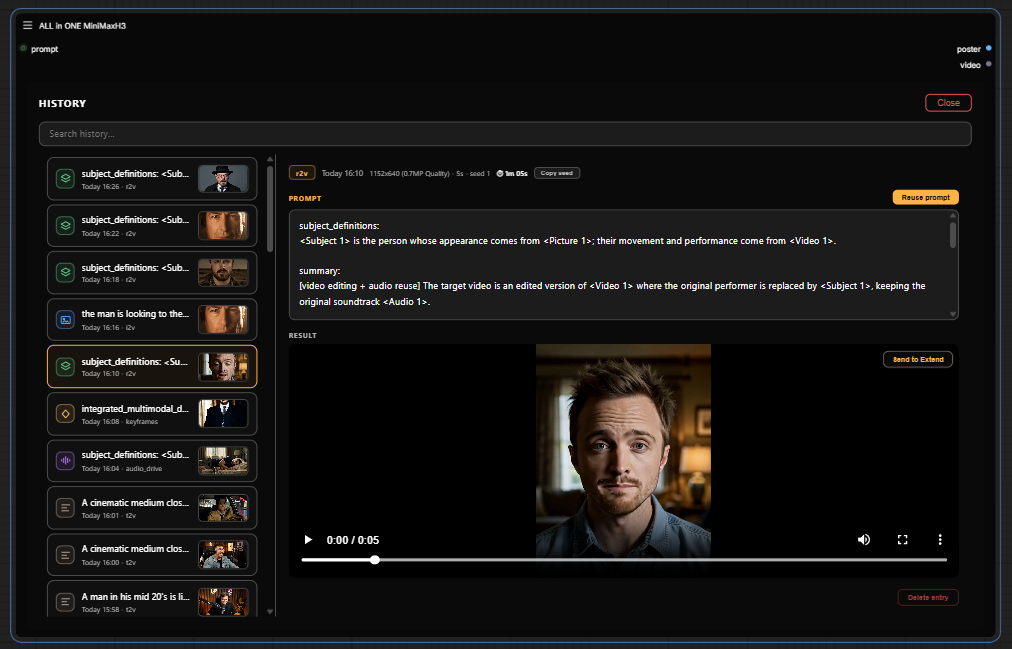

What is this?
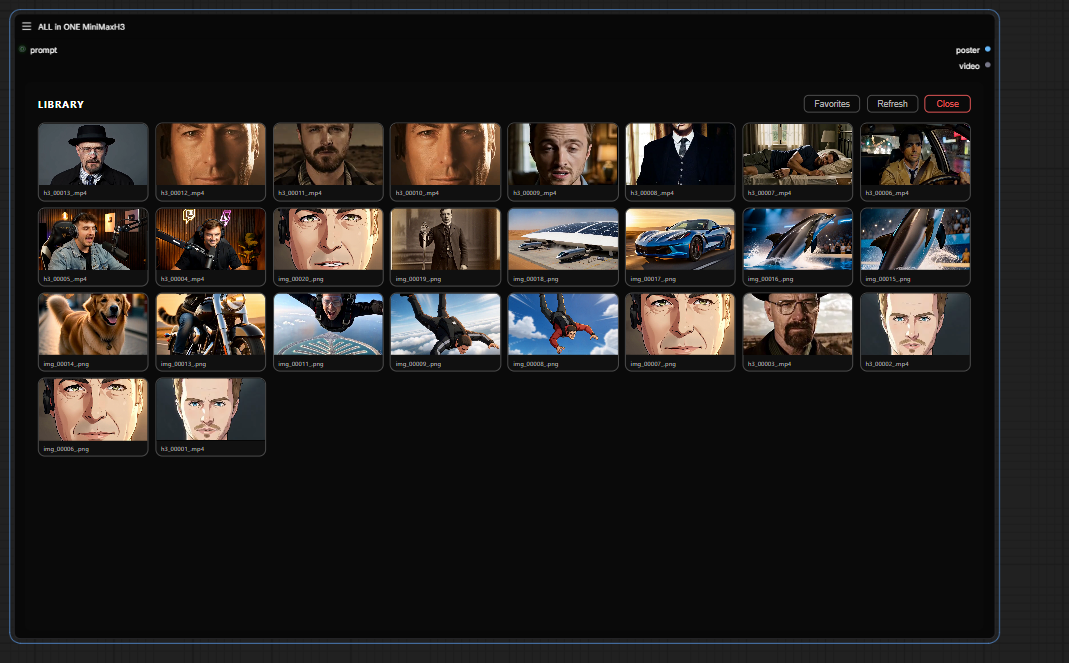
 A single custom node for ComfyUI that packs the whole MiniMax H3 video pipeline into one node — pick a mode, drop in your prompt or references, and hit Generate.
A single custom node for ComfyUI that packs the whole MiniMax H3 video pipeline into one node — pick a mode, drop in your prompt or references, and hit Generate.So is it a separate app, or something that lives inside ComfyUI?It lives inside ComfyUI — it's a custom node, not a standalone program. Once installed it appears as the 'ALL in ONE MiniMaxH3' node on your canvas.
It lives inside ComfyUI — it's a custom node, not a standalone program. Once installed it appears as the 'ALL in ONE MiniMaxH3' node on your canvas.How do I get it into ComfyUI?Restart ComfyUI after installing the pack, then double-click the canvas and search for 'ALL in ONE MiniMaxH3' — that's the entire setup.
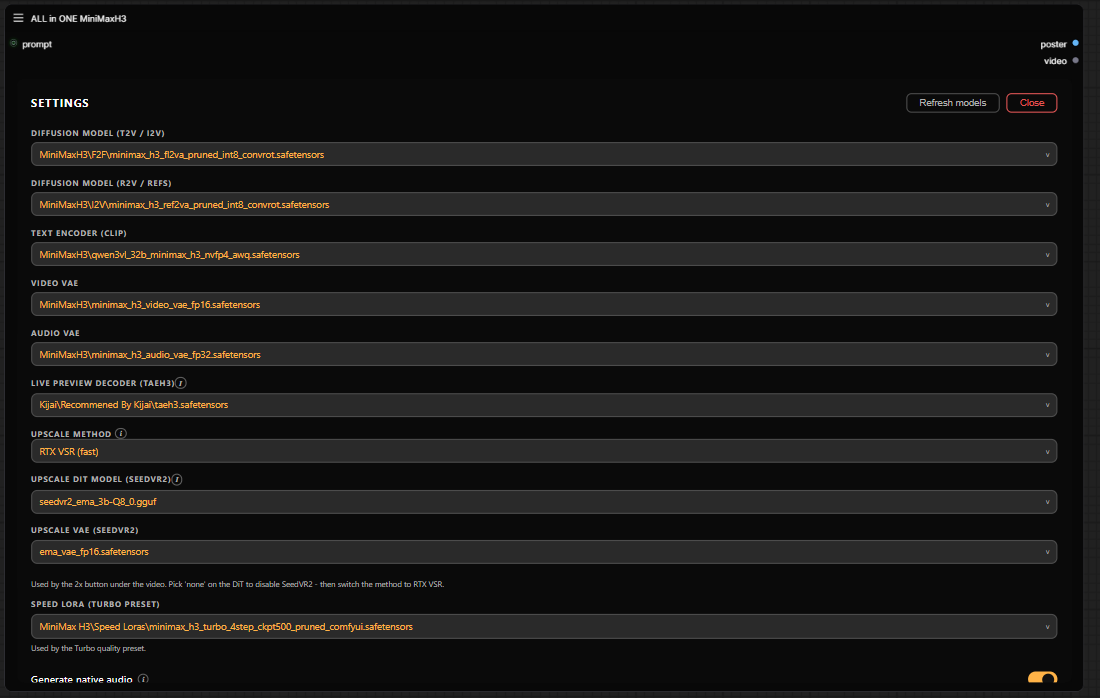
Restart ComfyUI after installing the pack, then double-click the canvas and search for 'ALL in ONE MiniMaxH3' — that's the entire setup.Will it run on stock ComfyUI, or do I need extra models and node packs?T2V, I2V and R2V run on ComfyUI core alone; all other models and optional packs are listed in requirements/REQUIREMENTS.md. The optional SLA Draft preset needs the ComfyUI-PlagueKind-Nodes pack.
T2V, I2V and R2V run on ComfyUI core alone; all other models and optional packs are listed in requirements/REQUIREMENTS.md. The optional SLA Draft preset needs the ComfyUI-PlagueKind-Nodes pack.Anything that tends to break?It's beta, and the author tests against a pinned stack — a specific ComfyUI version, node commits and model files, all listed in COMPATIBILITY.md. If a render fails after an update, start there.
It's beta, and the author tests against a pinned stack — a specific ComfyUI version, node commits and model files, all listed in COMPATIBILITY.md. If a render fails after an update, start there.Will it run the same on Windows, macOS and Linux?Yes — it's a custom node inside ComfyUI rather than an OS-specific program, so it runs anywhere ComfyUI does.
Yes — it's a custom node inside ComfyUI rather than an OS-specific program, so it runs anywhere ComfyUI does.Does it call MiniMax's cloud, or do the models run locally?Locally in your ComfyUI — models are files you set up (see requirements/REQUIREMENTS.md), and T2V, I2V and R2V run on ComfyUI core alone. No API key is involved.
Locally in your ComfyUI — models are files you set up (see requirements/REQUIREMENTS.md), and T2V, I2V and R2V run on ComfyUI core alone. No API key is involved.Will my GPU handle it?No GPU requirements are specified — the only hardware-specific feature is the Upscale mode, which hooks into RTX/Seed2VR Video Super Resolution.
No GPU requirements are specified — the only hardware-specific feature is the Upscale mode, which hooks into RTX/Seed2VR Video Super Resolution.What modes does the single node cover?Eleven: Image (text-to-image, edits, up to 9 references), T2V with native audio, I2V with an optional end-frame morph, R2V driven by reference images, videos or audio, Character Sheet turnarounds in 6- or 4-panel layouts, Audio Drive lip sync, Keyframes, Extend, Chain via Motion Context without re-encoding, Mask with region tracking, and an Upscale hook.
Eleven: Image (text-to-image, edits, up to 9 references), T2V with native audio, I2V with an optional end-frame morph, R2V driven by reference images, videos or audio, Character Sheet turnarounds in 6- or 4-panel layouts, Audio Drive lip sync, Keyframes, Extend, Chain via Motion Context without re-encoding, Mask with region tracking, and an Upscale hook.What does Compare & Stitch do?Pick 2-4 outputs and either watch them side by side in sync (Compare) or export one side-by-side clip (Stitch) at 24 fps with per-clip trim, spacing and gutter color, in h264 or h265 mp4. Audio comes from clip 1; you need ComfyUI VideoHelperSuite.
Pick 2-4 outputs and either watch them side by side in sync (Compare) or export one side-by-side clip (Stitch) at 24 fps with per-clip trim, spacing and gutter color, in h264 or h265 mp4. Audio comes from clip 1; you need ComfyUI VideoHelperSuite.In Mask mode, can I paint a region and describe it with text?No — painting and text description are separate paths. The author found mixing manual inpainting with a text prompt doesn't work well, so pick one approach per mask.
No — painting and text description are separate paths. The author found mixing manual inpainting with a text prompt doesn't work well, so pick one approach per mask.Why one node instead of a normal workflow graph?The author credits Jan's one-node-flux-2-klein and one-node-gemma-4 for the 'one node' idea — the goal is skipping the graph surgery of combining a dozen custom node packs.
The author credits Jan's one-node-flux-2-klein and one-node-gemma-4 for the 'one node' idea — the goal is skipping the graph surgery of combining a dozen custom node packs.What are similar projects?ComfyUI-MiniMaxH3-TimelineDirector, ComfyUI-MiniMax-H3-LongMedia, CodeVideoModel, ComfyUI-H3-FaceRefine, artcraft, ComfyUI, WanGP, storycast
ComfyUI-MiniMaxH3-TimelineDirector, ComfyUI-MiniMax-H3-LongMedia, CodeVideoModel, ComfyUI-H3-FaceRefine, artcraft, ComfyUI, WanGP, storycastWhich topics is it in?lipsync, minimax-h3, minimax, inpainting, upscaling, ai-video, image-to-video, comfyui, audio-generation, text-to-video, image-editing, text-to-image
lipsync, minimax-h3, minimax, inpainting, upscaling, ai-video, image-to-video, comfyui, audio-generation, text-to-video, image-editing, text-to-image