

What is this?
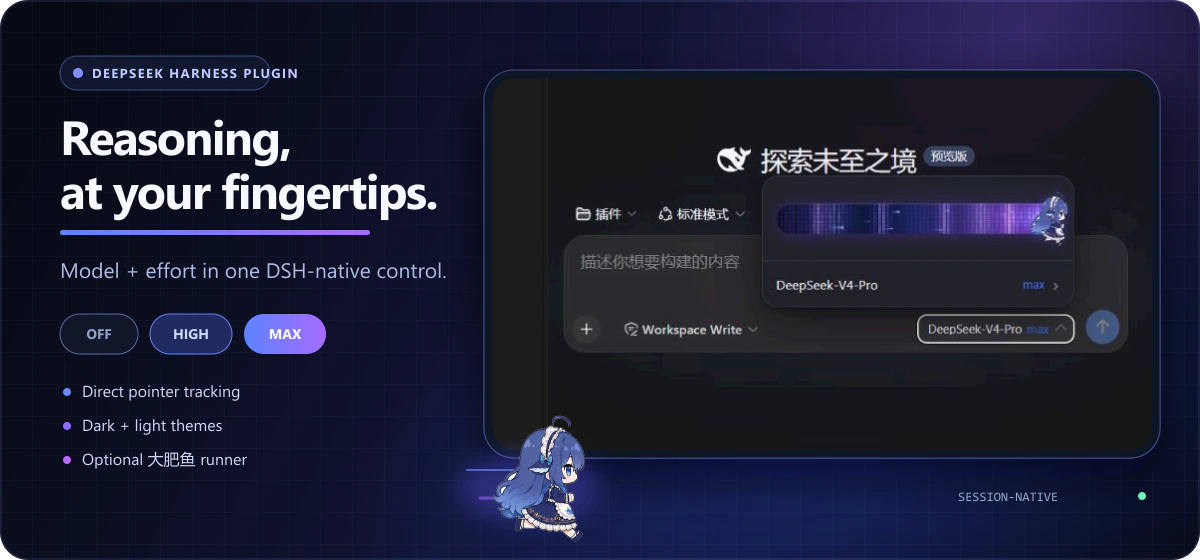
 It is a plugin for DeepSeek Harness (DSH) that brings a Codex-style model-and-reasoning-effort slider into the chat input area, complete with an animated 8-frame running 'fat fish' icon that speeds up as you drag.
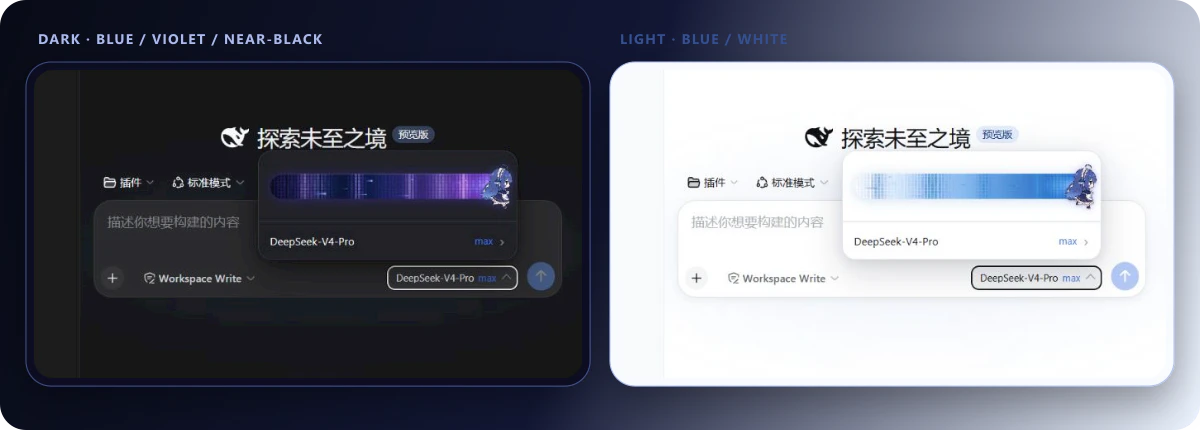
It is a plugin for DeepSeek Harness (DSH) that brings a Codex-style model-and-reasoning-effort slider into the chat input area, complete with an animated 8-frame running 'fat fish' icon that speeds up as you drag.Is this a standalone app or a plugin for something else?It's a DSH plugin (dsh-plugin), not a standalone application; it injects UI into DSH's Web Host and mirrors theme, language and the '/model' command.
It's a DSH plugin (dsh-plugin), not a standalone application; it injects UI into DSH's Web Host and mirrors theme, language and the '/model' command.What do I need besides a running DSH instance?To build or develop the plugin you need Node.js 22.19+ and [email protected]; to just use it you need a DSH Web Host install matched to the targeted RC release.
To build or develop the plugin you need Node.js 22.19+ and [email protected]; to just use it you need a DSH Web Host install matched to the targeted RC release.Does it work with any DSH build, including alpha?No. The plugin is only adapted, tested and fixed against relatively stable DSH RC releases; alpha builds change their client API too often and are not maintained, so you may need to patch it yourself for alpha.
No. The plugin is only adapted, tested and fixed against relatively stable DSH RC releases; alpha builds change their client API too often and are not maintained, so you may need to patch it yourself for alpha.Will the slider show up for every model I pick?Only if the model publishes at least two reasoning-effort levels in the DSH model directory; if it exposes fewer than two, the plugin shows a hint instead of a slider.
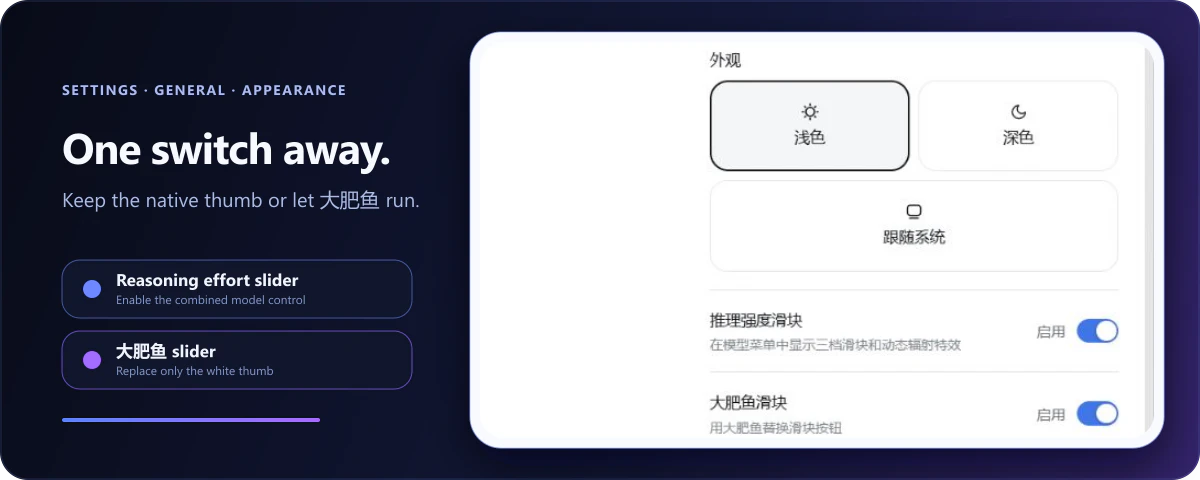
Only if the model publishes at least two reasoning-effort levels in the DSH model directory; if it exposes fewer than two, the plugin shows a hint instead of a slider.What is the 'fat fish' animation exactly?It's an optional 8-frame running-fish icon that replaces the plain slider button and accelerates as you drag it; you can switch back to a plain white button in Settings, and it respects the OS 'reduce motion' preference.
It's an optional 8-frame running-fish icon that replaces the plain slider button and accelerates as you drag it; you can switch back to a plain white button in Settings, and it respects the OS 'reduce motion' preference.Can I add reasoning-effort support for a custom model provider?Yes. For models you declare yourself in settings.yaml under llm-pi-ai, the plugin offers a 'view effort declaration guide' panel with a ready-to-copy YAML snippet and suggested levels, backed by a built-in knowledge base that currently covers GLM-5.2 and Kimi K3.
Yes. For models you declare yourself in settings.yaml under llm-pi-ai, the plugin offers a 'view effort declaration guide' panel with a ready-to-copy YAML snippet and suggested levels, backed by a built-in knowledge base that currently covers GLM-5.2 and Kimi K3.Does the plugin edit settings.yaml for me?No, it only gives you a copyable configuration snippet; you paste and save it yourself, then restart the Web Host for DSH to pick it up.
No, it only gives you a copyable configuration snippet; you paste and save it yourself, then restart the Web Host for DSH to pick it up.Can I disable it without uninstalling?Yes, a master 'Reasoning Effort Slider' toggle in Settings → General instantly restores DSH's native model selector, and both appearance toggles are stored only in the current browser.
Yes, a master 'Reasoning Effort Slider' toggle in Settings → General instantly restores DSH's native model selector, and both appearance toggles are stored only in the current browser.What are similar projects?dsh-deep-whale, dsh-visualize, dsh-liang-skin, gal-view, WhaleIsle, DSH-Transparent-UI-Plugin, dsh-super-injector, oh-dsh
dsh-deep-whale, dsh-visualize, dsh-liang-skin, gal-view, WhaleIsle, DSH-Transparent-UI-Plugin, dsh-super-injector, oh-dshWhich topics is it in?reasoning, pnpm, dark-mode, yaml, plugin-system, dsh-plugin, deepseek-harness, i18n, deepseek, animation, customization, plugin
reasoning, pnpm, dark-mode, yaml, plugin-system, dsh-plugin, deepseek-harness, i18n, deepseek, animation, customization, plugin