



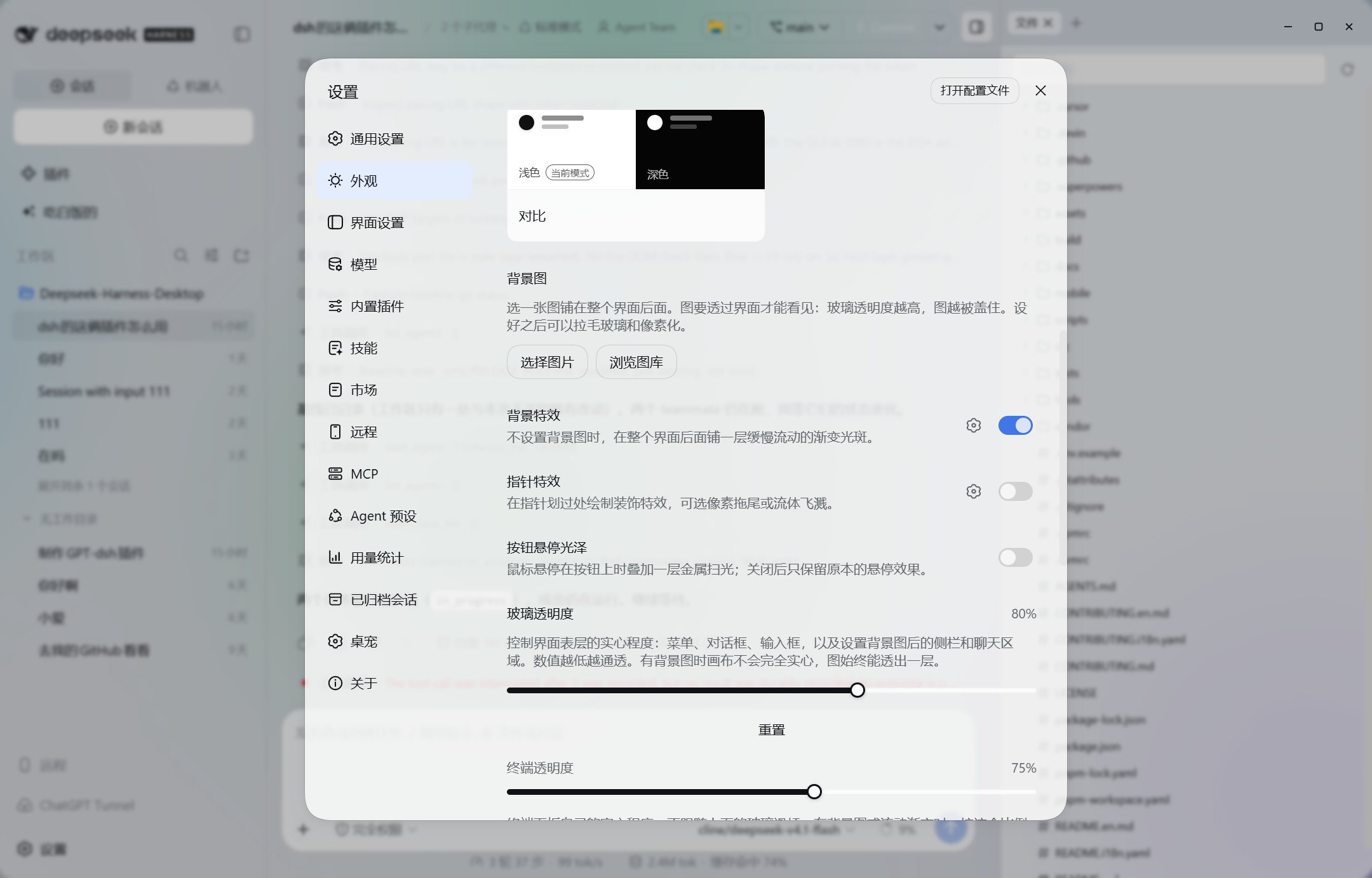

What is this?
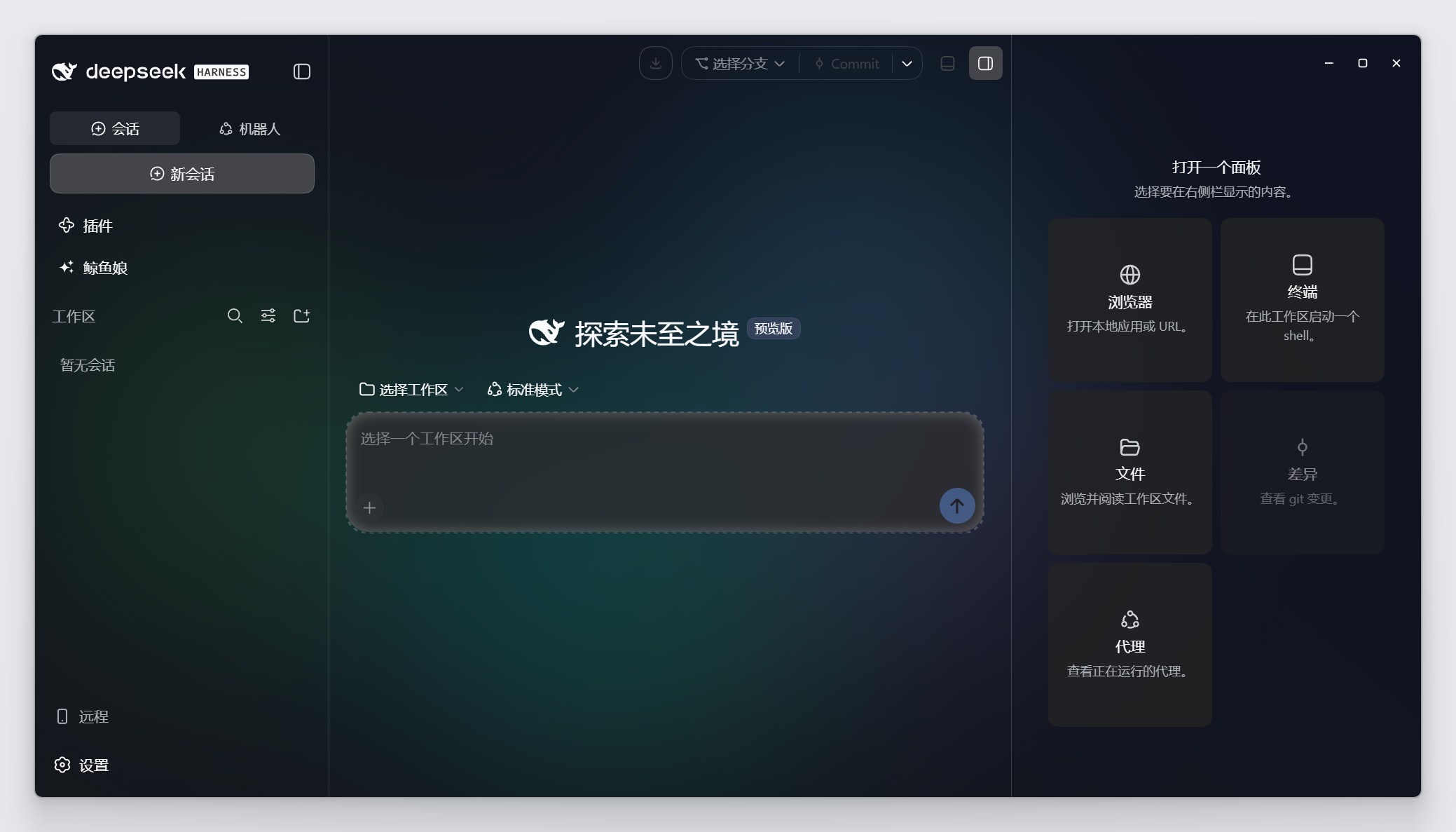
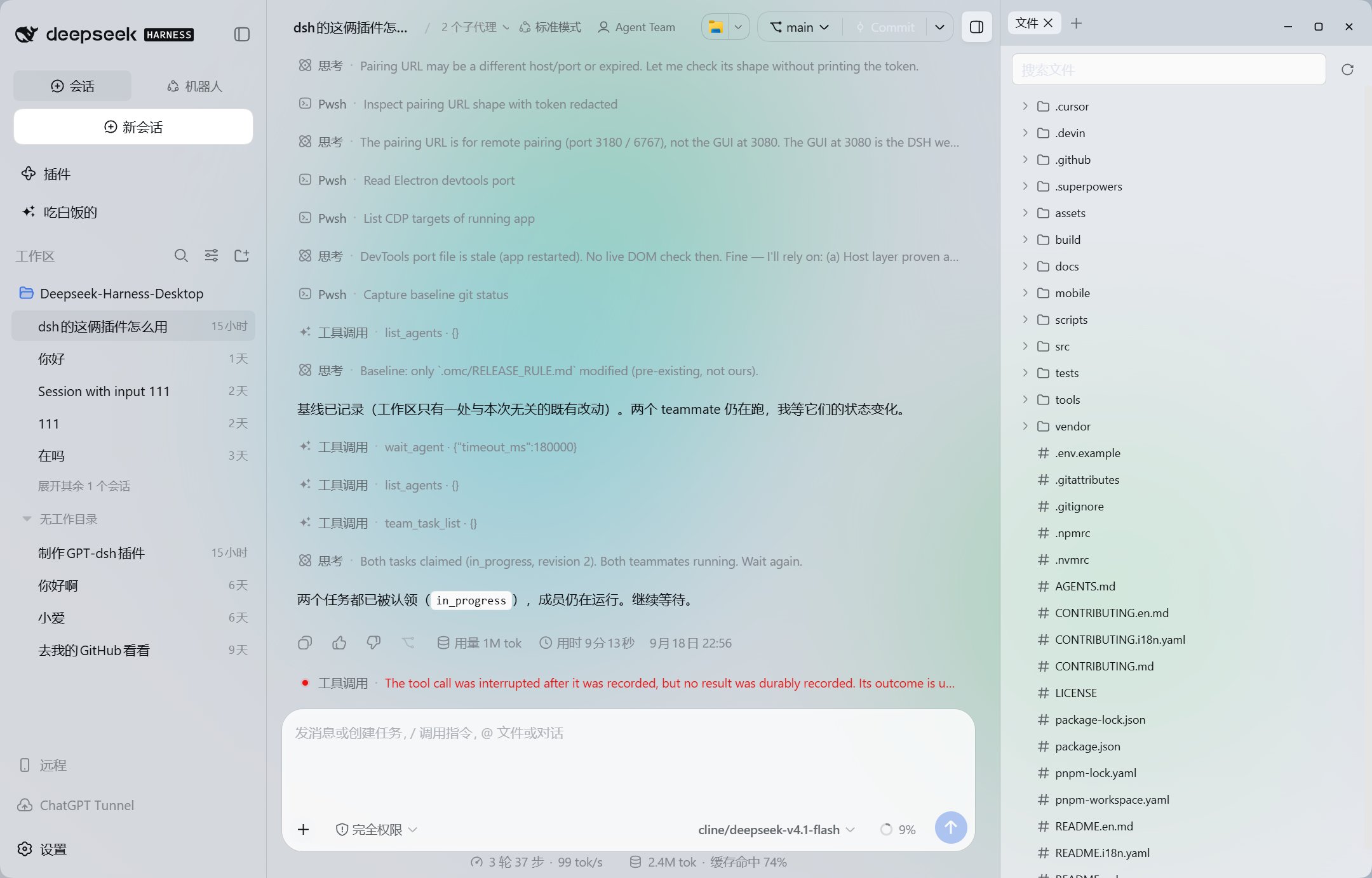
 WhaleIsle (鲸屿) is a community-maintained desktop client for DeepSeek Harness that lets you chat with an AI, browse a project, run a terminal, and manage Git all in one window.
WhaleIsle (鲸屿) is a community-maintained desktop client for DeepSeek Harness that lets you chat with an AI, browse a project, run a terminal, and manage Git all in one window.Is this an official DeepSeek app or just a GUI wrapper around the CLI?It's an independently maintained, unofficial community client built on top of the DeepSeek Harness CLI; it bundles the Harness itself so you don't need to set up Node.js or run 'dsh web' yourself.
It's an independently maintained, unofficial community client built on top of the DeepSeek Harness CLI; it bundles the Harness itself so you don't need to set up Node.js or run 'dsh web' yourself.How do I install and start using it?Download the Windows x64 v0.2.9 installer, run it, then configure your model service's API key in Settings and pick a project folder (or start a workspace-less chat) to begin.
Download the Windows x64 v0.2.9 installer, run it, then configure your model service's API key in Settings and pick a project folder (or start a workspace-less chat) to begin.Do I need my own API key for the model service?Yes — you must supply an API key for whichever model service you connect; WhaleIsle doesn't give you any model credits, so usage is billed by that provider.
Yes — you must supply an API key for whichever model service you connect; WhaleIsle doesn't give you any model credits, so usage is billed by that provider.Is there a ready-to-use macOS installer, like the Windows one?No — this release only ships a packaged Windows installer; on macOS you currently have to build and run it from source (macOS 14+, Apple Silicon, Node 22.19+/24+, pnpm 11).
No — this release only ships a packaged Windows installer; on macOS you currently have to build and run it from source (macOS 14+, Apple Silicon, Node 22.19+/24+, pnpm 11).Can I migrate my data from the official DeepSeek CLI?Yes, use the launcher's Import page to migrate from the official CLI or the 0.2.7 desktop build; don't copy the profiles folder or database directly, and re-add your workspace paths afterward.
Yes, use the launcher's Import page to migrate from the official CLI or the 0.2.7 desktop build; don't copy the profiles folder or database directly, and re-add your workspace paths afterward.Can I access my desktop session from my phone?Yes, enabling remote access lets you scan a QR code to open your active desktop session in a mobile browser.
Yes, enabling remote access lets you scan a QR code to open your active desktop session in a mobile browser.What if an installed plugin breaks the app on startup?Use the launcher's plugin troubleshooting screen to disable the misbehaving plugin and restart; older dshbot-style plugins can be incompatible with newer Harness versions.
Use the launcher's plugin troubleshooting screen to disable the misbehaving plugin and restart; older dshbot-style plugins can be incompatible with newer Harness versions.Does WhaleIsle have the whale-girl desktop pet mentioned in its name?Yes, according to the project description it ships a whale-girl desktop pet alongside its wallpaper gallery and frosted-glass/pixelated theme effects for personalizing the app.
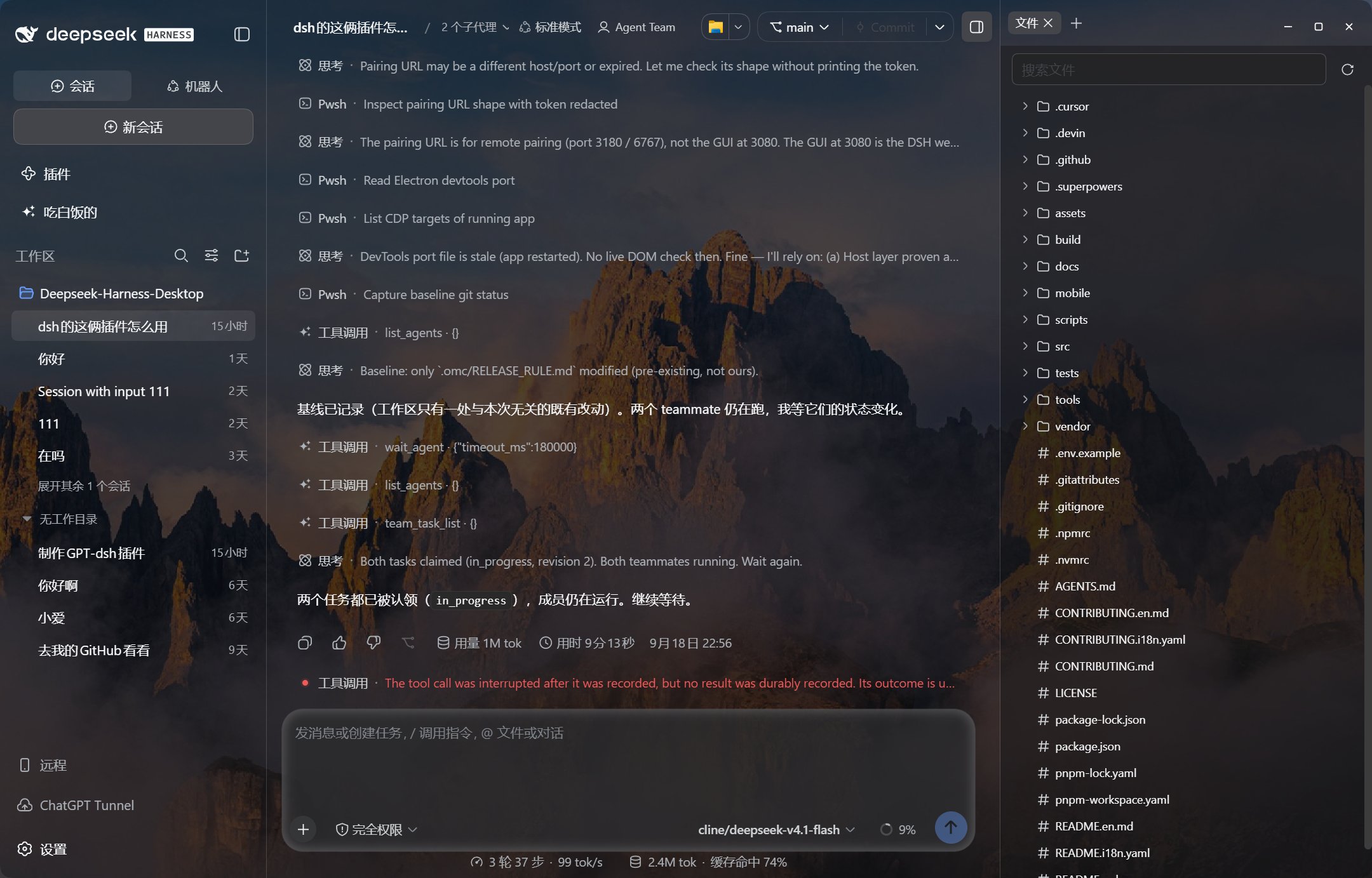
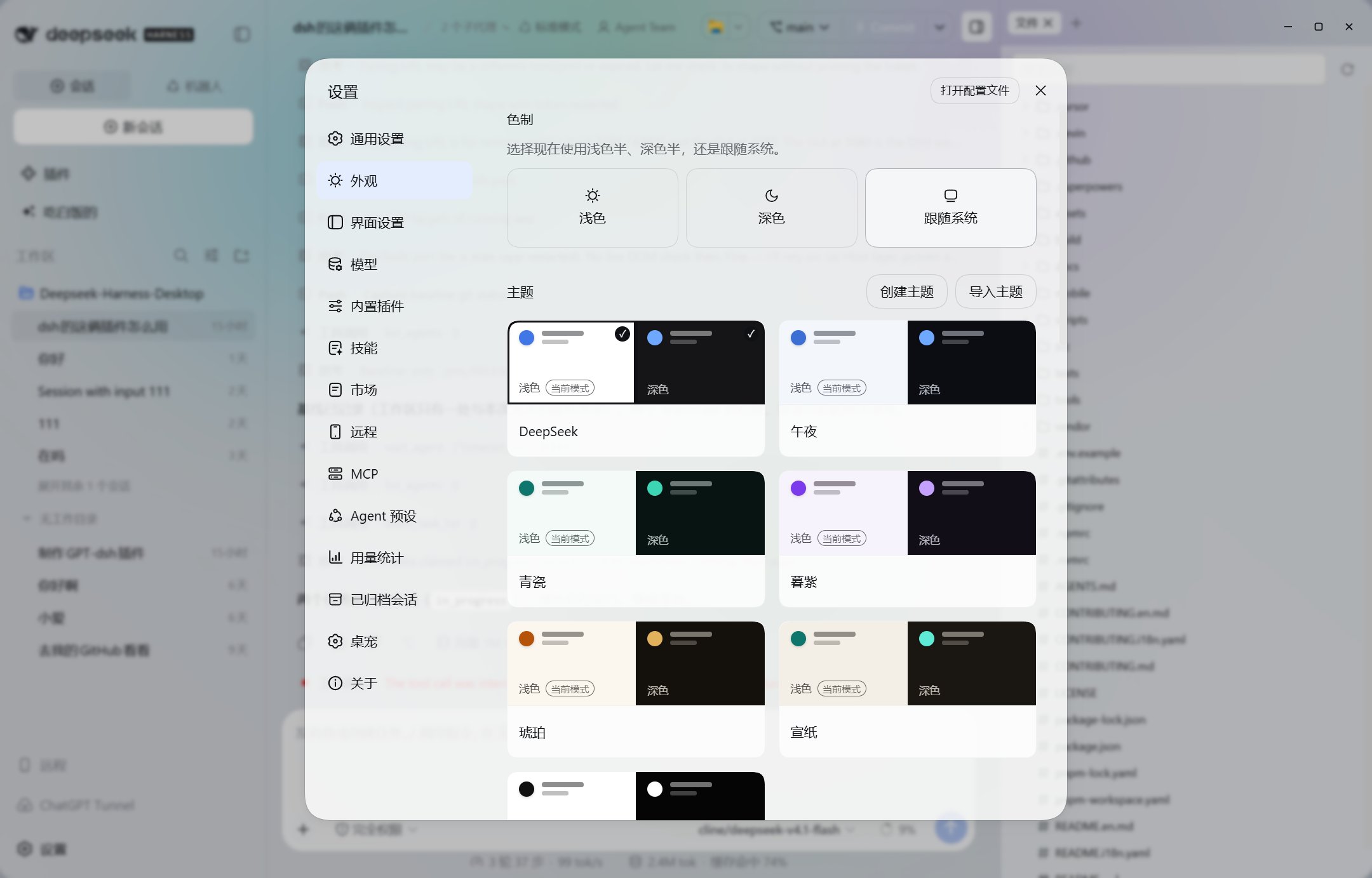
Yes, according to the project description it ships a whale-girl desktop pet alongside its wallpaper gallery and frosted-glass/pixelated theme effects for personalizing the app.What are similar projects?oh-dsh, dsh_desktop, deepseek-harness-studio, DSH-better-sidebar, EAC-Desktop, dsh-liang-skin, deepseek-harness-desktop, ds-harness-remote
oh-dsh, dsh_desktop, deepseek-harness-studio, DSH-better-sidebar, EAC-Desktop, dsh-liang-skin, deepseek-harness-desktop, ds-harness-remoteWhich topics is it in?remote-desktop, qr-code, theme, plugin-system, dsh-plugin, deepseek-harness, electron, chatbot, git, deepseek, customization, china
remote-desktop, qr-code, theme, plugin-system, dsh-plugin, deepseek-harness, electron, chatbot, git, deepseek, customization, china