What is this?
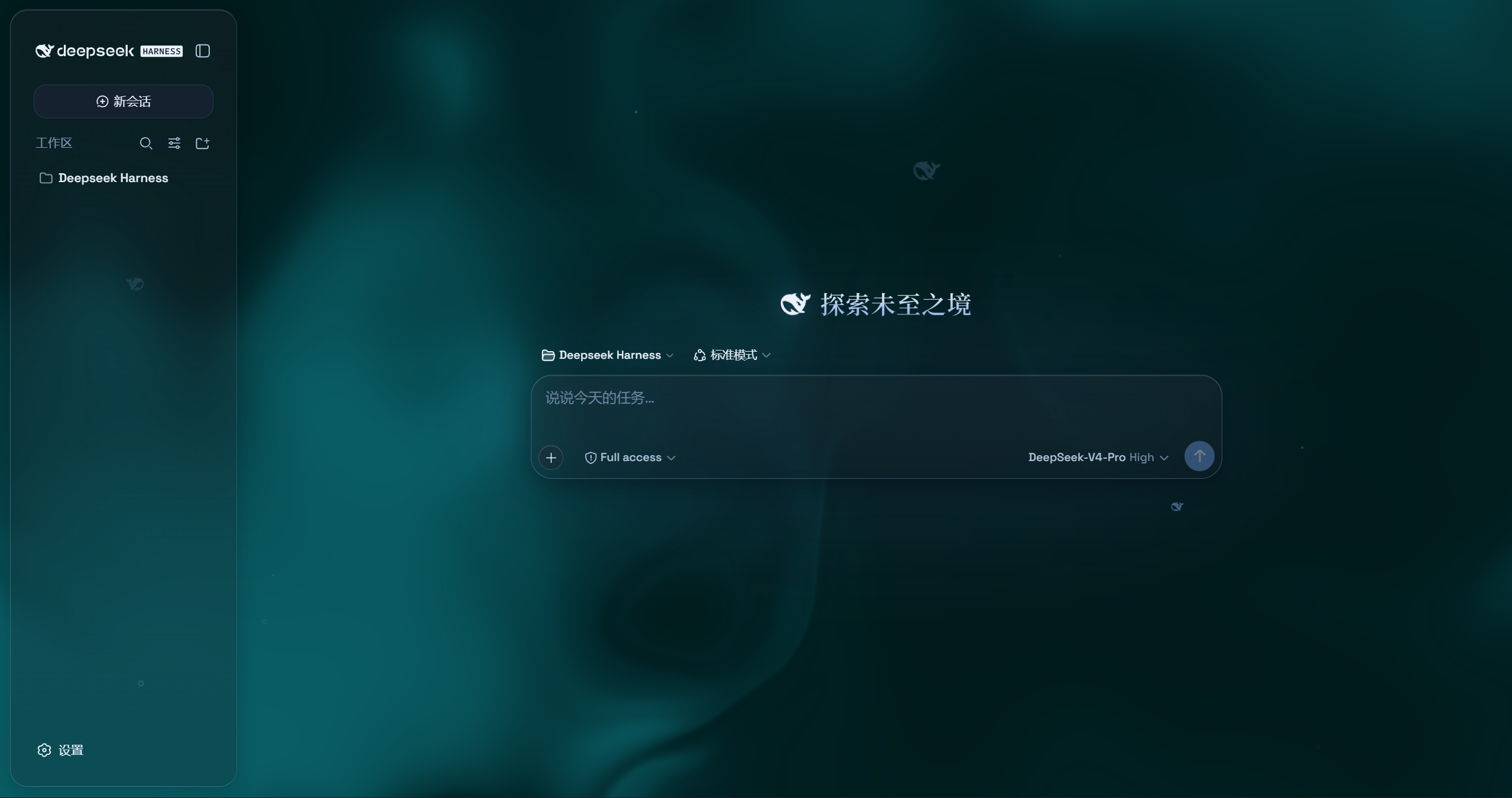
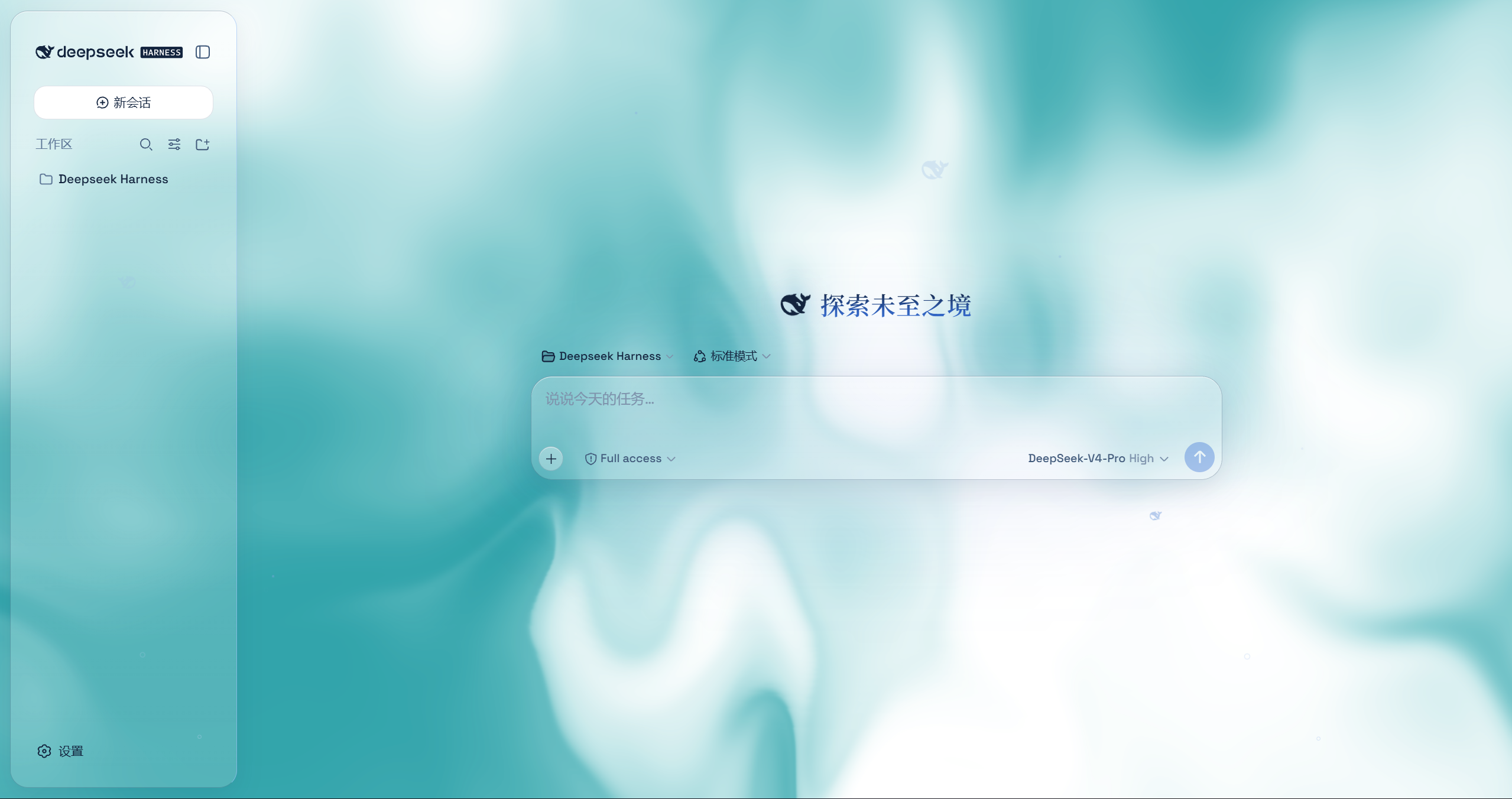
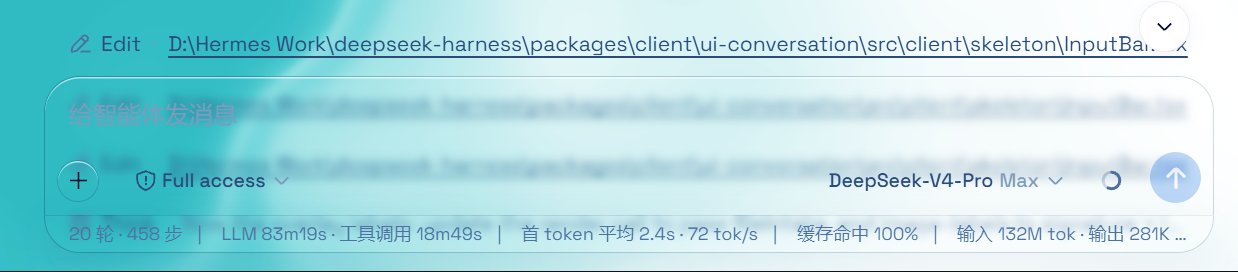
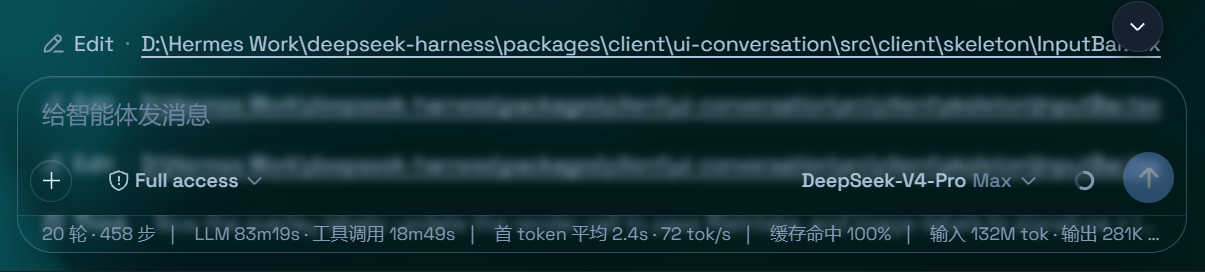
 Aqua is a glassmorphism theme plugin for the DeepSeek Harness (DSH) web UI. It turns the header, sidebar, composer, stats line, and trajectory view into frosted-glass panels with adjustable blur, frost, and backdrop.
Aqua is a glassmorphism theme plugin for the DeepSeek Harness (DSH) web UI. It turns the header, sidebar, composer, stats line, and trajectory view into frosted-glass panels with adjustable blur, frost, and backdrop.Is this a standalone app or does it need DeepSeek Harness installed?It's a plugin, not a standalone app — it only works layered on top of an existing DeepSeek Harness (DSH) web UI installation and doesn't touch DSH's source code.
It's a plugin, not a standalone app — it only works layered on top of an existing DeepSeek Harness (DSH) web UI installation and doesn't touch DSH's source code.Do I need DSH already set up to use this?Yes — installation registers the plugin inside your existing DSH profile (editing files like $DSHHOME/profiles/web/cordis.patch.yml), so you need a working DeepSeek Harness setup first.
Yes — installation registers the plugin inside your existing DSH profile (editing files like $DSHHOME/profiles/web/cordis.patch.yml), so you need a working DeepSeek Harness setup first.Does it still work with the latest version of DSH?Not reliably — the author warns that after recent DSH API updates they haven't been able to update the plugin promptly, and it may crash on installation until someone patches it.
Not reliably — the author warns that after recent DSH API updates they haven't been able to update the plugin promptly, and it may crash on installation until someone patches it.Does the installer work the same way on every OS?The npm install path works on every platform; the fallback GitHub installer has a one-command script for Windows and a separate 3-step manual process for macOS/Linux.
The npm install path works on every platform; the fallback GitHub installer has a one-command script for Windows and a separate 3-step manual process for macOS/Linux.What are the two theme modes it offers?Mica mode turns the layout into floating glass cards with adjustable blur and frost, while Compatibility Mode keeps the stock layout byte-for-byte and just swaps the material to glass, which also affects other plugins' UI.
Mica mode turns the layout into floating glass cards with adjustable blur and frost, while Compatibility Mode keeps the stock layout byte-for-byte and just swaps the material to glass, which also affects other plugins' UI.Can I use my own wallpaper as the background?Yes, you can set a custom wallpaper that fills the page (aspect preserved) with its own independent blur and frost controls, or use the default animated fluid board with an adjustable hue.
Yes, you can set a custom wallpaper that fills the page (aspect preserved) with its own independent blur and frost controls, or use the default animated fluid board with an adjustable hue.What is the particle whale effect?It's a 2D port of the particle fish/whale centerpiece from the deepseek.com/harness site, rendered centered in the chat area; it's toggleable in settings and changes color between light and dark mode.
It's a 2D port of the particle fish/whale centerpiece from the deepseek.com/harness site, rendered centered in the chat area; it's toggleable in settings and changes color between light and dark mode.Can I turn it off without breaking anything?Yes, a single master switch in Settings restores the stock DSH UI exactly and removes every visual effect, since the plugin never modifies DSH's own source code.
Yes, a single master switch in Settings restores the stock DSH UI exactly and removes every visual effect, since the plugin never modifies DSH's own source code.What are similar projects?dsh-dream-skin, gal-view, dsh-wallpaper-engine, dsh-liang-skin, open-sea-skin, dsh-deep-whale, dsh-pocket, dsh-visualize
dsh-dream-skin, gal-view, dsh-wallpaper-engine, dsh-liang-skin, open-sea-skin, dsh-deep-whale, dsh-pocket, dsh-visualizeWhich topics is it in?deepseek-harness-plugin, wallpaper, dark-mode, theme, dsh, dsh-plugin, deepseek-harness, agpl, animation, customization, css, browser
deepseek-harness-plugin, wallpaper, dark-mode, theme, dsh, dsh-plugin, deepseek-harness, agpl, animation, customization, css, browser