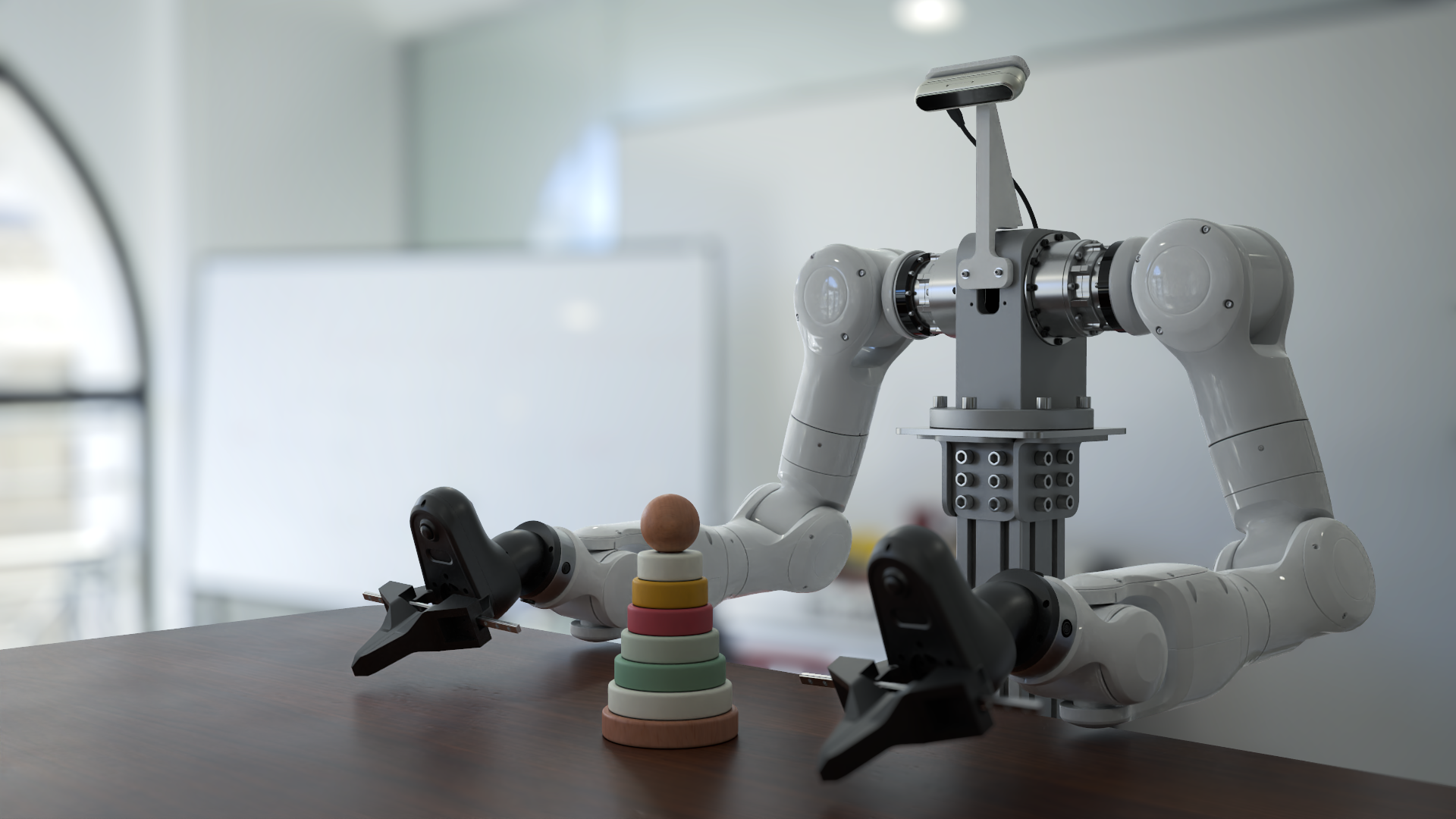
Genesis World





Genesis World is a simulation platform for physical AI developments. It combines a unified multi-physics engine, a photo-realistic renderer (Nyx), and a cross-platform compiler (Quadrants) behind a Pythonic simulation interface. Genesis World is designed to scale from a single laptop kernel to datacenter-grade GPUs, while remaining easy to read, extend, and embed in research code.
It was previously named Genesis and started as an academic project since Dec 2024, and its development is now officially supported by Genesis AI.
For more technical details, refer to our blog post.
Table of Contents
- What is Genesis World?
- Catalogue
- Quick Installation
- Contribution
- Support
- License and Acknowledgments
- Citation
What is Genesis World?
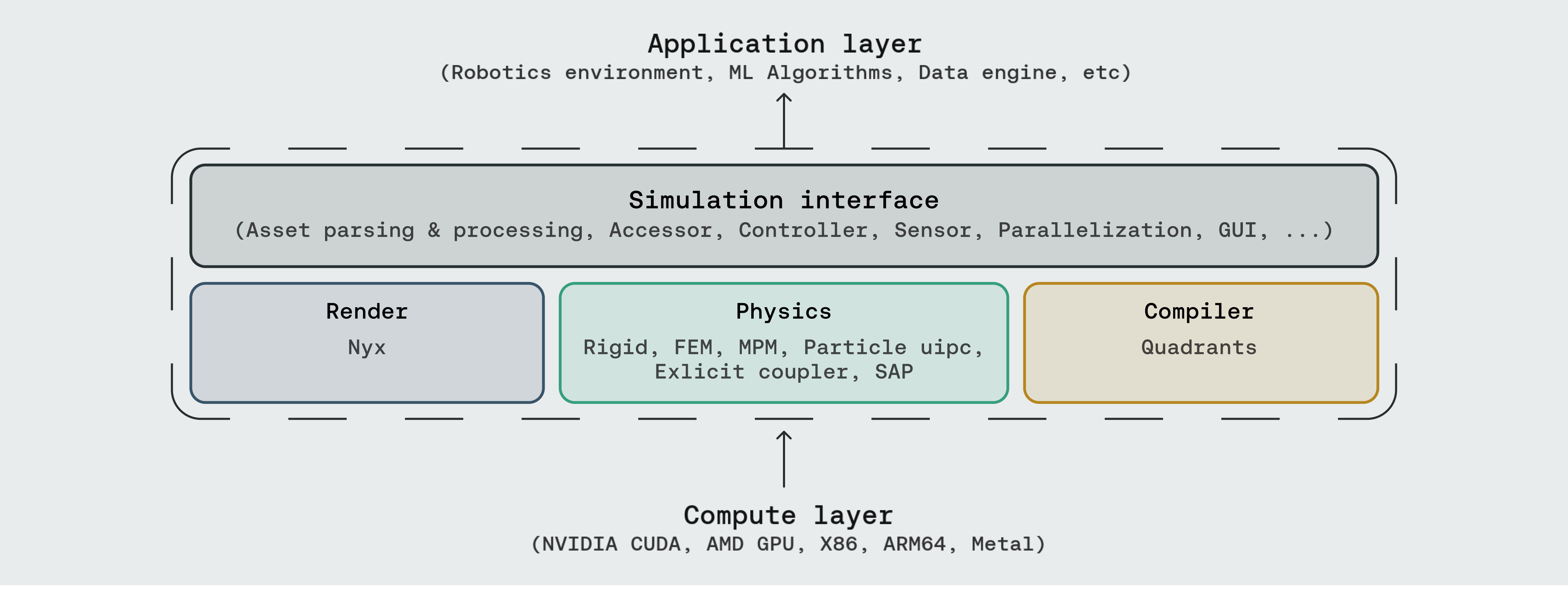
Genesis World occupies the four layers inside the dashed box. Above sits whatever you build (robotics environments, ML pipelines, data generation, agentic simulation); below sits whatever compute backend you have.



- Simulation Interface — the user-facing API: asset parsing (URDF, MJCF, OBJ, GLB, USD, …), entity accessors, controllers, sensors, parallel and heterogeneous environments, and a built-in GUI.


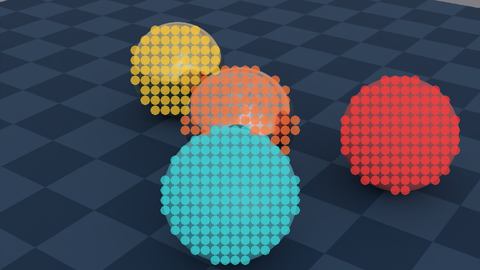

- Physics — a unified multi-physics engine integrating Rigid, FEM, MPM, Particle (PBD / SPH), uipc, an explicit coupler, and SAP, all sharing one scene and one state.
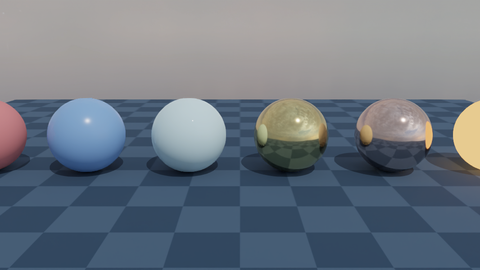
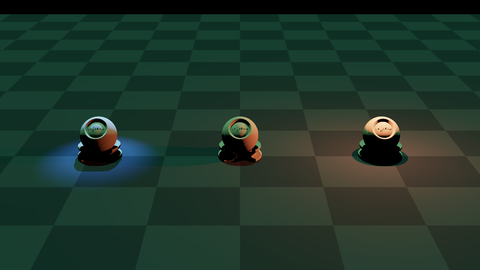
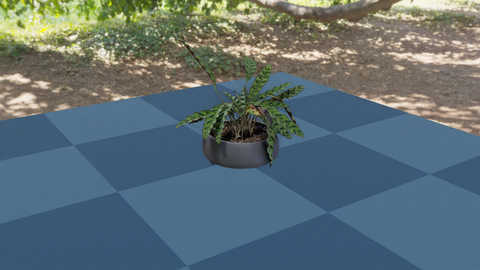
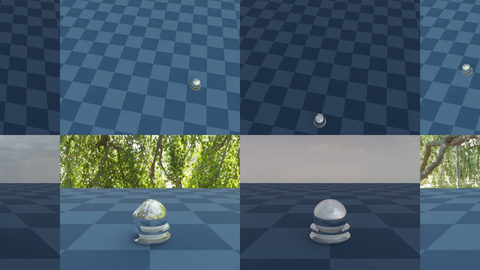

- Render — three rendering paths plug in as camera sensors: Nyx (our in-house renderer designed for robotics), Luisa (DSL ray tracer), and Pyrender (rasterizer).
- Compiler — Quadrants lowers Python kernel code to CUDA, AMD ROCm, Apple Metal, Vulkan, x86, and ARM64. It carries Genesis's autodiff, GPU graphs, and fastcache machinery.
Documentation
Catalogue
















Three sections, mirroring the Genesis layers that ship runnable demos: Physics (solvers and multi-solver coupling), Rendering (in-repo camera setups plus the Nyx walkthroughs hosted in genesis-nyx), and Simulation Interface (sensors, GUI, controllers, parallel/heterogeneous envs, and tutorials). Most scripts run end-to-end after pip install -e ".[dev]"; demos that depend on optional backends (e.g. the IPC and Nyx examples) need the extras listed in Optional extras.
Physics
Rendering
Genesis exposes three rendering paths as camera sensors: built-in (Nyx / Luisa / Pyrender) and detailed Nyx walkthroughs hosted in genesis-nyx.
Simulation Interface
Quick Installation
Using pip
Install PyTorch first following the official instructions.
Then, install Genesis via PyPI:
pip install genesis-world # Requires Python>=3.10,<3.14;
For the latest version to date, make sure that pip is up-to-date via pip install --upgrade pip, then run command:
pip install git+https://github.com/Genesis-Embodied-AI/genesis-world.git
Note that the package must still be updated manually to sync with main branch.
Users seeking to contribute are encouraged to install Genesis in editable mode. First, make sure that genesis-world has been uninstalled, then clone the repository and install locally:
git clone https://github.com/Genesis-Embodied-AI/genesis-world.git
cd genesis-world
pip install -e ".[dev]"
It is recommended to systematically execute pip install -e ".[dev]" after moving HEAD to make sure that all dependencies and entrypoints are up-to-date.
|
|
| IPC solver (uipc backend) |
pip install pyuipc (Linux / Windows x86, NVIDIA GPU) |
| Nyx renderer |
pip install gs-nyx — see genesis-nyx |
Quadrants is bundled with Genesis automatically; no extra install. The standalone wheel (pip install quadrants) is documented at Quadrants for users who want the compiler outside Genesis.
Using uv
uv is a fast Python package and project manager.
Install uv:
# On macOS and Linux
curl -LsSf https://astral.sh/uv/install.sh | sh

# On Windows
powershell -ExecutionPolicy ByPass -c "irm https://astral.sh/uv/install.ps1 | iex"
Quick start with uv:
git clone https://github.com/Genesis-Embodied-AI/genesis-world.git
cd genesis-world
uv sync
Then install PyTorch for your platform:
# NVIDIA GPU (CUDA 12.6 as an example)
uv pip install torch --index-url https://download.pytorch.org/whl/cu126

# CPU only (Linux/Windows)
uv pip install torch --index-url https://download.pytorch.org/whl/cpu

# Apple Silicon (Metal/MPS)
uv pip install torch
Run an example:



uv run examples/rigid/single_franka.py
Contributing to Genesis
The Genesis project is an open and collaborative effort. We welcome all forms of contributions from the community, including:
- Pull requests for new features or bug fixes.
- Bug reports through GitHub Issues.
- Suggestions to improve Genesis's usability.
Refer to our contribution guide for more details.
Support
- Report bugs or request features via GitHub Issues.
- Join discussions or ask questions on GitHub Discussions.
License and Acknowledgments
The Genesis source code is licensed under Apache 2.0.
Genesis's development has been made possible thanks to these open-source projects:
Citation
If you use Genesis in your research, please consider citing:
@article{
   genesis2026genesisworld,
   author = {Genesis AI Team},
   title = {The Role of Simulation in Scalable Robotics, Genesis World 1.0, and the Path Forward},
   journal = {Genesis AI Blog},
   month = {May},
   year = {2026},
   url = {https://www.genesis.ai/blog/the-role-of-simulation-in-scalable-robotics-genesis-world-10-and-the-path-forward},
}
@misc{
  Genesis,
  author = {Genesis Authors},
  title = {Genesis: A Generative and Universal Physics Engine for Robotics and Beyond},
  month = {December},
  year = {2024},
  url = {https://github.com/Genesis-Embodied-AI/genesis-world}
}




 这是一个面向通用机器人和具身智能学习的仿真平台:在同一个 Python API 背后,集成了多物理引擎、照片级真实感渲染器(Nyx)和跨平台编译器(Quadrants)。