



30.1K ·GitHub
Что это такое?
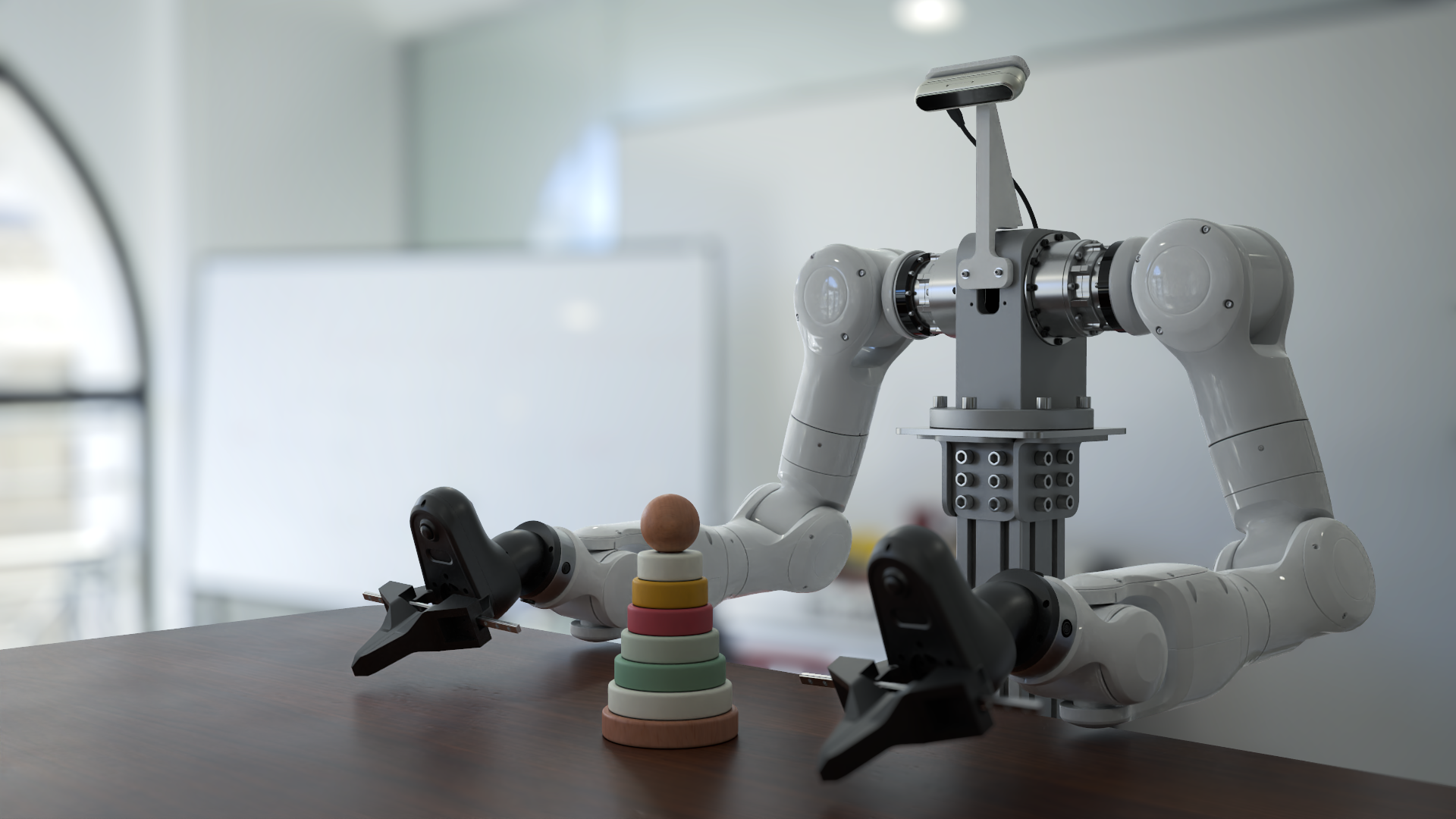
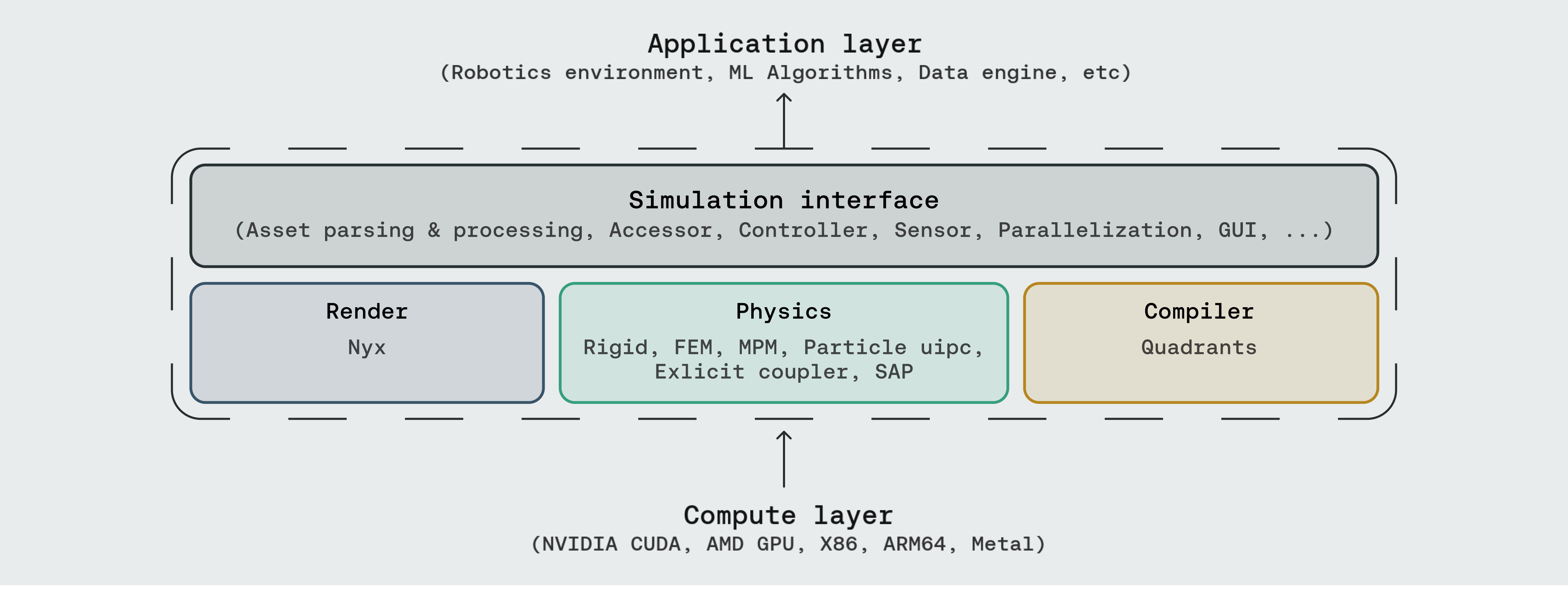













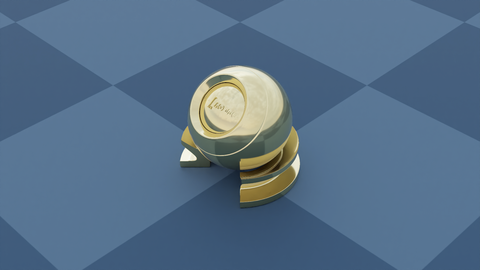

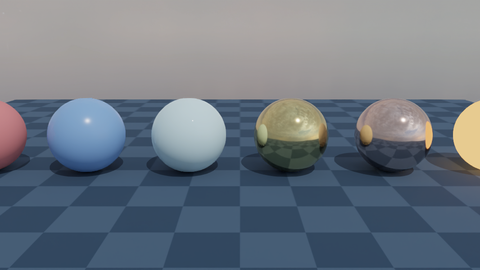
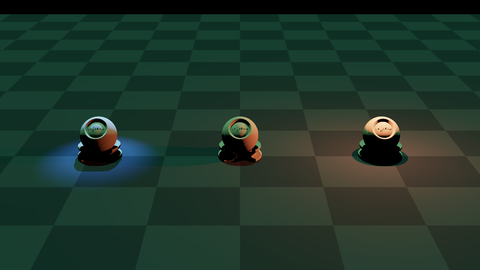
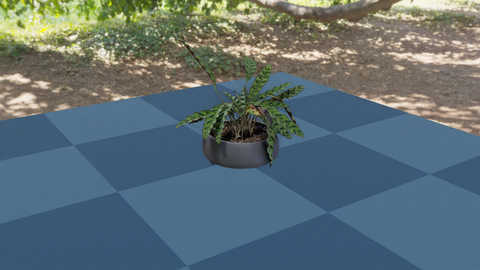
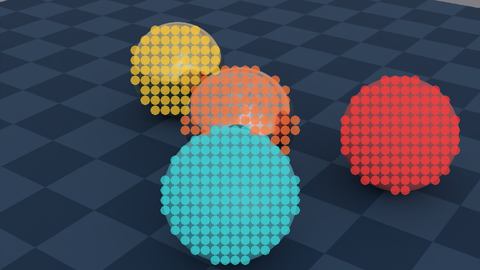
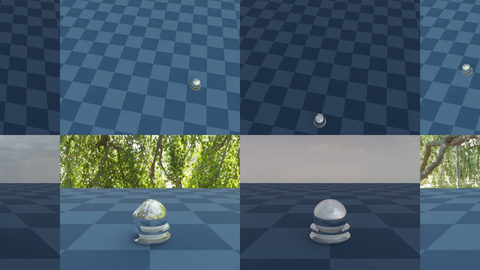











 Это платформа для симуляции в области робототехники общего назначения и обучения embodied AI: под одним Python API скрываются физический движок с поддержкой множества типов физики, фотореалистичный рендерер (Nyx) и кроссплатформенный компилятор (Quadrants).

Это платформа для симуляции в области робототехники общего назначения и обучения embodied AI: под одним Python API скрываются физический движок с поддержкой множества типов физики, фотореалистичный рендерер (Nyx) и кроссплатформенный компилятор (Quadrants).Это десктопное приложение, которое я запускаю, или библиотека, под которую я пишу код?Вы пишете под неё код — это Python-совместимый API для симуляции, который импортируется в ваши собственные скрипты, со встроенным GUI для просмотра сцен. Она задумана так, чтобы её читали, расширяли и встраивали в исследовательский код.
Вы пишете под неё код — это Python-совместимый API для симуляции, который импортируется в ваши собственные скрипты, со встроенным GUI для просмотра сцен. Она задумана так, чтобы её читали, расширяли и встраивали в исследовательский код.Нужно ли что-то помимо Python, чтобы это запустить?Главное требование — PyTorch. Есть два необязательных дополнения: pyuipc для IPC-солвера (Linux/Windows x86 с GPU от NVIDIA) и gs-nyx для рендерера Nyx. Компилятор Quadrants поставляется в комплекте автоматически.
Главное требование — PyTorch. Есть два необязательных дополнения: pyuipc для IPC-солвера (Linux/Windows x86 с GPU от NVIDIA) и gs-nyx для рендерера Nyx. Компилятор Quadrants поставляется в комплекте автоматически.Всё ли из каталога демо работает сразу после базовой установки?Большинство скриптов работают от начала до конца сразу после установки, но демо, зависящие от необязательных бэкендов вроде IPC и Nyx, требуют установки этих дополнений отдельно. pip-пакет также приходится обновлять вручную, чтобы синхронизироваться с основной веткой.
Большинство скриптов работают от начала до конца сразу после установки, но демо, зависящие от необязательных бэкендов вроде IPC и Nyx, требуют установки этих дополнений отдельно. pip-пакет также приходится обновлять вручную, чтобы синхронизироваться с основной веткой.На каком железе это может работать — нужна ли карта NVIDIA?Нет: компилятор нацелен на CUDA, AMD ROCm, Apple Metal и Vulkan, а также на обычные процессоры x86 и ARM64, причём платформа масштабируется от ядра на одиночном ноутбуке до датацентровых GPU.




Нет: компилятор нацелен на CUDA, AMD ROCm, Apple Metal и Vulkan, а также на обычные процессоры x86 и ARM64, причём платформа масштабируется от ядра на одиночном ноутбуке до датацентровых GPU.Какие датчики роботов и контроллеры встроены?Среди датчиков — камера глубины, IMU, лидар, тактильные датчики, силы контакта, расстояние до поверхности и температурная сетка. Для управления есть Diff-IK и пакетные IK-контроллеры, плюс domain randomization и параллельные либо гетерогенные среды.

Среди датчиков — камера глубины, IMU, лидар, тактильные датчики, силы контакта, расстояние до поверхности и температурная сетка. Для управления есть Diff-IK и пакетные IK-контроллеры, плюс domain randomization и параллельные либо гетерогенные среды.Какие форматы ассетов она загружает?Её интерфейс симуляции разбирает URDF, MJCF, OBJ, GLB, USD и другие форматы.
Её интерфейс симуляции разбирает URDF, MJCF, OBJ, GLB, USD и другие форматы.Почему проект называется Genesis World?Раньше он назывался Genesis; проект начался как академический в декабре 2024 года, а сейчас его разработка официально поддерживается компанией Genesis AI.
Раньше он назывался Genesis; проект начался как академический в декабре 2024 года, а сейчас его разработка официально поддерживается компанией Genesis AI.What are similar projects?bullet3, jumper, FluxVLA, AirSim, project_superdex, lerobot, carla, GR00T-WholeBodyControl
bullet3, jumper, FluxVLA, AirSim, project_superdex, lerobot, carla, GR00T-WholeBodyControlWhich topics is it in?simulator, physics-engine, physics-simulation, embodied-ai, scientific-computing, robotics, simulation, reinforcement-learning, cuda, pytorch, deep-learning, framework
simulator, physics-engine, physics-simulation, embodied-ai, scientific-computing, robotics, simulation, reinforcement-learning, cuda, pytorch, deep-learning, framework