

这是干什么的?
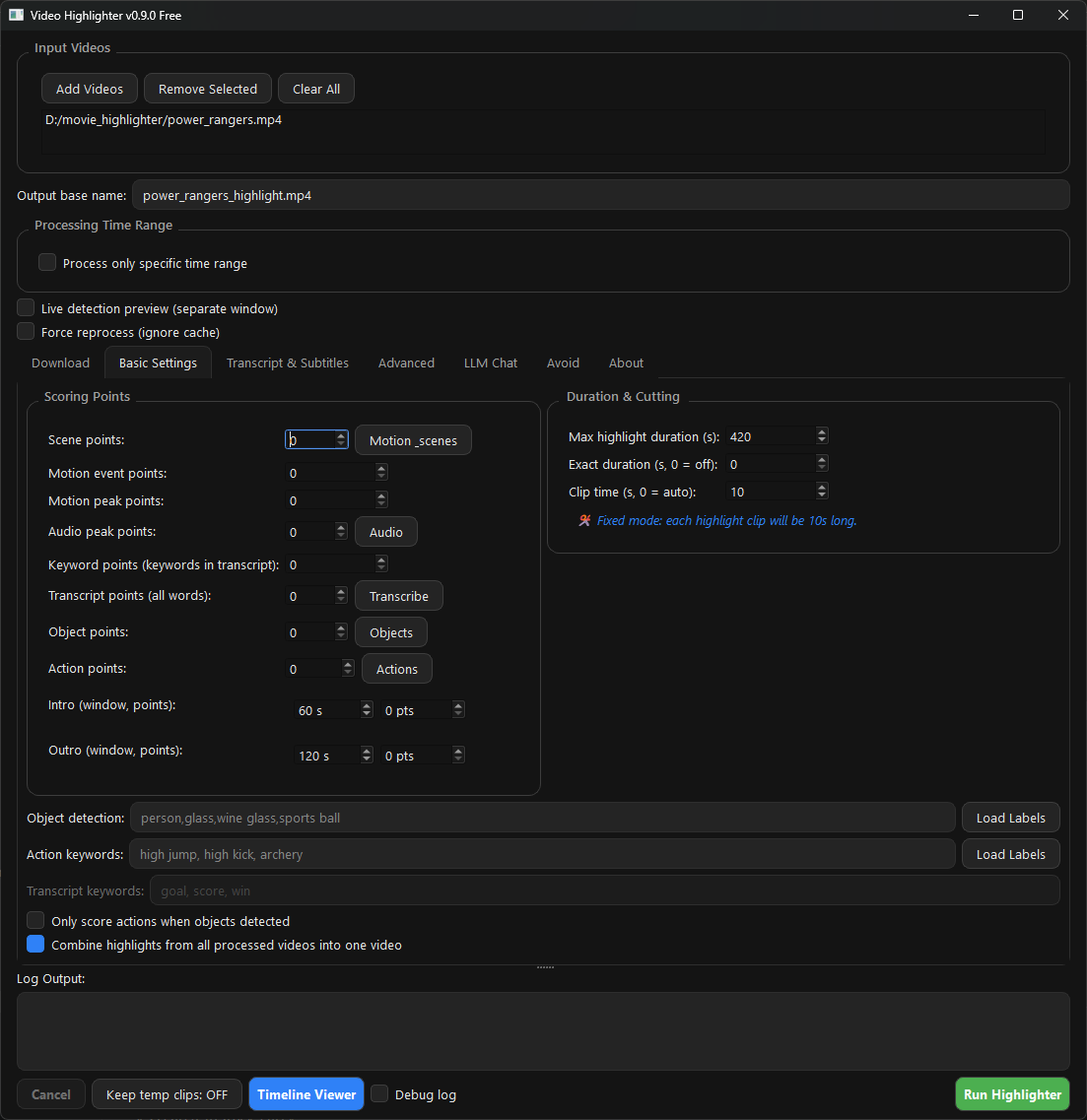
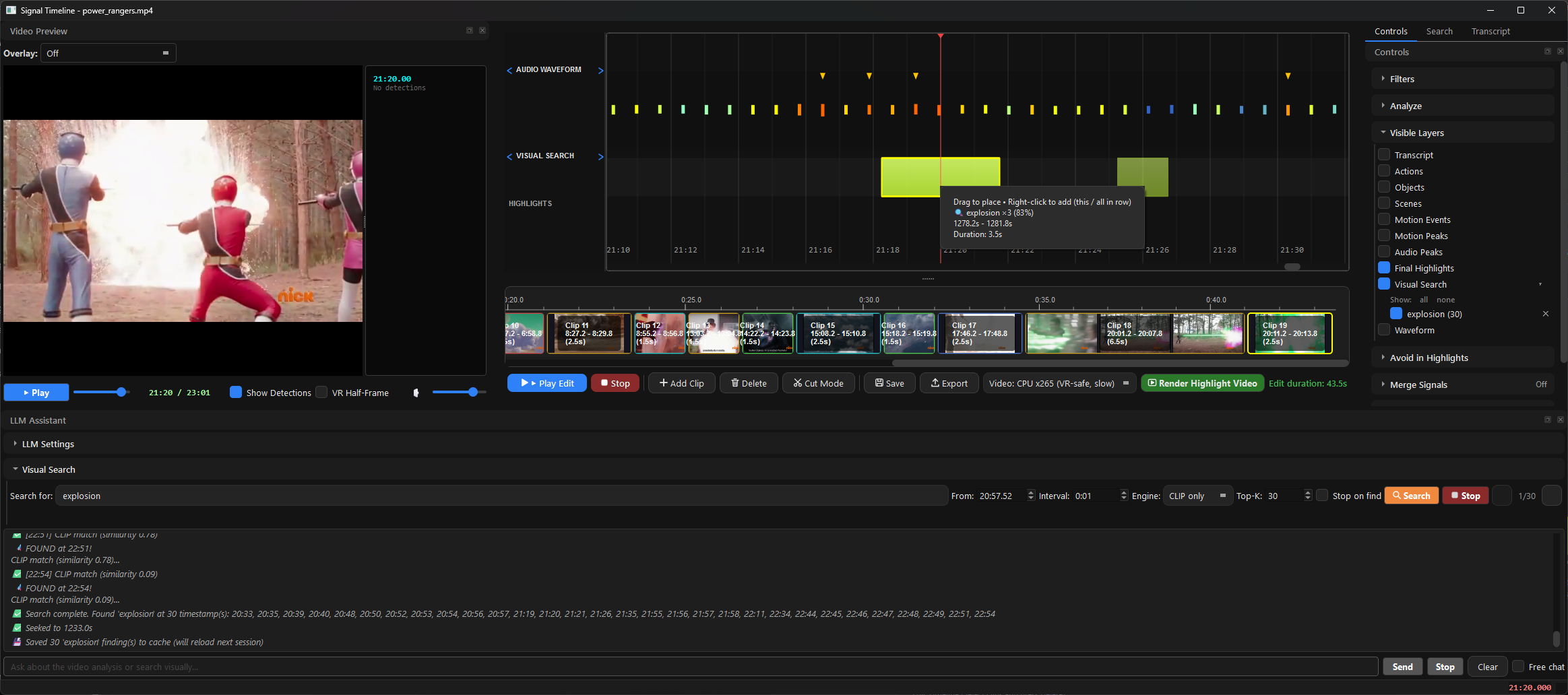
 一款免费开源的桌面应用,能找出并解读你视频里的精彩片段,然后导出精华集锦和剪辑片段——是 Twelve Labs、Runway 和 Descript 的离线替代品。
一款免费开源的桌面应用,能找出并解读你视频里的精彩片段,然后导出精华集锦和剪辑片段——是 Twelve Labs、Runway 和 Descript 的离线替代品。这是桌面应用还是云服务?一款本地桌面应用,支持 Windows、macOS 和 Linux:你把原始视频放进去,检测、评分和导出全部在你自己的电脑上完成。
一款本地桌面应用,支持 Windows、macOS 和 Linux:你把原始视频放进去,检测、评分和导出全部在你自己的电脑上完成。在 Windows、macOS 或 Linux 上怎么安装?从 Releases 下载:Windows 上运行 00-VideoHighlighter-Windows-Setup.exe(按用户安装,无需管理员权限);macOS 上把 .dmg 拖进「应用程序」即可;从源码安装:pip install -r requirements.txt && python main.py。自带 FFmpeg,无需单独安装。
从 Releases 下载:Windows 上运行 00-VideoHighlighter-Windows-Setup.exe(按用户安装,无需管理员权限);macOS 上把 .dmg 拖进「应用程序」即可;从源码安装:pip install -r requirements.txt && python main.py。自带 FFmpeg,无需单独安装。Windows 安装包触发了 SmartScreen 警告,这正常吗?正常——安装包还没有做代码签名,你点击「更多信息」→「仍要运行」即可。macOS 上还需要用 xattr -dr com.apple.quarantine /Applications/VideoHighlighter.app 清除一次隔离标记。
正常——安装包还没有做代码签名,你点击「更多信息」→「仍要运行」即可。macOS 上还需要用 xattr -dr com.apple.quarantine /Applications/VideoHighlighter.app 清除一次隔离标记。分析视频的时候,我的素材会被上传到别处吗?不会——分析、检测和本地 Whisper 转录完全离线运行,基础流程连 API 密钥都不需要。你甚至可以把 Ollama 大模型放在局域网里的另一台电脑上。
不会——分析、检测和本地 Whisper 转录完全离线运行,基础流程连 API 密钥都不需要。你甚至可以把 Ollama 大模型放在局域网里的另一台电脑上。如果我修改它或者把它部署到网上,AGPL-3.0 许可证意味着什么?你可以自由使用、修改和分发它,但修改后的版本——包括通过网络提供服务的版本——必须以同一许可证公开完整源代码。另外也提供单独的商业授权。
你可以自由使用、修改和分发它,但修改后的版本——包括通过网络提供服务的版本——必须以同一许可证公开完整源代码。另外也提供单独的商业授权。必须要有 NVIDIA 显卡吗,AMD 和 Intel 的显卡能用吗?三家都可以——它能在 Windows、macOS 和 Linux 上搭配 Intel、AMD 和 NVIDIA 显卡运行,还提供各厂商专属的加速指南,支持 CUDA 和 OpenVINO 后端。
三家都可以——它能在 Windows、macOS 和 Linux 上搭配 Intel、AMD 和 NVIDIA 显卡运行,还提供各厂商专属的加速指南,支持 CUDA 和 OpenVINO 后端。付费的 Pro 版本有没有锁住什么功能?没有。免费版已经包含离线分析、实时人脸检测、VR 左右分屏播放、CLIP 搜索、合成引擎、模型训练和社区模型中心。Pro 是单独的付费版本,只增加实时相关功能:播放时的实时叠加画面、画框教学来识别某类目标、以图搜图、开放词汇检测以及计数/记分牌检测——而且两个版本生成的可解释报告完全一致。
没有。免费版已经包含离线分析、实时人脸检测、VR 左右分屏播放、CLIP 搜索、合成引擎、模型训练和社区模型中心。Pro 是单独的付费版本,只增加实时相关功能:播放时的实时叠加画面、画框教学来识别某类目标、以图搜图、开放词汇检测以及计数/记分牌检测——而且两个版本生成的可解释报告完全一致。作者为什么要做这个?它最初是作者给 7 岁儿子给视频生成字幕的个人工具,后来慢慢发展成面向电影、体育和个人素材的集锦生成器。初心一直没变:快速、可解释的视频分析,以及不用上传你想留在本地的素材就能自动生成字幕。
它最初是作者给 7 岁儿子给视频生成字幕的个人工具,后来慢慢发展成面向电影、体育和个人素材的集锦生成器。初心一直没变:快速、可解释的视频分析,以及不用上传你想留在本地的素材就能自动生成字幕。它底层跑的是哪些模型?包括场景、运动、音频、物体和动作检测器,基于 CLIP 的视觉搜索,以及本地 Whisper 转录;视觉大模型通过 Ollama 运行(LLaVA,仓库话题里还列出了 CUDA 和 OpenVINO 后端)。docs/DETECTION-GUIDE.md 介绍了每个检测器擅长什么、短板在哪里。
包括场景、运动、音频、物体和动作检测器,基于 CLIP 的视觉搜索,以及本地 Whisper 转录;视觉大模型通过 Ollama 运行(LLaVA,仓库话题里还列出了 CUDA 和 OpenVINO 后端)。docs/DETECTION-GUIDE.md 介绍了每个检测器擅长什么、短板在哪里。What are similar projects?autoclip, pyvideotrans, meetily, SCM, lipflow, phorminx, VidBee, autoshorts
autoclip, pyvideotrans, meetily, SCM, lipflow, phorminx, VidBee, autoshortsWhich topics is it in?openvino, video-understanding, yolo, vision-language-model, mac, transcription, subtitles, video-editing, local-ai, whisper, object-detection, speech-recognition
openvino, video-understanding, yolo, vision-language-model, mac, transcription, subtitles, video-editing, local-ai, whisper, object-detection, speech-recognition