

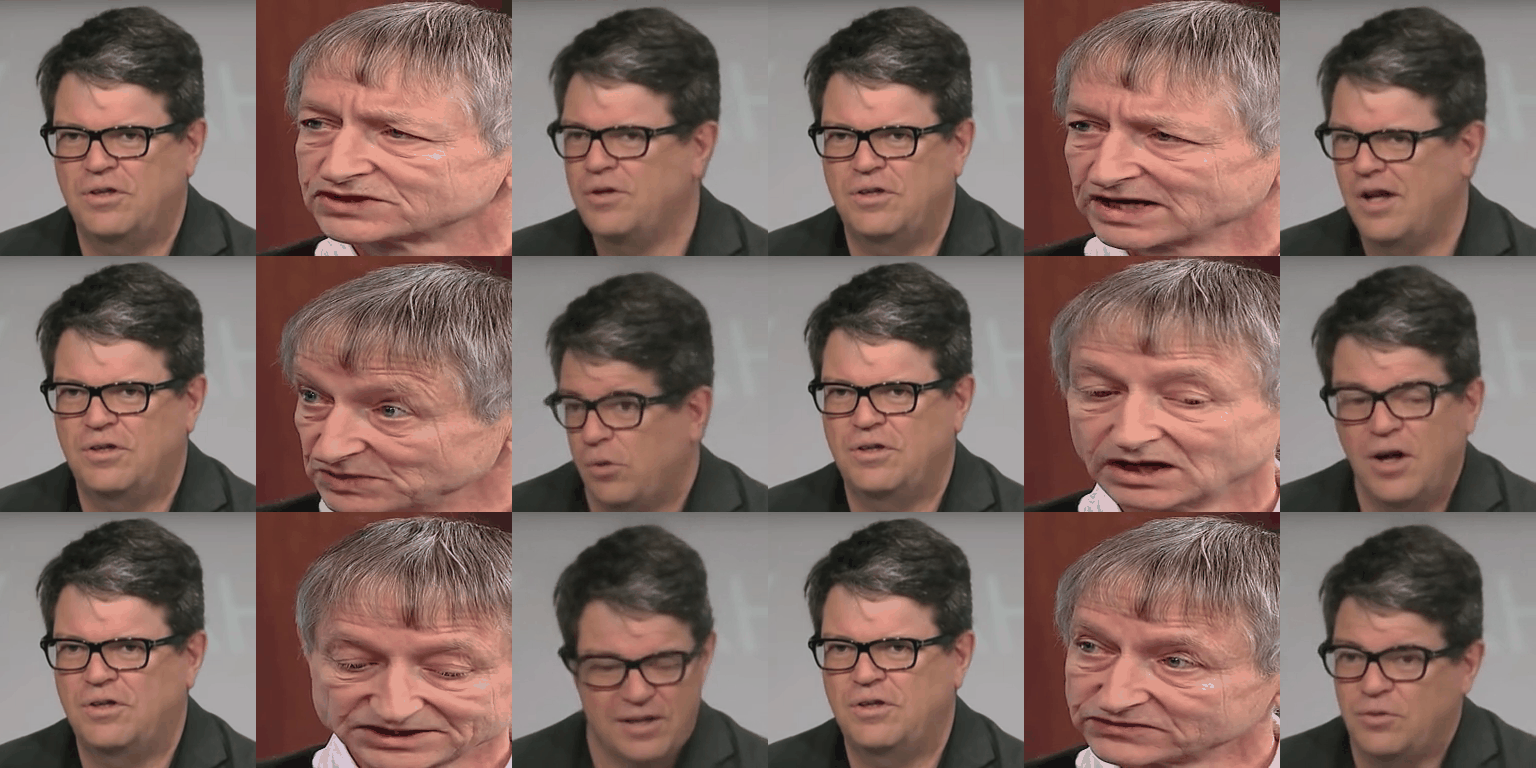
 For both unsupervised and supervised video editing, such as face-swap, please refer to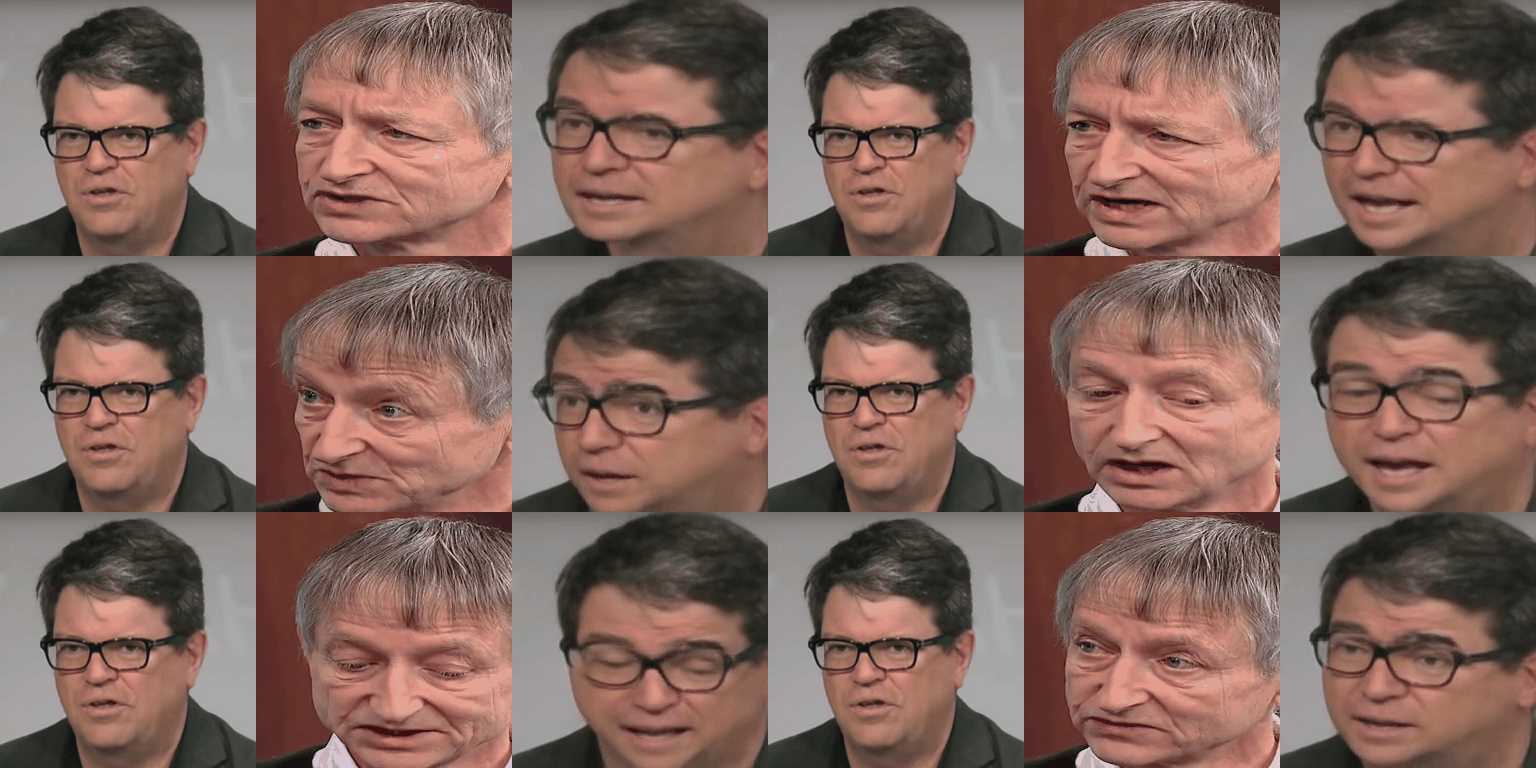
Что это такое?
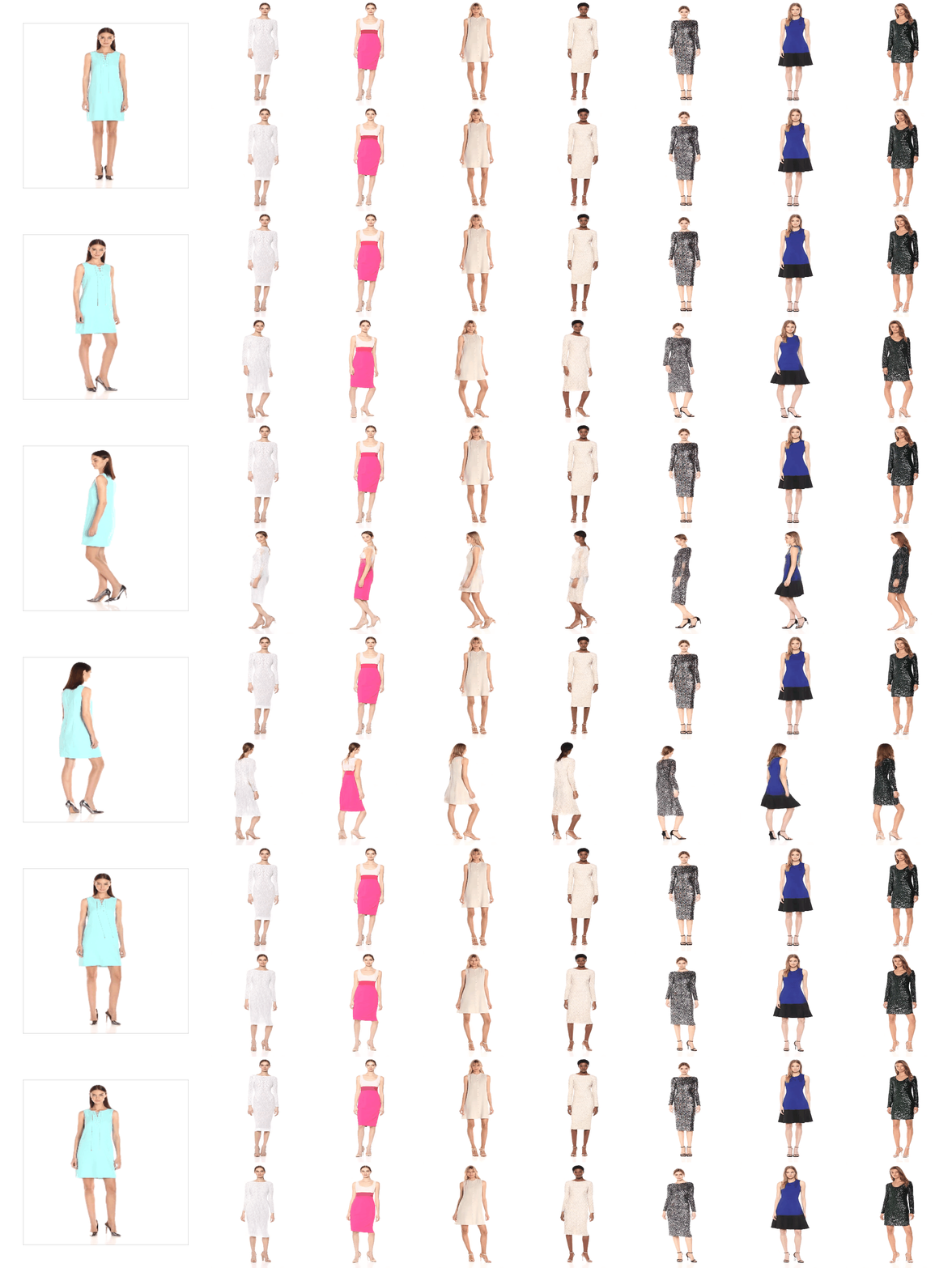
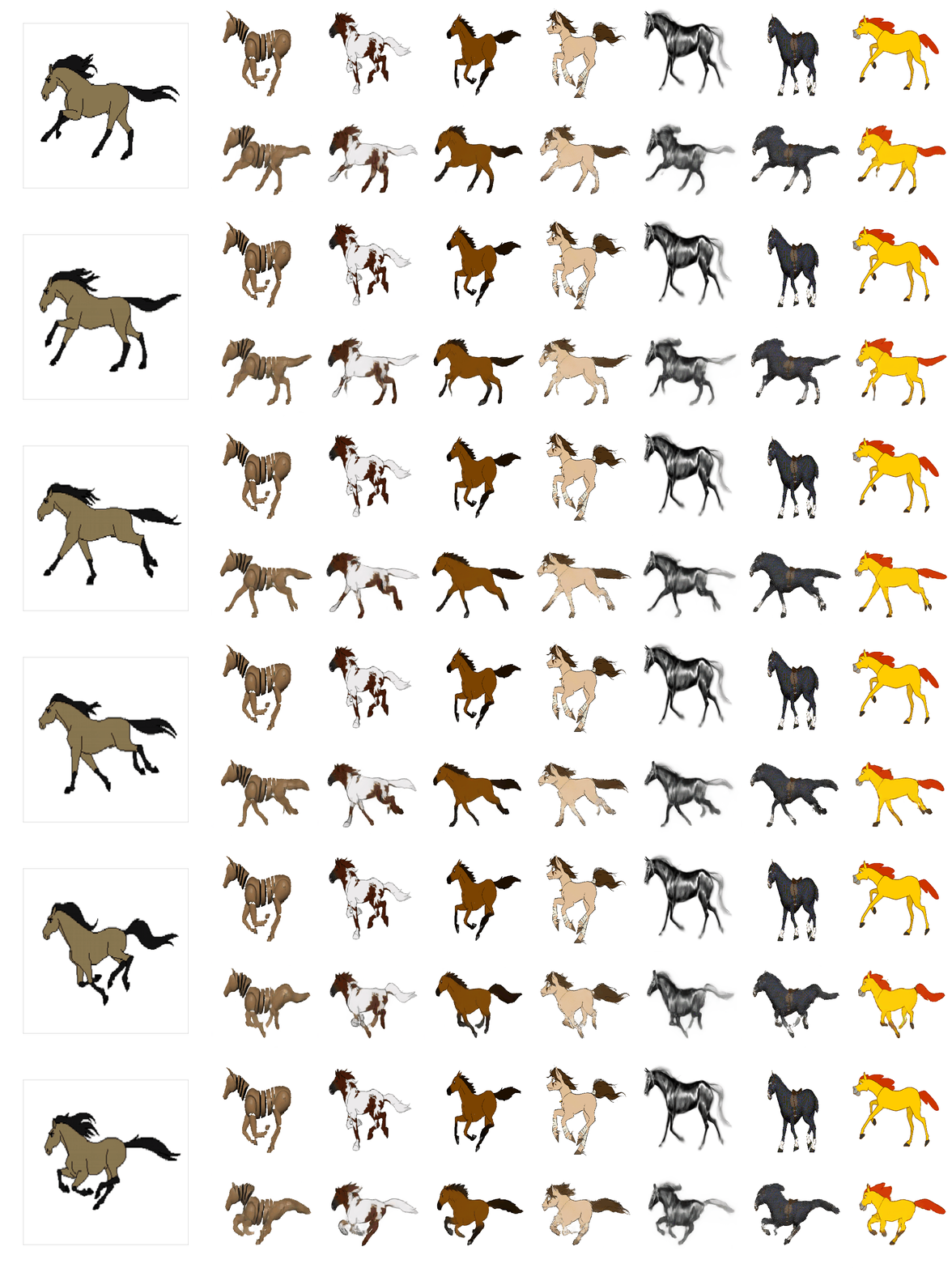
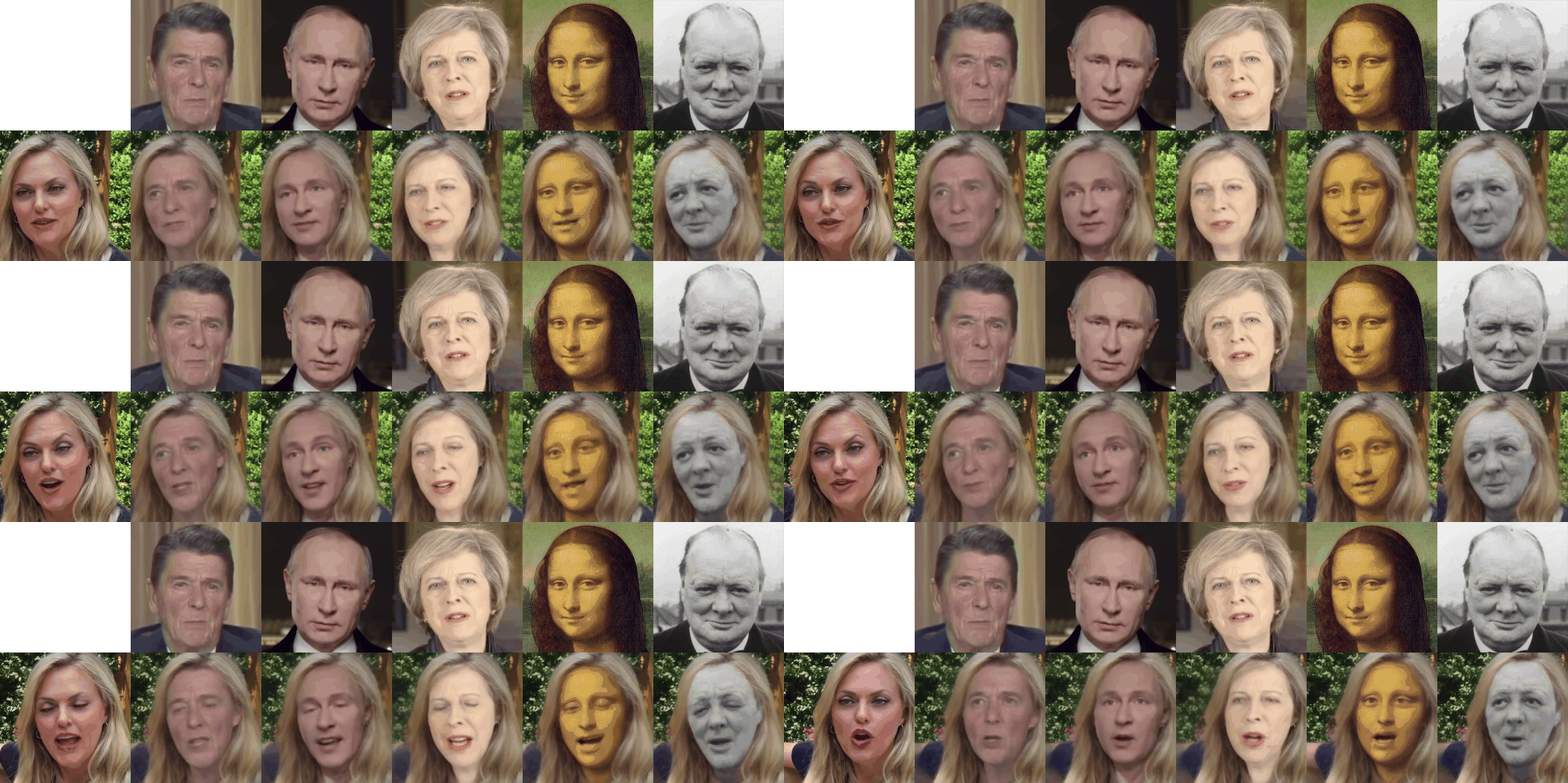
 Это официальный исходный код к статье «First Order Motion Model for Image Animation»: он оживляет статичное исходное изображение, перенося движение с управляющего видео, и при этом использует самостоятельно выученные ключевые точки вместо ручной разметки.
Это официальный исходный код к статье «First Order Motion Model for Image Animation»: он оживляет статичное исходное изображение, перенося движение с управляющего видео, и при этом использует самостоятельно выученные ключевые точки вместо ручной разметки.Это готовое приложение или исследовательский код, который нужно запускать самому?Это исследовательский код (Python-скрипты и YAML-конфиги), выпущенный вместе с научной статьёй, а также демо с графическим интерфейсом в Colab, которое сделали другие люди на его основе; отдельного готового приложения здесь нет.
Это исследовательский код (Python-скрипты и YAML-конфиги), выпущенный вместе с научной статьёй, а также демо с графическим интерфейсом в Colab, которое сделали другие люди на его основе; отдельного готового приложения здесь нет.Как запустить демо анимации?Установите перечисленные зависимости, скачайте предобученный чекпоинт (с Google Drive или Яндекс Диска), затем запустите команду демо, указав путь к чекпоинту, исходному изображению и управляющему видео; результат сохраняется в виде видеофайла.
Установите перечисленные зависимости, скачайте предобученный чекпоинт (с Google Drive или Яндекс Диска), затем запустите команду демо, указав путь к чекпоинту, исходному изображению и управляющему видео; результат сохраняется в виде видеофайла.Что нужно иметь, чтобы демо хорошо работало?Нужен Python с перечисленными зависимостями, а для лучшего результата сначала обрежьте управляющее видео и исходное изображение с помощью входящего в комплект полуавтоматического скрипта обрезки, которому требуется библиотека face-alignment.
Нужен Python с перечисленными зависимостями, а для лучшего результата сначала обрежьте управляющее видео и исходное изображение с помощью входящего в комплект полуавтоматического скрипта обрезки, которому требуется библиотека face-alignment.Что делать, если при локальном запуске возникают проблемы с зависимостями?Если проблемы совместимости библиотек мешают запуску демо в Linux, в репозитории есть Docker-контейнер (нужны Docker 19.03+ и nvidia-docker) как более контролируемый вариант.
Если проблемы совместимости библиотек мешают запуску демо в Linux, в репозитории есть Docker-контейнер (нужны Docker 19.03+ и nvidia-docker) как более контролируемый вариант.Для кого это и какое железо нужно для обучения?Это для исследователей и специалистов по машинному обучению, которые умеют работать с процессами обучения в стиле PyTorch; по умолчанию обучение настроено на 2 или 4 видеокарты Titan-X.
Это для исследователей и специалистов по машинному обучению, которые умеют работать с процессами обучения в стиле PyTorch; по умолчанию обучение настроено на 2 или 4 видеокарты Titan-X.Можно ли использовать это для замены лица вместо анимации всего тела?Да, метод можно адаптировать для замены лица с помощью размеченных масок сегментации, а для редактирования видео как с разметкой, так и без неё авторы советуют их связанный проект Motion Co-Segmentation.
Да, метод можно адаптировать для замены лица с помощью размеченных масок сегментации, а для редактирования видео как с разметкой, так и без неё авторы советуют их связанный проект Motion Co-Segmentation.В чём разница между режимами анимации по абсолютным и относительным ключевым точкам?Абсолютный режим переносит исходные координаты ключевых точек управляющего видео на исходное изображение; это гибко, но часто искажает форму. Относительный режим переносит только смещение ключевых точек и даёт лучший результат, однако требует, чтобы исходное изображение и первый кадр управляющего видео имели похожую позу.
Абсолютный режим переносит исходные координаты ключевых точек управляющего видео на исходное изображение; это гибко, но часто искажает форму. Относительный режим переносит только смещение ключевых точек и даёт лучший результат, однако требует, чтобы исходное изображение и первый кадр управляющего видео имели похожую позу.Можно ли обучать модель на своём наборе видео?Да: приведите видео к единому размеру (например, 256x256), разбейте их на подпапки train и test с отдельными PNG-кадрами и укажите корневую папку в datasetparams нового YAML-конфига, после чего настройте количество эпох обучения.
Да: приведите видео к единому размеру (например, 256x256), разбейте их на подпапки train и test с отдельными PNG-кадрами и укажите корневую папку в datasetparams нового YAML-конфига, после чего настройте количество эпох обучения.На каких наборах данных обучались выпущенные модели?Чекпоинты из статьи обучались отдельно на наборах VoxCeleb, Fashion, MGIF, Bair, Taichi и Nemo; для каждого из них нужно скачать и подготовить данные по инструкциям из репозитория.
Чекпоинты из статьи обучались отдельно на наборах VoxCeleb, Fashion, MGIF, Bair, Taichi и Nemo; для каждого из них нужно скачать и подготовить данные по инструкциям из репозитория.What are similar projects?GFPGAN, tapnet, lama, Open-Sora-Plan, CodeVideoModel, Fooocus, LivePortrait, SolarWM
GFPGAN, tapnet, lama, Open-Sora-Plan, CodeVideoModel, Fooocus, LivePortrait, SolarWMWhich topics is it in?face-swap, generative-model, colab, image-to-video, jupyter notebook, video-generation, academic-research, image-processing, nvidia, computer-vision, pytorch, deep-learning
face-swap, generative-model, colab, image-to-video, jupyter notebook, video-generation, academic-research, image-processing, nvidia, computer-vision, pytorch, deep-learning