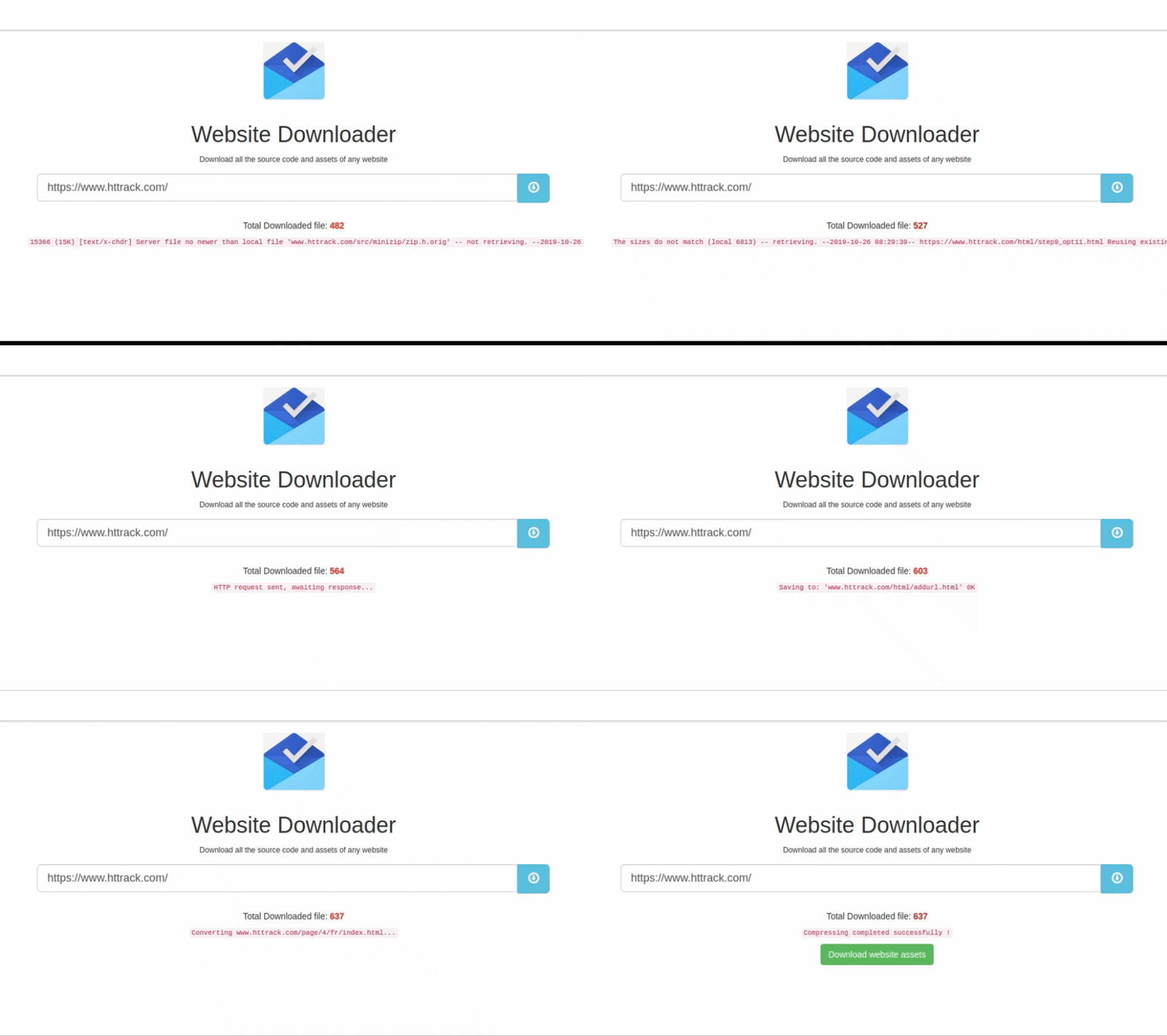



What is this?
 A self-hosted Node.js app that downloads the complete source code of any website, including its JavaScript, stylesheets, and images, so you can keep an offline copy.
A self-hosted Node.js app that downloads the complete source code of any website, including its JavaScript, stylesheets, and images, so you can keep an offline copy.Is this a command-line tool or a web app?It is a small web app: you open the UI, submit a URL, and the server mirrors the site with wget then streams the zipped result back to your browser over a socket connection.
It is a small web app: you open the UI, submit a URL, and the server mirrors the site with wget then streams the zipped result back to your browser over a socket connection.How do I get it running?Clone the repo, run npm install, then npm start; the server listens on port 3000 by default.
Clone the repo, run npm install, then npm start; the server listens on port 3000 by default.Do I need anything besides Node.js?Yes, Node.js 16+ and wget must be installed and reachable on PATH since the app shells out to wget to do the actual downloading.
Yes, Node.js 16+ and wget must be installed and reachable on PATH since the app shells out to wget to do the actual downloading.Is there a limit on how much it will download?Yes, by default a single request is capped at a 100MB size quota and a 5-minute (300000ms) timeout, both adjustable via environment variables.
Yes, by default a single request is capped at a 100MB size quota and a 5-minute (300000ms) timeout, both adjustable via environment variables.Does it work on Windows and macOS, or just Linux?It works on all three since it just needs wget installed: apt install wget on Debian/Ubuntu, brew install wget on macOS, or winget install JernejSimoncic.Wget on Windows.
It works on all three since it just needs wget installed: apt install wget on Debian/Ubuntu, brew install wget on macOS, or winget install JernejSimoncic.Wget on Windows.What wget flags does it actually run?It runs wget --mirror --convert-links --adjust-extension --page-requisites --no-parent, which recursively grabs the site, rewrites links for offline viewing, adds proper file extensions, pulls in page assets, and stops it from crawling into parent directories.
It runs wget --mirror --convert-links --adjust-extension --page-requisites --no-parent, which recursively grabs the site, rewrites links for offline viewing, adds proper file extensions, pulls in page assets, and stops it from crawling into parent directories.How does it bundle the downloaded site before sending it to me?After wget mirrors the site to disk, the app uses the archiver library to compress the files into an archive that is then sent back over the socket connection.
After wget mirrors the site to disk, the app uses the archiver library to compress the files into an archive that is then sent back over the socket connection.Can I deploy this somewhere instead of running it locally?The README has a 'Deploy on cloud providers' section hinting at one-click hosted deployment options, though it does not list the specific providers or steps.
The README has a 'Deploy on cloud providers' section hinting at one-click hosted deployment options, though it does not list the specific providers or steps.What are similar projects?3d-asset-server, FreePEP, wechat-article-exporter, monolith, reclip, gallery-dl, cheerio, wechat-style-extractor
3d-asset-server, FreePEP, wechat-article-exporter, monolith, reclip, gallery-dl, cheerio, wechat-style-extractor