 Generative AI for Krita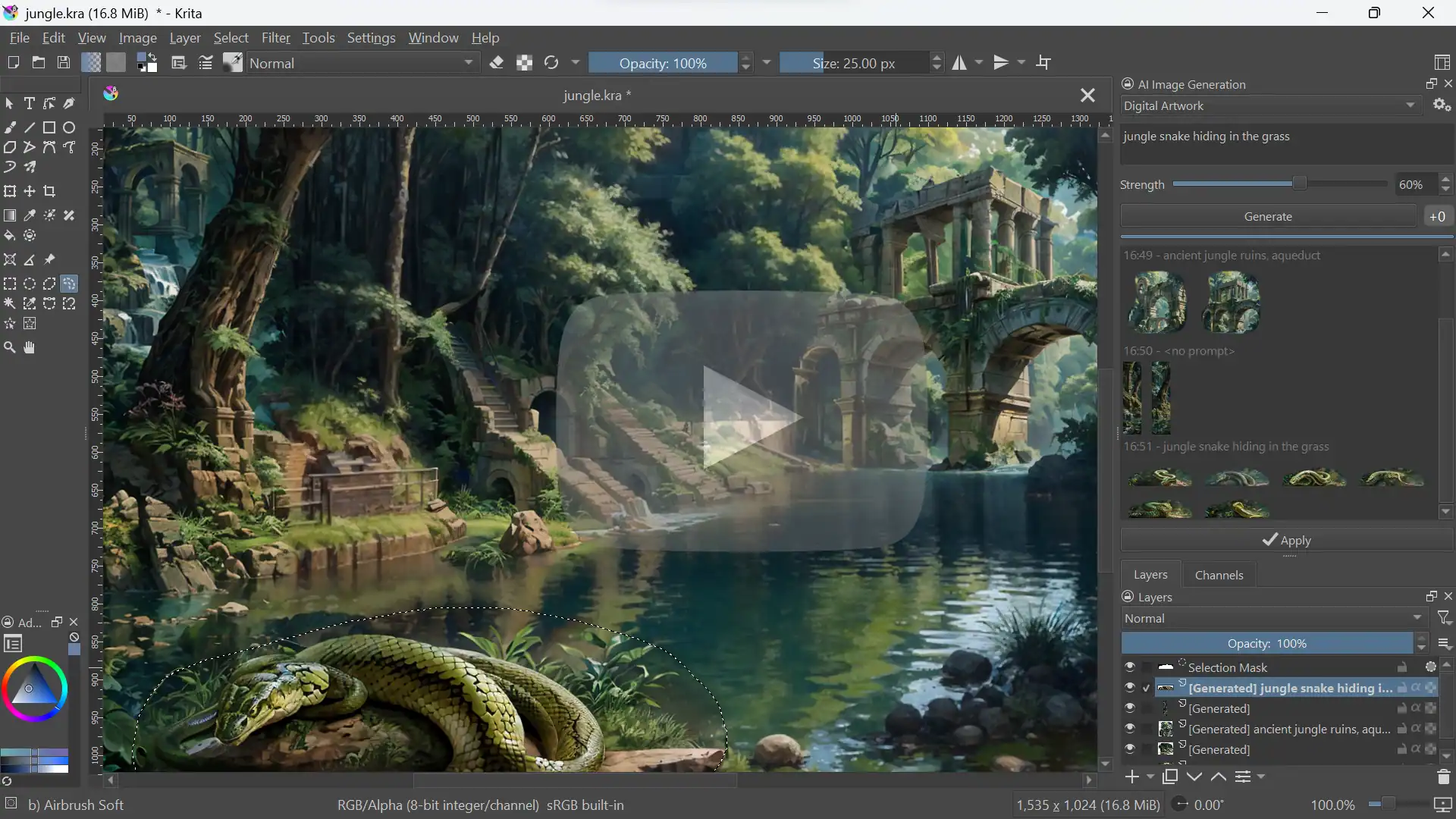
10.7K ·GitHub
这是什么?
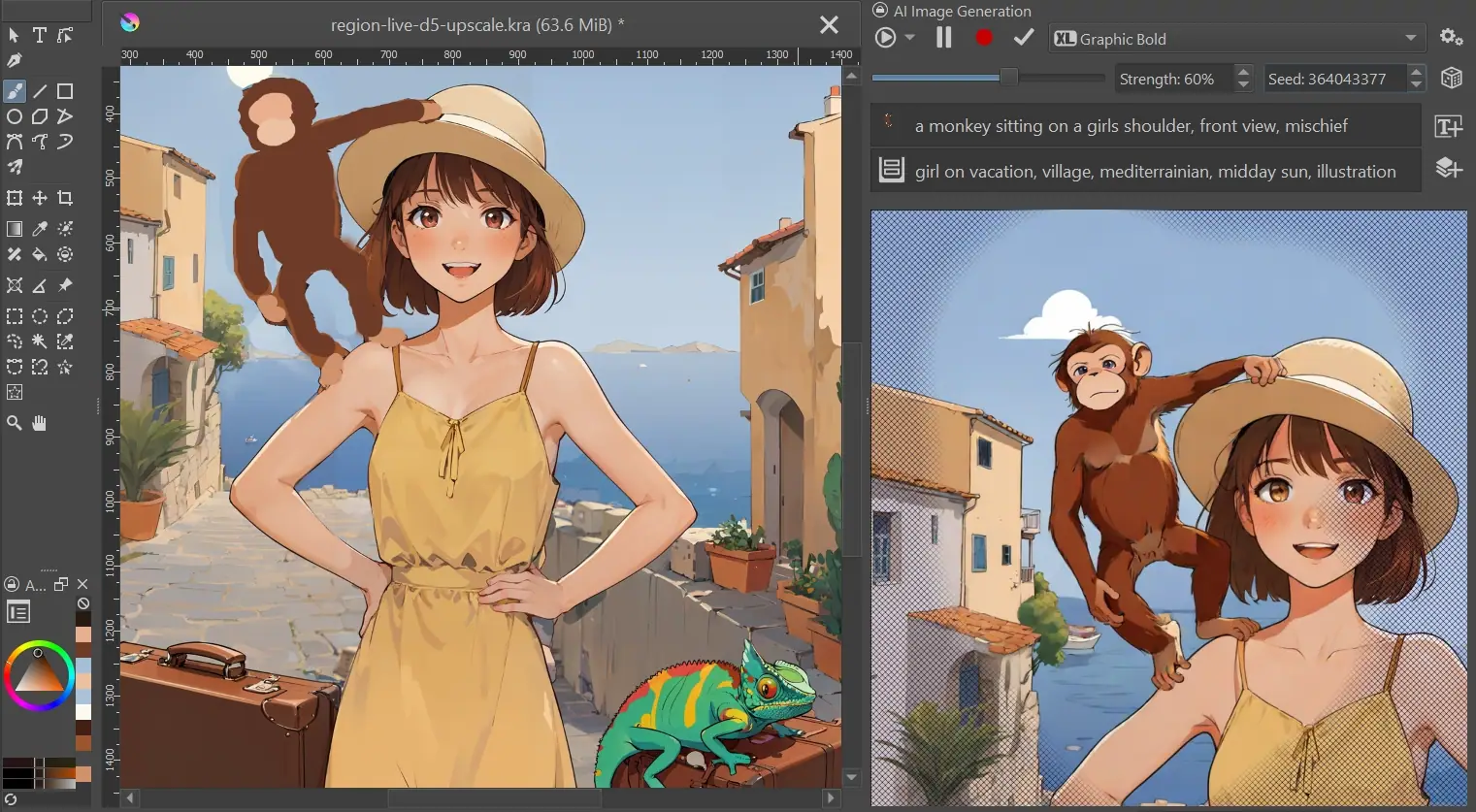
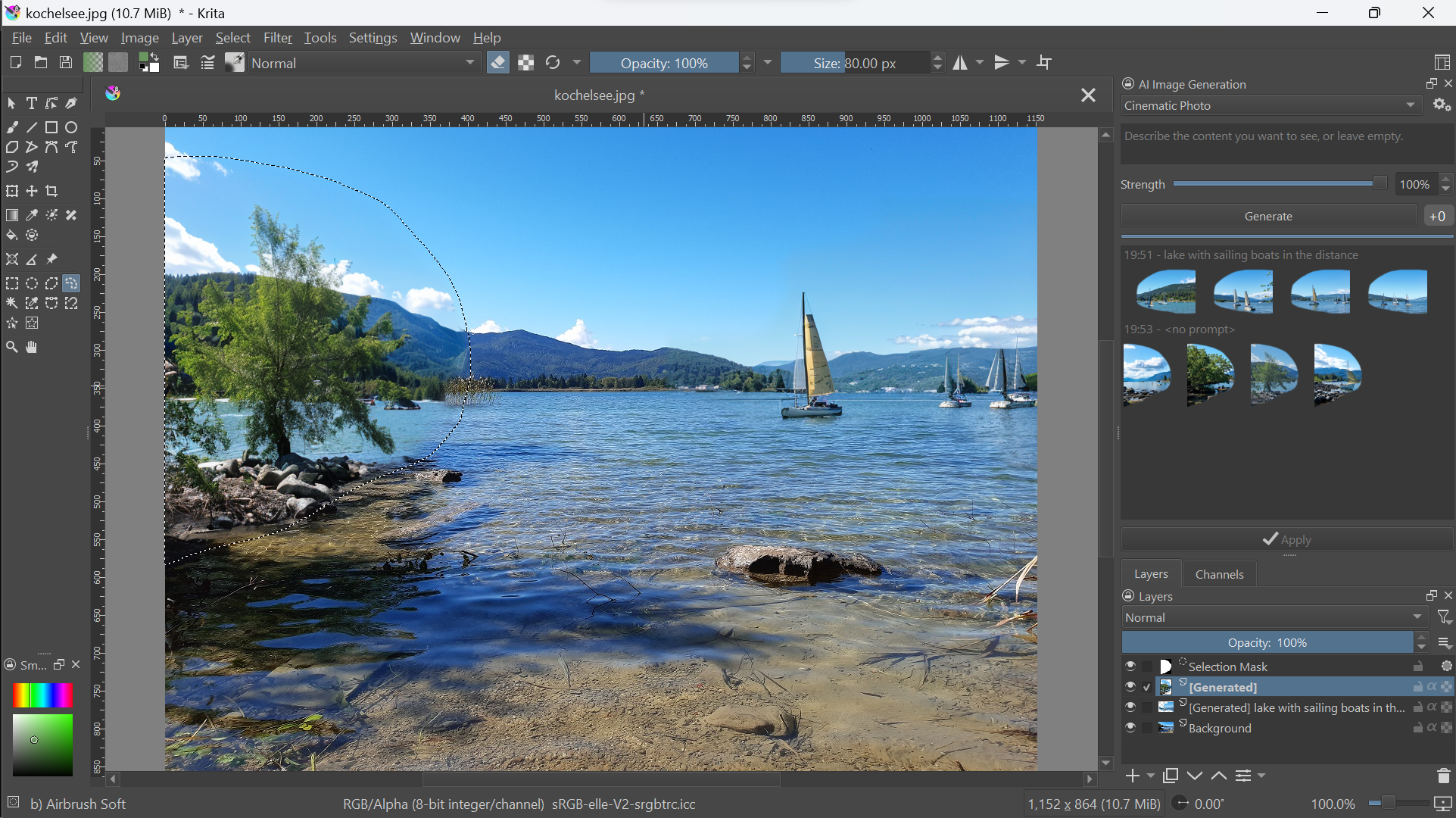
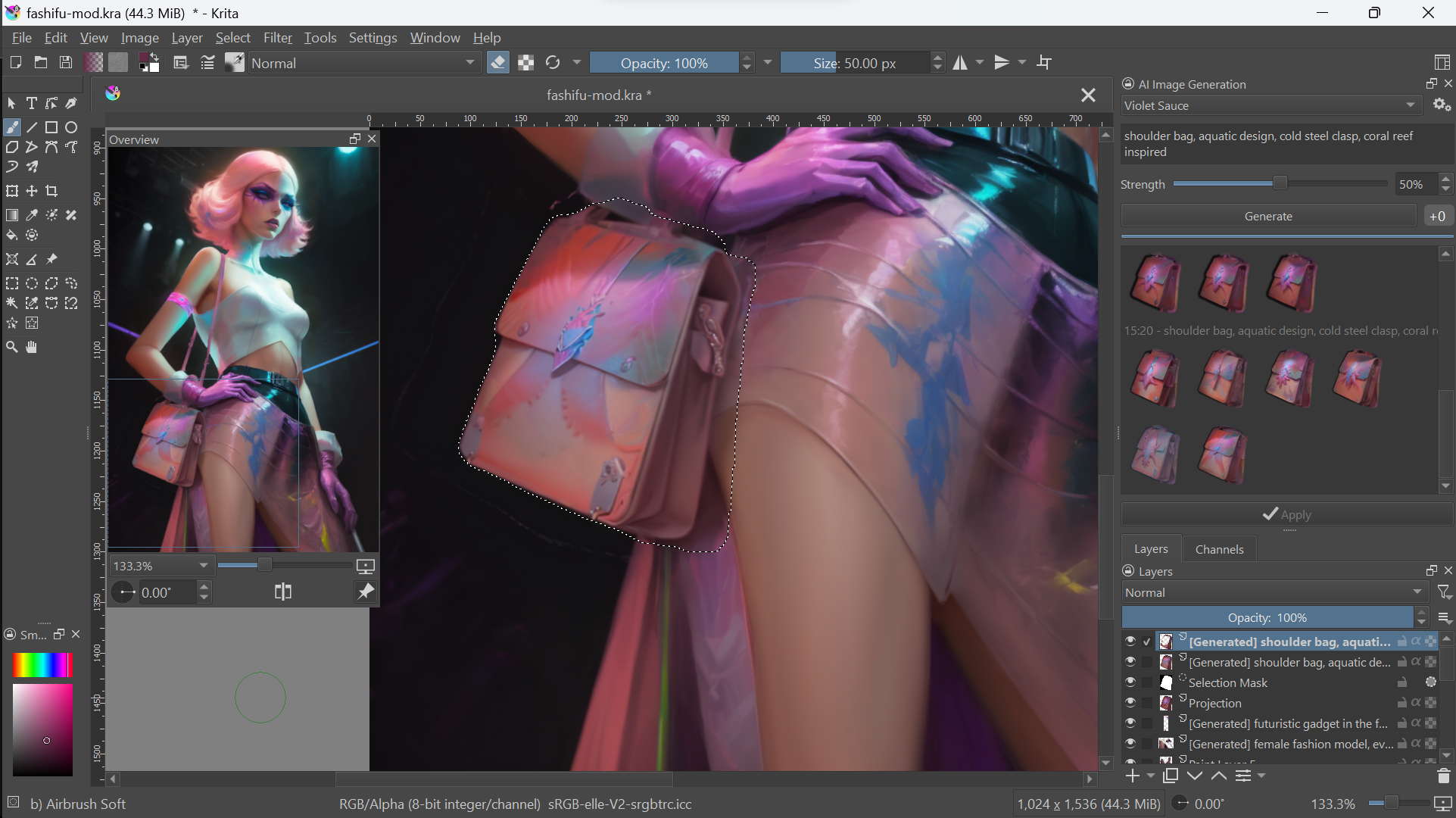
 这是一个免费开源的 Krita 插件,把生成式 AI 融入绘画和图像编辑流程:可以用可选的文字提示词对图片进行局部重绘、扩图、实时绘画和放大,全部在你自己的硬件上运行。
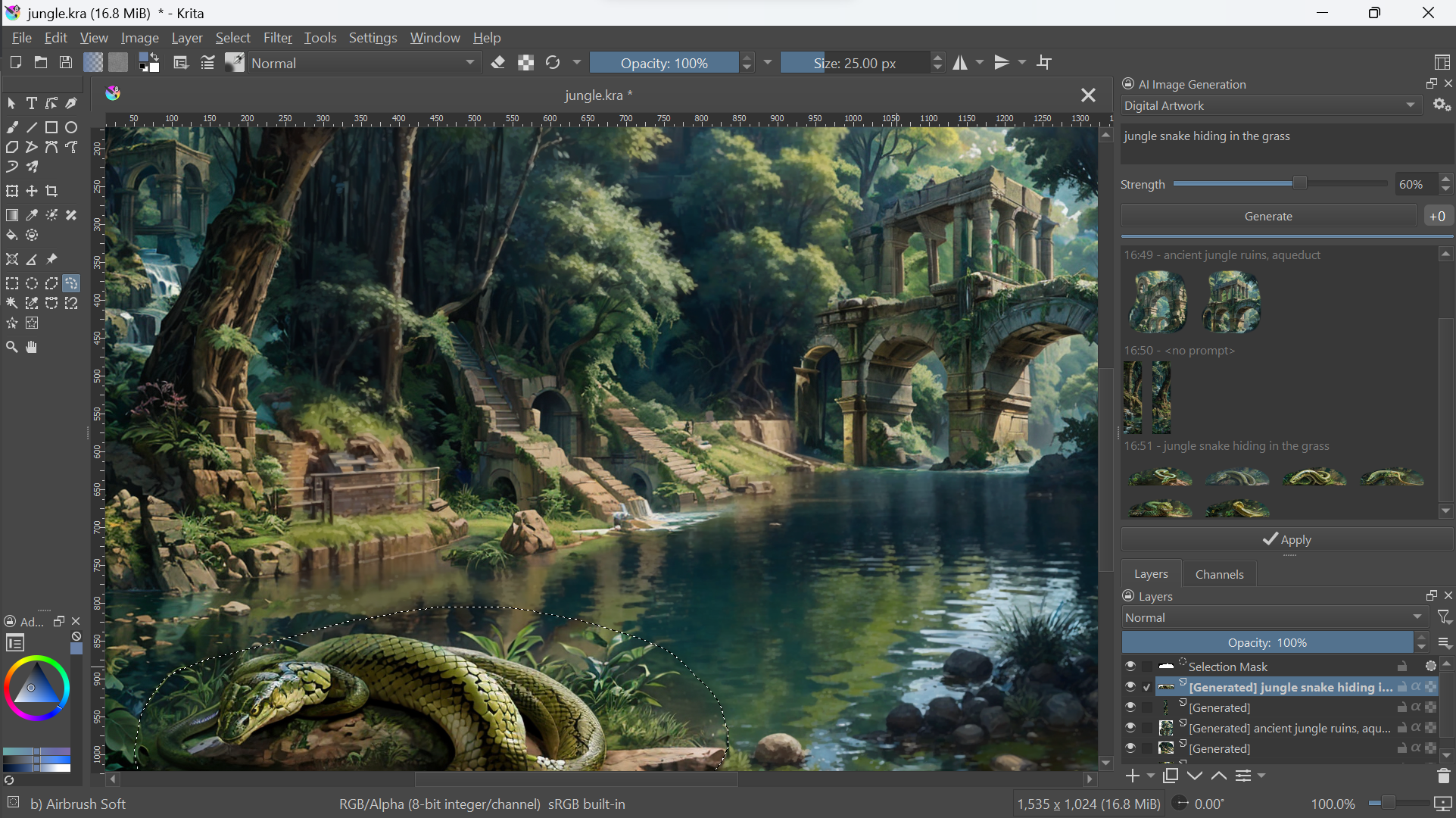
这是一个免费开源的 Krita 插件,把生成式 AI 融入绘画和图像编辑流程:可以用可选的文字提示词对图片进行局部重绘、扩图、实时绘画和放大,全部在你自己的硬件上运行。这是独立软件,还是 Krita 里面的东西?它是 Krita 的 Python 插件,不是独立软件:它会在 Krita 里添加一个名为 'AI Image Generation' 的停靠面板,并使用 ComfyUI 作为生成后端,这个后端它可以帮你自动安装和管理。
它是 Krita 的 Python 插件,不是独立软件:它会在 Krita 里添加一个名为 'AI Image Generation' 的停靠面板,并使用 ComfyUI 作为生成后端,这个后端它可以帮你自动安装和管理。怎么安装这个插件?先安装 Krita 5.2.0 或更新版本,下载插件 ZIP 文件,然后在 Krita 里使用 Tools ▸ Scripts ▸ Import Python Plugin from File...,重启 Krita,启用 AI Image Generation 停靠面板,再点击 Configure 来安装本地服务器或直接连接。
先安装 Krita 5.2.0 或更新版本,下载插件 ZIP 文件,然后在 Krita 里使用 Tools ▸ Scripts ▸ Import Python Plugin from File...,重启 Krita,启用 AI Image Generation 停靠面板,再点击 Configure 来安装本地服务器或直接连接。在本地运行需要什么样的硬件?建议使用配备至少 6 GB 显存的高性能显卡:Windows/Linux 上支持 NVIDIA(CUDA)、AMD(ROCm)或 Intel(XPU),macOS 14 及以上版本支持 Apple Silicon(MPS)。只用 CPU 也能跑,但速度非常慢。
建议使用配备至少 6 GB 显存的高性能显卡:Windows/Linux 上支持 NVIDIA(CUDA)、AMD(ROCm)或 Intel(XPU),macOS 14 及以上版本支持 Apple Silicon(MPS)。只用 CPU 也能跑,但速度非常慢。如果我的电脑配置不够,没法在本地生成怎么办?硬件太弱会导致生成速度很慢,或者出现内存不足的错误。可以换一种方式:让插件连接现有的本地或远程 ComfyUI 服务器,或者使用可选的云端生成,不用先花大钱买硬件就能上手。
硬件太弱会导致生成速度很慢,或者出现内存不足的错误。可以换一种方式:让插件连接现有的本地或远程 ComfyUI 服务器,或者使用可选的云端生成,不用先花大钱买硬件就能上手。我的作品会留在我自己的电脑上吗?可以:这个项目坚持使用开源模型,所有内容都在你自己的硬件上本地运行。云端生成只是一个方便快速上手的可选项。
可以:这个项目坚持使用开源模型,所有内容都在你自己的硬件上本地运行。云端生成只是一个方便快速上手的可选项。为什么不直接用独立的 AI 图像生成工具,而要开发这个插件?大多数生成工具都把重点放在 AI 参数上;这个项目则希望成为一个不打扰你的工具,与 Krita 的编辑流程深度整合,让你在绘画、编辑和生成之间无缝切换,不用操心分辨率和各种技术细节。
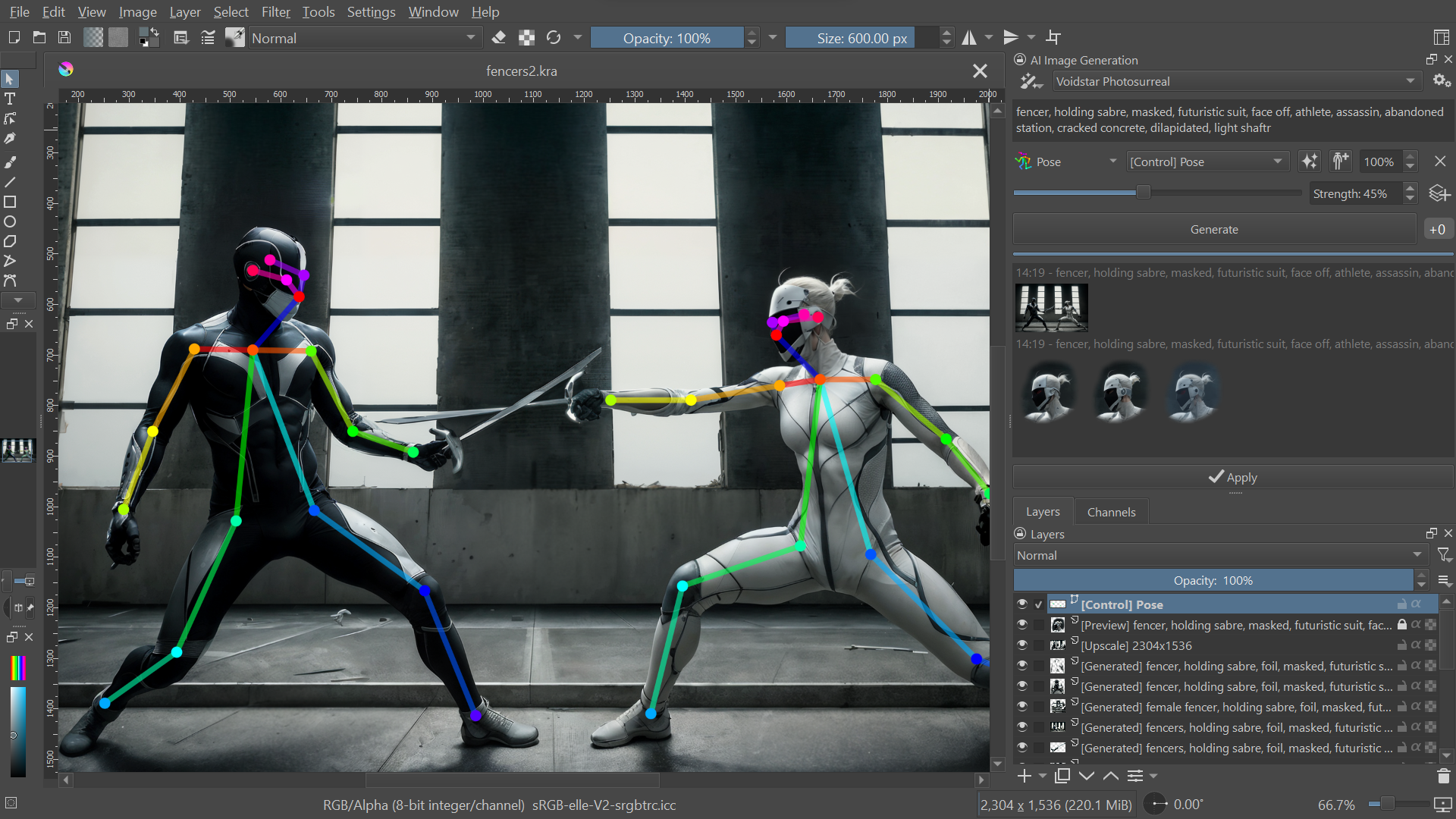
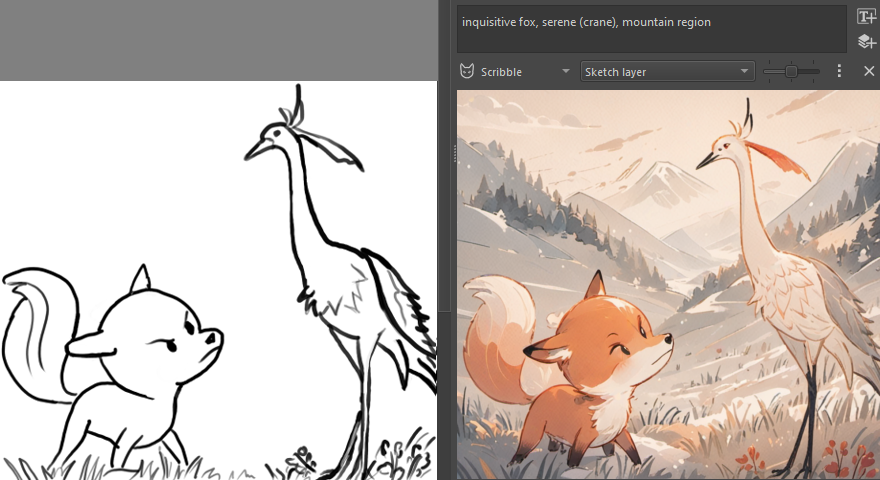
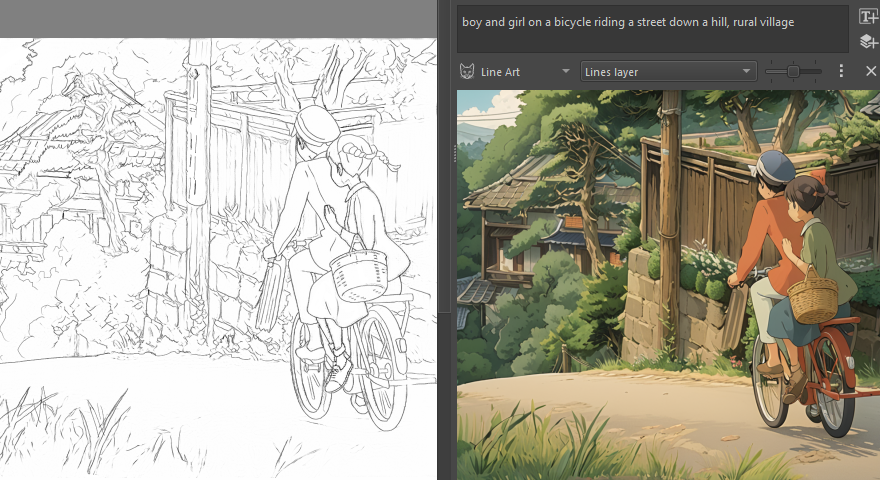
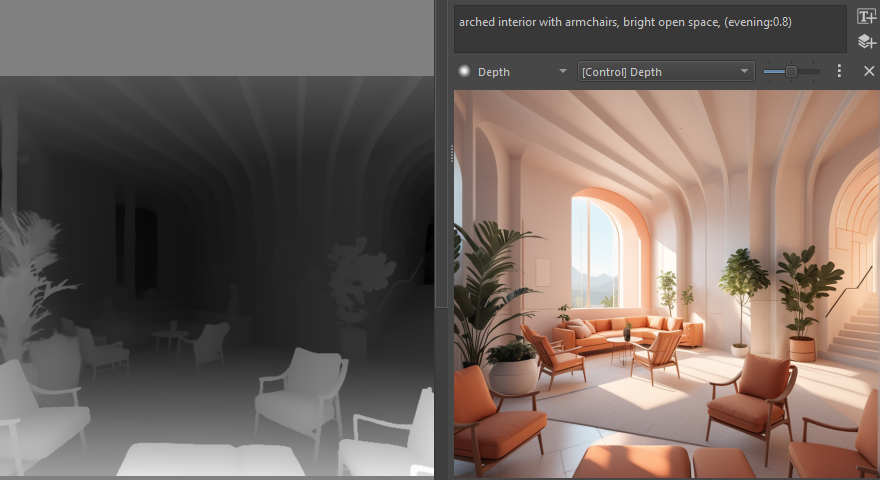
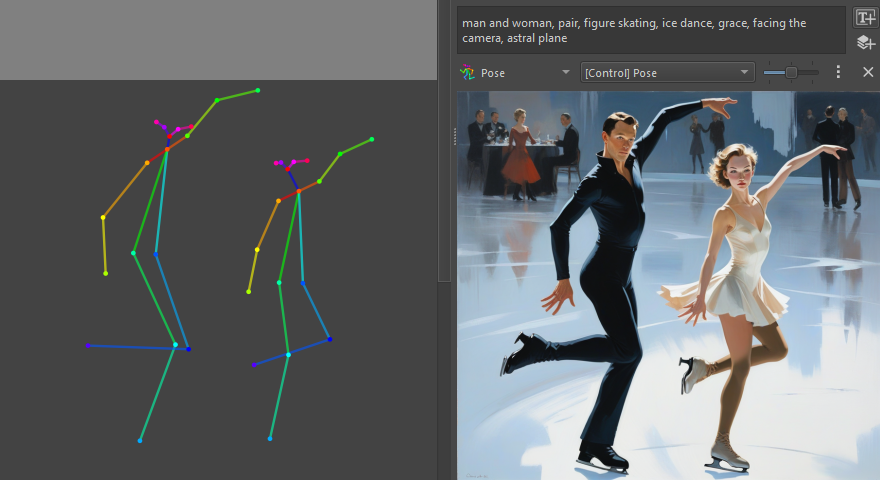
大多数生成工具都把重点放在 AI 参数上;这个项目则希望成为一个不打扰你的工具,与 Krita 的编辑流程深度整合,让你在绘画、编辑和生成之间无缝切换,不用操心分辨率和各种技术细节。对 AI 生成内容的控制能有多精确?非常精确:你可以把生成范围限定在选区内,以可调的强度润色现有内容,把文字提示词集中在图片的某个区域,还可以用参考图、草图、线稿或深度图来引导生成结果。
非常精确:你可以把生成范围限定在选区内,以可调的强度润色现有内容,把文字提示词集中在图片的某个区域,还可以用参考图、草图、线稿或深度图来引导生成结果。它还能选中物体或去除背景吗?可以,通过另一个配套插件实现,它提供 AI 分割工具,可以轻松选中图中的物体或去除背景。
可以,通过另一个配套插件实现,它提供 AI 分割工具,可以轻松选中图中的物体或去除背景。What are similar projects?stable-diffusion-webui, ComfyUI, stable-diffusion-webui-forge, stable-diffusion, sd-webui-controlnet, kohya_ss, InvokeAI, stable-diffusion-webui-colab
stable-diffusion-webui, ComfyUI, stable-diffusion-webui-forge, stable-diffusion, sd-webui-controlnet, kohya_ss, InvokeAI, stable-diffusion-webui-colabWhich topics is it in?controlnet, ai-art, inpainting, upscaling, diffusion, amd, stable-diffusion, text-to-image, image-generation, apple-silicon, nvidia, customization
controlnet, ai-art, inpainting, upscaling, diffusion, amd, stable-diffusion, text-to-image, image-generation, apple-silicon, nvidia, customization