 Generative AI for Krita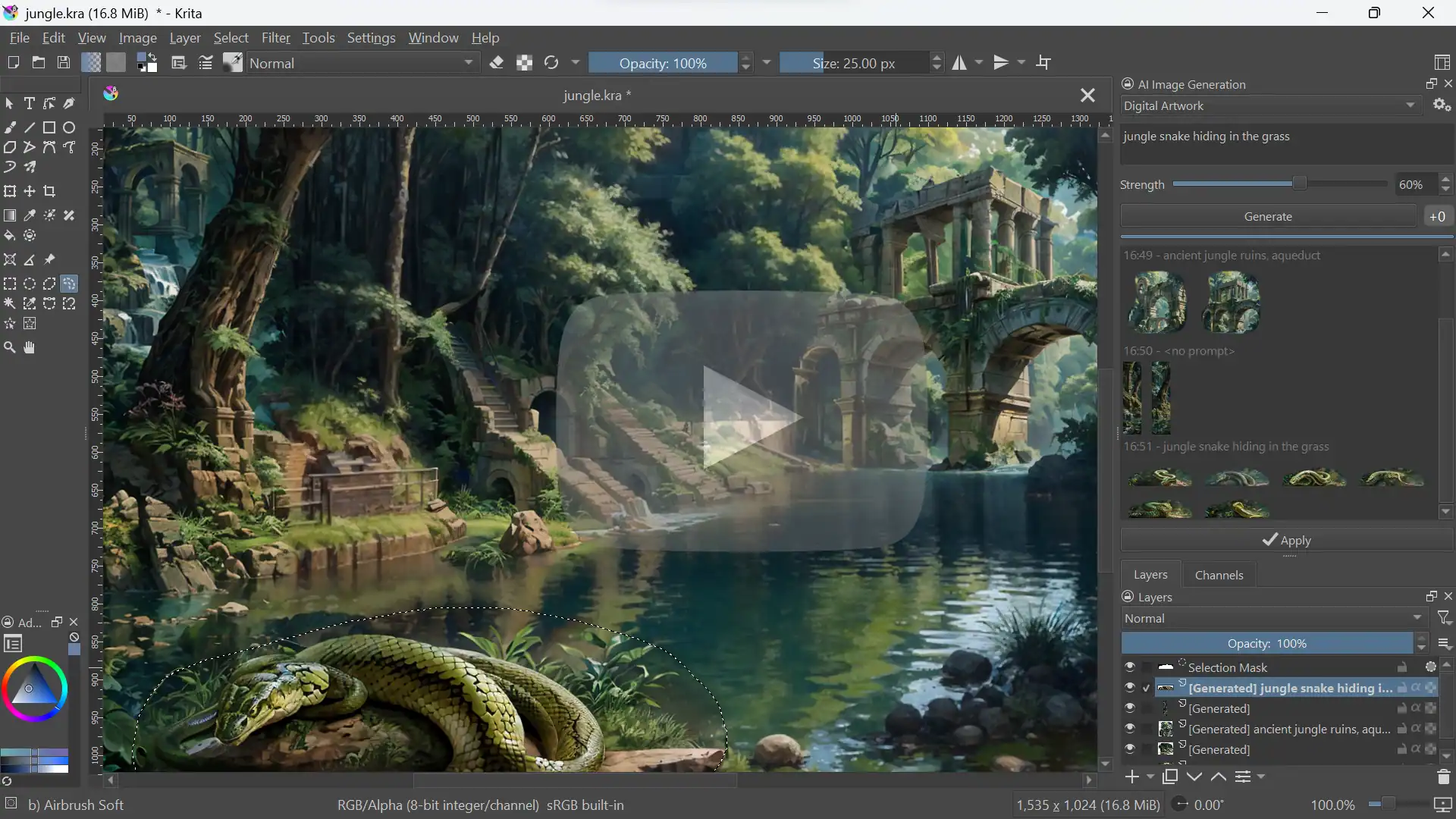
10.7K ·GitHub
What is this?
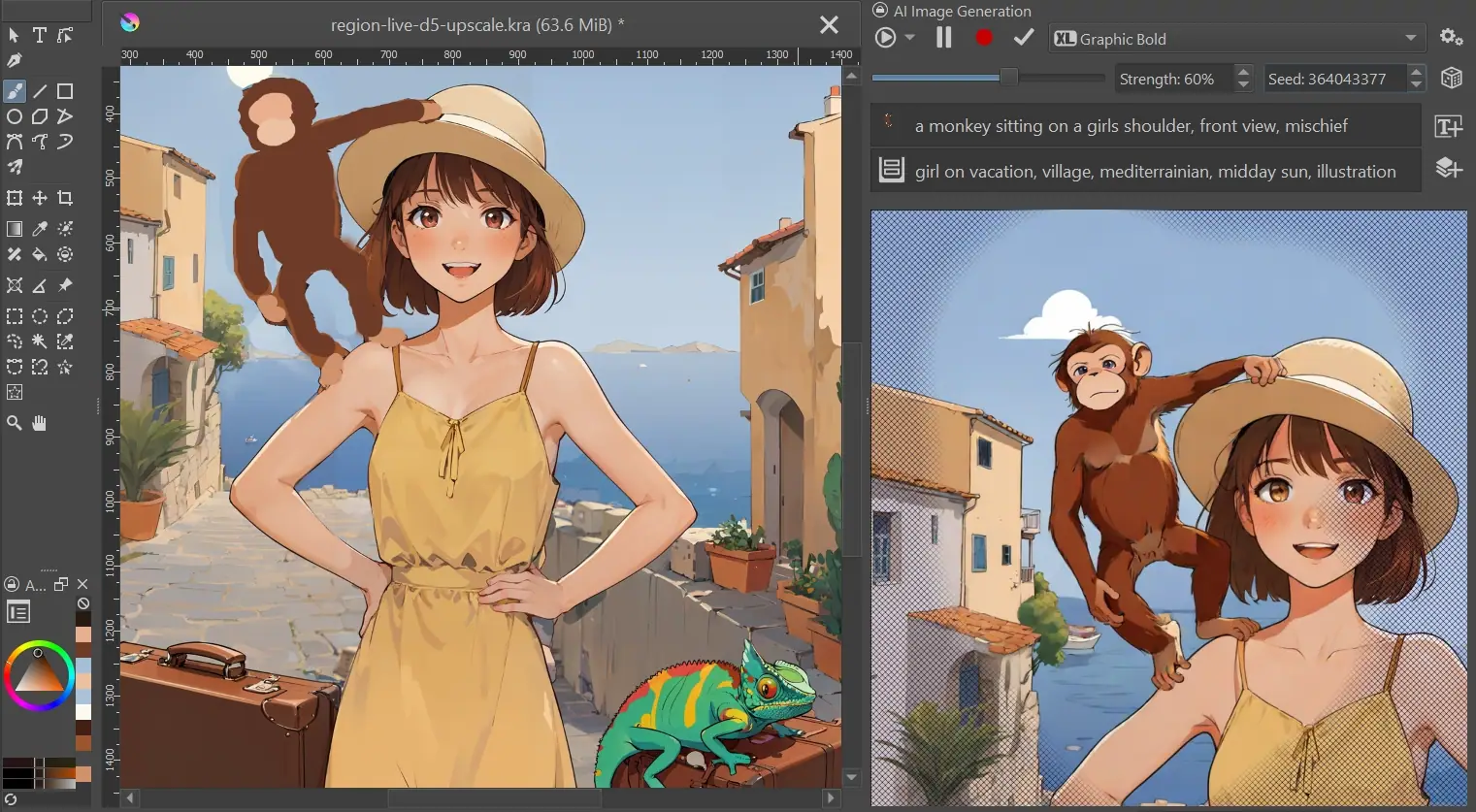
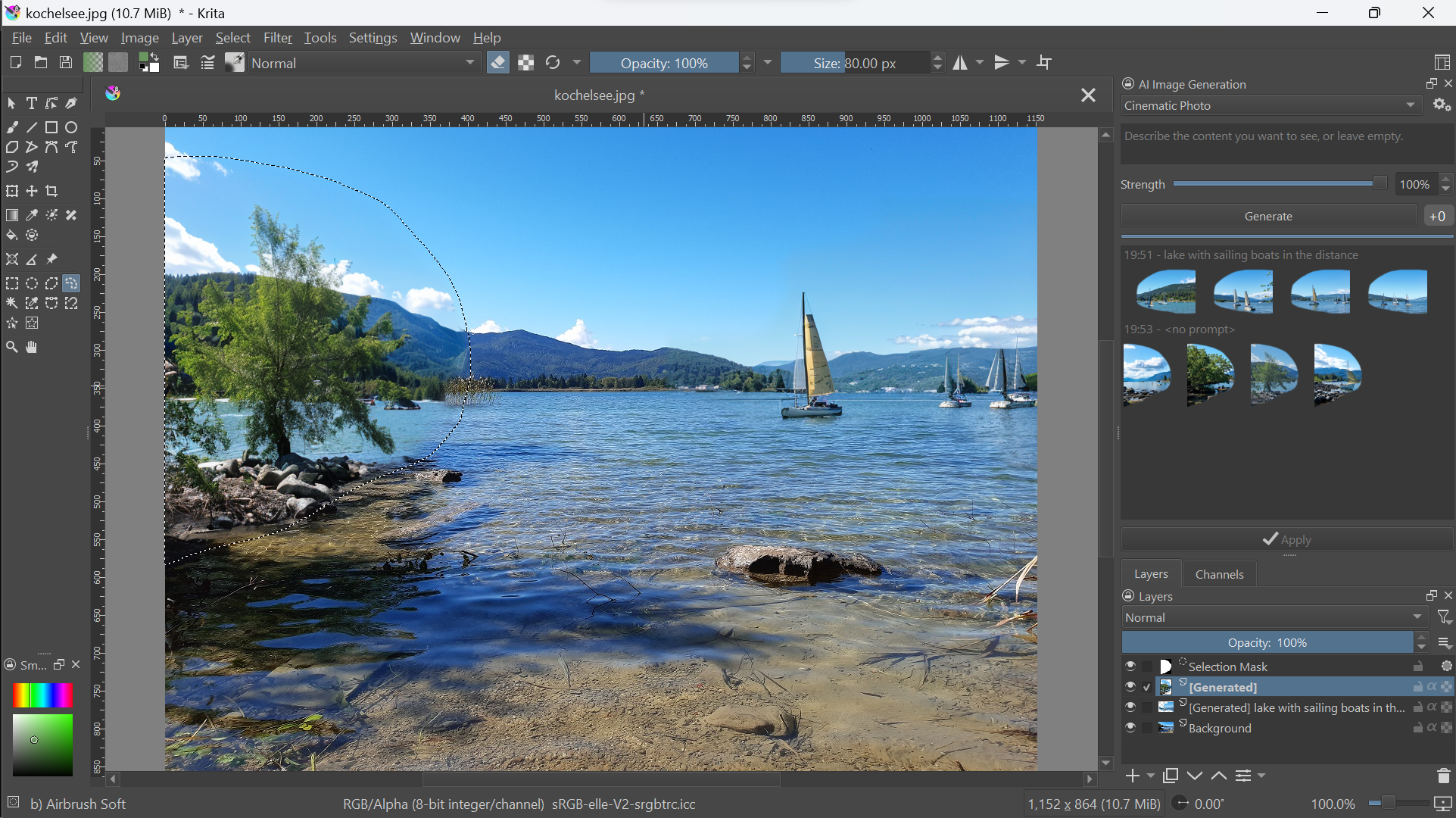
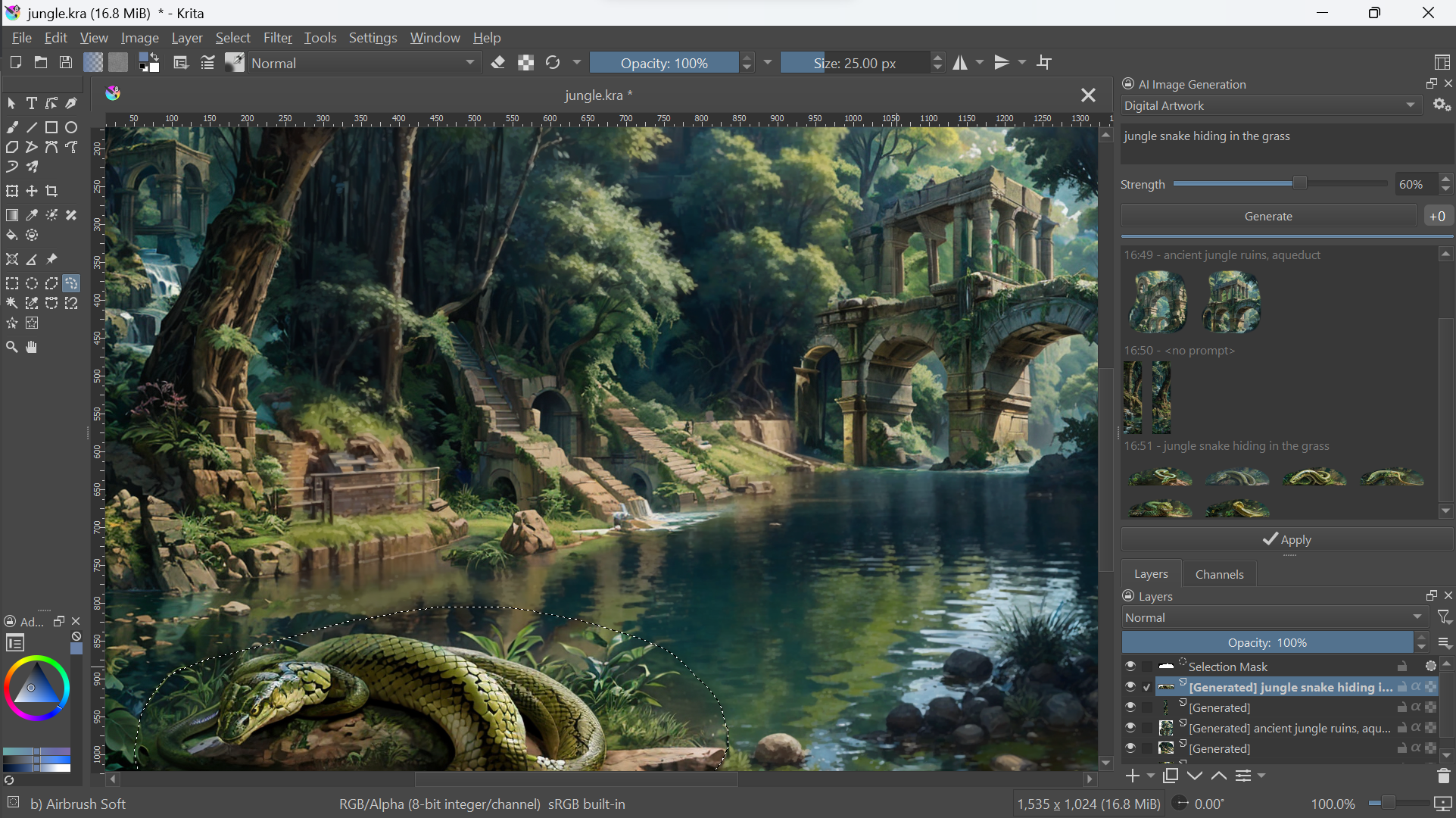
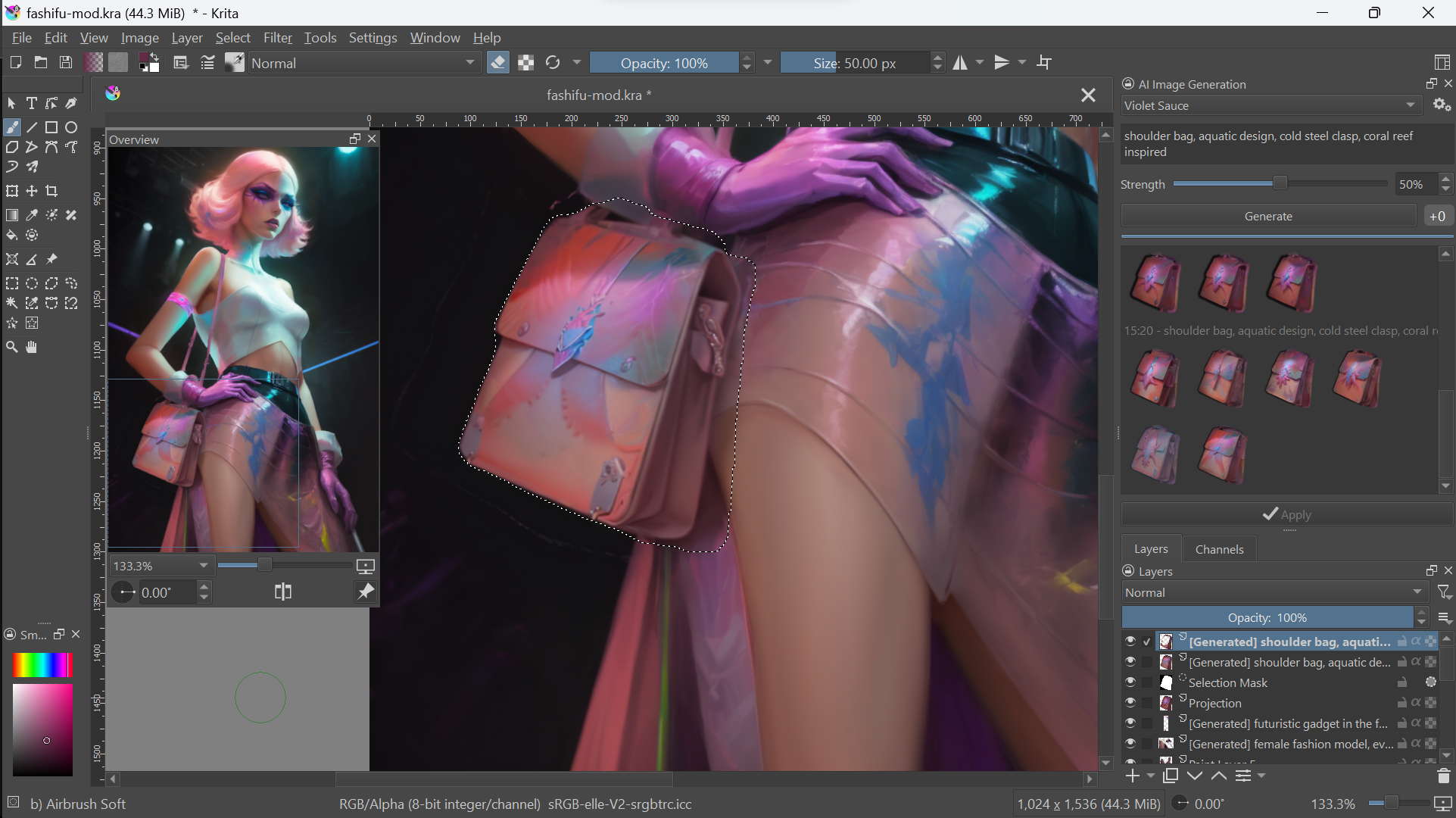
 A free, open-source Krita plugin that brings generative AI into painting and editing workflows: inpaint, outpaint, live-paint and upscale images with an optional text prompt, running on your own hardware.
A free, open-source Krita plugin that brings generative AI into painting and editing workflows: inpaint, outpaint, live-paint and upscale images with an optional text prompt, running on your own hardware.Is this a standalone app or something inside Krita?It is a Python plugin for Krita, not a standalone app: it adds an 'AI Image Generation' docker panel inside Krita and uses ComfyUI as its generation backend, which it can install and manage for you.
It is a Python plugin for Krita, not a standalone app: it adds an 'AI Image Generation' docker panel inside Krita and uses ComfyUI as its generation backend, which it can install and manage for you.How do I install the plugin?Install Krita 5.2.0 or newer, download the plugin ZIP, then in Krita use Tools ▸ Scripts ▸ Import Python Plugin from File..., restart, enable the AI Image Generation docker and click Configure to install the local server or connect.
Install Krita 5.2.0 or newer, download the plugin ZIP, then in Krita use Tools ▸ Scripts ▸ Import Python Plugin from File..., restart, enable the AI Image Generation docker and click Configure to install the local server or connect.What hardware do I need to run it locally?A powerful GPU with at least 6 GB VRAM is recommended: NVIDIA via CUDA, AMD via ROCm or Intel via XPU on Windows/Linux, Apple Silicon via MPS on macOS 14+. CPU-only works but is very slow.
A powerful GPU with at least 6 GB VRAM is recommended: NVIDIA via CUDA, AMD via ROCm or Intel via XPU on Windows/Linux, Apple Silicon via MPS on macOS 14+. CPU-only works but is very slow.What if my computer is not powerful enough for local generation?Weak hardware means very slow generation or memory failures. Alternatives: point the plugin at an existing local or remote ComfyUI server, or use the optional cloud generation to start without heavy hardware investment.
Weak hardware means very slow generation or memory failures. Alternatives: point the plugin at an existing local or remote ComfyUI server, or use the optional cloud generation to start without heavy hardware investment.Does my artwork stay on my machine?It can: the project is committed to open-source models and everything runs locally on your own hardware. Cloud generation is only an optional convenience for getting started quickly.
It can: the project is committed to open-source models and everything runs locally on your own hardware. Cloud generation is only an optional convenience for getting started quickly.Why build this instead of using a standalone AI image generator?Most generation tools focus heavily on AI parameters; this project aims to be an unobtrusive tool that integrates with Krita's editing workflows, so you draw, paint, edit and generate seamlessly without worrying about resolution and technical details.
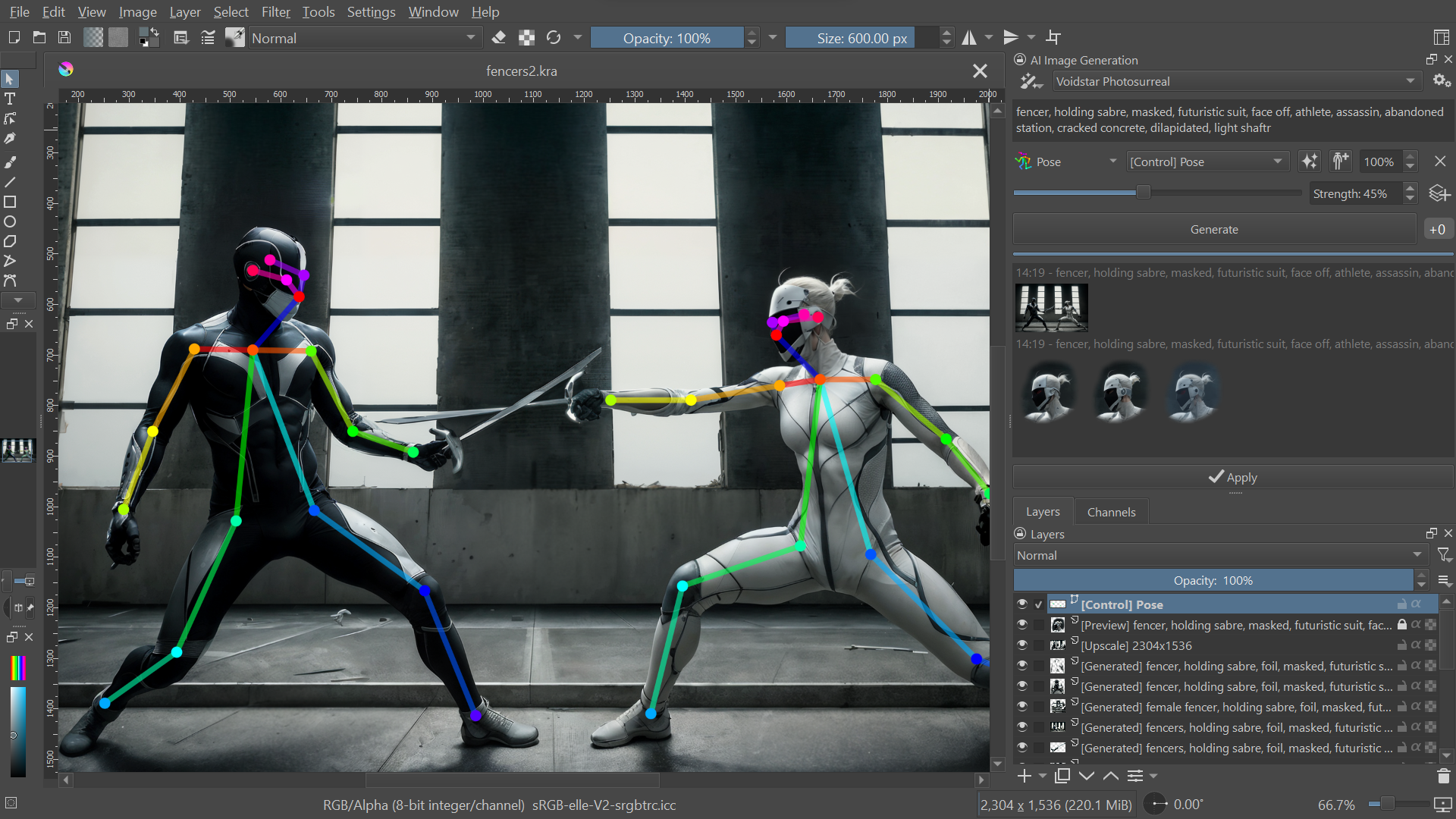
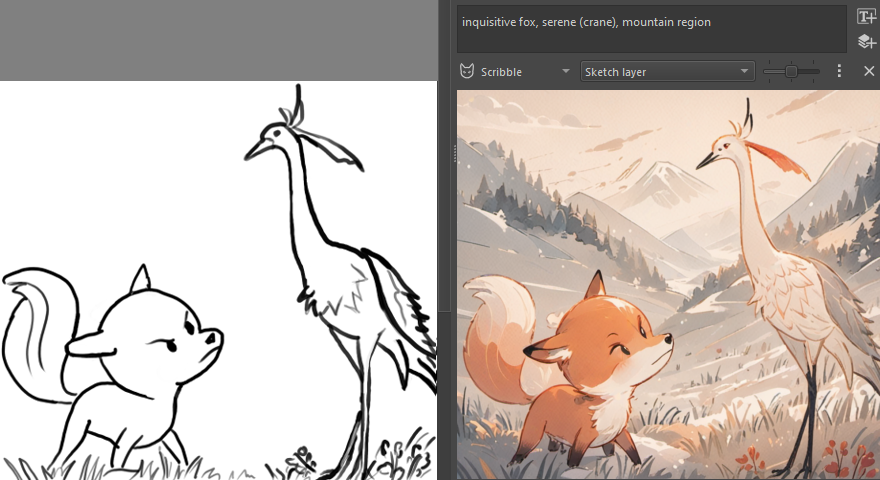
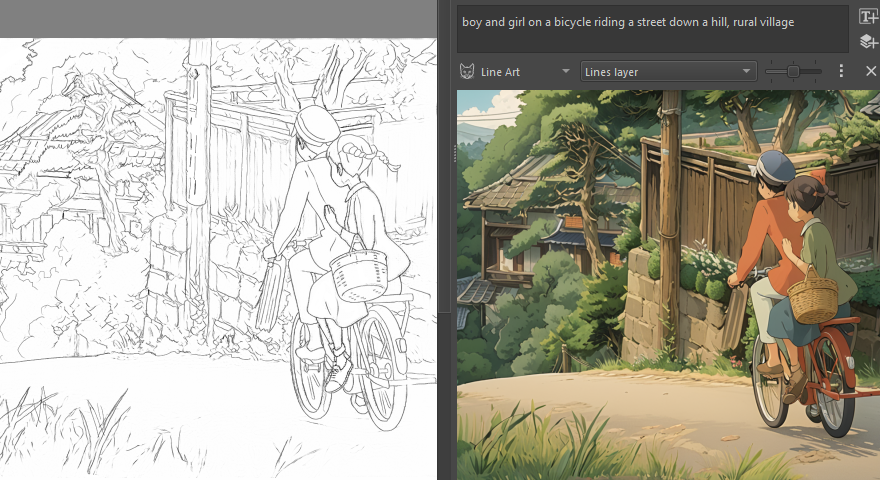
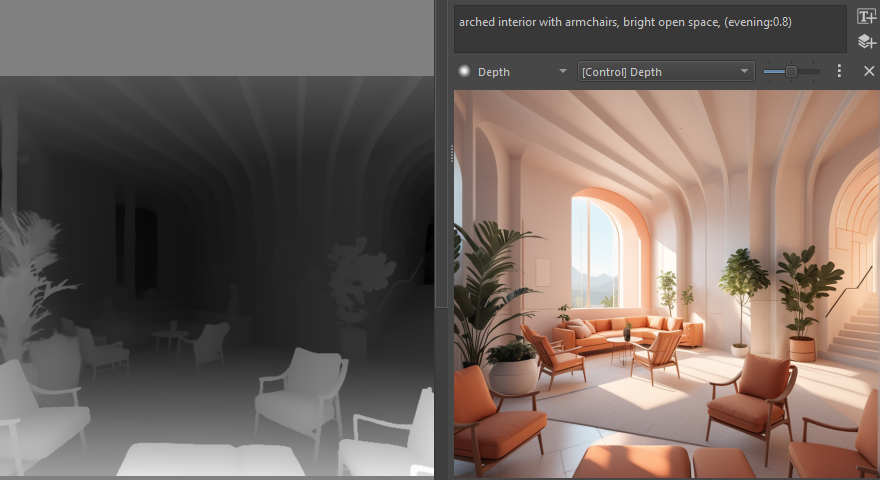
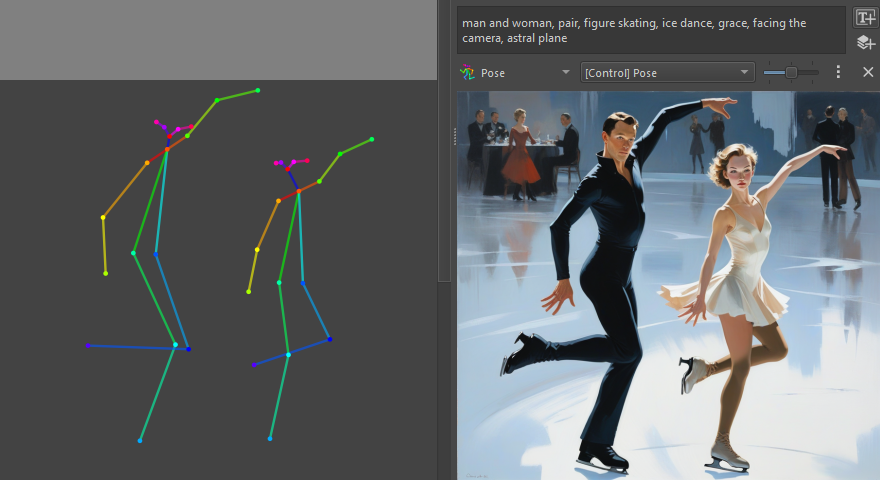
Most generation tools focus heavily on AI parameters; this project aims to be an unobtrusive tool that integrates with Krita's editing workflows, so you draw, paint, edit and generate seamlessly without worrying about resolution and technical details.How precise is the control over what the AI generates?Very: you can restrict generation to selections, refine existing content with a variable degree of strength, focus text prompts on image regions, and guide results with reference images, sketches, line art or depth maps.
Very: you can restrict generation to selections, refine existing content with a variable degree of strength, focus text prompts on image regions, and guide results with reference images, sketches, line art or depth maps.Can it also select objects or remove backgrounds?Yes, through a separate companion plugin that adds AI segmentation tools for easily selecting objects or removing the background in an image.
Yes, through a separate companion plugin that adds AI segmentation tools for easily selecting objects or removing the background in an image.What are similar projects?stable-diffusion-webui, ComfyUI, stable-diffusion-webui-forge, stable-diffusion, sd-webui-controlnet, kohya_ss, InvokeAI, stable-diffusion-webui-colab
stable-diffusion-webui, ComfyUI, stable-diffusion-webui-forge, stable-diffusion, sd-webui-controlnet, kohya_ss, InvokeAI, stable-diffusion-webui-colabWhich topics is it in?controlnet, ai-art, inpainting, upscaling, diffusion, amd, stable-diffusion, text-to-image, image-generation, apple-silicon, nvidia, customization
controlnet, ai-art, inpainting, upscaling, diffusion, amd, stable-diffusion, text-to-image, image-generation, apple-silicon, nvidia, customization