





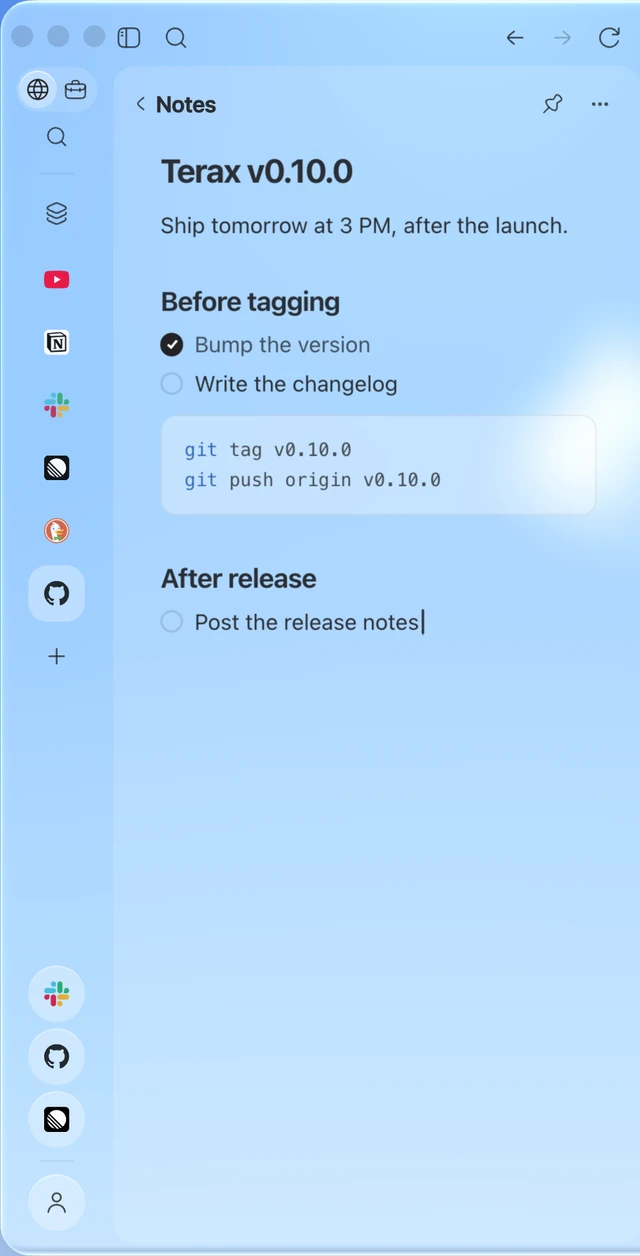
What is this?
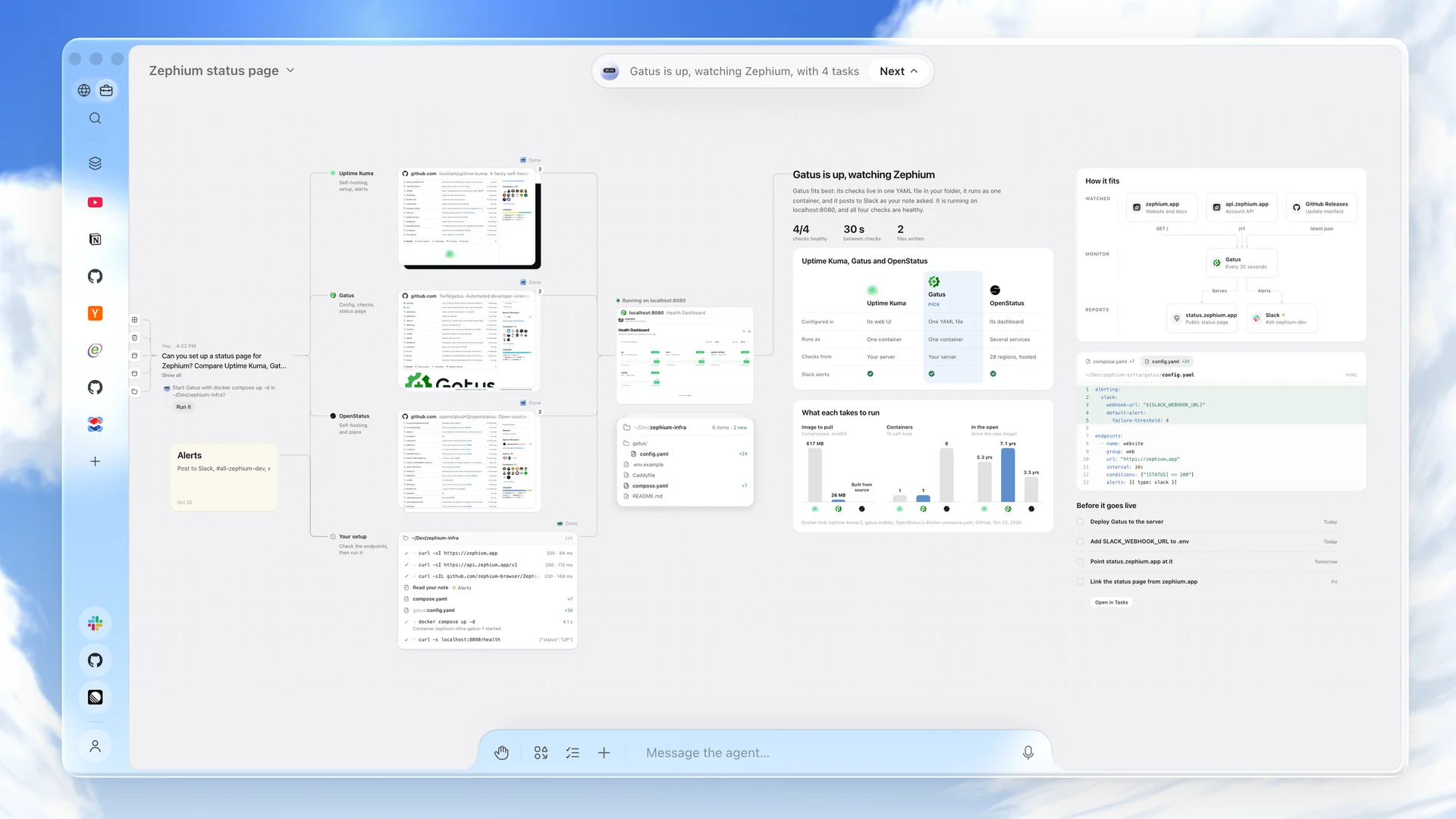
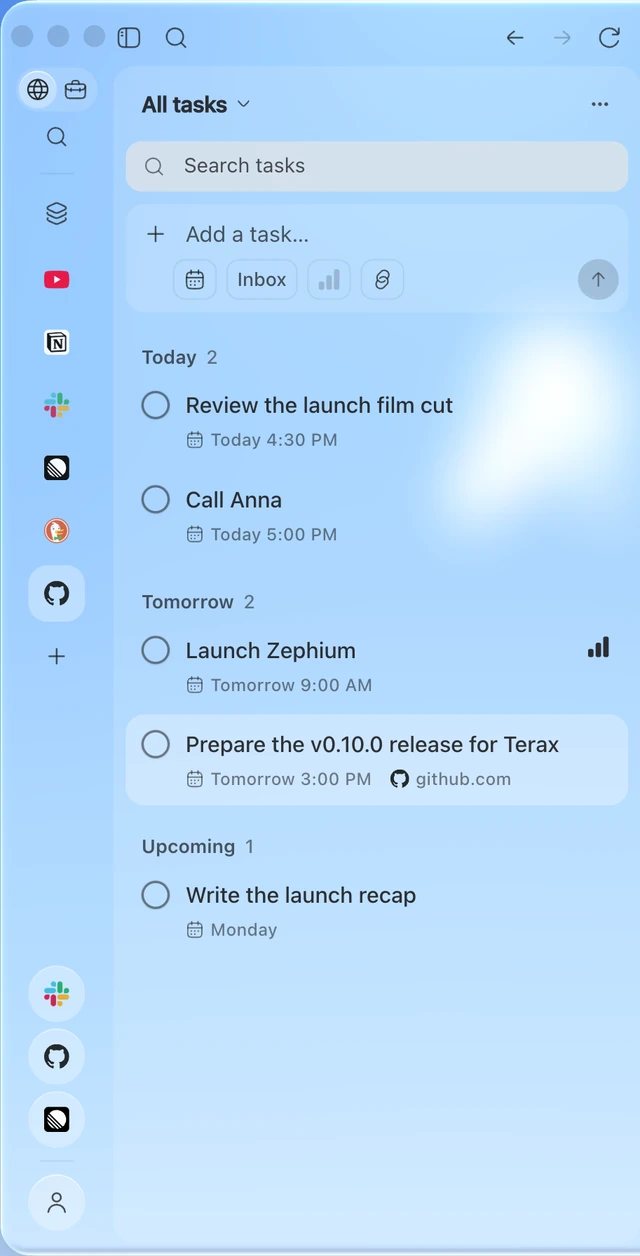
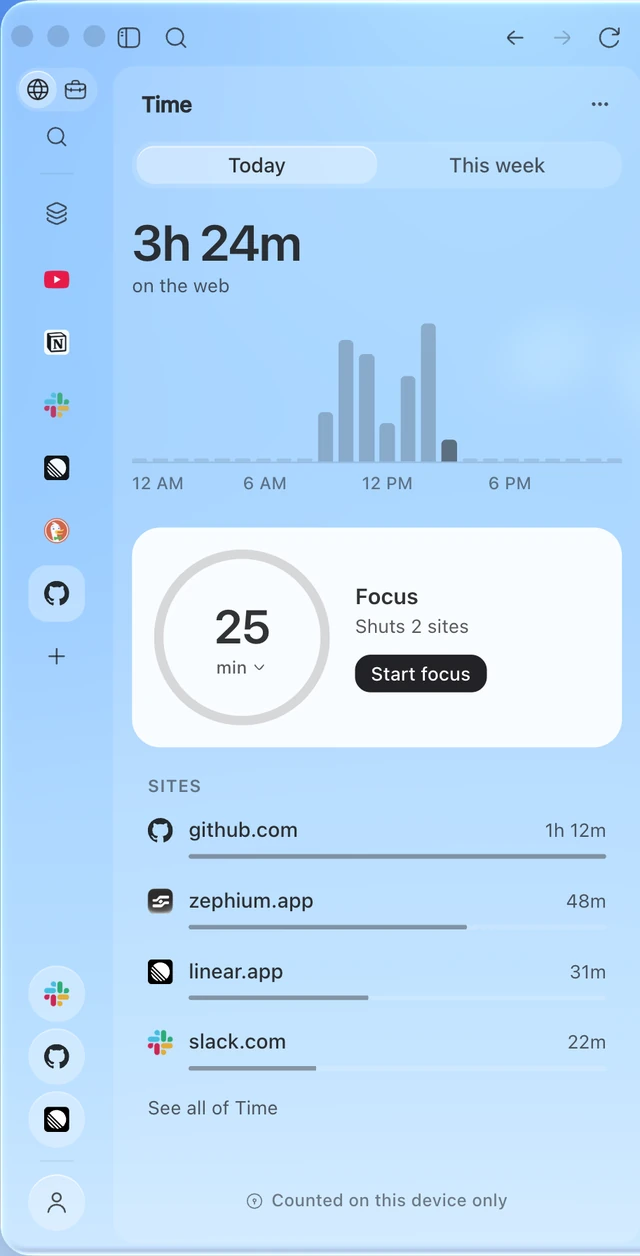
 Zephium is an open-source desktop browser built in Rust that pairs fast, privacy-respecting browsing with 'Work', a canvas where AI agents carry out real tasks (research, planning, coding) in plain sight.
Is it a fork of Chrome or Firefox?No. Zephium is a ground-up browser that runs on your OS's native engine: WebKit on macOS (the same engine Safari uses) and WebView2 on Windows, rather than being based on Chromium or Firefox.
No. Zephium is a ground-up browser that runs on your OS's native engine: WebKit on macOS (the same engine Safari uses) and WebView2 on Windows, rather than being based on Chromium or Firefox.Do I need my own API keys to use the agent features?You can bring your own keys for Anthropic, OpenAI, Google Gemini, xAI, Mistral, DeepSeek, Groq, Cerebras or OpenRouter, or run a model locally via Ollama/LM Studio, or skip keys entirely by signing in to Zephium AI, which starts you off with free credits.
You can bring your own keys for Anthropic, OpenAI, Google Gemini, xAI, Mistral, DeepSeek, Groq, Cerebras or OpenRouter, or run a model locally via Ollama/LM Studio, or skip keys entirely by signing in to Zephium AI, which starts you off with free credits.Is it ready for Linux or Intel Macs?Not yet — Linux and Intel Mac support are both listed as 'what's next', and current Windows builds are not code-signed, so SmartScreen may warn you need to click 'More info' then 'Run anyway'.
Not yet — Linux and Intel Mac support are both listed as 'what's next', and current Windows builds are not code-signed, so SmartScreen may warn you need to click 'More info' then 'Run anyway'.Does Zephium track or store my browsing data?No. There's no telemetry, no account is needed for normal browsing, and history, tasks, notes and memory stay on your device; only Zephium AI requires sign-in, and it keeps no content from your requests.
No. There's no telemetry, no account is needed for normal browsing, and history, tasks, notes and memory stay on your device; only Zephium AI requires sign-in, and it keeps no content from your requests.What exactly does 'Work' let an agent do?Work lets agents plan and execute multi-step tasks on a visible canvas — reading pages, running parallel helper agents, editing granted folders, running commands, and handing larger coding jobs to Claude Code or Codex — with every step shown and anything that changes external state waiting for your approval.
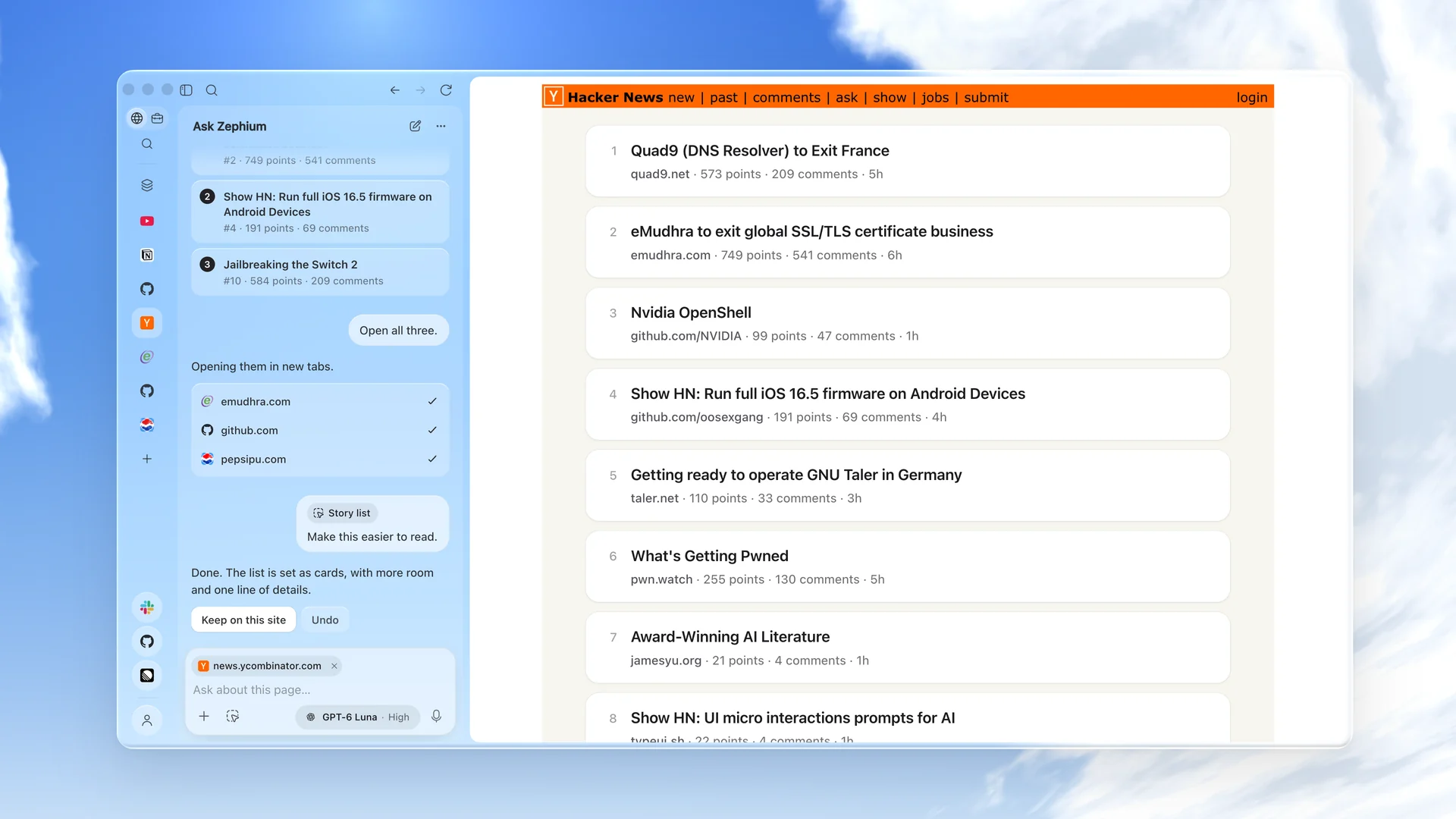
Work lets agents plan and execute multi-step tasks on a visible canvas — reading pages, running parallel helper agents, editing granted folders, running commands, and handing larger coding jobs to Claude Code or Codex — with every step shown and anything that changes external state waiting for your approval.What is Ask Zephium?Ask Zephium is a sidebar assistant (Cmd/Ctrl+E) that reads the current page, answers questions about it, can take a few actions on the page, and can hand a bigger job off to Work's canvas via 'Continue in Work'.
Ask Zephium is a sidebar assistant (Cmd/Ctrl+E) that reads the current page, answers questions about it, can take a few actions on the page, and can hand a bigger job off to Work's canvas via 'Continue in Work'.Can I keep using my Chrome extensions and import my old bookmarks?Yes — Zephium installs extensions straight from the Chrome Web Store (20 popular ones are verified), and its welcome flow imports data from Chrome, Safari, Arc, Zen, Firefox, Brave and Edge.
Yes — Zephium installs extensions straight from the Chrome Web Store (20 popular ones are verified), and its welcome flow imports data from Chrome, Safari, Arc, Zen, Firefox, Brave and Edge.Does using Zephium AI cost anything?Signing in to Zephium AI gives you free credits to start, with usage-based pricing after that; using your own API keys or a local model via Ollama/LM Studio is free and keeps keys in your system keychain.
Signing in to Zephium AI gives you free credits to start, with usage-based pricing after that; using your own API keys or a local model via Ollama/LM Studio is free and keeps keys in your system keychain.What are similar projects?natively-cluely-ai-assistant, taskuary, easyread, laya, EnvoyMesh, rowboat, starnet, ambient-context
natively-cluely-ai-assistant, taskuary, easyread, laya, EnvoyMesh, rowboat, starnet, ambient-contextWhich topics is it in?webview2, work, freemium, webkit, adblock, task-management, svelte, canvas, note-taking, tauri, chrome-extension, browser-extension
webview2, work, freemium, webkit, adblock, task-management, svelte, canvas, note-taking, tauri, chrome-extension, browser-extension