



What is this?
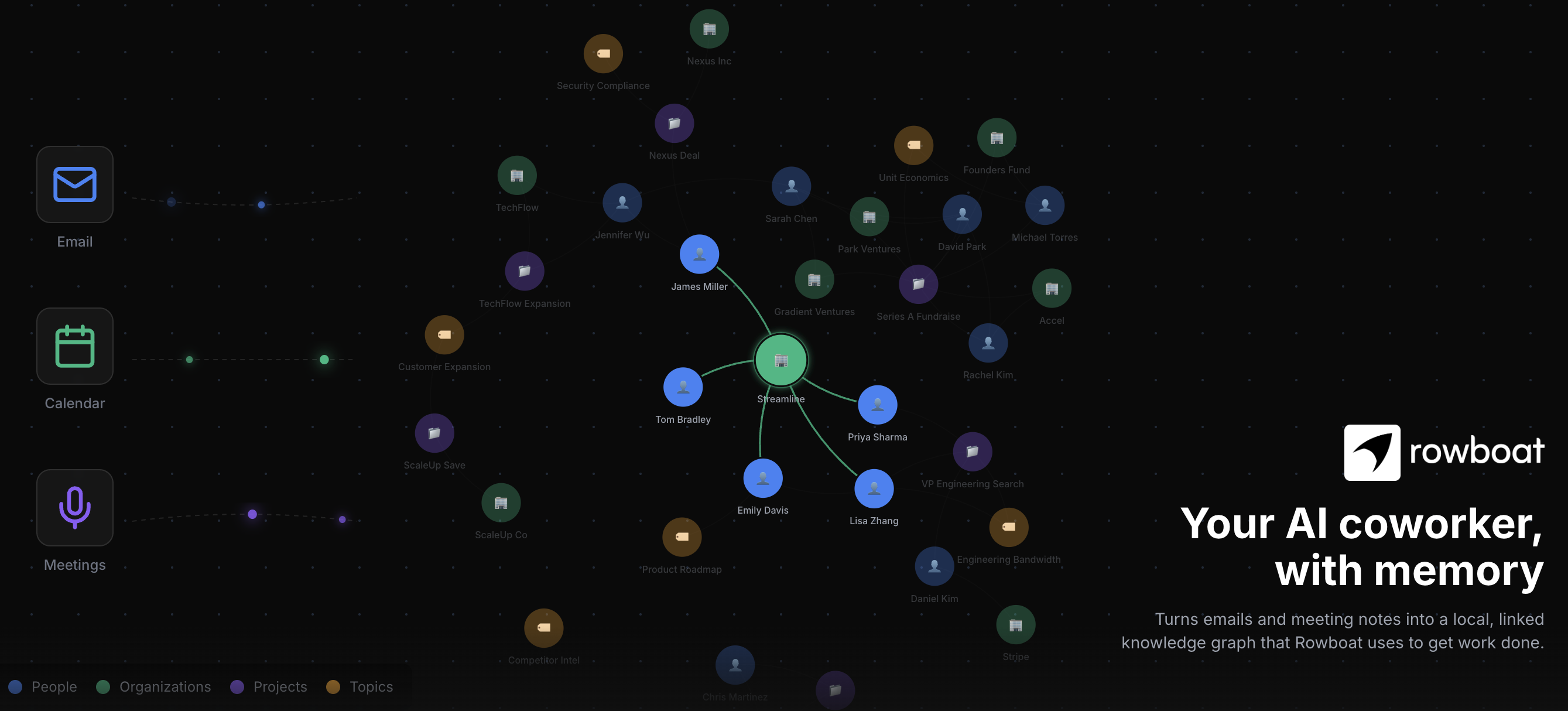
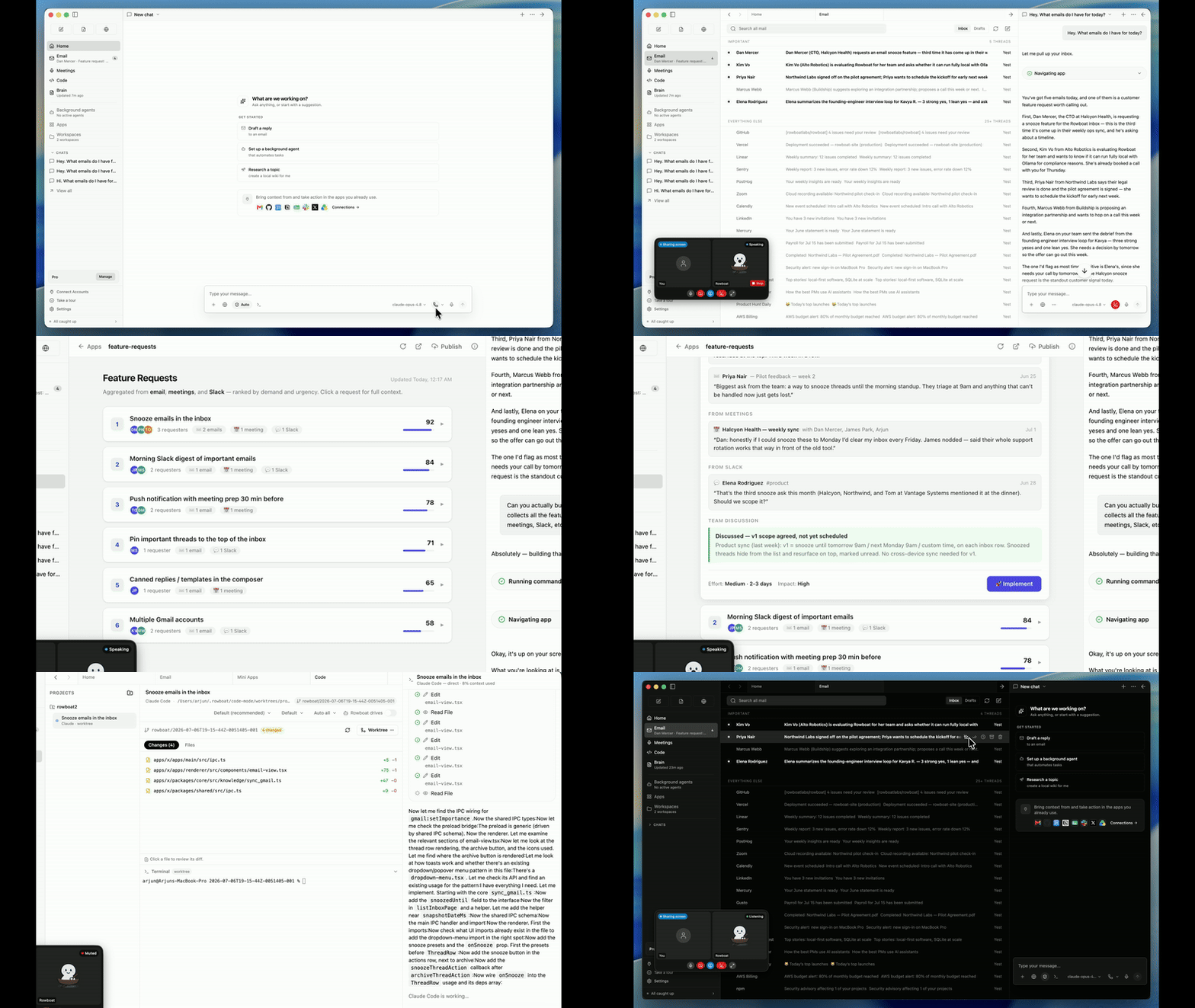
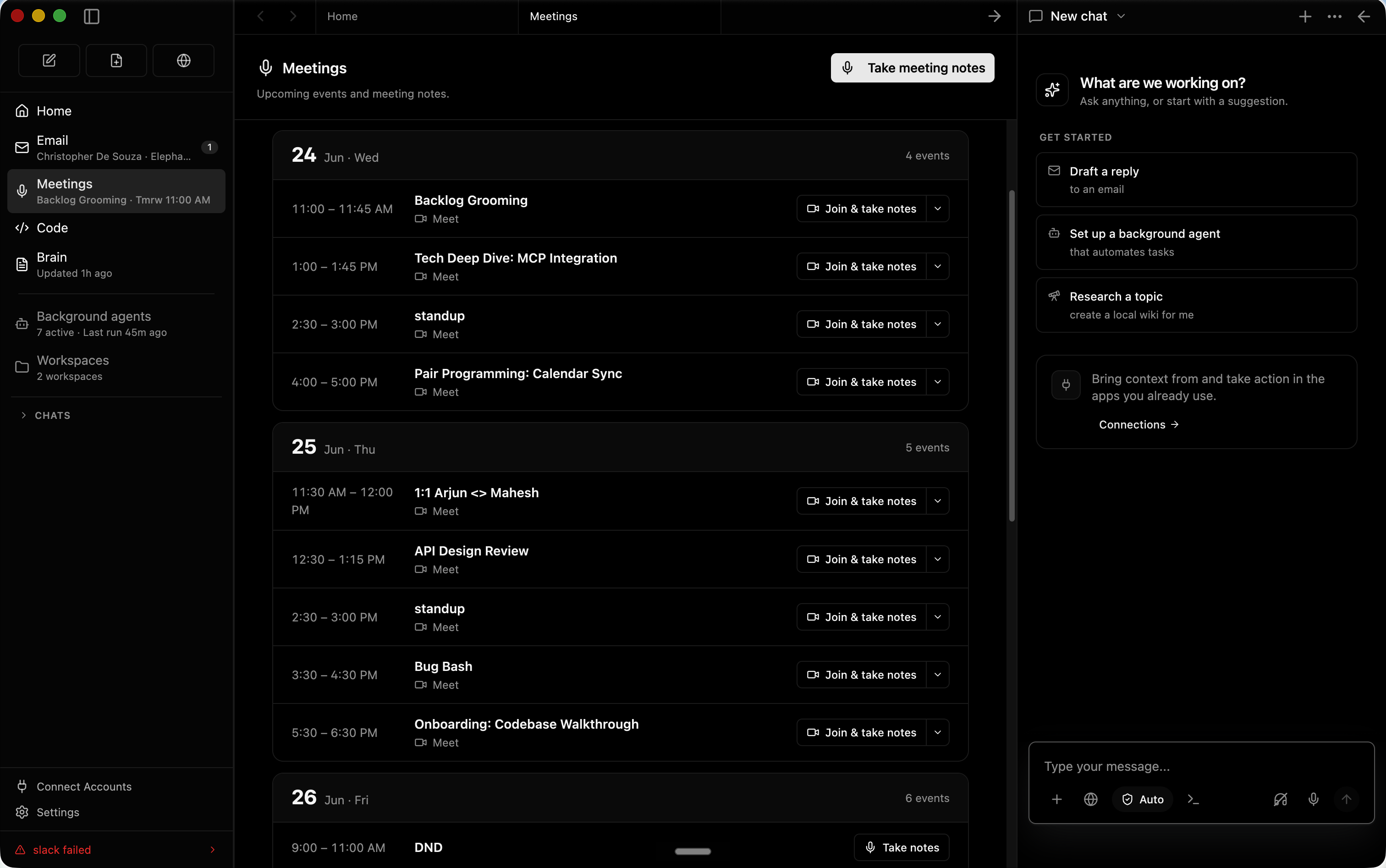
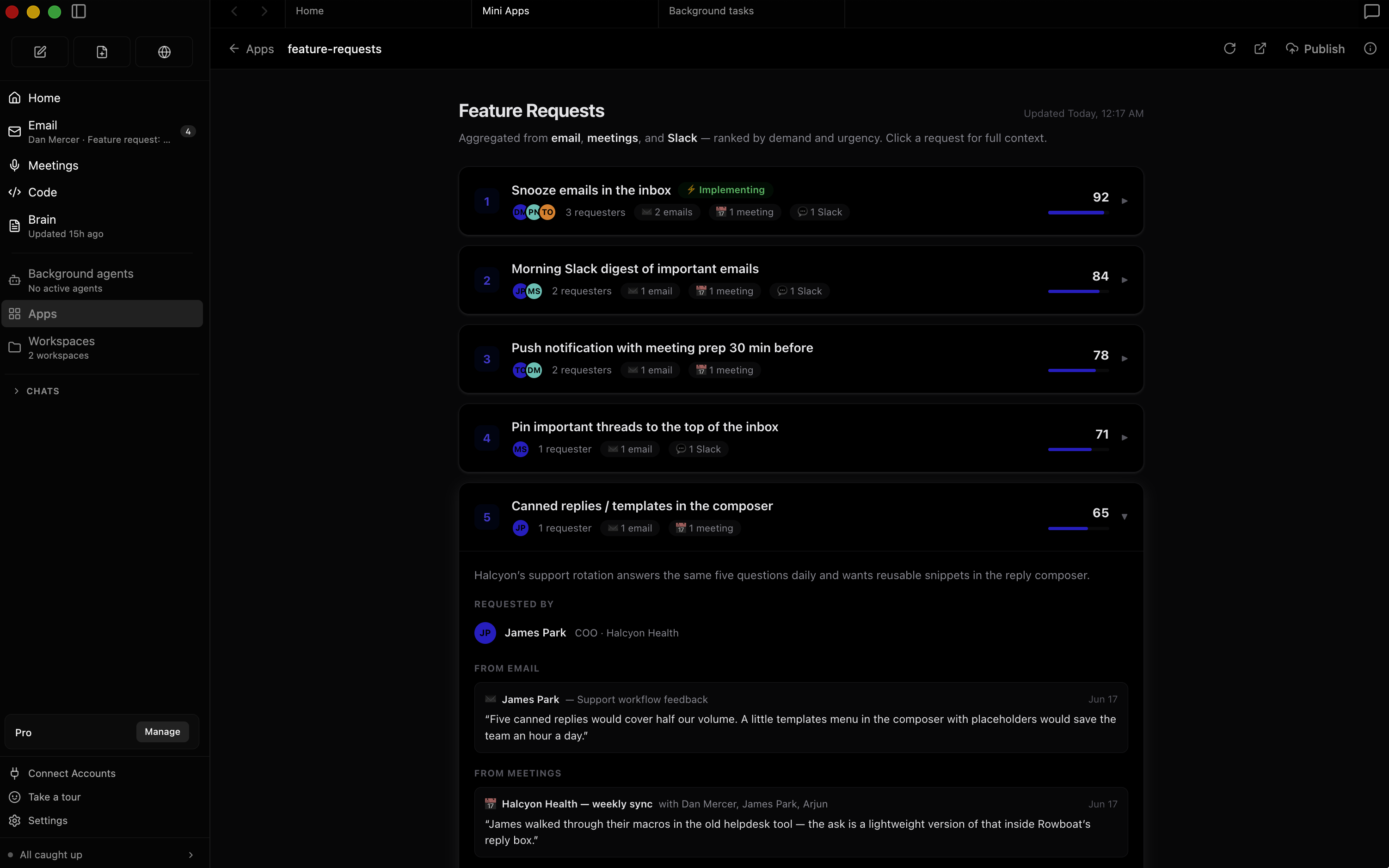
 Rowboat is a desktop AI coworker with a memory of your work. It indexes your email, meetings and chats into a living knowledge graph and acts through built-in surfaces: email, notes, browser, code mode, meeting notes and workspaces.
Rowboat is a desktop AI coworker with a memory of your work. It indexes your email, meetings and chats into a living knowledge graph and acts through built-in surfaces: email, notes, browser, code mode, meeting notes and workspaces.Is this an app I install on my computer, or a web service?It's a desktop app you install — builds are available for Mac, Windows and Linux, and your data stays on your machine.
It's a desktop app you install — builds are available for Mac, Windows and Linux, and your data stays on your machine.How do I get it running?Download the latest release for your OS and install it. Connecting Gmail, Calendar or Drive takes a one-time Google setup after that.
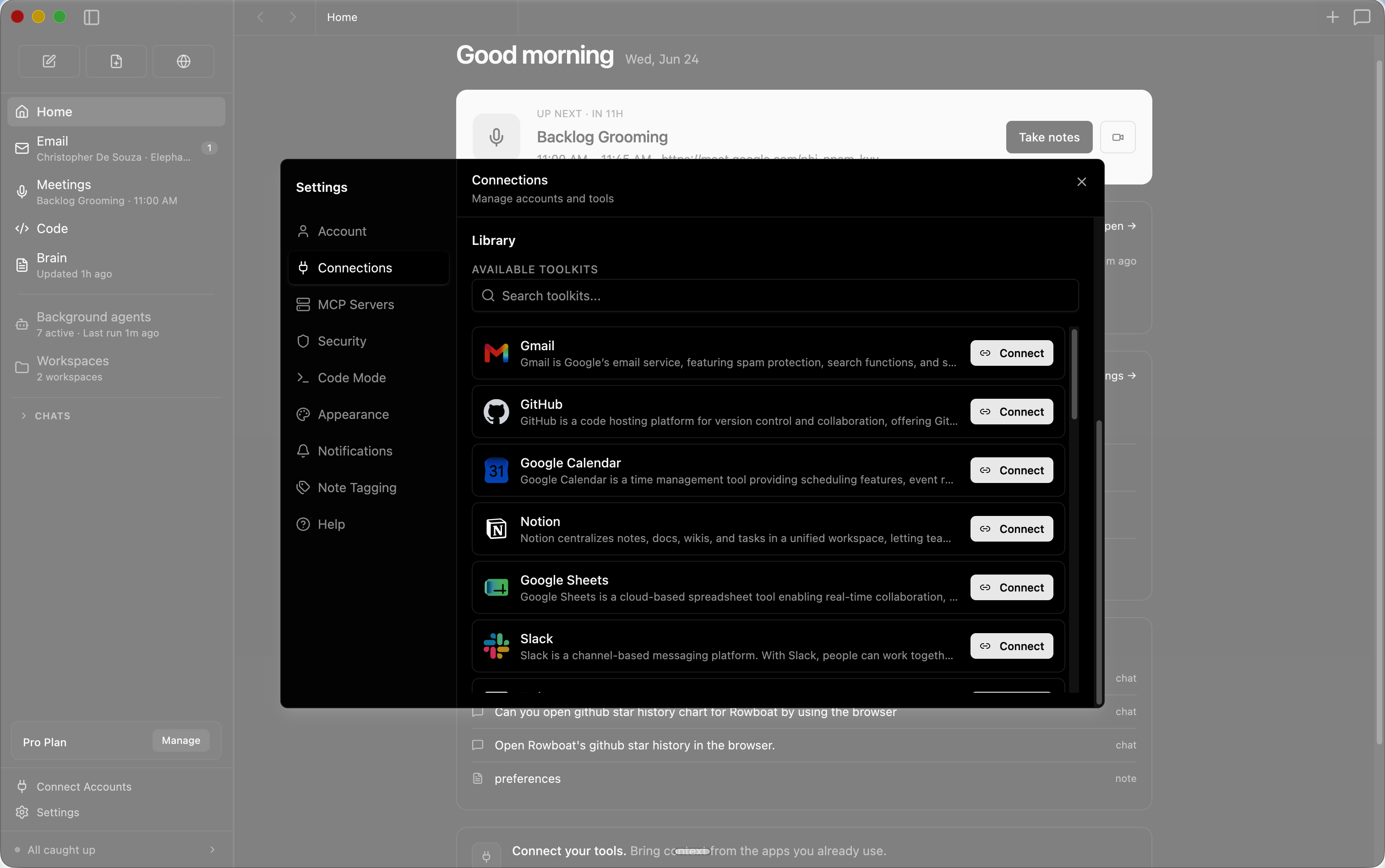
Download the latest release for your OS and install it. Connecting Gmail, Calendar or Drive takes a one-time Google setup after that.Do I need any API keys before it's useful?No, the core works without them. Optional keys unlock extras: Deepgram for voice input, ElevenLabs for voice output, Exa for web search, and Composio or any MCP server for external tools — each goes into ~/.rowboat/config/.
No, the core works without them. Optional keys unlock extras: Deepgram for voice input, ElevenLabs for voice output, Exa for web search, and Composio or any MCP server for external tools — each goes into ~/.rowboat/config/.Can I run it fully locally, including the model?Yes — it works with local models via Ollama or LM Studio, or with hosted models using your own API key. You can swap models anytime.
Yes — it works with local models via Ollama or LM Studio, or with hosted models using your own API key. You can swap models anytime.Where does my data end up?Everything stays on your machine as plain Markdown, with no proprietary formats or hosted lock-in. You can inspect, edit, back up or delete it all at any time.
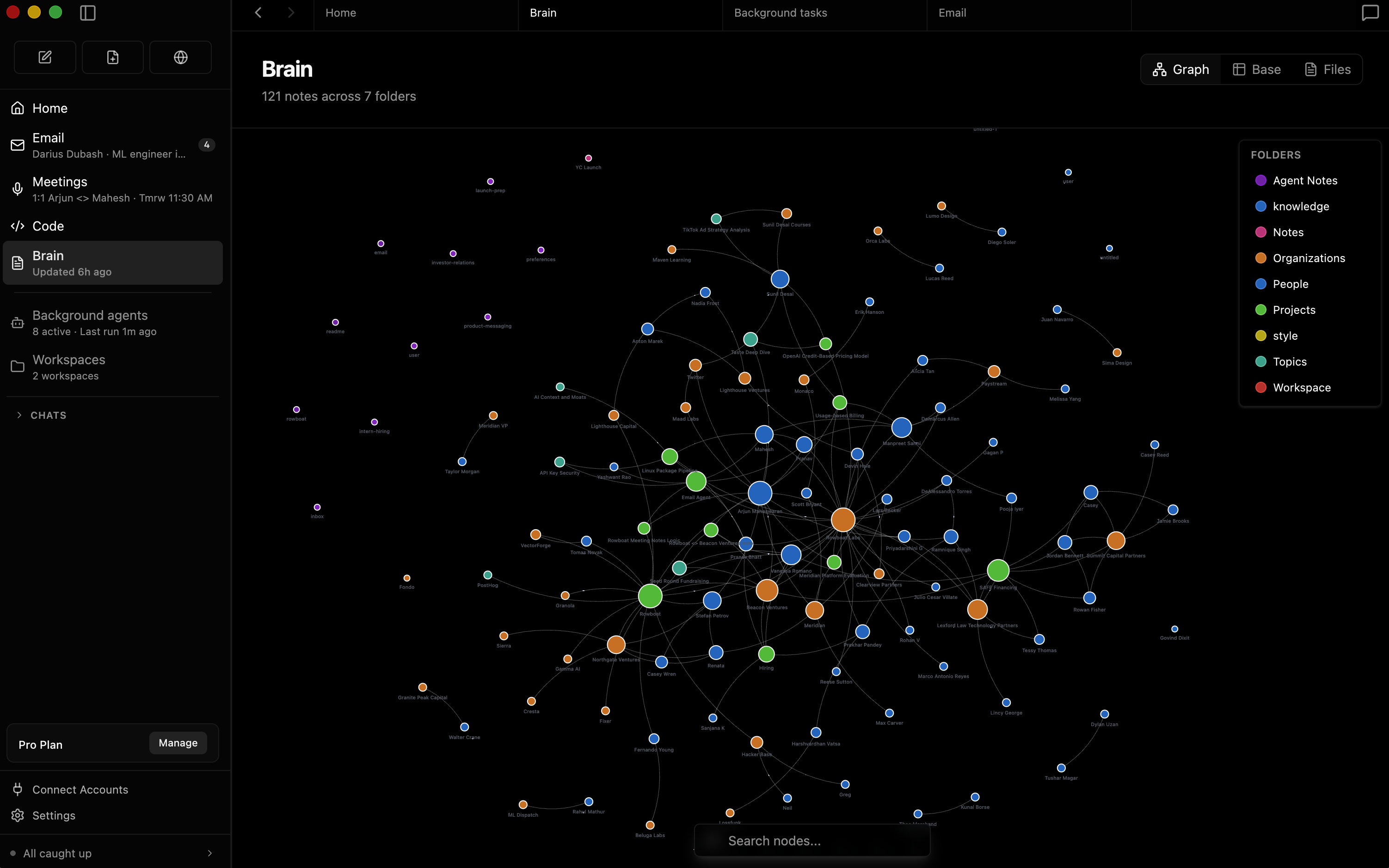
Everything stays on your machine as plain Markdown, with no proprietary formats or hosted lock-in. You can inspect, edit, back up or delete it all at any time.How is it different from assistants that just search your history?Rowboat keeps long-lived knowledge instead of reconstructing context on demand: email, meetings, Slack and assistant conversations are indexed into an Obsidian-style backlinked knowledge graph, so memory compounds over time, relationships stay inspectable and notes remain editable by you.
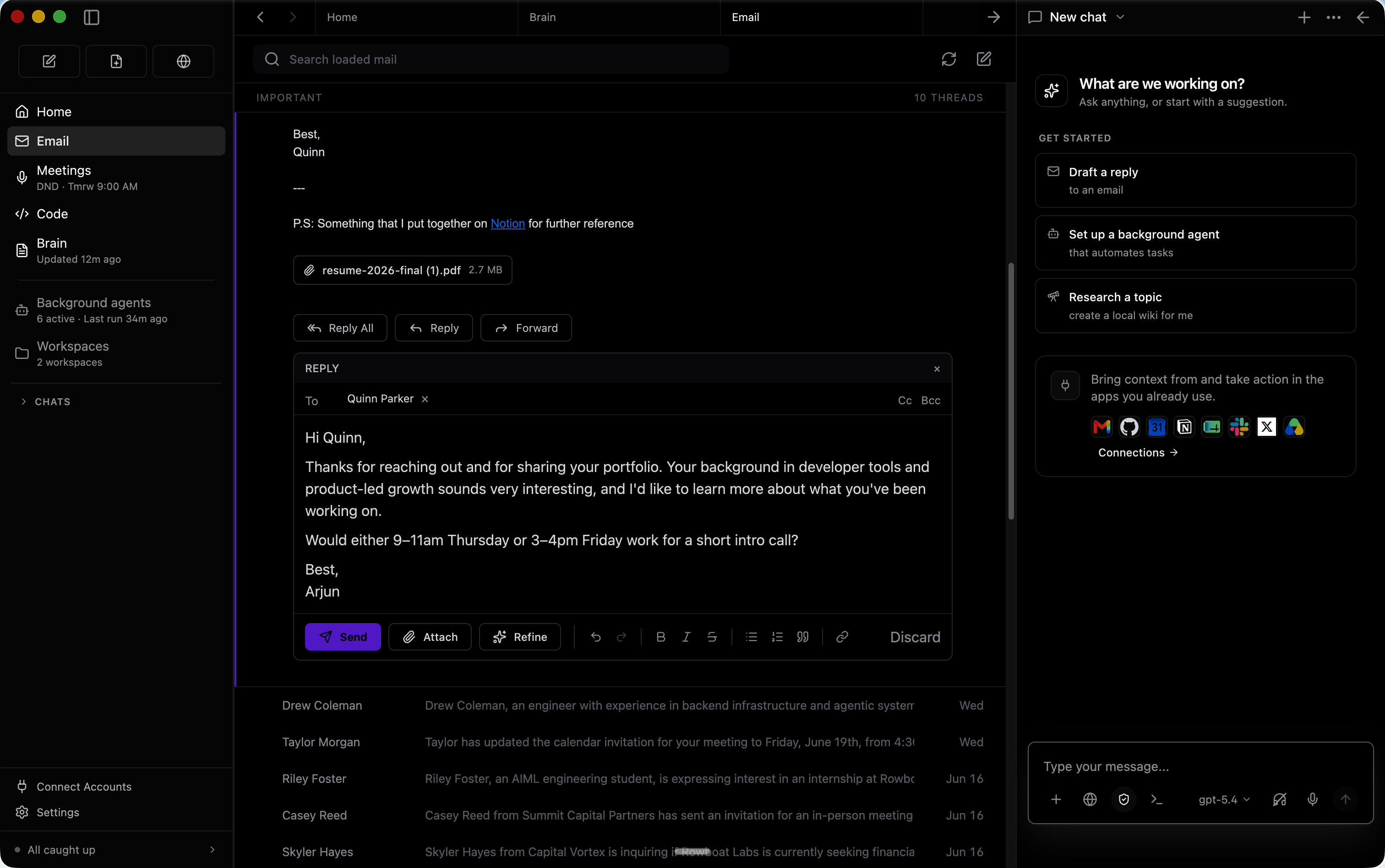
Rowboat keeps long-lived knowledge instead of reconstructing context on demand: email, meetings, Slack and assistant conversations are indexed into an Obsidian-style backlinked knowledge graph, so memory compounds over time, relationships stay inspectable and notes remain editable by you.What does it do with my email?The built-in email client sorts mail into important and everything else, then automatically drafts responses for the important ones using all your work context.
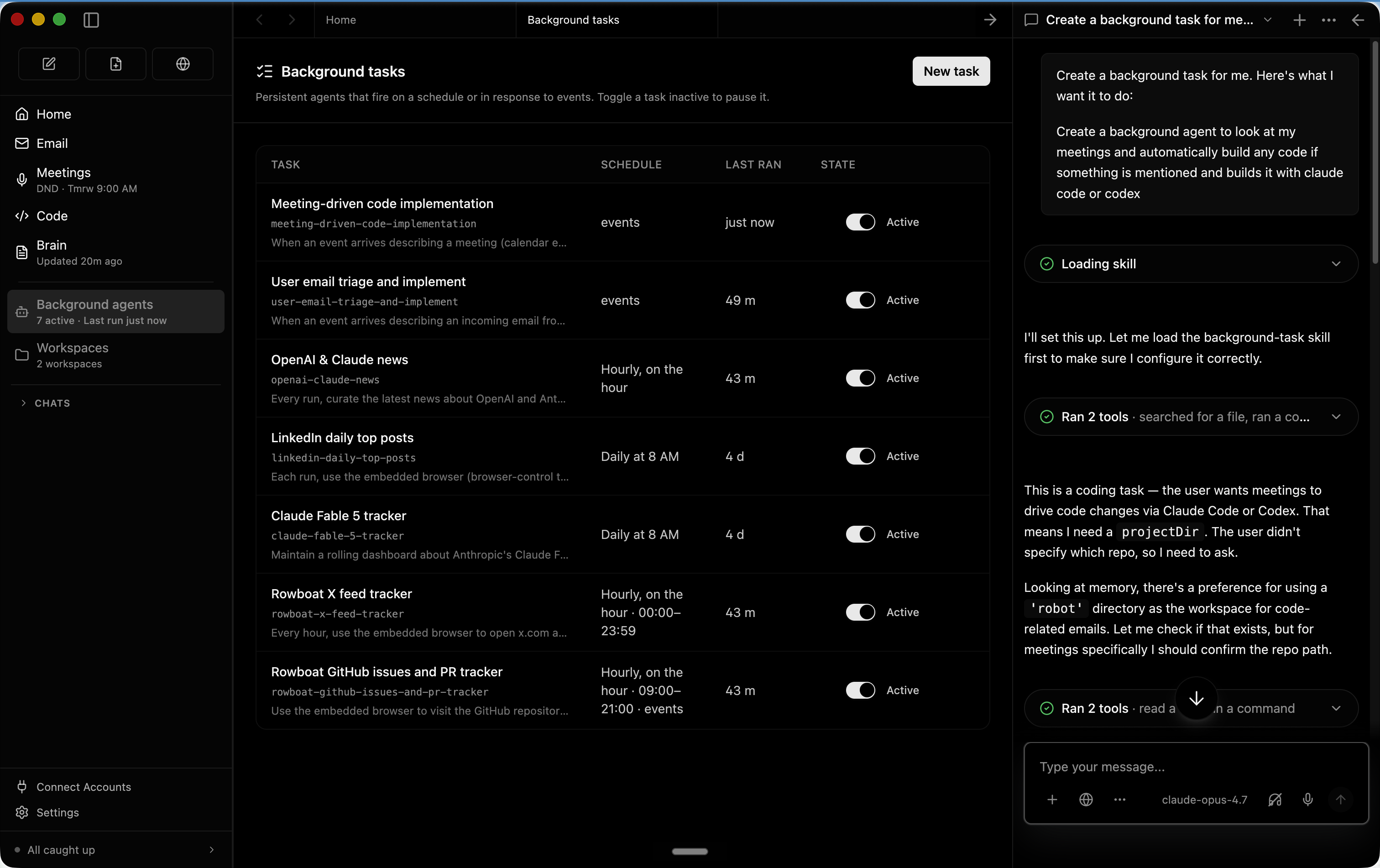
The built-in email client sorts mail into important and everything else, then automatically drafts responses for the important ones using all your work context.Can it run agents without me babysitting them?Yes — background agents run on events like a new email or on a schedule like every day at 8am, and can use tools, search the web, browse and write code with Claude Code or Codex. Code mode also spins up parallel coding agents driven with your work context.
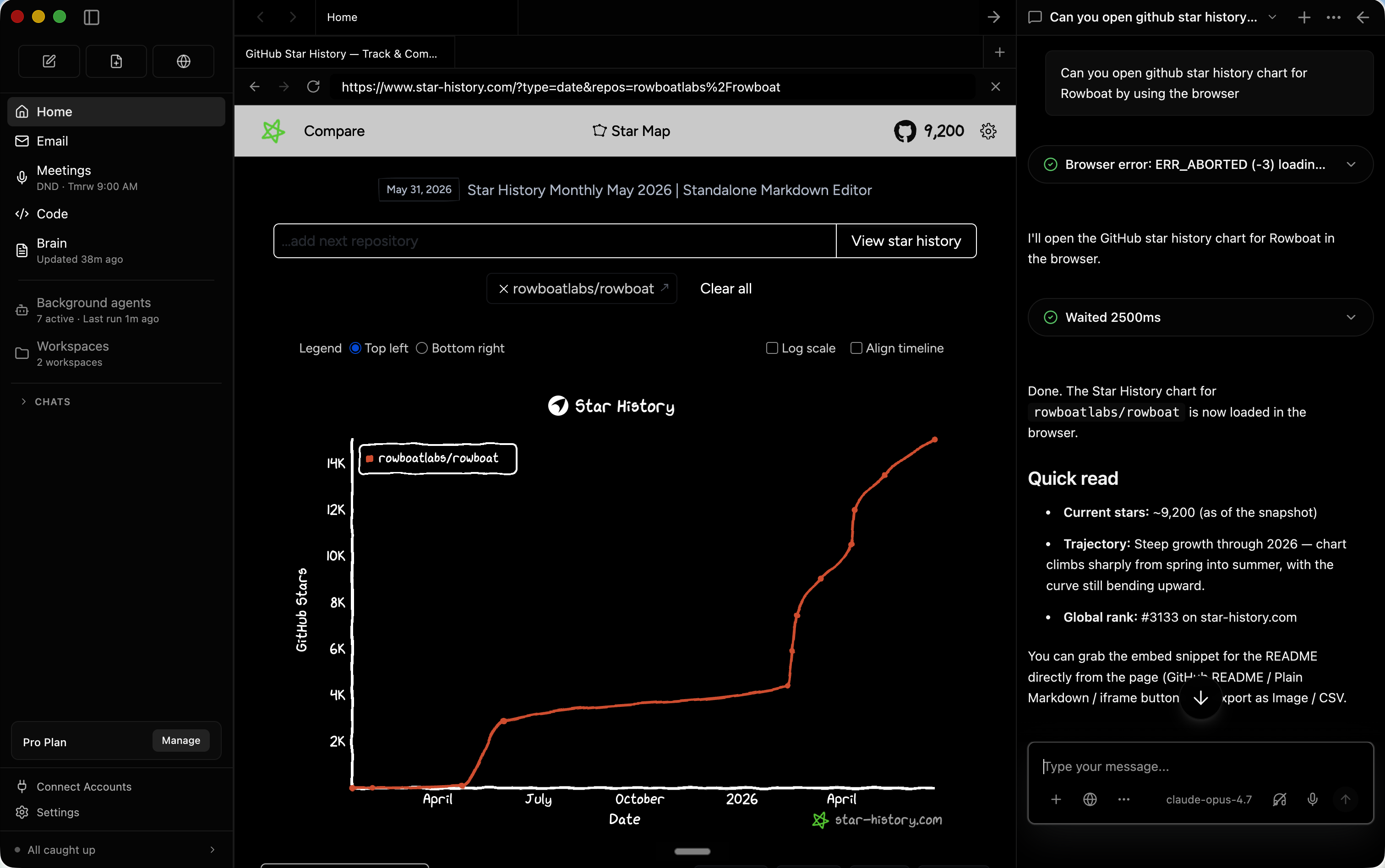
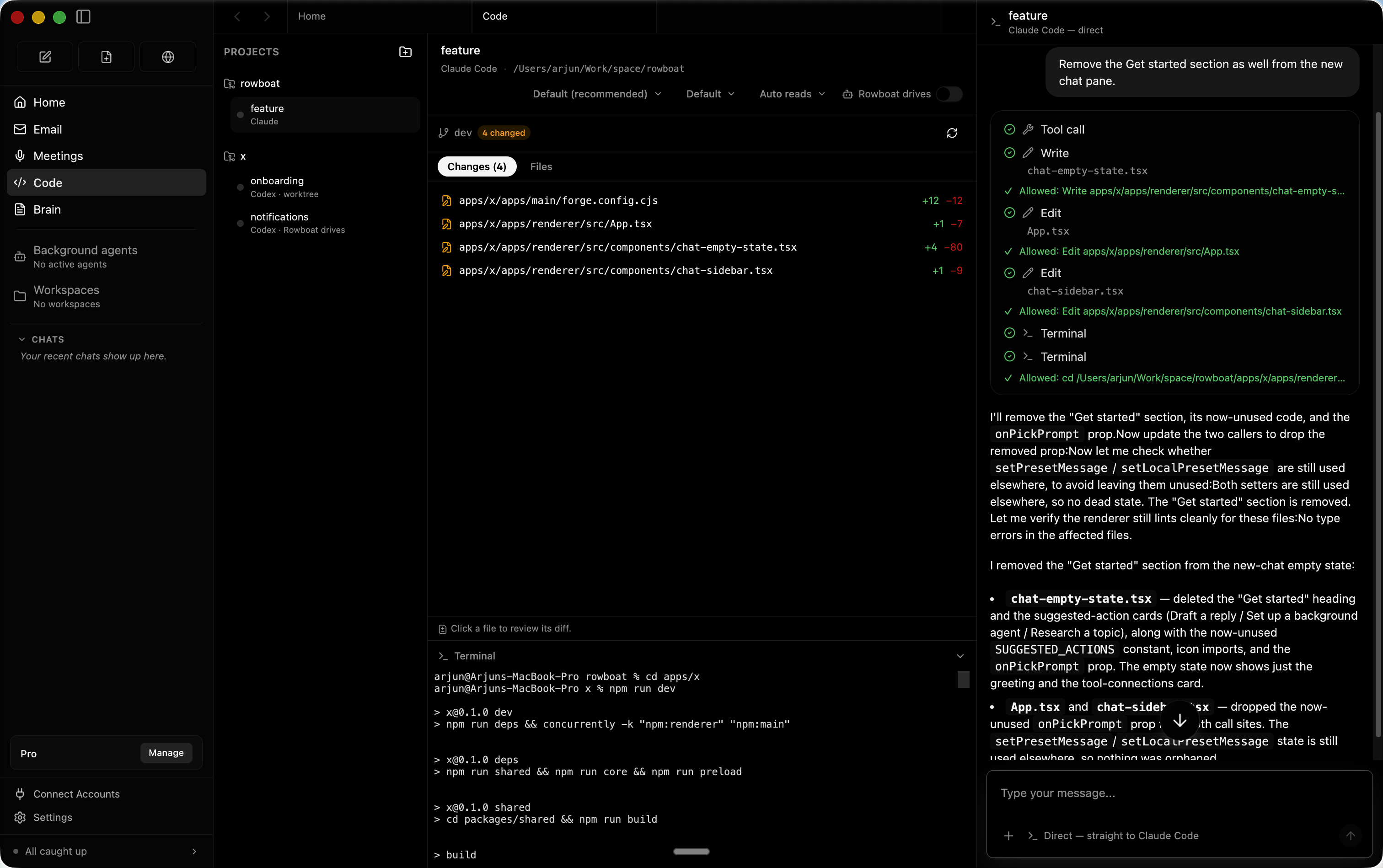
Yes — background agents run on events like a new email or on a schedule like every day at 8am, and can use tools, search the web, browse and write code with Claude Code or Codex. Code mode also spins up parallel coding agents driven with your work context.Is its web browsing sandboxed away from my accounts?Rowboat includes its own browser for collaborative web tasks, isolated from your main browser, so you only log in to the accounts you want the assistant to access.
Rowboat includes its own browser for collaborative web tasks, isolated from your main browser, so you only log in to the accounts you want the assistant to access.What are similar projects?brigade, open-knowledge, call.md, solomd, holaOS, mindshub, second-brain-os, openwhispr
brigade, open-knowledge, call.md, solomd, holaOS, mindshub, second-brain-os, openwhisprWhich topics is it in?meeting-notes, claude-cowork, multiagent, knowledge-management, knowledge-graph, note-taking, email, workflow-automation, browser-automation, chatgpt, local-llm, orchestration
meeting-notes, claude-cowork, multiagent, knowledge-management, knowledge-graph, note-taking, email, workflow-automation, browser-automation, chatgpt, local-llm, orchestration