11.2K ·GitHub
这是做什么的?
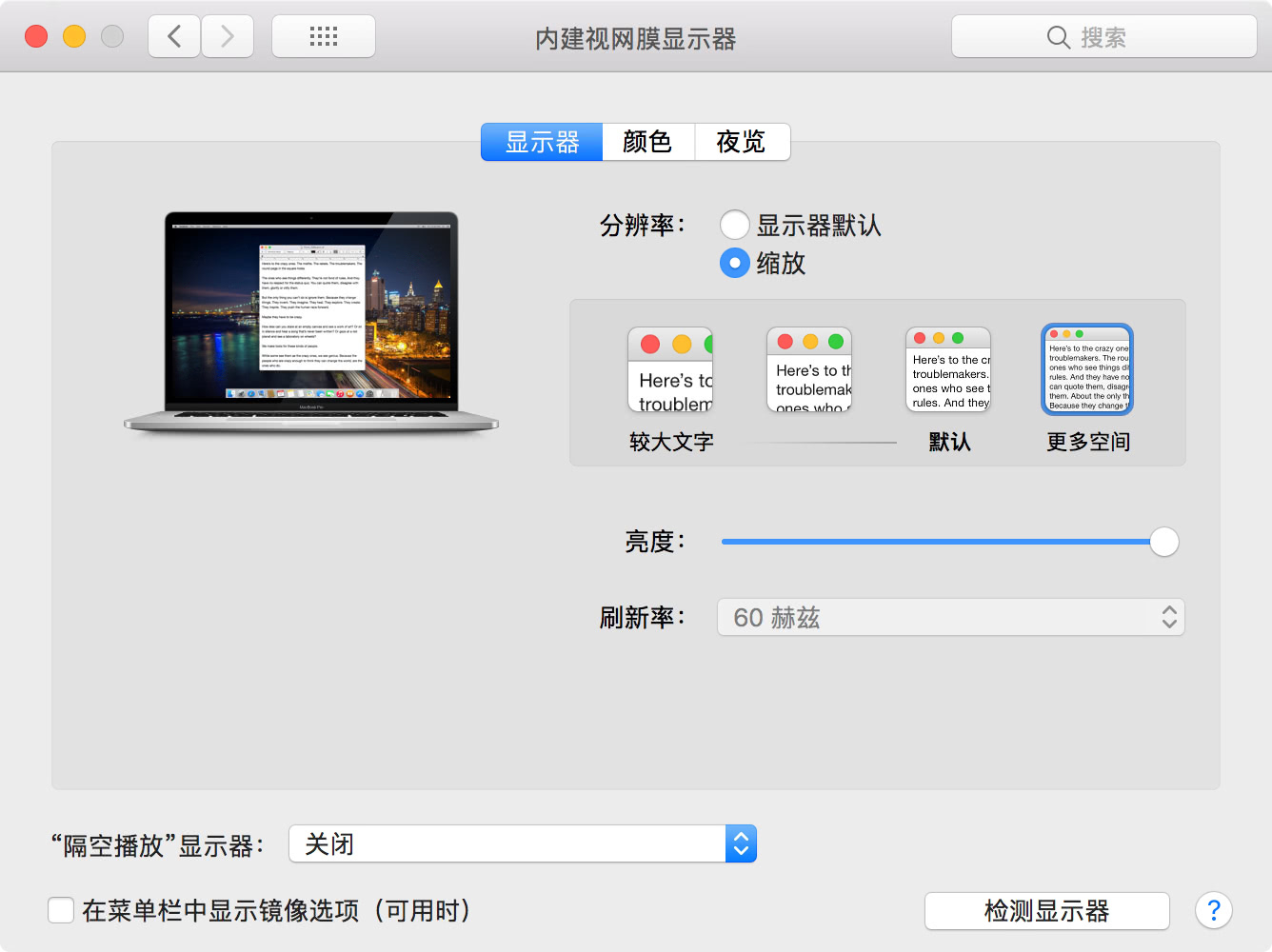
 一个 shell 脚本,可以在非视网膜(Retina)屏幕上模拟 macOS 的 HiDPI 效果,让“系统偏好设置”里出现和 Retina Mac 一样的“缩放”原生选项。
一个 shell 脚本,可以在非视网膜(Retina)屏幕上模拟 macOS 的 HiDPI 效果,让“系统偏好设置”里出现和 Retina Mac 一样的“缩放”原生选项。这是个 Mac 应用,还是我要在终端里运行的东西?它是一个 shell 脚本,不是应用——不需要安装任何东西;运行它会写入 HiDPI 显示设置,再次运行即可撤销。
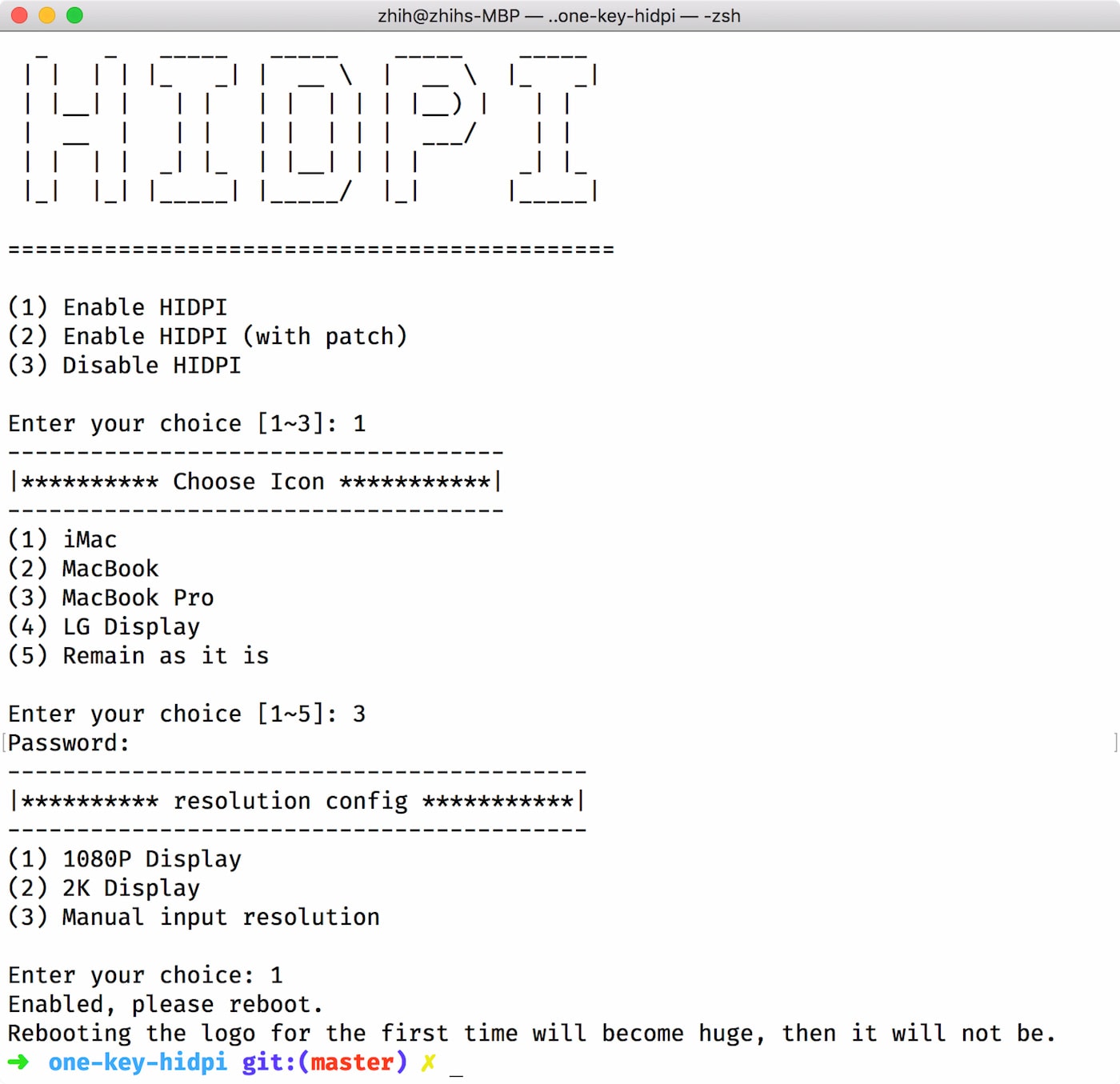
它是一个 shell 脚本,不是应用——不需要安装任何东西;运行它会写入 HiDPI 显示设置,再次运行即可撤销。我怎么运行它?远程模式:直接在终端里运行脚本。本地模式:下载 ZIP 压缩包,解压后双击 hidpi.command。
远程模式:直接在终端里运行脚本。本地模式:下载 ZIP 压缩包,解压后双击 hidpi.command。运行之前需要先安装什么吗?只需要 macOS 本身——这是一个独立完整的 shell 脚本,没有任何需要提前准备的依赖。
只需要 macOS 本身——这是一个独立完整的 shell 脚本,没有任何需要提前准备的依赖。用这种方式伪造 HiDPI 有什么已知的问题吗?有:部分设备会出现唤醒问题(脚本的第二个选项会注入修改过的 EDID,但可能引发其他问题),而且由于高分辨率是伪造的,开机 logo 可能无法相应放大。
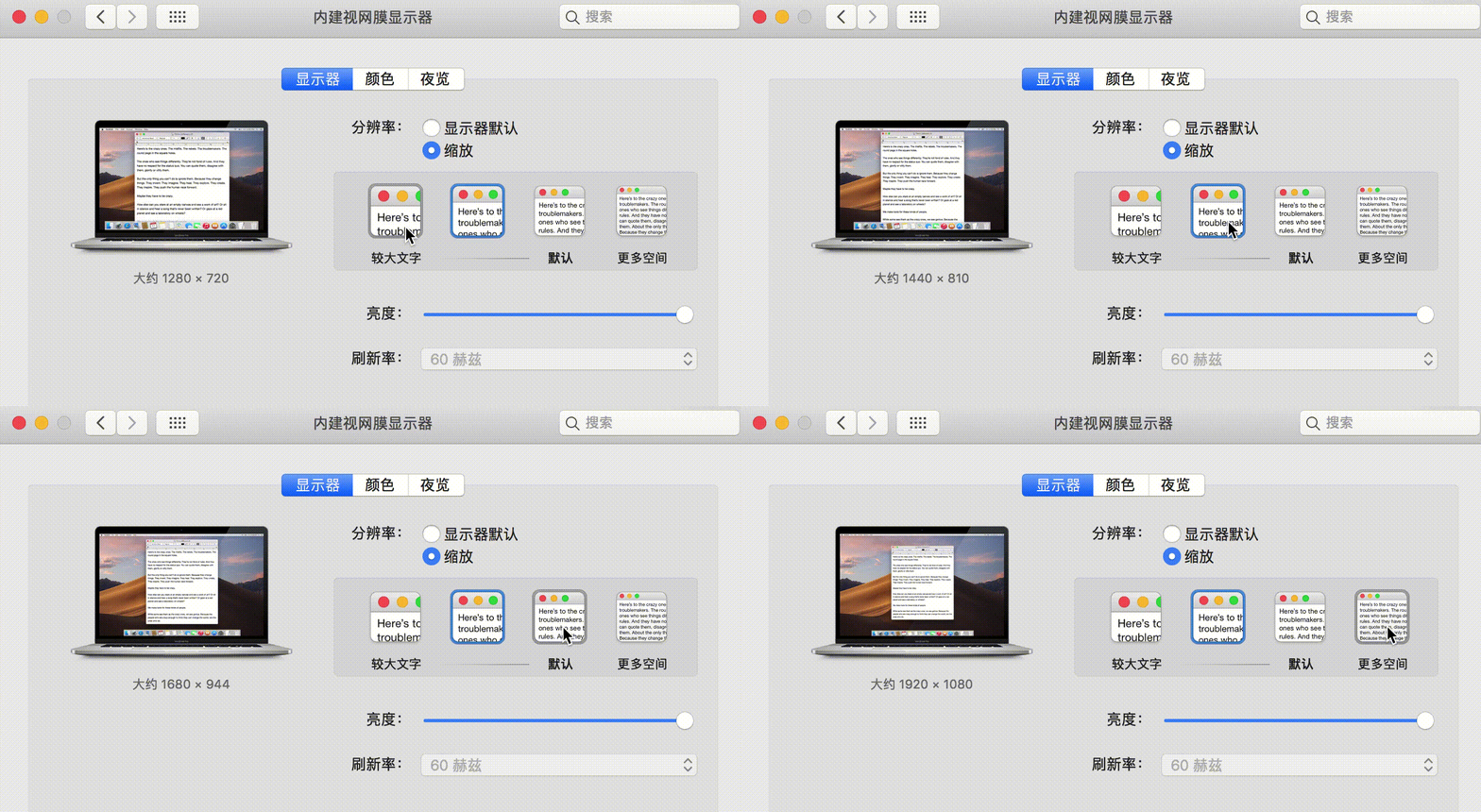
有:部分设备会出现唤醒问题(脚本的第二个选项会注入修改过的 EDID,但可能引发其他问题),而且由于高分辨率是伪造的,开机 logo 可能无法相应放大。在非 Retina 屏幕上开 HiDPI 对我有什么用?这样你的 Mac 就能提供多种缩放分辨率,并在“系统偏好设置”里出现正常的“缩放”原生选项——和 Retina Mac 一样的显示设置——而不是只有屏幕固定的那一个分辨率。
这样你的 Mac 就能提供多种缩放分辨率,并在“系统偏好设置”里出现正常的“缩放”原生选项——和 Retina Mac 一样的显示设置——而不是只有屏幕固定的那一个分辨率。这个脚本实际上会在我的系统里改动什么?它会添加显示器覆盖文件——即 Library/Displays/Contents/Resources/Overrides 下以 DisplayVendorID 命名的文件夹——删掉这个文件夹就能完全撤销改动。
它会添加显示器覆盖文件——即 Library/Displays/Contents/Resources/Overrides 下以 DisplayVendorID 命名的文件夹——删掉这个文件夹就能完全撤销改动。What are similar projects?BetterDisplay, winutil, Shizuku-Next, rustcast, mac-mouse-fix, git-blame-someone-else, bocker, BlackHole
BetterDisplay, winutil, Shizuku-Next, rustcast, mac-mouse-fix, git-blame-someone-else, bocker, BlackHole