






What is this?
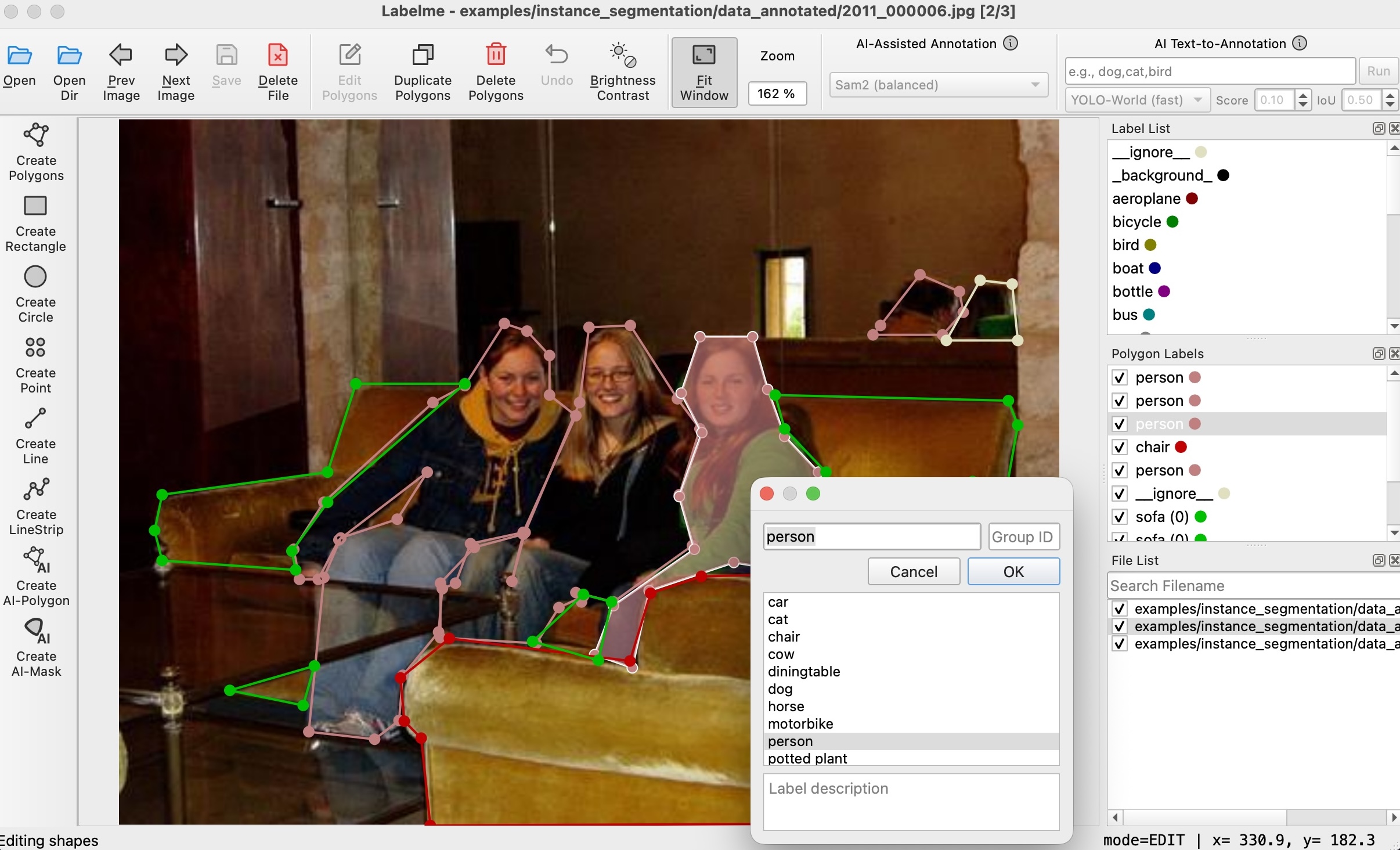
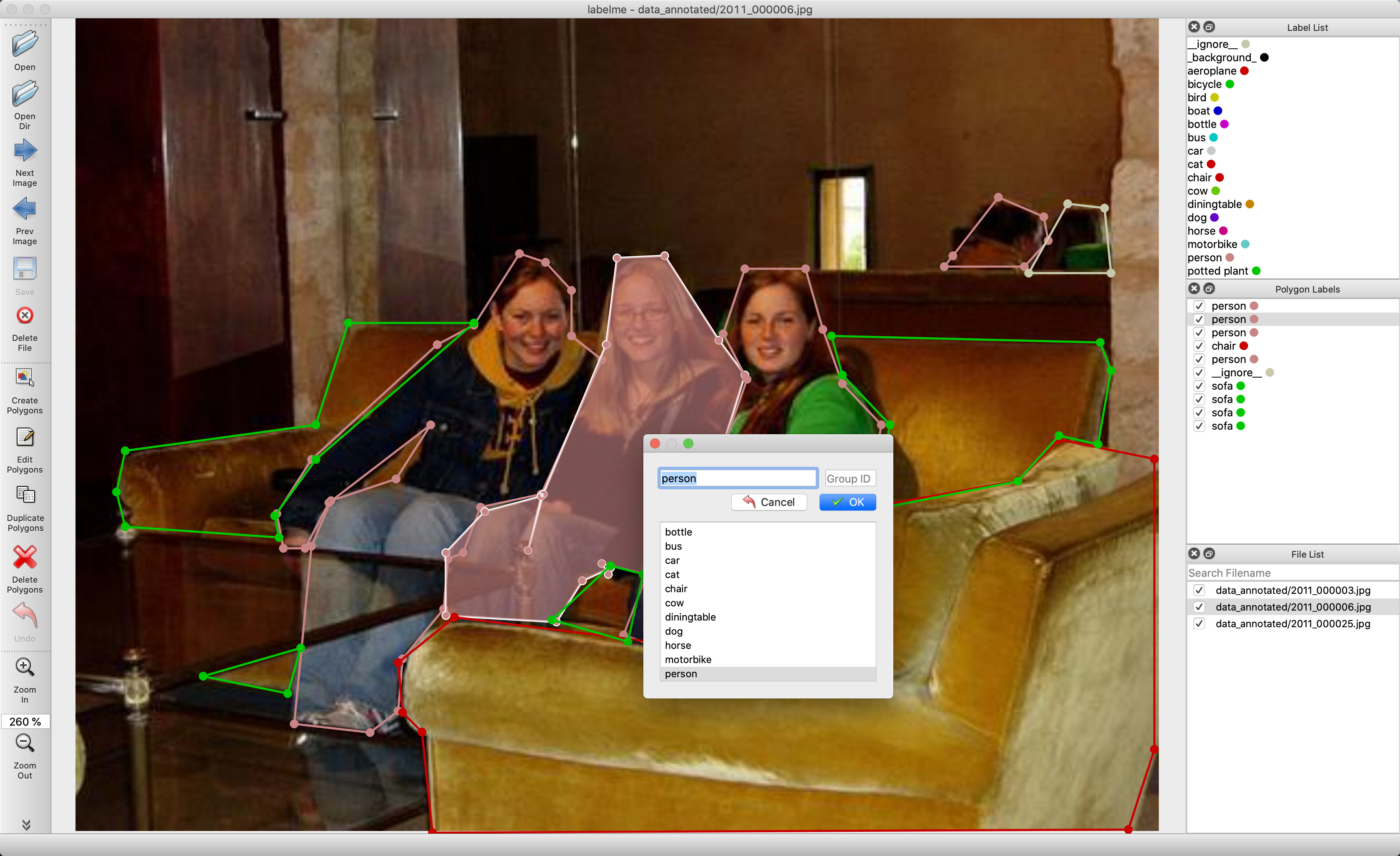
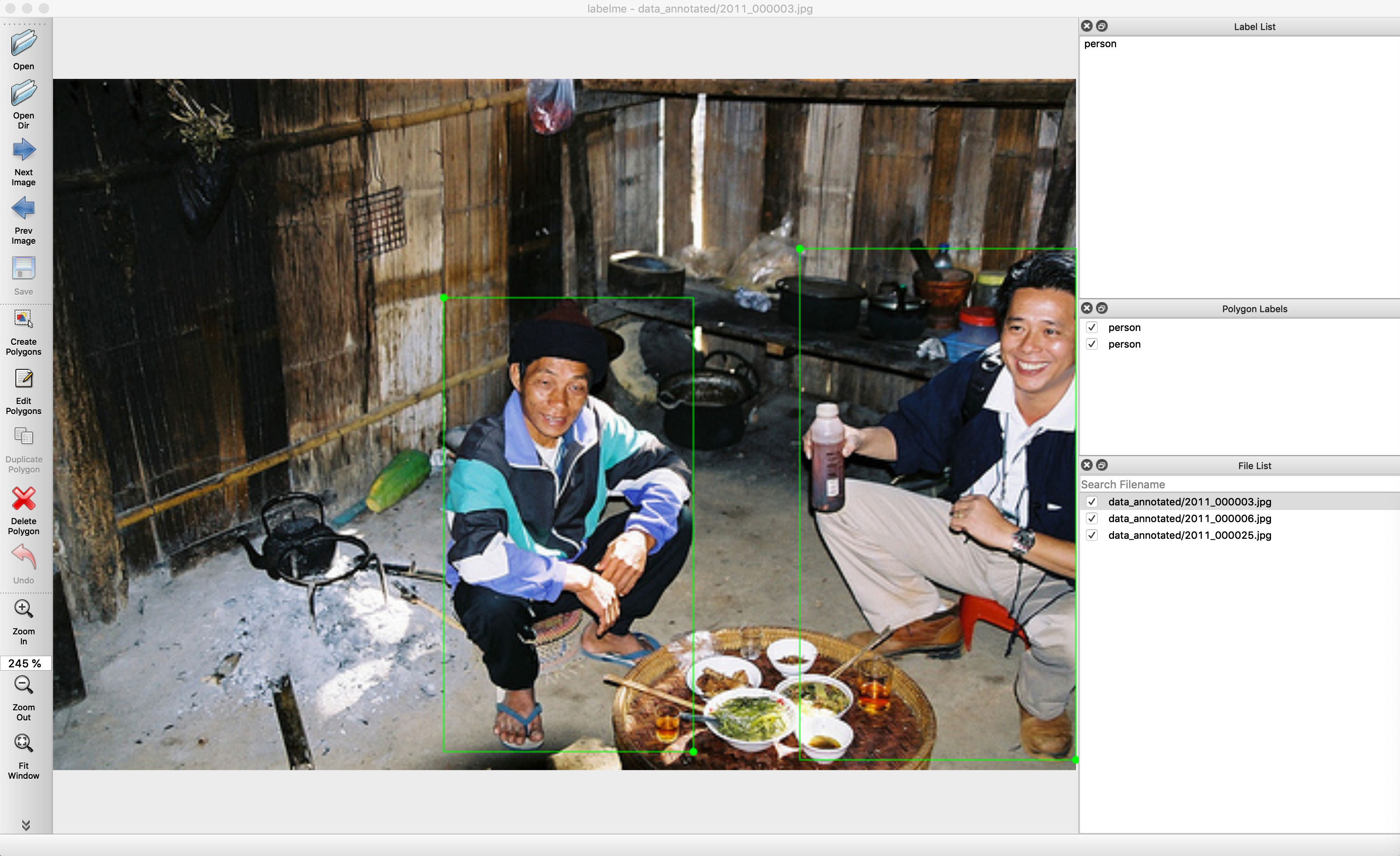
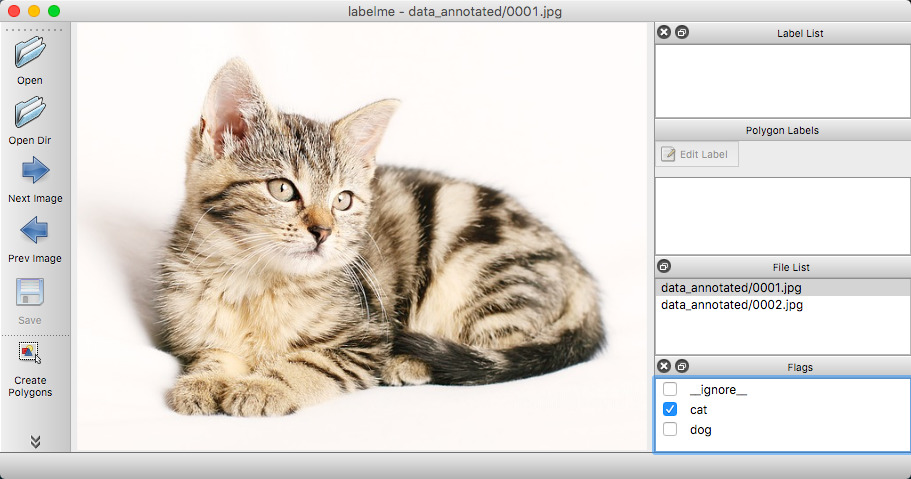
 Labelme is a graphical image annotation tool written in Python: you draw polygons, rectangles, circles, lines and points on images to build labeled datasets for computer vision work.
Labelme is a graphical image annotation tool written in Python: you draw polygons, rectangles, circles, lines and points on images to build labeled datasets for computer vision work.Is it a desktop app or a Python library I import into my code?It is a desktop application, not a library — v7 exposes no stable Python API. The stable interfaces are the command line, the on-disk JSON annotation format, and the ~/.labelmerc config file.
It is a desktop application, not a library — v7 exposes no stable Python API. The stable interfaces are the command line, the on-disk JSON annotation format, and the ~/.labelmerc config file.Do I need Python and Qt set up beforehand?For the pip install you need Python 3.12-3.14 on 64-bit macOS, Windows or Linux; v7 runs on Qt6, which pip pulls in automatically as PySide6. The standalone app needs no Python or Qt at all.
For the pip install you need Python 3.12-3.14 on 64-bit macOS, Windows or Linux; v7 runs on Qt6, which pip pulls in automatically as PySide6. The standalone app needs no Python or Qt at all.I am still on Python 3.11 or an older machine — will it run?Not on v7: it requires 64-bit systems and Python 3.12+. For older OSes or Python 3.10/3.11, pin the v6.3.x maintenance line (Qt5), which gets critical fixes only, on a best-effort basis.
Not on v7: it requires 64-bit systems and Python 3.12+. For older OSes or Python 3.10/3.11, pin the v6.3.x maintenance line (Qt5), which gets critical fixes only, on a best-effort basis.Can the AI models do some of the annotation work for me?Yes. SAM and EfficientSAM turn a clicked point into polygon or mask annotations, and YOLO-world and SAM3 models generate annotations from a text prompt, which can speed up labeling large datasets considerably.
Yes. SAM and EfficientSAM turn a clicked point into polygon or mask annotations, and YOLO-world and SAM3 models generate annotations from a text prompt, which can speed up labeling large datasets considerably.Is the interface available in languages other than English?Yes, it ships in 20 languages, including Japanese, Simplified and Traditional Chinese, Korean, German, French, Spanish and Russian; the language can be switched via the LANG environment variable.
Yes, it ships in 20 languages, including Japanese, Simplified and Traditional Chinese, Korean, German, French, Spanish and Russian; the language can be switched via the LANG environment variable.What is the paid standalone app on labelme.io about?It is the same tool packaged as a downloadable executable that needs no Python or Qt installed. It is a one-time payment for lifetime access, and purchases help maintain the project — the pip version stays free.
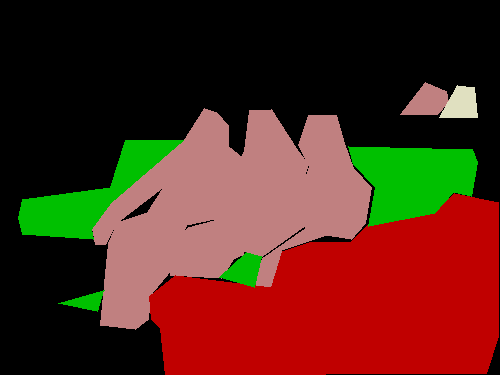
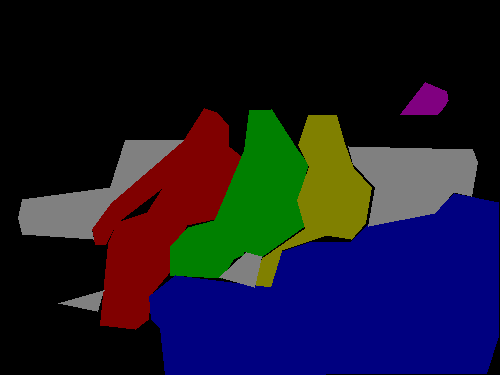
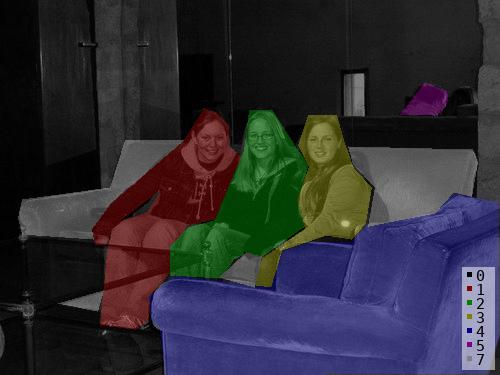
It is the same tool packaged as a downloadable executable that needs no Python or Qt installed. It is a one-time payment for lifetime access, and purchases help maintain the project — the pip version stays free.How do I turn the JSON files into something my training code can use?Read the JSON format directly — it is one of the stable public interfaces. The repo's examples/tutorial shows how to convert annotations to numpy arrays and load label PNGs, with further examples for segmentation, detection and classification.
Read the JSON format directly — it is one of the stable public interfaces. The repo's examples/tutorial shows how to convert annotations to numpy arrays and load label PNGs, with further examples for segmentation, detection and classification.What are similar projects?cvat, label-studio, deep-learning-for-image-processing, labelImg, ultralytics, X-AnyLabeling, supervision, yolov7
cvat, label-studio, deep-learning-for-image-processing, labelImg, ultralytics, X-AnyLabeling, supervision, yolov7Which topics is it in?image-annotation, segment-anything, annotation-tool, instance-segmentation, annotations, semantic-segmentation, yolo, classification, numpy, dataset, json, computer-vision
image-annotation, segment-anything, annotation-tool, instance-segmentation, annotations, semantic-segmentation, yolo, classification, numpy, dataset, json, computer-vision