






Streambert
A cross-platform Electron Desktop App to stream and download any Movie, TV Series or Anime in the World. Zero Ads and Tracking*


Installation
Why Streambert?
- 🎦 Streaming: Stream any Movie, Anime or TV Series from around the World.
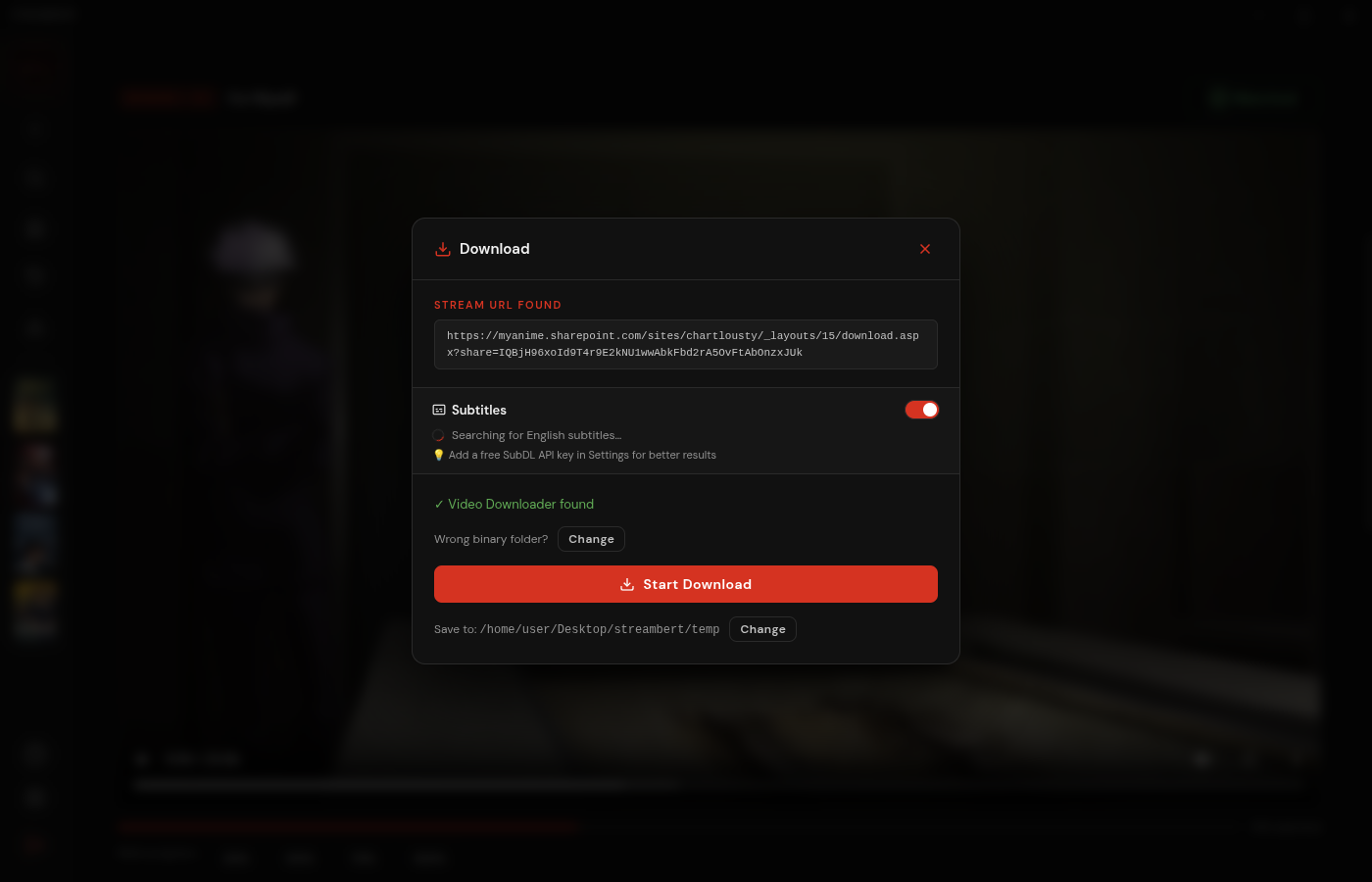
- 📥 Downloading: Download anything you want to watch.
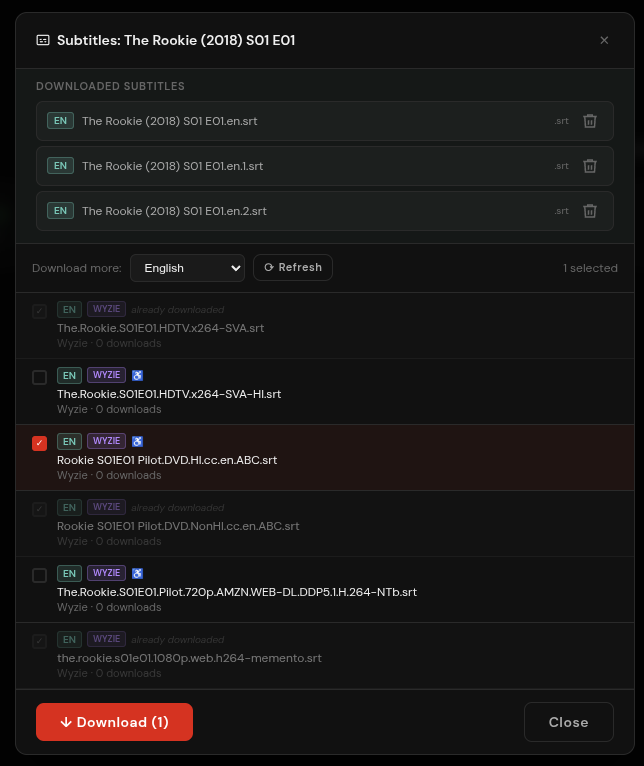
- 📃 Subtitles: Download and manage Subtitles.
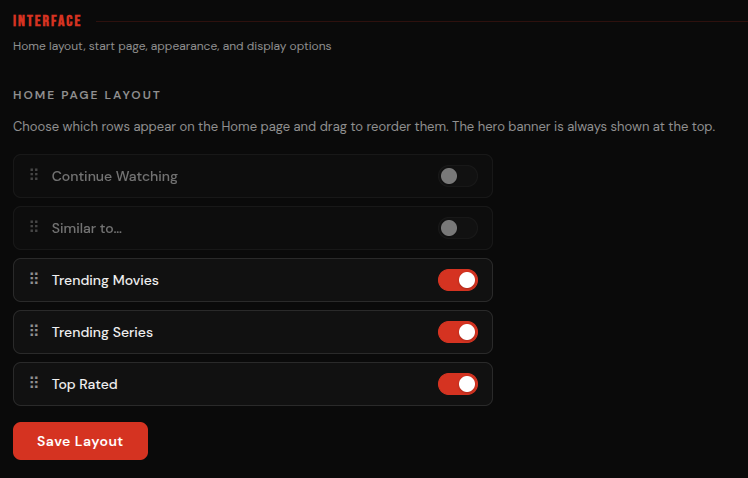
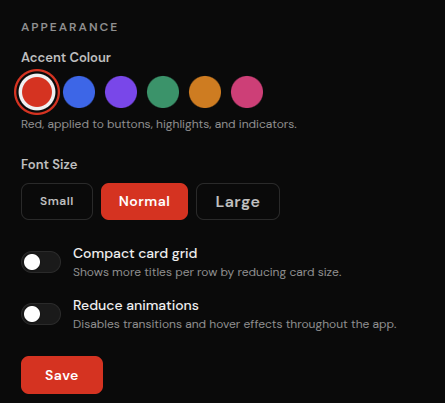
- ⚙️ Customizability: Customize the Interface and Features to your unique needs.
- 📚 Library: Track what you watched, save stuff you want to watch and manage your Downloads.
- ✨ Trending: Discover new things to Watch every Day.
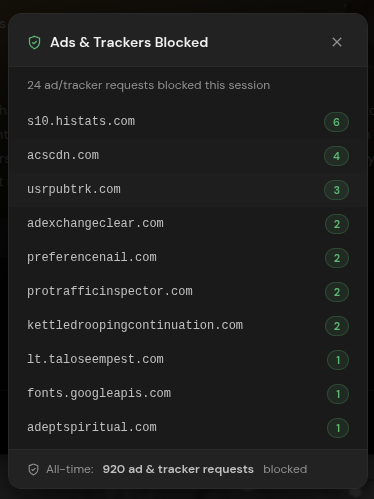
- 🛡️ Privacy: Completely Ads and Tracker free, forever.
- ⚡ Speed: Stream faster than any Browser can, download with multithreading.
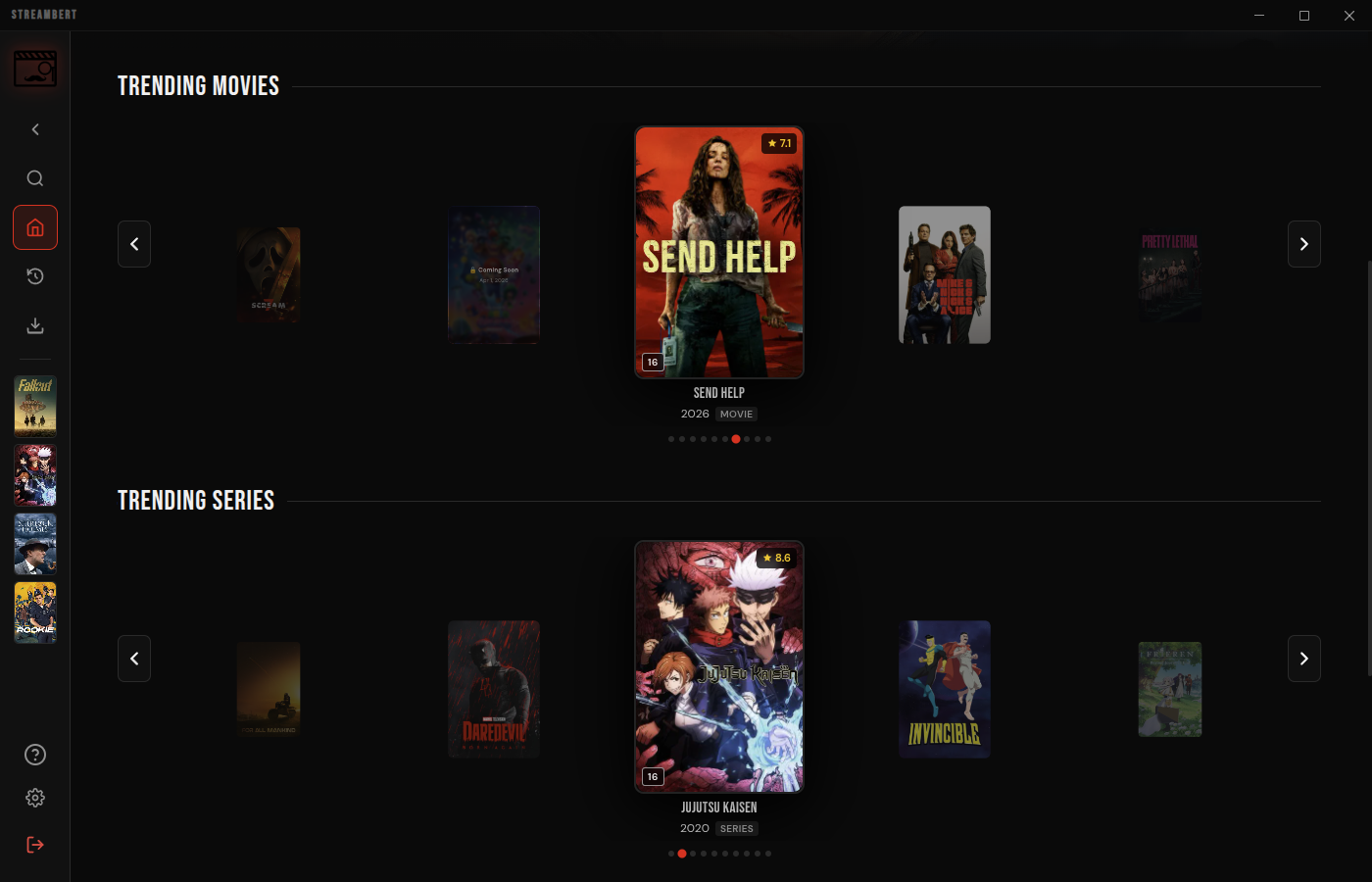

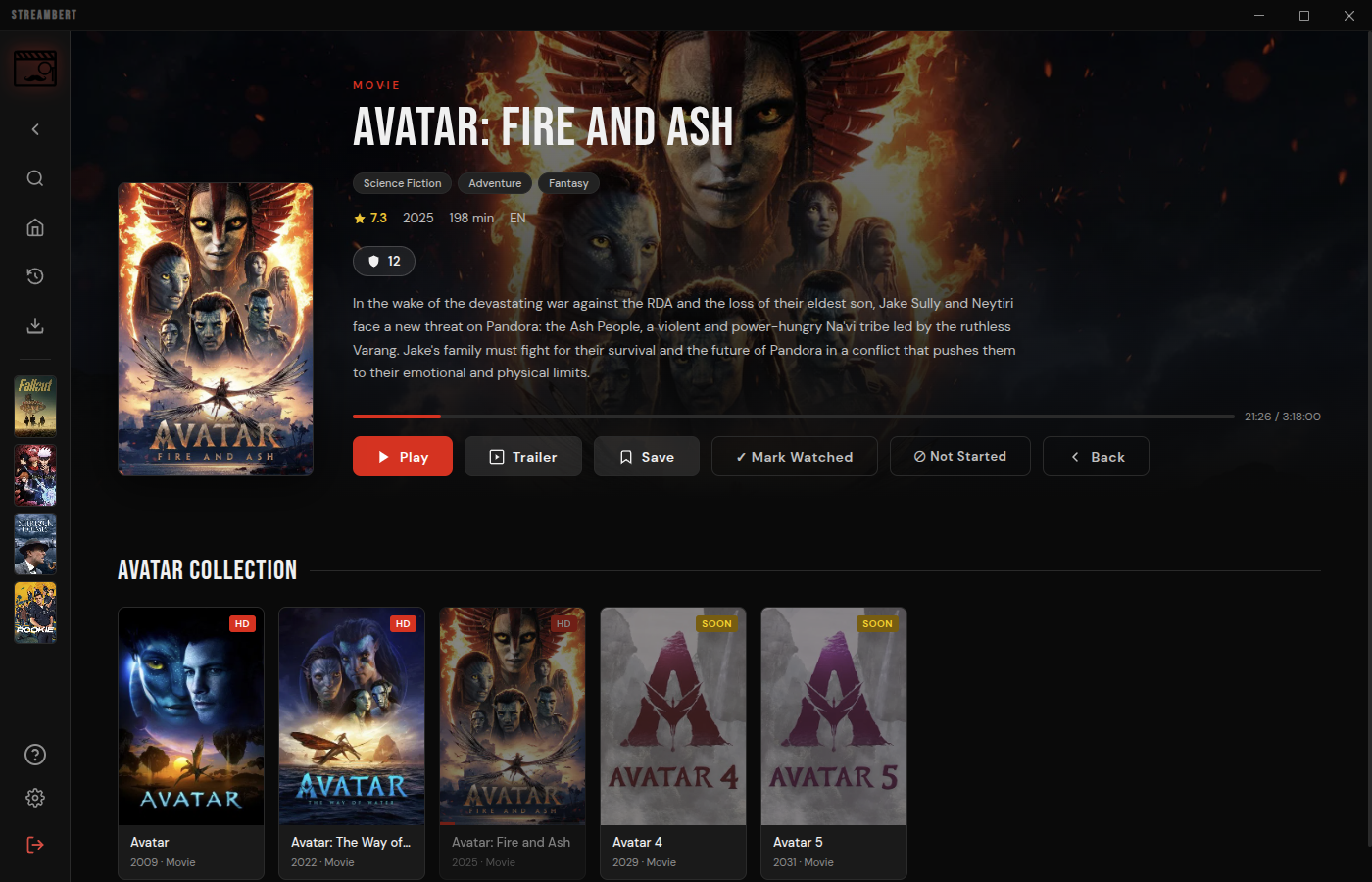
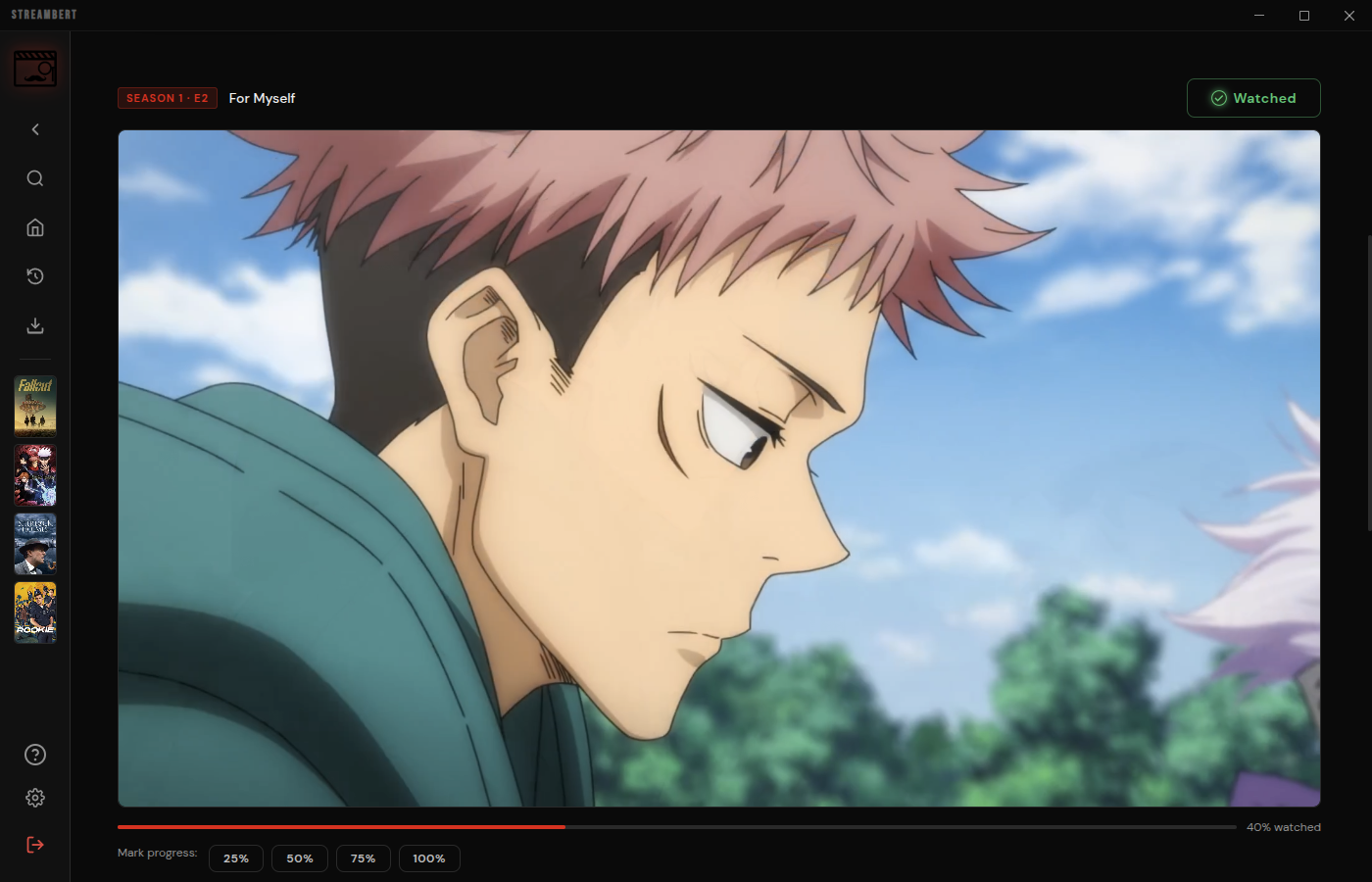

Streaming
The Application mainly gets Video Streams from VidSrc (you can also Stream from videasy and vidking).
It fetches Information for Images, Info Texts, Search and Homepage from tmdb.
Downloading
You can download those Video Streams because the Program sources Links to their .m3u8 Playlist Files (similar to this Browser Extension).
Once you click 'Download' these Links are used to download the Full Movie/TV Episode using this Program. You can then watch them In-App or take the Files on any Storage Medium you want.
Anime
You can also watch Anime, the App checks if a Movie or Series is an Anime and then sources its Metadata from AniList instead of tmdb.
Media Files for Animes are scraped from AllManga.to (i stole this mechanic from ani-cli). The App directly gets .mp4 Files and doesnt evem show you the AllManga website, you can also download these Files, just like any other Content.
Requirements
Installation
On first launch you'll be prompted to enter your TMDB API key. (Guide on how to get one)
It's saved locally, you only need to do this once.
Linux, Manual (.deb / .AppImage / .pacman)
Download the latest .deb .pacman or .AppImage from the Releases page.
# .deb
sudo dpkg -i streambert_*.deb

# Arch Linux (.pacman)
sudo pacman -U streambert-*.pacman

# .AppImage (you can also do it with Gearlever)
chmod +x Streambert-x64.AppImage && ./Streambert-x64.AppImage
Windows
Download the latest Streambert Setup *.exe from the Releases page and run it.
macOS
Download the latest Streambert-*-universal.dmg from the Releases page, open it and drag Streambert to your Applications folder.
Building from Source
- Install dependencies:
npm install
- Build
npm run dist:win
or
npm run dist:linux
or (for Arch Linux)
npm run dist:arch
or (for an AppImage only)
npm run dist:appimage
or (for a .deb only)
npm run dist:deb
or (for a .rpm only)
npm run dist:rpm
or (for macOS)
npm run dist:mac
or (build all platforms at once)
npm run dist
[!IMPORTANT]
If you are building/installing on Arch Linux and encounter errors, you may need these libraries:
- libcrypt.so.1 error:
sudo pacman -S libxcrypt-compat
- http-parser dependency error:
yay -S http-parser (from AUR)
License
This project is open-source software licensed under the GNU General Public License v3.0 (GPL-3.0).
Forks may be created but they MUST stay open-sourced.
Contributing
Everyone is welcome to contribute to this project.
Before contributing please make sure to read the Contributing Guidelines and act accordingly.
Privacy Disclaimer
Streambert itself does not collect ANY data. There is no centralized service which the app relies on.
However, the streaming sources and github (for downloading updates in-app) may still collect your data.
Streambert has built-in tracker/- and adblocking, but obviously that is not perfect.
Legal Disclaimer
IMPORTANT: This application is for educational and personal use only.
- Streambert does not host, store, or distribute any copyrighted content
- All content is sourced from third-party providers and websites
- Users are solely responsible for ensuring they have legal rights to access any content
- The developer does not endorse or encourage copyright infringement
- Users must comply with all applicable laws in their jurisdiction
- Any legal issues should be directed to the actual content providers
- This app functions as a search engine aggregator only
- No copyrighted material is stored on my side
Legal Notice
This application is provided "as is" for educational purposes. The developer:
- Does not claim ownership of any content
- Does not profit from copyrighted material in any way
- Does not control third-party content providers
- Encourages users to support content creators through legal means
Project Structure
Project Root
├── index.html
├── main.js
├── package.json
├── preload.js
├── vite.config.js
├── LICENSE
├── README.md
├── public
│   ├── icon.png
│   ├── installer-sidebar.bmp
│   └── logo.svg
├── screenshots
│   ├── adblock.png
│   ├── anime.png
│   ├── api-settings_tmdb.png
│   ├── application_tmdb.png
│   ├── download.png
│   ├── icon.png
│   ├── movie.png
│   ├── personal-use_tmdb.png
│   ├── series.png
│   ├── setup.png
│   ├── signup_tmdb.png
│   ├── subs.png
│   ├── token_tmdb.png
│   └── trending.png
└── src
    ├── App.jsx
    ├── main.jsx
    ├── components
    │   ├── BlockedStatsModal.jsx
    │   ├── CloseConfirmModal.jsx
    │   ├── DownloadModal.jsx
    │   ├── ErrorBoundary.jsx
    │   ├── Icons.jsx
    │   ├── KeyboardShortcutsModal.jsx
    │   ├── MediaCard.jsx
    │   ├── SearchModal.jsx
    │   ├── SetupScreen.jsx
    │   ├── Sidebar.jsx
    │   ├── SubtitleDownloaderModal.jsx
    │   ├── TrailerModal.jsx
    │   ├── TrendingCarousel.jsx
    │   ├── UpdateModal.jsx
    │   └── WindowTitlebar.jsx
    ├── ipc
    │   ├── allmanga.js
    │   ├── blockStats.js
    │   ├── downloads.js
    │   ├── player.js
    │   ├── storage.js
    │   └── subtitles.js
    ├── pages
    │   ├── DownloadsPage.jsx
    │   ├── HomePage.jsx
    │   ├── LibraryPage.jsx
    │   ├── MoviePage.jsx
    │   ├── SettingsPage.jsx
    │   └── TVPage.jsx
    ├── styles
    │   ├── global.css
    │   └── fonts
    │       ├── bebas-neue-regular.woff2
    │       ├── dm-sans-300.woff2
    │       ├── dm-sans-500.woff2
    │       ├── dm-sans-600.woff2
    │       └── dm-sans-regular.woff2
    └── utils
        ├── ageRating.js
        ├── aniSkip.js
        ├── api.js
        ├── appearance.js
        ├── backup.js
        ├── episodeMappings.js
        ├── homeLayout.js
        ├── storage.js
        ├── subtitles.js
        ├── updates.js
        ├── useBlockedStats.js
        └── useRatings.js

 Streambert 是一款跨平台的 Electron 桌面应用,可以免费在线观看和下载电影、电视剧和动漫,没有广告,也不追踪用户。