
987 ·GitHub
What is this?
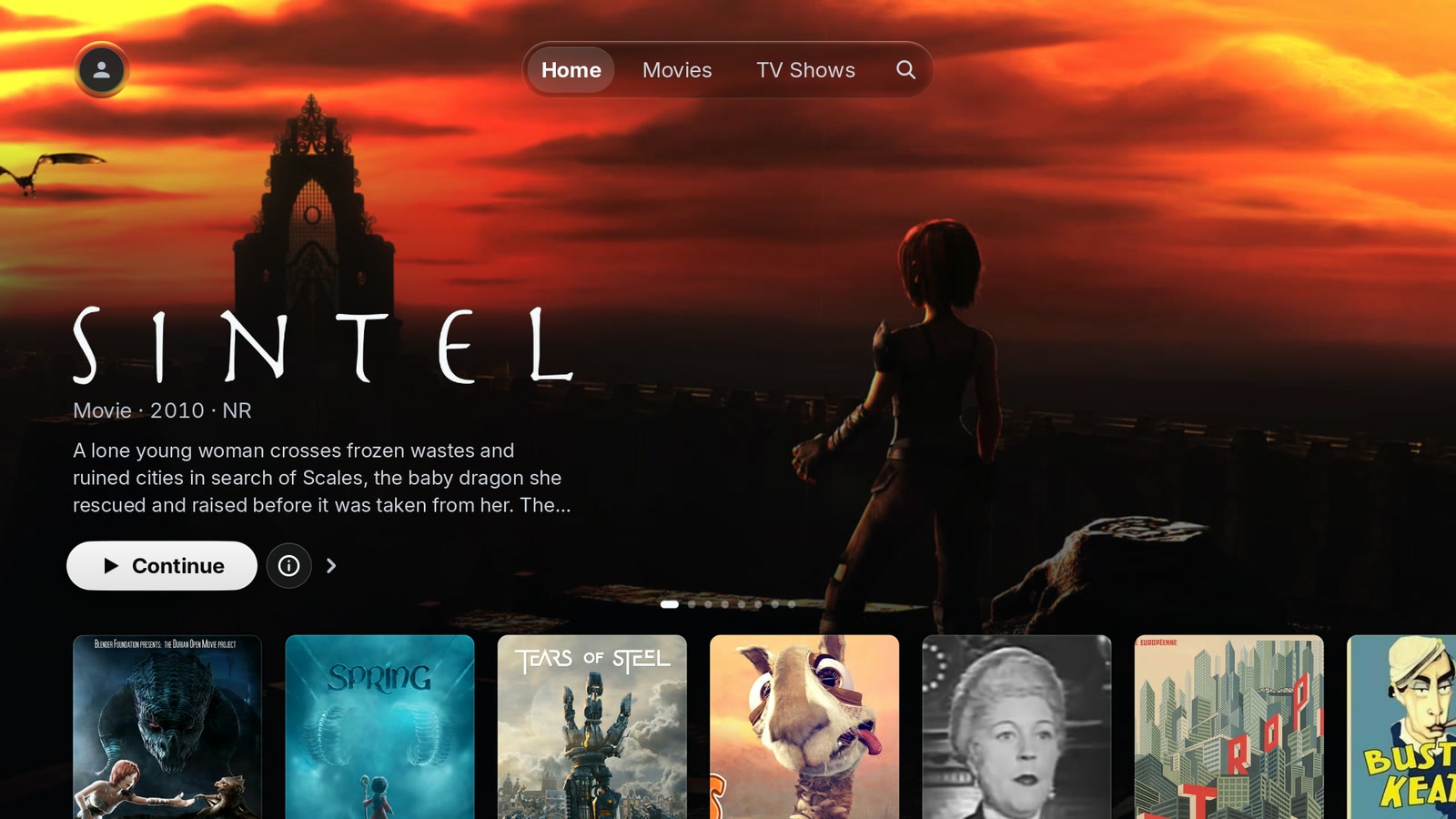
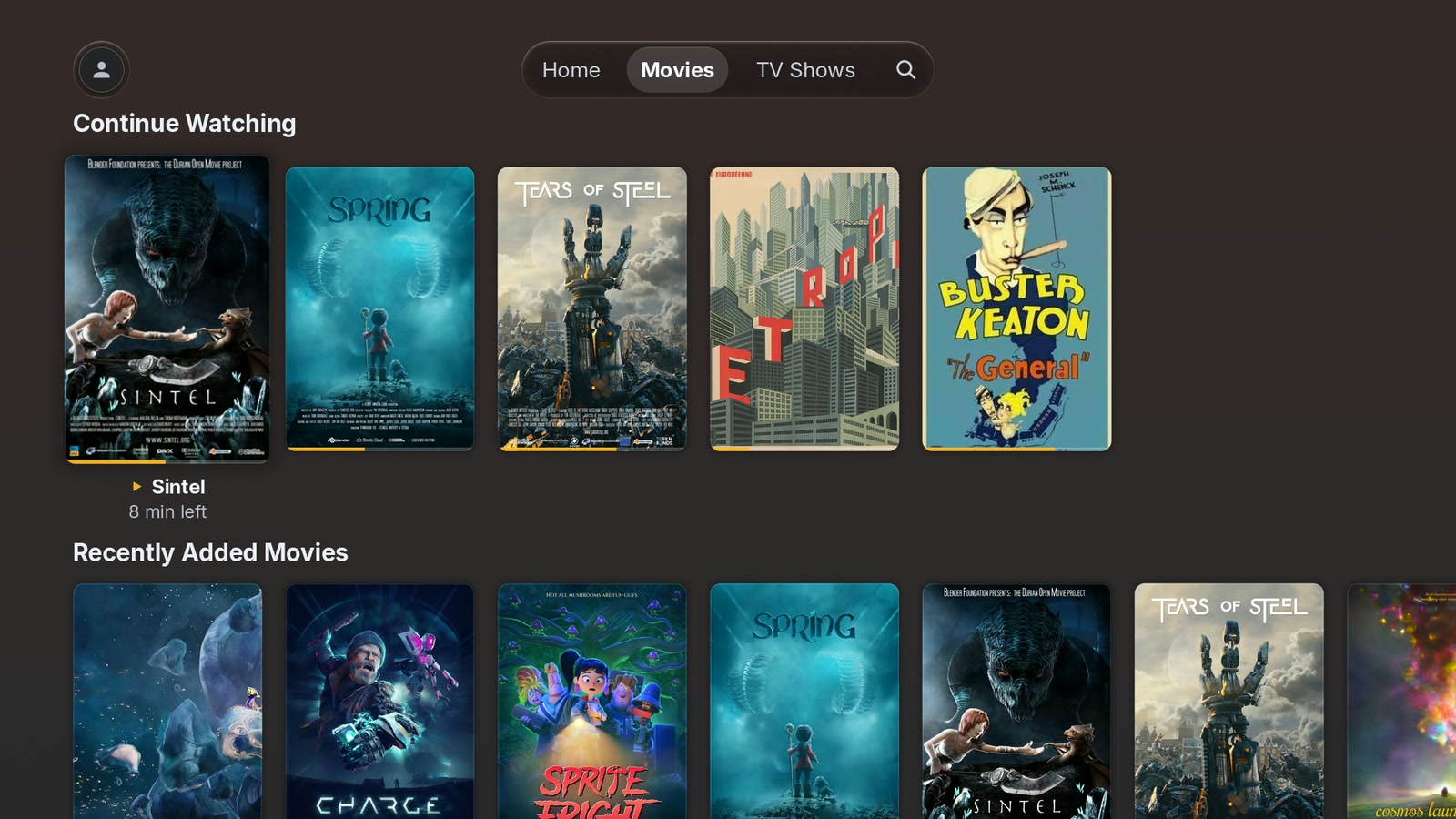
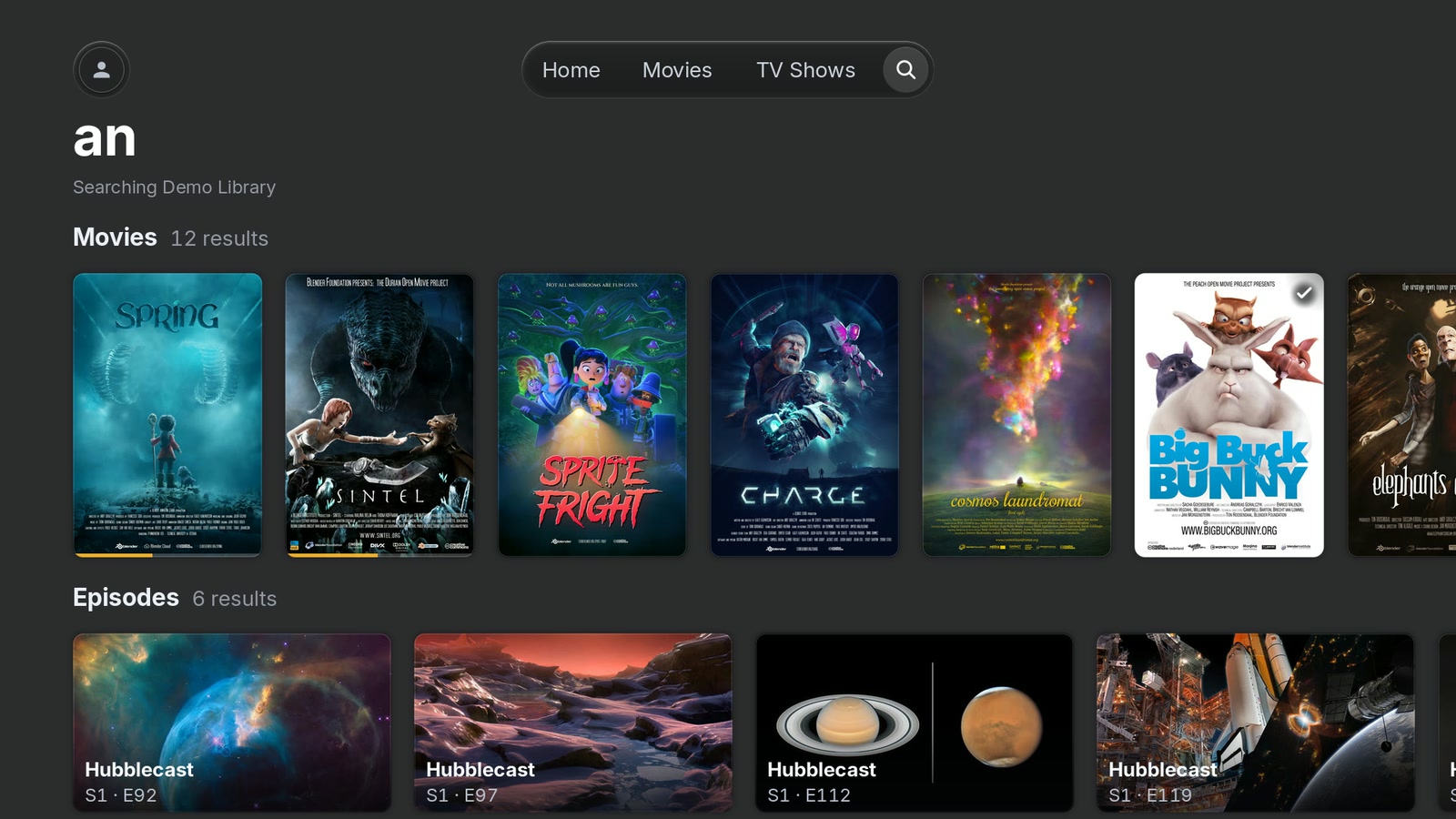
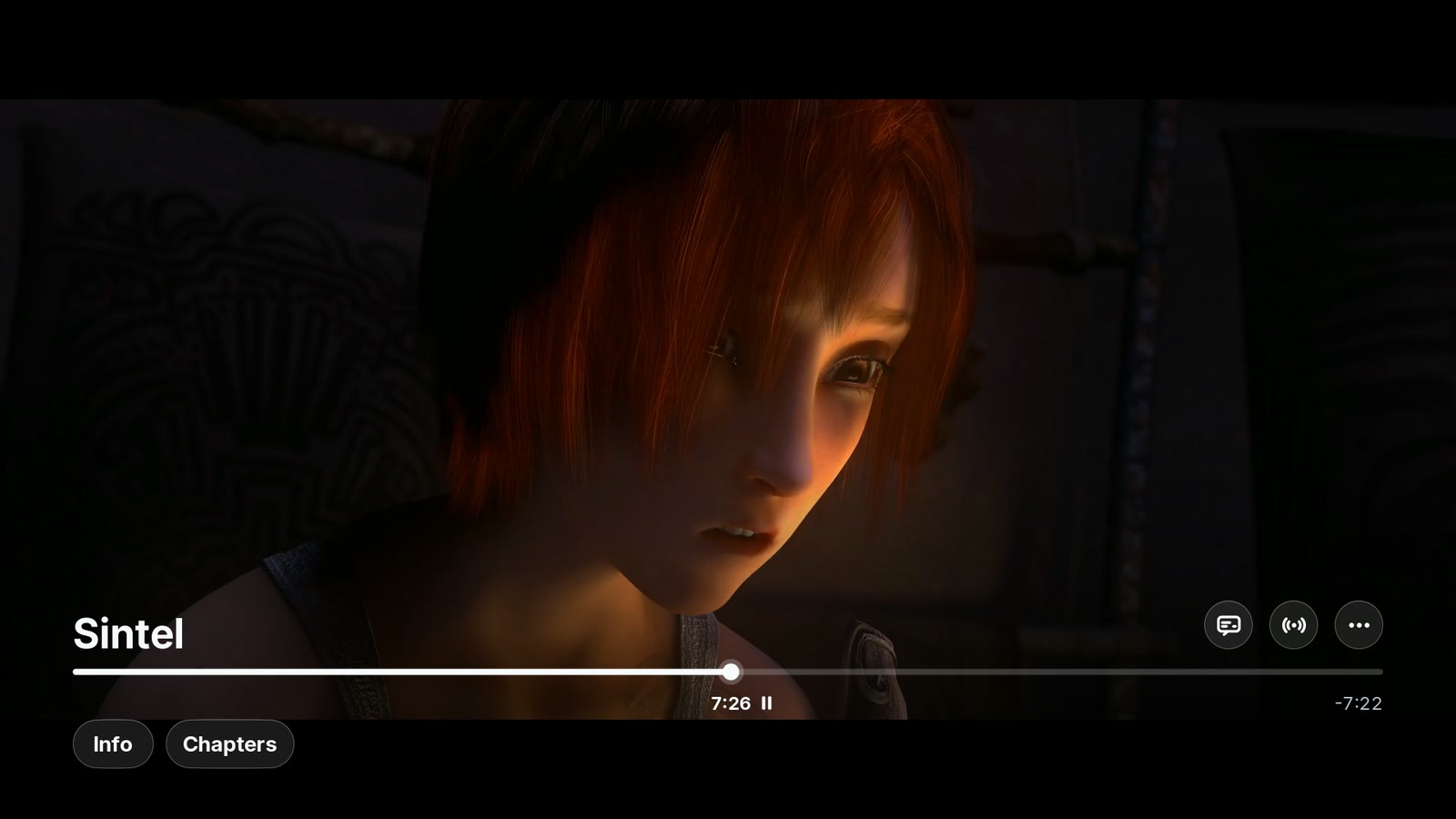
 PlxNative is a fast, unofficial Plex client built specifically for LG webOS TVs. It draws its interface directly on the GPU at 60 fps and hands video off to the TV's own hardware decoder, instead of running as a web app inside the TV's Chromium browser like the official Plex client.
PlxNative is a fast, unofficial Plex client built specifically for LG webOS TVs. It draws its interface directly on the GPU at 60 fps and hands video off to the TV's own hardware decoder, instead of running as a web app inside the TV's Chromium browser like the official Plex client.How do I get it installed on my TV?Enable LG Developer Mode on the TV and connect with webOS Dev Manager from a computer, then either install PlxNative directly (future .ipk updates come from your computer) or install Homebrew Channel first so updates come from the remote. If you already have Homebrew Channel, you can just find PlxNative in its catalogue.
Enable LG Developer Mode on the TV and connect with webOS Dev Manager from a computer, then either install PlxNative directly (future .ipk updates come from your computer) or install Homebrew Channel first so updates come from the remote. If you already have Homebrew Channel, you can just find PlxNative in its catalogue.Do I need to root my TV first?No. A regular TV in Developer Mode runs everything, with one exception: a repair for a specific sandbox bug on some 2019 LG k5lp/k3lp-chip sets only works if the TV has Homebrew Channel (root) installed.
No. A regular TV in Developer Mode runs everything, with one exception: a repair for a specific sandbox bug on some 2019 LG k5lp/k3lp-chip sets only works if the TV has Homebrew Channel (root) installed.Will it work on any LG webOS TV?It needs webOS 4.0 or newer; a 2016 set on webOS 3.4.3 works via Developer Mode but with slower seeking, and anything older than 3.4 is untested. Some 2019 sets with LG's k5lp/k3lp chip can't play video at all through Developer Mode due to a sandbox limitation Kodi and Moonlight also hit.
It needs webOS 4.0 or newer; a 2016 set on webOS 3.4.3 works via Developer Mode but with slower seeking, and anything older than 3.4 is untested. Some 2019 sets with LG's k5lp/k3lp chip can't play video at all through Developer Mode due to a sandbox limitation Kodi and Moonlight also hit.Where does my viewing and library data go?PlxNative only talks to your Plex server, to plex.tv for sign-in, and to discover.provider.plex.tv for cast bios — your library data never reaches the developer. Crash reports and usage analytics are off by default, each a separate opt-in that can be reversed later, and no title, search term, or server address can appear in them.
PlxNative only talks to your Plex server, to plex.tv for sign-in, and to discover.provider.plex.tv for cast bios — your library data never reaches the developer. Crash reports and usage analytics are off by default, each a separate opt-in that can be reversed later, and no title, search term, or server address can appear in them.Does it support 4K and Dolby Vision?Yes — it can direct play H.264 and HEVC including 4K, 10-bit, and Dolby Vision profiles 5 and 8 with E-AC-3 Atmos when the TV's codec table supports it. Anything else falls back to the server transcoding, and playback can be switched to Auto to follow a link whose speed changes.
Yes — it can direct play H.264 and HEVC including 4K, 10-bit, and Dolby Vision profiles 5 and 8 with E-AC-3 Atmos when the TV's codec table supports it. Anything else falls back to the server transcoding, and playback can be switched to Auto to follow a link whose speed changes.What's the difference between nightly builds and release candidates?Nightlies are CI builds cut daily from the main branch and install side-by-side as a separate 'PlxNative Nightly' app that auto-deletes 30 days after publishing. Release candidates are full release builds that install as the regular PlxNative app itself, replacing your current version ahead of the final release.
Nightlies are CI builds cut daily from the main branch and install side-by-side as a separate 'PlxNative Nightly' app that auto-deletes 30 days after publishing. Release candidates are full release builds that install as the regular PlxNative app itself, replacing your current version ahead of the final release.Can I use it for music or photos too?No — the scope is intentionally narrow to movies and TV shows only, with no support for music, photos, or live TV/DVR.
No — the scope is intentionally narrow to movies and TV shows only, with no support for music, photos, or live TV/DVR.Why build a whole new client instead of improving the official Plex app?The official LG Plex app is really a web app running in the TV's Chromium browser, so scrolling and navigation hit a performance ceiling that patching can't fix. PlxNative throws out the browser entirely and draws straight on the GPU while handing video to the TV's native decoder.
The official LG Plex app is really a web app running in the TV's Chromium browser, so scrolling and navigation hit a performance ceiling that patching can't fix. PlxNative throws out the browser entirely and draws straight on the GPU while handing video to the TV's native decoder.What are similar projects?my-tv, BBLL, cloudstream, streambert, android-airplay-server, xbmc, GSYVideoPlayer, video.js
my-tv, BBLL, cloudstream, streambert, android-airplay-server, xbmc, GSYVideoPlayer, video.jsWhich topics is it in?hevc, 4k, sdl2, tv, media-player, video-player, subtitles, video-streaming, opengl, ffmpeg, streaming, video
hevc, 4k, sdl2, tv, media-player, video-player, subtitles, video-streaming, opengl, ffmpeg, streaming, video