







6.3K ·GitHub
Что это такое?
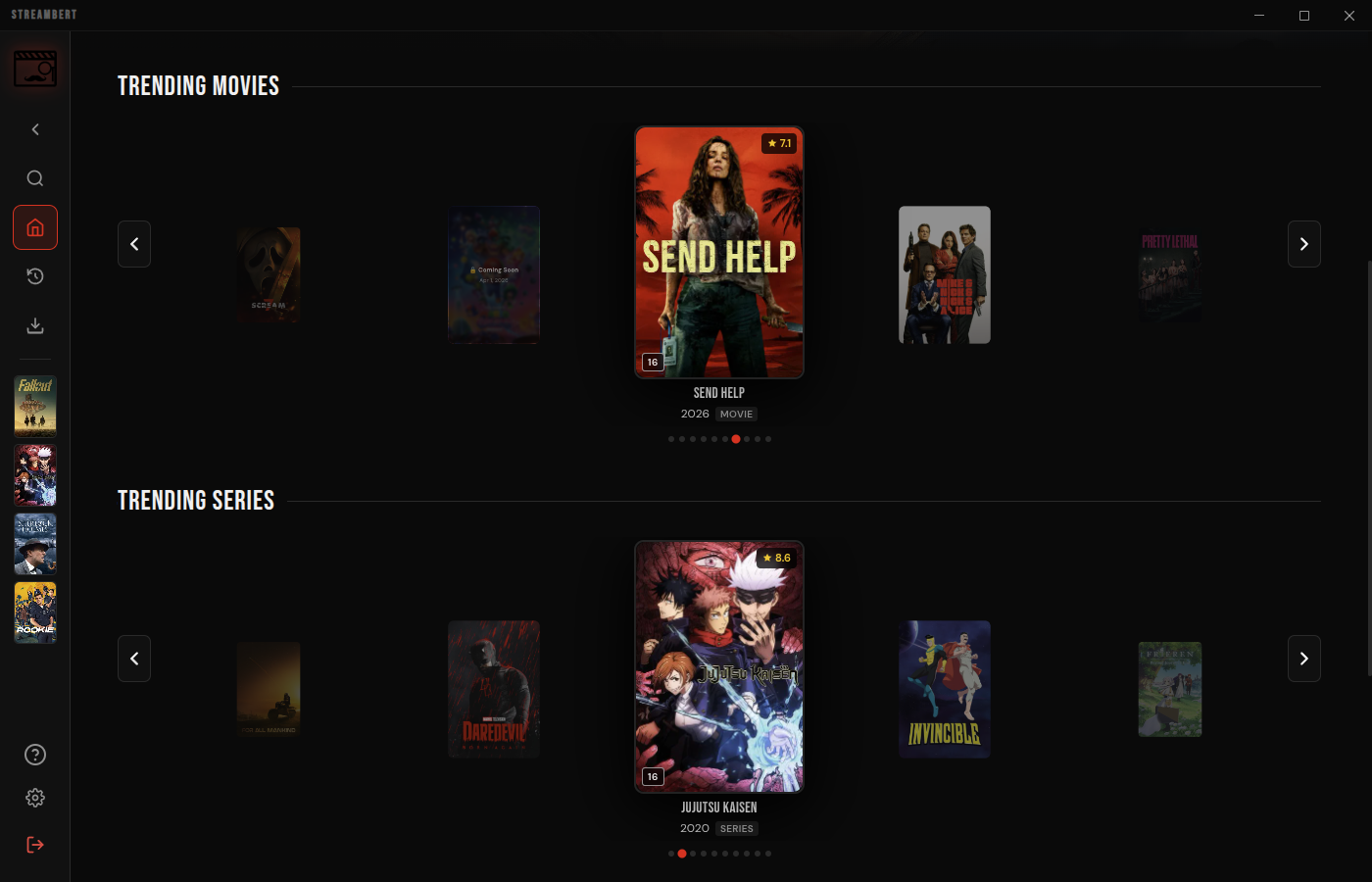
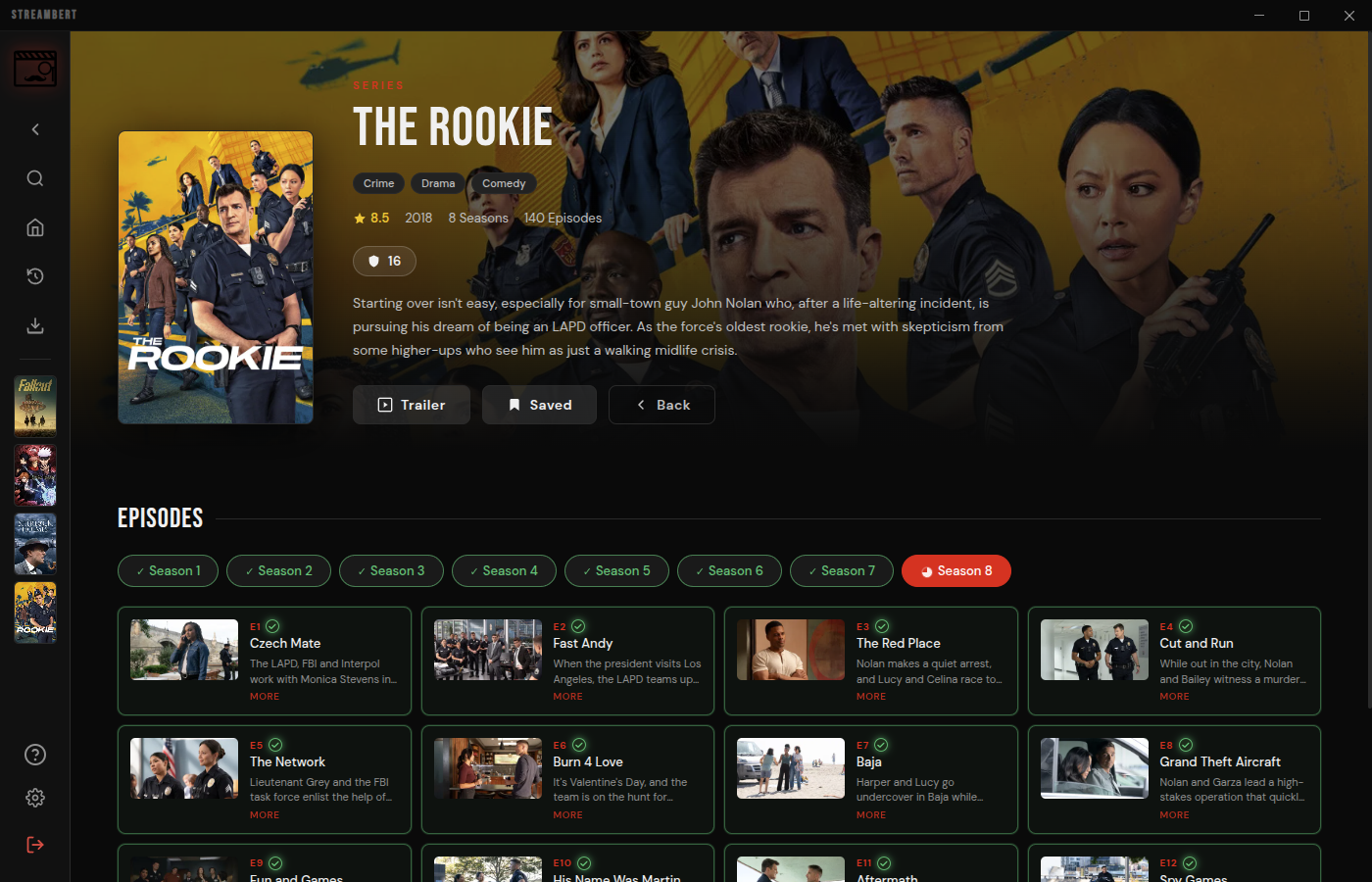
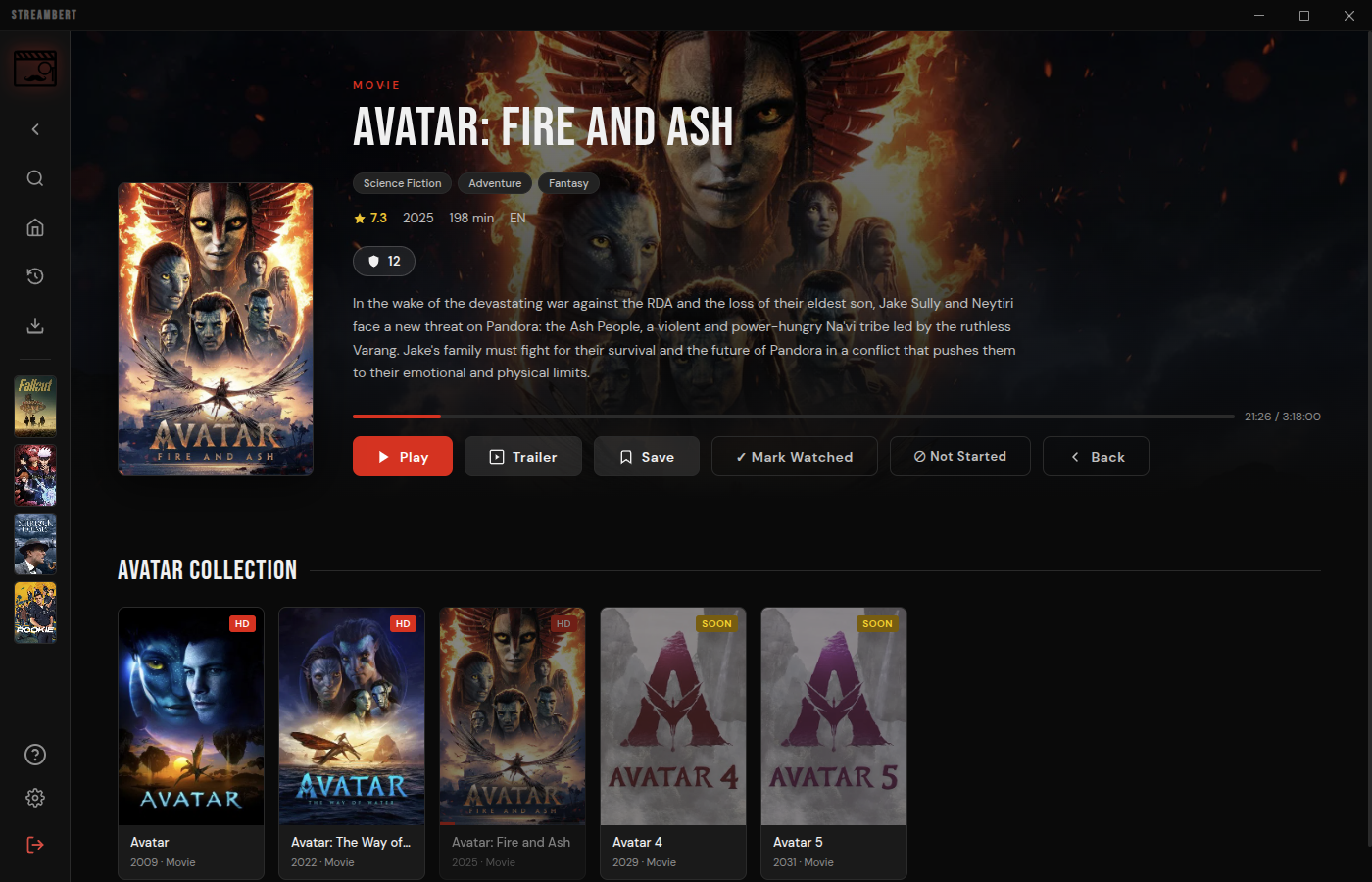
 Streambert — кроссплатформенное настольное приложение на Electron, которое позволяет бесплатно смотреть и скачивать фильмы, сериалы и аниме без рекламы и отслеживания.
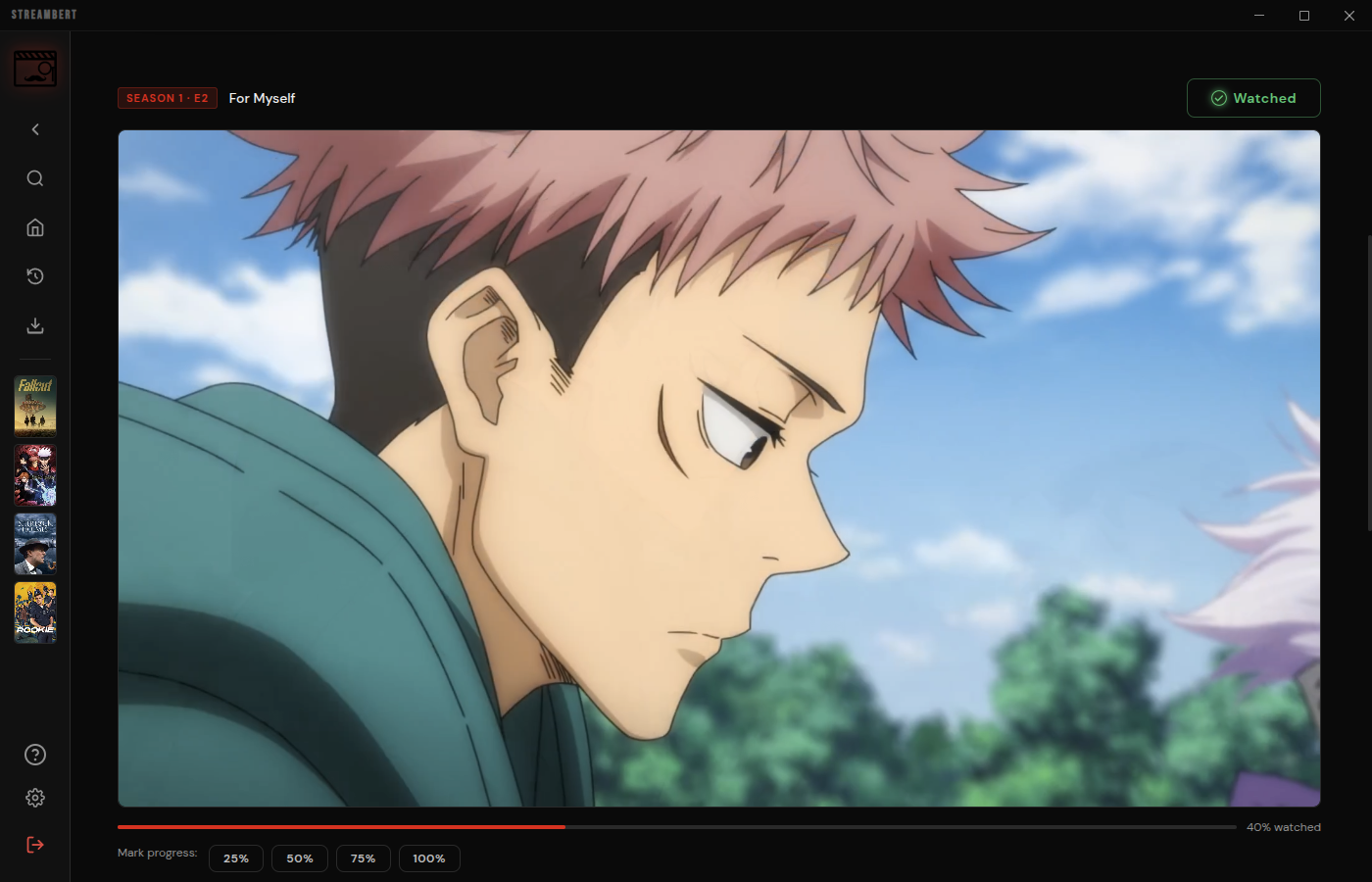
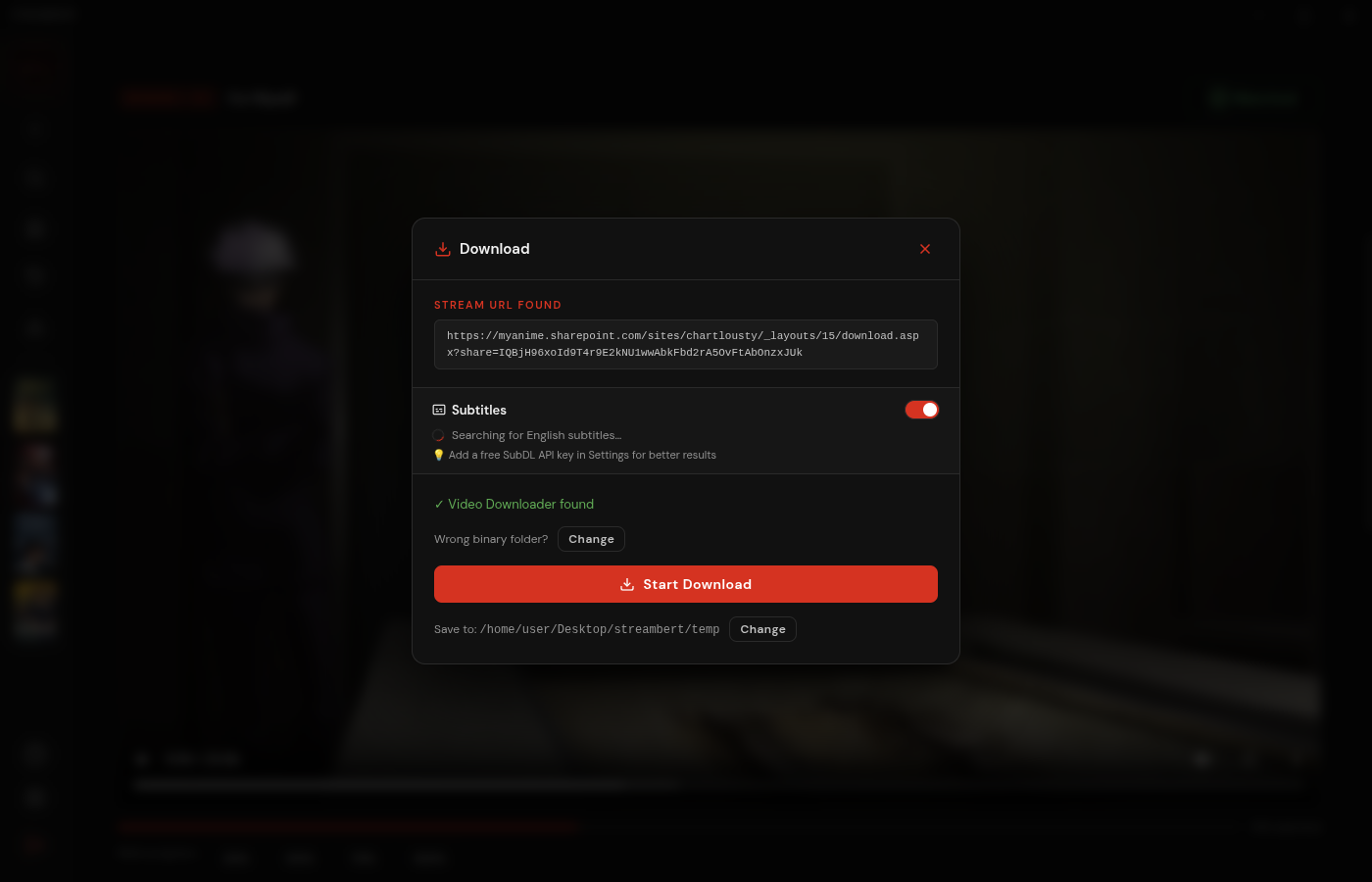
Streambert — кроссплатформенное настольное приложение на Electron, которое позволяет бесплатно смотреть и скачивать фильмы, сериалы и аниме без рекламы и отслеживания.Это просто приложение для стриминга или можно и видео скачивать?Оно делает и то, и другое: приложение получает ссылки .m3u8 на тайтл, чтобы можно было смотреть прямо в приложении, а те же ссылки использует, чтобы скачать на компьютер полный фильм или серию в несколько потоков.
Оно делает и то, и другое: приложение получает ссылки .m3u8 на тайтл, чтобы можно было смотреть прямо в приложении, а те же ссылки использует, чтобы скачать на компьютер полный фильм или серию в несколько потоков.Как установить это на компьютер?Скачайте готовую версию для вашей ОС со страницы GitHub Releases: .deb/.AppImage/.pacman для Linux, Setup .exe для Windows или универсальный .dmg для macOS, затем установите и запустите его.
Скачайте готовую версию для вашей ОС со страницы GitHub Releases: .deb/.AppImage/.pacman для Linux, Setup .exe для Windows или универсальный .dmg для macOS, затем установите и запустите его.Что нужно, прежде чем можно начать смотреть?При первом запуске вы вводите бесплатный TMDB API Read Access Token (после этого он сохраняется локально), а если хотите скачивать видео, на компьютер также нужно установить ffmpeg.
При первом запуске вы вводите бесплатный TMDB API Read Access Token (после этого он сохраняется локально), а если хотите скачивать видео, на компьютер также нужно установить ffmpeg.Можно ли этим пользоваться легально?Разработчик позиционирует приложение строго как образовательное и для личного использования: Streambert не хранит контент сам, а лишь даёт ссылки на сторонние источники, поэтому вы сами отвечаете за соблюдение местных законов об авторском праве.
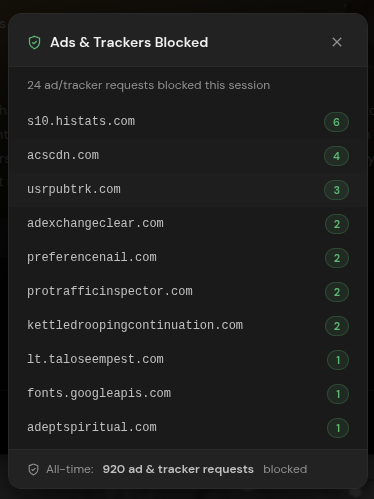
Разработчик позиционирует приложение строго как образовательное и для личного использования: Streambert не хранит контент сам, а лишь даёт ссылки на сторонние источники, поэтому вы сами отвечаете за соблюдение местных законов об авторском праве.Отслеживает ли Streambert или собирает мои данные?Сам Streambert не собирает никаких данных и не имеет централизованного бэкенда, а также включает встроенную блокировку трекеров и рекламы, однако сторонние источники потокового видео и проверки обновлений на GitHub могут собирать некоторые данные.
Сам Streambert не собирает никаких данных и не имеет централизованного бэкенда, а также включает встроенную блокировку трекеров и рекламы, однако сторонние источники потокового видео и проверки обновлений на GitHub могут собирать некоторые данные.Что будет, если я сделаю форк этого проекта?Streambert распространяется по лицензии GPL-3.0, и любой форк также должен оставаться открытым исходным кодом.
Streambert распространяется по лицензии GPL-3.0, и любой форк также должен оставаться открытым исходным кодом.Чем просмотр аниме отличается от фильмов или сериалов?Приложение определяет, является ли тайтл аниме, и получает его метаданные из AniList, а не из TMDB, после чего напрямую извлекает реальные видеофайлы .mp4 с AllManga.to — приём, позаимствованный из ani-cli.
Приложение определяет, является ли тайтл аниме, и получает его метаданные из AniList, а не из TMDB, после чего напрямую извлекает реальные видеофайлы .mp4 с AllManga.to — приём, позаимствованный из ani-cli.Откуда берутся сами видеопотоки?Потоки фильмов и сериалов в основном поступают с VidSrc (альтернативы — videasy и vidking), а изображения, результаты поиска и данные главной страницы берутся из TMDB.
Потоки фильмов и сериалов в основном поступают с VidSrc (альтернативы — videasy и vidking), а изображения, результаты поиска и данные главной страницы берутся из TMDB.What are similar projects?N_m3u8DL-CLI, ytDownloader, downkyi, res-downloader, streamfirefly, plx-native, VidBee, Ghost-Downloader-3
N_m3u8DL-CLI, ytDownloader, downkyi, res-downloader, streamfirefly, plx-native, VidBee, Ghost-Downloader-3Which topics is it in?movies, streaming-video, ad-blocker, m3u8, piracy, tv, anime, video-downloader, subtitles, video-streaming, downloader, ffmpeg
movies, streaming-video, ad-blocker, m3u8, piracy, tv, anime, video-downloader, subtitles, video-streaming, downloader, ffmpeg