



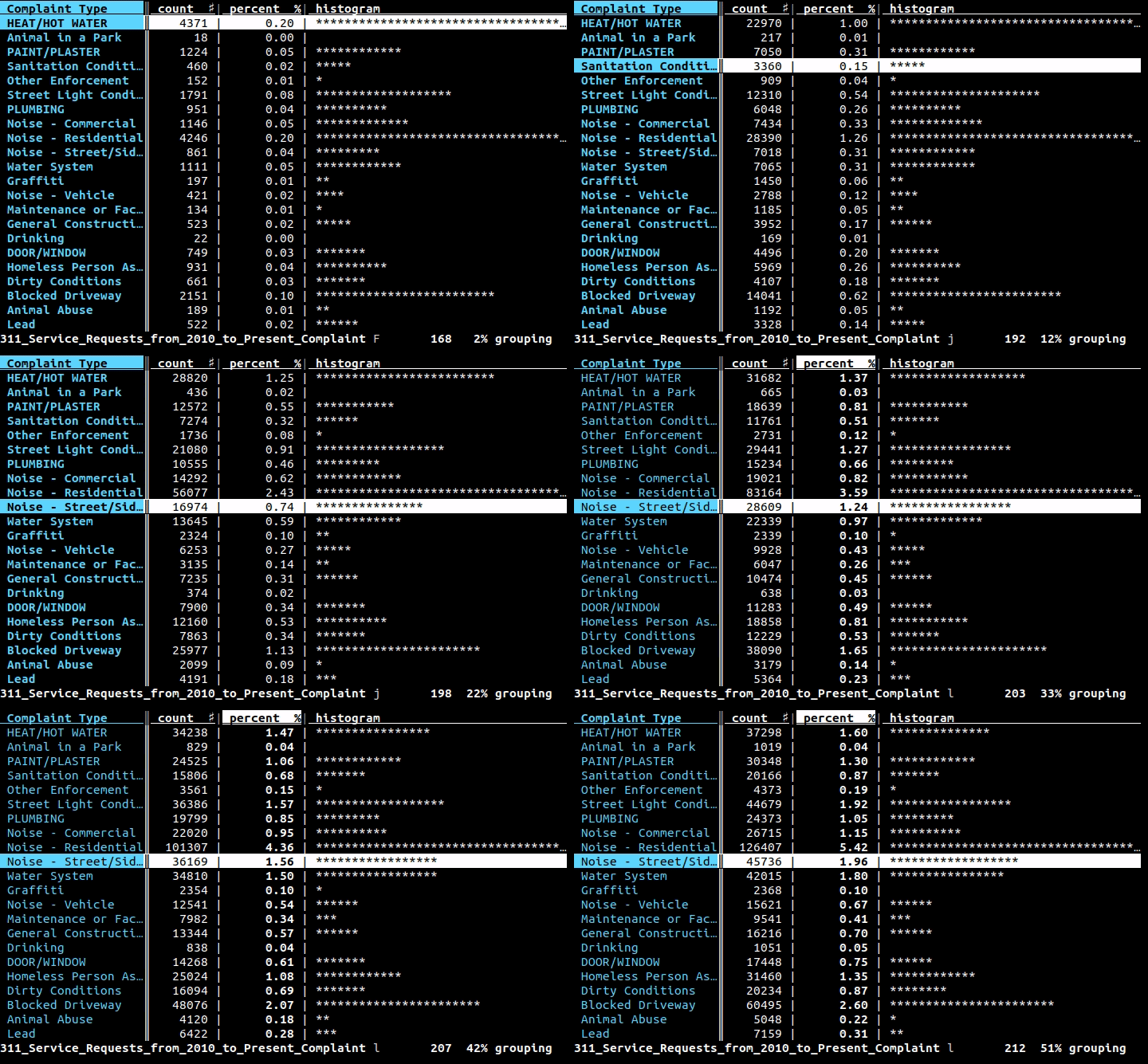
这是什么?
 VisiData 是一个终端电子表格多面手工具,用于探索、清理和整理表格数据,支持 CSV、TSV、SQLite、JSON、Excel(xlsx)和 HDF5 等格式。
VisiData 是一个终端电子表格多面手工具,用于探索、清理和整理表格数据,支持 CSV、TSV、SQLite、JSON、Excel(xlsx)和 HDF5 等格式。它是图形界面的电子表格应用,还是别的什么?它是一个基于终端的(TUI)应用,不是图形化电子表格——你在控制台中完全靠键盘快捷键来操作它。
它是一个基于终端的(TUI)应用,不是图形化电子表格——你在控制台中完全靠键盘快捷键来操作它。怎么安装和启动它?用“pip3 install visidata”从 PyPI 安装,或者通过“pipx run visidata” / “uvx visidata”免安装试用。然后运行“vd”,或者把数据通过管道传给它,例如“cat data.csv | vd”。
用“pip3 install visidata”从 PyPI 安装,或者通过“pipx run visidata” / “uvx visidata”免安装试用。然后运行“vd”,或者把数据通过管道传给它,例如“cat data.csv | vd”。除了 Python,我还需要安装什么吗?需要 Python 3.8+,而且某些格式(如 Excel)或部分加载器需要额外的包(例如 openpyxl、lxml),可以通过 pipx inject 或 uv tool install 添加。
需要 Python 3.8+,而且某些格式(如 Excel)或部分加载器需要额外的包(例如 openpyxl、lxml),可以通过 pipx inject 或 uv tool install 添加。安装上有什么需要注意的坑吗?如果安装了某个包之后 VisiData 仍提示未安装,通常是因为它运行在与你安装目标不同的另一个 Python 环境里——你需要检查“which vd”,并把包装进同一个环境。
如果安装了某个包之后 VisiData 仍提示未安装,通常是因为它运行在与你安装目标不同的另一个 Python 环境里——你需要检查“which vd”,并把包装进同一个环境。它在 Windows 上也能用吗,还是只支持 Linux/Mac?它可以运行在 Linux、macOS 和 Windows 上,不过 Windows 支持是通过 WSL 实现的。
它可以运行在 Linux、macOS 和 Windows 上,不过 Windows 支持是通过 WSL 实现的。进入 VisiData 之后怎么退出?随时按 Ctrl+Q 即可退出。
随时按 Ctrl+Q 即可退出。我能用插件扩展 VisiData 吗?可以,项目提供了插件作者指南和 API 参考,供你编写自己的插件和加载器。
可以,项目提供了插件作者指南和 API 参考,供你编写自己的插件和加载器。跑起来之后去哪里学习各种命令?在 VisiData 里按 Ctrl+H 可以快速查阅命令和选项,也可以查看完整的在线文档以及 Jeremy Singer-Vine 撰写的“Intro to VisiData”教程。
在 VisiData 里按 Ctrl+H 可以快速查阅命令和选项,也可以查看完整的在线文档以及 Jeremy Singer-Vine 撰写的“Intro to VisiData”教程。What are similar projects?miller, q, OpenRefine, fg-data-profiling, huashu-excel, pandas, datasette, prediction-market-analysis
miller, q, OpenRefine, fg-data-profiling, huashu-excel, pandas, datasette, prediction-market-analysisWhich topics is it in?eda, tabular-data, spreadsheet, devops-tools, excel, csv, pandas, gpl, data-analysis, tui, data-science, json
eda, tabular-data, spreadsheet, devops-tools, excel, csv, pandas, gpl, data-analysis, tui, data-science, json