



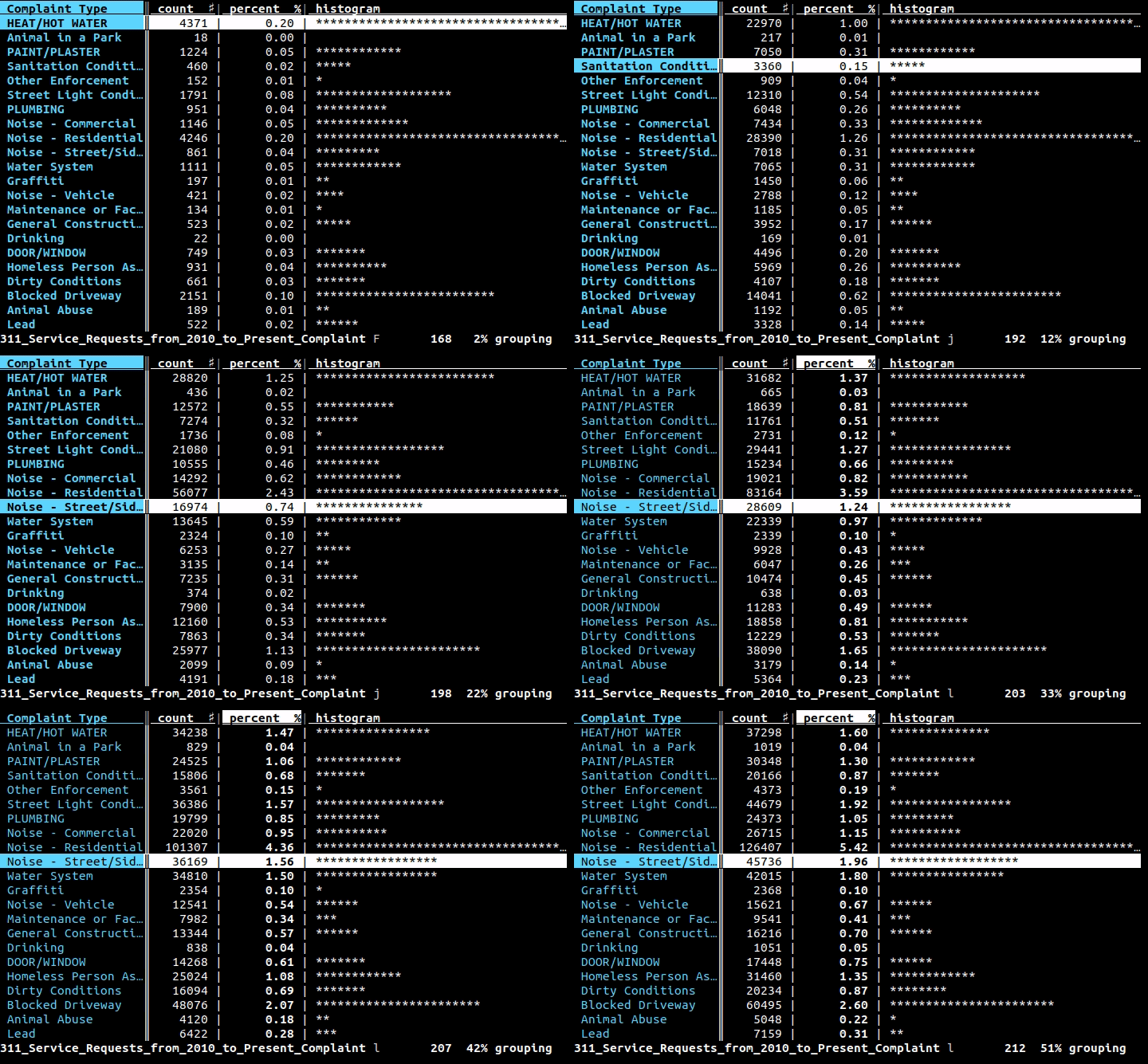
What is this?
 VisiData is a terminal spreadsheet multitool for exploring, cleaning, and arranging tabular data, supporting formats like CSV, TSV, SQLite, JSON, Excel (xlsx), and HDF5.
VisiData is a terminal spreadsheet multitool for exploring, cleaning, and arranging tabular data, supporting formats like CSV, TSV, SQLite, JSON, Excel (xlsx), and HDF5.Is it a GUI spreadsheet app or something else?It is a terminal-based (TUI) application, not a graphical spreadsheet — you drive it entirely with keyboard shortcuts in the console.
It is a terminal-based (TUI) application, not a graphical spreadsheet — you drive it entirely with keyboard shortcuts in the console.How do I install and start it?Install from PyPI with 'pip3 install visidata', or try it without installing via 'pipx run visidata' / 'uvx visidata'. Then run 'vd' or pipe data into it, e.g. 'cat data.csv | vd'.
Install from PyPI with 'pip3 install visidata', or try it without installing via 'pipx run visidata' / 'uvx visidata'. Then run 'vd' or pipe data into it, e.g. 'cat data.csv | vd'.Do I need anything besides Python installed?You need Python 3.8+, and some formats like Excel or certain loaders require extra packages (e.g. openpyxl, lxml) which can be added via pipx inject or uv tool install.
You need Python 3.8+, and some formats like Excel or certain loaders require extra packages (e.g. openpyxl, lxml) which can be added via pipx inject or uv tool install.Any install pitfalls I should watch out for?If VisiData reports a package as not installed even after installing it, it's usually running from a different Python environment than the one you installed into — you need to check 'which vd' and install into that same environment.
If VisiData reports a package as not installed even after installing it, it's usually running from a different Python environment than the one you installed into — you need to check 'which vd' and install into that same environment.Does it work on Windows too, or just Linux/Mac?It runs on Linux, macOS, and Windows, though Windows support is via WSL.
It runs on Linux, macOS, and Windows, though Windows support is via WSL.How do I exit VisiData once I'm in it?Press Ctrl+Q at any time to quit.
Press Ctrl+Q at any time to quit.Can I extend VisiData with plugins?Yes, there's a Plugin Author's Guide and API Reference for writing your own plugins and loaders.
Yes, there's a Plugin Author's Guide and API Reference for writing your own plugins and loaders.Where can I learn the commands once I have it running?Press Ctrl+H inside VisiData for a quick reference of commands and options, or check the full online documentation and the 'Intro to VisiData' tutorial by Jeremy Singer-Vine.
Press Ctrl+H inside VisiData for a quick reference of commands and options, or check the full online documentation and the 'Intro to VisiData' tutorial by Jeremy Singer-Vine.What are similar projects?miller, q, OpenRefine, fg-data-profiling, huashu-excel, pandas, datasette, prediction-market-analysis
miller, q, OpenRefine, fg-data-profiling, huashu-excel, pandas, datasette, prediction-market-analysisWhich topics is it in?eda, tabular-data, spreadsheet, devops-tools, excel, csv, pandas, gpl, data-analysis, tui, data-science, json
eda, tabular-data, spreadsheet, devops-tools, excel, csv, pandas, gpl, data-analysis, tui, data-science, json