
Johnny-Five
The JavaScript Robotics Programming Framework
Artwork by Mike Sgier





Johnny-Five is an Open Source, Firmata Protocol based, IoT and Robotics programming framework, developed by the Nodebots Community. Johnny-Five programs can be written for Arduino (all models), Electric Imp, Beagle Bone, Intel Galileo & Edison, Linino One, Pinoccio, pcDuino3, Raspberry Pi, Particle/Spark Core & Photon, Tessel 2, TI Launchpad and more!
Johnny-Five has grown from a passion project into a tool for inspiring learning and creativity for people of all ages, backgrounds, and from all across the world.
Just interested in learning and building awesome things? You might want to start with the official Johnny-Five website.
- If you want to find the API documentation, that’s right here.
- Need to figure out what platform to use for a project? We put that stuff here.
- Need inspiration for your next NodeBot? Check out the examples.
- Want to stay up-to-date with projects in the community? Check this out.
- Need NodeBots community or Johnny-Five project updates and announcements? This is what you’re looking for.
Johnny-Five does not attempt to provide "all the things", but instead focuses on delivering robust, reality tested, highly composable APIs that behave consistently across all supported hardware platforms. Johnny-Five wants to be a baseline control kit for hardware projects, allowing you the freedom to build, grow and experiment with diverse JavaScript libraries of your own choice. Johnny-Five couples comfortably with:
...And that's only a few of the many explorable possibilities. Check out these exciting projects: node-pulsesensor, footballbot-workshop-ui, nodebotui, dublin-disco, node-slot-car-bot, servo-calibrator, node-ardx, nodebot-workshop, phone-home, purple-unicorn, webduino, leapduino, lasercat-workshop, simplesense, five-redbot, robotnik, the-blender
Why JavaScript?
NodeBots: The Rise of JavaScript Robotics
Hello Johnny
The ubiquitous "Hello World" program of the microcontroller and SoC world is "blink an LED". The following code demonstrates how this is done using the Johnny-Five framework.
const { Board, Led } = require("johnny-five");
const board = new Board();

board.on("ready", () => {
  // Create an Led on pin 13
  const led = new Led(13);
  // Blink every half second
  led.blink(500);
});

Note: Node will crash if you try to run johnny-five in the node REPL, but board instances will create their own contextual REPL. Put your script in a file.
Supported Hardware
Johnny-Five has been tested on a variety of Arduino-compatible Boards.
For non-Arduino based projects, a number of platform-specific IO Plugins are available. IO Plugins allow Johnny-Five code to communicate with any non-Arduino based hardware in whatever language that platforms speaks!
Documentation
Documentation for the Johnny-Five API can be found here and example programs here.
Guidance
Need help? Ask a question on the NodeBots Community Forum. If you just have a quick question or are interested in ongoing design discussions, join us in the Johnny-Five Gitter Chat.
For step-by-step examples, including an electronics primer, check out Arduino Experimenter's Guide for NodeJS by @AnnaGerber
Here is a list of prerequisites for Linux, OSX or Windows.
Check out the bluetooth guide if you want to remotely control your robot.
Setup and Assemble Arduino
- Recommended Starting Kit: Sparkfun Inventor's Kit
- Download Arduino IDE
- Plug in your Arduino or Arduino compatible microcontroller via USB
- Open the Arduino IDE, select: File > Examples > Firmata > StandardFirmataPlus
- StandardFirmataPlus is available in Firmata v2.5.0 or greater
- Click the "Upload" button.
If the upload was successful, the board is now prepared and you can close the Arduino IDE.
For non-Arduino projects, each IO Plugin's repo will provide its own platform specific setup instructions.
Hey you, here's Johnny!
Source Code:
git clone git://github.com/rwaldron/johnny-five.git && cd johnny-five

npm install
npm package:
Install the module with:
npm install johnny-five
Example Programs
To get you up and running quickly, we provide a variety of examples for using each Johnny-Five component. One thing we’re especially excited about is the extensive collection of Fritzing diagrams you’ll find throughout the site. A huge part of doing any Johnny-Five project is handling the actual hardware, and we’ve included these as part of the documentation because we realised that instructions on how to write code to control a servo are insufficient without instructions on how to connect a servo!
To interactively navigate the examples, visit the Johnny-Five examples page on the official website. If you want to link directly to the examples in this repo, you can use one of the following links.
There are presently 362 example programs with code and diagrams!
Board
LED
LED: RGB
LED: Digits & Matrix
Servo
GPS
Servo Animation
Color
Motor
Stepper Motor
ESC & Brushless Motor
Keypad
Relay
Shift Register
Infrared Reflectance
Proximity
Motion
Joystick
LCD
Compass/Magnetometer
Piezo
IMU/Multi
Sensors
Expander
Photon Weather Shield
Lego EVShield
Intel Edison + Grove IoT Kit
Grove IoT Kit (Seeed Studio)
Micro Magician V2
TinkerKit
Wii
Complete Bots / Projects
Component Plugin Template
IO Plugins
Many fragments. Some large, some small.
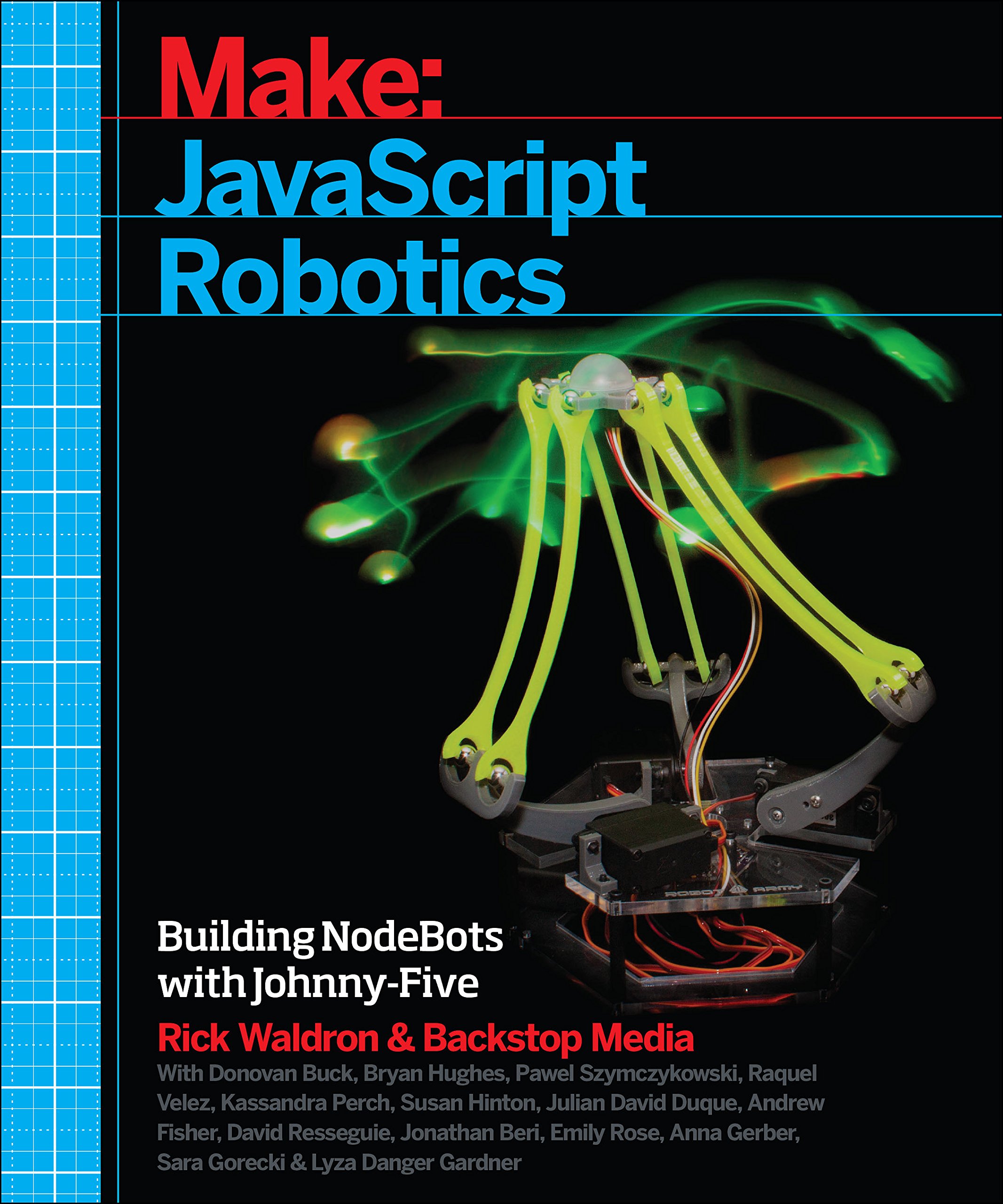
Make: JavaScript Robotics
Contributing
All contributions must adhere to the Idiomatic.js Style Guide,
by maintaining the existing coding style. Add unit tests for any new or changed functionality. Lint and test your code using grunt.
License
Copyright (c) 2012, 2013, 2014 Rick Waldron [email protected]
Licensed under the MIT license.
Copyright (c) 2014, 2015 The Johnny-Five Contributors
Licensed under the MIT license.

 Johnny-Five 是一个基于 Firmata 协议的开源 JavaScript 框架,用于机器人和物联网开发,让你可以用 JS 代码控制 Arduino、Raspberry Pi、Tessel 2 和 Intel Edison 等硬件。