







这是什么?
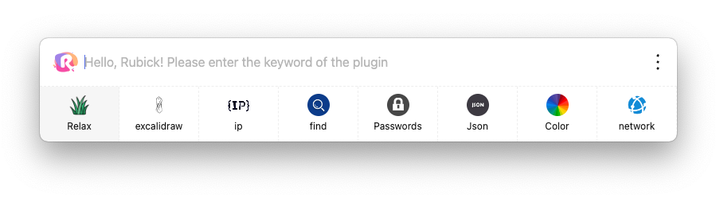
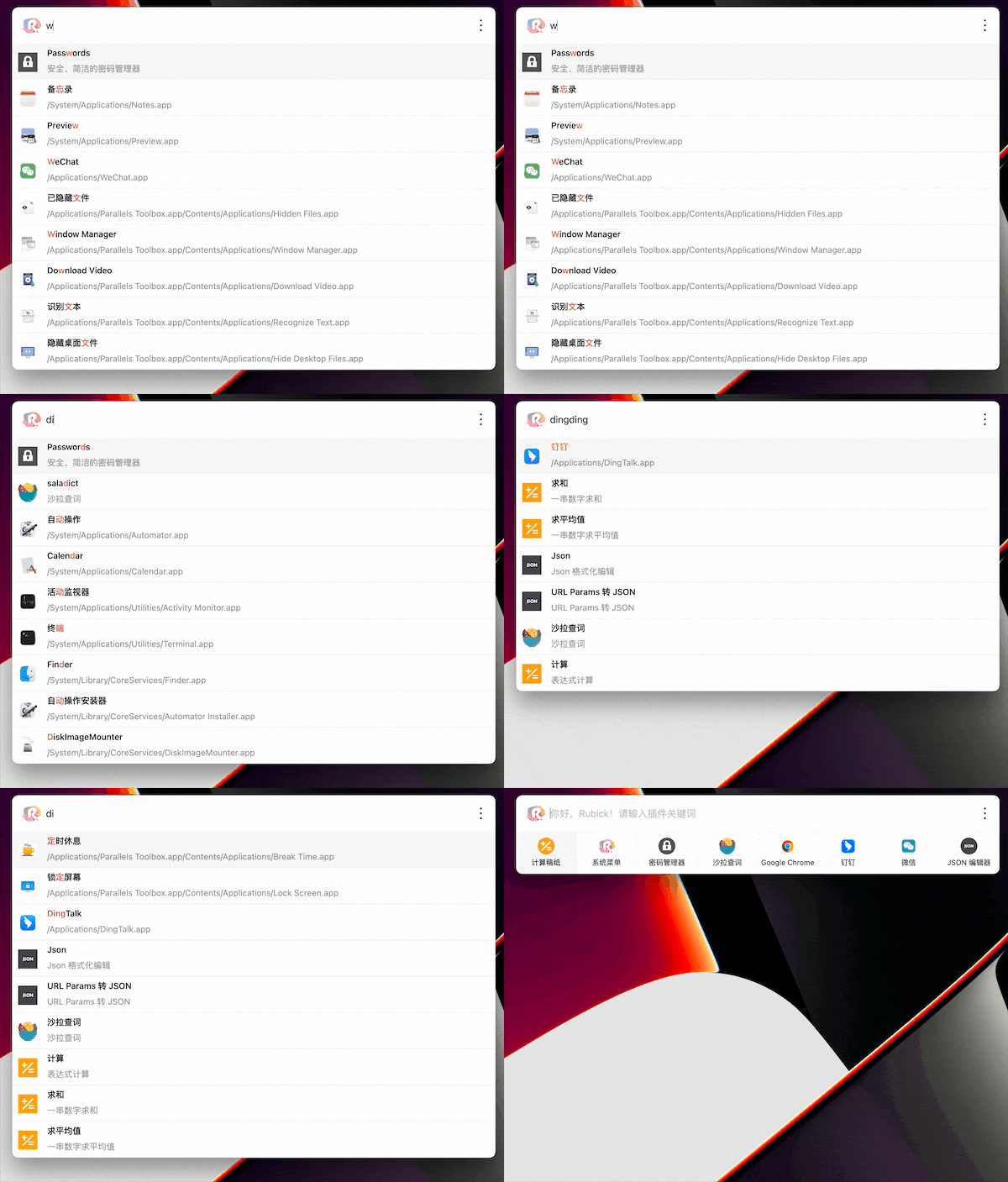
 Rubick 是一个开源的、基于插件的桌面效率工具箱:只需一个搜索框,就能快速启动本地应用、文件和文件夹,还能从内置的插件市场安装各种插件。
Rubick 是一个开源的、基于插件的桌面效率工具箱:只需一个搜索框,就能快速启动本地应用、文件和文件夹,还能从内置的插件市场安装各种插件。这是需要安装的桌面应用,还是在浏览器里运行?它是原生桌面应用——你需要下载适合自己操作系统的安装包并在本地运行,没有网页版。
它是原生桌面应用——你需要下载适合自己操作系统的安装包并在本地运行,没有网页版。我怎么把它跑起来?从 releases 页面下载适合你操作系统的安装包,安装后按 Alt/Option+R 呼出搜索框,输入关键词就能找到应用、插件和文件。
从 releases 页面下载适合你操作系统的安装包,安装后按 Alt/Option+R 呼出搜索框,输入关键词就能找到应用、插件和文件。使用它需要先装 Node 或 npm 吗?不需要——它是一个独立的桌面应用。插件在内置市场里一键安装;底层虽然遵循 npm 包的规范,但这些都已替你处理好了。
不需要——它是一个独立的桌面应用。插件在内置市场里一键安装;底层虽然遵循 npm 包的规范,但这些都已替你处理好了。它支持哪些操作系统?Windows、macOS 和 Linux——每个系统都有单独的下载包。
Windows、macOS 和 Linux——每个系统都有单独的下载包。我的插件数据会存在哪里?数据由你自己掌控:插件数据通过你自己的 WebDAV 服务器在多台设备之间同步,Rubick 也支持手动导出/导入,以及面向企业的内网部署。
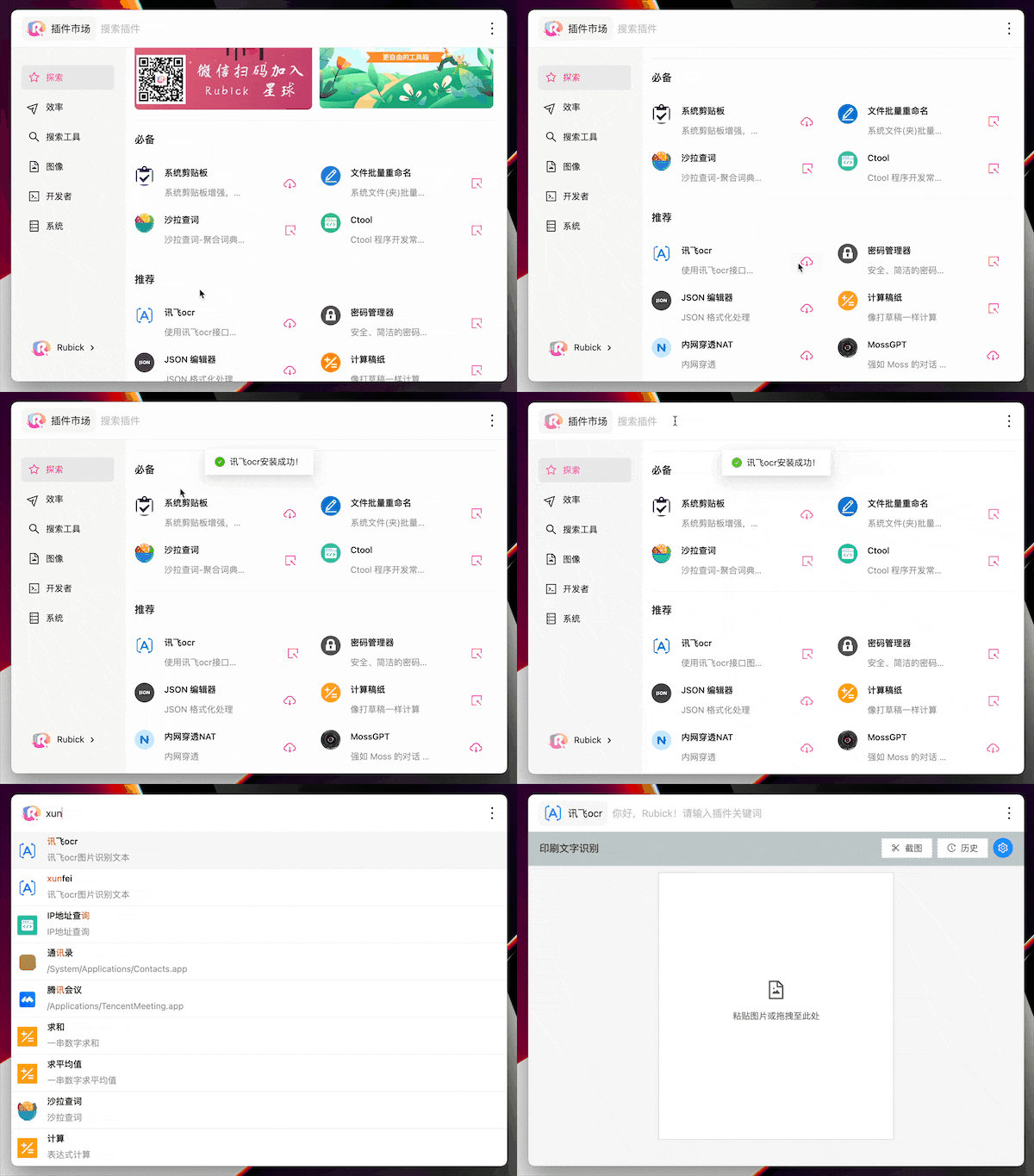
数据由你自己掌控:插件数据通过你自己的 WebDAV 服务器在多台设备之间同步,Rubick 也支持手动导出/导入,以及面向企业的内网部署。怎么安装插件?点击搜索框旁边的 rubick 图标打开插件市场,选一个插件点击下载。之后它会出现在“已安装”标签页里,在主搜索框输入它的关键词即可调用。
点击搜索框旁边的 rubick 图标打开插件市场,选一个插件点击下载。之后它会出现在“已安装”标签页里,在主搜索框输入它的关键词即可调用。UI 插件和系统插件有什么区别?UI 插件是普通工具,在搜索框里输入关键词即可呼出。系统插件则使用一种特殊模式,让它们成为 Rubick 本身不可分割的一部分;两者都可以在插件市场的对应分类中安装。
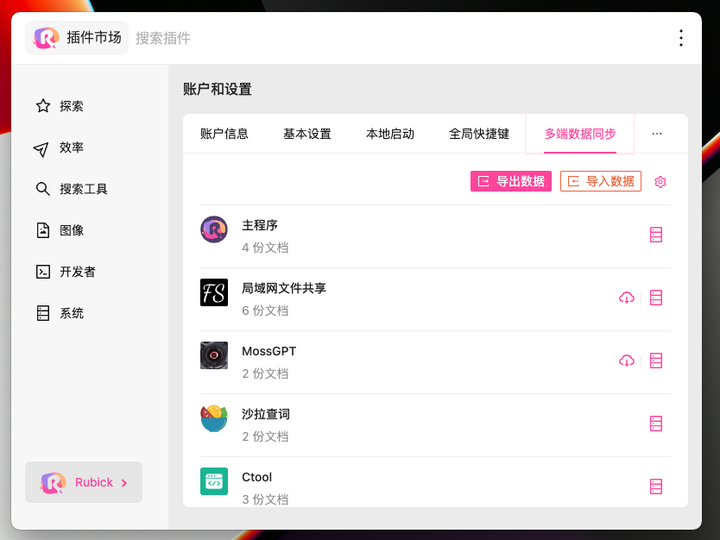
UI 插件是普通工具,在搜索框里输入关键词即可呼出。系统插件则使用一种特殊模式,让它们成为 Rubick 本身不可分割的一部分;两者都可以在插件市场的对应分类中安装。我能把数据在几台电脑之间同步吗?可以。搜索“偏好设置”,打开“账号与设置”,选择“多设备数据同步”:Rubick 会通过 WebDAV 同步插件数据,你也可以手动导出和导入数据。
可以。搜索“偏好设置”,打开“账号与设置”,选择“多设备数据同步”:Rubick 会通过 WebDAV 同步插件数据,你也可以手动导出和导入数据。公司能在内部网络里使用它吗?可以——Rubick 支持企业级内网部署,还可以进行定制开发,团队完全可以在自己的内网中运行它。
可以——Rubick 支持企业级内网部署,还可以进行定制开发,团队完全可以在自己的内网中运行它。What are similar projects?ZTools, Wox, PicGo, DSH-Launcher, deepseek-harness-desktop, rustcast, ZY-Player, Seelen-UI
ZTools, Wox, PicGo, DSH-Launcher, deepseek-harness-desktop, rustcast, ZY-Player, Seelen-UIWhich topics is it in?app-launcher, plugin-marketplace, launcher, webdav, toolkit, electron-app, search, plugin-system, multilingual, electron, vue, plugin
app-launcher, plugin-marketplace, launcher, webdav, toolkit, electron-app, search, plugin-system, multilingual, electron, vue, plugin