







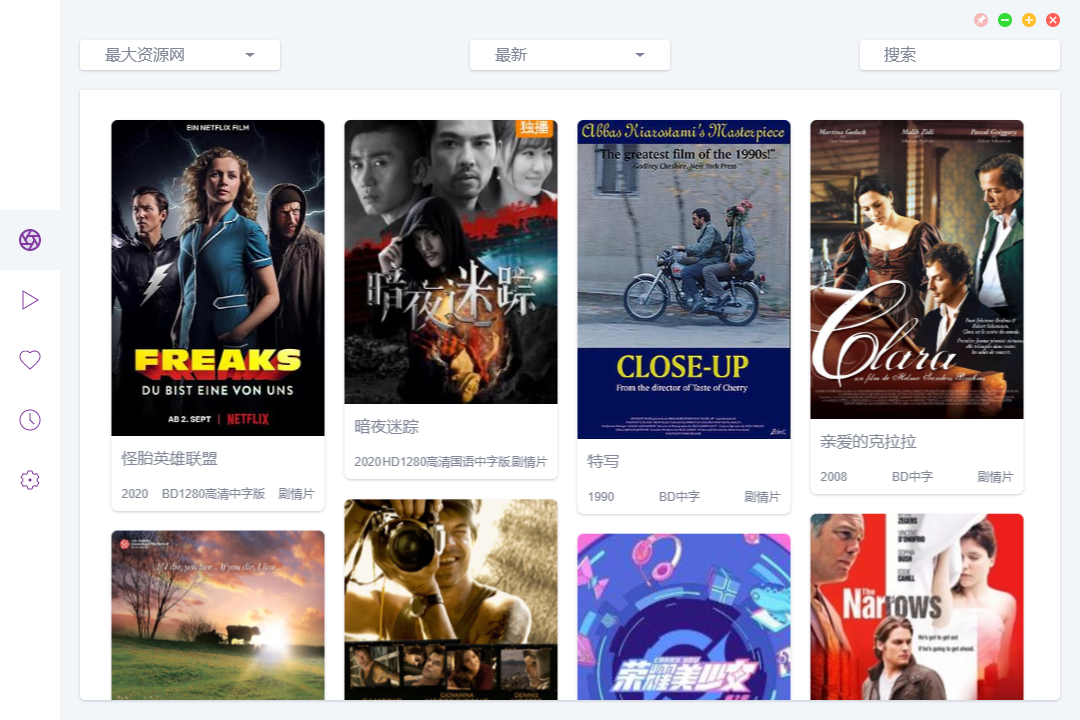
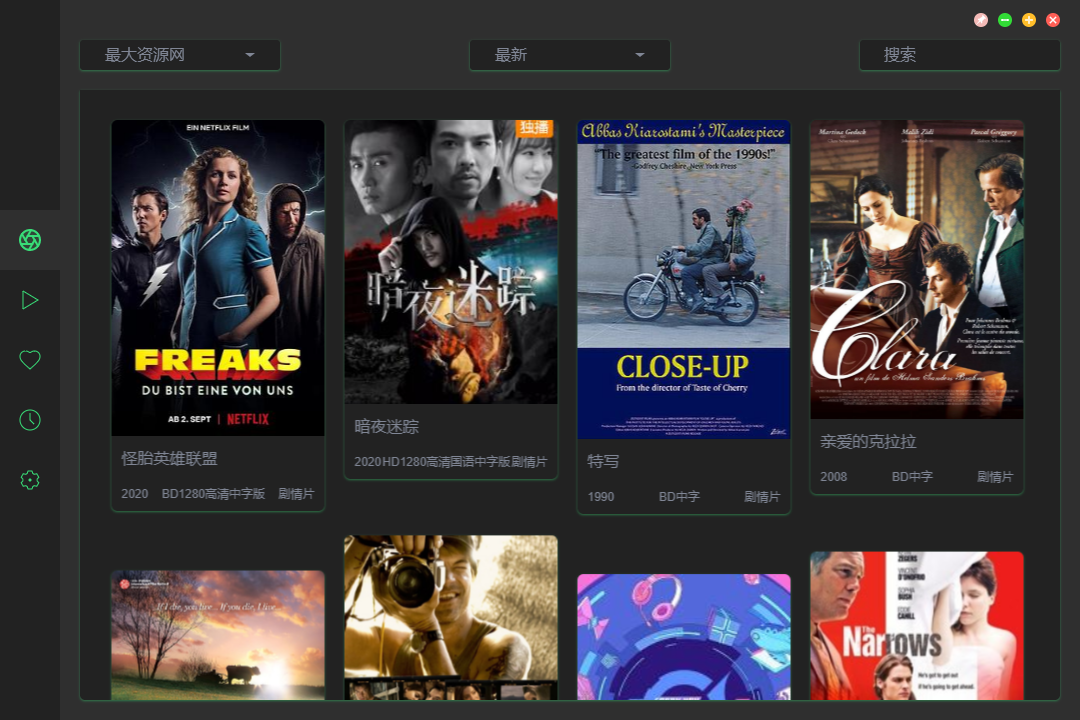
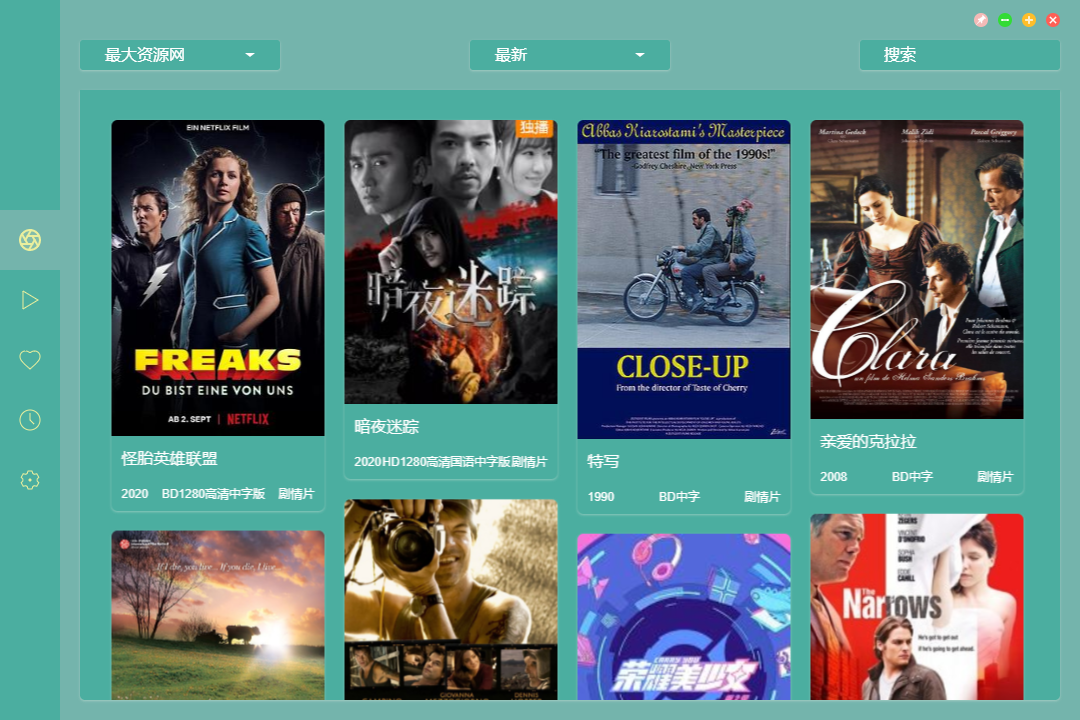
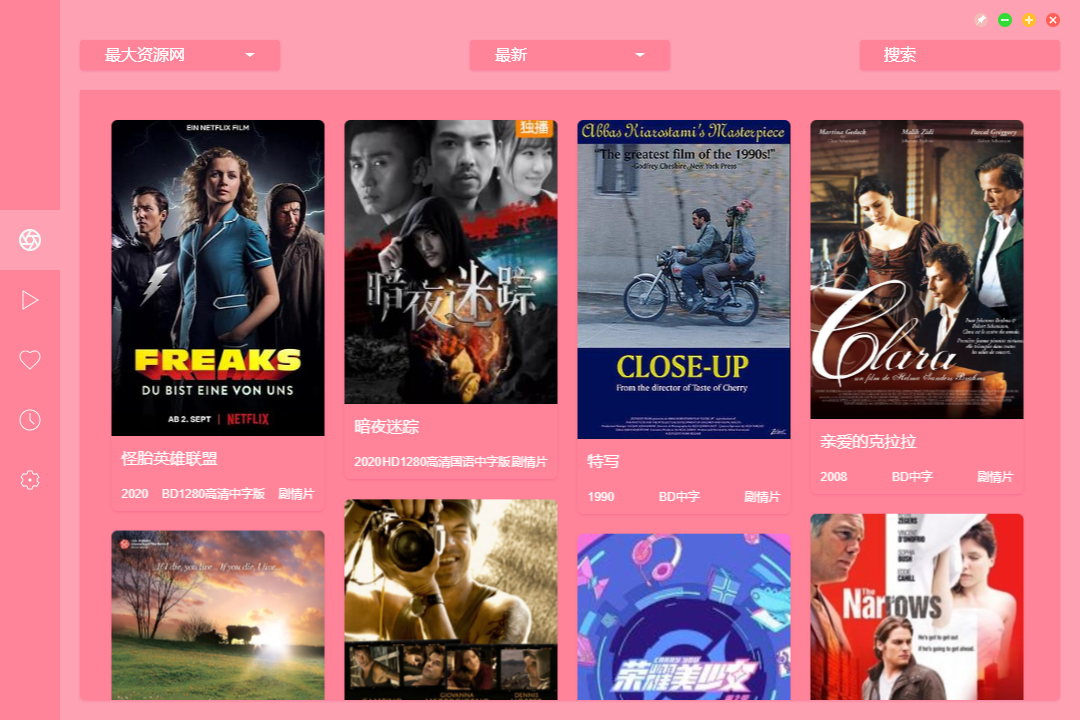



What is this?
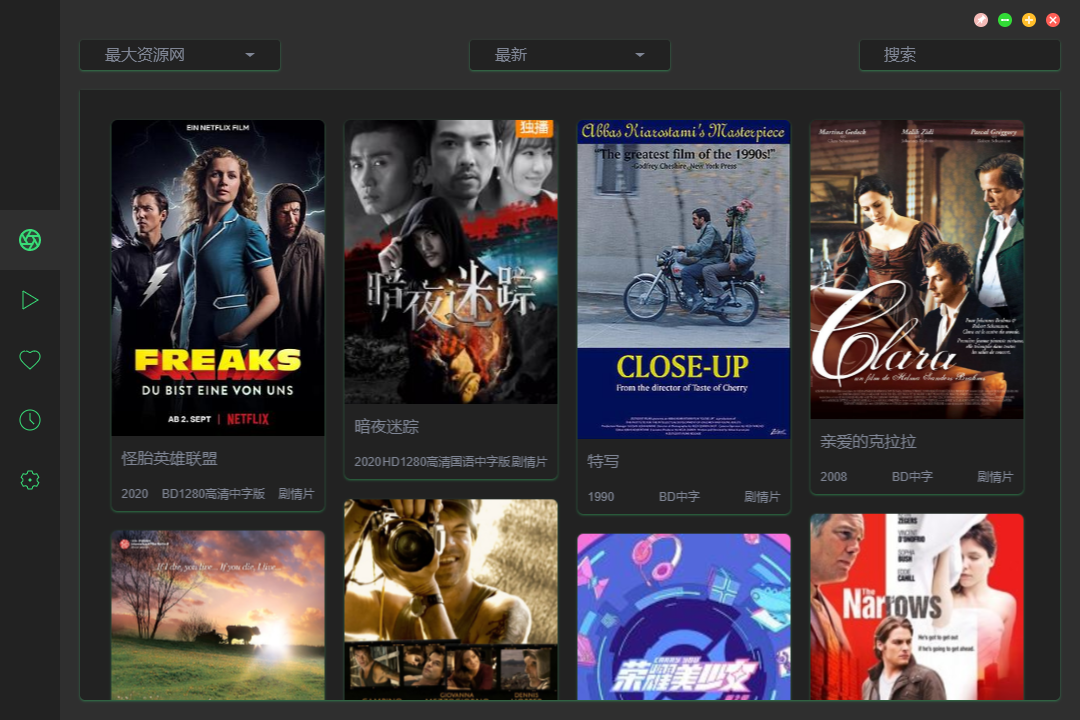
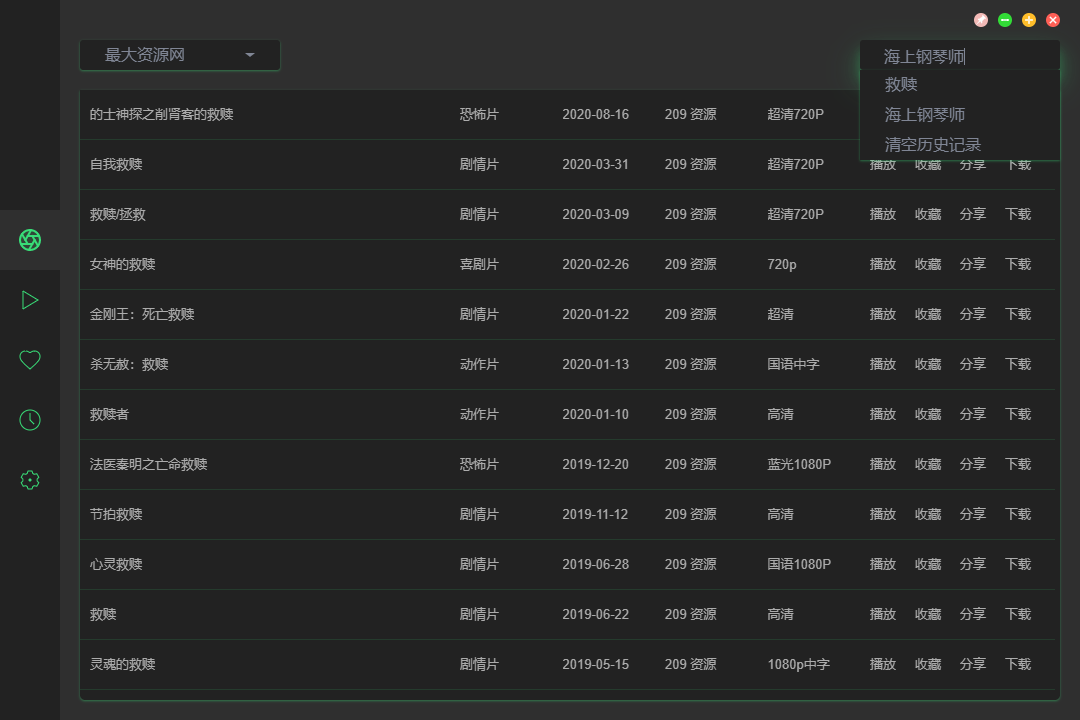
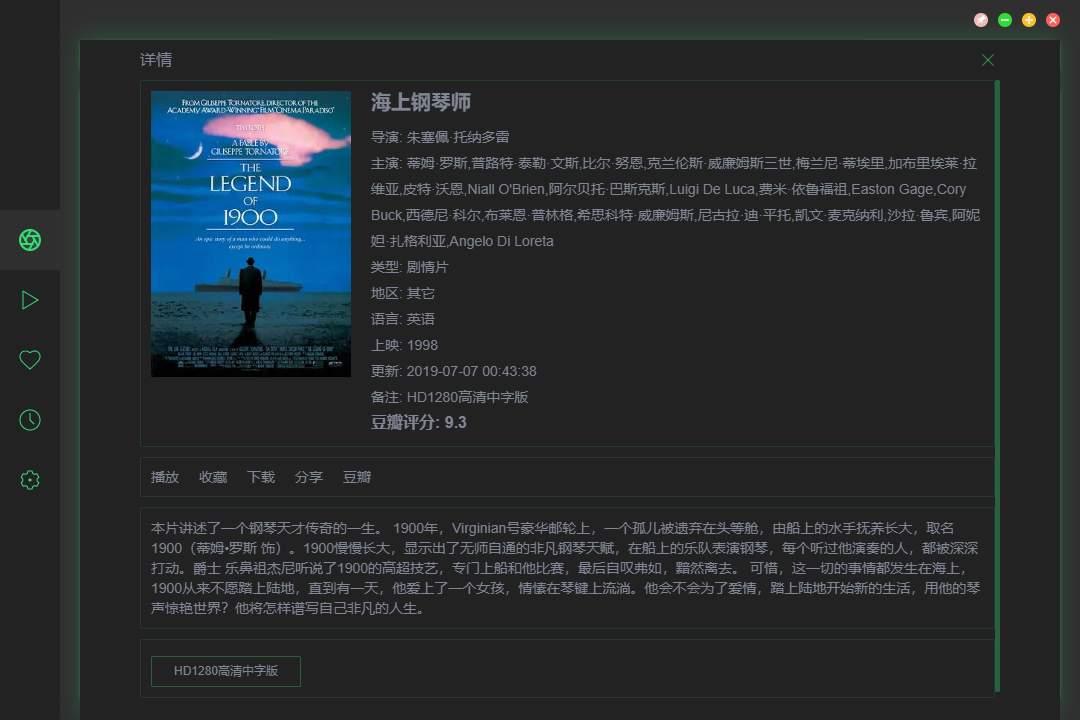
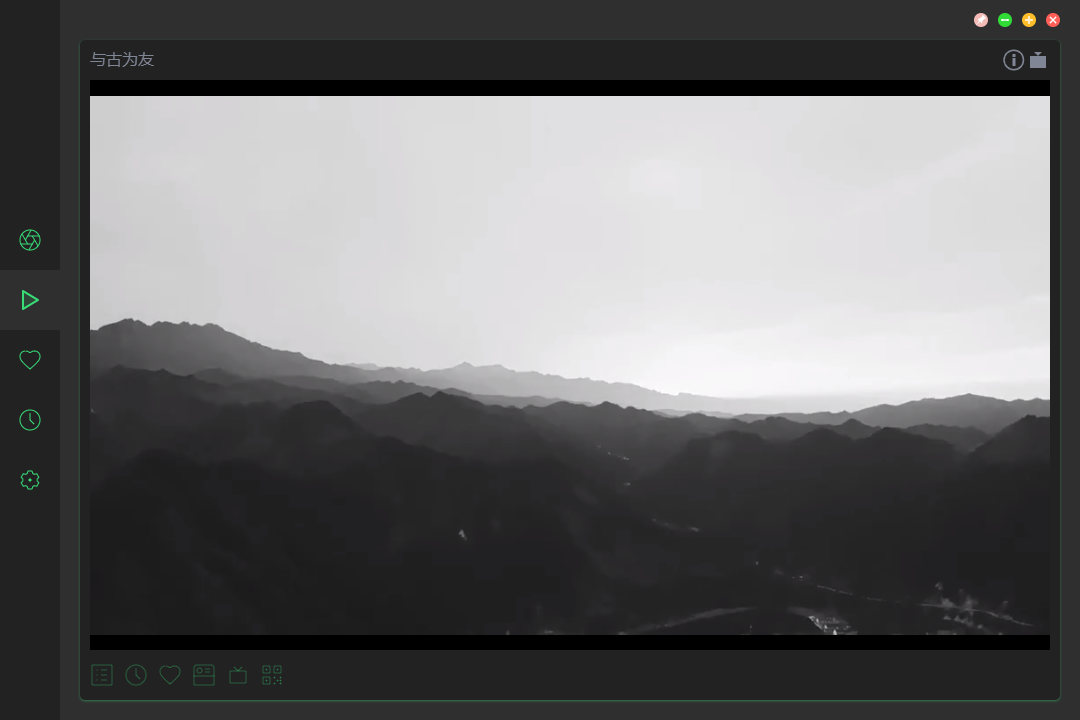
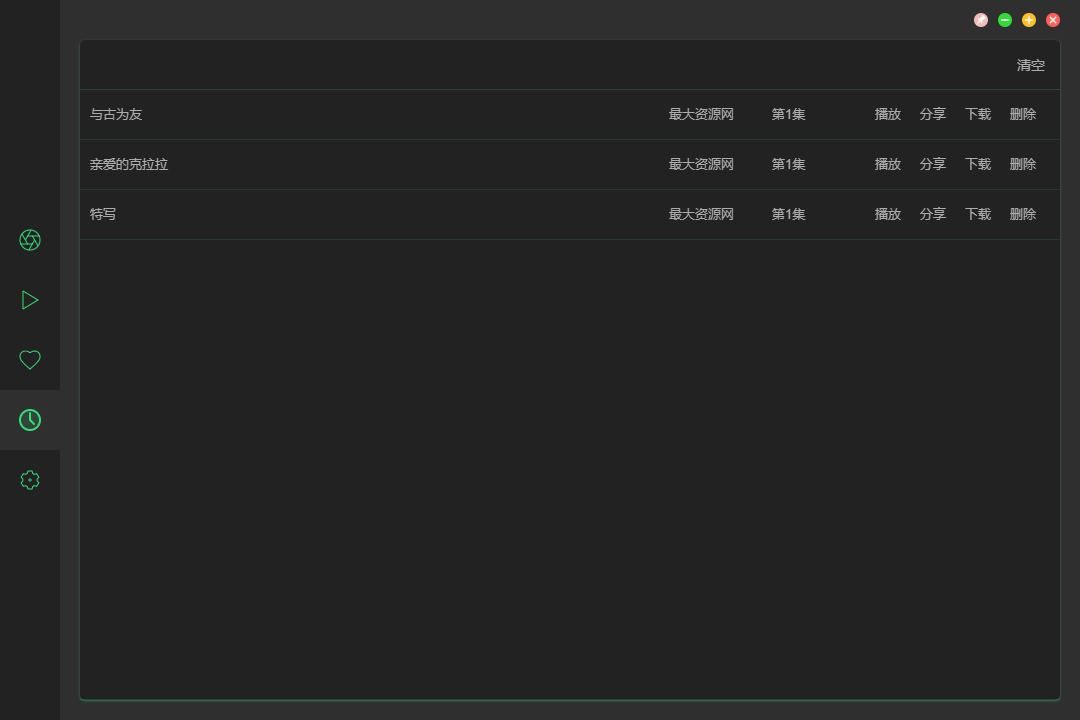
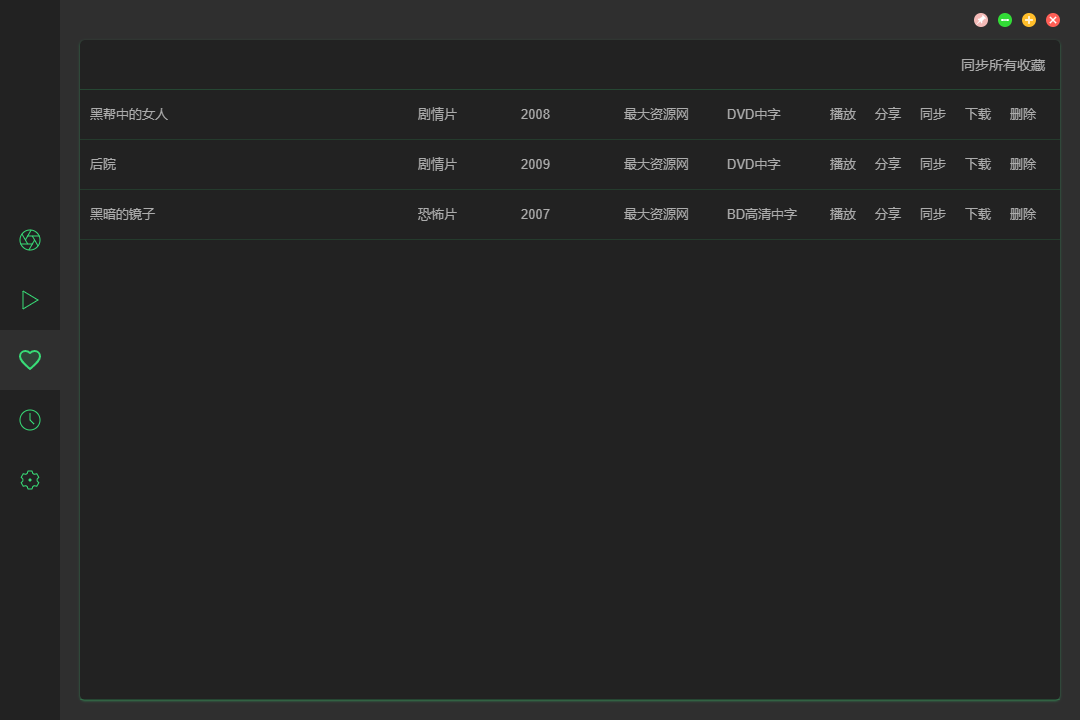
 ZY-Player is a free, ad-free desktop app for watching online video resources, with a clean and polished interface. It runs on Windows, Mac and Linux and plays both on-demand video sources and IPTV live streams.
ZY-Player is a free, ad-free desktop app for watching online video resources, with a clean and polished interface. It runs on Windows, Mac and Linux and plays both on-demand video sources and IPTV live streams.Is this a desktop app, or does it also run in a browser or on phones?This repo is the desktop app, built with Electron and Vue. The project family also offers separate Android/iOS apps, a TV version and a Web version, but this one installs on Windows, Mac and Linux.
This repo is the desktop app, built with Electron and Vue. The project family also offers separate Android/iOS apps, a TV version and a Web version, but this one installs on Windows, Mac and Linux.Do I need to install anything else first, like a runtime or codecs?No — it is a self-contained Electron app, so installing ZY-Player is all you need; there is no separate runtime, server or API key to set up.
No — it is a self-contained Electron app, so installing ZY-Player is all you need; there is no separate runtime, server or API key to set up.Where do the videos come from — does the app host any content itself?No. All resources come from the internet; the app does not produce, upload or store anything. The README bans spreading illegal resources, says the software is for study and reference only, and asks you to delete it within 24 hours of installing.
No. All resources come from the internet; the app does not produce, upload or store anything. The README bans spreading illegal resources, says the software is for study and reference only, and asks you to delete it within 24 hours of installing.Can I watch the streams in another video player instead of the built-in one?Yes — playback can be handed off to a third-party player, and the app can also export download links for resources so you can save them directly.
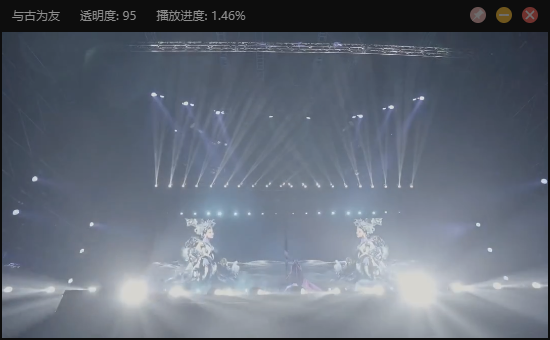
Yes — playback can be handed off to a third-party player, and the app can also export download links for resources so you can save them directly.Is there a mini mode for watching videos while working?Yes — a compact 'slacking' mode shrinks the player. Alt+M toggles Mini mode, T pins the window on top, Alt+Up and Alt+Down adjust its opacity, and Alt+Space is a global hotkey to focus the player.
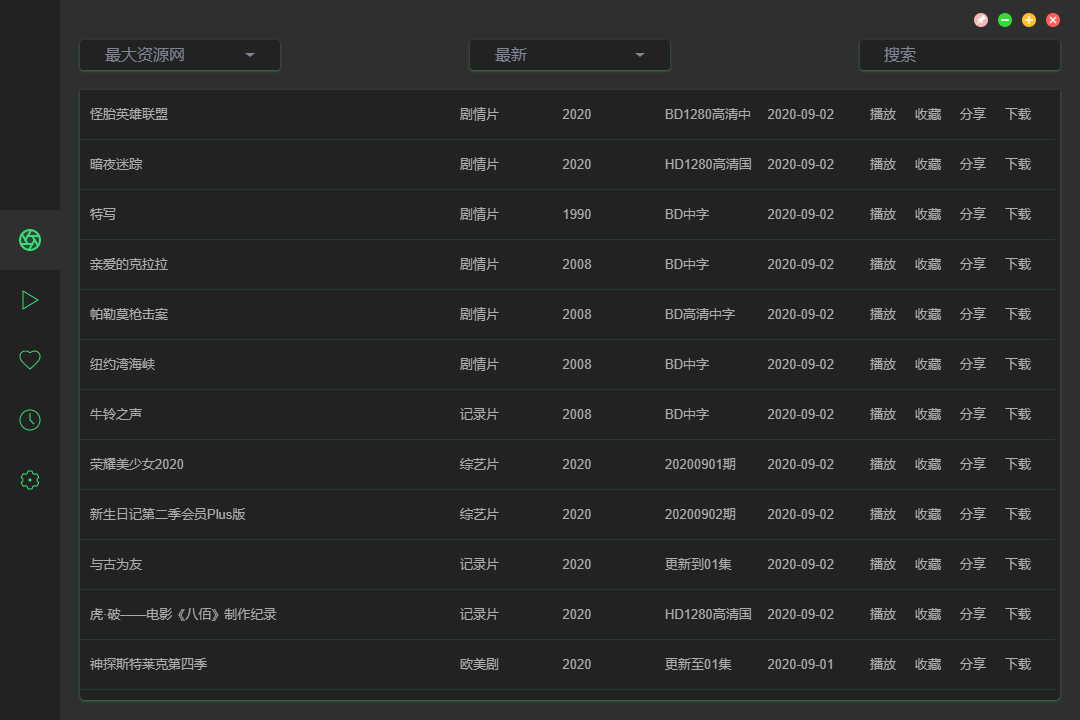
Yes — a compact 'slacking' mode shrinks the player. Alt+M toggles Mini mode, T pins the window on top, Alt+Up and Alt+Down adjust its opacity, and Alt+Space is a global hotkey to focus the player.Can I change how the app looks?Yes — resources can be browsed in poster or list mode, and there are four color themes: white, black, green and pink.
Yes — resources can be browsed in poster or list mode, and there are four color themes: white, black, green and pink.What keyboard shortcuts does the player support?Arrow keys seek 5 seconds and adjust volume, Space plays or pauses, F toggles fullscreen, M mutes, Home and End jump to the start or end of the video, Alt+Left and Alt+Right switch episodes, and PgUp/PgDn step playback speed by 0.25.
Arrow keys seek 5 seconds and adjust volume, Space plays or pauses, F toggles fullscreen, M mutes, Home and End jump to the start or end of the video, Alt+Left and Alt+Right switch episodes, and PgUp/PgDn step playback speed by 0.25.What are similar projects?ivideo, hongguo-desktop-releases, aliyunpan, FreeTube, my-tv-webview, LibreTV, rubick, webtorrent-desktop
ivideo, hongguo-desktop-releases, aliyunpan, FreeTube, my-tv-webview, LibreTV, rubick, webtorrent-desktopWhich topics is it in?iptv, player, video-player, video-streaming, electron-app, search, electron, streaming, video, vue, desktop, gui
iptv, player, video-player, video-streaming, electron-app, search, electron, streaming, video, vue, desktop, gui