





1K ·GitHub
Что это такое?
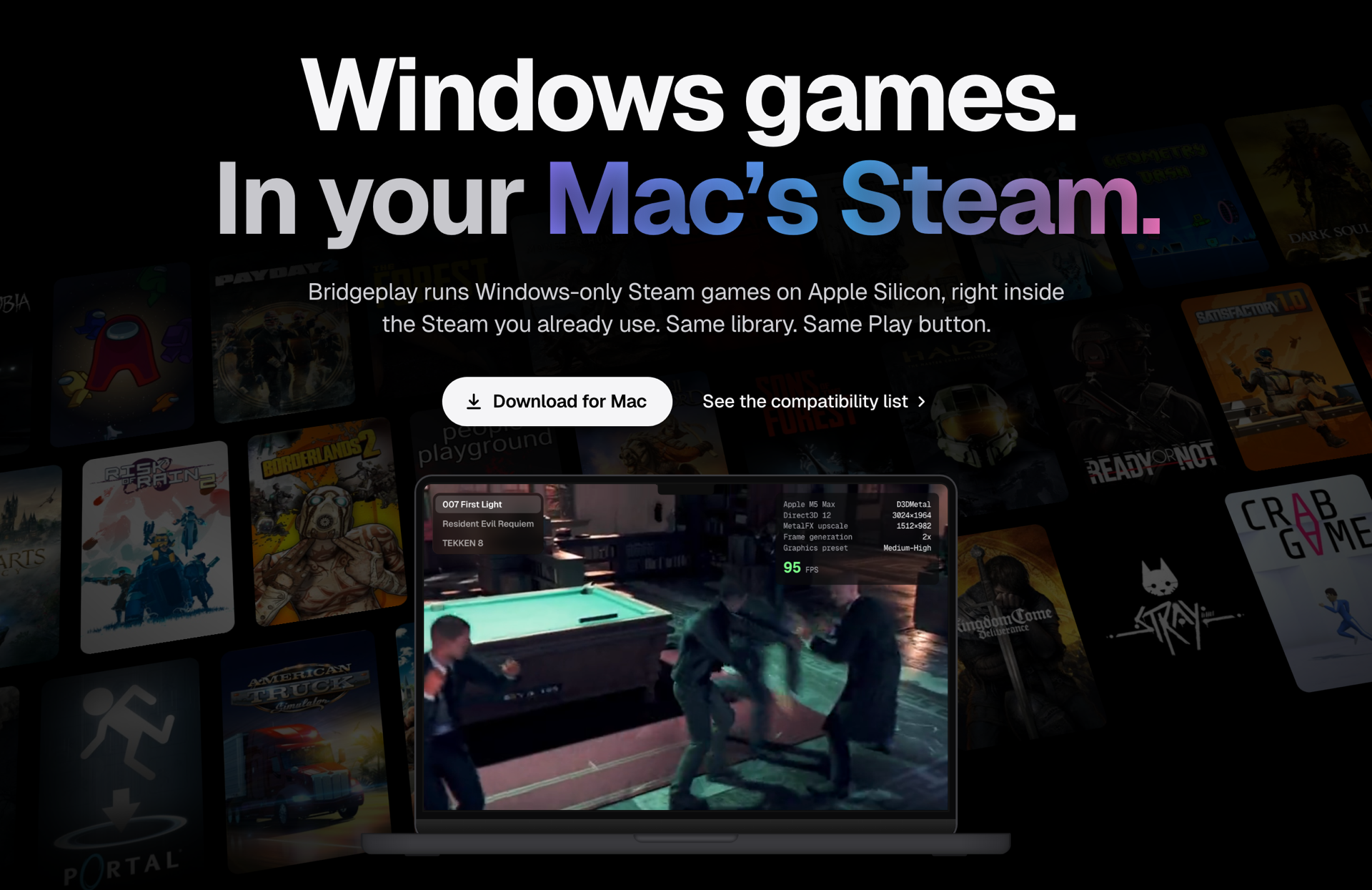
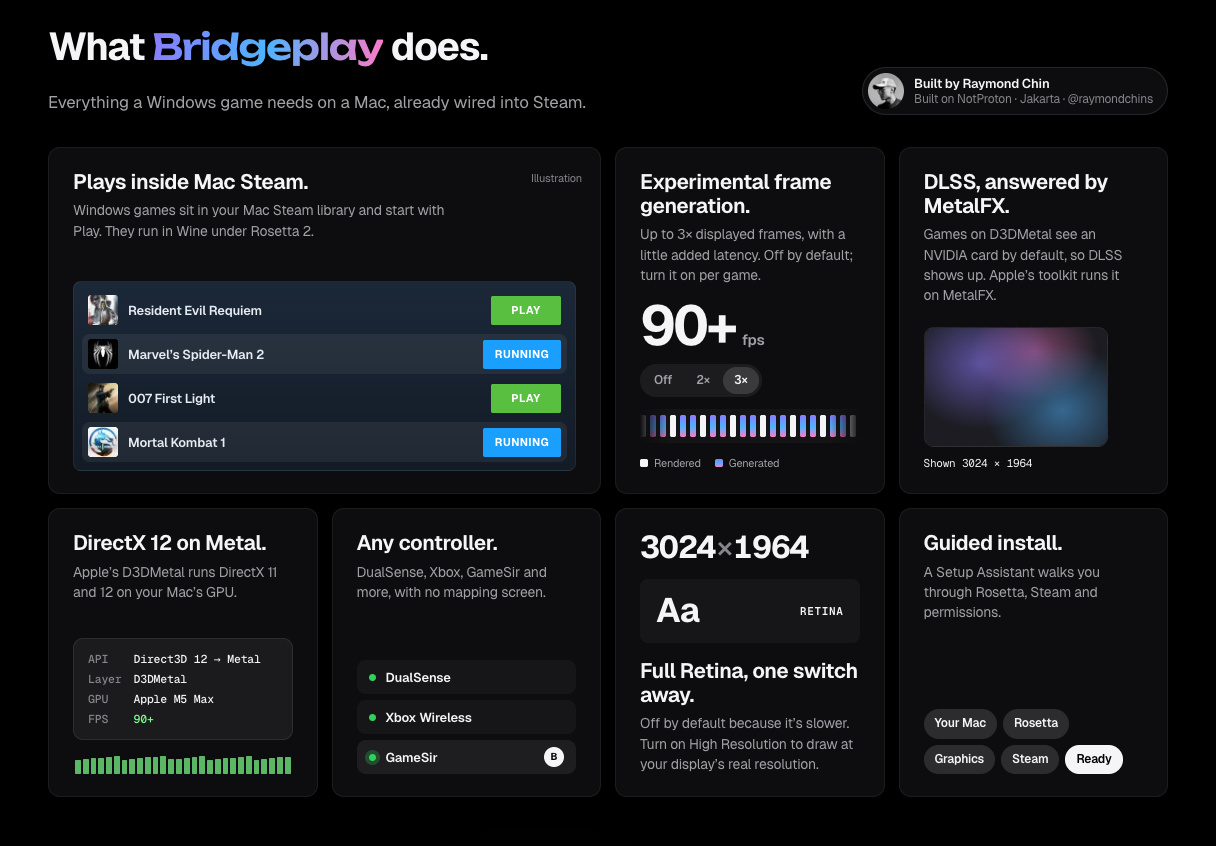
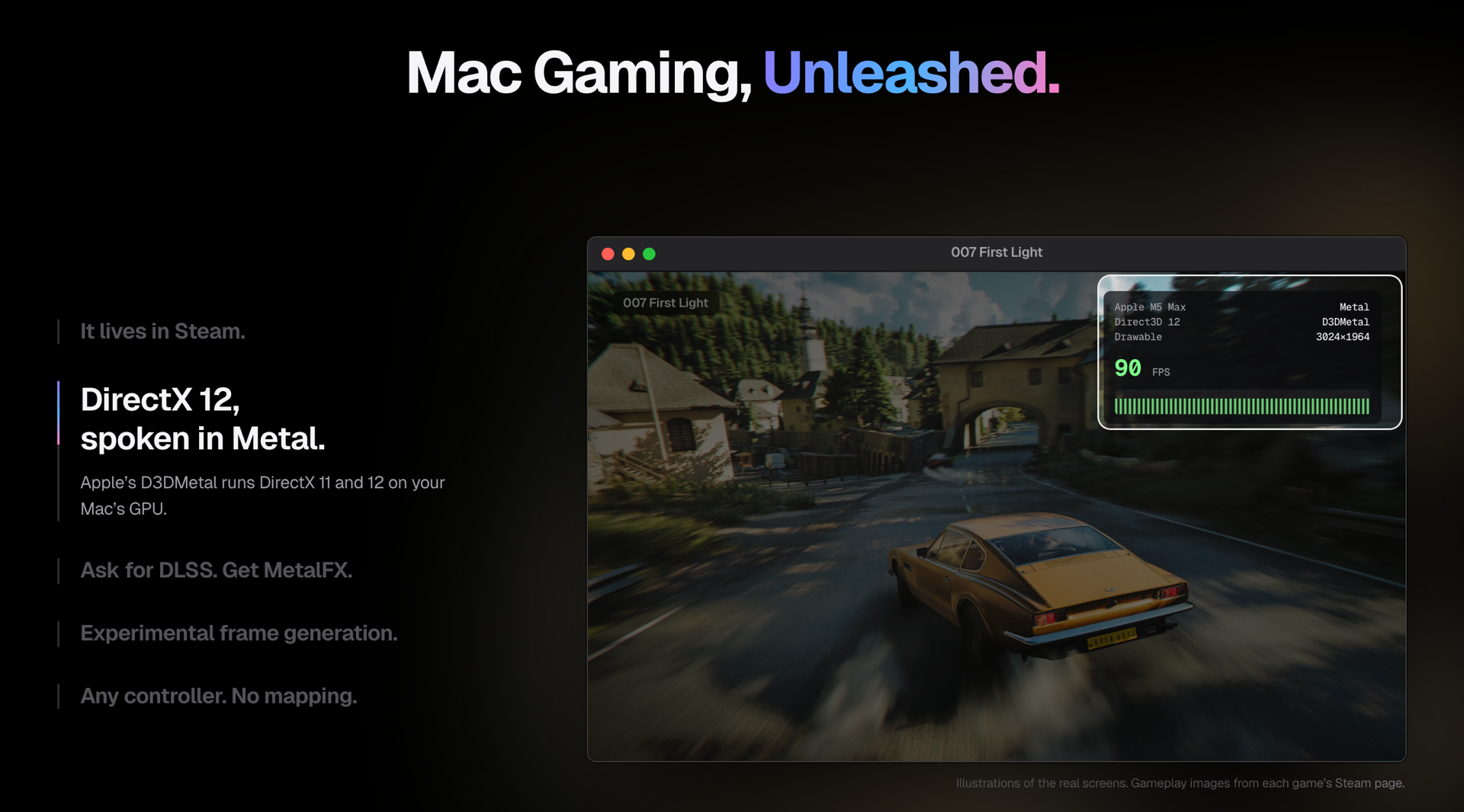
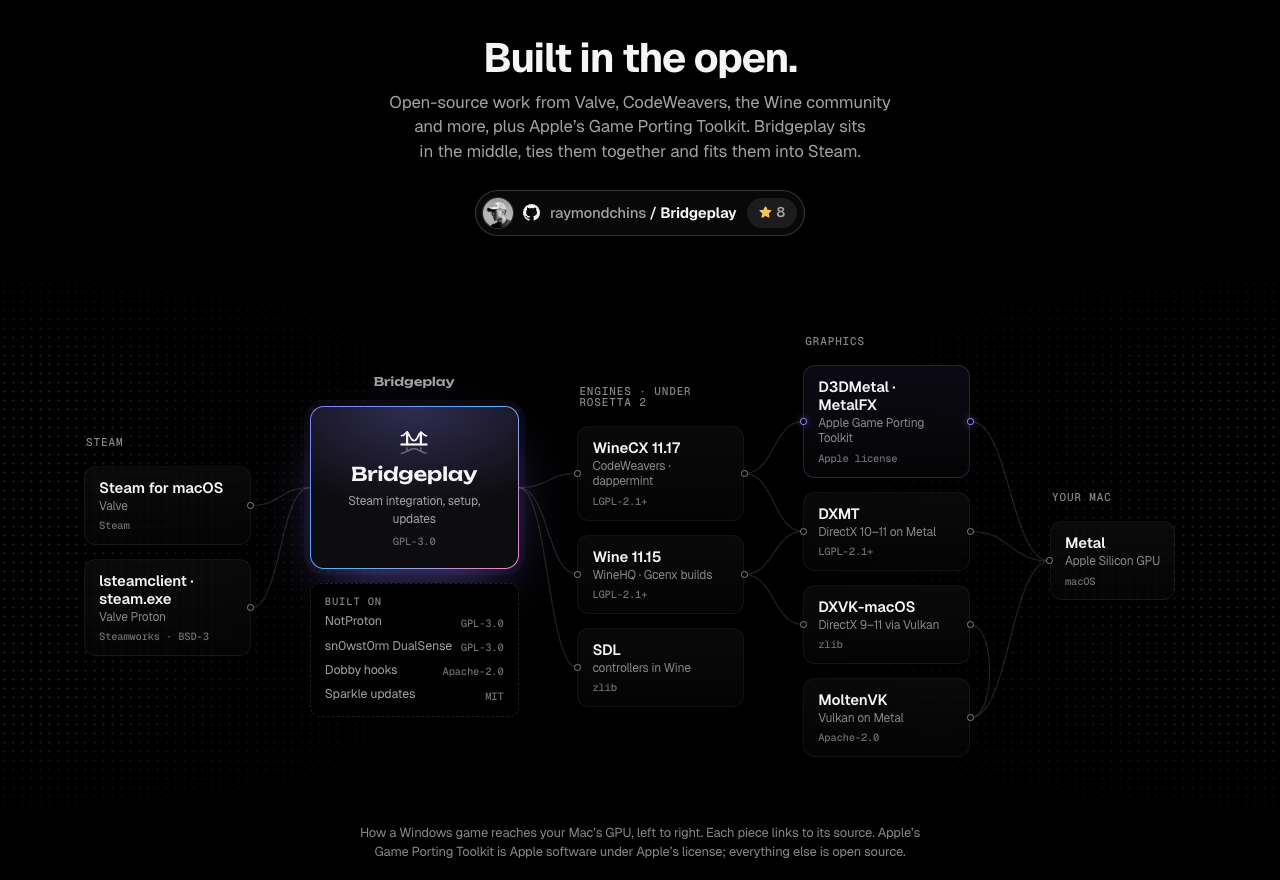
 Bridgeplay позволяет запускать игры для Windows из Steam на Mac с процессором Apple Silicon прямо в приложении Steam для macOS. Для этого используются Wine от CodeWeavers и Game Porting Toolkit от Apple, поэтому игры запускаются той же кнопкой Play, что и нативные игры.
Это отдельный лаунчер или работает внутри Steam?Это установщик для macOS, который дорабатывает ваш Steam.app и регистрирует его как инструмент совместимости Steam Play. Второго лаунчера нет: вы просто нажимаете Play у игры для Windows в обычной библиотеке Steam.
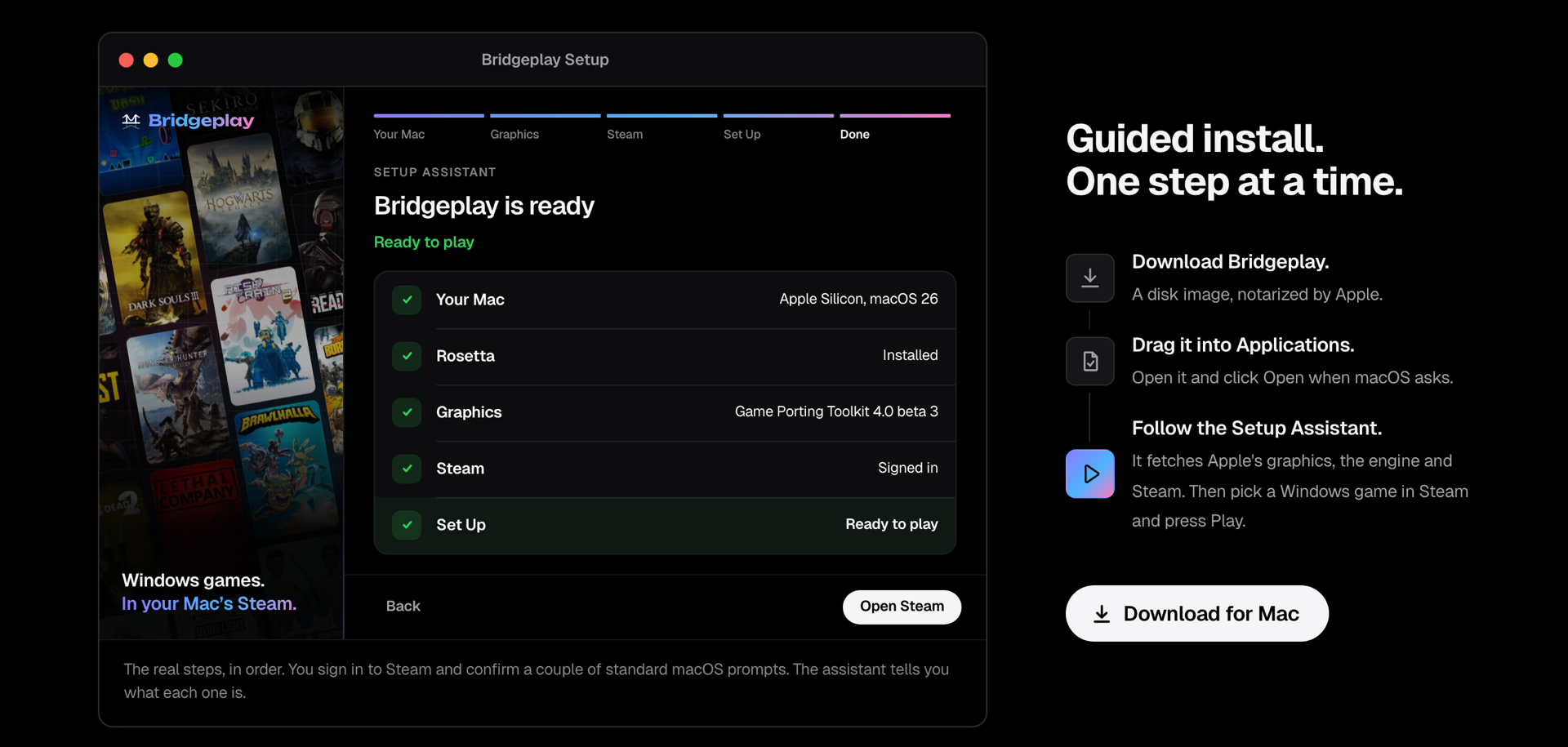
Это установщик для macOS, который дорабатывает ваш Steam.app и регистрирует его как инструмент совместимости Steam Play. Второго лаунчера нет: вы просто нажимаете Play у игры для Windows в обычной библиотеке Steam.Как это запустить?Скачайте Bridgeplay-Setup.zip с сайта bridgeplay.dev и откройте его (потребуется разрешить запуск в обход Gatekeeper macOS). Затем пройдите Setup Assistant: установка Rosetta, вход в Steam и подтверждение разрешений. После этого нажатие Play у любой игры для Windows в Steam будет запускать её через Bridgeplay.
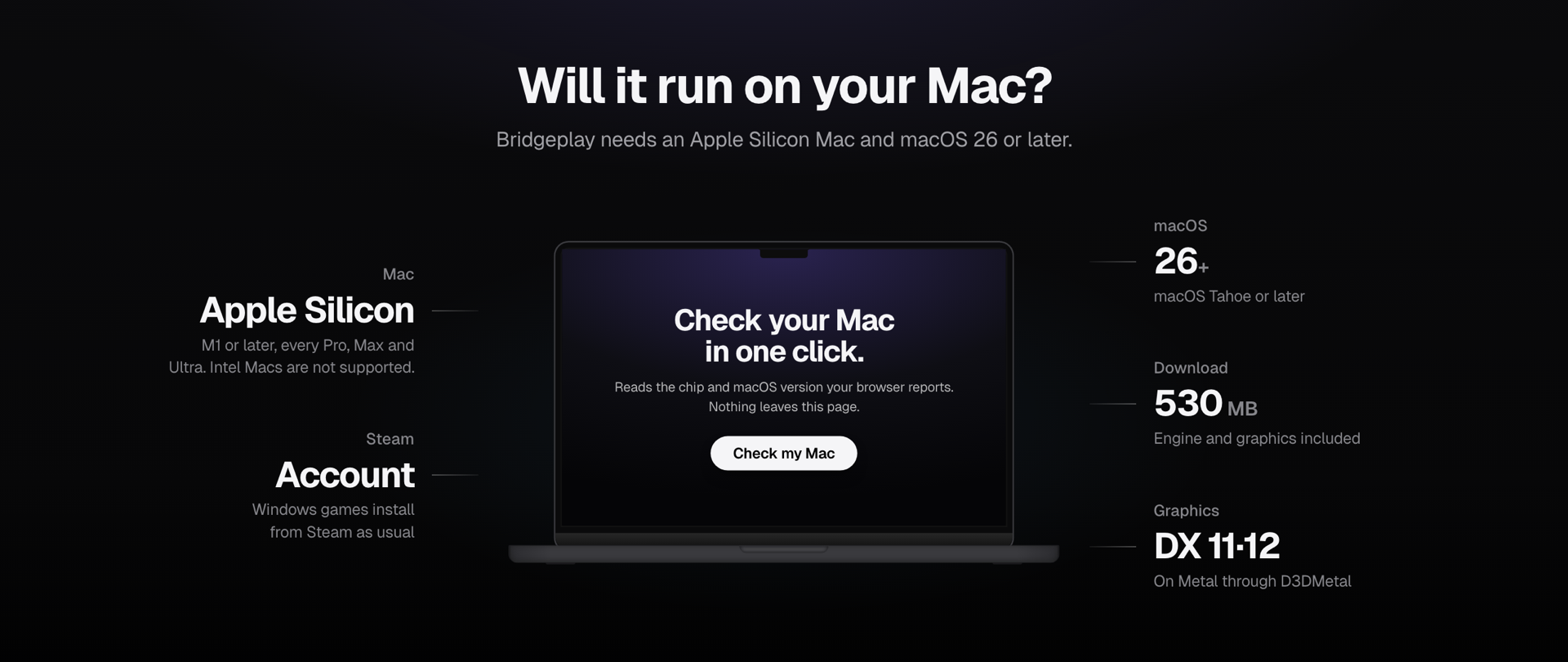
Скачайте Bridgeplay-Setup.zip с сайта bridgeplay.dev и откройте его (потребуется разрешить запуск в обход Gatekeeper macOS). Затем пройдите Setup Assistant: установка Rosetta, вход в Steam и подтверждение разрешений. После этого нажатие Play у любой игры для Windows в Steam будет запускать её через Bridgeplay.Что нужно перед установкой?Mac с процессором Apple Silicon (M1 или новее) на macOS 26 или новее, аккаунт Steam, учётная запись администратора для установки, а также около 570 МБ загрузок и доступ в интернет для Rosetta 2 и Steam.
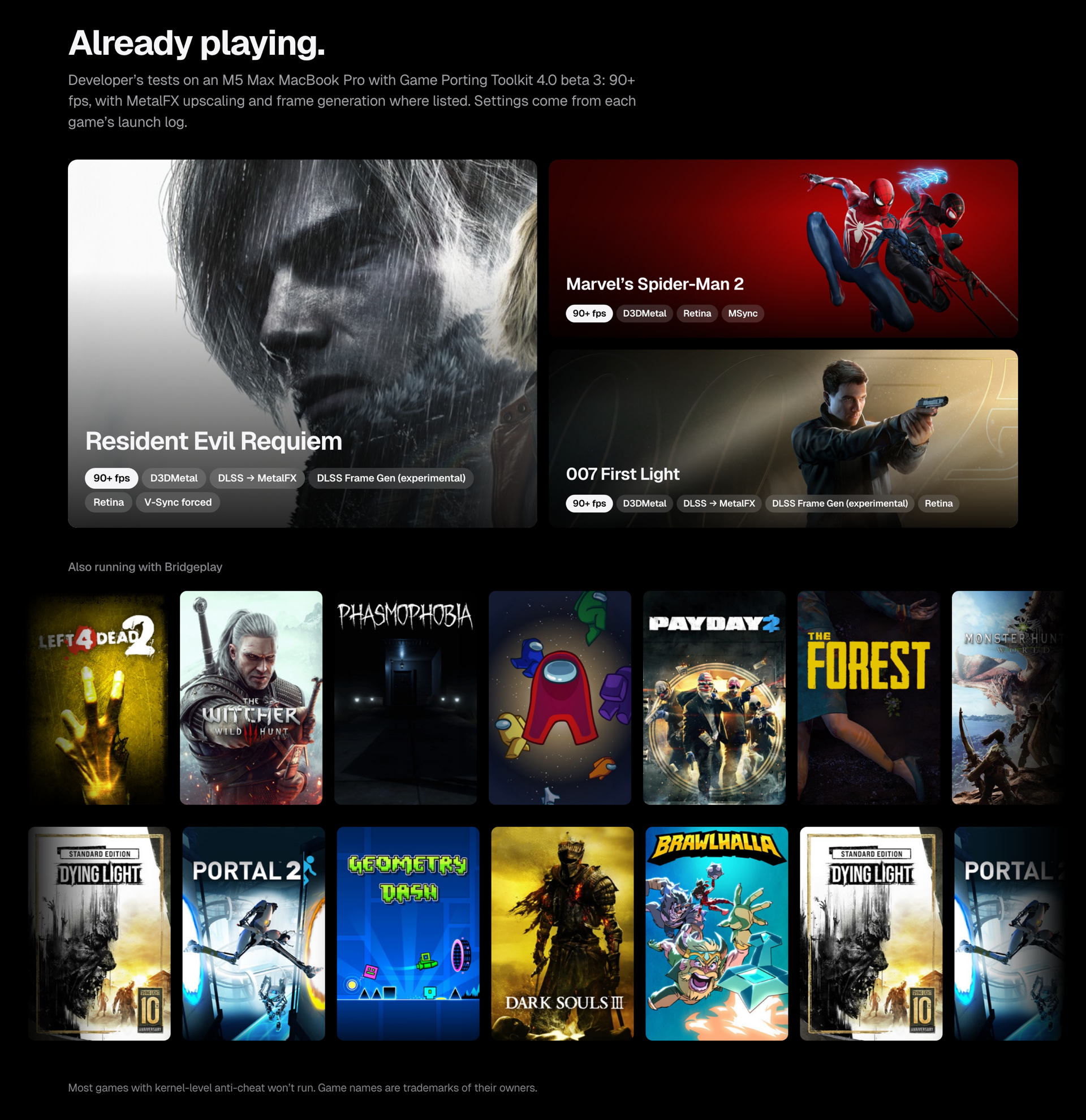
Mac с процессором Apple Silicon (M1 или новее) на macOS 26 или новее, аккаунт Steam, учётная запись администратора для установки, а также около 570 МБ загрузок и доступ в интернет для Rosetta 2 и Steam.Будут ли работать все мои игры в Steam?Большинство игр с античитом на уровне ядра (Easy Anti-Cheat, BattlEye и похожие) вообще не запустятся. Игры с защитой VAC, например Counter-Strike 2 и Dota 2, запускаются, но их не пускают на защищённые серверы, поэтому игра онлайн на ваш страх и риск.
Большинство игр с античитом на уровне ядра (Easy Anti-Cheat, BattlEye и похожие) вообще не запустятся. Игры с защитой VAC, например Counter-Strike 2 и Dota 2, запускаются, но их не пускают на защищённые серверы, поэтому игра онлайн на ваш страх и риск.Отправляются ли мои данные куда-то, когда я сообщаю о совместимости игры?Да, отчёт «How did it run?» одним нажатием отправляет модель вашего Mac и лог запуска игры в общую базу совместимости. Перед отправкой из лога удаляются имя пользователя, имя компьютера и данные аккаунта Steam.
Да, отчёт «How did it run?» одним нажатием отправляет модель вашего Mac и лог запуска игры в общую базу совместимости. Перед отправкой из лога удаляются имя пользователя, имя компьютера и данные аккаунта Steam.Что именно Bridgeplay меняет на моём Mac при установке?Он копирует библиотеку в Steam.app, настраивает Steam на её загрузку при старте, переподписывает Steam (подпись Valve заменяется), сбрасывает некоторые разрешения macOS и назначает себя инструментом совместимости Steam Play по умолчанию. На странице Status есть пункт Repair Steam, который может вернуть исходный Info.plist Steam.
Он копирует библиотеку в Steam.app, настраивает Steam на её загрузку при старте, переподписывает Steam (подпись Valve заменяется), сбрасывает некоторые разрешения macOS и назначает себя инструментом совместимости Steam Play по умолчанию. На странице Status есть пункт Repair Steam, который может вернуть исходный Info.plist Steam.Bridgeplay — это то же самое, что NotProton?Нет. Bridgeplay — это свободный форк NotProton (который, в свою очередь, основан на NotProton-WineHQ). Он использует те же хуки Steam и патчи интерфейса Steam Play, а работа оригинального автора продолжается отдельно.
Нет. Bridgeplay — это свободный форк NotProton (который, в свою очередь, основан на NotProton-WineHQ). Он использует те же хуки Steam и патчи интерфейса Steam Play, а работа оригинального автора продолжается отдельно.Как работает DLSS, если в Mac нет видеокарт NVIDIA?Игры на D3DMetal от Apple по умолчанию видят поддельную видеокарту NVIDIA GeForce RTX 4090, поэтому у них появляется опция DLSS. Масштабирование выполняет MetalFX от Apple, а не реальное оборудование NVIDIA.
Игры на D3DMetal от Apple по умолчанию видят поддельную видеокарту NVIDIA GeForce RTX 4090, поэтому у них появляется опция DLSS. Масштабирование выполняет MetalFX от Apple, а не реальное оборудование NVIDIA.Можно ли использовать мою лицензию CrossOver вместо встроенного бесплатного движка?Да, если CrossOver у вас уже куплен, Bridgeplay может запускать игры через него вместо собственного бесплатного движка WineCX. Тот собран из опубликованного CodeWeavers исходного кода под лицензией LGPL.
Да, если CrossOver у вас уже куплен, Bridgeplay может запускать игры через него вместо собственного бесплатного движка WineCX. Тот собран из опубликованного CodeWeavers исходного кода под лицензией LGPL.Какие есть похожие проекты?highball, recall, NotProton, DLSS5-Autopilot, LostOdysseyRecomp, 1-Click-DLSS5, S2Arm, omakade
highball, recall, NotProton, DLSS5-Autopilot, LostOdysseyRecomp, 1-Click-DLSS5, S2Arm, omakadeВ каких он темах?wine, scala, dlss, compatibility-layer, steam, metal, installer, gpu-acceleration, game, macos-app, apple-silicon, gaming
wine, scala, dlss, compatibility-layer, steam, metal, installer, gpu-acceleration, game, macos-app, apple-silicon, gaming- Автор
- raymondchins
- Размер
- 91.5 MB
- Звёзды
- 1K
- Обновлён
- КоммитNov 17Релизv0.7.65Nov 17
- Возраст
- 29 д
- Коммиты · 90 дней