



Что это?
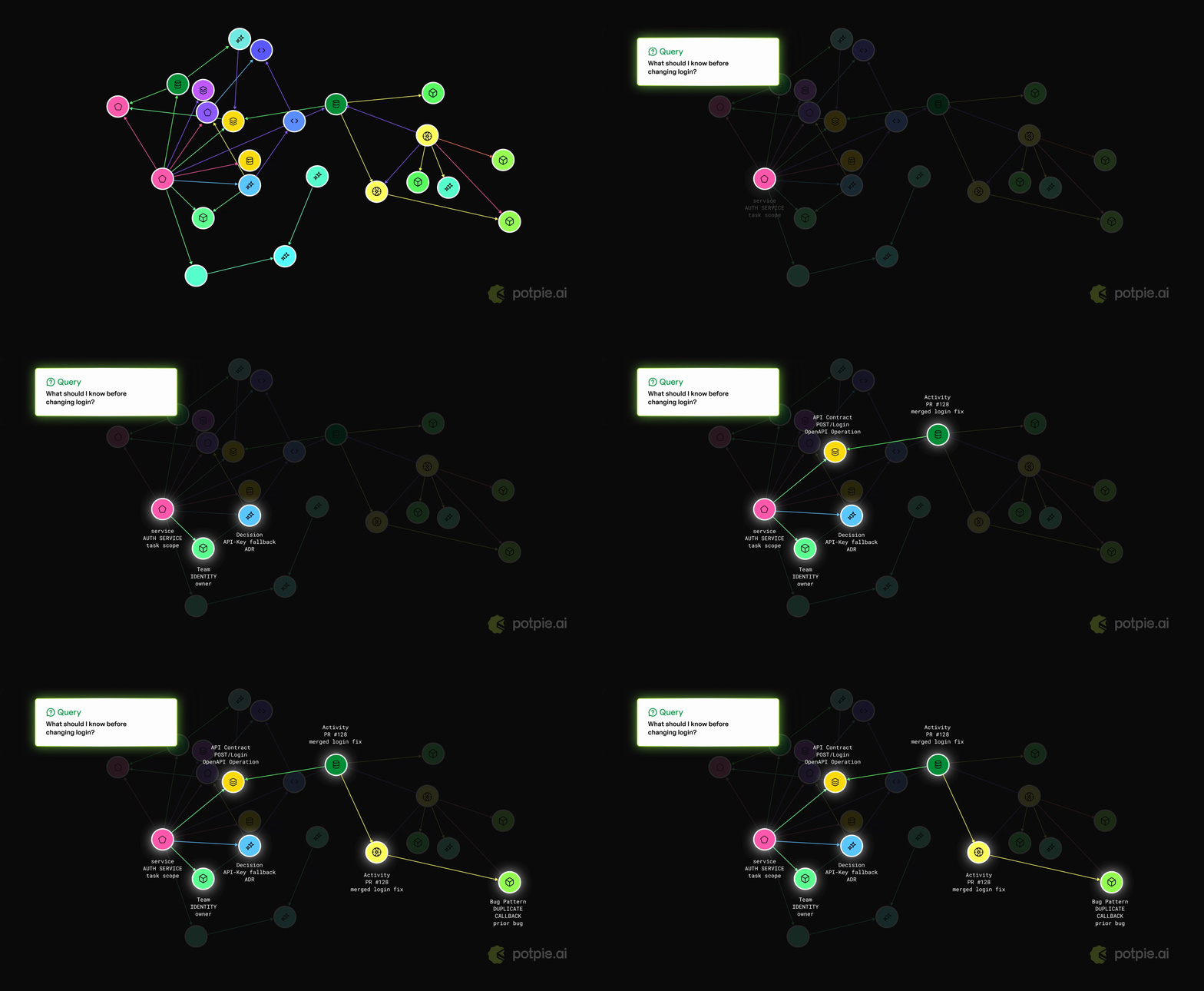
 Potpie превращает вашу кодовую базу и жизненный цикл разработки в живой граф контекста для ИИ-агентов. Он индексирует код, структуру, решения, историю исходников, знания команды и инженерные процессы, чтобы агенты могли отвечать на вопросы, планировать изменения, отлаживать сбои и писать код с контекстом конкретного проекта.
Potpie превращает вашу кодовую базу и жизненный цикл разработки в живой граф контекста для ИИ-агентов. Он индексирует код, структуру, решения, историю исходников, знания команды и инженерные процессы, чтобы агенты могли отвечать на вопросы, планировать изменения, отлаживать сбои и писать код с контекстом конкретного проекта.Это CLI-инструмент или фреймворк, который я импортирую в свой код?Это CLI-first инструмент: вы устанавливаете команду 'potpie', запускаете локального демона и получаете локальный обозреватель графа; как библиотеку его не импортируют — вы направляете своего кодинг-агента (harness) на управляемый CLI граф контекста.
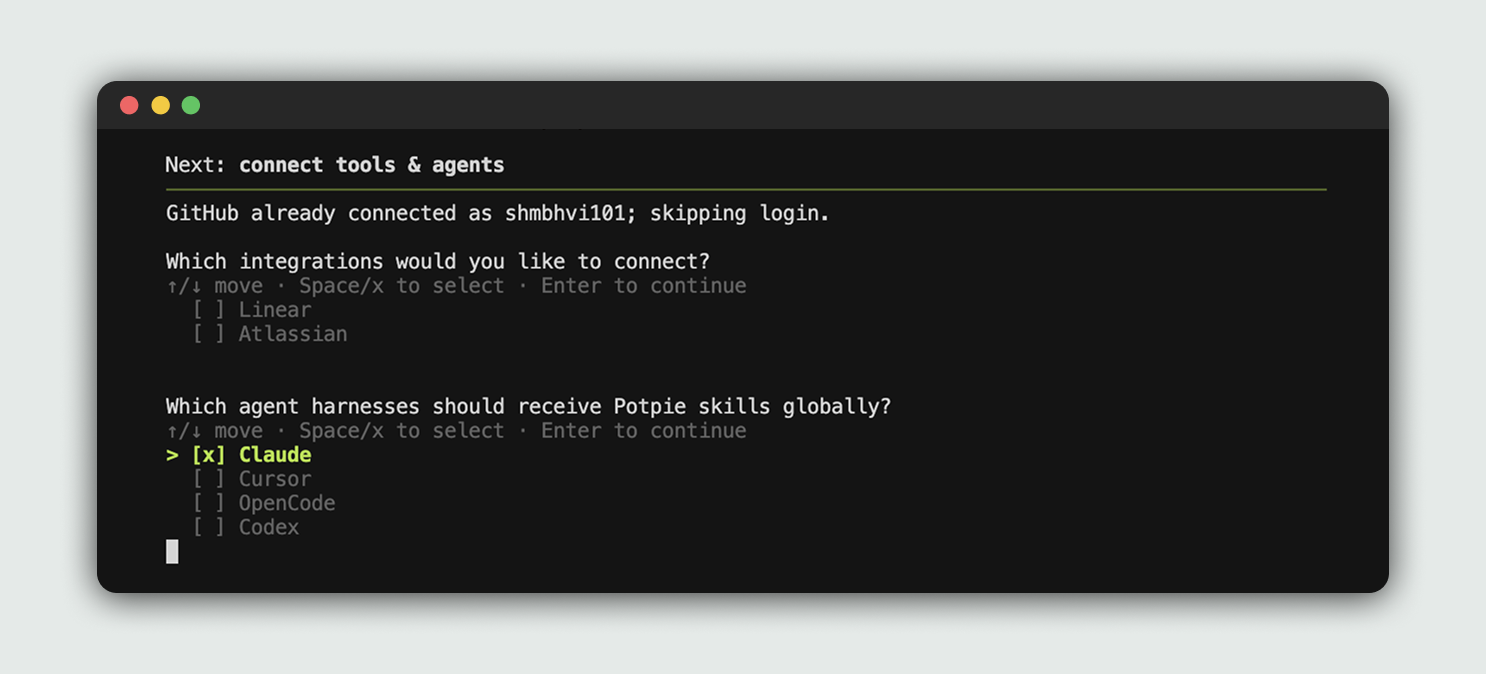
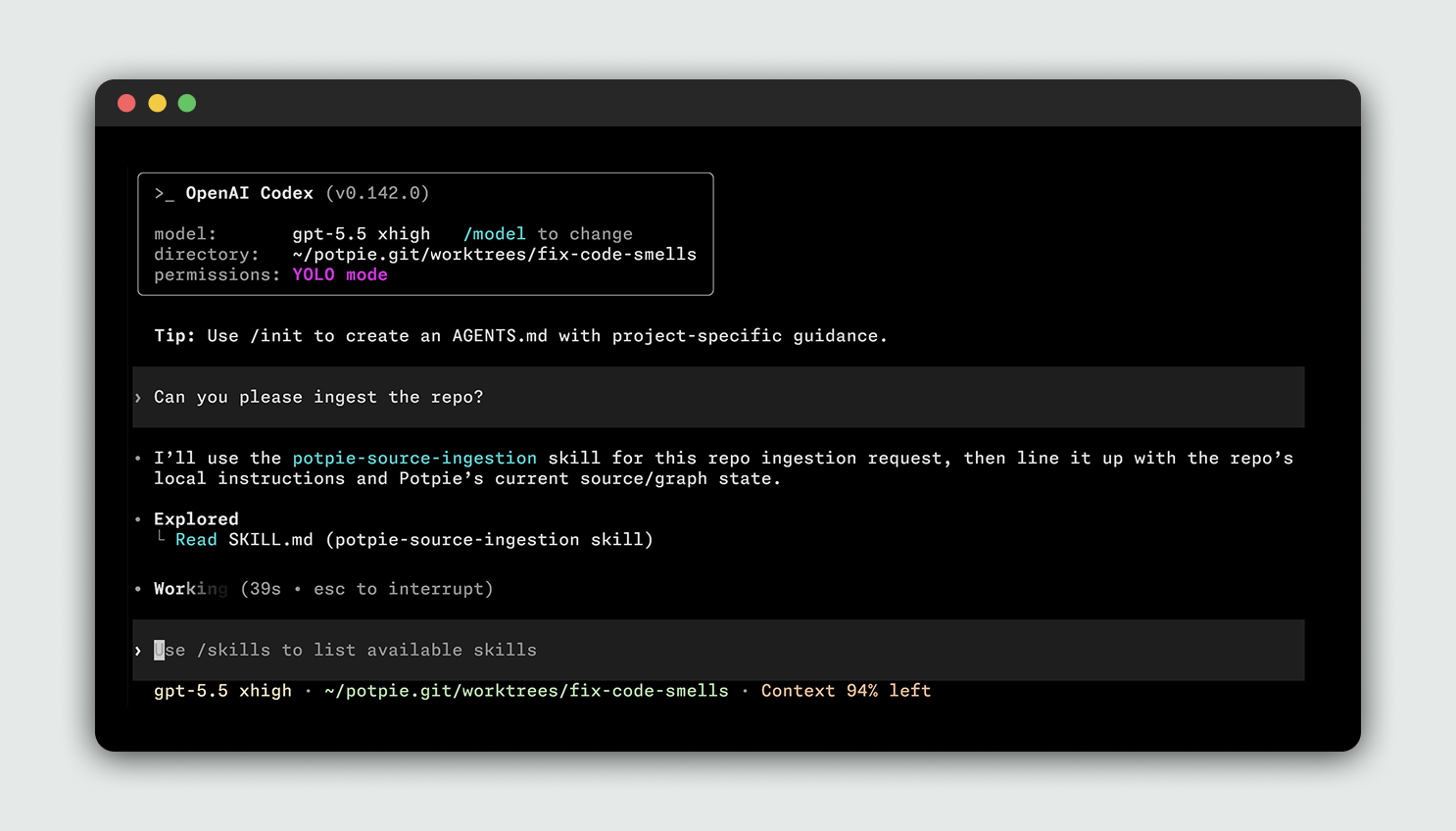
Это CLI-first инструмент: вы устанавливаете команду 'potpie', запускаете локального демона и получаете локальный обозреватель графа; как библиотеку его не импортируют — вы направляете своего кодинг-агента (harness) на управляемый CLI граф контекста.Как его запустить?Установите CLI через 'uv tool install potpie' (рекомендуется) или pip, выполните 'potpie setup', чтобы создать локальные конфиг, хранилище, демона, pot по умолчанию и скиллы агентов, затем откройте настроенный harness и попросите его использовать Potpie для репозитория.
Установите CLI через 'uv tool install potpie' (рекомендуется) или pip, выполните 'potpie setup', чтобы создать локальные конфиг, хранилище, демона, pot по умолчанию и скиллы агентов, затем откройте настроенный harness и попросите его использовать Potpie для репозитория.Нужны ли аккаунты или логины для интеграций с GitHub, Linear или Jira?Функции, привязанные к аккаунтам и управляемые сервисом, требуют 'potpie login', причём каждой интеграции с источником нужен свой логин, например 'potpie github login' или 'potpie linear login'; проверить учётные данные можно командой 'potpie auth status --verify'.
Функции, привязанные к аккаунтам и управляемые сервисом, требуют 'potpie login', причём каждой интеграции с источником нужен свой логин, например 'potpie github login' или 'potpie linear login'; проверить учётные данные можно командой 'potpie auth status --verify'.Что делать, если мой кодинг-агент — не Claude Code, Codex, Cursor или OpenCode?Сегодня поддерживаются только эти четыре harness; если вашей команде нужен другой harness или интеграция, придётся создать тикет и ждать, пока поддержку добавят.
Сегодня поддерживаются только эти четыре harness; если вашей команде нужен другой harness или интеграция, придётся создать тикет и ждать, пока поддержку добавят.Что такое 'pot' в Potpie?Pot — это активное рабочее пространство, контекст для которого отслеживает Potpie; вы регистрируете репозитории как источники в pot и переключаетесь между ними командами 'potpie pot list' и 'potpie pot use'.
Pot — это активное рабочее пространство, контекст для которого отслеживает Potpie; вы регистрируете репозитории как источники в pot и переключаетесь между ними командами 'potpie pot list' и 'potpie pot use'.Чем это отличается от обычного RAG по моей кодовой базе?Вместо простого эмбеддинга и извлечения фрагментов текста Potpie строит структурированный граф, связывающий код, решения, историю исходников и процессы из таких инструментов, как GitHub, Linear, Jira и Confluence.
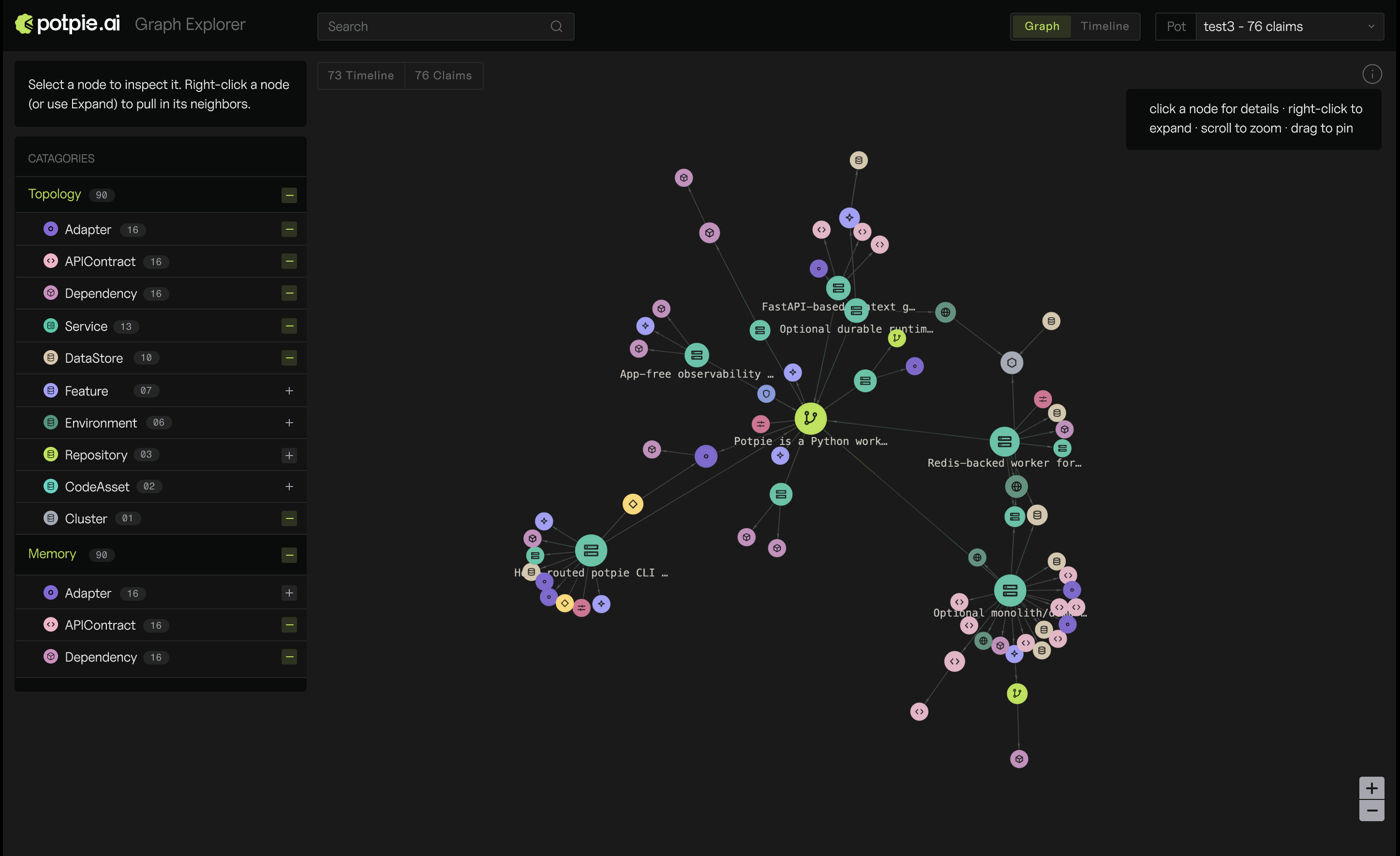
Вместо простого эмбеддинга и извлечения фрагментов текста Potpie строит структурированный граф, связывающий код, решения, историю исходников и процессы из таких инструментов, как GitHub, Linear, Jira и Confluence.Можно ли увидеть граф контекста наглядно?Да, команда 'potpie ui' открывает локальный обозреватель графа в браузере, его раздаёт локальный демон.
Да, команда 'potpie ui' открывает локальный обозреватель графа в браузере, его раздаёт локальный демон.Может ли агент записывать новые знания обратно в граф?Да, команда 'potpie record --type --summary' позволяет агенту или пользователю сохранить долгосрочный вывод о проекте в граф контекста.
Да, команда 'potpie record --type --summary' позволяет агенту или пользователю сохранить долгосрочный вывод о проекте в граф контекста.What are similar projects?openrig, Agentlas-OS, headroom, graphify, brag, omnigent, coral, copperhead
openrig, Agentlas-OS, headroom, graphify, brag, omnigent, coral, copperheadWhich topics is it in?devtools, knowledge-graph, agent-framework, artificial-intelligence, cursor, rag, generative-ai, agents, codex, agent, claude-code, mcp
devtools, knowledge-graph, agent-framework, artificial-intelligence, cursor, rag, generative-ai, agents, codex, agent, claude-code, mcp