What is this?
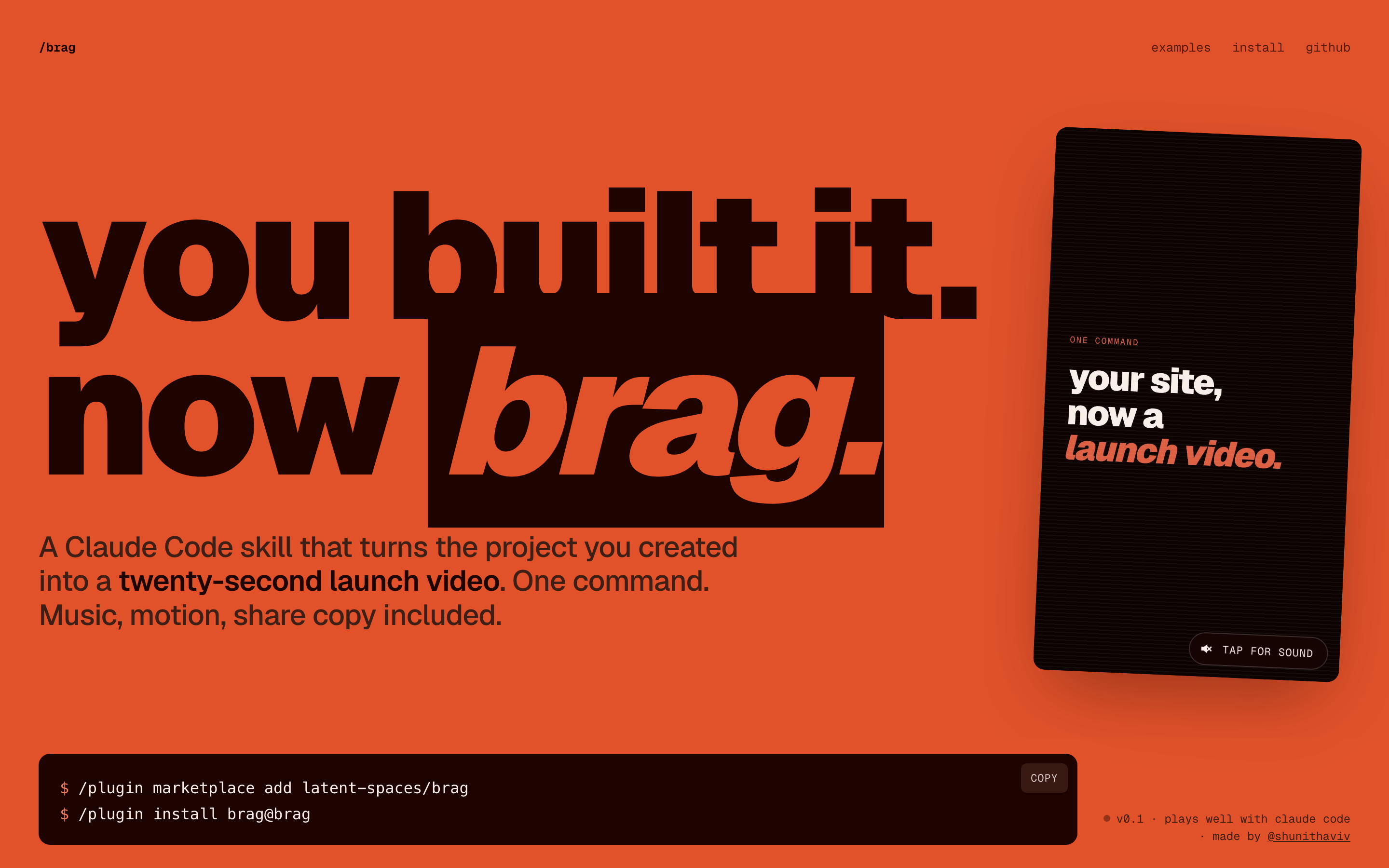
 /brag is a Claude Code skill that turns the project you just built into a short, shareable launch video — complete with music, motion, and share copy — generated with one command and powered by Hyperframes.
/brag is a Claude Code skill that turns the project you just built into a short, shareable launch video — complete with music, motion, and share copy — generated with one command and powered by Hyperframes.Is this a standalone app or a skill for my coding agent?It is not a standalone app — it is an Agent Skill/plugin that adds a /brag command to coding agents like Claude Code, Codex CLI, opencode, Gemini CLI, Cursor, and Copilot.
It is not a standalone app — it is an Agent Skill/plugin that adds a /brag command to coding agents like Claude Code, Codex CLI, opencode, Gemini CLI, Cursor, and Copilot.How do I install and run /brag?Install the /brag plugin into Claude Code (or via the skills CLI for other agents), then run /brag from any project directory; the agent writes the brief and calls Hyperframes to render the final video.
Install the /brag plugin into Claude Code (or via the skills CLI for other agents), then run /brag from any project directory; the agent writes the brief and calls Hyperframes to render the final video.What do I need before running /brag?An agent that supports Agent Skills (Claude Code, opencode, Codex CLI, etc.), Node.js 22+, FFmpeg on PATH, and the Hyperframes CLI reachable via npx hyperframes.
An agent that supports Agent Skills (Claude Code, opencode, Codex CLI, etc.), Node.js 22+, FFmpeg on PATH, and the Hyperframes CLI reachable via npx hyperframes.Any install pitfalls I should know about?On Windows, the skill relies on symlinks for discovery paths, so you need core.symlinks enabled in Git plus Developer Mode or Administrator rights; if that fails you have to copy the skill folder manually instead.
On Windows, the skill relies on symlinks for discovery paths, so you need core.symlinks enabled in Git plus Developer Mode or Administrator rights; if that fails you have to copy the skill folder manually instead.What is /brag-slim and how is it different from /brag?/brag-slim is a lean, single-file version of the skill built for Claude Opus 5.5 that skips Hyperframes and bundled assets while keeping the same creative rules; Opus 5.5 uses it automatically unless you run /brag --full for the classic Hyperframes workflow.
/brag-slim is a lean, single-file version of the skill built for Claude Opus 5.5 that skips Hyperframes and bundled assets while keeping the same creative rules; Opus 5.5 uses it automatically unless you run /brag --full for the classic Hyperframes workflow.What do I get after running /brag?A brag-output/ folder containing the creative plan, a composition brief, share copy, and the rendered brag.mp4 video.
A brag-output/ folder containing the creative plan, a composition brief, share copy, and the rendered brag.mp4 video.Is narration included by default?No, voiceover is off by default — you enable it explicitly, and when on it uses the Kokoro text-to-speech model through Hyperframes.
No, voiceover is off by default — you enable it explicitly, and when on it uses the Kokoro text-to-speech model through Hyperframes.What's bundled inside the skill itself?The skills/brag/ folder ships with the skill prompt, reference docs, and bundled music plus sound effects (from ende.app and Kenney) used to score the generated launch videos.
The skills/brag/ folder ships with the skill prompt, reference docs, and bundled music plus sound effects (from ende.app and Kenney) used to score the generated launch videos.What are similar projects?guizang-product-video-skill, pstack-claude, herk-edit-kit, open-steps, eian-riso-broll, billion-context, superpowers-zh, newsjack
guizang-product-video-skill, pstack-claude, herk-edit-kit, open-steps, eian-riso-broll, billion-context, superpowers-zh, newsjackWhich topics is it in?hyperframes, copilot, antigravity, marketing, gemini-cli, music, tts, content-creation, opencode, claude-skills, ffmpeg, video-generation
hyperframes, copilot, antigravity, marketing, gemini-cli, music, tts, content-creation, opencode, claude-skills, ffmpeg, video-generation