



What is this?
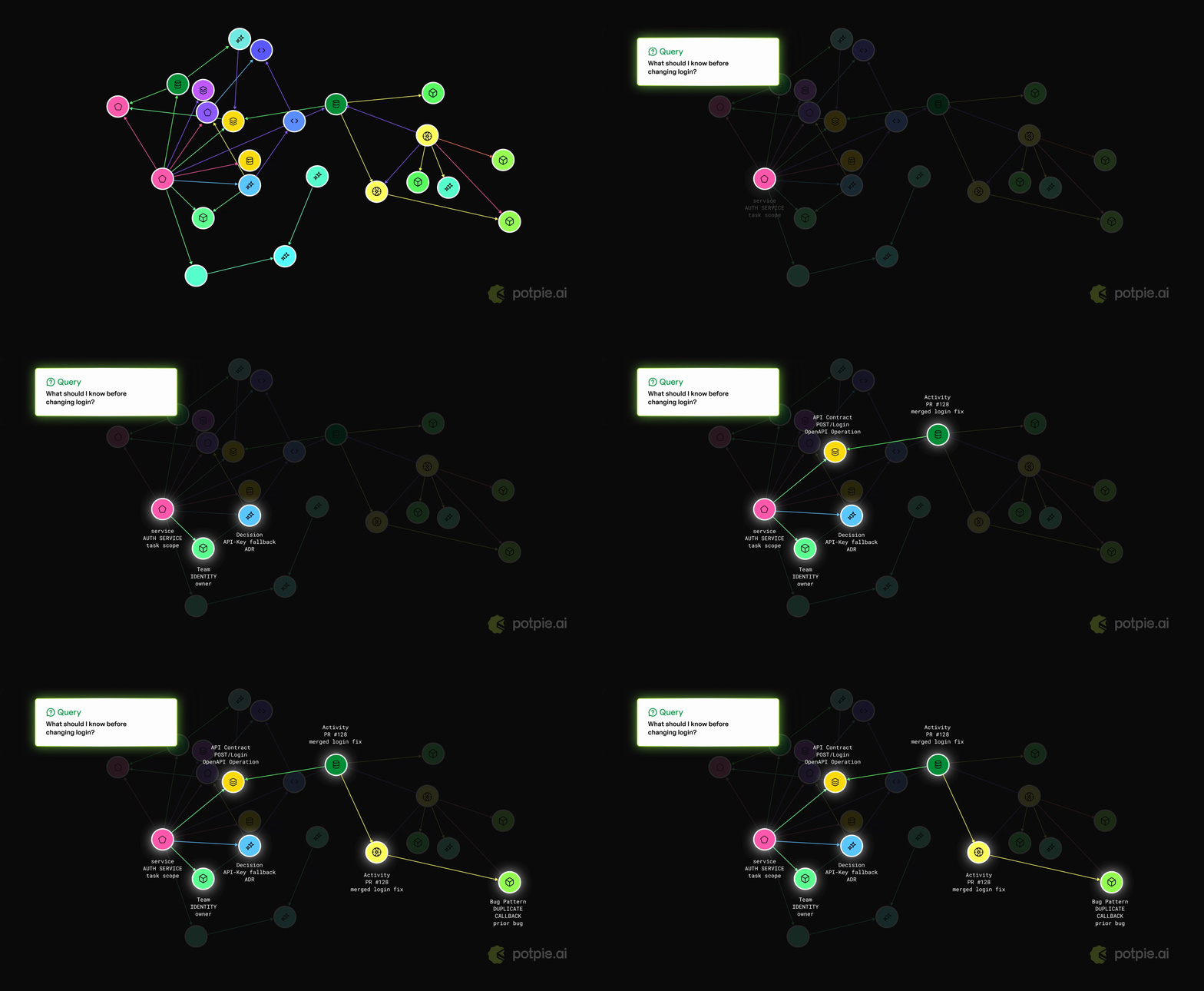
 Potpie turns your codebase and software development lifecycle into a living context graph for AI agents. It indexes code, structure, decisions, source history, team knowledge and engineering workflows so agents can answer questions, plan changes, debug failures, and write code with project-specific context.
Potpie turns your codebase and software development lifecycle into a living context graph for AI agents. It indexes code, structure, decisions, source history, team knowledge and engineering workflows so agents can answer questions, plan changes, debug failures, and write code with project-specific context.Is this a CLI tool or a framework I import into my code?It is CLI-first: you install the 'potpie' command, run a local daemon, and get a local web graph explorer; you do not import it as a library, you point your coding agent (harness) at the CLI-managed context graph.
It is CLI-first: you install the 'potpie' command, run a local daemon, and get a local web graph explorer; you do not import it as a library, you point your coding agent (harness) at the CLI-managed context graph.How do I get it running?Install the CLI with 'uv tool install potpie' (recommended) or pip, run 'potpie setup' to provision local config, storage, the daemon, a default pot, and agent skills, then open your configured harness and ask it to use Potpie for the repo.
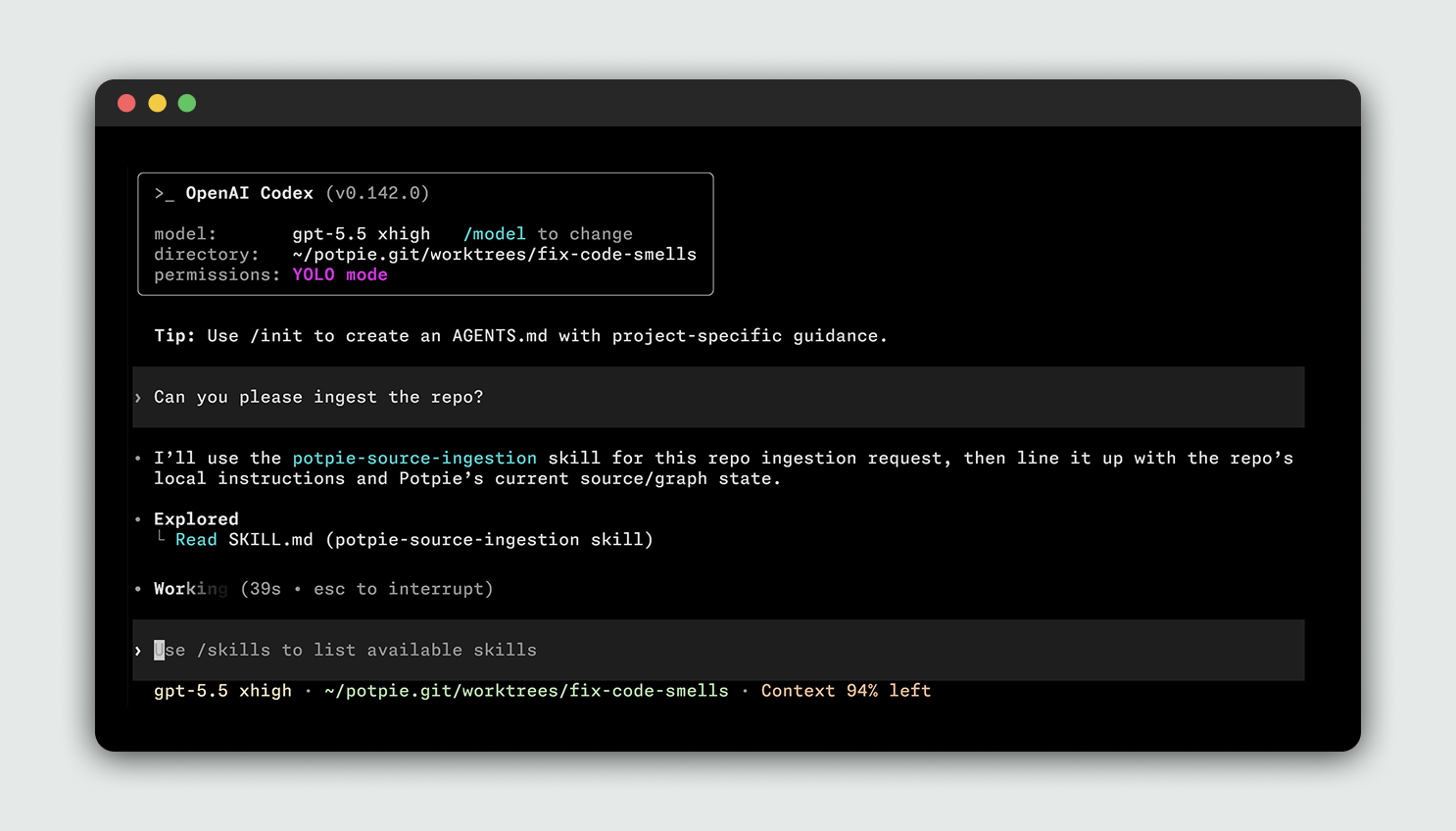
Install the CLI with 'uv tool install potpie' (recommended) or pip, run 'potpie setup' to provision local config, storage, the daemon, a default pot, and agent skills, then open your configured harness and ask it to use Potpie for the repo.Do I need accounts or logins for GitHub, Linear, or Jira integrations?Account-backed and managed features require 'potpie login', and each source integration needs its own login, like 'potpie github login' or 'potpie linear login'; you can verify credentials with 'potpie auth status --verify'.
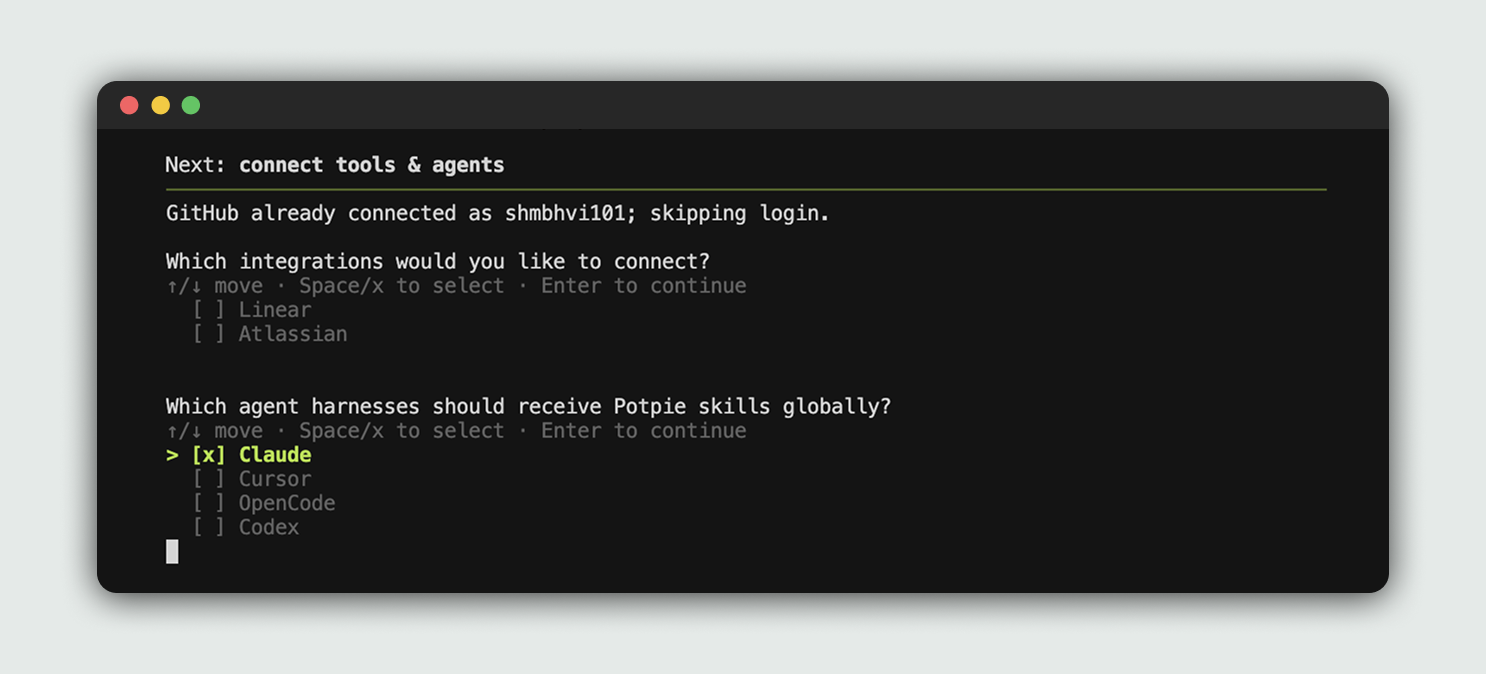
Account-backed and managed features require 'potpie login', and each source integration needs its own login, like 'potpie github login' or 'potpie linear login'; you can verify credentials with 'potpie auth status --verify'.What if my coding agent isn't Claude Code, Codex, Cursor, or OpenCode?Only those four coding harnesses are supported today; if your team needs a different harness or integration, you have to raise a ticket and wait for support to be added.
Only those four coding harnesses are supported today; if your team needs a different harness or integration, you have to raise a ticket and wait for support to be added.What is a 'pot' in Potpie?A pot is the active workspace Potpie tracks context for — you register repos as sources to a pot and switch between pots with 'potpie pot list' and 'potpie pot use'.
A pot is the active workspace Potpie tracks context for — you register repos as sources to a pot and switch between pots with 'potpie pot list' and 'potpie pot use'.How is this different from plain RAG over my codebase?Instead of just embedding and retrieving text chunks, Potpie builds a structured graph linking code, decisions, source history, and workflows from tools like GitHub, Linear, Jira, and Confluence.
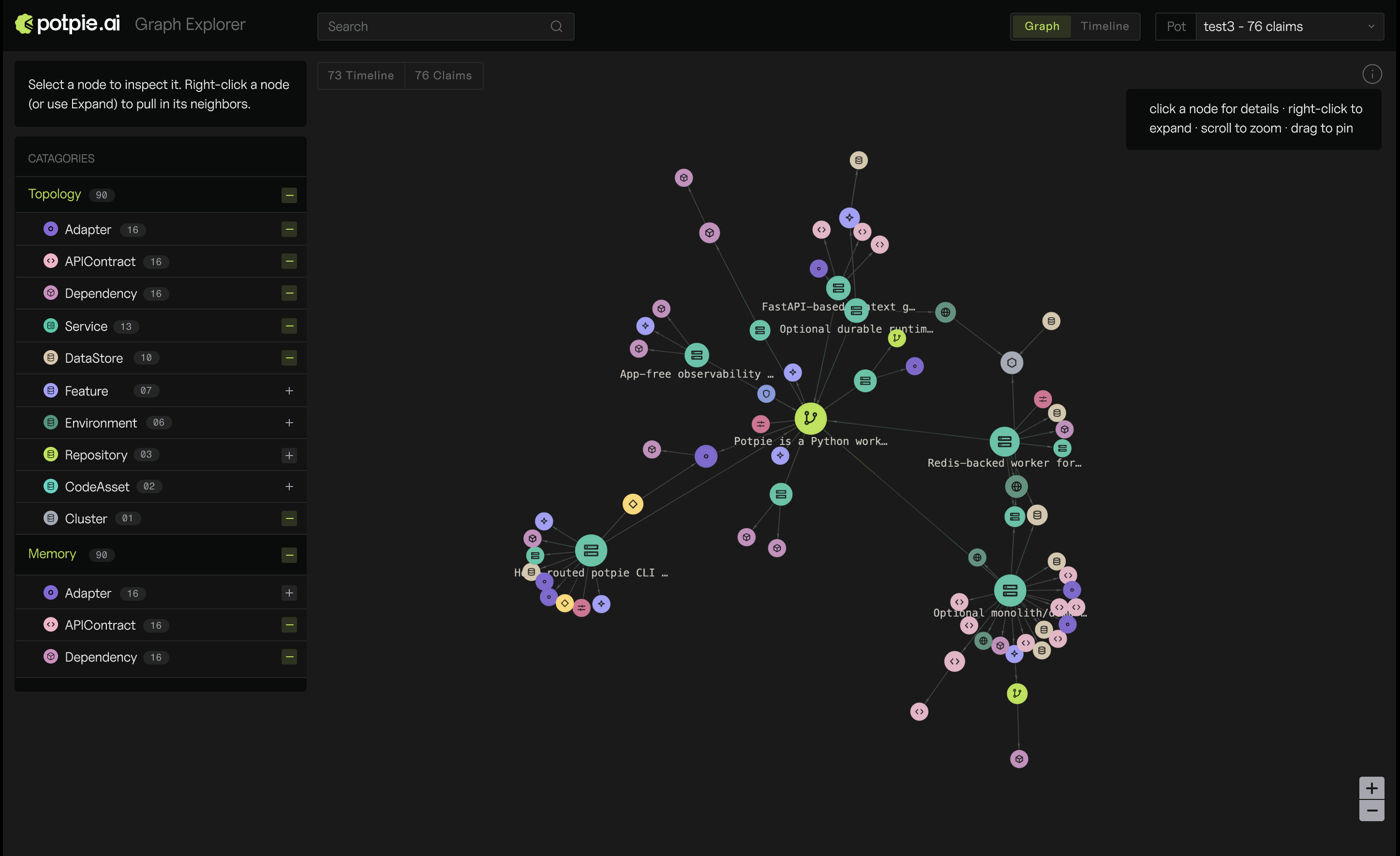
Instead of just embedding and retrieving text chunks, Potpie builds a structured graph linking code, decisions, source history, and workflows from tools like GitHub, Linear, Jira, and Confluence.Can I see the context graph visually?Yes, running 'potpie ui' opens a local graph explorer in your browser, served by the local daemon.
Yes, running 'potpie ui' opens a local graph explorer in your browser, served by the local daemon.Can an agent write new knowledge back into the graph?Yes, the 'potpie record --type --summary' command lets an agent or user save a durable project learning into the context graph.
Yes, the 'potpie record --type --summary' command lets an agent or user save a durable project learning into the context graph.What are similar projects?openrig, Agentlas-OS, headroom, graphify, brag, omnigent, coral, copperhead
openrig, Agentlas-OS, headroom, graphify, brag, omnigent, coral, copperheadWhich topics is it in?devtools, knowledge-graph, agent-framework, artificial-intelligence, cursor, rag, generative-ai, agents, codex, agent, claude-code, mcp
devtools, knowledge-graph, agent-framework, artificial-intelligence, cursor, rag, generative-ai, agents, codex, agent, claude-code, mcp