HermesEnabler 2
English · Tiếng Việt · 한국어 · 简体中文 · 繁體中文 · 日本語 · Español · Français · Deutsch · Português
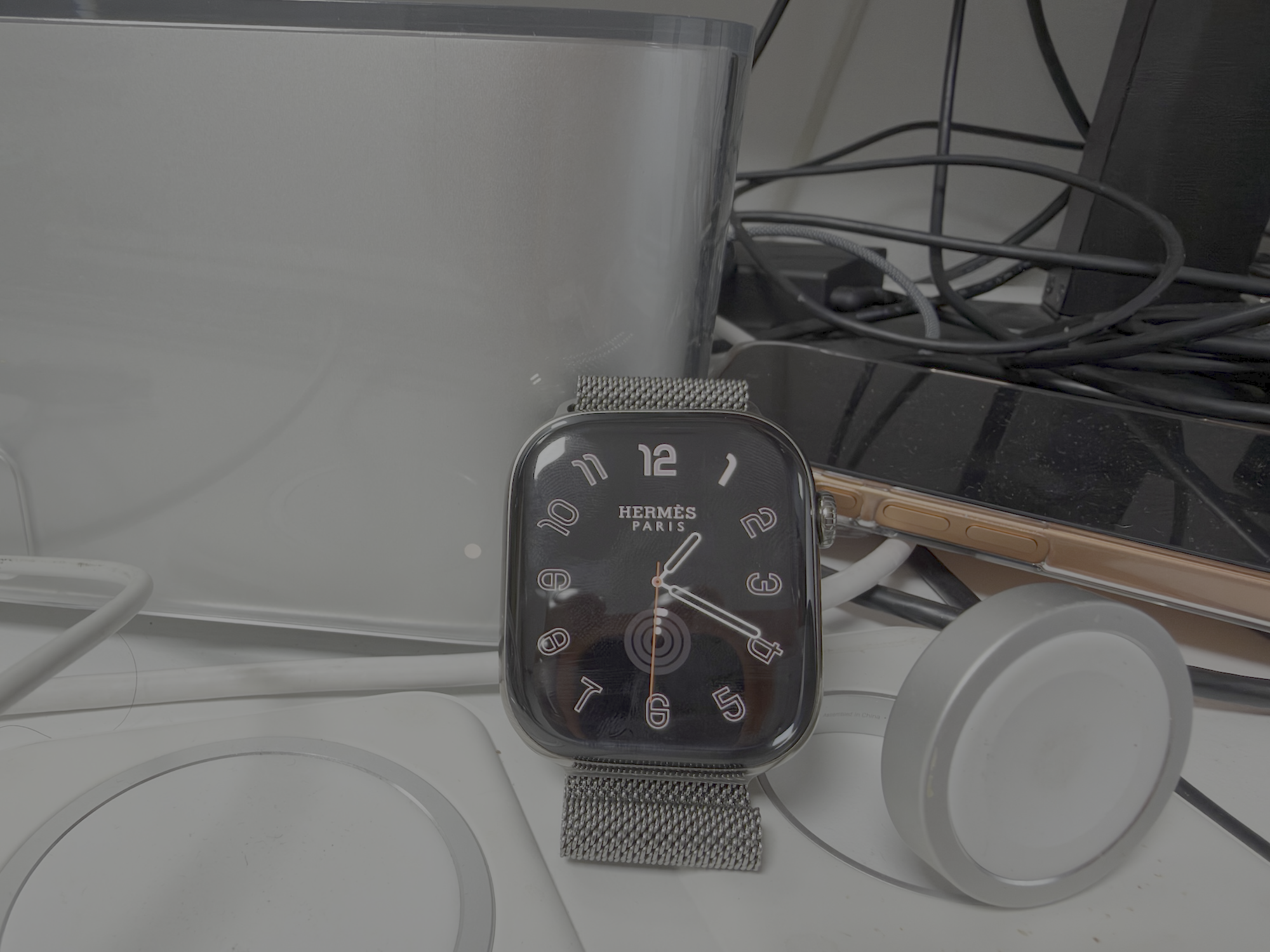
Supported on watchOS 27.0 through 27.3 beta 1.
If you’re using an unsupported watchOS version, use Clocky.
Installation
macOS
On macOS you can install the prebuilt IPA with Sideloadly or build the app directly with Xcode. Either way, the iPhone must be paired with the target Apple Watch, and the Watch must run a supported watchOS version.
Install the IPA
- Download the IPA from Releases.
- Install Sideloadly on your Mac, connect your iPhone with a cable, and select it in Sideloadly.
- Drag the IPA into Sideloadly and enter your Apple ID. Turn off Use automatic bundle ID, set a fixed Bundle Identifier, and start signing.
- On the iPhone, open Settings → General → VPN & Device Management and trust your developer certificate.
- On the iPhone, open Settings → Privacy & Security → Developer Mode, turn it on, restart, and confirm.
- On the iPhone, open the Watch app, go to My Watch → Apps, and install HermesEnabler2 on the Watch.
- On the Apple Watch, open Settings → Privacy & Security → Developer Mode, turn it on, restart, and confirm. If the option is not shown, install the Watch app first and check again.
- Open HermesEnabler2 on your Apple Watch and follow the steps in the app.
Build with Xcode
- Open HermesEnabler2.xcodeproj in Xcode.
- Select your Apple Watch as the run destination and click Run.
- Open HermesEnabler2 on your Apple Watch and follow the steps in the app.
Windows
Windows uses WatchBridge, a community tool that prepares Developer Mode and installs an IPA containing both an iPhone host app and a Watch app. It is not affiliated with Apple or with this project.
- Install Apple Mobile Device Service by installing iTunes or the Apple Devices app from the Microsoft Store. WatchBridge needs it for USB and Wi-Fi communication. WebView2 is built into Windows 11.
- Make sure your iPhone is paired with the target Apple Watch. WatchBridge supports only one paired Watch at a time; if more than one is paired, the preparation step stops instead of guessing.
- Download
watchbridge-windows.zip from WatchBridge Releases, extract it, and run WatchBridge.exe. The executable is unsigned, so Windows SmartScreen may warn on first launch.
- Download the IPA from Releases. Use the original IPA that contains both the iPhone host and the
Watch/*.app; Watch-only packages are not supported.
- Connect the paired iPhone over USB and select it in WatchBridge.
- Pair the Watch and confirm the trust prompt on the Watch. Request the Developer Mode switch, then on the Watch open Settings → Privacy & Security → Developer Mode, turn it on, restart, and confirm. Return to WatchBridge and click Check again. WatchBridge does not enable Developer Mode or restart the Watch for you.
- Sign in with your Apple ID, select the HermesEnabler2 IPA, and start signing and installation. WatchBridge installs the iPhone host app first, then the Watch app.
- Open HermesEnabler2 on your Apple Watch and follow the steps in the app.
Developer-mode preparation requires a USB connection. After pairing over USB once, installs and renewals can use Wi-Fi.
Cautions
- watchOS 26 is not supported.
- In Sideloadly, disable Use automatic bundle ID and use a fixed Bundle Identifier. Keep the same Bundle Identifier and Apple ID for every update so the app can retain its existing data and backup.
- If the iPhone app installs but the Watch app does not appear, check the Sideloadly log for
Watch apps will be stripped from the IPA. This means the embedded Watch app was removed; installing the iPhone app alone will not install it. Use Xcode to install the Watch app.
- Before deleting the app, always restore your MobileGestalt backup through the HermesEnabler2 app.
Credits
This project incorporates code from Gester.
Use at your own risk.

 一个可以在任何 Apple Watch 上启用 Hermès 表盘的工具,让你安装原本被 Apple 限制的 Hermès 品牌表盘。