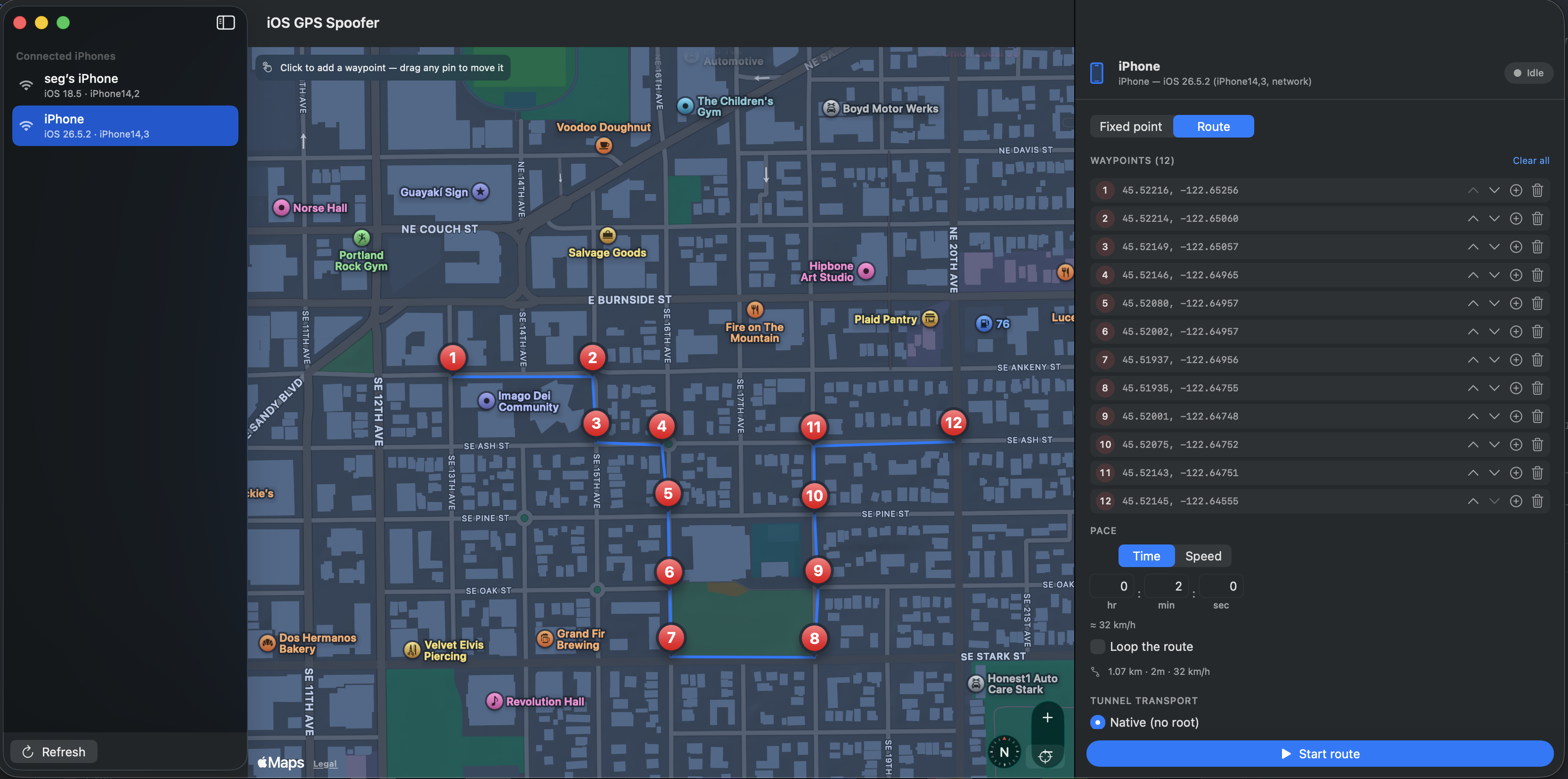
What is this?
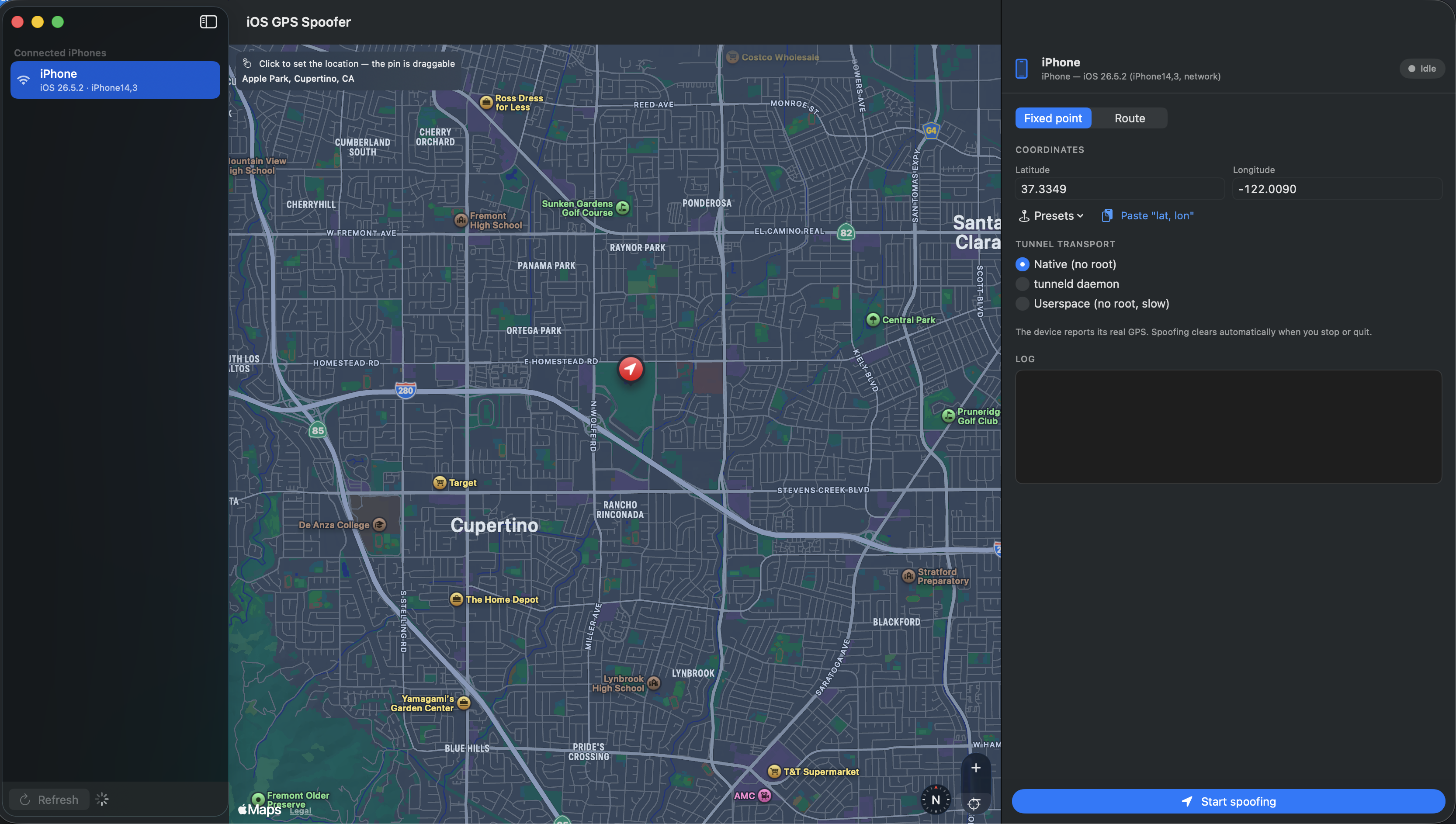
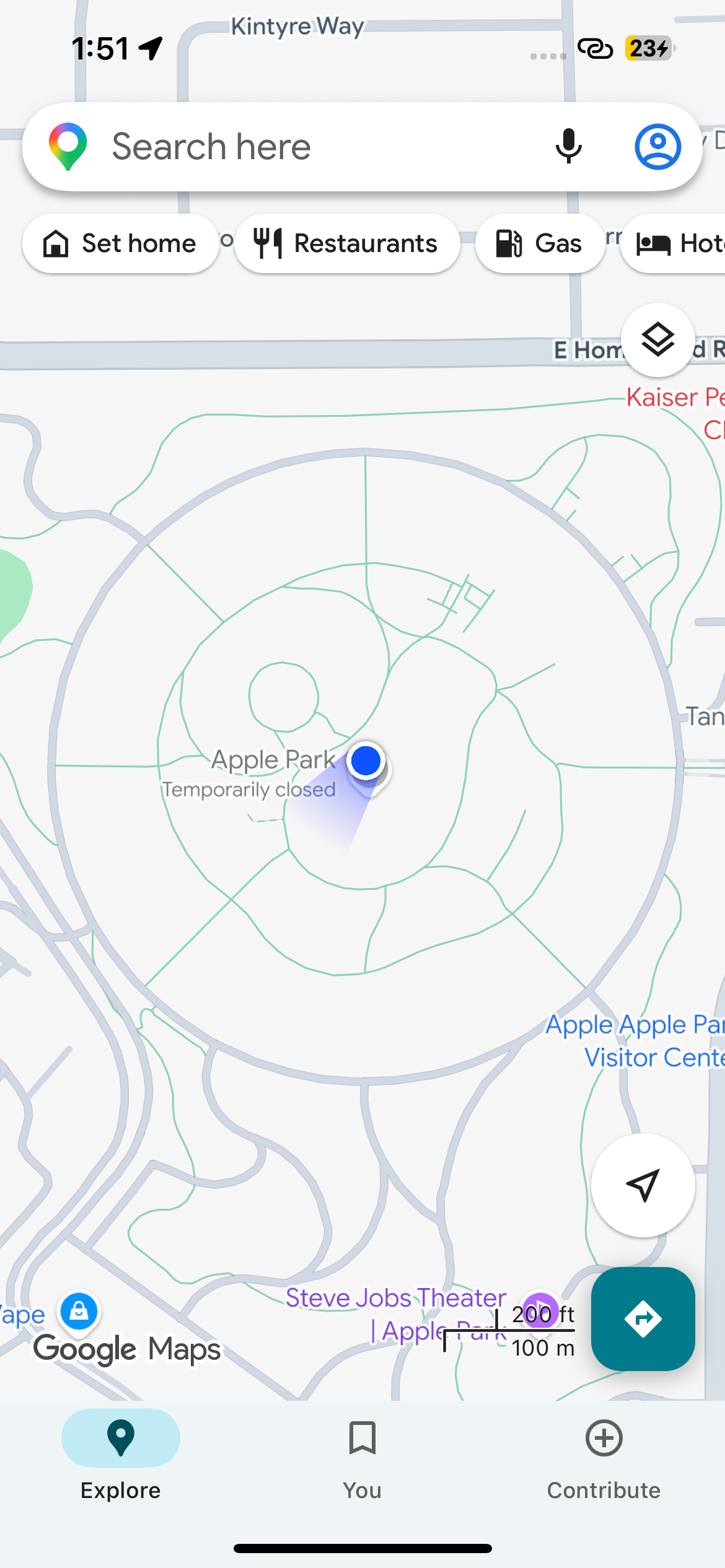
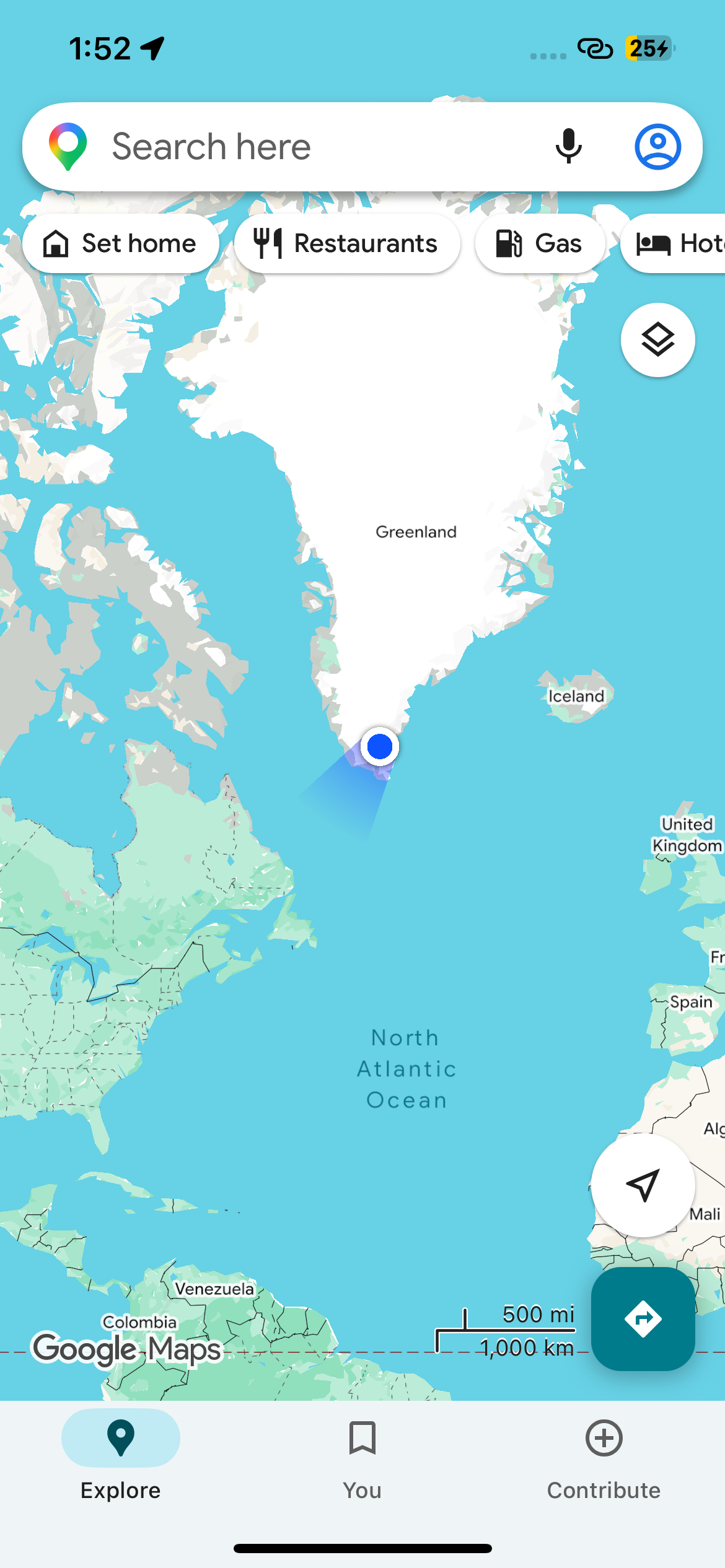
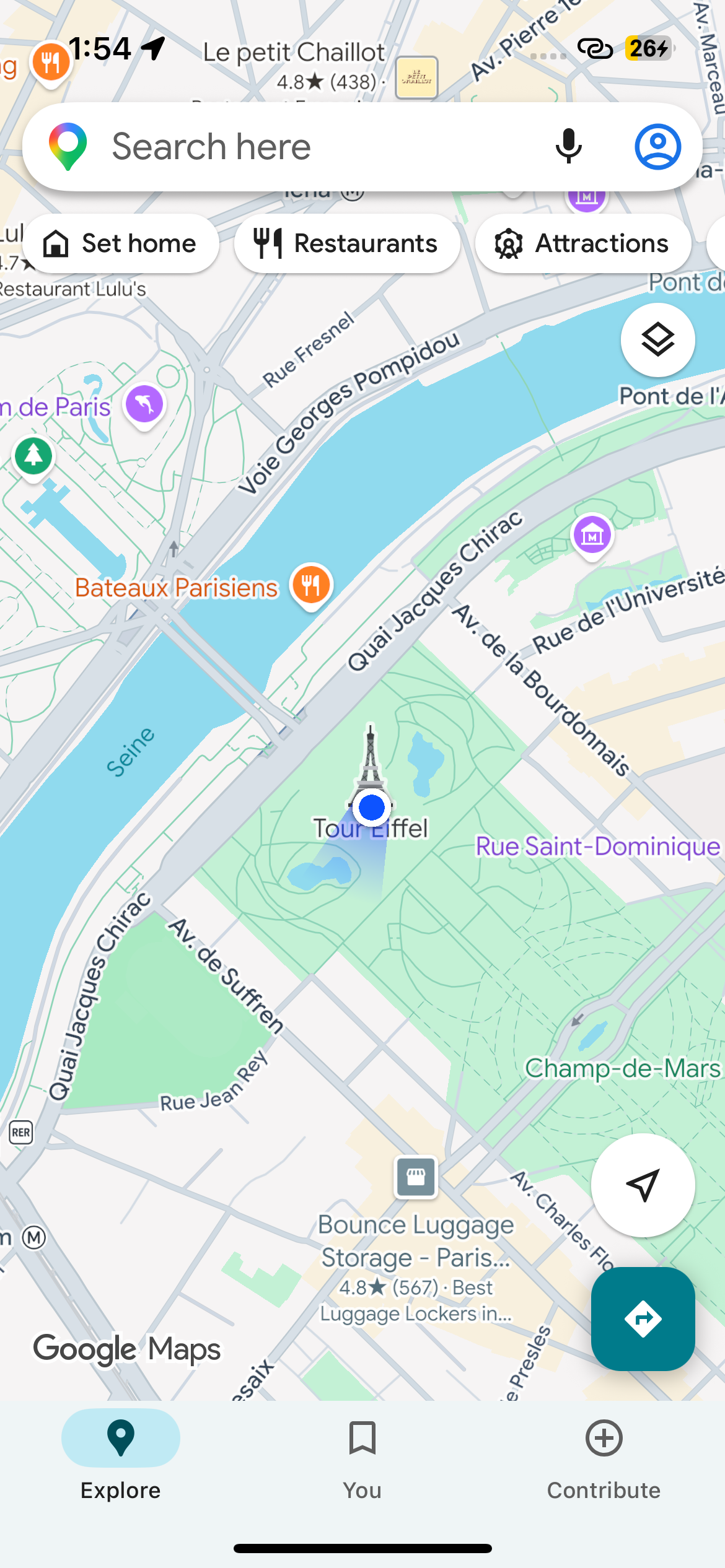
 A tool that makes a connected iPhone report a fake GPS location for as long as it runs, restoring the real one automatically when you stop. It drives Apple's developer location-simulation service — the same mechanism Xcode's Simulate Location uses.
A tool that makes a connected iPhone report a fake GPS location for as long as it runs, restoring the real one automatically when you stop. It drives Apple's developer location-simulation service — the same mechanism Xcode's Simulate Location uses.Is it a Mac app or a command-line tool?Both, built on a shared core: a SwiftUI macOS app with an auto-detected device list, a click-to-drop map, presets and a live log — plus a CLI with spoof, route, list and clear commands.
Both, built on a shared core: a SwiftUI macOS app with an auto-detected device list, a click-to-drop map, presets and a live log — plus a CLI with spoof, route, list and clear commands.Do I need to jailbreak my iPhone or run anything as root?No — on the default native transport the Mac needs no root, as it piggybacks Apple's own remotepairingd tunnel. The iPhone is not jailbroken either: it just needs to be paired & trusted and have Developer Mode enabled.
No — on the default native transport the Mac needs no root, as it piggybacks Apple's own remotepairingd tunnel. The iPhone is not jailbroken either: it just needs to be paired & trusted and have Developer Mode enabled.Will it work with an iPhone on iOS 16?Not with the default native/tunneld transports — those require iOS 17+. For iOS 16 and older, the README points you at pymobiledevice3's developer simulate-location directly over usbmux instead.
Not with the default native/tunneld transports — those require iOS 17+. For iOS 16 and older, the README points you at pymobiledevice3's developer simulate-location directly over usbmux instead.Can I run it from Windows or Linux?No — it is macOS-only: the GUI is a SwiftUI Mac app, and even building the tool requires macOS with the Xcode / Swift 6 toolchain.
No — it is macOS-only: the GUI is a SwiftUI Mac app, and even building the tool requires macOS with the Xcode / Swift 6 toolchain.Does it only pin a fake spot, or can it fake movement?Route mode drops waypoints A → B plus points in between on the map, then moves the iPhone along the path at constant speed — paced by a duration (h:m:s) or a speed in km/h, with optional looping. Waypoints can be reordered and edited while the route runs.
Route mode drops waypoints A → B plus points in between on the map, then moves the iPhone along the path at constant speed — paced by a duration (h:m:s) or a speed in km/h, with optional looping. Waypoints can be reordered and edited while the route runs.What happens when I stop it or the phone disconnects?Stopping or quitting clears the fake location immediately, and if the phone drops and reconnects the spoof is re-applied automatically. Cleanup survives even kill -9 — the orphaned tunnel process is reaped on next launch — and --no-clear-on-exit keeps the fake spot if you want it to stick.
Stopping or quitting clears the fake location immediately, and if the phone drops and reconnects the spoof is re-applied automatically. Cleanup survives even kill -9 — the orphaned tunnel process is reaped on next launch — and --no-clear-on-exit keeps the fake spot if you want it to stick.Why does it need Python and pymobiledevice3?On iOS 17+ Apple's location-simulation service sits behind the encrypted CoreDevice tunnel, which pymobiledevice3 handles; this tool wraps it with device selection, the keep-it-spoofed loop and clean teardown. Note the DMG's bundled venv references the build machine's Homebrew Python — on other Macs use a --no-venv build and install pymobiledevice3 yourself.
On iOS 17+ Apple's location-simulation service sits behind the encrypted CoreDevice tunnel, which pymobiledevice3 handles; this tool wraps it with device selection, the keep-it-spoofed loop and clean teardown. Note the DMG's bundled venv references the build machine's Homebrew Python — on other Macs use a --no-venv build and install pymobiledevice3 yourself.How complete is the spoofed location?Only latitude and longitude are faked — altitude, course and speed are not set, same as Xcode's simulate-location. The first run can also take a few seconds while the DeveloperDiskImage mounts and the tunnel is established.
Only latitude and longitude are faked — altitude, course and speed are not set, same as Xcode's simulate-location. The first run can also take a few seconds while the DeveloperDiskImage mounts and the tunnel is established.What are similar projects?omarchy-apple-dev, Roam-Control, CodeEdit, AirCard-macOS, textream, zulu, NetNewsWire, opendisplay
omarchy-apple-dev, Roam-Control, CodeEdit, AirCard-macOS, textream, zulu, NetNewsWire, opendisplay