




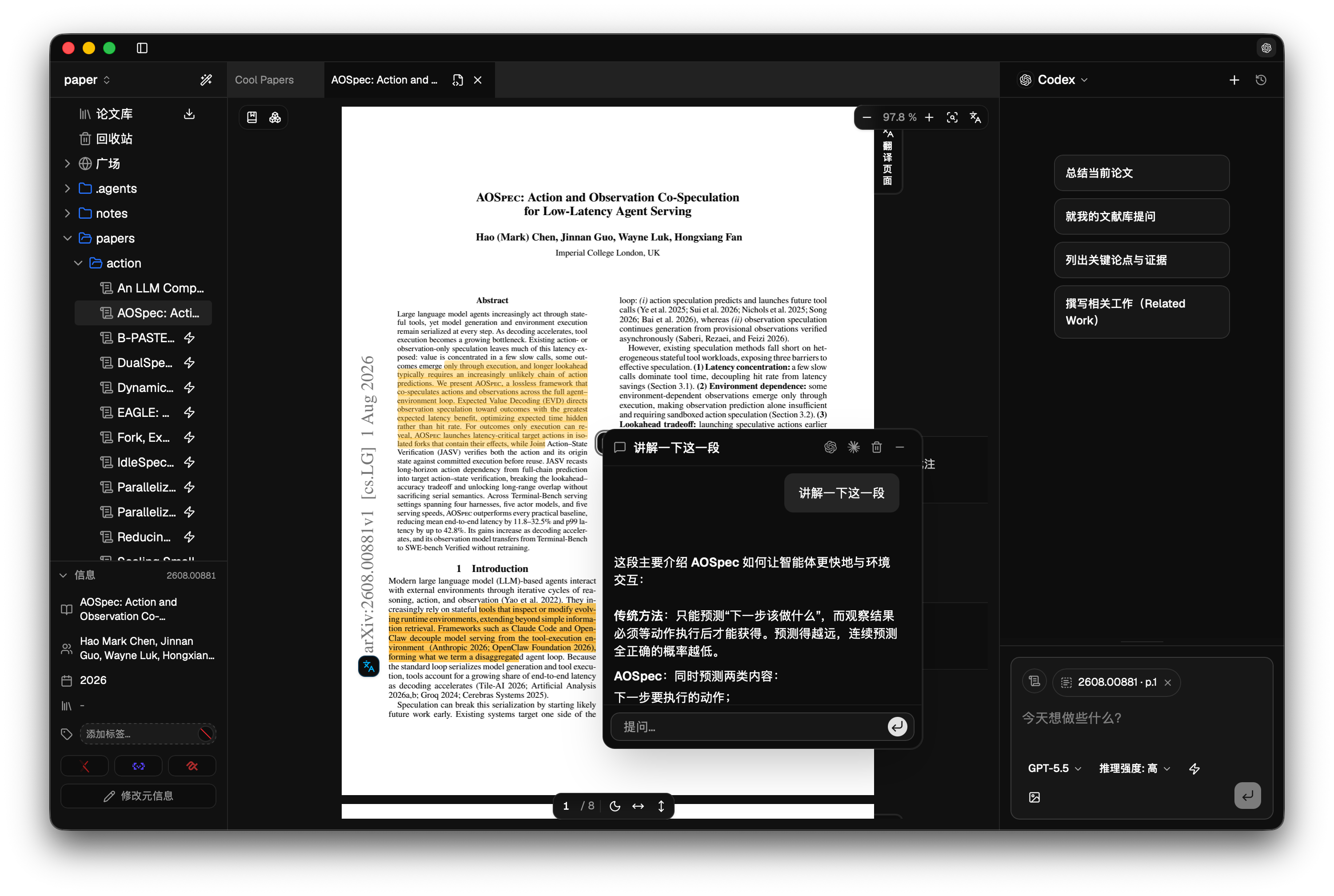
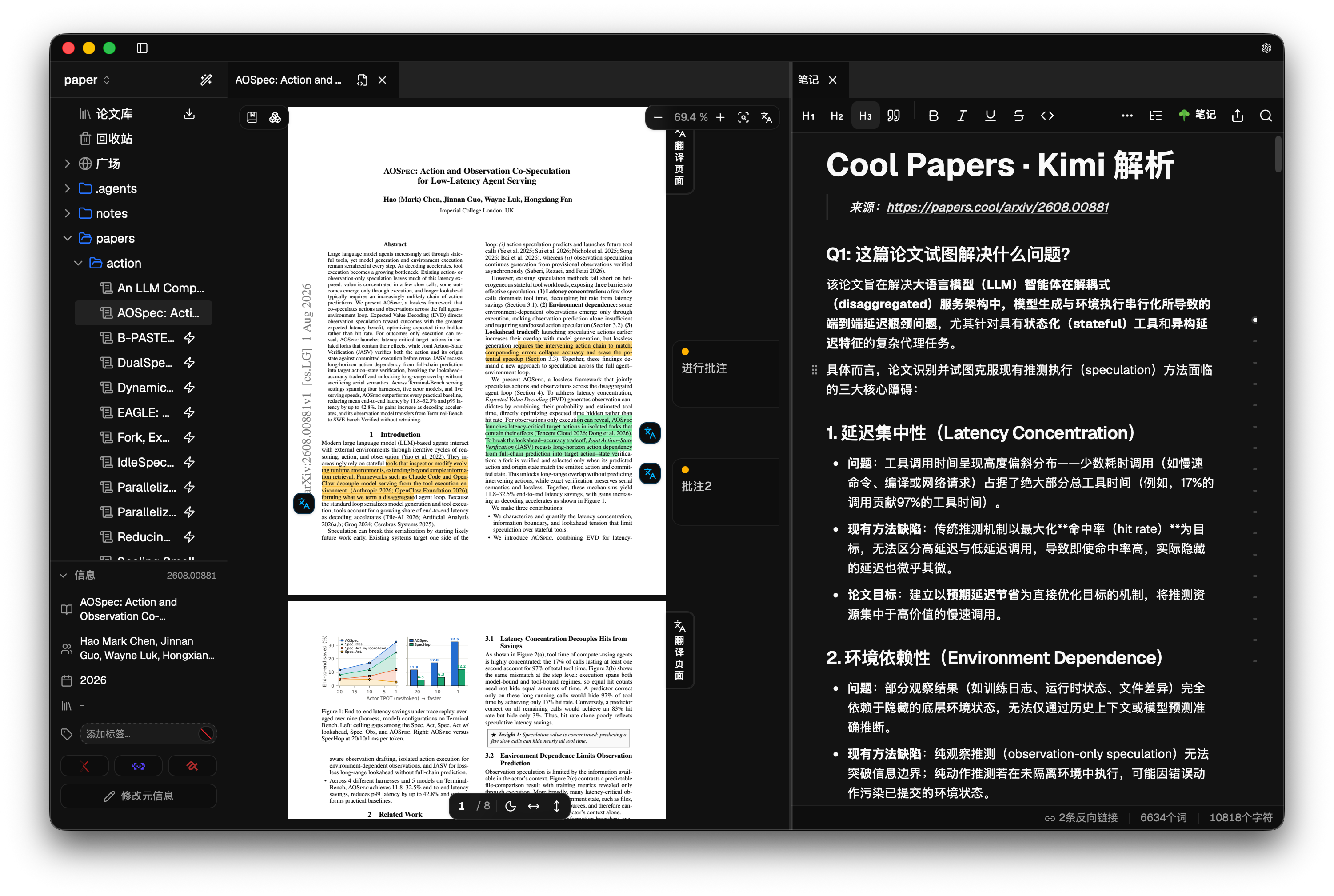
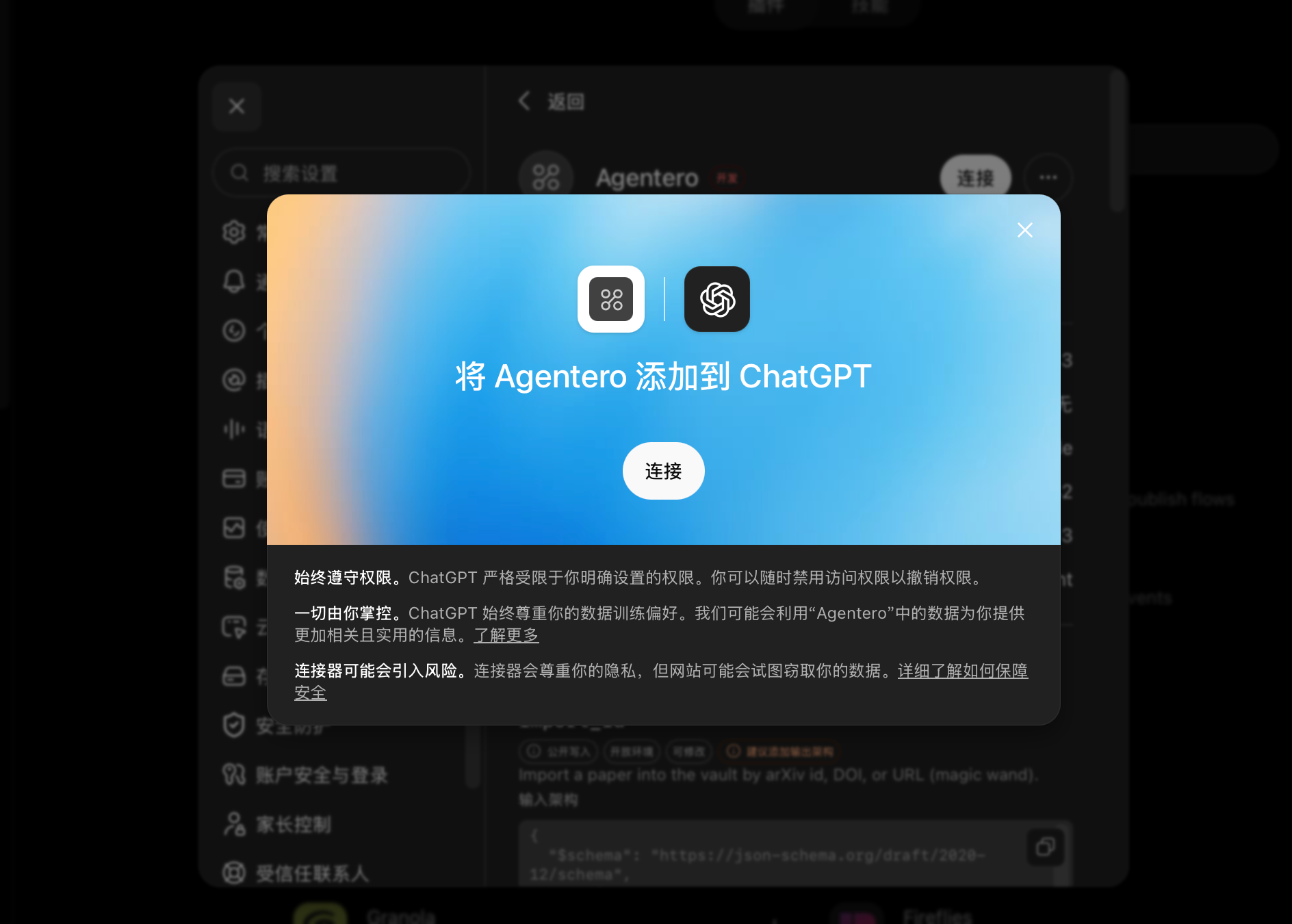
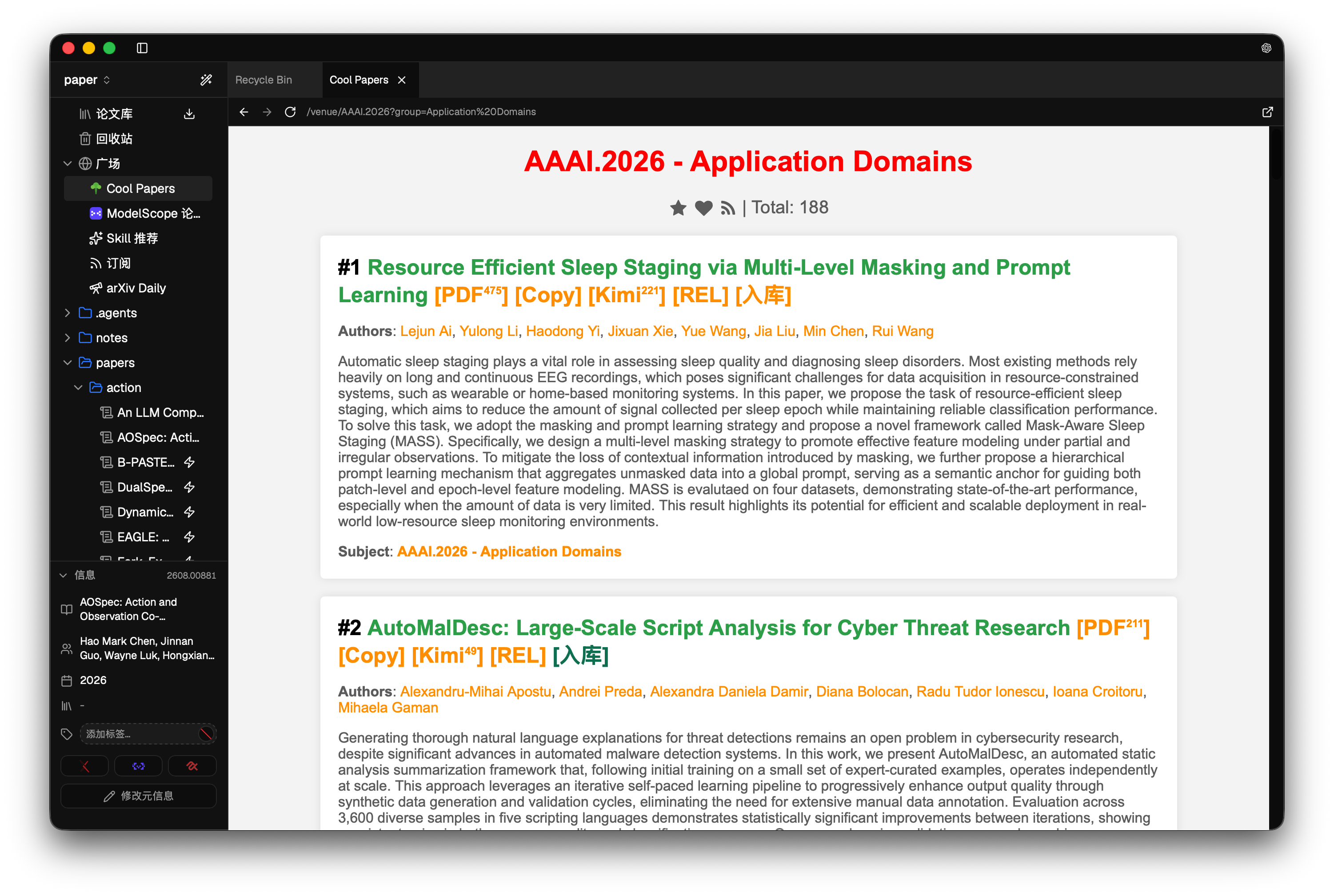

What is this?
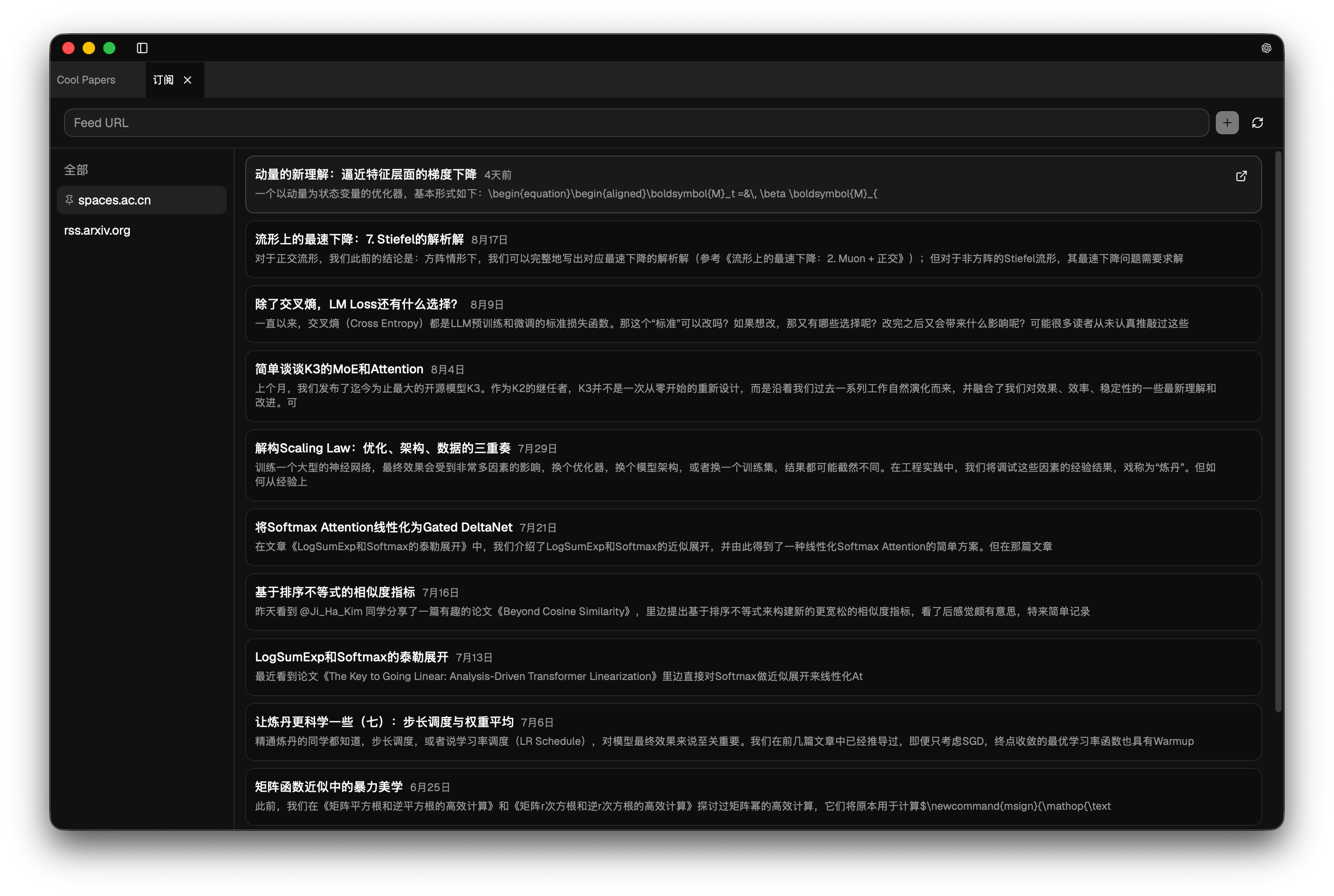
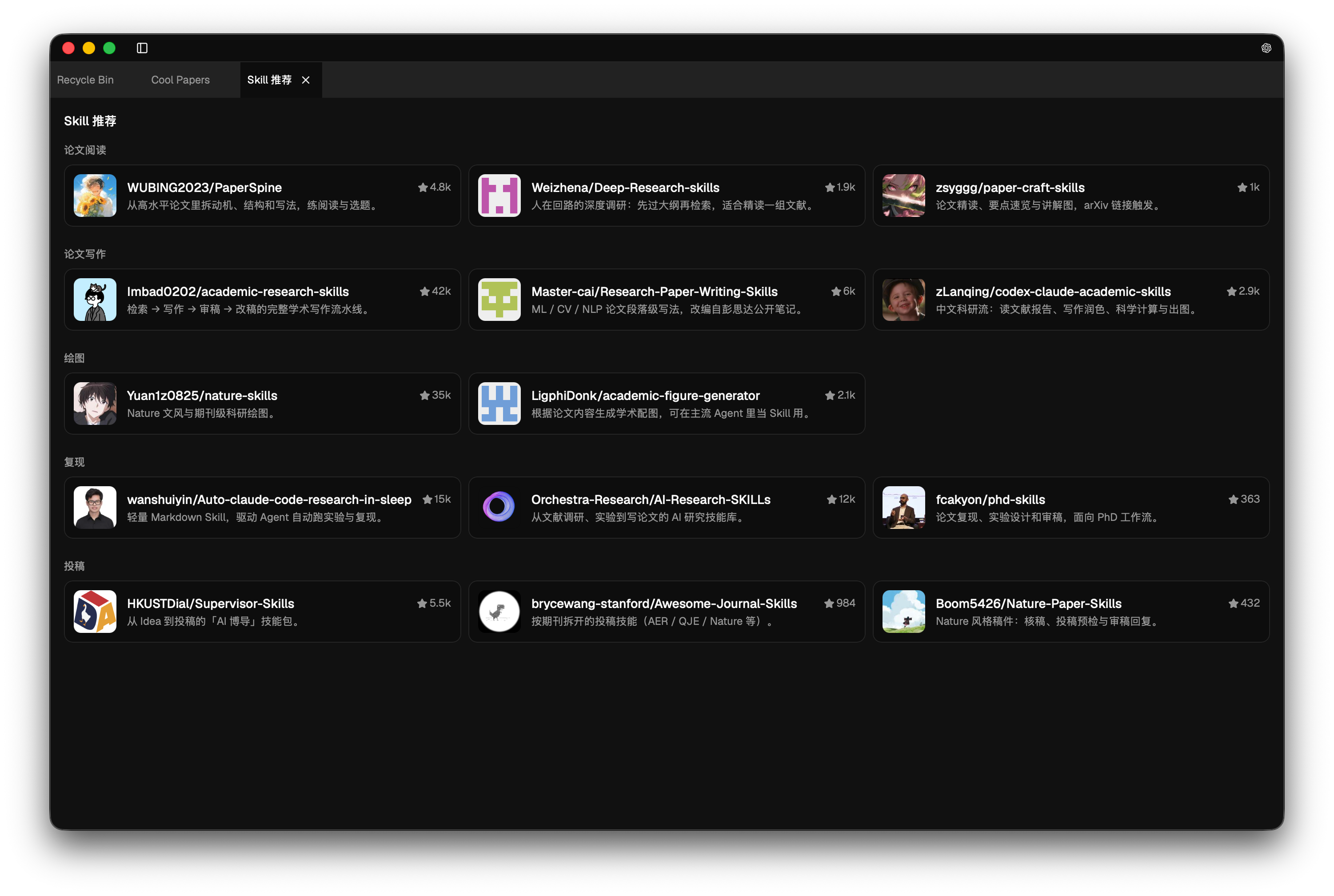
 A desktop research workspace that puts your PDFs, Markdown notes and an AI agent in one place, so papers, notes and model conversations stay connected.
Is it meant to replace Zotero?No. It is designed to work alongside Zotero, and you can import a whole Zotero library with tags, notes and attachments kept.
No. It is designed to work alongside Zotero, and you can import a whole Zotero library with tags, notes and attachments kept.How do I get it running?Download a prebuilt installer for macOS, Windows or Linux from agentero.app or GitHub Releases. Homebrew is also listed for macOS.
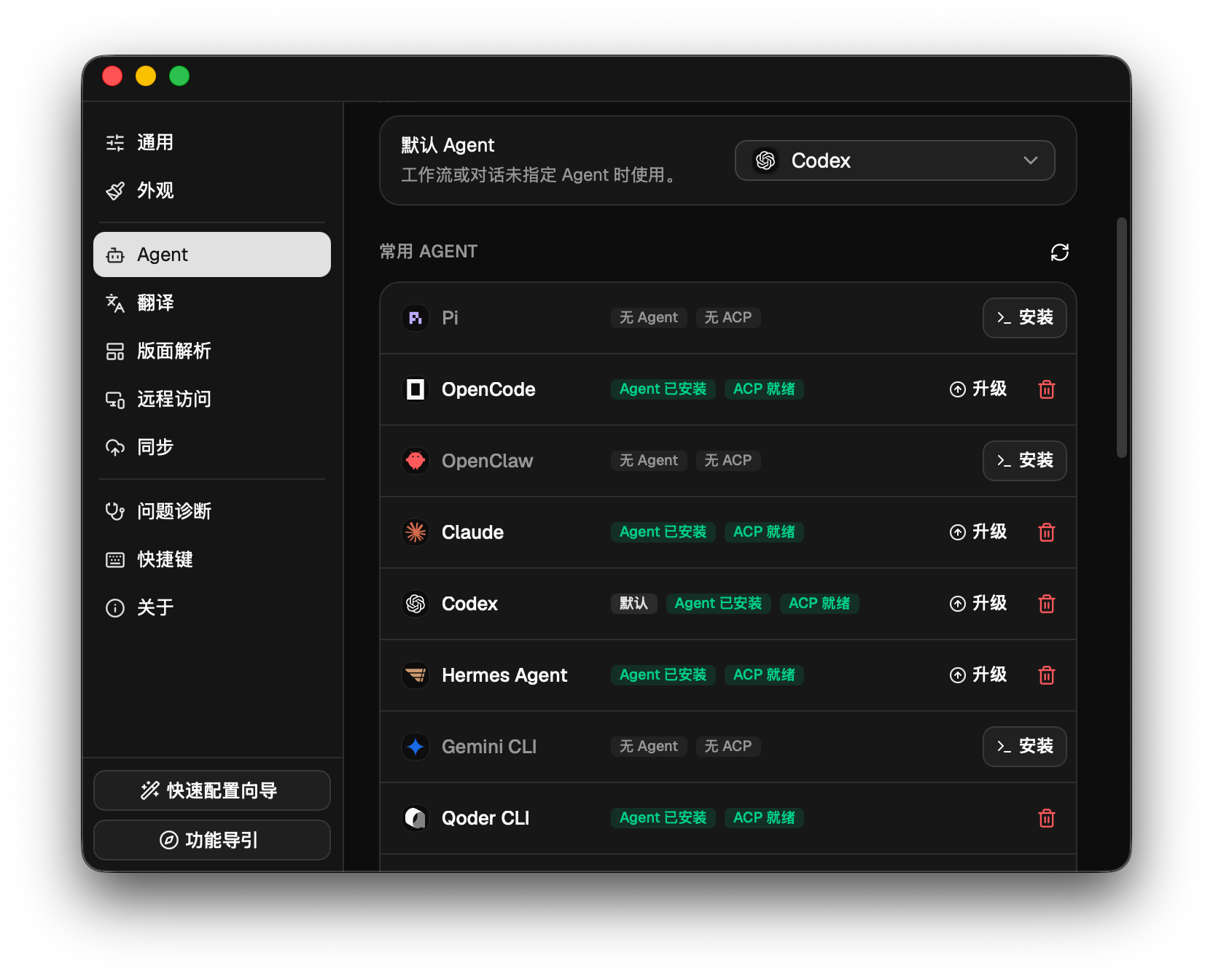
Download a prebuilt installer for macOS, Windows or Linux from agentero.app or GitHub Releases. Homebrew is also listed for macOS.Do I need my own AI agent or API key?It connects to a local agent over the ACP protocol, such as Claude Code, OpenCode, Codex or a local model. A built-in translation channel is included, and you can add your own API key (BYOK) for translation.
It connects to a local agent over the ACP protocol, such as Claude Code, OpenCode, Codex or a local model. A built-in translation channel is included, and you can add your own API key (BYOK) for translation.Any install pitfalls?On Linux you need Ubuntu 22.04 or newer with webkit2gtk 4.1. The README points to a separate install guide for the other dependencies.
On Linux you need Ubuntu 22.04 or newer with webkit2gtk 4.1. The README points to a separate install guide for the other dependencies.What makes the PDF reading different from a normal reader?It extracts formulas, algorithm pseudocode and tables into structured Markdown and LaTeX. The agent then works from that clean text instead of guessing from the two-column layout of the PDF.
It extracts formulas, algorithm pseudocode and tables into structured Markdown and LaTeX. The agent then works from that clean text instead of guessing from the two-column layout of the PDF.Can an agent in another app use my library?Yes. Agentero can run as an MCP server, so clients such as ChatGPT Web or Claude Desktop can search your local literature and use it as context.
Yes. Agentero can run as an MCP server, so clients such as ChatGPT Web or Claude Desktop can search your local literature and use it as context.Can I automate imports from a script?There is a headless CLI for batch imports, metadata extraction and writing notes. It also supports BibTeX and BibLaTeX export.
There is a headless CLI for batch imports, metadata extraction and writing notes. It also supports BibTeX and BibLaTeX export.Why did the author build this instead of using Zotero plus plugins?The author found that papers, notes and model chats were scattered across Zotero, Obsidian and browser tabs, and that PDFs are hard for models to parse. Agentero keeps these in one local place and tries to close that gap.
The author found that papers, notes and model chats were scattered across Zotero, Obsidian and browser tabs, and that PDFs are hard for models to parse. Agentero keeps these in one local place and tries to close that gap.What are similar projects?note-gen, dsh-Mimir-Academic-research, llm_wiki, PDFMathTranslate, solomd, open-knowledge, EverOS, siyuan
note-gen, dsh-Mimir-Academic-research, llm_wiki, PDFMathTranslate, solomd, open-knowledge, EverOS, siyuanWhich topics is it in?literature-review, zotero, writing-assistant, latex, academic, knowledge-management, tauri, dsh-plugin, knowledge-base, pdf, rag, local-first
literature-review, zotero, writing-assistant, latex, academic, knowledge-management, tauri, dsh-plugin, knowledge-base, pdf, rag, local-first