






What is this?
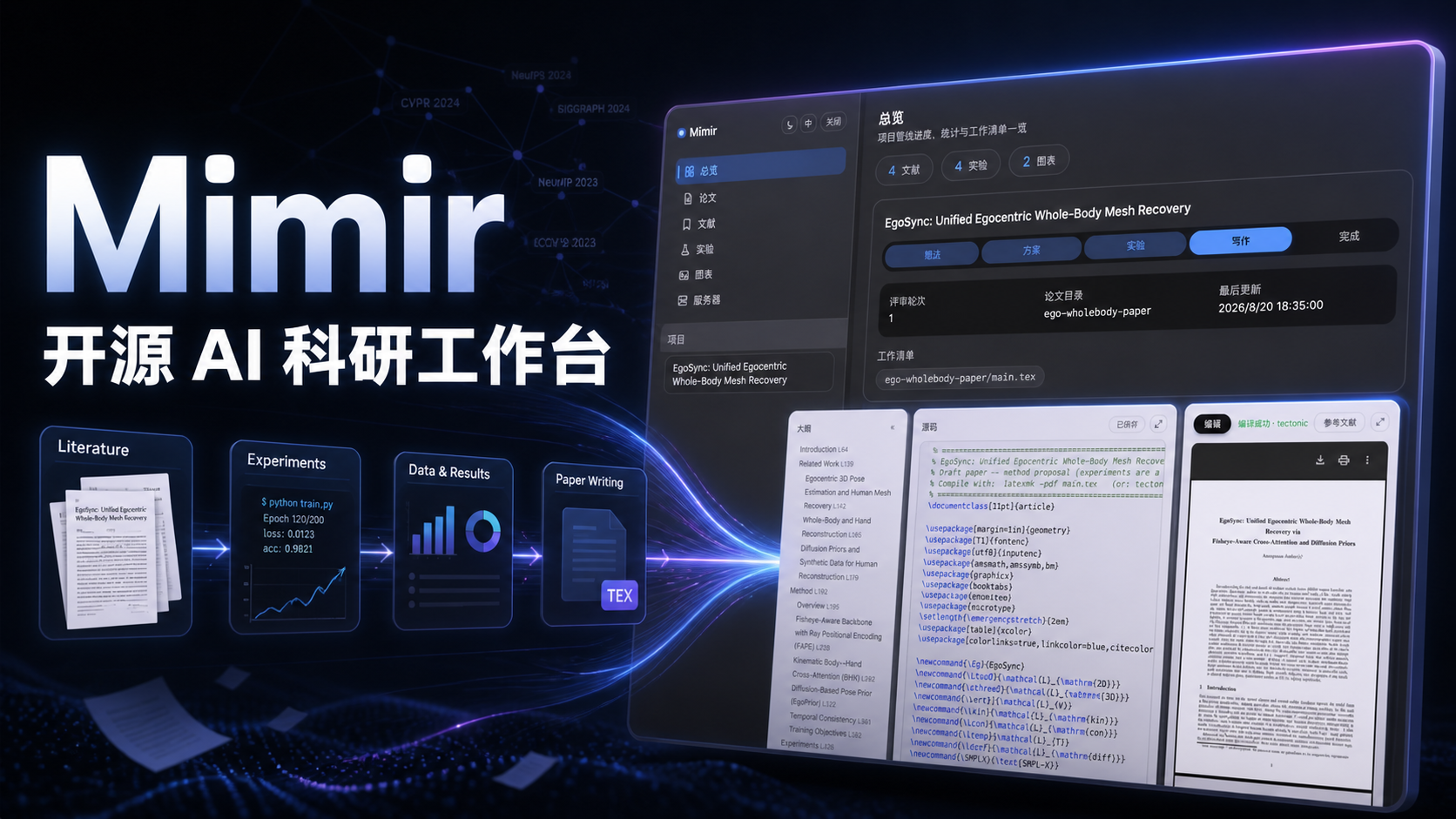
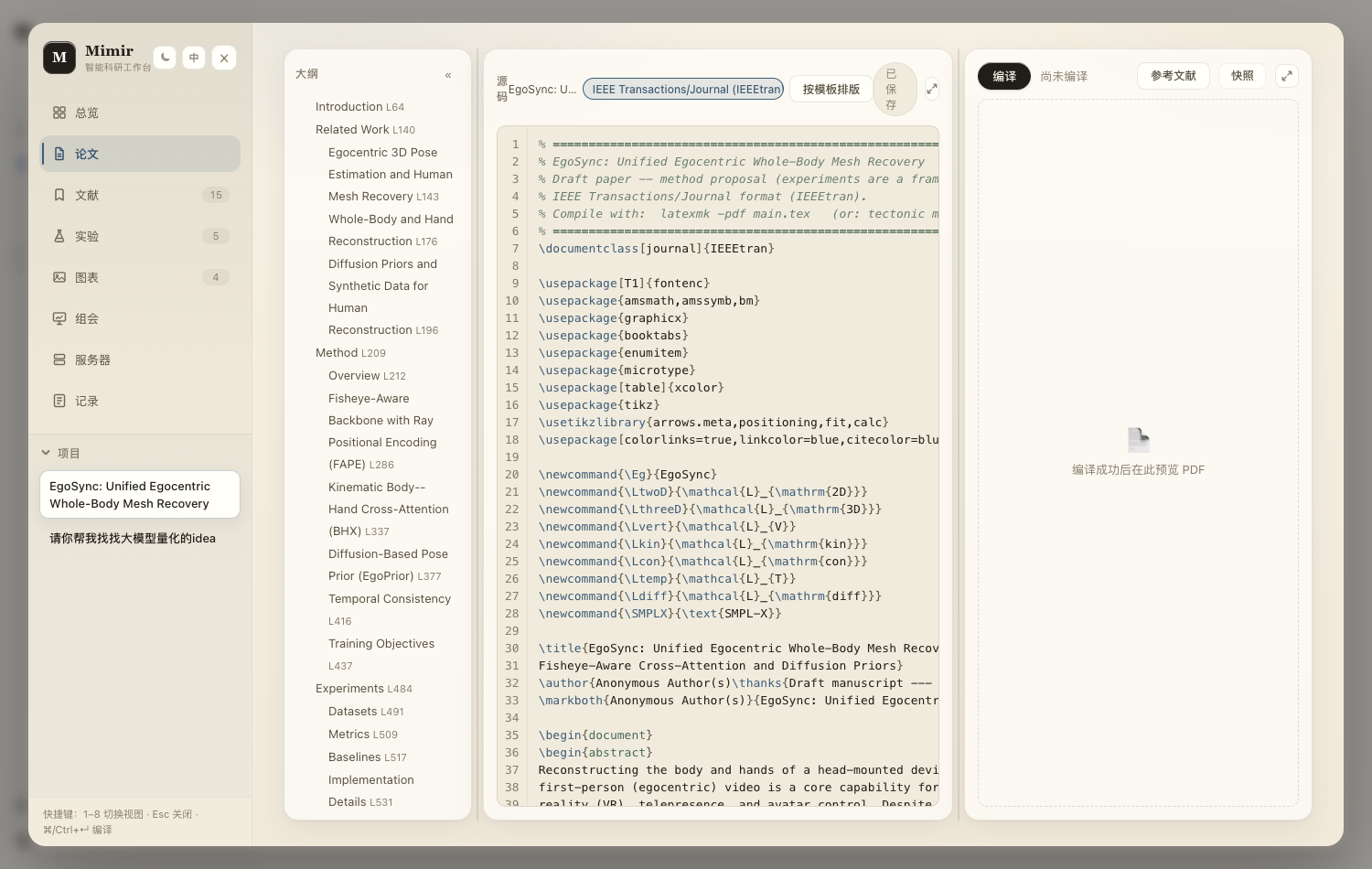
 Mimir is an open-source research-workbench plugin that covers the whole research lifecycle: literature management, LaTeX paper writing and compiling, experiment tracking, figures, group-meeting decks, and remote GPU job orchestration, all driven by an AI agent.
Mimir is an open-source research-workbench plugin that covers the whole research lifecycle: literature management, LaTeX paper writing and compiling, experiment tracking, figures, group-meeting decks, and remote GPU job orchestration, all driven by an AI agent.Is this a standalone app or a plugin for something else?It's an npm package (dsh-mimir) that plugs into the dsh CLI/agent platform, adding a nine-view web workbench accessible from dsh's sidebar rather than running as its own application.
It's an npm package (dsh-mimir) that plugs into the dsh CLI/agent platform, adding a nine-view web workbench accessible from dsh's sidebar rather than running as its own application.How do I get it running?Install the dsh CLI globally with 'npm install -g @deepseek-ai/dsh', then run 'dsh plugin --profile web add dsh-mimir' and click Mimir in the sidebar footer.
Install the dsh CLI globally with 'npm install -g @deepseek-ai/dsh', then run 'dsh plugin --profile web add dsh-mimir' and click Mimir in the sidebar footer.Do I need anything besides Node and the dsh CLI?You need Node.js 22 or newer, the dsh CLI, and a DEEPSEEK_API_KEY for agent sessions; a LaTeX engine (e.g. via 'brew install tectonic') is needed for paper compilation and a SearXNG instance for web search, both optional.
You need Node.js 22 or newer, the dsh CLI, and a DEEPSEEK_API_KEY for agent sessions; a LaTeX engine (e.g. via 'brew install tectonic') is needed for paper compilation and a SearXNG instance for web search, both optional.Any install pitfalls I should know about?dsh's pnpm-based plugin store can hold back fresh releases, so on an old dsh you may need to pin an exact older dsh-mimir version; newer Mimir releases also require a minimum dsh version due to upstream breaking changes.
dsh's pnpm-based plugin store can hold back fresh releases, so on an old dsh you may need to pin an exact older dsh-mimir version; newer Mimir releases also require a minimum dsh version due to upstream breaking changes.Who is this built for?Researchers and grad students running the full academic cycle — literature review, paper writing, experiments on GPU servers, and conference deadline tracking — who already use the dsh agent platform.
Researchers and grad students running the full academic cycle — literature review, paper writing, experiments on GPU servers, and conference deadline tracking — who already use the dsh agent platform.Which operating systems does it run on?As an npm/Node package it runs wherever dsh and Node.js 22+ run, which the project lists as Linux, macOS and Windows.
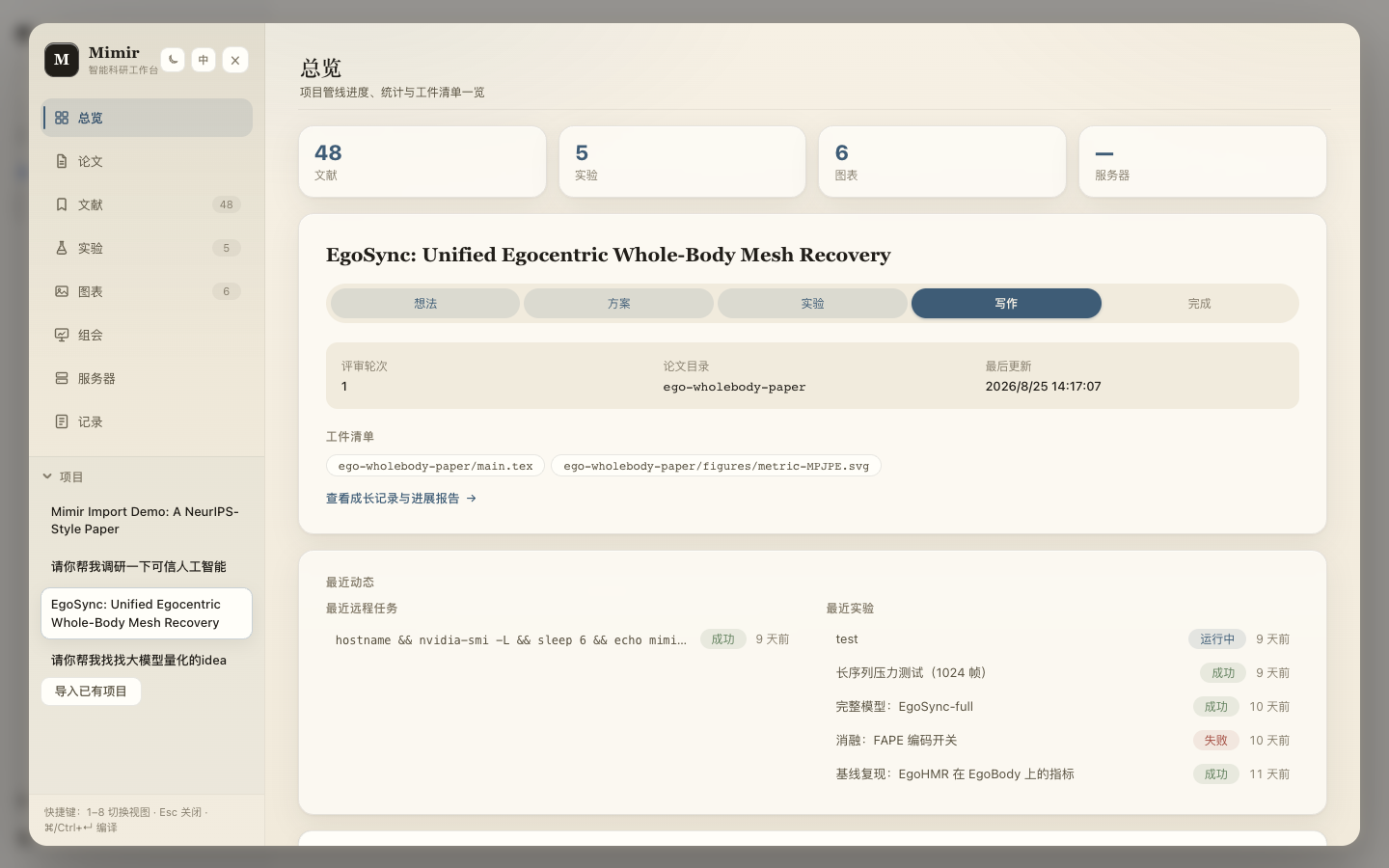
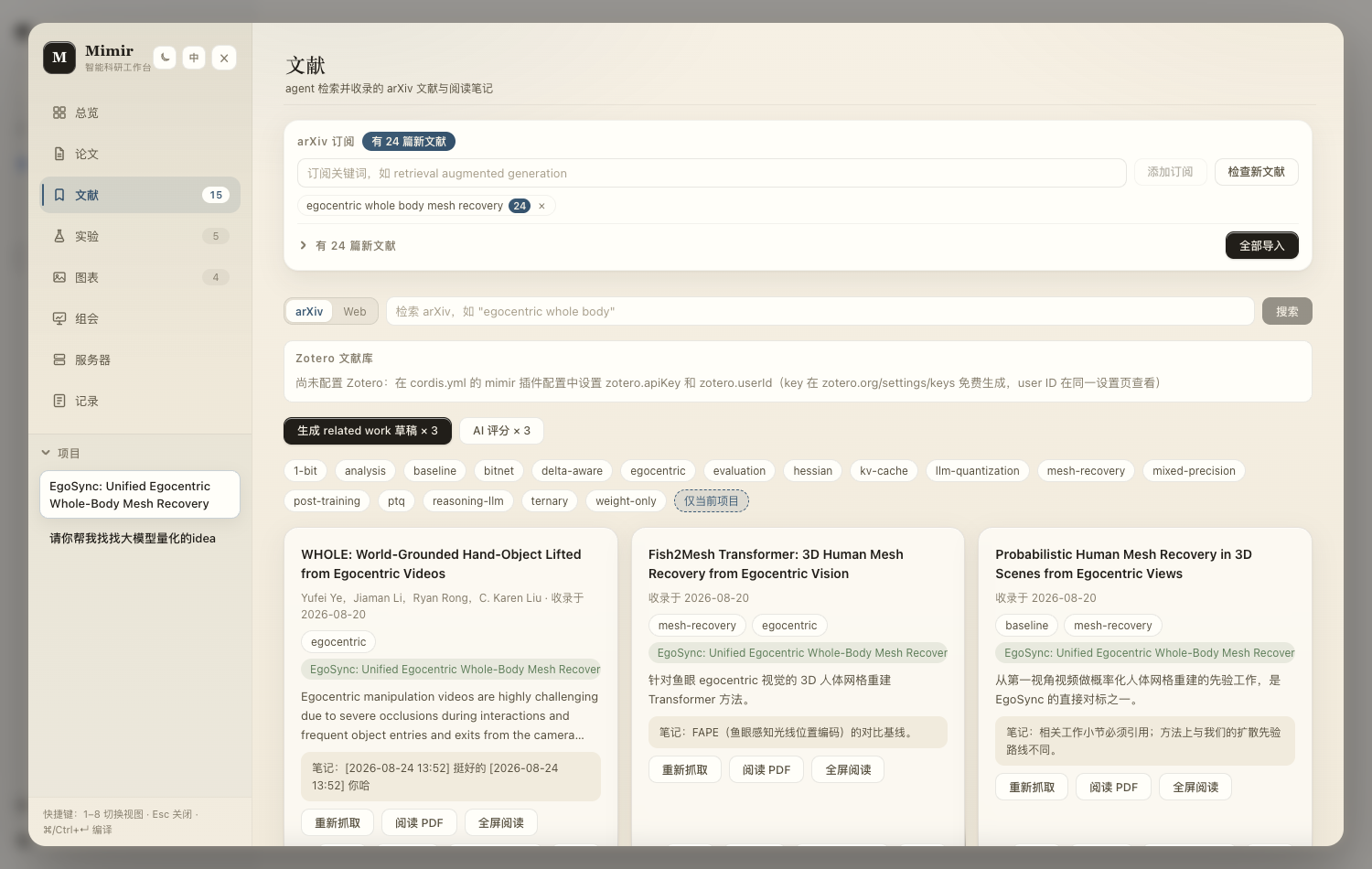
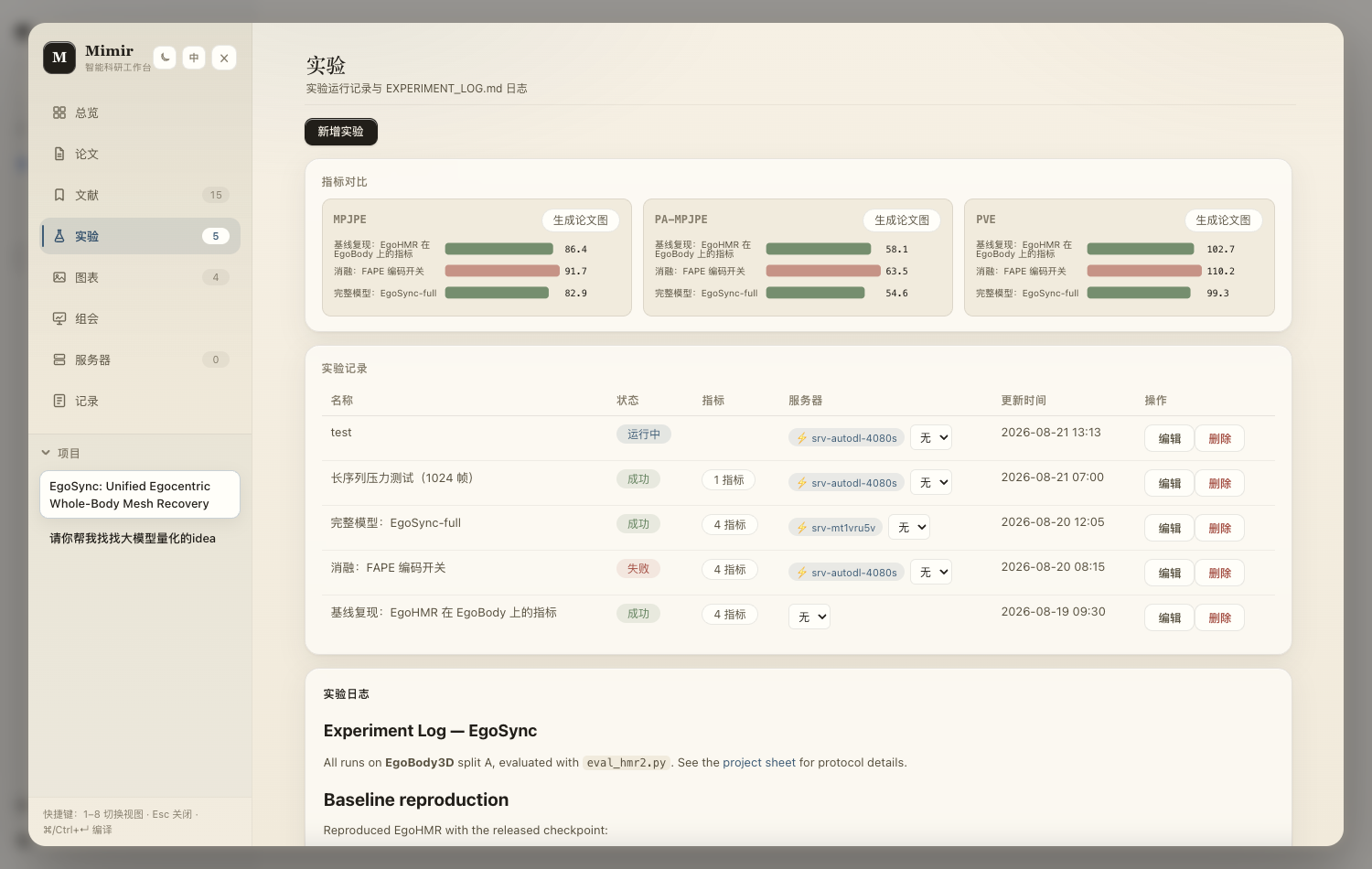
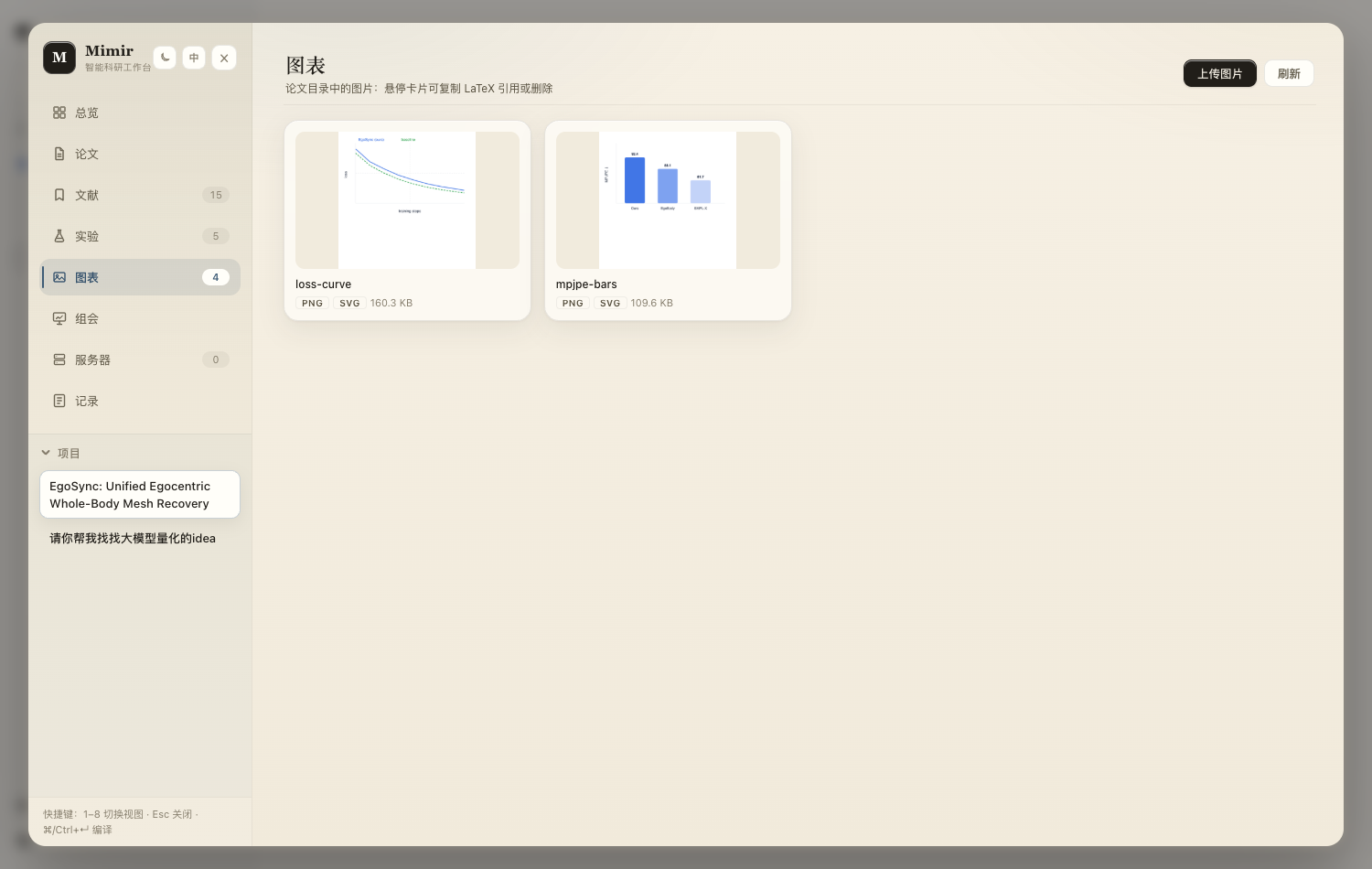
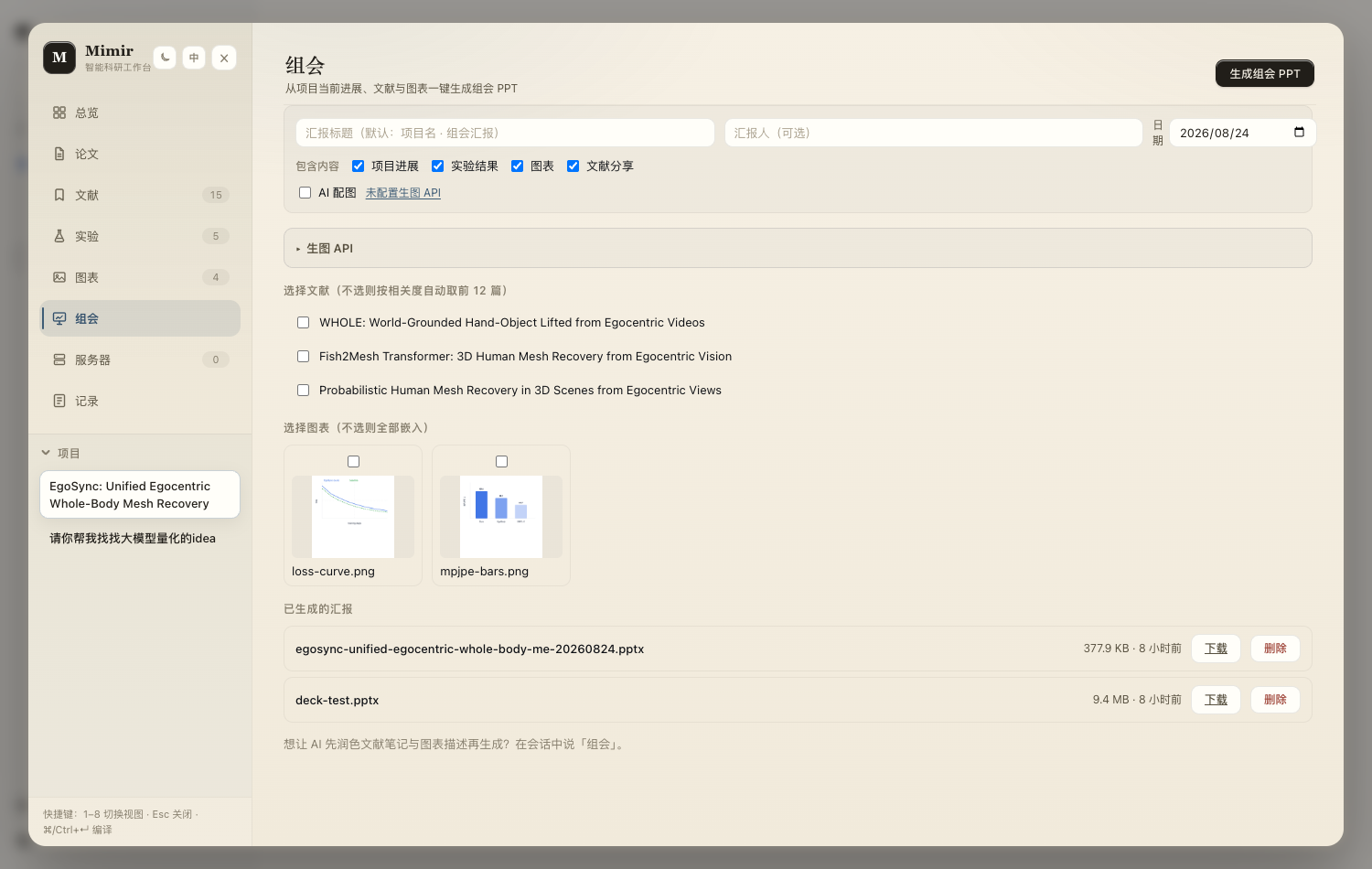
As an npm/Node package it runs wherever dsh and Node.js 22+ run, which the project lists as Linux, macOS and Windows.What are the nine views in the Mimir workbench?Overview, Paper (LaTeX studio), Library (arXiv/web search), Experiments (metric charts), Figures, Meetings (group-meeting decks), Servers (GPU jobs), Ledger (research journal), and Venues (CCF conference/journal deadlines).
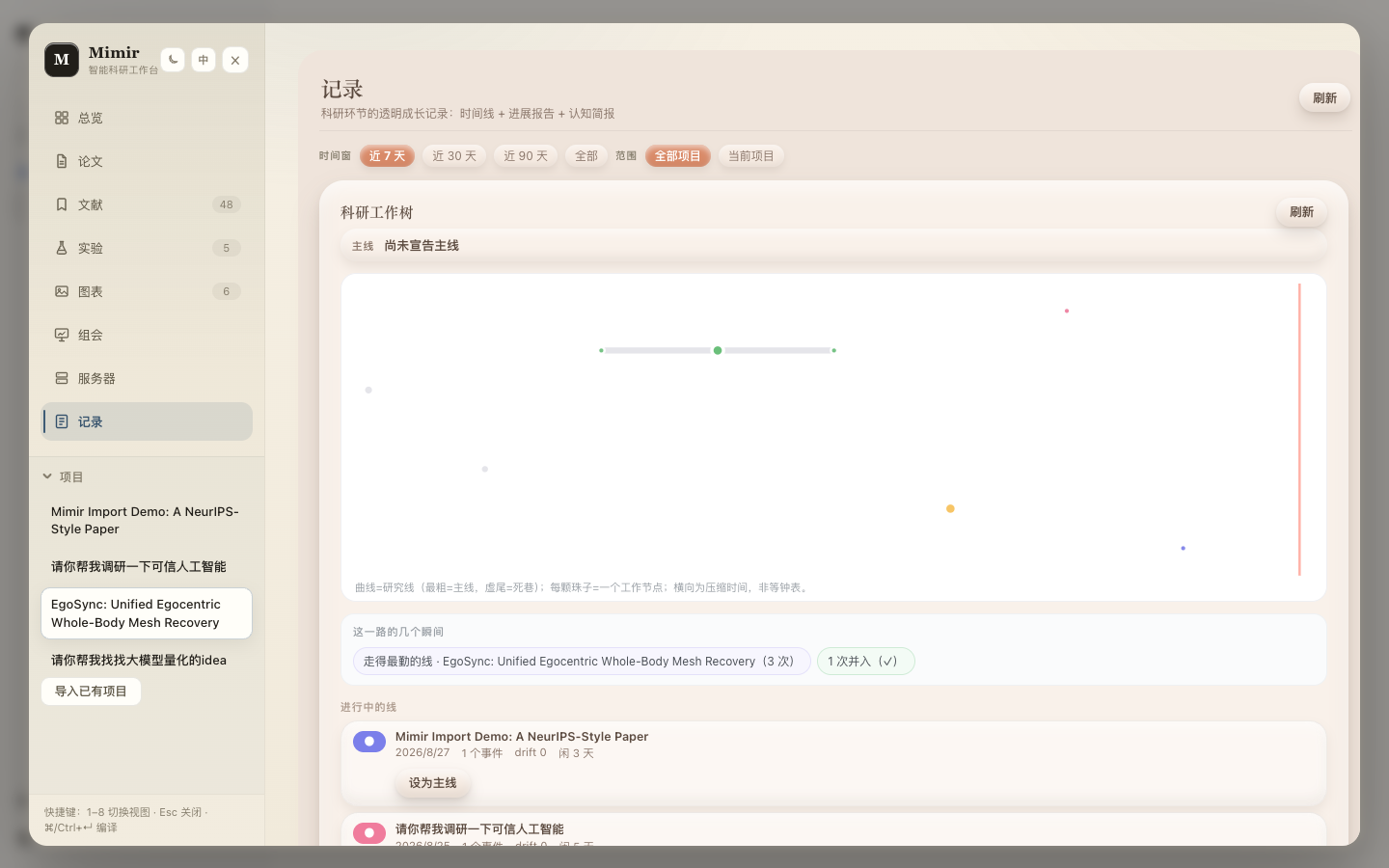
Overview, Paper (LaTeX studio), Library (arXiv/web search), Experiments (metric charts), Figures, Meetings (group-meeting decks), Servers (GPU jobs), Ledger (research journal), and Venues (CCF conference/journal deadlines).What is the Ledger view?A humanized research journal that auto-captures idea evolution into a worktree, generates six-perspective digest capsules, and can produce a one-click progress report.
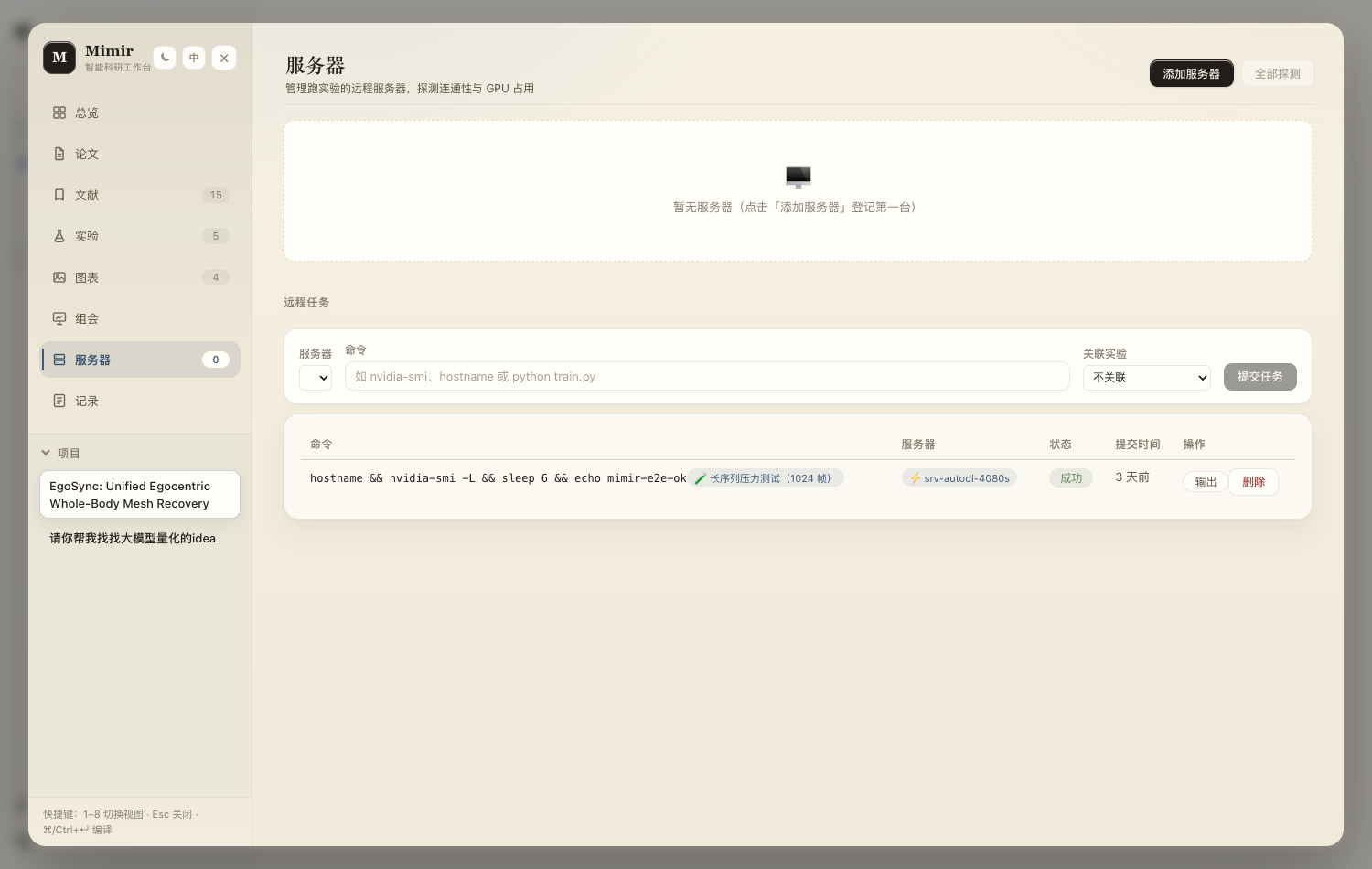
A humanized research journal that auto-captures idea evolution into a worktree, generates six-perspective digest capsules, and can produce a one-click progress report.Can Mimir manage remote GPU servers?Yes — the Servers tab and agent tools (serverlist/servercheck/serversubmitjob/serverlistjobs) probe a GPU fleet over SSH and submit or track remote training jobs.
Yes — the Servers tab and agent tools (serverlist/servercheck/serversubmitjob/serverlistjobs) probe a GPU fleet over SSH and submit or track remote training jobs.Does it integrate with Zotero?Yes, setting zotero.apiKey and zotero.userId in the plugin config lets Mimir pull references from your Zotero library.
Yes, setting zotero.apiKey and zotero.userId in the plugin config lets Mimir pull references from your Zotero library.What are similar projects?dsh-univer-office, dsh-web, dsh-top100, cocode, dsh-lowtide, dsh-genui, oh-dsh, DSH-better-sidebar
dsh-univer-office, dsh-web, dsh-top100, cocode, dsh-lowtide, dsh-genui, oh-dsh, DSH-better-sidebarWhich topics is it in?zotero, paper-writing, research-tools, arxiv, latex, academic, ssh, dsh, dsh-plugin, deepseek-harness, data-visualization, skill
zotero, paper-writing, research-tools, arxiv, latex, academic, ssh, dsh, dsh-plugin, deepseek-harness, data-visualization, skill