 MuTracer


Что это такое?
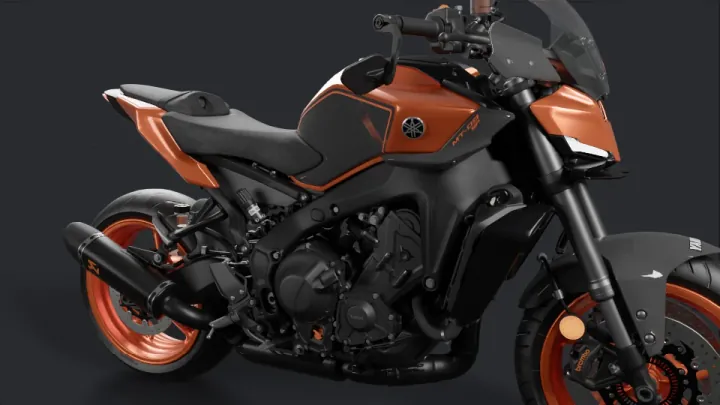
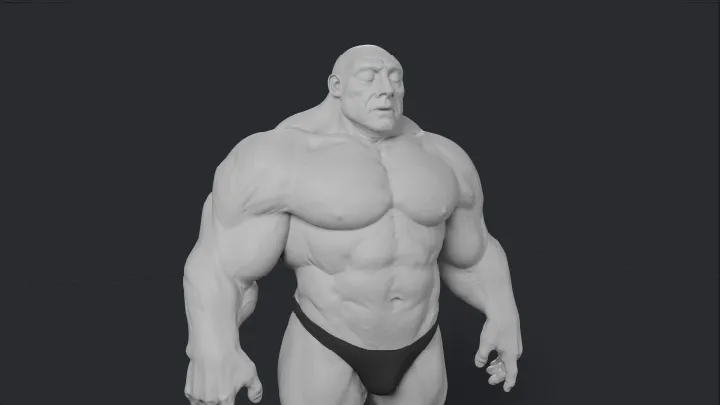
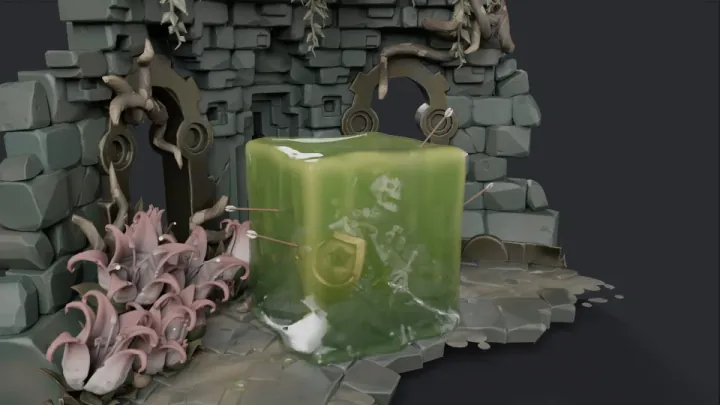
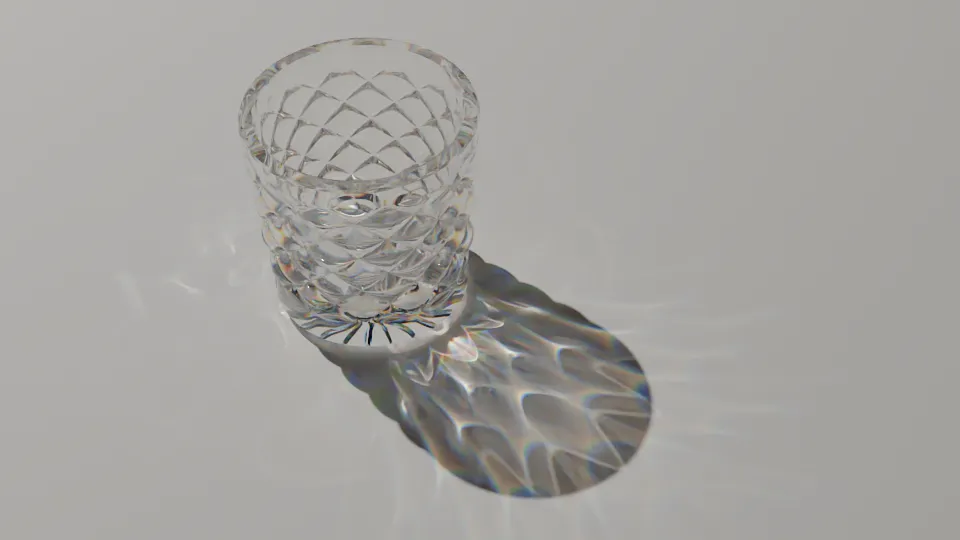
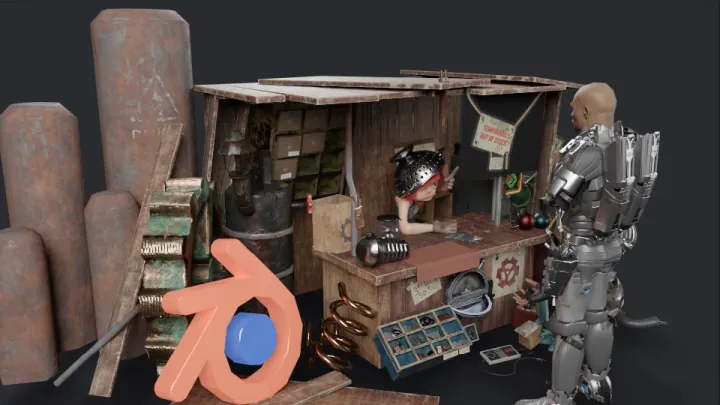
 MuTracer — физически корректный трассировщик путей для веба: он рендерит сцены через WebGPU (с откатом на WebGL 2), использует материалы OpenPBR, ускорение TinyBVH и встроенное шумоподавление.
Это самостоятельный рендерер или библиотека, которую встраивают?Это библиотека на JavaScript/TypeScript, которую устанавливают и встраивают в веб-страницу. Она поставляется как сборка ESM с объявлениями TypeScript и как UMD-бандл, а не как самостоятельное приложение.
Это библиотека на JavaScript/TypeScript, которую устанавливают и встраивают в веб-страницу. Она поставляется как сборка ESM с объявлениями TypeScript и как UMD-бандл, а не как самостоятельное приложение.Как добавить её в веб-проект?Создайте или загрузите сцену Three.js как обычно, и THREESync будет поддерживать синхронизацию MuTracer с ней, а RenderLoop будет постепенно рендерить каждый кадр. Либо опишите меши, материалы, источники света и камеру напрямую через собственные классы сцены MuTracer.
Создайте или загрузите сцену Three.js как обычно, и THREESync будет поддерживать синхронизацию MuTracer с ней, а RenderLoop будет постепенно рендерить каждый кадр. Либо опишите меши, материалы, источники света и камеру напрямую через собственные классы сцены MuTracer.Нужен ли мне Three.js для работы с ней?Нет, у MuTracer собственная модель сцены. Но Three.js (для GLTFLoader и THREESync) и gl-matrix (для матричных вычислений) понадобятся, если вы хотите загружать сцены glTF или переиспользовать материалы и источники света из Three.js.
Нет, у MuTracer собственная модель сцены. Но Three.js (для GLTFLoader и THREESync) и gl-matrix (для матричных вычислений) понадобятся, если вы хотите загружать сцены glTF или переиспользовать материалы и источники света из Three.js.API уже стабильный?Нет, версия ещё до 1.0, поэтому API может меняться между минорными релизами.
Нет, версия ещё до 1.0, поэтому API может меняться между минорными релизами.Нужен ли WebGPU или можно обойтись без него?WebGPU рекомендуется и необходим для таких возможностей, как шумоподавление OIDN и вывод HDR. Но в браузерах без поддержки WebGPU рендер автоматически переключается на WebGL 2, которому нужно расширение EXT_color_buffer_float.
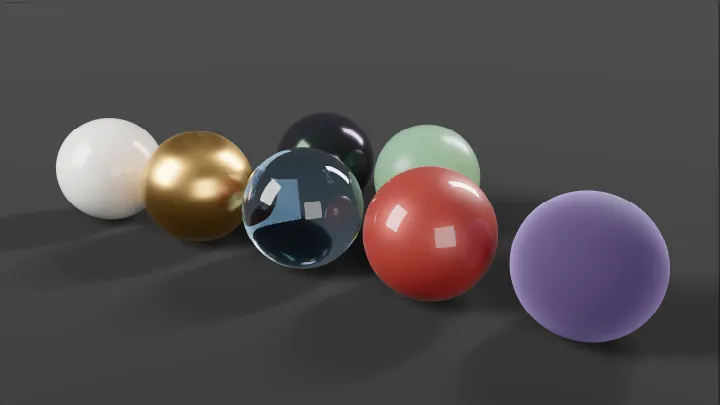
WebGPU рекомендуется и необходим для таких возможностей, как шумоподавление OIDN и вывод HDR. Но в браузерах без поддержки WebGPU рендер автоматически переключается на WebGL 2, которому нужно расширение EXT_color_buffer_float.Что такое OpenPBR и зачем он здесь нужен?OpenPBR 1.1 — это модель физически корректной поверхности, которую реализует MuTracer: металлы F82, анизотропный зеркальный блик GGX и слой покрытия (coat), интерференция тонких плёнок, дисперсное пропускание с поглощением и подповерхностное рассеяние. Благодаря этому материалы выглядят точно без дополнительной настройки.
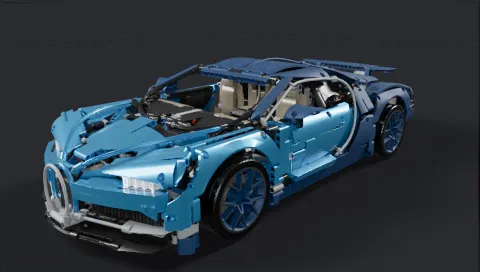
OpenPBR 1.1 — это модель физически корректной поверхности, которую реализует MuTracer: металлы F82, анизотропный зеркальный блик GGX и слой покрытия (coat), интерференция тонких плёнок, дисперсное пропускание с поглощением и подповерхностное рассеяние. Благодаря этому материалы выглядят точно без дополнительной настройки.Справится ли он с тяжёлыми сценами с большим числом полигонов?Да. Двухуровневый BVH, построенный методом binned SAH в параллельных воркерах (порт TinyBVH или его сборщик на WebAssembly), позволяет трассировать путь в интерактивном режиме. Модель Bugatti Chiron из 4,6 млн треугольников рендерится в 1920x1080, 64spp примерно за 12 секунд на Apple M4 Max.
Да. Двухуровневый BVH, построенный методом binned SAH в параллельных воркерах (порт TinyBVH или его сборщик на WebAssembly), позволяет трассировать путь в интерактивном режиме. Модель Bugatti Chiron из 4,6 млн треугольников рендерится в 1920x1080, 64spp примерно за 12 секунд на Apple M4 Max.Есть ли шумоподавление?Да. Оно поддерживает шумоподавление с направляющими данными альбедо и нормалей с помощью Intel Open Image Denoise на WebGPU, или совместный фильтр нелокальных средних, который работает и на WebGPU, и на WebGL 2.
Да. Оно поддерживает шумоподавление с направляющими данными альбедо и нормалей с помощью Intel Open Image Denoise на WebGPU, или совместный фильтр нелокальных средних, который работает и на WebGPU, и на WebGL 2.Можно ли экспортировать готовый рендер?Да. Метод converge() создаёт детерминированный кадр с адаптивной к дисперсии финальной обработкой: тонального отображения (AgX, ACES, Cineon, Reinhard, linear), цветокоррекцию, свечение, глубину резкости и прозрачный фон. Эти эффекты также применяются при экспорте в PNG.
Да. Метод converge() создаёт детерминированный кадр с адаптивной к дисперсии финальной обработкой: тонального отображения (AgX, ACES, Cineon, Reinhard, linear), цветокоррекцию, свечение, глубину резкости и прозрачный фон. Эти эффекты также применяются при экспорте в PNG.Какие есть похожие проекты?crucible, natural-disasters, filament, threepp, wgpu, engine, crosstl, Babylon.js
crucible, natural-disasters, filament, threepp, wgpu, engine, crosstl, Babylon.jsВ каких он темах?ray-tracing, pbr, real-time-rendering, wgpu, webgl2, graphics-programming, webgpu, computer-graphics, threejs, rendering, wasm, 3d
ray-tracing, pbr, real-time-rendering, wgpu, webgl2, graphics-programming, webgpu, computer-graphics, threejs, rendering, wasm, 3d- Автор
- pissang
- Размер
- 46.1 MB
- Звёзды
- 189
- Обновлён
- КоммитNov 07Релизv0.3.1Nov 05
- Возраст
- 1 мес
- Коммиты · 90 дней