








这是什么?
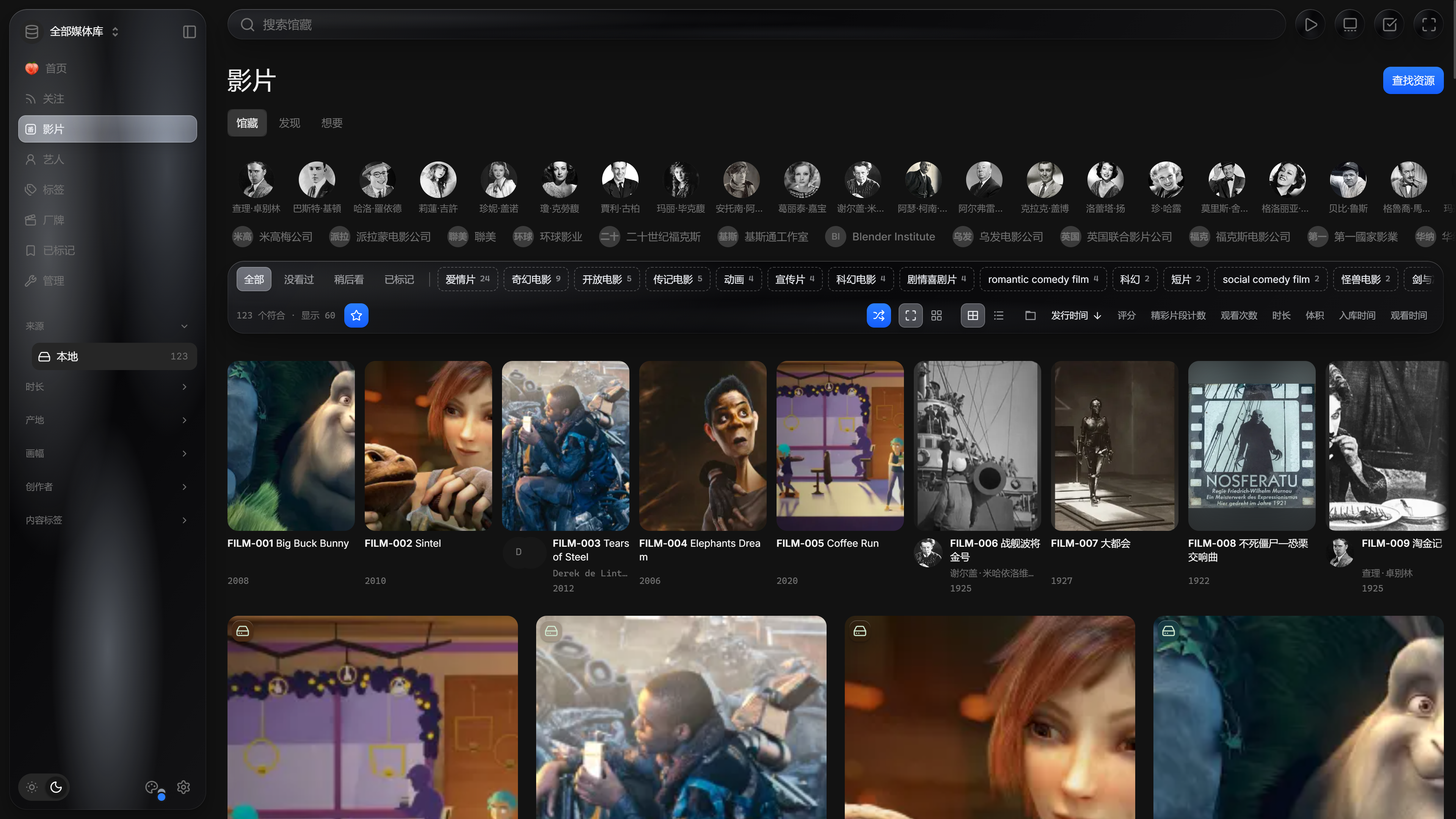
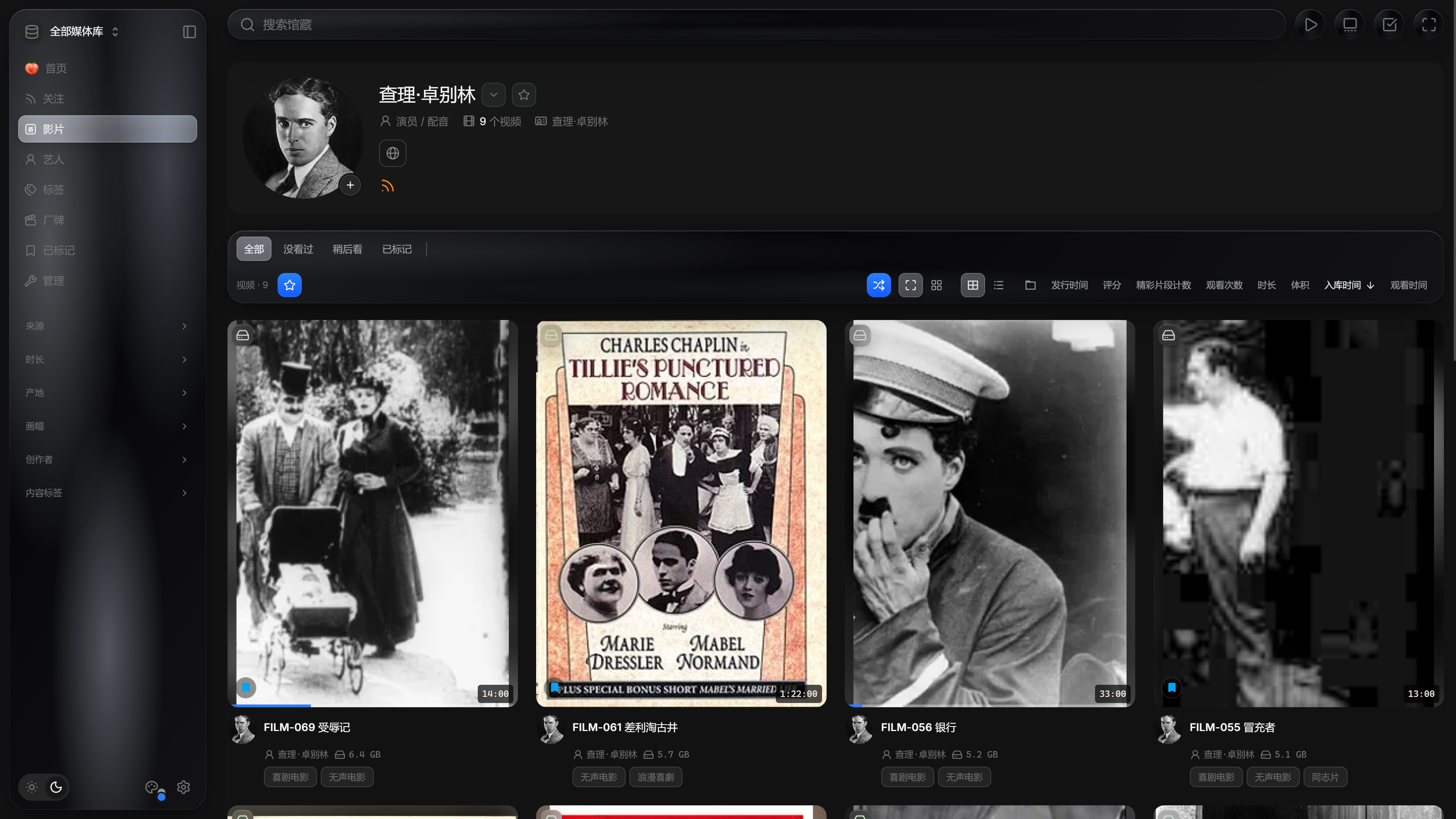
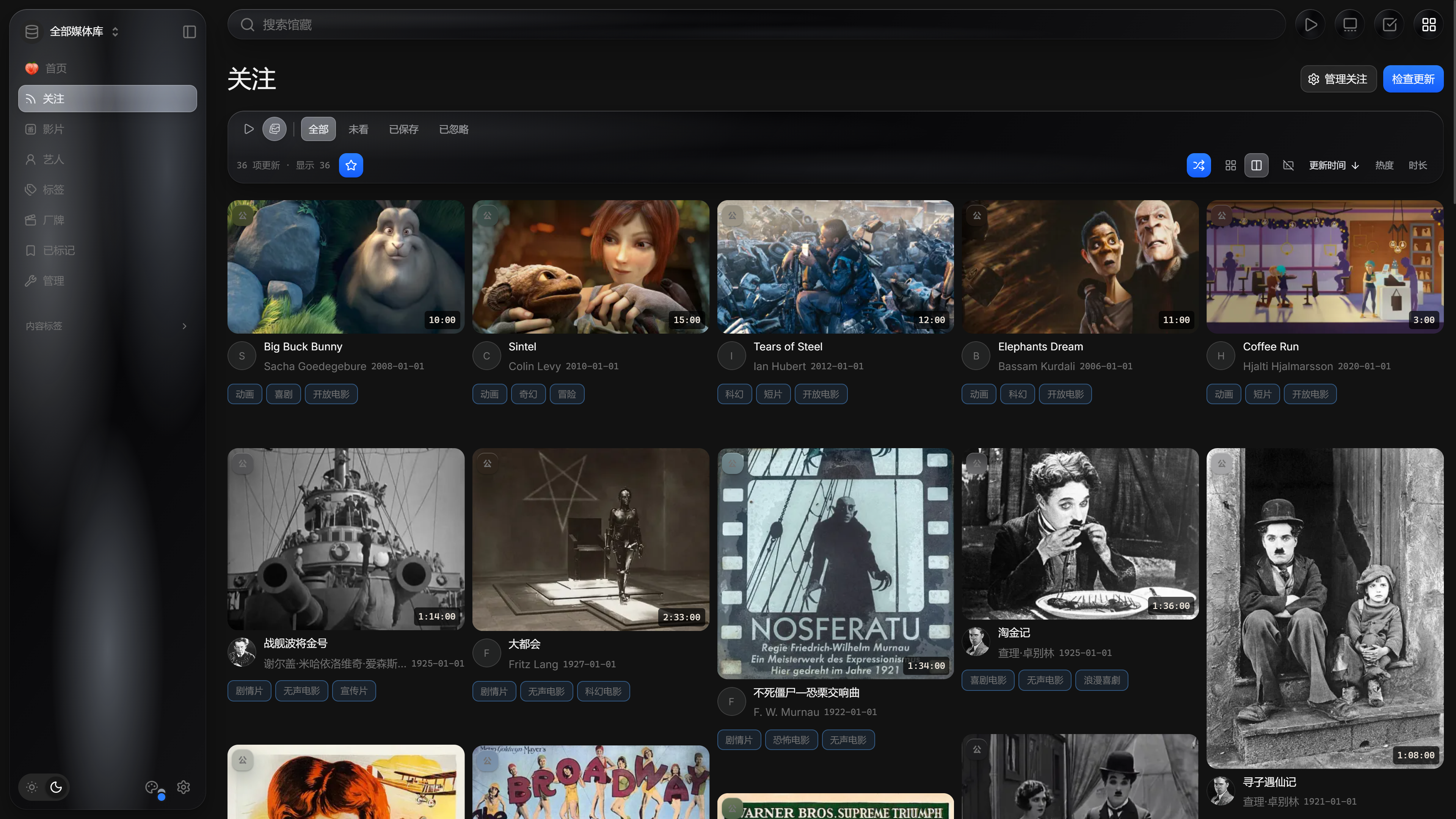
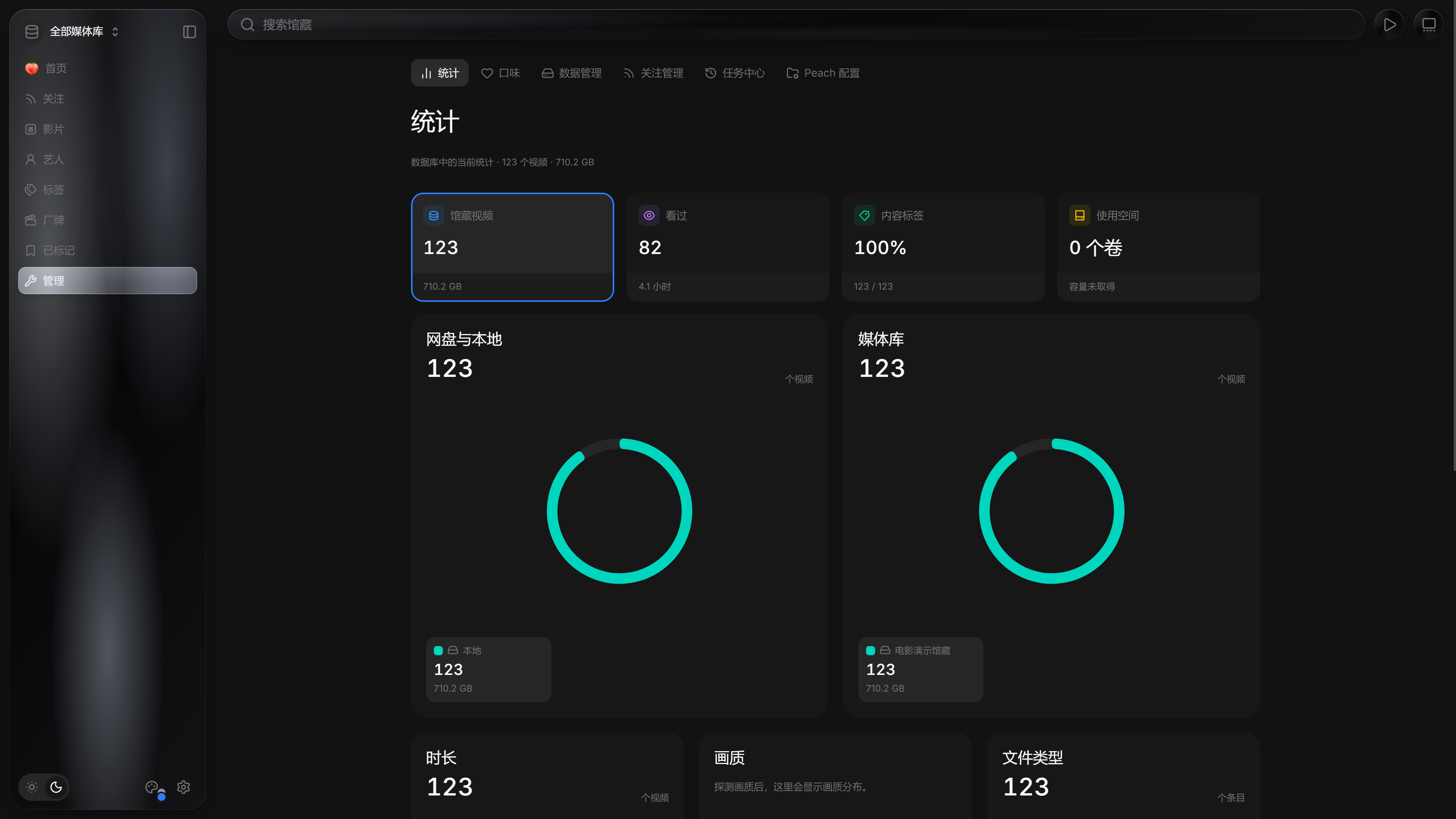
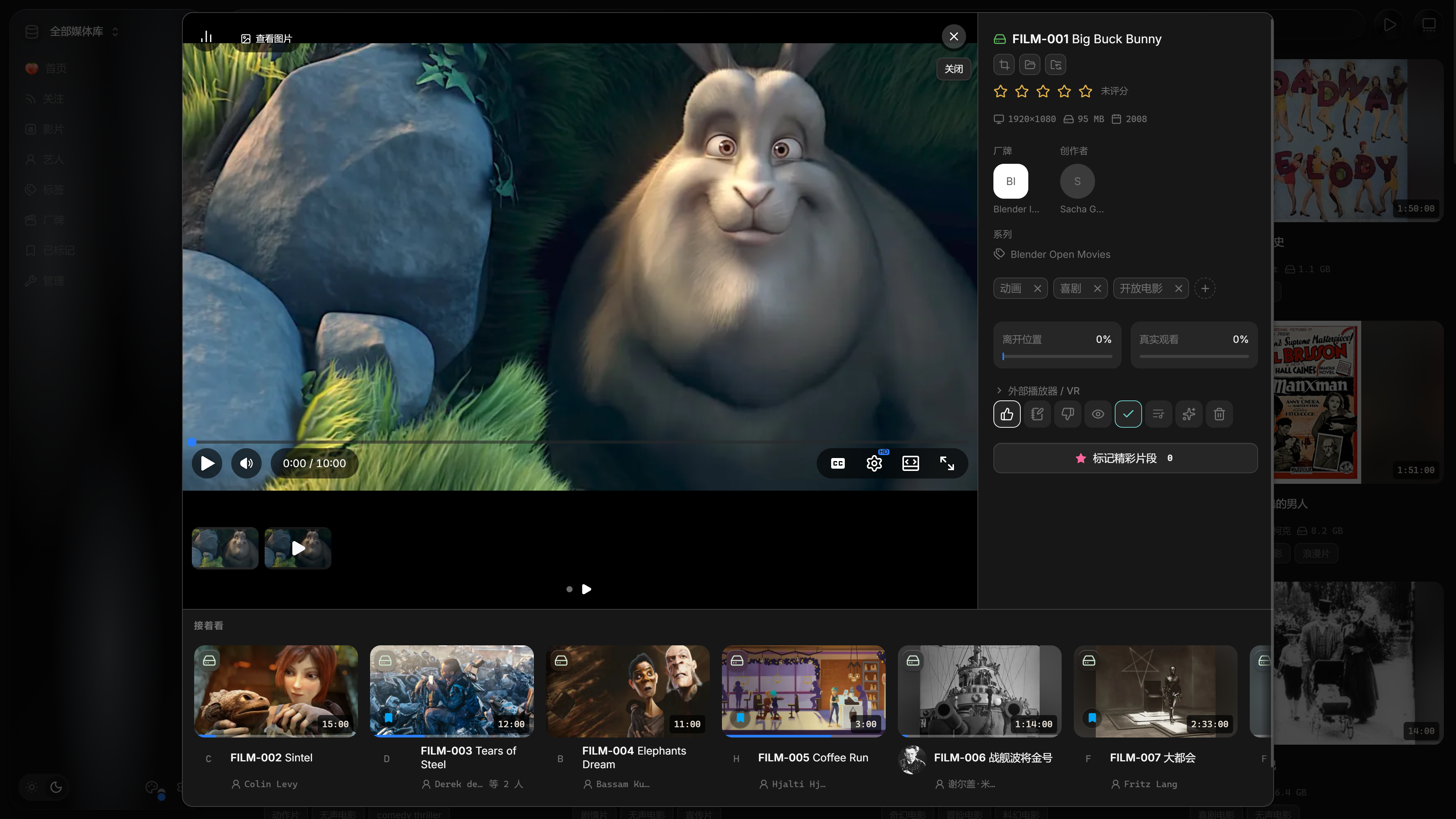
 Peach 是一个单用户、本地优先的个人媒体系统,可将你的本地硬盘、已挂载的云盘以及关注的创作者整合到一个私人资料库中。它专为成年人管理成人内容(JAV)收藏而设计。
这是网页应用,还是需要自己运行的软件?这是需要你在自己的电脑或服务器上运行的自托管软件,可以是 Windows 安装版或便携版应用、在本地构建的 macOS 应用,或部署在 VPS/NAS 上的 Docker 版本。没有官方托管服务。
这是需要你在自己的电脑或服务器上运行的自托管软件,可以是 Windows 安装版或便携版应用、在本地构建的 macOS 应用,或部署在 VPS/NAS 上的 Docker 版本。没有官方托管服务。Windows 上怎么运行?从 Releases 下载完整安装包 'Peach-*-windows-x64-setup.exe' 并运行(无需管理员权限),或者下载便携版压缩包并运行 Peach.exe。然后在浏览器中打开首次设置页面,选择媒体文件夹并开始扫描。
从 Releases 下载完整安装包 'Peach-*-windows-x64-setup.exe' 并运行(无需管理员权限),或者下载便携版压缩包并运行 Peach.exe。然后在浏览器中打开首次设置页面,选择媒体文件夹并开始扫描。我需要先自己挂载云盘吗?需要。115、PikPak 或 OneDrive 等网络盘必须先以本地文件夹的形式挂载(例如通过 CloudDrive2),Peach 才能将其纳入资料库。云下载到 115/PikPak 则通过其自身的登录令牌单独工作。
需要。115、PikPak 或 OneDrive 等网络盘必须先以本地文件夹的形式挂载(例如通过 CloudDrive2),Peach 才能将其纳入资料库。云下载到 115/PikPak 则通过其自身的登录令牌单独工作。扫描或整理会改动我的原始文件吗?扫描和获取元数据绝不会修改原始文件。手动整理可能会重命名或移动文件,清空回收站(或资源同步期间的清理)会删除文件或空文件夹,这两种操作都需要先确认。
扫描和获取元数据绝不会修改原始文件。手动整理可能会重命名或移动文件,清空回收站(或资源同步期间的清理)会删除文件或空文件夹,这两种操作都需要先确认。云下载功能是如何工作的?粘贴磁力链接或按 JAV 番号搜索,提交到 115 或 PikPak,下载完成后 Peach 会自动将其整理进你的资料库。
粘贴磁力链接或按 JAV 番号搜索,提交到 115 或 PikPak,下载完成后 Peach 会自动将其整理进你的资料库。浏览 JavDB 或 MissAV 等网站时能添加视频吗?一款单独维护的浏览器用户脚本可以在 JavDB、MissAV 和 Jable 等网站上识别或选中番号,并直接发送到 Peach 的云下载器。
一款单独维护的浏览器用户脚本可以在 JavDB、MissAV 和 Jable 等网站上识别或选中番号,并直接发送到 Peach 的云下载器。扫描中断了怎么办?扫描、关注更新检查和新发布发现都会保存进度,因此重启后 Peach 会自动继续未完成的工作。
扫描、关注更新检查和新发布发现都会保存进度,因此重启后 Peach 会自动继续未完成的工作。我能在手机上观看收藏内容吗?首次设置时,你可以允许同一局域网内的其他设备访问;只需在手机上打开给出的地址,并设置访问密码即可。
首次设置时,你可以允许同一局域网内的其他设备访问;只需在手机上打开给出的地址,并设置访问密码即可。有哪些类似的项目?amane, VidBee, zfile, kiss-translator, Arrmada, FluentRead, HolyArrs, navidrome
amane, VidBee, zfile, kiss-translator, Arrmada, FluentRead, HolyArrs, navidrome它属于哪些主题?home-server, nas, media-server, userscript, metadata, cloud-storage, scraper, bilingual, vps, video-player, subtitles, agplv3
home-server, nas, media-server, userscript, metadata, cloud-storage, scraper, bilingual, vps, video-player, subtitles, agplv3