Your whole media server in one app — movies, TV, books and requests, without the arr stack.
Arrmada (tristenlammi/Arrmada)
Searching Database…
The project's README from github.com/tristenlammi/Arrmada. As one markdown file: README.md.

Your whole media server in one app — movies, TV, books and requests, without the *arr stack.
Install · Features · Docs · Issues
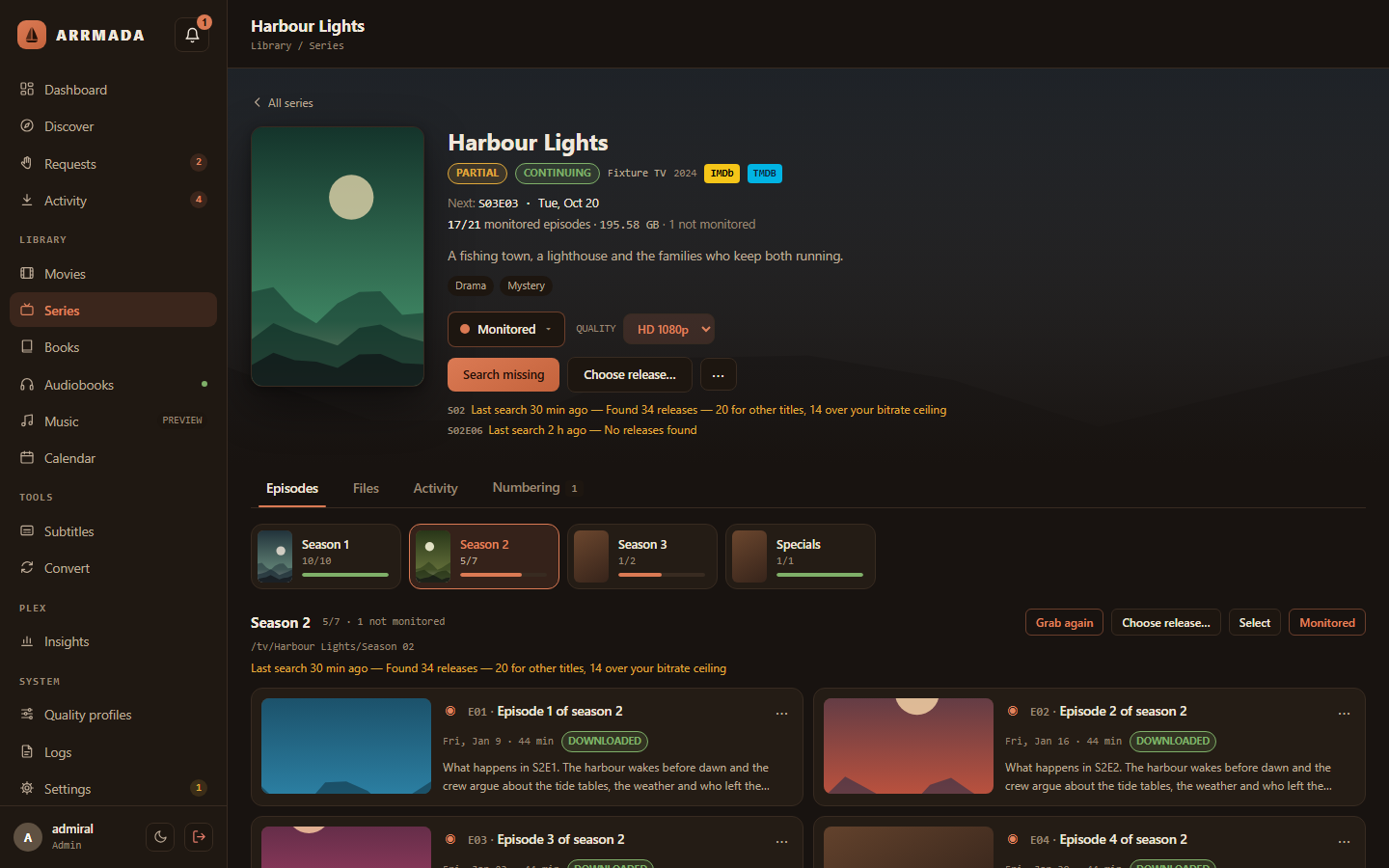
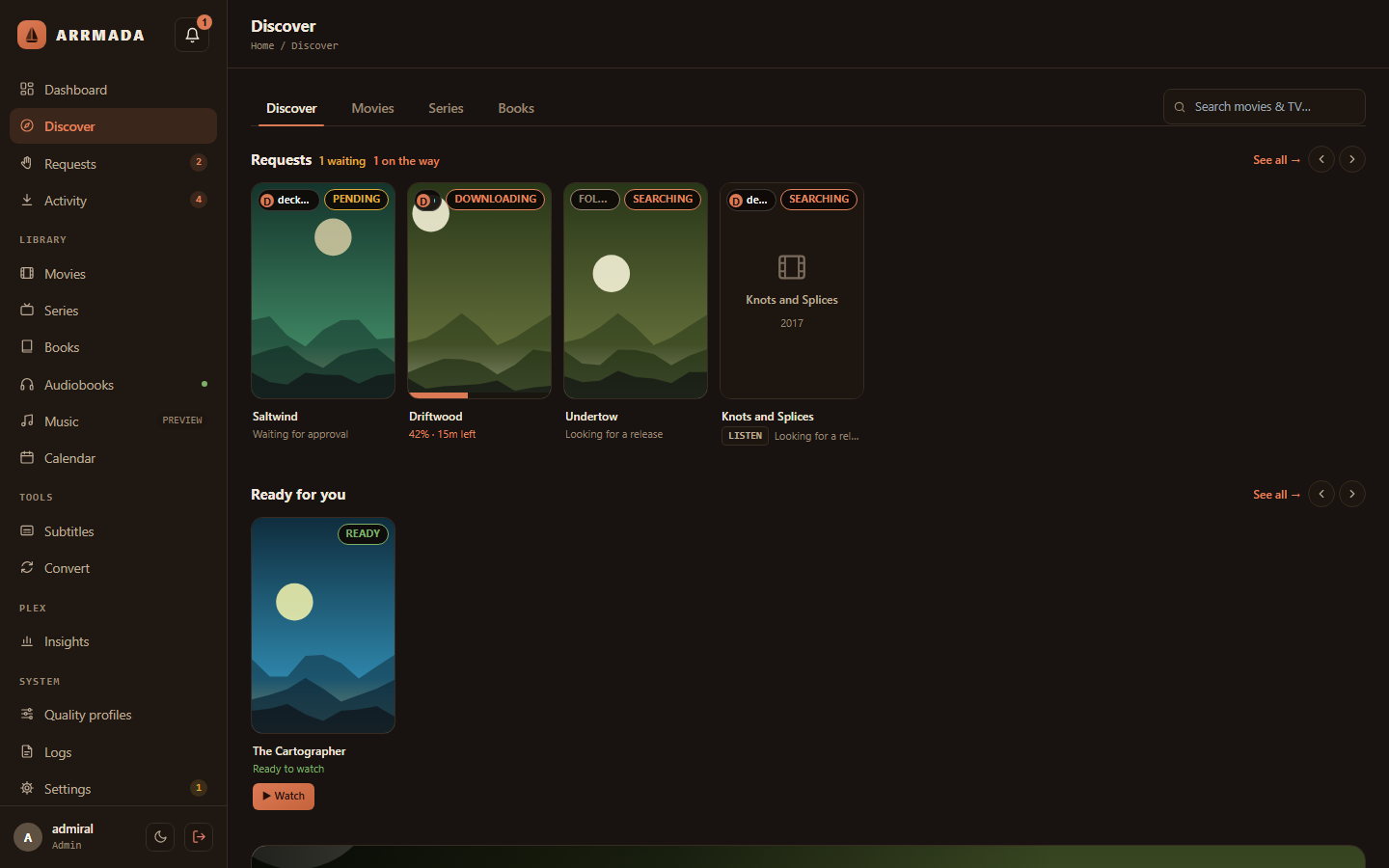
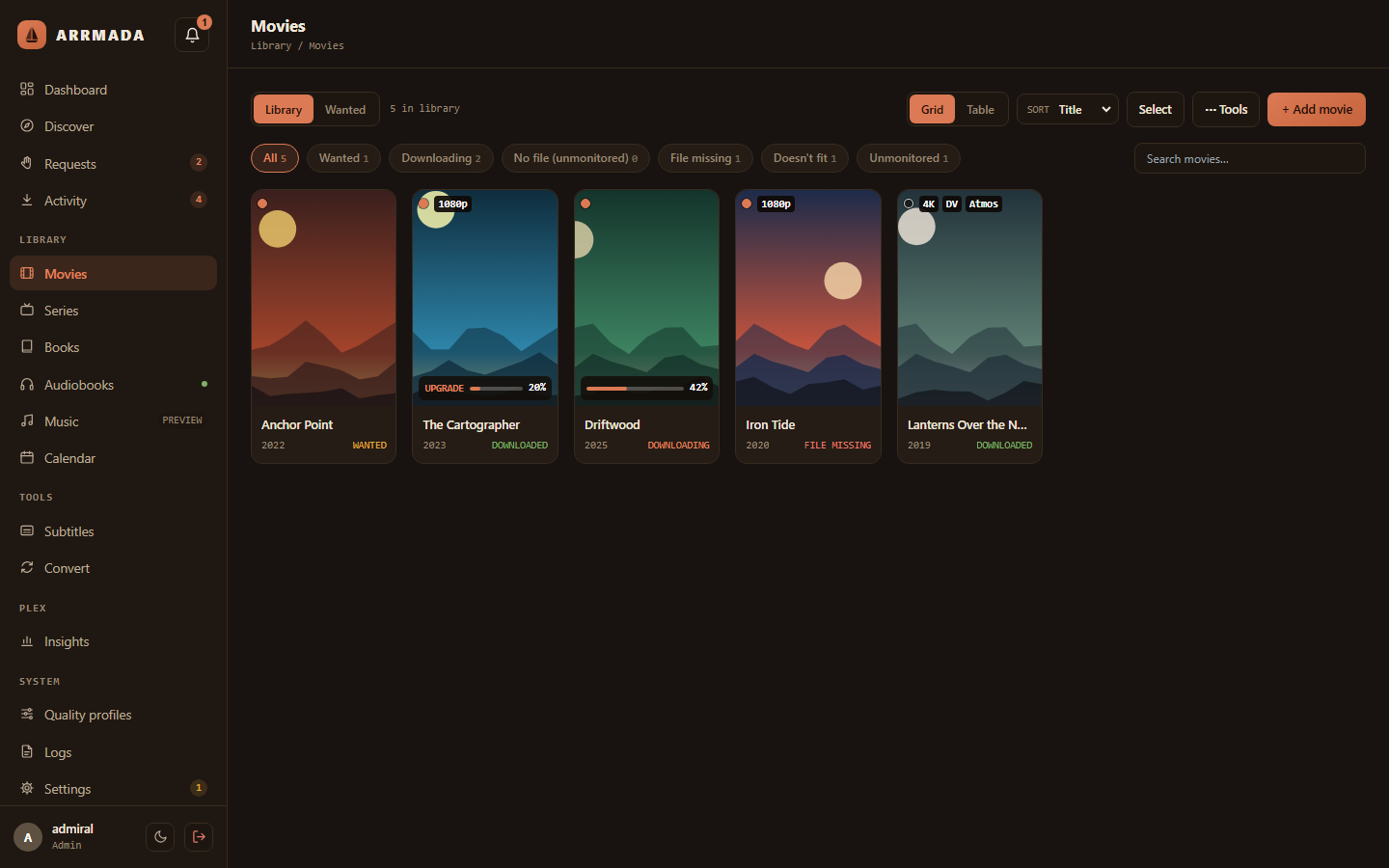
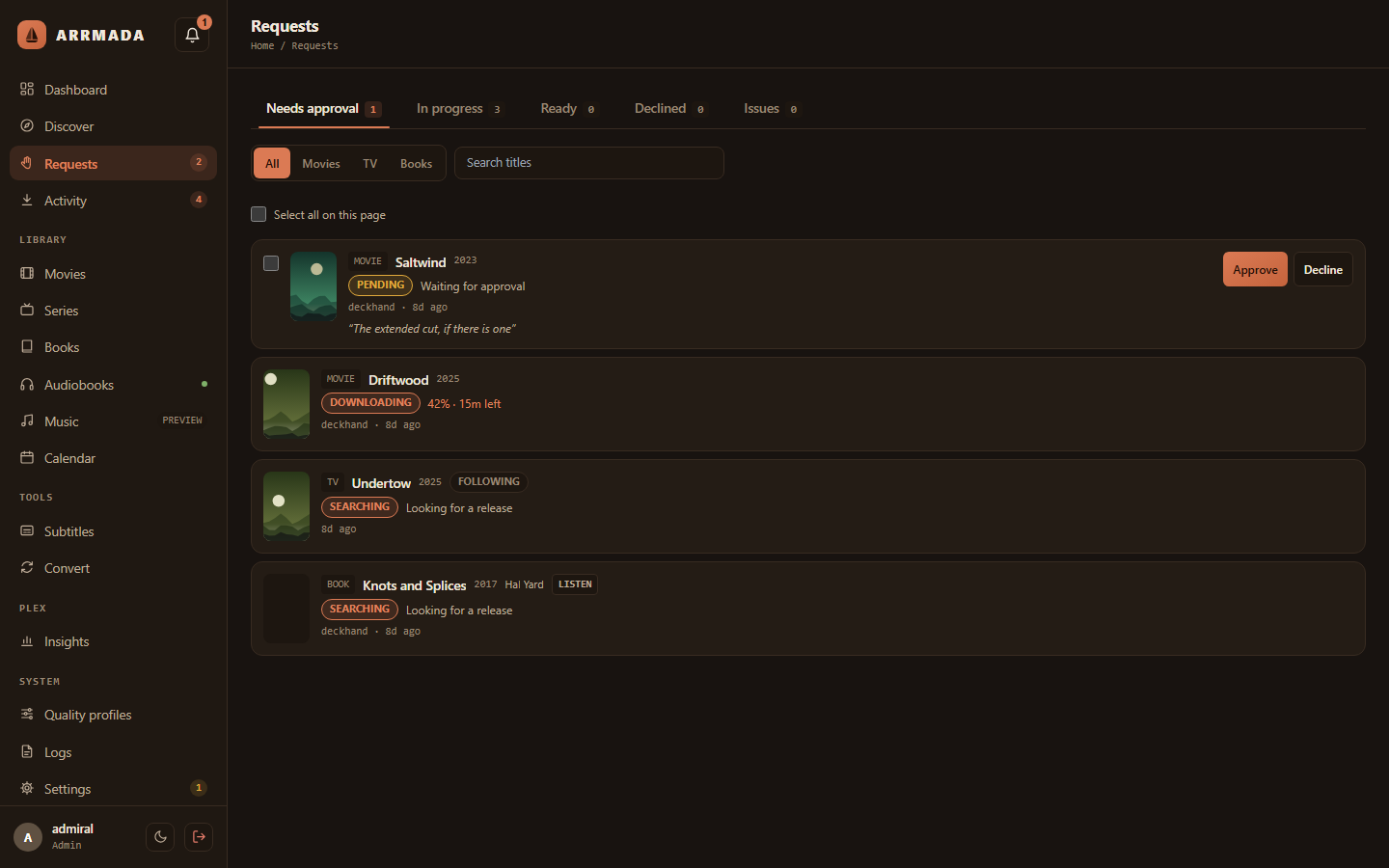
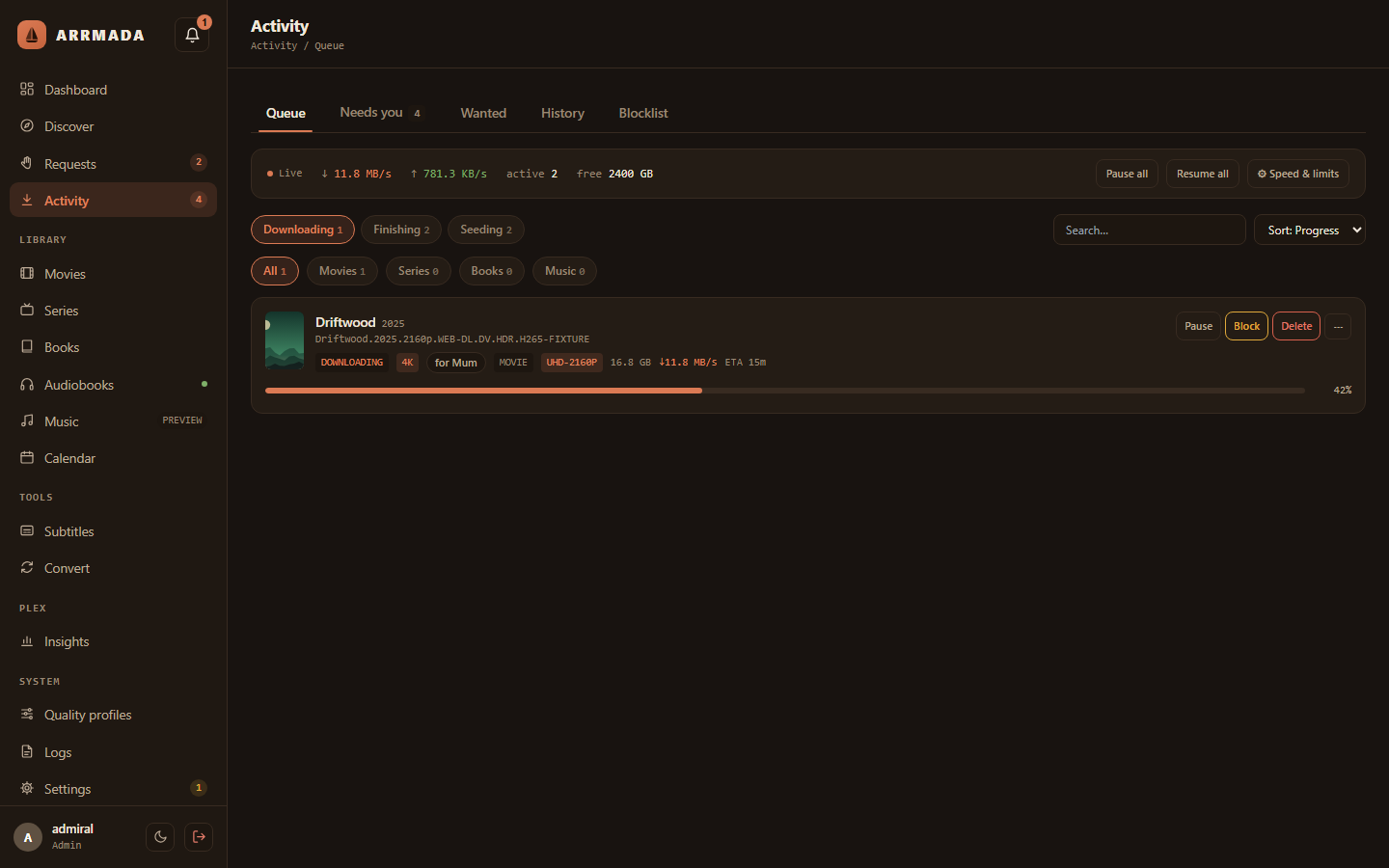
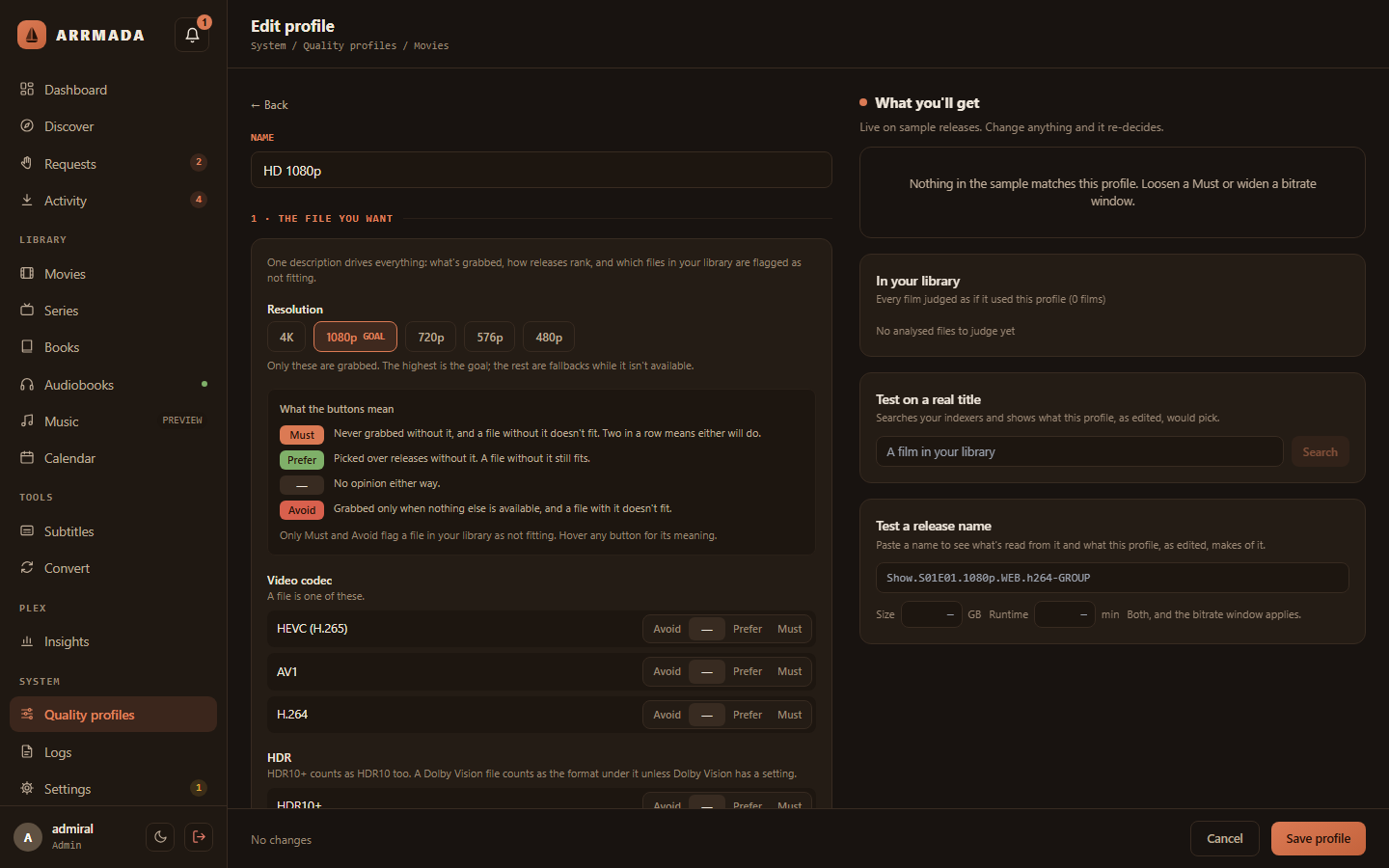
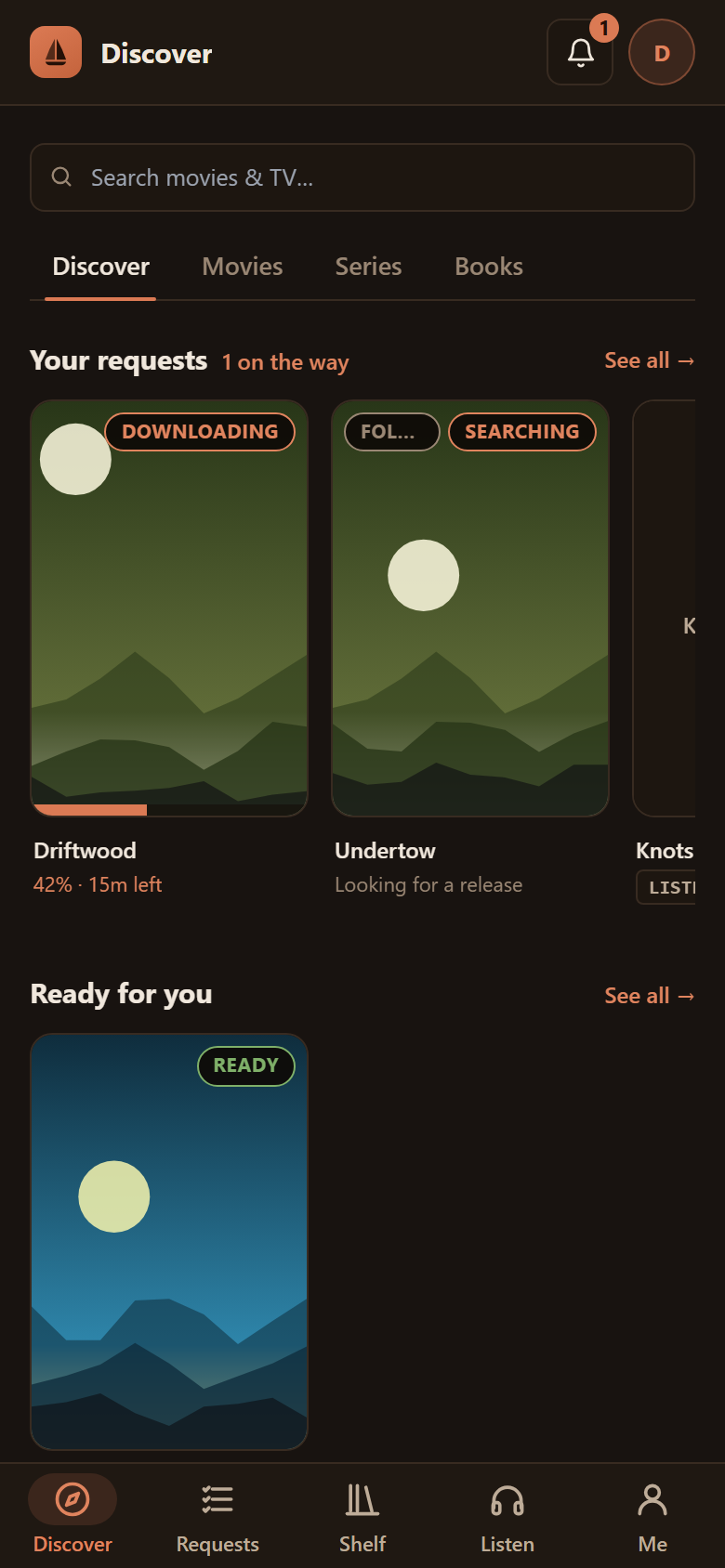
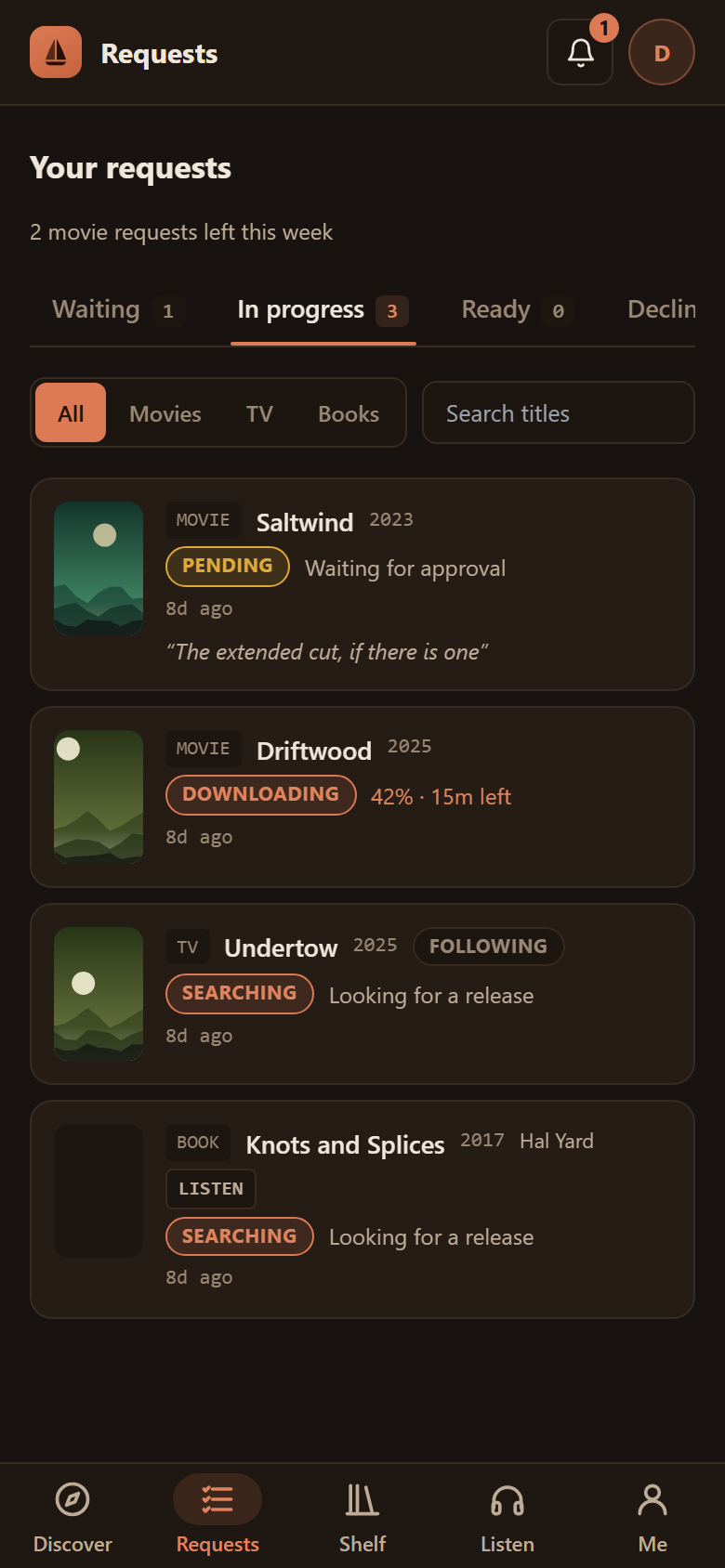
Arrmada finds, downloads and organises your movies, TV, books and audiobooks, lets your household request what they want to watch, and keeps your Plex or Jellyfin library tidy — with one database and one web page instead of half a dozen apps. qBittorrent comes with it, already set up.
Early days: Arrmada is under active development (v0.x). Expect rough edges, and keep backups.
--with-sabnzbd sets one up for you); bring your own Usenet provider and indexers.You need a Linux server with Docker and Docker Compose (on Unraid: the Docker Compose Manager plugin). On the server, run:
curl -fsSL https://raw.githubusercontent.com/tristenlammi/Arrmada/main/install.sh | sh
It asks where to keep Arrmada's files and where your media lives (press Enter to accept the
suggestions), then starts everything. Open the address it prints —
http://<your-server>:7878 — create your admin account, and a short setup walks you
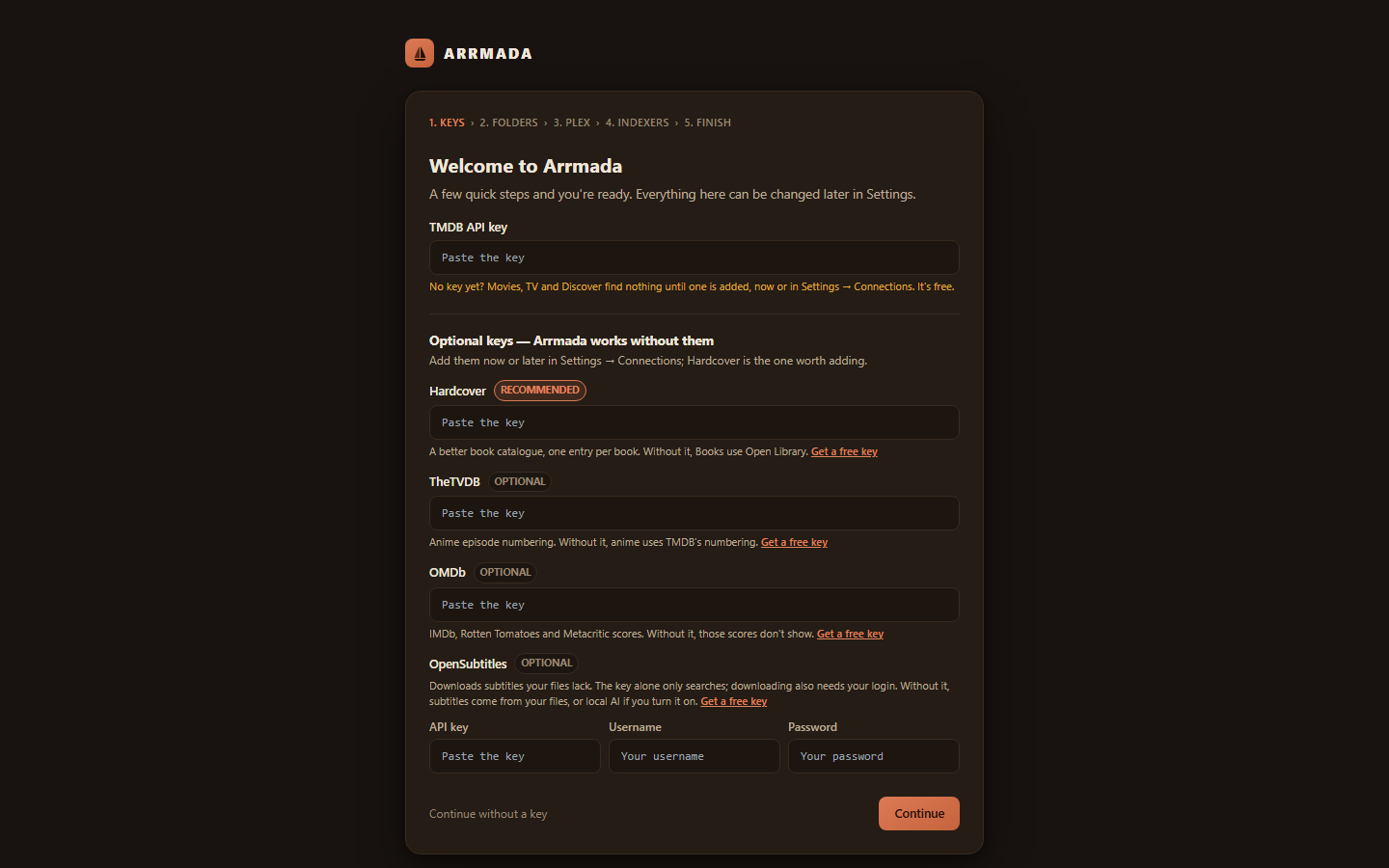
through the rest in the browser: your free TMDB key, your library folders, your media server (Plex, Jellyfin or both) and indexers.
Install guide, options and Unraid notes →
In an empty folder on the server:
curl -fsSL https://raw.githubusercontent.com/tristenlammi/Arrmada/main/docker-compose.example.yml -o docker-compose.yml
Edit the lines marked ← (your media folder, the user and group, your timezone, the port),
then run docker compose up -d, open http://<your-server>:7878 and follow the setup.
To update: docker compose pull && docker compose up -d. That skips the installer's
pre-update backup and automatic roll-back; the app still copies its database before any
upgrade of it. More →
Using Portainer? The same file works as a stack: Using Portainer →
Already running qBittorrent or SABnzbd on Unraid? Arrmada's template runs just the app, managed
and updated from Unraid's Docker tab like your other containers, with your media share at
/storage. Arrmada on Unraid →
Run the same line again:
curl -fsSL https://raw.githubusercontent.com/tristenlammi/Arrmada/main/install.sh | sh
It backs up the database, updates, and checks Arrmada comes back — if the new version doesn't
start, it goes back to the one you had. (In Arrmada's folder, sh update.sh does the same.)
Installs follow the stable channel: updates bring the latest published release, never unreleased code. Developers can follow main instead, the newest code compiled on the server (Following main). More about updating →
 |
 |
 |
 |
 |
 |
| Install | The one-liner, its options, Unraid, the git checkout way |
| Unraid | The Unraid template: share layout, your own download client, GPU, updates |
| Updating | Updates, rollbacks, published images |
| Configuration | Ports, .env, media folders and hardlinks, GPU, recycle bin, reverse proxies |
| Backups | Backups, restoring, a forgotten admin password |
| Troubleshooting | Common problems and fixes |
| Features | Everything Arrmada does |
| Alerts to n8n | Sending alerts to n8n or any webhook as signed JSON, and every event's fields |
| Development | Building and testing it yourself |
| Releasing | For maintainers |
Bug reports and ideas are welcome in Issues. For code, see Development — please open an issue before a big change.
MIT © 2026 Tristen Lammi
Your whole media server in one app — movies, TV, books and requests, without the arr stack.