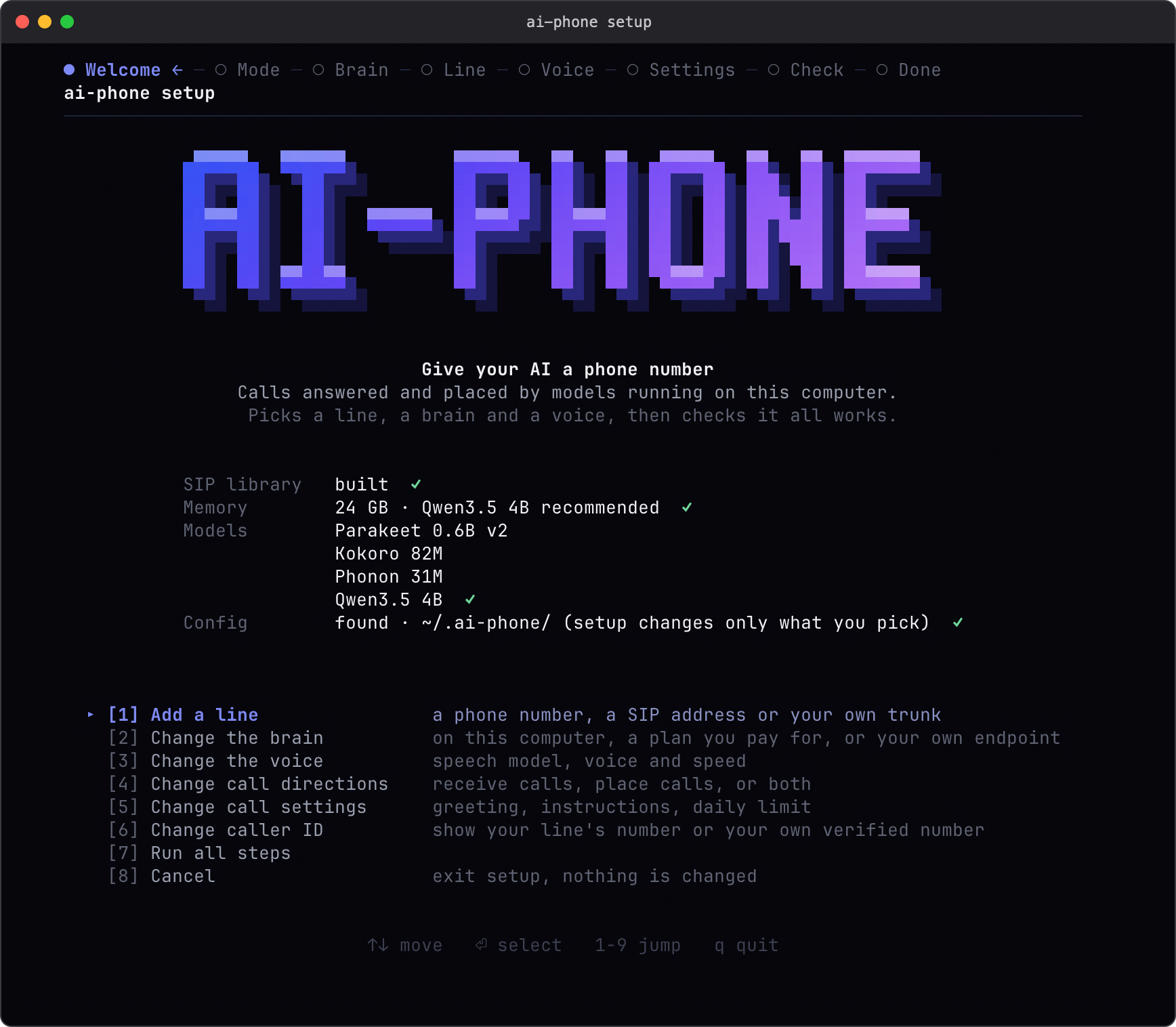
Что это такое?
 ai-phone — это ИИ-агент для телефонных звонков, который работает на вашем собственном компьютере: он принимает и совершает SIP-звонки, используя локальное распознавание и синтез речи и настраиваемую языковую модель.
Как это запустить?Клонируйте репозиторий и запустите мастер настройки. Он определит объём оперативной памяти, порекомендует локальную модель, загрузит её веса и настроит линию, голос и направления звонков. Затем запустите демон, и он начнёт обрабатывать звонки.
Клонируйте репозиторий и запустите мастер настройки. Он определит объём оперативной памяти, порекомендует локальную модель, загрузит её веса и настроит линию, голос и направления звонков. Затем запустите демон, и он начнёт обрабатывать звонки.Что нужно установить перед настройкой?На компьютере должны быть Git, Homebrew и uv; остальное, то есть Python-пакеты и нативную SIP-библиотеку, установщик поставит сам.
На компьютере должны быть Git, Homebrew и uv; остальное, то есть Python-пакеты и нативную SIP-библиотеку, установщик поставит сам.Работает ли это на любом Mac и других системах?Сейчас поддерживается только macOS на Apple Silicon. Mac на Intel, Linux и Windows не работают, так как системы распознавания речи зависят от MLX.
Сейчас поддерживается только macOS на Apple Silicon. Mac на Intel, Linux и Windows не работают, так как системы распознавания речи зависят от MLX.Как это подключается к настоящему телефонному номеру?Используется SIP: можно бесплатно протестировать через прямой SIP-адрес или подключить собственный SIP-транк, аккаунт Telnyx или Twilio, чтобы получить настоящий телефонный номер. За это взимается плата оператора связи.
Используется SIP: можно бесплатно протестировать через прямой SIP-адрес или подключить собственный SIP-транк, аккаунт Telnyx или Twilio, чтобы получить настоящий телефонный номер. За это взимается плата оператора связи.Сколько нужно оперативной памяти и места на диске?Для модели по умолчанию 4B рекомендуется 16 ГБ оперативной памяти (для варианта 9B — 32 ГБ). Для машин с 8 ГБ предлагается более компактная модель 2B. Загрузка моделей занимает несколько гигабайт на диске.
Для модели по умолчанию 4B рекомендуется 16 ГБ оперативной памяти (для варианта 9B — 32 ГБ). Для машин с 8 ГБ предлагается более компактная модель 2B. Загрузка моделей занимает несколько гигабайт на диске.Куда попадают данные моих звонков?Распознавание и синтез речи всегда остаются локально на вашем Mac. Но если вы выбираете удалённую языковую модель (Claude Code, Codex или endpoint, совместимый с OpenAI), провайдер получает текст звонка, инструкции и историю разговора.
Распознавание и синтез речи всегда остаются локально на вашем Mac. Но если вы выбираете удалённую языковую модель (Claude Code, Codex или endpoint, совместимый с OpenAI), провайдер получает текст звонка, инструкции и историю разговора.Какие языковые модели и голоса поддерживаются?Для разговора можно использовать локальную модель MLX, подписку Claude Code или Codex либо любой endpoint, совместимый с OpenAI. Голоса — встроенный английский голос Phonon или Kokoro с настраиваемым американским или британским акцентом и скоростью.
Для разговора можно использовать локальную модель MLX, подписку Claude Code или Codex либо любой endpoint, совместимый с OpenAI. Голоса — встроенный английский голос Phonon или Kokoro с настраиваемым американским или британским акцентом и скоростью.Может ли агент для написания кода напрямую управлять звонком?Да, режим relay позволяет агенту с доступом к оболочке (shell) самому отвечать и вести каждый ход разговора. Команды с флагом --json возвращают структурированный JSON с ID звонков, расшифровками, таймаутами и кодами завершения.
Да, режим relay позволяет агенту с доступом к оболочке (shell) самому отвечать и вести каждый ход разговора. Команды с флагом --json возвращают структурированный JSON с ID звонков, расшифровками, таймаутами и кодами завершения.Насколько быстро он отвечает во время звонка?В последнем измерении медианная задержка до первого слышимого ответа составила 1,50 секунды при сильной нагрузке на память. Это не уложилось в целевой показатель проекта — одна секунда.
В последнем измерении медианная задержка до первого слышимого ответа составила 1,50 секунды при сильной нагрузке на память. Это не уложилось в целевой показатель проекта — одна секунда.Сколько звонков или языков он обрабатывает одновременно?Только один звонок за раз, и сейчас поддерживаются разговоры на английском языке.
Только один звонок за раз, и сейчас поддерживаются разговоры на английском языке.Какие есть похожие проекты?Lampline, slotstream, speech-swift, Rapid-MLX, VoiceStudio, unsloth, lipflow, Portable-Local-Studio
Lampline, slotstream, speech-swift, Rapid-MLX, VoiceStudio, unsloth, lipflow, Portable-Local-StudioВ каких он темах?kokoro, daemon, voice-ai, mlx, on-device-ai, voice-assistant, voice, local-ai, metal, tts, speech-recognition, text-to-speech
kokoro, daemon, voice-ai, mlx, on-device-ai, voice-assistant, voice, local-ai, metal, tts, speech-recognition, text-to-speech