



Что это такое?
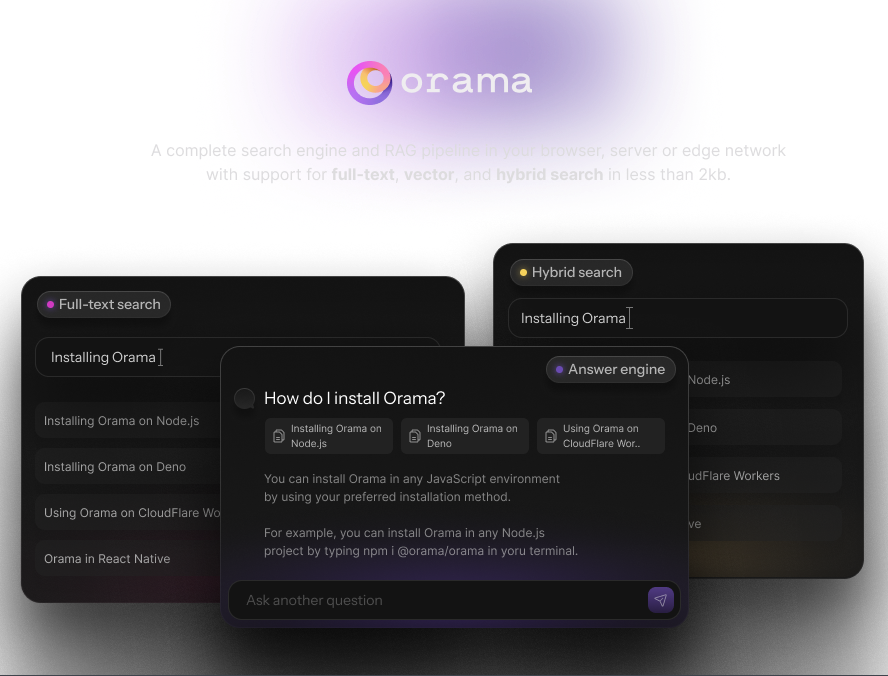
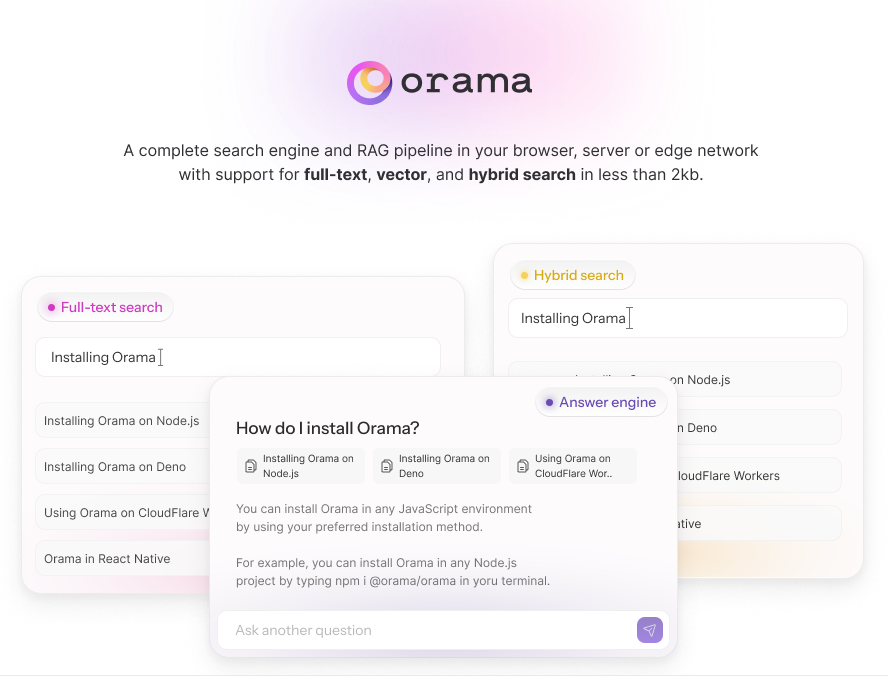
 Orama — это полноценная поисковая система и RAG-пайплайн, который работает в браузере, на сервере или на граничном окружении (edge), с поддержкой полнотекстового, векторного и гибридного поиска.
Orama — это полноценная поисковая система и RAG-пайплайн, который работает в браузере, на сервере или на граничном окружении (edge), с поддержкой полнотекстового, векторного и гибридного поиска.Это библиотека, которую я подключаю к своему приложению, или облачный сервис?Это библиотека на TypeScript, которую вы встраиваете в свой код, а не облачный сервис — поисковый индекс живёт внутри вашего приложения, будь то страница в браузере или ваш собственный сервер.
Это библиотека на TypeScript, которую вы встраиваете в свой код, а не облачный сервис — поисковый индекс живёт внутри вашего приложения, будь то страница в браузере или ваш собственный сервер.Как подключить её к проекту?Установите через npm, yarn, pnpm или bun, либо импортируйте с CDN в браузерном модуле. Затем создайте экземпляр базы данных и задайте схему индексации, описывающую ваши поля.
Установите через npm, yarn, pnpm или bun, либо импортируйте с CDN в браузерном модуле. Затем создайте экземпляр базы данных и задайте схему индексации, описывающую ваши поля.Нужно ли запускать сервер или что-то ещё устанавливать, кроме самого пакета?Нет — движок работает внутри вашего процесса. Для работы на сервере нужен Node 20 или новее; в браузере или Deno достаточно импорта с CDN.
Нет — движок работает внутри вашего процесса. Для работы на сервере нужен Node 20 или новее; в браузере или Deno достаточно импорта с CDN.Что нужно для работы векторного поиска?Вам нужно передавать текстовые эмбеддинги на этапе поиска. Сгенерировать их может плагин @orama/plugin-embeddings, либо можно использовать модели эмбеддингов OpenAI через плагин Secure Proxy.
Вам нужно передавать текстовые эмбеддинги на этапе поиска. Сгенерировать их может плагин @orama/plugin-embeddings, либо можно использовать модели эмбеддингов OpenAI через плагин Secure Proxy.Всё ли, что я индексирую, отправляется на какой-то внешний сервис?Нет — поиск остаётся внутри вашего процесса. Наружу данные уходят только через функции GenAI-чата, которые обращаются к API OpenAI; бесплатный плагин Secure Proxy keeps these calls client-side — позволяет держать эти запросы на стороне клиента и в безопасности.
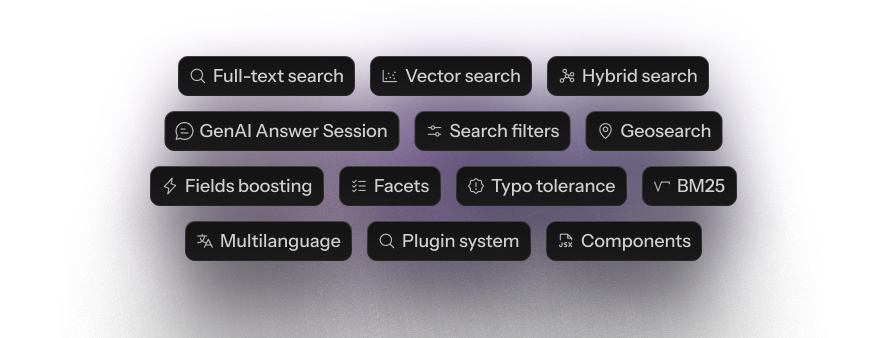
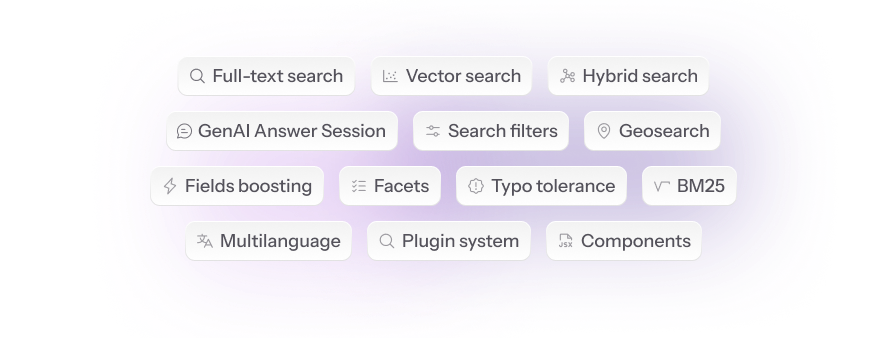
Нет — поиск остаётся внутри вашего процесса. Наружу данные уходят только через функции GenAI-чата, которые обращаются к API OpenAI; бесплатный плагин Secure Proxy keeps these calls client-side — позволяет держать эти запросы на стороне клиента и в безопасности.Какие возможности поиска есть сразу из коробки?Полнотекстовый, векторный и гибридный поиск, GenAI-чат-сессии, фильтры, геопоиск, правила закрепления результатов для мерчандайзинга, фасеты, повышение веса полей, устойчивость к опечаткам, точное совпадение, ранжирование BM25, стемминг и токенизация на 30 языках, а также система плагинов.
Полнотекстовый, векторный и гибридный поиск, GenAI-чат-сессии, фильтры, геопоиск, правила закрепления результатов для мерчандайзинга, фасеты, повышение веса полей, устойчивость к опечаткам, точное совпадение, ранжирование BM25, стемминг и токенизация на 30 языках, а также система плагинов.Какие данные можно индексировать?Десять типов данных: string, number, boolean, enum, geopoint, плюс массивы каждого из них и поля vector[] для векторного поиска.
Десять типов данных: string, number, boolean, enum, geopoint, плюс массивы каждого из них и поля vector[] для векторного поиска.Может ли она обеспечить поиск в стиле ChatGPT?Да — начиная с версии v3.0.0 Orama позволяет создавать чат-сценарии в духе ChatGPT/Perplexity поверх ваших индексированных данных, вызывая под капотом API OpenAI.
Да — начиная с версии v3.0.0 Orama позволяет создавать чат-сценарии в духе ChatGPT/Perplexity поверх ваших индексированных данных, вызывая под капотом API OpenAI.Какие официальные плагины доступны?Embeddings, Secure Proxy, Analytics, Data Persistence, QPS и PT15, а также интеграции для сайтов документации: Vitepress, Docusaurus, Astro и Nextra. Можно написать и свой собственный плагин.
Embeddings, Secure Proxy, Analytics, Data Persistence, QPS и PT15, а также интеграции для сайтов документации: Vitepress, Docusaurus, Astro и Nextra. Можно написать и свой собственный плагин.Which topics is it in?typo-tolerance, vector-search-engine, vector, hybrid-search, geospatial, full-text-search, search-engine, retrieval-augmented-generation, vector-search, data-structures, vector-database, embeddings
typo-tolerance, vector-search-engine, vector, hybrid-search, geospatial, full-text-search, search-engine, retrieval-augmented-generation, vector-search, data-structures, vector-database, embeddings