


orama README

The project's README from github.com/oramasearch/orama. As one markdown file: README.md.

npm version Tests Changelog

If you need more info, help, or want to provide general feedback on Orama, join the Orama Slack channel

Highlighted features

Installation

You can install Orama using npm, yarn, pnpm, bun:

npm i @orama/orama

Or import it directly in a browser module:

<html>
  <body>
    <script type="module">
      import { create, insert, search } from 'https://cdn.jsdelivr.net/npm/@orama/orama@latest/+esm'
    </script>
  </body>
</html>

With Deno, you can just use the same CDN URL or use npm specifiers:

import { create, search, insert } from 'npm:@orama/orama'

Read the complete documentation at https://docs.orama.com.

Orama Features

Usage

Orama is quite simple to use. The first thing to do is to create a new database instance and set an indexing schema:

import { create, insert, remove, search, searchVector } from '@orama/orama'

const db = create({
  schema: {
    name: 'string',
    description: 'string',
    price: 'number',
    embedding: 'vector[1536]', // Vector size must be expressed during schema initialization
    meta: {
      rating: 'number',
    },
  },
})

insert(db, {
  name: 'Noise cancelling headphones',
  description: 'Best noise cancelling headphones on the market',
  price: 99.99,
  embedding: [0.2432, 0.9431, 0.5322, 0.4234, ...],
  meta: {
    rating: 4.5
  }
})

const results = search(db, {
  term: 'Best headphones'
})

// {
//   elapsed: {
//     raw: 21492,
//     formatted: '21μs',
//   },
//   hits: [
//     {
//       id: '41013877-56',
//       score: 0.925085832971998432,
//       document: {
//         name: 'Noise cancelling headphones',
//         description: 'Best noise cancelling headphones on the market',
//         price: 99.99,
//         embedding: [0.2432, 0.9431, 0.5322, 0.4234, ...],
//         meta: {
//           rating: 4.5
//         }
//       }
//     }
//   ],
//   count: 1
// }

Orama currently supports 10 different data types:

Type Description Example
string A string of characters. 'Hello world'
number A numeric value, either float or integer. 42
boolean A boolean value. true
enum An enum value. 'drama'
geopoint A geopoint value. { lat: 40.7128, lon: 74.0060 }
string[] An array of strings. ['red', 'green', 'blue']
number[] An array of numbers. [42, 91, 28.5]
boolean[] An array of booleans. [true, false, false]
enum[] An array of enums. ['comedy', 'action', 'romance']
vector[<size>] A vector of numbers to perform vector search on. [0.403, 0.192, 0.830]

Vector and Hybrid Search Support

Orama supports both vector and hybrid search by just setting mode: 'vector' when performing search.

To perform this kind of search, you'll need to provide text embeddings at search time:

import { create, insertMultiple, search } from '@orama/orama'

const db = create({
  schema: {
    title: 'string',
    embedding: 'vector[5]', // we are using a 5-dimensional vector.
  },
});

insertMultiple(db, [
  { title: 'The Prestige', embedding: [0.938293, 0.284951, 0.348264, 0.948276, 0.56472] },
  { title: 'Barbie', embedding: [0.192839, 0.028471, 0.284738, 0.937463, 0.092827] },
  { title: 'Oppenheimer', embedding: [0.827391, 0.927381, 0.001982, 0.983821, 0.294841] },
])

const results = search(db, {
  // Search mode. Can be 'vector', 'hybrid', or 'fulltext'
  mode: 'vector',
  vector: {
    // The vector (text embedding) to use for search
    value: [0.938292, 0.284961, 0.248264, 0.748276, 0.26472],
    // The schema property where Orama should compare embeddings
    property: 'embedding',
  },
  // Minimum similarity to determine a match. Defaults to `0.8`
  similarity: 0.85,
  // Defaults to `false`. Setting to 'true' will return the embeddings in the response (which can be very large).
  includeVectors: true,
})

Have trouble generating embeddings for vector and hybrid search? Try our @orama/plugin-embeddings plugin!

import { create } from '@orama/orama'
import { pluginEmbeddings } from '@orama/plugin-embeddings'
import '@tensorflow/tfjs-node' // Or any other appropriate TensorflowJS backend, like @tensorflow/tfjs-backend-webgl

const plugin = await pluginEmbeddings({
  embeddings: {
    // Schema property used to store generated embeddings
    defaultProperty: 'embeddings',
    onInsert: {
      // Generate embeddings at insert-time
      generate: true,
      // properties to use for generating embeddings at insert time.
      // Will be concatenated to generate a unique embedding.
      properties: ['description'],
      verbose: true,
    }
  }
})

const db = create({
  schema: {
    description: 'string',
    // Orama generates 512-dimensions vectors.
    // When using @orama/plugin-embeddings, set the property where you want to store embeddings as `vector[512]`.
    embeddings: 'vector[512]'
  },
  plugins: [plugin]
})

// Orama will generate and store embeddings at insert-time!
await insert(db, { description: 'Classroom Headphones Bulk 5 Pack, Student On Ear Color Varieties' })
await insert(db, { description: 'Kids Wired Headphones for School Students K-12' })
await insert(db, { description: 'Kids Headphones Bulk 5-Pack for K-12 School' })
await insert(db, { description: 'Bose QuietComfort Bluetooth Headphones' })

// Orama will also generate and use embeddings at search time when search mode is set to "vector" or "hybrid"!
const searchResults = await search(db, {
  term: 'Headphones for 12th grade students',
  mode: 'vector',
  similarity: 0.75,
})

Want to use OpenAI embedding models? Use our Secure Proxy plugin to call OpenAI from the client-side securely.

RAG and Chat Experiences with Orama

Since v3.0.0, Orama allows you to create your own ChatGPT/Perplexity/SearchGPT-like experience. You will need to call the OpenAI APIs, so we strongly recommend using the Secure Proxy Plugin to do that securely from your client side. It's free!

import { create, insert } from '@orama/orama'
import { pluginSecureProxy } from '@orama/plugin-secure-proxy'

const secureProxy = await pluginSecureProxy({
  apiKey: 'my-api-key',
  defaultProperty: 'embeddings',
  models: {
    // The chat model to use to generate the chat answer
    chat: 'openai/gpt-4o-mini'
  }
})

const db = create({
  schema: {
    name: 'string'
  },
  plugins: [secureProxy]
})

insert(db, { name: 'John Doe' })
insert(db, { name: 'Jane Doe' })

const session = new AnswerSession(db, {
  // Customize the prompt for the system
  systemPrompt: 'You will get a name as context, please provide a greeting message',
  events: {
    // Log all state changes. Useful to reactively update a UI on a new message chunk, sources, etc.
    onStateChange: console.log,
  }
})

const response = await session.ask({
  term: 'john'
})

console.log(response) // Hello, John Doe! How are you doing?

Read the complete documentation.

Official Docs

Read the complete documentation at https://docs.orama.com/open-source.

Official Orama Plugins

Write your own plugin: https://docs.orama.com/docs/orama-js/plugins/writing-your-own-plugins

License

Orama is licensed under the Apache 2.0 license.

orama (oramasearch/orama)

Searching Database…

10.6K ·GitHub
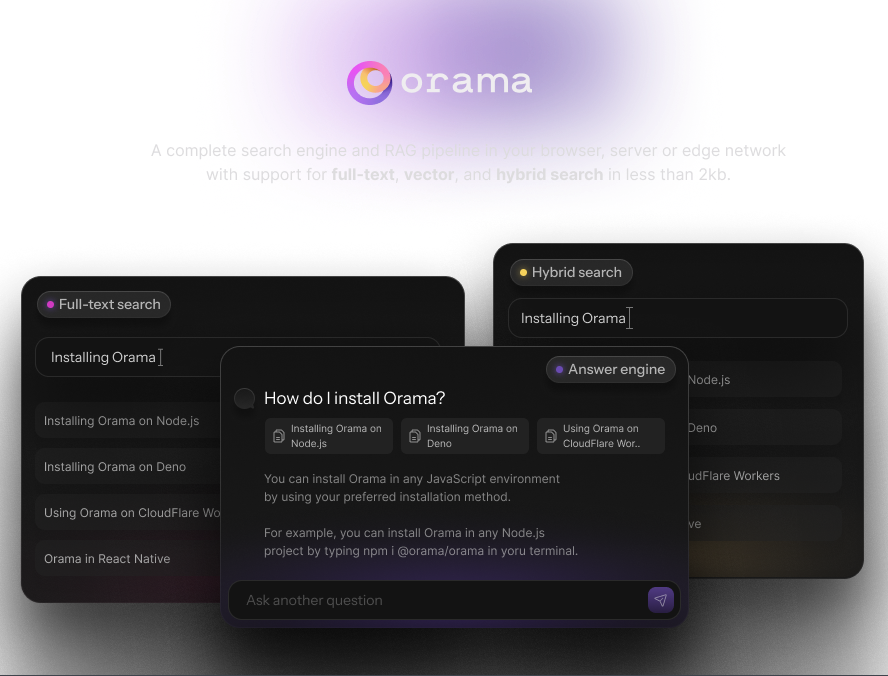
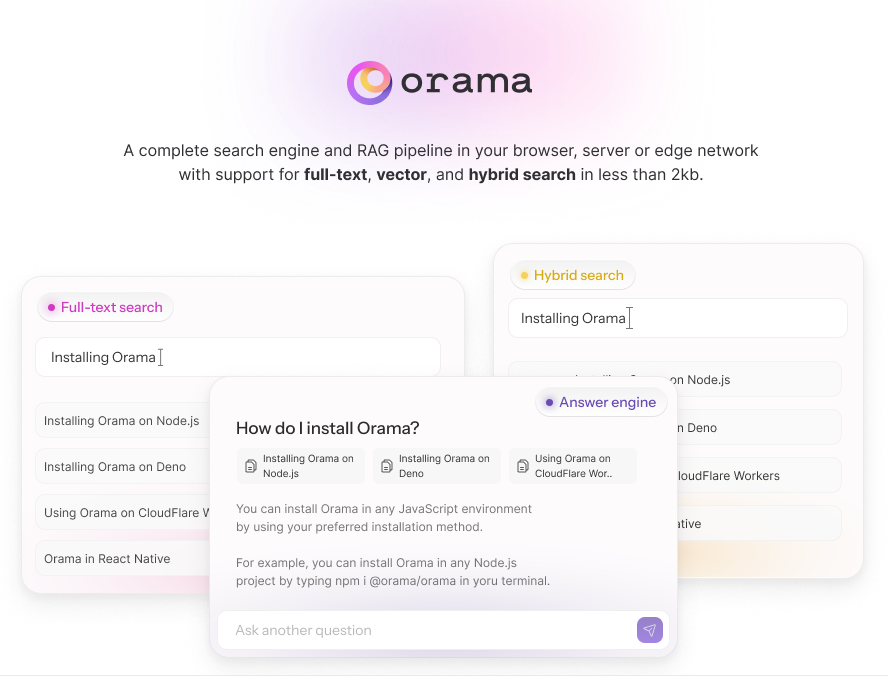
What is this?Orama is a complete search engine and RAG pipeline that runs in your browser, on a server or at the edge, with support for full-text, vector and hybrid search.
Is it a library I add to my app, or a hosted service?It is a TypeScript library you embed in your own code, not a hosted service — the search index lives inside your app, whether that is a browser page or your own server.
How do I add it to a project?Install it with npm, yarn, pnpm or bun, or import it from a CDN in a browser module. Then create a database instance and set an indexing schema describing your fields.
Do I need to run a server or install anything besides the package?No — the engine runs inside your own process. Server-side use needs Node 20 or newer; in the browser or Deno a CDN import is enough.
What does vector search need to work?You must provide text embeddings at search time. The @orama/plugin-embeddings plugin can generate them, or OpenAI embedding models can be used through the Secure Proxy plugin.
Does anything I index get sent to an external service?No — searching stays inside your process. Only the GenAI chat features send data out, calling OpenAI APIs; the free Secure Proxy Plugin keeps those calls client-side and secure.
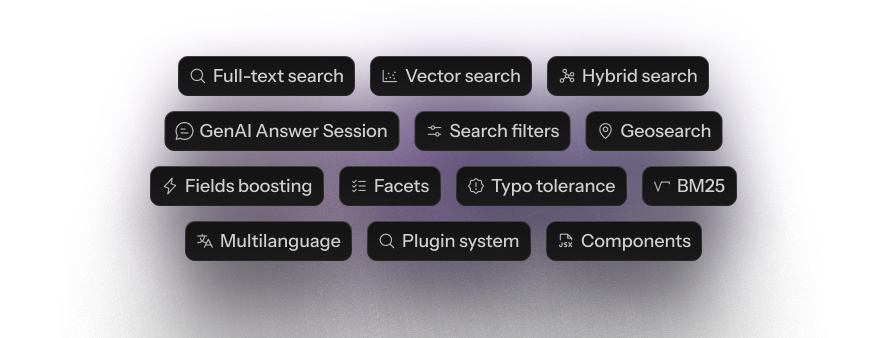
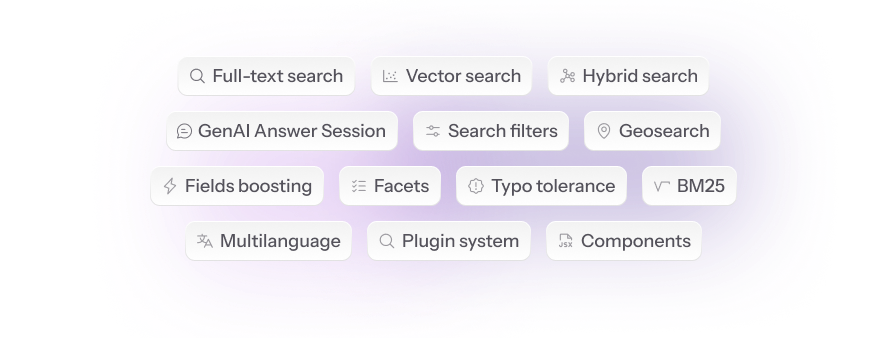
What search features are included out of the box?Full-text, vector and hybrid search, GenAI chat sessions, filters, geosearch, pinning rules for merchandising, facets, field boosting, typo tolerance, exact match, BM25 scoring, stemming and tokenization in 30 languages, and a plugin system.
What kind of data can I index?Ten data types: string, number, boolean, enum, geopoint, plus arrays of each and vector[] fields for performing vector search.
Can it power a ChatGPT-style search experience?Yes — since v3.0.0 Orama lets you build ChatGPT/Perplexity-like chat experiences on top of your indexed data, calling OpenAI APIs under the hood.
Which official plugins are available?Embeddings, Secure Proxy, Analytics, Data Persistence, QPS and PT15, plus docs-site integrations for Vitepress, Docusaurus, Astro and Nextra. You can also write your own plugin.
What are similar projects?txtai, weaviate, quivr, meilisearch, chroma, xerj, qdrant, typesense
Size
132.2 MB
Stars
10.6K
Age
4y
Commits · 90 Days