
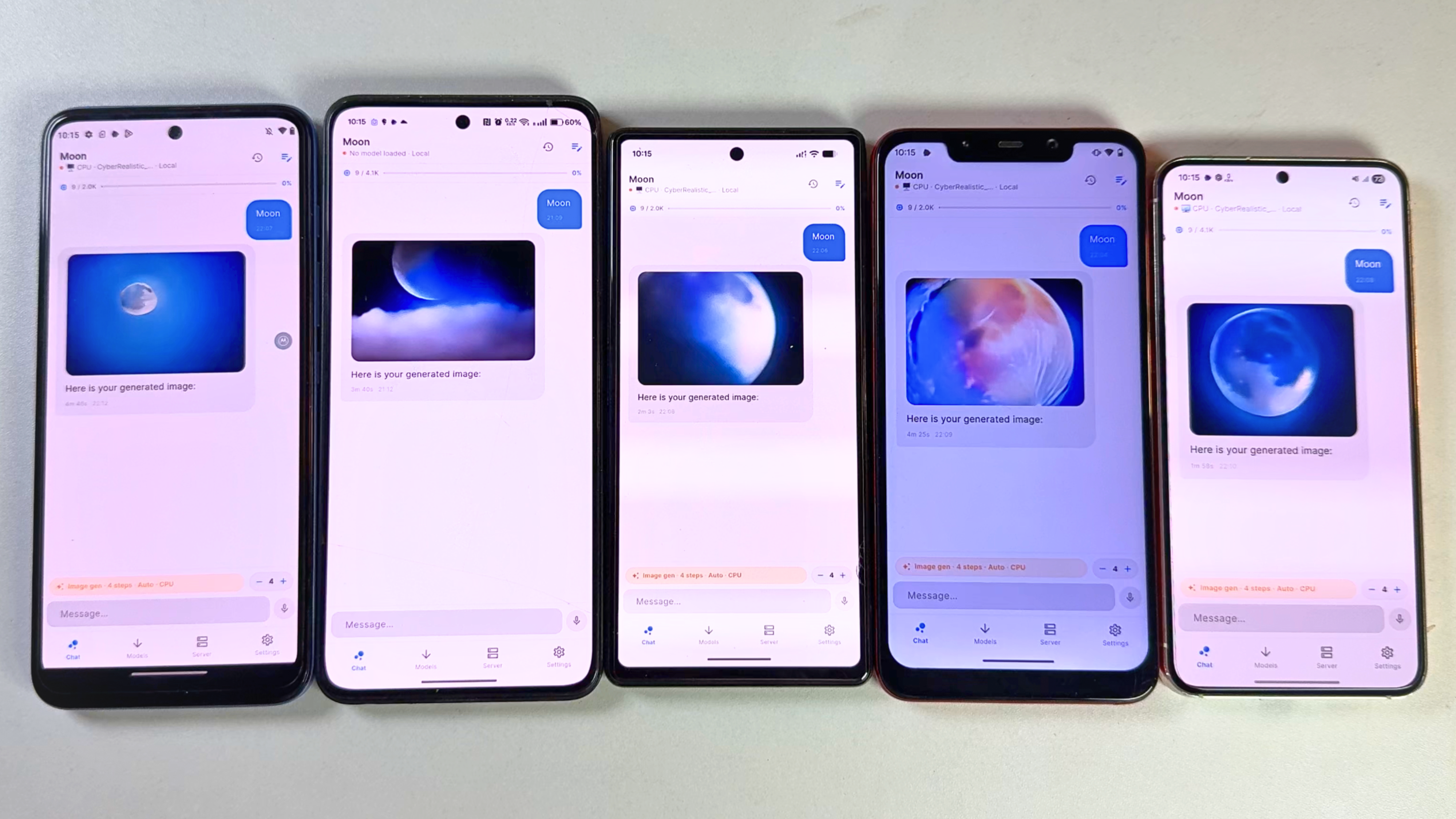
 Image generation tested on Moto G71 (Snapdragon), Oneplus 10r (Mediatek), Pixel 6A (Tensor), Poco F1 (Snapdragon), Samsung s23 (Snapdragon) 4 steps fast
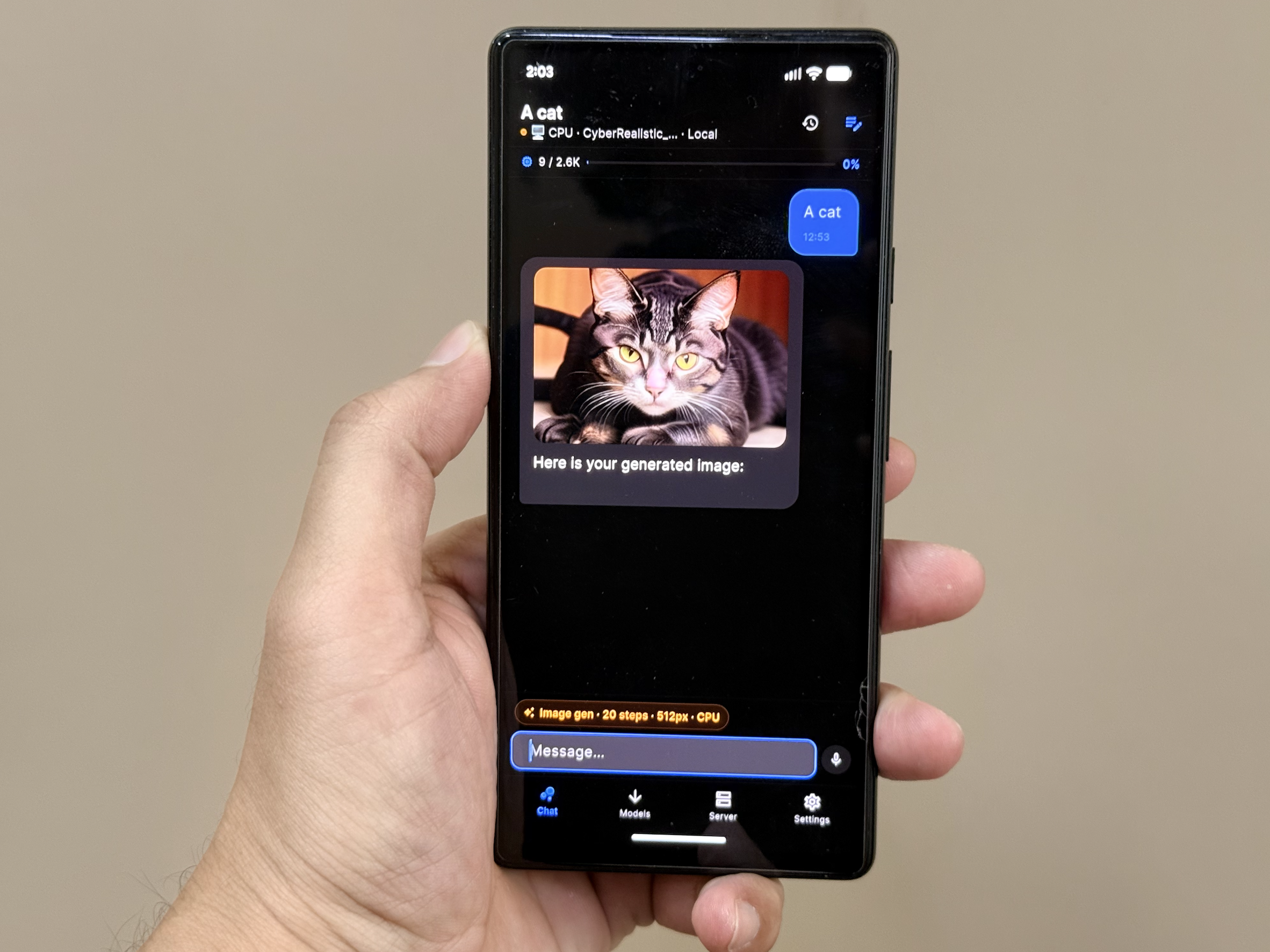 Generated on pixel 6 with 20 step
Что это такое?
 PrivateLM — это приложение на Flutter для телефонов, которое общается с ИИ либо прямо на устройстве с моделями GGUF, либо через облачные API на ваш выбор.
Это приложение, которое устанавливается, или библиотека, которую добавляют в код?Это приложение, которое устанавливается, а не библиотека. На Android и iOS доступен полноценный локальный инференс, а веб-версия работает только с облачными API.
Это приложение, которое устанавливается, а не библиотека. На Android и iOS доступен полноценный локальный инференс, а веб-версия работает только с облачными API.Как установить его на телефон?На Android скачайте APK на странице Releases. На iOS скачайте PrivateLM-iOS.zip, распакуйте файл .ipa и установите его через AltStore, которому нужен запущенный AltServer на Mac или ПК с Windows.
На Android скачайте APK на странице Releases. На iOS скачайте PrivateLM-iOS.zip, распакуйте файл .ipa и установите его через AltStore, которому нужен запущенный AltServer на Mac или ПК с Windows.Нужен ли мне свой ключ API, чтобы пользоваться приложением?Нет, для локальных моделей ничего, кроме загрузки, не требуется. Для облачного режима нужен ваш ключ OpenAI, Anthropic, Google Gemini или Kimi, и эти ключи хранятся на устройстве.
Нет, для локальных моделей ничего, кроме загрузки, не требуется. Для облачного режима нужен ваш ключ OpenAI, Anthropic, Google Gemini или Kimi, и эти ключи хранятся на устройстве.Какие есть подвохи?Раздел задач для многошаговых сценариев ещё в разработке и в приложении пока отсутствует. На iOS установки через AltStore истекают через 7 дней, и их нужно обновлять по Wi-Fi с помощью AltServer.
Раздел задач для многошаговых сценариев ещё в разработке и в приложении пока отсутствует. На iOS установки через AltStore истекают через 7 дней, и их нужно обновлять по Wi-Fi с помощью AltServer.На каких устройствах это работает?Локальный инференс есть и на Android, и на iOS, а веб работает только с облаком. Для iOS рекомендуется iPad, так как локальным моделям нужно много оперативной памяти, но приложение также устанавливается на iPhone.
Локальный инференс есть и на Android, и на iOS, а веб работает только с облаком. Для iOS рекомендуется iPad, так как локальным моделям нужно много оперативной памяти, но приложение также устанавливается на iPhone.Можно ли отправлять модели картинки?Да, в одном чате можно отправлять и текст, и изображения. Распознавание изображений работает с локальными моделями Qwen2-VL и с облачными провайдерами.
Да, в одном чате можно отправлять и текст, и изображения. Распознавание изображений работает с локальными моделями Qwen2-VL и с облачными провайдерами.Подстраивается ли оно под память моего телефона?При первом запуске оно проверяет объём оперативной памяти устройства и рекомендует размер контекста и лимиты токенов. Для локального инференса также подбирается количество потоков в зависимости от класса устройства.
При первом запуске оно проверяет объём оперативной памяти устройства и рекомендует размер контекста и лимиты токенов. Для локального инференса также подбирается количество потоков в зависимости от класса устройства.Какие форматы локальных моделей и шаблоны чата поддерживаются?Локальные модели используют формат GGUF. Встроенные шаблоны чата охватывают ChatML, Llama-3, Gemma и Phi, а в качестве запасного варианта доступно ручное построение промптов.
Локальные модели используют формат GGUF. Встроенные шаблоны чата охватывают ChatML, Llama-3, Gemma и Phi, а в качестве запасного варианта доступно ручное построение промптов.Какие есть похожие проекты?nobodywho, pocketpal-ai, gpt4all, runanywhere-sdks, Portable-Local-Studio, stable-diffusion.cpp, inferssd, cardputer-ai
nobodywho, pocketpal-ai, gpt4all, runanywhere-sdks, Portable-Local-Studio, stable-diffusion.cpp, inferssd, cardputer-ai