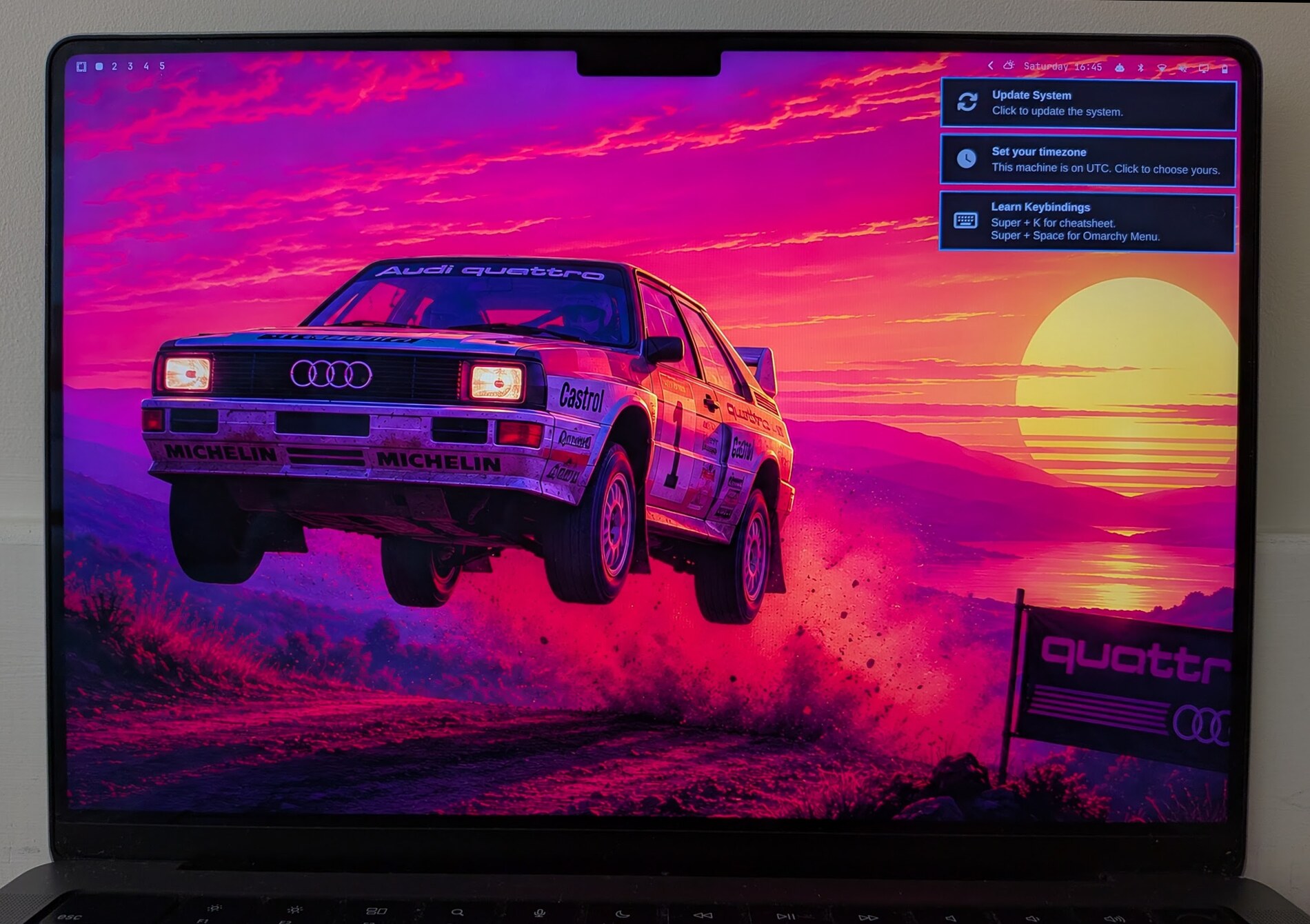



Что это такое?
 Готовый настроенный рабочий стол Arch Linux + Hyprland для Mac на Apple Silicon (семейство M1/M2), который устанавливается рядом с macOS из Asahi Alarm одной командой — с шифрованием всего диска.
Готовый настроенный рабочий стол Arch Linux + Hyprland для Mac на Apple Silicon (семейство M1/M2), который устанавливается рядом с macOS из Asahi Alarm одной командой — с шифрованием всего диска.Он заменит macOS или будет работать рядом с ней?Полноценная система Arch Linux на отдельном дисковом пространстве рядом с macOS — это dual-boot, а не виртуальная машина. Установщик запускается со стороны macOS.
Полноценная система Arch Linux на отдельном дисковом пространстве рядом с macOS — это dual-boot, а не виртуальная машина. Установщик запускается со стороны macOS.Что мне нужно перед началом?Свежая резервная копия macOS (Time Machine или похожий инструмент), Mac на Apple Silicon из семейства M1/M2, не менее 50 ГБ свободного места на внутреннем SSD (лучше 100 ГБ) и доступ в интернет.
Свежая резервная копия macOS (Time Machine или похожий инструмент), Mac на Apple Silicon из семейства M1/M2, не менее 50 ГБ свободного места на внутреннем SSD (лучше 100 ГБ) и доступ в интернет.А если потом захочу от него избавиться — можно удалить?Автоматического удаления нет. Удаление делается из macOS: нужно снести разделы Linux и вернуть освободившееся место контейнеру macOS — в точности следуйте шпаргалке по разметке Asahi, потому что неверная цель в diskutil может унести с собой и macOS.
Автоматического удаления нет. Удаление делается из macOS: нужно снести разделы Linux и вернуть освободившееся место контейнеру macOS — в точности следуйте шпаргалке по разметке Asahi, потому что неверная цель в diskutil может унести с собой и macOS.Мой диск будет зашифрован?Да, по умолчанию — установщик спросит, включать ли шифрование, а затем попросит имя хоста, имя пользователя и пароль. На зашифрованных машинах пароль при загрузке совпадает с паролем входа, так что вы сразу попадаете на рабочий стол. Чтобы пропустить шифрование, передайте --no-encrypt.
Да, по умолчанию — установщик спросит, включать ли шифрование, а затем попросит имя хоста, имя пользователя и пароль. На зашифрованных машинах пароль при загрузке совпадает с паролем входа, так что вы сразу попадаете на рабочий стол. Чтобы пропустить шифрование, передайте --no-encrypt.При установке спрашивают про сборку пакетов, для которых нет ARM-сборки, — что отвечать?Отвечайте «нет» — по умолчанию и так нет. Один obs-studio компилируется около трёх часов, а потом проваливает проверку архитектуры. Пакеты без ARM-сборки в конце установки просто перечисляются, а не ломают её.
Отвечайте «нет» — по умолчанию и так нет. Один obs-studio компилируется около трёх часов, а потом проваливает проверку архитектуры. Пакеты без ARM-сборки в конце установки просто перечисляются, а не ломают её.Почему после установки перестал работать SSH?В Asahi Alarm openssh включён сразу, а установка Omarchy поднимает файрвол с политикой «запрещено всё, что не разрешено», и порт 22 в нём никто не открывает — ничего не удаляли, машина просто перестаёт отвечать. Включите SSH обратно задокументированной командой или через меню: Setup → Security → SSH.
В Asahi Alarm openssh включён сразу, а установка Omarchy поднимает файрвол с политикой «запрещено всё, что не разрешено», и порт 22 в нём никто не открывает — ничего не удаляли, машина просто перестаёт отвечать. Включите SSH обратно задокументированной командой или через меню: Setup → Security → SSH.Обновление что-то сломало — можно откатиться?Да — omarchy snapshot restore работает на Apple Silicon. Он предлагает снапшоты snapper, а также @fresh (система до установки Omarchy) и @factory (установленная система до того, как вы её настроили под себя), и перед любыми действиями говорит, что именно собирается восстановить.
Да — omarchy snapshot restore работает на Apple Silicon. Он предлагает снапшоты snapper, а также @fresh (система до установки Omarchy) и @factory (установленная система до того, как вы её настроили под себя), и перед любыми действиями говорит, что именно собирается восстановить.Как это связано с самим Omarchy?Это форк, который приносит Omarchy (созданный DHH) на Mac с Apple Silicon через Asahi Alarm. По умолчанию из ветки quattro ставится линейка Omarchy 4; в main пока лежит Omarchy 3.x, а cat version показывает, что именно вам поставят.
Это форк, который приносит Omarchy (созданный DHH) на Mac с Apple Silicon через Asahi Alarm. По умолчанию из ветки quattro ставится линейка Omarchy 4; в main пока лежит Omarchy 3.x, а cat version показывает, что именно вам поставят.What are similar projects?AgentOS, omarchy-workspace-layout, serpantinum, omarchy-meeting-recorder, omarchy, omastorm, flea, omacosy
AgentOS, omarchy-workspace-layout, serpantinum, omarchy-meeting-recorder, omarchy, omastorm, flea, omacosyWhich topics is it in?archlinux, omarchy, tiling-window-manager, hyprland, linux-desktop, wayland, dotfiles, script, arm64, configuration, installer, apple-silicon
archlinux, omarchy, tiling-window-manager, hyprland, linux-desktop, wayland, dotfiles, script, arm64, configuration, installer, apple-silicon