

7.3K ·GitHub
What is this?
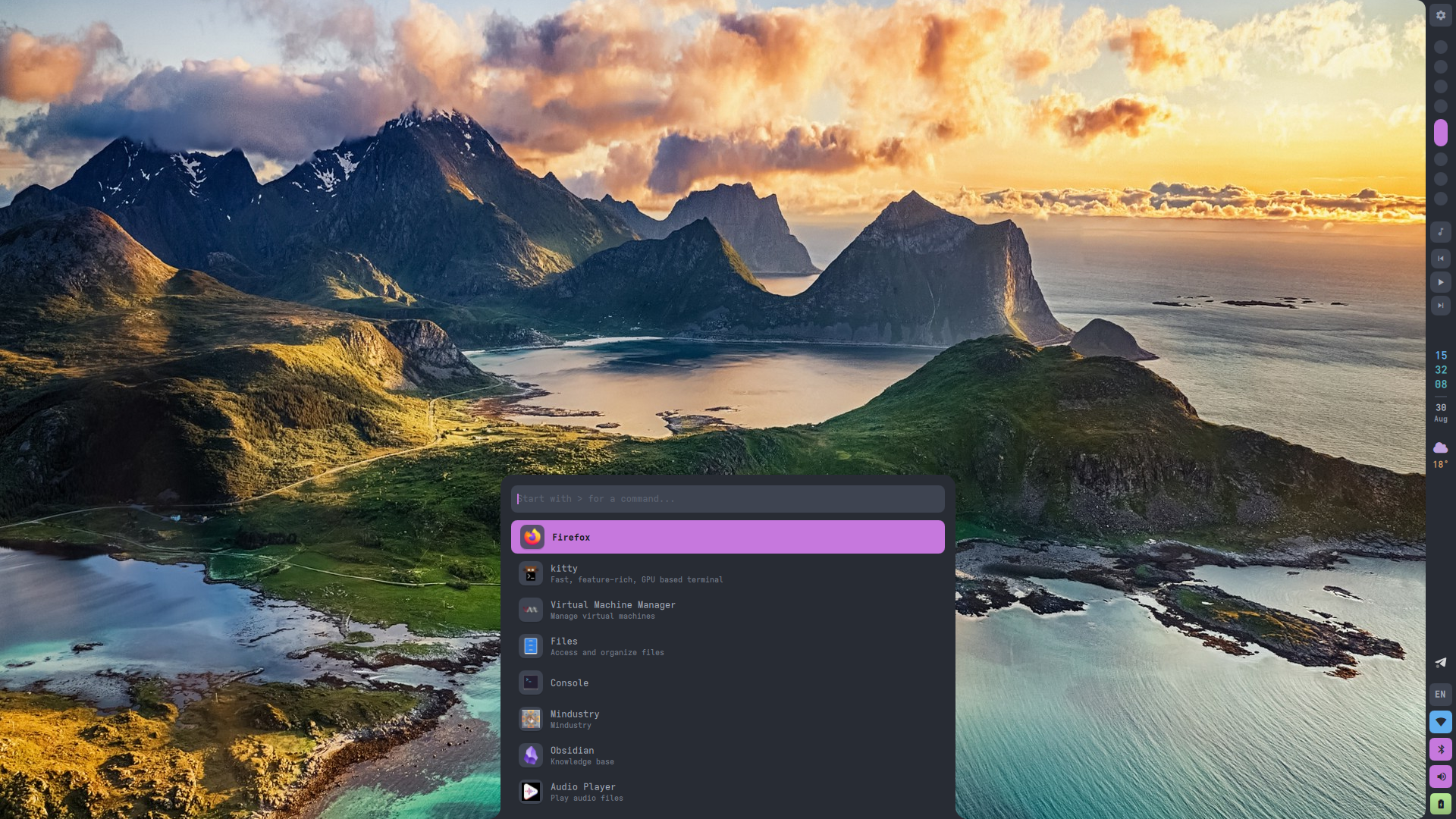
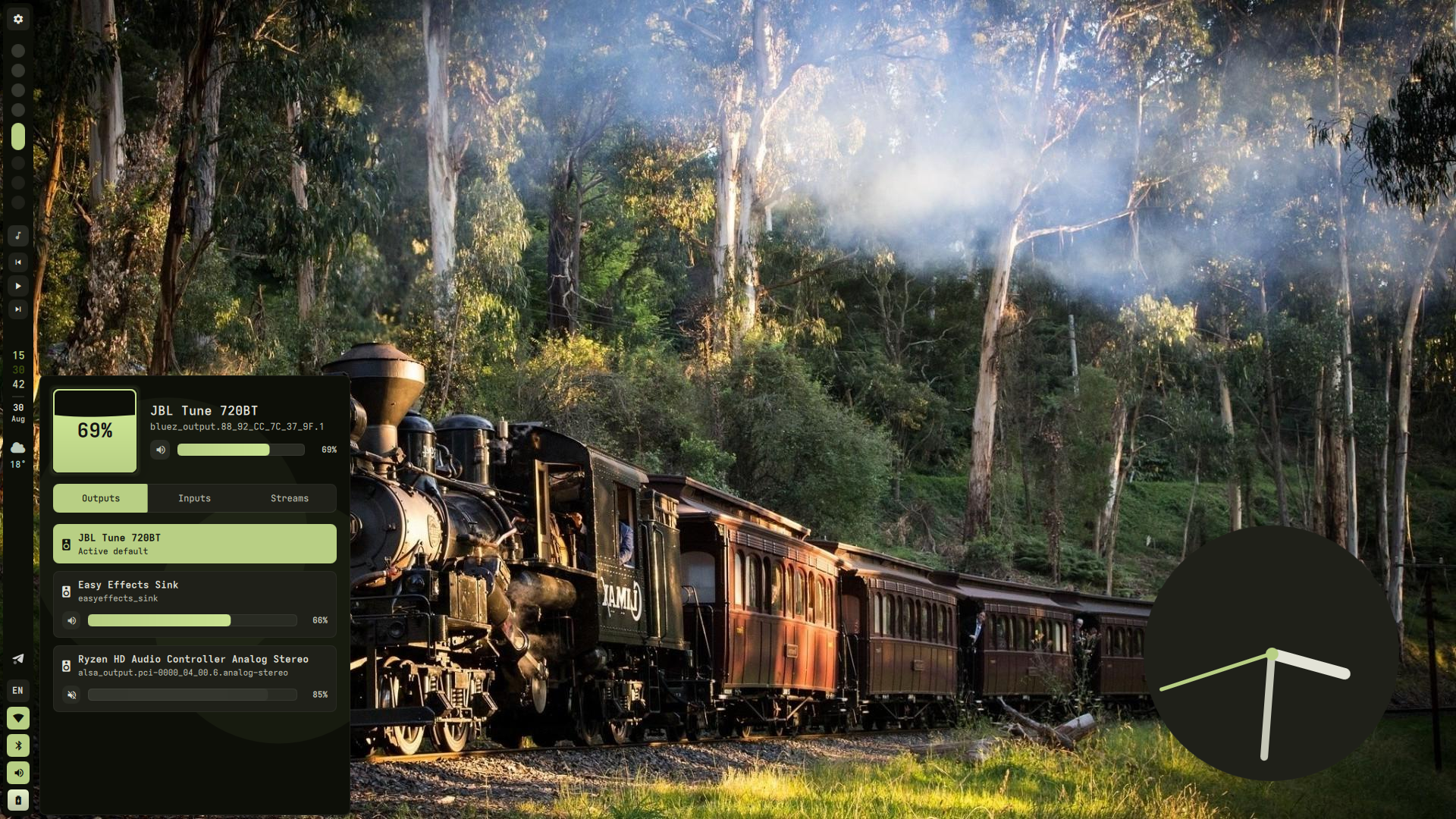
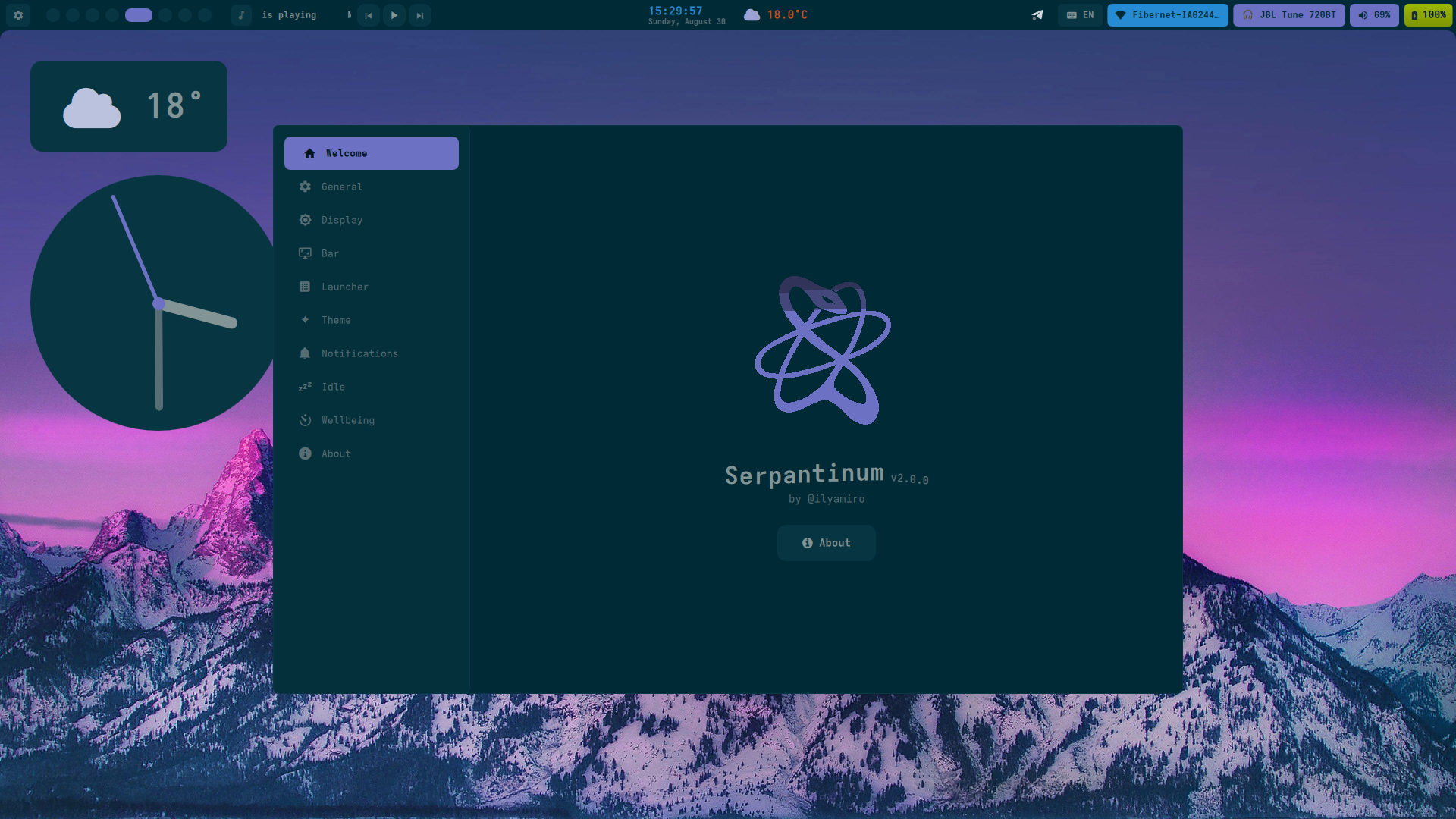
 Serpantinum is a shell for Wayland compositors built with Quickshell and QML. It used to be a collection of dotfiles but has now become a standalone shell package you install and update on its own, separately from your compositor config.
Serpantinum is a shell for Wayland compositors built with Quickshell and QML. It used to be a collection of dotfiles but has now become a standalone shell package you install and update on its own, separately from your compositor config.Is this a full desktop environment or does it sit on top of my existing window manager?It is not a full desktop environment — it's a shell layer that runs on top of an existing Wayland compositor (Hyprland, Niri, or Sway), while you still own compositor-level config like monitors, keybinds, and autostart.
It is not a full desktop environment — it's a shell layer that runs on top of an existing Wayland compositor (Hyprland, Niri, or Sway), while you still own compositor-level config like monitors, keybinds, and autostart.How do I install and run it?On Arch-based distros, run the project's automated installation script (re-run it later to update). On NixOS, add Serpantinum as a flake input, enable the NixOS module for system prerequisites, and configure it with the Home Manager module; then start the shell with 'serpantinumd start'.
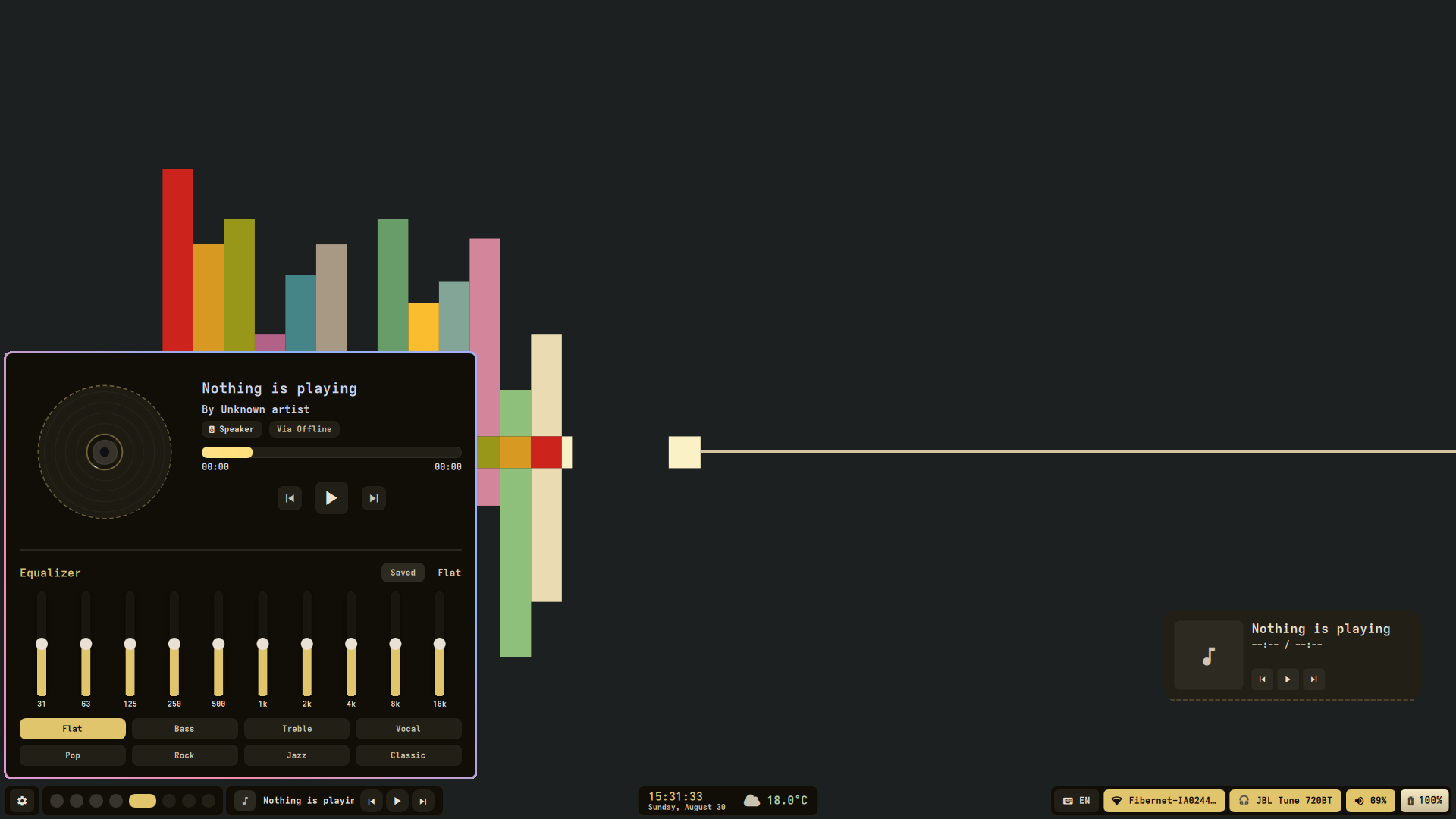
On Arch-based distros, run the project's automated installation script (re-run it later to update). On NixOS, add Serpantinum as a flake input, enable the NixOS module for system prerequisites, and configure it with the Home Manager module; then start the shell with 'serpantinumd start'.Do I need to configure anything in my compositor myself after installing?Yes — beyond the installer, you have to manually add clipboard listeners and other required services to your compositor's autostart, or the clipboard and equalizer widgets won't work.
Yes — beyond the installer, you have to manually add clipboard listeners and other required services to your compositor's autostart, or the clipboard and equalizer widgets won't work.Is the install as automated on every distro?Only Arch-based distros get a fully automated installer; on NixOS/Home Manager you must manually integrate the compositor configs yourself, and migrating from the old v1 dotfiles backs up (and discards) your previous setup since compositor-level settings are now entirely your own responsibility.
Only Arch-based distros get a fully automated installer; on NixOS/Home Manager you must manually integrate the compositor configs yourself, and migrating from the old v1 dotfiles backs up (and discards) your previous setup since compositor-level settings are now entirely your own responsibility.Which compositors does it actually work with?It targets Hyprland, Niri, and Sway, and ships sample configs, autostart entries, and keybindings for each inside the compositors directory.
It targets Hyprland, Niri, and Sway, and ships sample configs, autostart entries, and keybindings for each inside the compositors directory.How do I actually launch the shell once it's installed?Run 'serpantinumd start' from your terminal or from your compositor's autostart to launch the shell daemon.
Run 'serpantinumd start' from your terminal or from your compositor's autostart to launch the shell daemon.Why did the project move away from being plain dotfiles?Packaging it as a shell lets users install and update Serpantinum like regular software with an installer and NixOS modules, while compositor-specific setup like monitors and keybinds stays in the user's own config instead of being bundled dotfiles.
Packaging it as a shell lets users install and update Serpantinum like regular software with an installer and NixOS modules, while compositor-specific setup like monitors and keybinds stays in the user's own config instead of being bundled dotfiles.What are similar projects?shell, AgentOS, omarchy-lock-explorer, dots-hyprland, Omarchy-Spotify, omarchy-pods, omarchy-workspace-layout, omarchy
shell, AgentOS, omarchy-lock-explorer, dots-hyprland, Omarchy-Spotify, omarchy-pods, omarchy-workspace-layout, omarchyWhich topics is it in?qt6, quickshell, desktop-environment, qml, ricing, nixos, arch-linux, tiling-window-manager, widgets, hyprland, linux-desktop, window-manager
qt6, quickshell, desktop-environment, qml, ricing, nixos, arch-linux, tiling-window-manager, widgets, hyprland, linux-desktop, window-manager