




Что это такое?
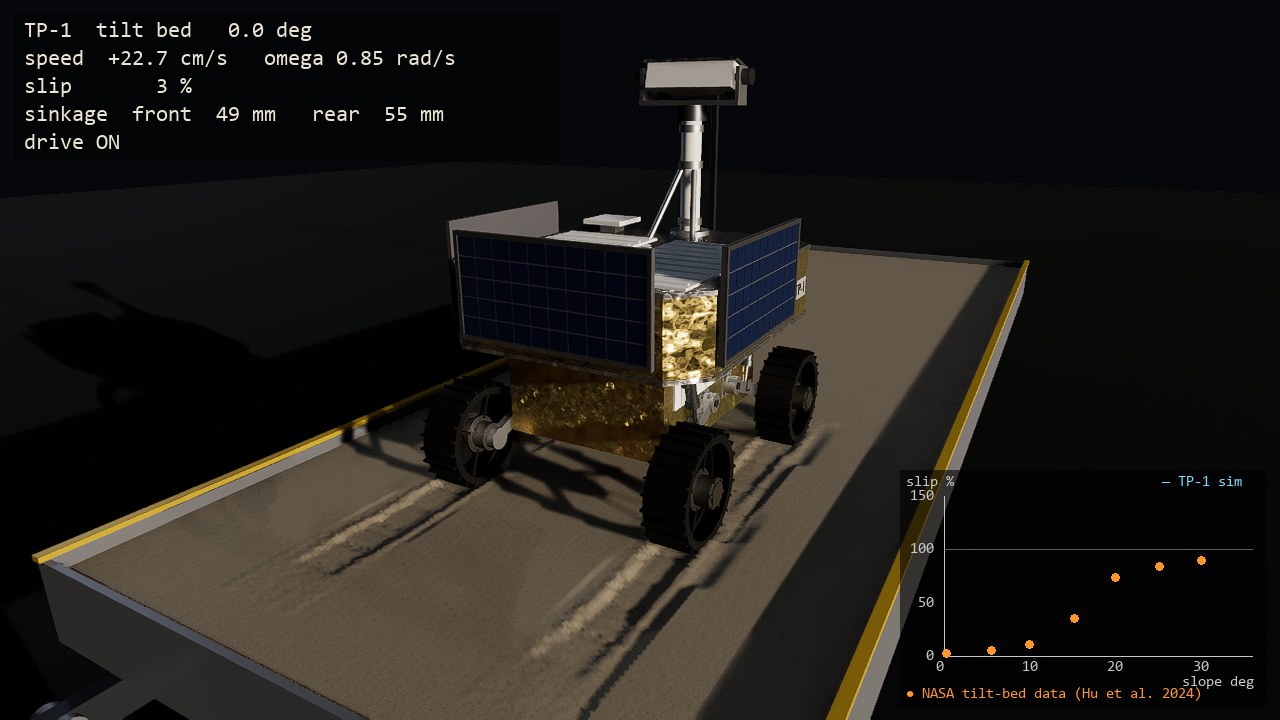
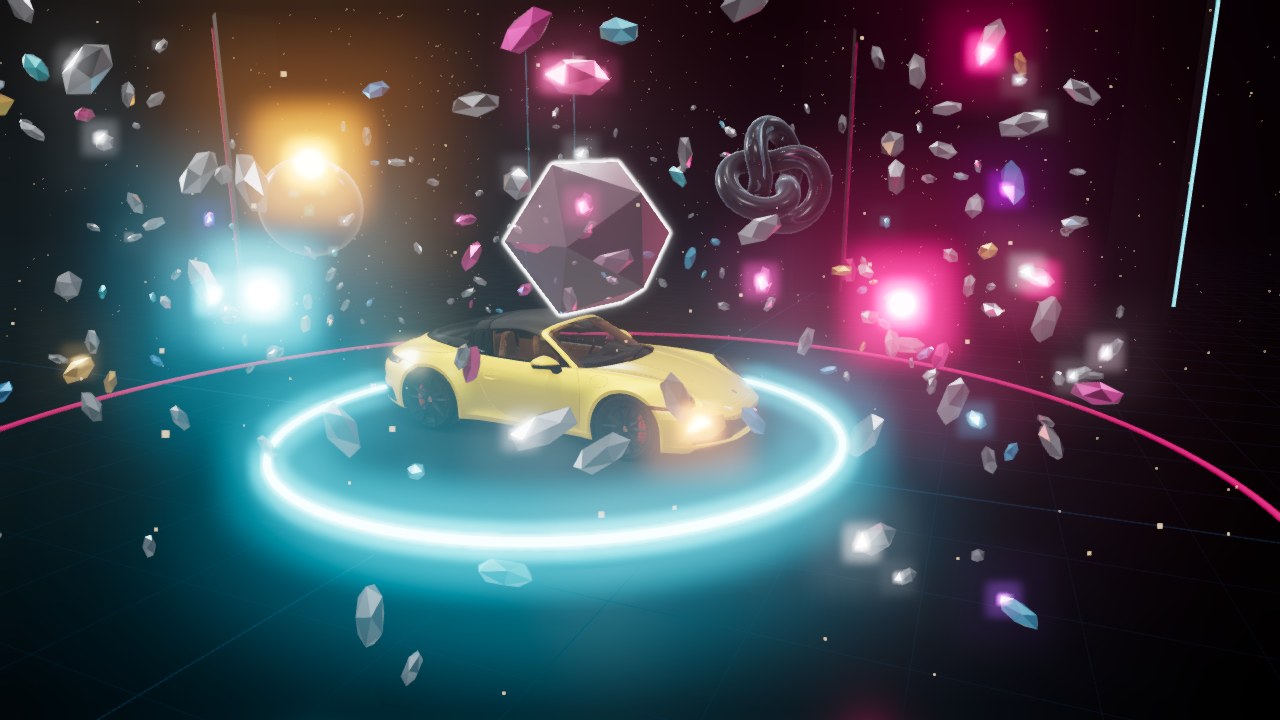
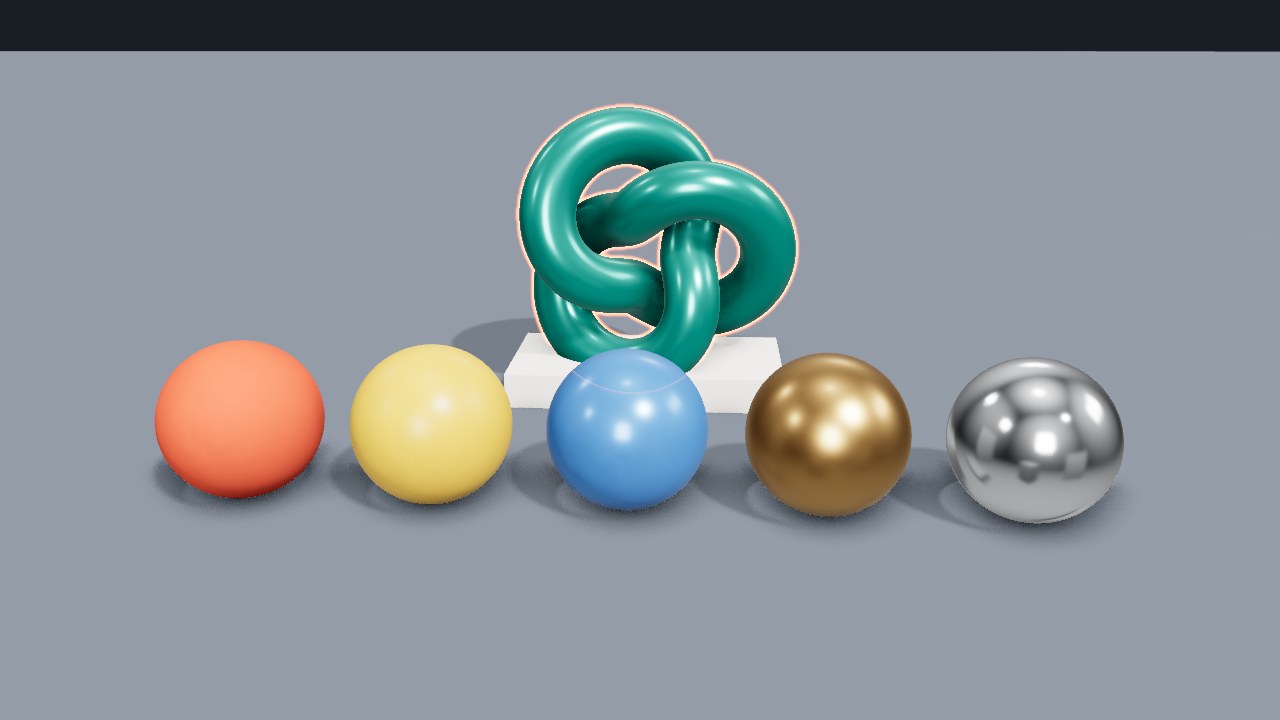
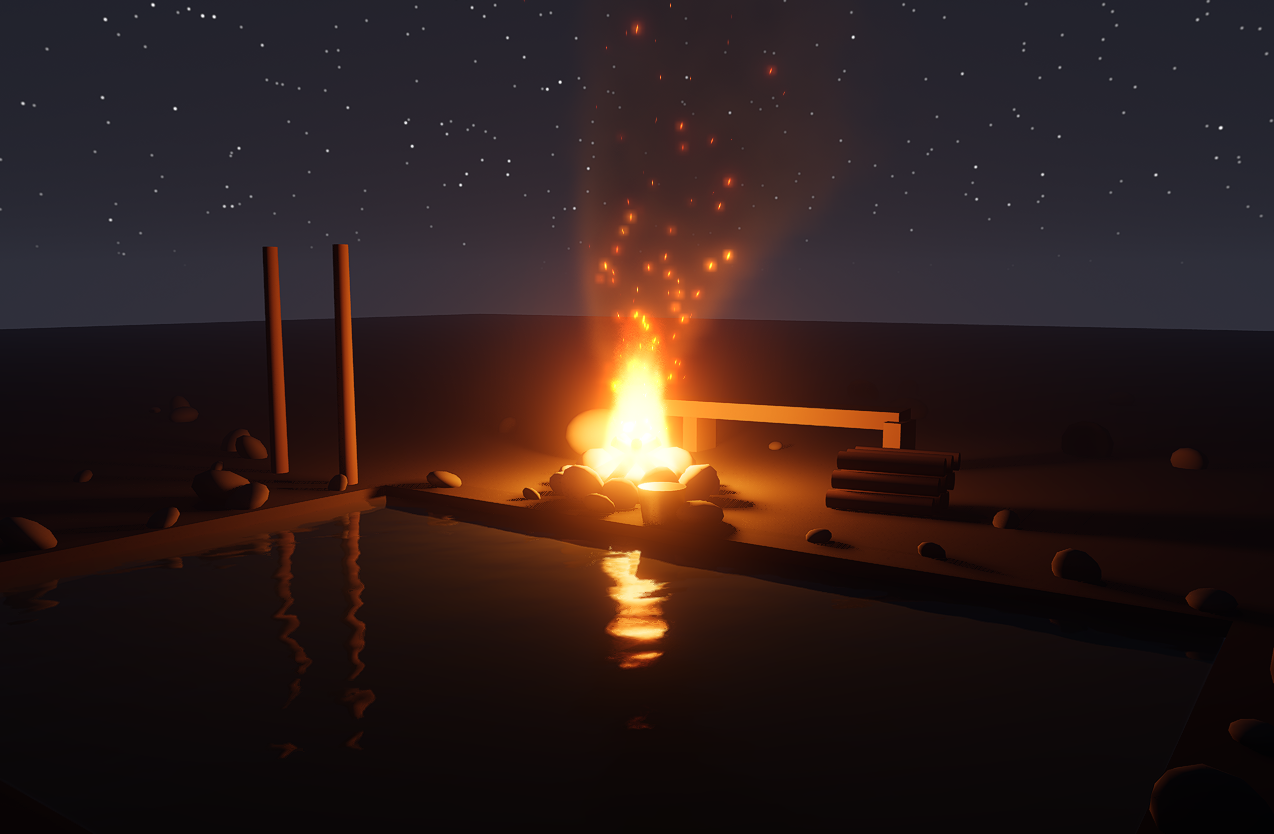
 threepp — это кроссплатформенная библиотека на C++20 для 3D-графики с привязками к Python, которая повторяет высокоуровневый API three.js. Она предназначена для создания 3D-сцен и симуляций в коде.
Это фреймворк, движок или просто библиотека?Это библиотека, которую подключают к своей программе на C++ или импортируют из Python. Редактор сцен и безголовый проигрыватель входят в состав как отдельные приложения, построенные на её основе.
Это библиотека, которую подключают к своей программе на C++ или импортируют из Python. Редактор сцен и безголовый проигрыватель входят в состав как отдельные приложения, построенные на её основе.Как добавить её в свой проект?Рекомендуемый и проверенный способ — CMake FetchContent. Также можно выполнить cmake -B build, а затем cmake --build build. Для Python установите wheel-пакеты threepp из PyPI.
Рекомендуемый и проверенный способ — CMake FetchContent. Также можно выполнить cmake -B build, а затем cmake --build build. Для Python установите wheel-пакеты threepp из PyPI.Что нужно подготовить перед началом?Все основные зависимости уже включены в состав, поэтому для сборки с OpenGL нужны только компилятор C++20 и CMake. Для бэкенда Vulkan нужен Vulkan SDK, а wheel-пакеты Python поддерживают CPython 3.10–3.14 на Windows x64 и manylinux x86_64.
Все основные зависимости уже включены в состав, поэтому для сборки с OpenGL нужны только компилятор C++20 и CMake. Для бэкенда Vulkan нужен Vulkan SDK, а wheel-пакеты Python поддерживают CPython 3.10–3.14 на Windows x64 и manylinux x86_64.Работает ли рендерер Vulkan на моём Mac?Нет. Бэкенду Vulkan нужны расширения трассировки лучей, которых MoltenVK не предоставляет, поэтому на macOS следует использовать рендерер OpenGL (GLRenderer).
Нет. Бэкенду Vulkan нужны расширения трассировки лучей, которых MoltenVK не предоставляет, поэтому на macOS следует использовать рендерер OpenGL (GLRenderer).С какого бэкенда лучше начать?Начните с бэкенда OpenGL, который работает в Windows, Linux, macOS и браузерах через Emscripten/WebGL2. Vulkan выбирайте позже, если нужны трассировка лучей для теней, отражений и глобального освещения (GI).
Начните с бэкенда OpenGL, который работает в Windows, Linux, macOS и браузерах через Emscripten/WebGL2. Vulkan выбирайте позже, если нужны трассировка лучей для теней, отражений и глобального освещения (GI).Можно ли использовать её бесплатно в коммерческих целях?Библиотека распространяется под лицензией MIT. Некоторые встроенные или необязательные части не под MIT, в частности NVIDIA DLSS SDK и модель Boston Dynamics Spot в threeppdata, поэтому перед выпуском продукта проверьте THIRDPARTY.md.
Библиотека распространяется под лицензией MIT. Некоторые встроенные или необязательные части не под MIT, в частности NVIDIA DLSS SDK и модель Boston Dynamics Spot в threeppdata, поэтому перед выпуском продукта проверьте THIRDPARTY.md.Можно ли запускать её в CI без GPU?Да. В README сказано, что в CI нет GPU. Бэкенд Vulkan там работает на lavapipe со слоями валидации, которые проверяют соответствие спецификации, а не отрисованные пиксели.
Да. В README сказано, что в CI нет GPU. Бэкенд Vulkan там работает на lavapipe со слоями валидации, которые проверяют соответствие спецификации, а не отрисованные пиксели.Можно ли загружать существующие сцены three.js и 3D-модели?Да. Документы редактора three.js открываются без изменений. Загрузчики поддерживают glTF/GLB, OBJ/MTL, STL, COLLADA, SVG, URDF/xacro, PNG/JPEG, HDR и EXR, а USD и FBX подключаются по желанию.
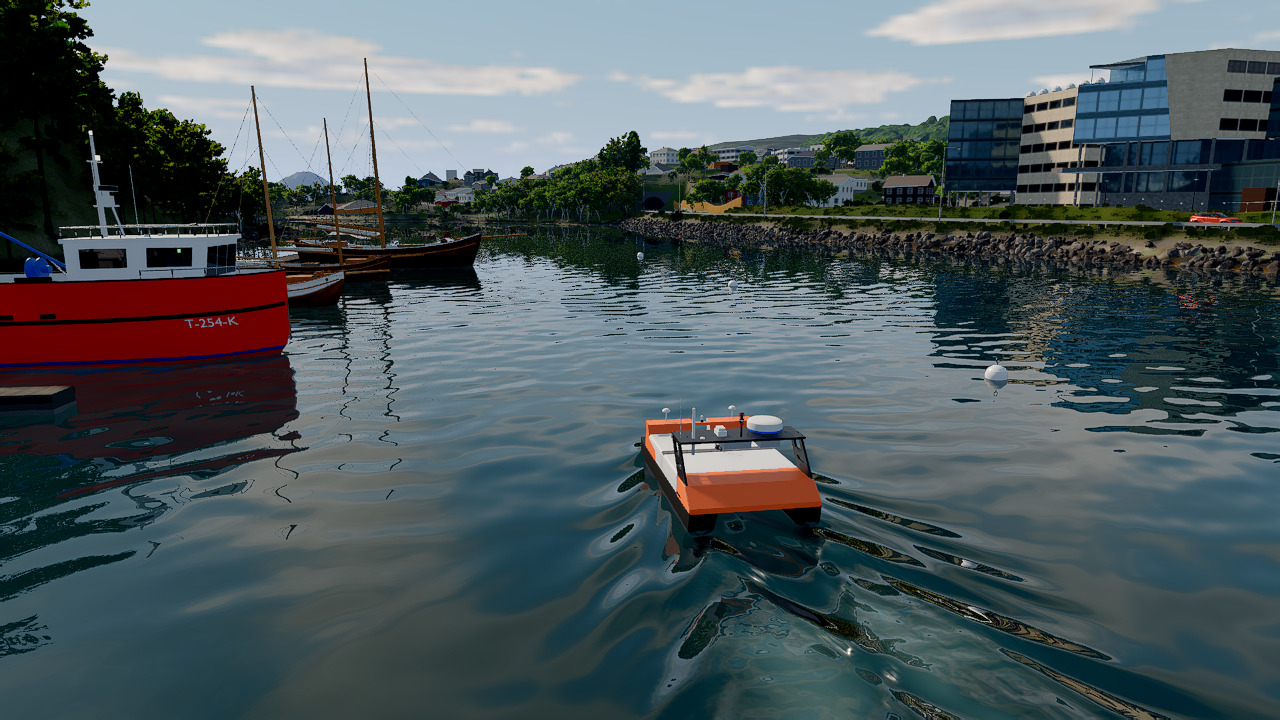
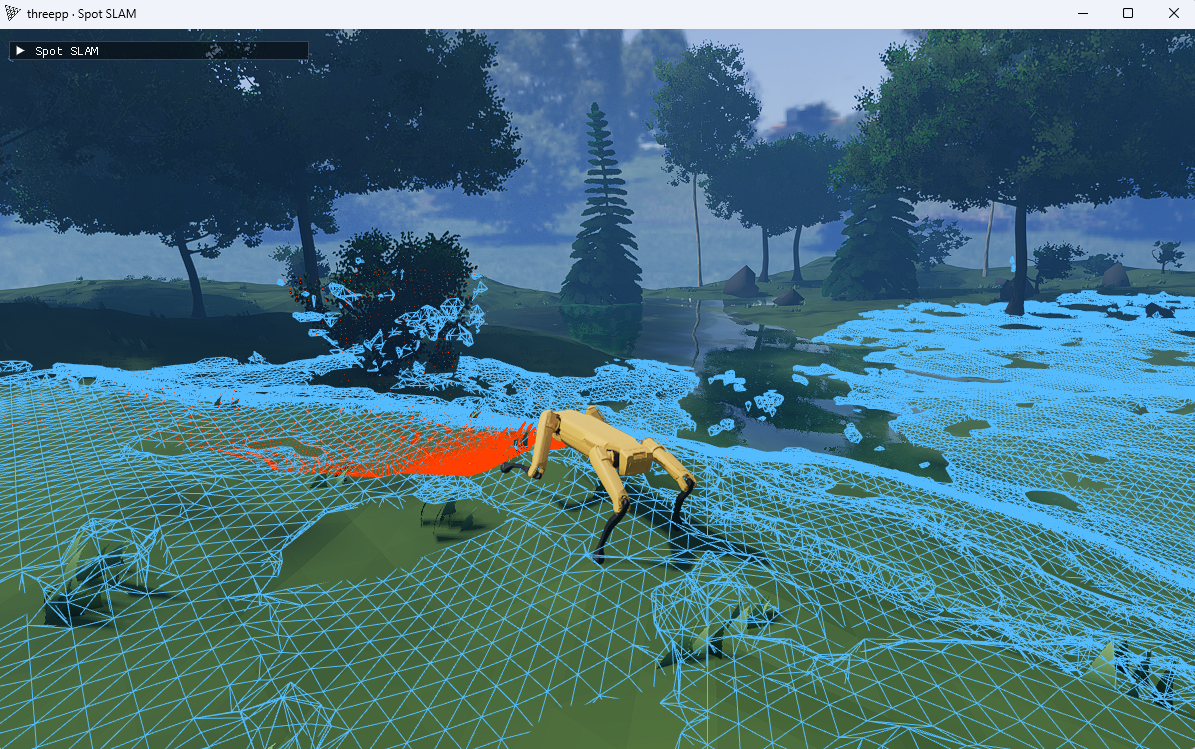
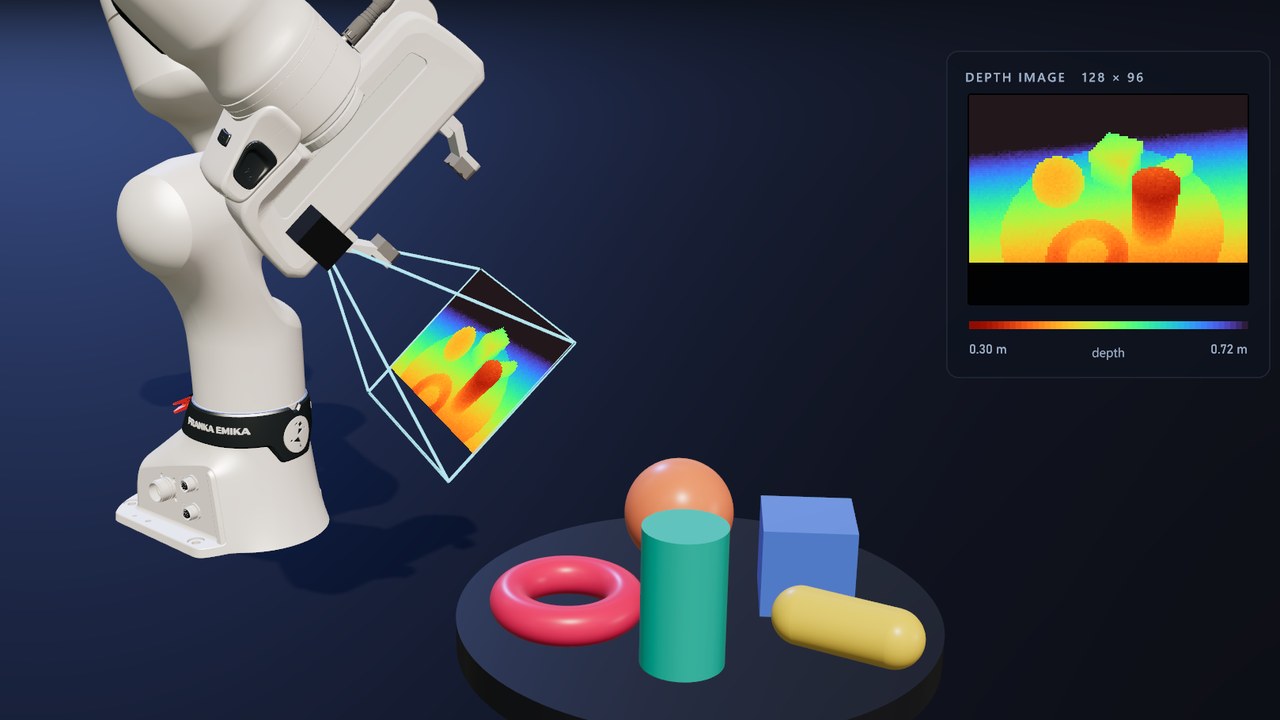
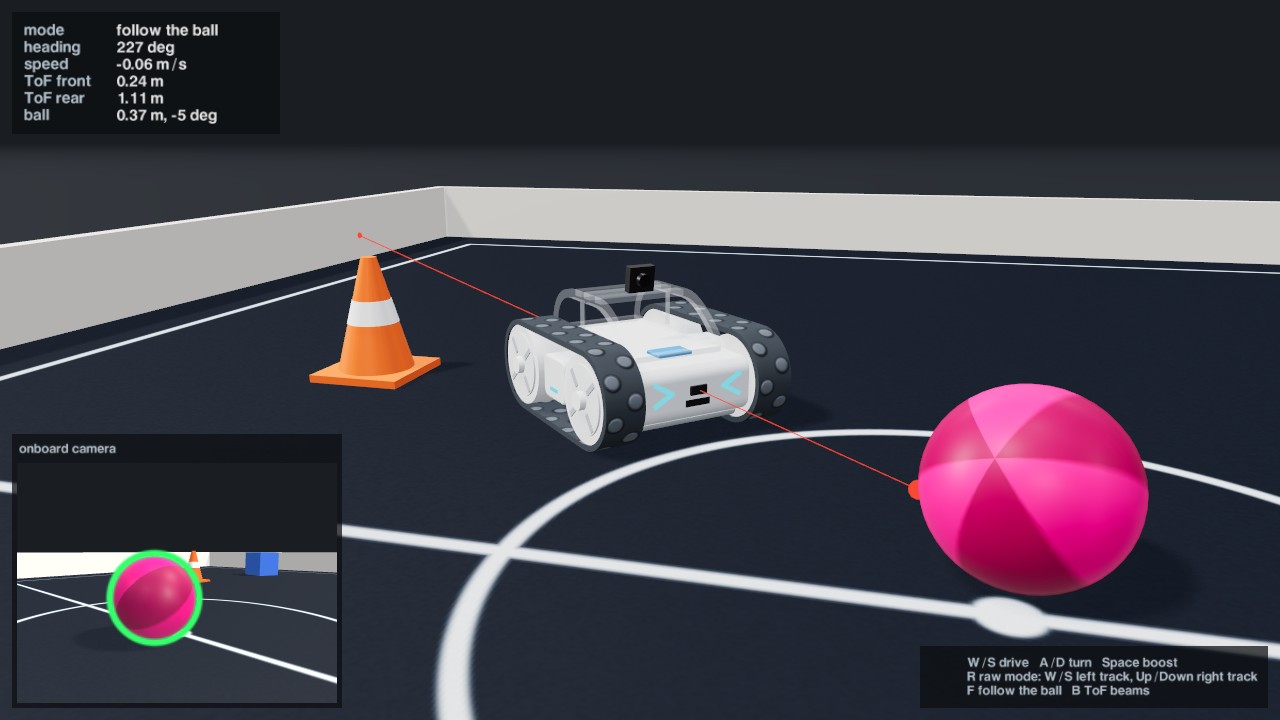
Да. Документы редактора three.js открываются без изменений. Загрузчики поддерживают glTF/GLB, OBJ/MTL, STL, COLLADA, SVG, URDF/xacro, PNG/JPEG, HDR и EXR, а USD и FBX подключаются по желанию.Для чего нужна симуляция, кроме рендеринга?Она добавляет твёрдые тела, артикуляции, мягкие тела и транспортные средства на базе PhysX, а также симулированные датчики: лидар, глубины, IMU и камеры с эталонными метками для синтетических данных. Кроме того, она может в пошаговой синхронизации управлять немодифицированным летательным аппаратом ArduPilot.
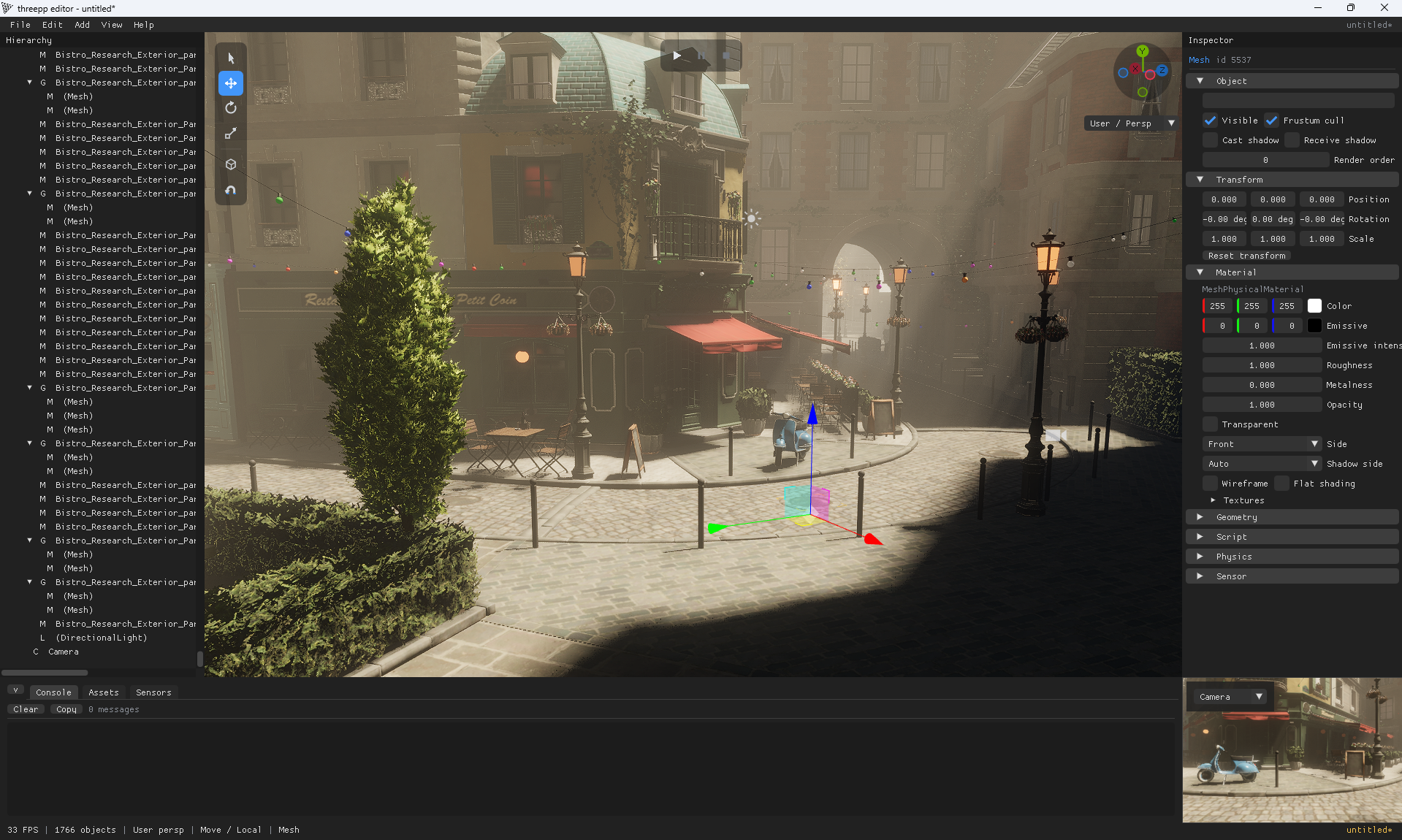
Она добавляет твёрдые тела, артикуляции, мягкие тела и транспортные средства на базе PhysX, а также симулированные датчики: лидар, глубины, IMU и камеры с эталонными метками для синтетических данных. Кроме того, она может в пошаговой синхронизации управлять немодифицированным летательным аппаратом ArduPilot.Есть ли готовое приложение, с которого стоит начать?Да, threepp editor включает окно просмотра, иерархию, инспектор, отмену и повтор действий, а также режим Play на базе PhysX. Он собран для Windows и устанавливается командой pip install threepp-editor. Сцены сохраняются как обычный JSON three.js.
Да, threepp editor включает окно просмотра, иерархию, инспектор, отмену и повтор действий, а также режим Play на базе PhysX. Он собран для Windows и устанавливается командой pip install threepp-editor. Сцены сохраняются как обычный JSON three.js.Почему автор говорит, что это подходит для разработки с помощью ИИ?API three.js уже знаком моделям, зависимостей немного, а исходный код доходит до шейдеров Vulkan. Благодаря этому путь от кода до отрисованного изображения короткий: его можно сохранить в безоконном режиме и проверить.
API three.js уже знаком моделям, зависимостей немного, а исходный код доходит до шейдеров Vulkan. Благодаря этому путь от кода до отрисованного изображения короткий: его можно сохранить в безоконном режиме и проверить.Какие есть похожие проекты?f3d, bgfx, filament, assimp, SculptForge, mutracer, spirula-studio, natural-disasters
f3d, bgfx, filament, assimp, SculptForge, mutracer, spirula-studio, natural-disastersВ каких он темах?fbx, ray-tracing, warp, drone, emscripten, real-time-rendering, physics-simulation, gaussian-splatting, gltf, 3d-graphics, opengl, cmake
fbx, ray-tracing, warp, drone, emscripten, real-time-rendering, physics-simulation, gaussian-splatting, gltf, 3d-graphics, opengl, cmake