






F3D - fast and minimalist 3D viewer
By the F3D-APP Foundation.

F3D (pronounced `/fɛd/`) is a fast and minimalist 3D viewer desktop application. It supports many file formats, from digital content to scientific datasets, including glTF, USD, STL, STEP, PLY, OBJ, FBX, and Alembic. It can show animations, generate thumbnails, and provide many rendering and texturing options including real-time physically based rendering and raytracing.
It is fully controllable from the command line and supports configuration files. It supports interactive hotkeys, drag and drop, and integration into file managers.
F3D also contains libf3d, a simple library to render meshes, with a C++17 API and C, Python, Java, and JavaScript bindings.
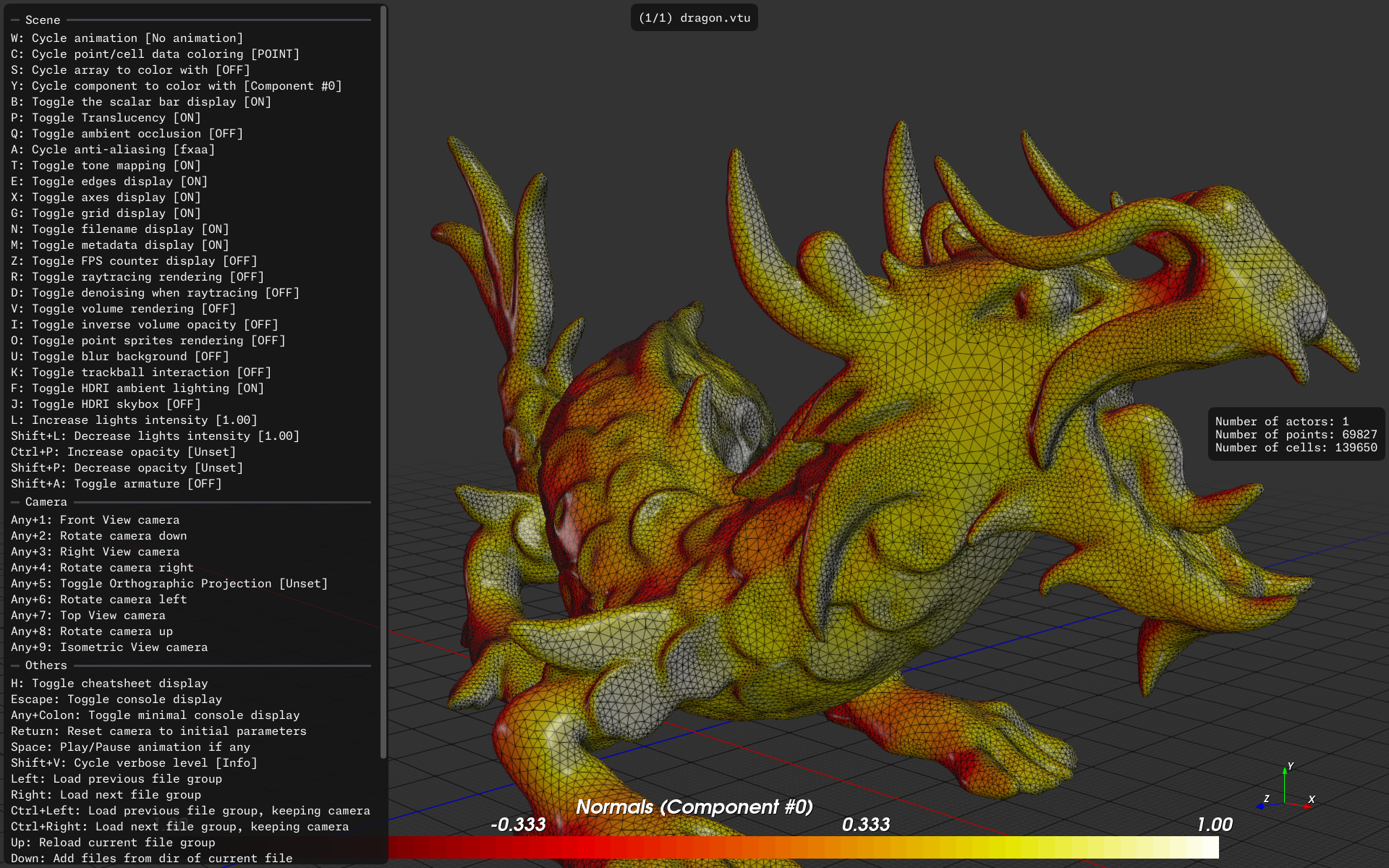
A typical render by F3D

Animation of a glTF file within F3D
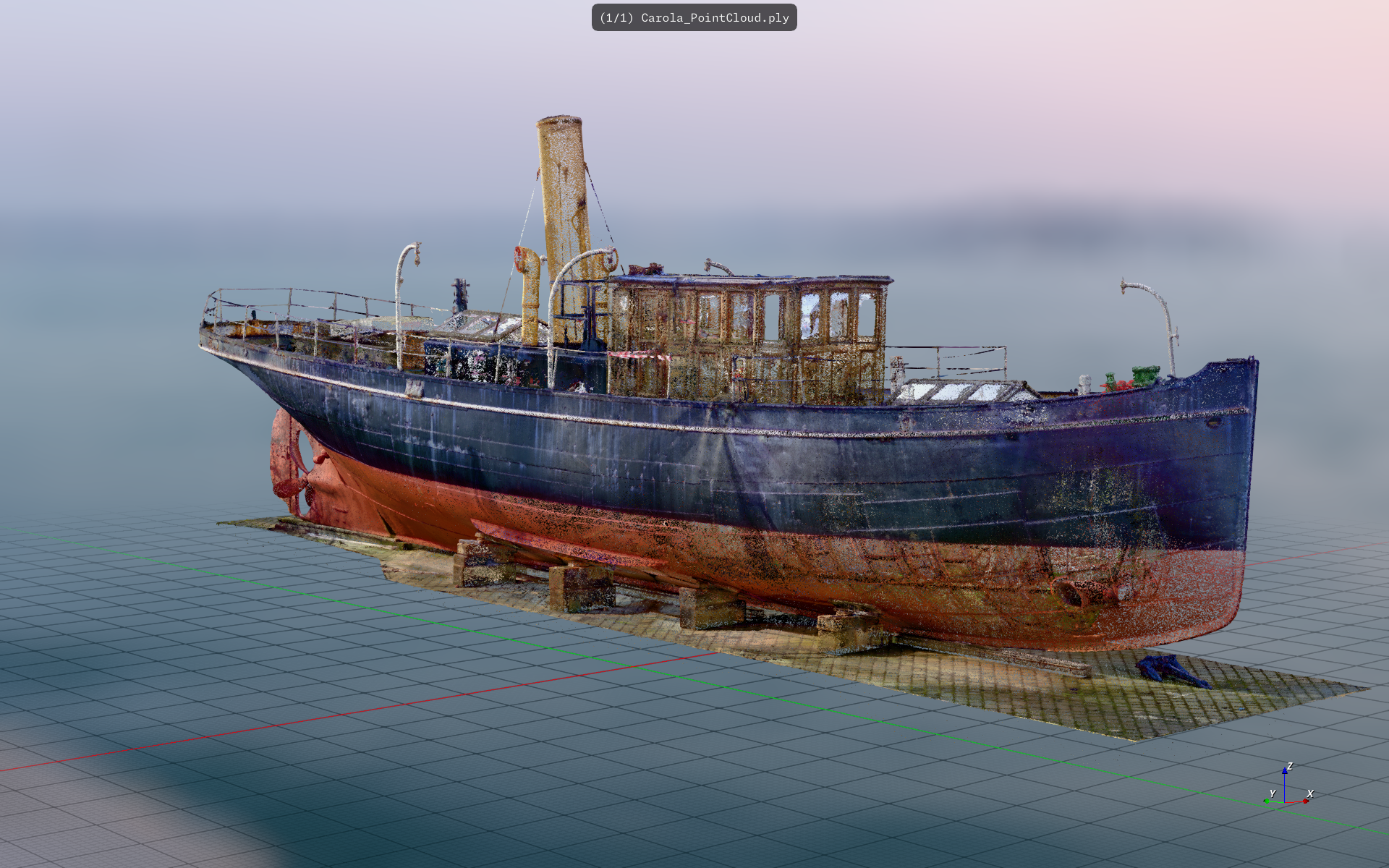
A direct scalars render by F3D
See the gallery for more images, take a look at the changelog or go to the download page to download and install F3D!
You can even use F3D directly in your browser!
If you need any help or want to discuss with other F3D users and developers, head over to our Discord.
Installation
Install F3D from the download page, which lists the latest release packages and installation options for supported platforms. Once installed, the f3d command should be available from your terminal.
Quickstart
Open a file directly in F3D or from the command line by running:
f3d /path/to/file.ext
Optionally, append --output=/path/to/img.png to save the rendering into an image file.
See the quickstart guide for more information about getting started with F3D.
Documentation
- To get started, please take a look at the user documentation.
- If you need any help, are looking for a feature or found a bug, please open an issue.
- If you want to use the libf3d, please take a look at its documentation.
- If you want to build F3D, please take a look at the contribution guide.
Support
F3D needs your help!
If you can, please consider sponsoring F3D. Even a small donation would help us offset the recurring maintenance costs.
With enough sponsors, F3D can grow faster and stronger! Read the sponsorship page.
If you are an industry user of F3D and want to make sure it can keep growing and being maintained, please reach out!
In any case, please star it on GitHub and share the word about it!
Many thanks to our sponsors for supporting F3D


Vision
As a minimalist 3D viewer F3D aims to:
- Support as many 3D file formats as possible
- Support many types of renderings (textures, edges, etc... ) and visualizations (meshes, volumic, point sprites)
- Support any and all use-cases dealing with 3D datasets
- Let any user easily and quickly view any model with good defaults
- Be as configurable as possible
- Be fully controllable from the command line and configuration file
- Be usable non-interactively
- Be as modular as possible to be built with a small number of dependencies
but there is no plan to:
- Provide a classic mouse-based UI, with menus and buttons
- Provide data processing tools
- Provide export feature
Contributing
F3D is a community-driven, inclusive and beginner-friendly project. We love to see how the project is growing thanks to the contributions from the community. We would love to see your face in the list below! If you want to contribute to F3D, you are very welcome to! Take a look at our contribution documentation, governance documentation and code of conduct.
Please note that F3D is not a AI friendly project in order to limit maintainer load.
Note that it can be used in specific case, please review carefully the AI policy if you use generative AI.
Acknowledgments
F3D was initially created by Kitware SAS, by Joachim Pouderoux, Michael Migliore and Mathieu Westphal, and is relying on many awesome open source projects, including VTK, OCCT, Assimp, Alembic, Draco, web-ifc, OpenUSD, OpenVDB, PDAL, OSPRay and ImGui.
License
F3D can be used and distributed under the 3-Clause BSD License, see the license.
F3D integrates the sources of other libraries and tools, all under permissive licenses, see the third party licenses.
F3D packages rely on other libraries and tools, all under permissive licenses, all listed in the respective packages.