



What is this?
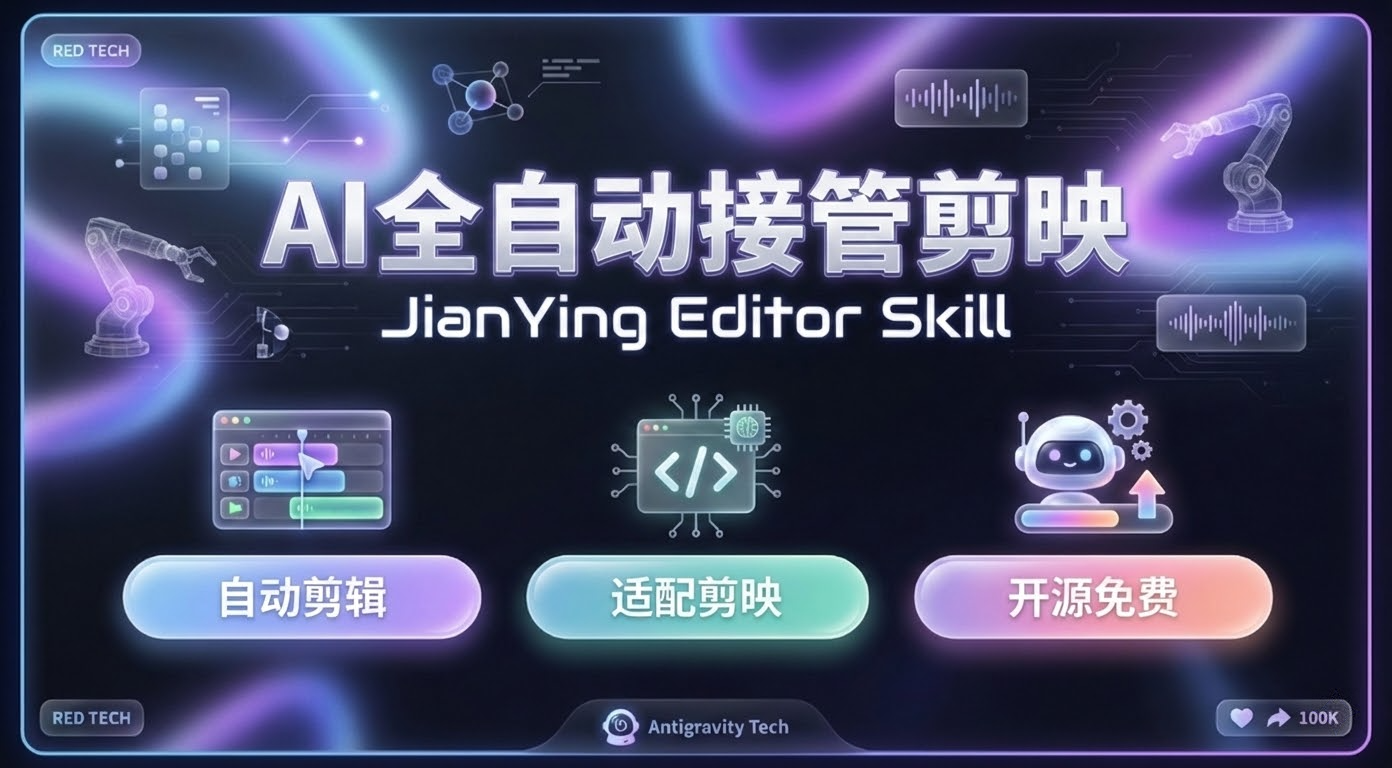
 It is an AI agent skill that fully automates video editing inside JianYing (the Chinese version of CapCut). You describe the video you want in natural language, and it writes the script, generates voiceover, adds subtitles, picks music and effects, and exports the final cut.
It is an AI agent skill that fully automates video editing inside JianYing (the Chinese version of CapCut). You describe the video you want in natural language, and it writes the script, generates voiceover, adds subtitles, picks music and effects, and exports the final cut.Is this a standalone app or a skill for AI coding assistants?It is a skill package meant to be installed into an AI coding agent (Antigravity, Trae, Claude Code, Cursor/VS Code), not a standalone application. The agent calls the skill's scripts to build and modify JianYing draft projects on your behalf.
It is a skill package meant to be installed into an AI coding agent (Antigravity, Trae, Claude Code, Cursor/VS Code), not a standalone application. The agent calls the skill's scripts to build and modify JianYing draft projects on your behalf.Do I need JianYing itself installed, and which AI agents are supported?Yes, you need the desktop Pro version of JianYing (JianyingPro) installed, plus Python dependencies installed via pip. The skill also auto-detects the JianYing draft folder, or you can tell the AI the path manually.
Yes, you need the desktop Pro version of JianYing (JianyingPro) installed, plus Python dependencies installed via pip. The skill also auto-detects the JianYing draft folder, or you can tell the AI the path manually.Does the automatic export feature work the same on Windows and macOS?No. Auto-export (clicking export via UI automation) only works on Windows, and is most stable on JianYing 5.9 or earlier; newer versions can break due to popups or UI changes. On macOS you can generate the draft automatically but must open JianYing and export manually.
No. Auto-export (clicking export via UI automation) only works on Windows, and is most stable on JianYing 5.9 or earlier; newer versions can break due to popups or UI changes. On macOS you can generate the draft automatically but must open JianYing and export manually.Can I use this with the international CapCut app or mobile JianYing?No. It only works with the domestic desktop JianYing Pro app (JianyingPro); the international CapCut app and mobile JianYing are explicitly unsupported.
No. It only works with the domestic desktop JianYing Pro app (JianyingPro); the international CapCut app and mobile JianYing are explicitly unsupported.What is Smart Zoom?It's a screen-recording feature that automatically zooms the camera into mouse click locations and draws a red circle marker, giving recorded tutorials a cinematic, cursor-following feel.
It's a screen-recording feature that automatically zooms the camera into mouse click locations and draws a red circle marker, giving recorded tutorials a cinematic, cursor-following feel.Can I turn web animations into a video clip?Yes, the Web-to-Video feature records HTML/JS/Canvas animations (even libraries like Three.js or GSAP) using Playwright and imports the capture straight into JianYing as a video asset.
Yes, the Web-to-Video feature records HTML/JS/Canvas animations (even libraries like Three.js or GSAP) using Playwright and imports the capture straight into JianYing as a video asset.Can it repair a corrupted JianYing draft?Yes, it has an auto-healing mechanism that detects and fixes draft files broken by version mismatches or abnormal shutdowns.
Yes, it has an auto-healing mechanism that detects and fixes draft files broken by version mismatches or abnormal shutdowns.Can the AI use JianYing's own real-time effects like background removal?No, GPU-based real-time features in JianYing such as smart cutout, beautify filters, and voice-to-subtitle recognition can't be triggered through this automation.
No, GPU-based real-time features in JianYing such as smart cutout, beautify filters, and voice-to-subtitle recognition can't be triggered through this automation.What are similar projects?narrator-ai-cli-skill, brag, lanshu-create-ai-presenter-video, ai-aug-edu, guizang-product-video-skill, creator-flow, video-use, yomiyasu
narrator-ai-cli-skill, brag, lanshu-create-ai-presenter-video, ai-aug-edu, guizang-product-video-skill, creator-flow, video-use, yomiyasuWhich topics is it in?screen-recording, subtitles, video-editing, antigravity, claude-code-skill, content-creation, text-to-speech, skill, cursor, agent-skills, ai-agent, claude-code
screen-recording, subtitles, video-editing, antigravity, claude-code-skill, content-creation, text-to-speech, skill, cursor, agent-skills, ai-agent, claude-code